3–15 seconds per clip
Each Kling 3.0 Omni generation produces a 3 to 15 second animated face clip — long enough for a reaction, intro, or short moment.
Upload a portrait, describe the motion, and generate a 3–15s animated face video.
Upload a clear portrait photo into Renoise Canvas, write a prompt describing the animation — "person looking left and smiling, natural head movement" — then select Kling 3.0 Omni and generate. The model uses image-to-video animation to bring the face to life as a 3–15s clip, preserving the identity and framing of your original photo. For a real person's face you own or have consent to use, register it as a FacePass first.
Want the face to speak a script with lipsync audio? That is a different flow — see the AI Talking Photo guide
What Kling 3.0 Omni delivers when you animate a portrait in Renoise.
Each Kling 3.0 Omni generation produces a 3 to 15 second animated face clip — long enough for a reaction, intro, or short moment.
Generate in 16:9 for video and presentations, 9:16 for social shorts, or 1:1 for square formats — set the ratio in the prompt.
Fictional and AI-generated faces generate instantly. For a real face you own or have consent to use, register it through FacePass first.
Describe the head angle, eye direction, expression, and environment lighting — Kling 3.0 Omni reads the prompt as the animation brief.
From a still portrait to a living animated face — all inside Renoise Canvas.

Drop a clear front-facing portrait into Renoise Canvas. For a real face you own or have consent to use, register it as a FacePass first.

Describe the motion and expression — head turn direction, smile, blink, gaze shift. Be specific: "looking left and smiling, soft natural lighting, 5s".
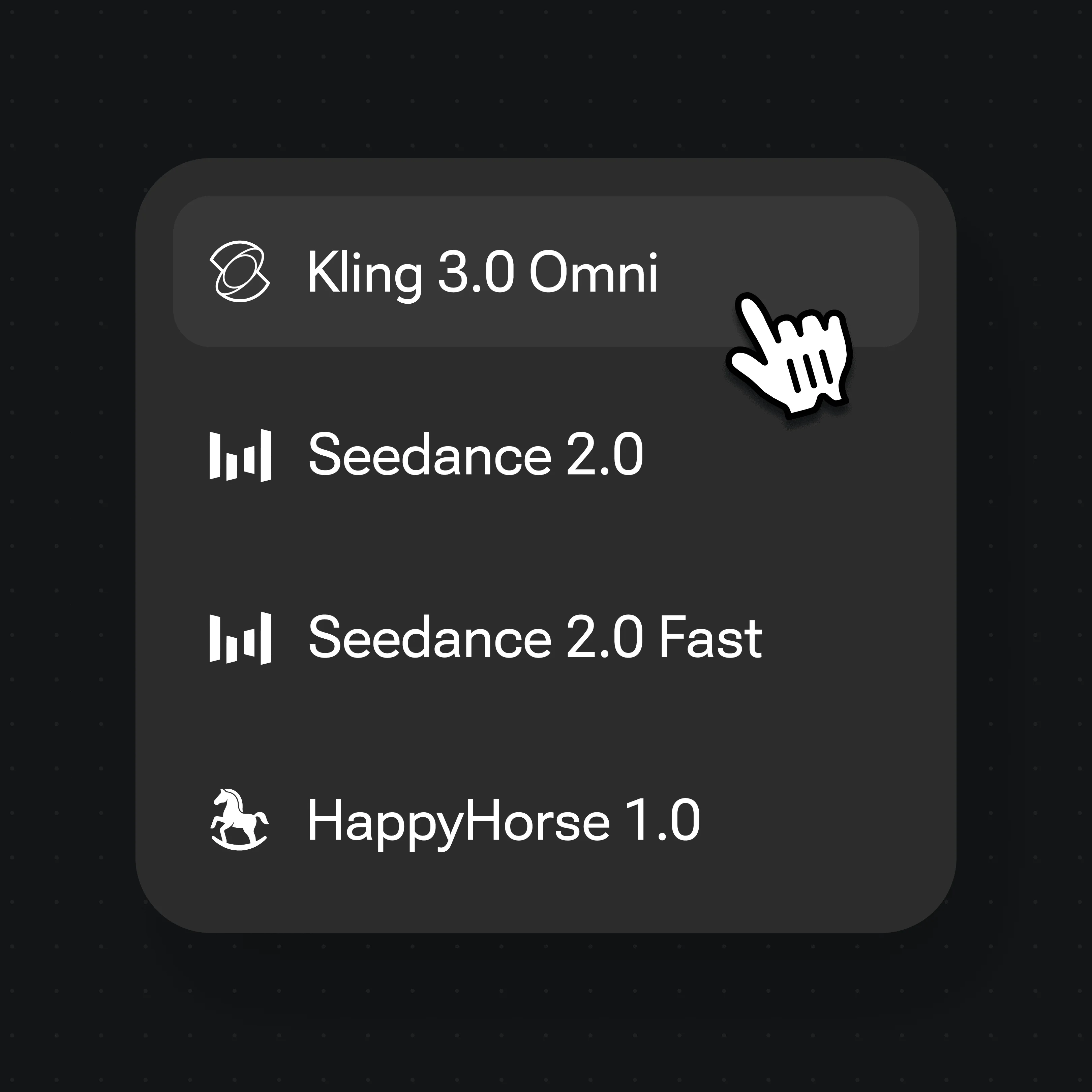
Choose Kling 3.0 Omni from the model selector and generate. The model animates the portrait into a 3–15s face video.
Portrait photos brought to life — animated with Kling 3.0 Omni in Renoise.
Original fictional presenter animated from still photo with natural head movement and expression.
Original fictional chef portrait brought to life with animated mouth movement and environment.
3D-style original singer character animated with synchronized performance motion.
Original dark-fantasy character portrait animated with cinematic presence and fire-lit atmosphere.
Face animation and a talking photo are related but distinct use cases. A talking photo adds spoken audio and lipsync — the face speaks a script and the model drives the mouth from phonemes. Face animation is broader: you prompt a head movement, expression change, a glance, or a character moment. There may be no spoken dialogue at all. The face simply comes alive in the way you describe.
Kling 3.0 Omni, made by Kuaishou, handles both. When you want a face to move — a subtle smile, a head turn to camera, a blink-and-look sequence — supply the portrait and prompt the motion directly. The model treats your still as a first frame and generates the animation forward in time, maintaining the face's identity and the original framing while adding motion.
What to include in an animation prompt: head angle and direction ("looking slightly left"), expression ("slight smile, soft eyes"), environment cues ("warm rim lighting"), duration ("5s"), and aspect ratio ("16:9"). The more motion-specific the prompt, the more targeted the output. A generic prompt like "animate this portrait" will produce a subtle idle; a specific prompt like "head slowly turns right, eyes meet camera, quiet confident expression" produces a deliberate cinematic moment.
Face animation draws on Kling 3.0 Omni, FacePass, and Canvas in Renoise.
Kuaishou image-to-video model: portrait animation, natural head motion, and expression generation.
Likeness clearance and whitelist — required before animating a real, identifiable person's face.
Upload the portrait, write the prompt, pick the model, and preview the animated clip — all in one workspace.
Export the animated face clip at 720p or 1080p. Watermark-free exports on paid plans.
One plan unlocks Kling 3.0 Omni and every other video model in Renoise.
Upload a clear portrait into Renoise Canvas, describe the head movement and expression in a prompt — "person looking left and smiling, natural head movement" — select Kling 3.0 Omni, and generate. The model animates the still into a 3–15s clip. For a real face you own or have consent to use, register it through FacePass first.
Face animation adds motion — head turns, expressions, eye movements — from a prompt description. A talking photo specifically adds spoken audio with lipsync, driving the mouth from a script or voice track. Renoise supports both: this page covers motion animation; see the AI Talking Photo guide for lipsync-driven speech.
Yes, if you own the likeness or have explicit consent to use it. For any real, identifiable face, register it through FacePass — Renoise's likeness clearance and whitelist system — before generating. Fictional characters and fully AI-generated faces need no FacePass step and generate instantly.
Each Kling 3.0 Omni generation produces a 3 to 15 second clip. Specify the target duration in the prompt (e.g. "5s" or "10s"). For longer sequences, generate multiple clips and assemble them in the Renoise Canvas Timeline.
You can generate in 16:9 for video and presentations, 9:16 for social shorts and vertical formats, or 1:1 for square posts. Include the ratio in the prompt or set it in the Canvas controls before generating.
Be specific about head direction ("looking slightly left"), expression ("subtle smile, relaxed eyes"), motion quality ("slow, cinematic"), environment cues ("warm backlight"), duration ("5s"), and ratio ("16:9"). A precise prompt produces directed motion; a vague prompt produces a subtle idle animation.
No. Kling 3.0 Omni is made by Kuaishou. Renoise gives you access to Kling 3.0 Omni and a wide range of other video and image models in one canvas — without needing separate accounts or integrations per model.
Yes. Kling 3.0 Omni animates illustrated, 3D-rendered, and stylized portraits too — not just photographic faces. Upload the illustration as the reference image and prompt the motion the same way you would for a photo portrait.
