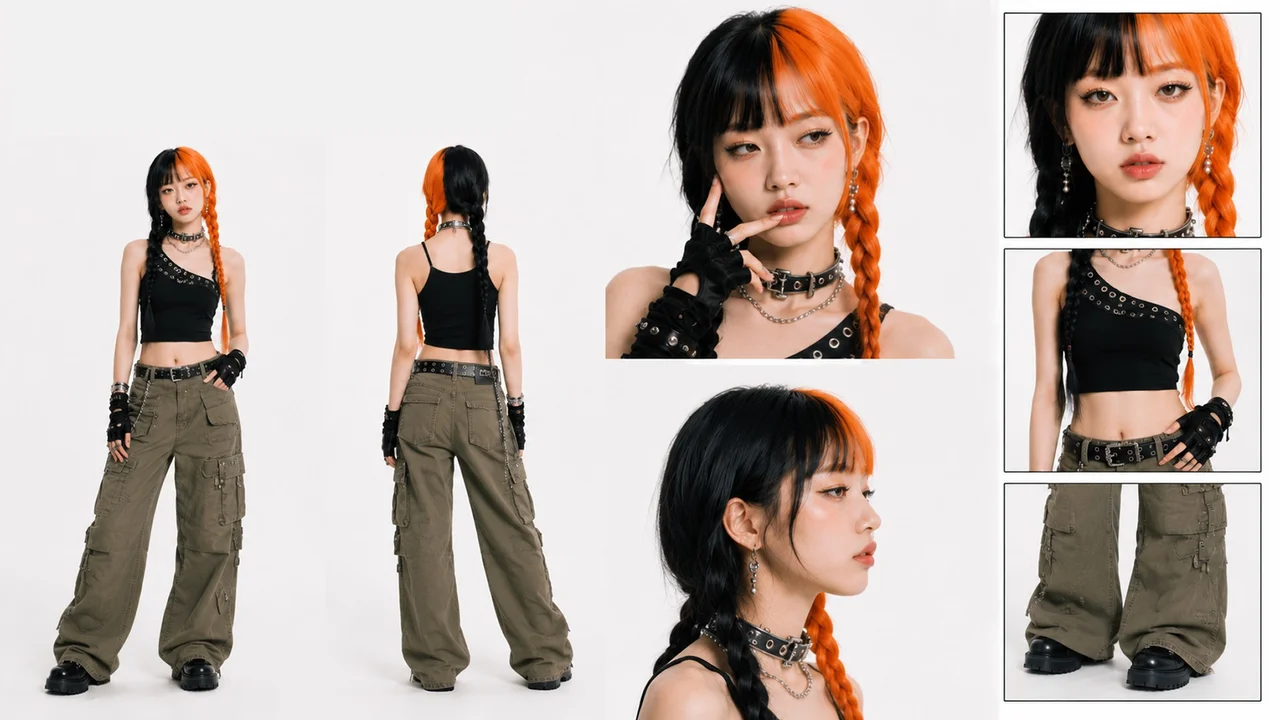
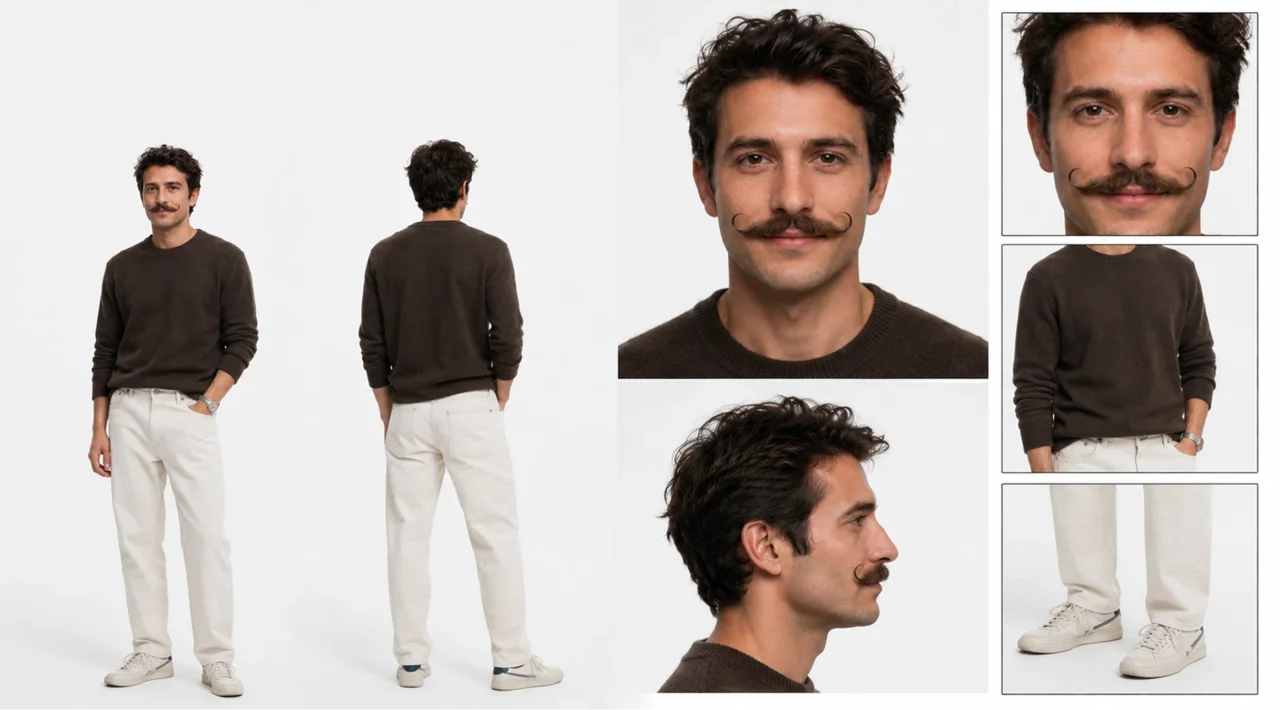
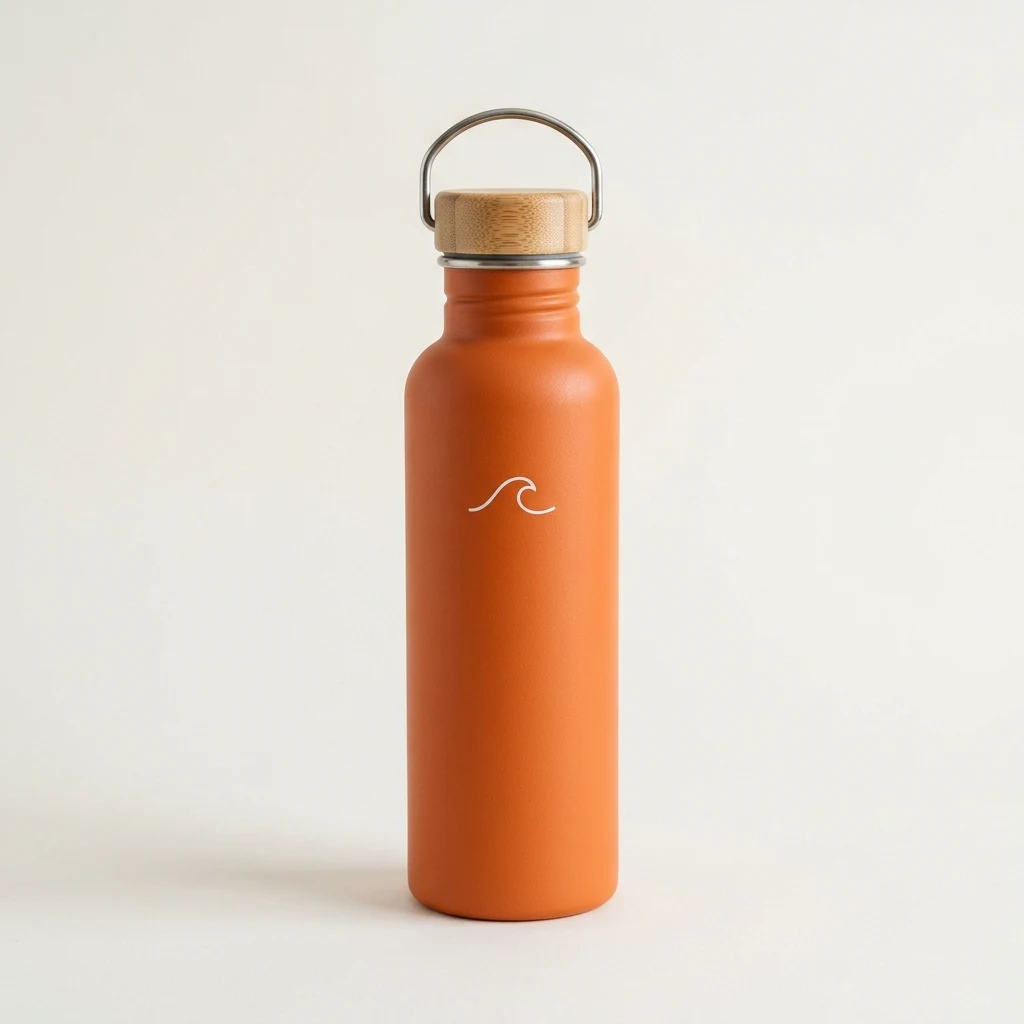
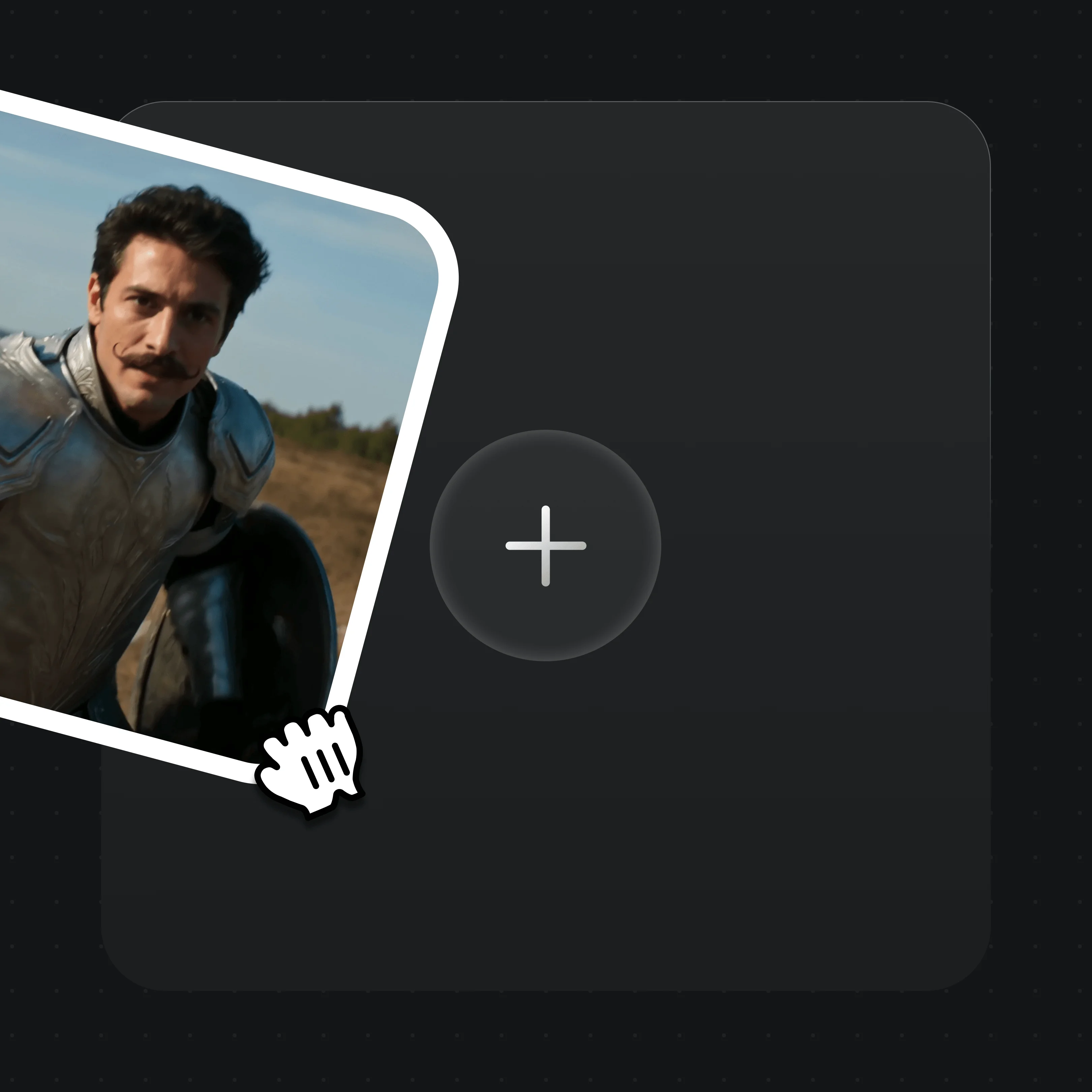
Rows 1–3 are MiniMax H3 generations the Renoise team made for this page, each showing the input the row describes. Row 4 is an H3 Max clip from our same-prompt tests. All clips are shown muted.
2K video with native stereo sound
MiniMax H3 renders at 768p or 2K and generates dialogue, effects and music with the picture; MiniMax says the sound is stereo. Audio is always on in H3 and H3 Fast. Shown: an 8-second 2K H3 clip of two characters talking, downscaled for the web.
Input
Mix image, video and audio references
Steer one shot with up to 9 images, 3 videos and 3 audio clips, 12 in total; audio references need an image or video beside them. Shown: H3 from a portrait, a bottle photo and a 10-second voice clip made with Seed Audio 1.0.
Add a reference video and say what to borrow: a dance, a camera move, a fight beat. MiniMax says motion transfer was among H3’s strongest early results. Renoise makes a new shot, not an edit of the source. Shown: H3 following a reference camera move with a new character.
The family runs 5–18 credits per second. H3 Fast keeps every H3 input at 480p or 768p. H3 Max is cheaper and still takes 12 references. H3 Max Turbo is cheapest and alone offers 1080p, but takes no references. Shown: an H3 Max clip.
MiniMax H3 is MiniMax’s omni-modal AI video model, released on July 31, 2026, and often called Hailuo 3.0. It reads text, images, video and audio together and makes 4–15 second clips at up to 2K with native stereo sound.
Renoise runs all four H3 tiers on one subscription, in the Canvas or from Claude Code, Codex and OpenClaw.
Need clips longer than 15 seconds or more than 12 references? Use Seedance 2.5.
MiniMax H3 at a glance
Max resolution
2K
768p or 2K on H3; Max Turbo up to 1080p
Clip length
4–15s
5–15s on Fast, Max and Max Turbo
References
12
Up to 9 images · 3 videos · 3 audio
Native audio
Stereo
Always on in H3 and Fast; also in our Max tests
Specs as available in Renoise, checked October 27, 2026.
What creators make with MiniMax H3
Anime, action and speed shots made by the Renoise team with MiniMax H3, H3 Fast and H3 Max.
An old samurai spins a red paper umbrella against a storm of arrows on a frozen lake. MiniMax H3, 12 seconds.
Hand-drawn anime adventure
A courier rides a hoverboard past floating islands and a sky whale to drop a letter. H3 Fast, 15 seconds.
A rooftop chase in the rain
Neon signs, wet concrete and a leap between buildings at night. H3 Fast, 15 seconds.
Speed: trail bikes and a cheetah
A cut from Renoise’s H3 Max launch film: downhill bikes in a forest, then a cheetah sprint at sunset.
MiniMax H3 prompting guide: how to use it in Renoise
Step 1
Pick a MiniMax H3 tier
Open Videos and choose MiniMax H3 for 2K or audio references, H3 Fast for the same inputs at a lower price, H3 Max for cheaper runs with references, or H3 Max Turbo for the cheapest drafts.
Step 2
Add frames or references
Drop in a first frame, a first and last frame, or references, never both in one task. Refer to each reference in the prompt: “Image 1 is the courier, Video 1 is the camera move, Audio 1 is her voice.”
Step 3
Direct the camera and the lines, then generate
Write the camera move in plain words (“slow push-in, then orbit left”) and put dialogue in quotes. Pick 4–15 seconds (5–15 on the other tiers), a ratio from 21:9 to 9:16 and the resolution, then generate.
From MiniMax’s launch to the fourth tier in Renoise.
MiniMax releases H3
MiniMax announces H3: omni-modal input, native stereo sound, up to 2K and 15 seconds.
Open weights on Hugging Face
MiniMax publishes the H3-Base weights under its own community license; local runs output 768p.
Live in Renoise
MiniMax H3 joins the Renoise model picker, API, CLI and MCP.
H3 Max
The cheaper H3 Max arrives in Renoise at 480p and 768p, later with up to 12 references.
H3 Max Turbo
The cheapest tier follows, with text and first-and-last-frame input up to 1080p.
H3 Fast
H3 Fast brings every H3 input to 480p and 768p at a lower price.
Sources: MiniMax blog, MiniMax on Hugging Face, Renoise model list and changelog. Last updated
MiniMax H3 vs Seedance 2.5
Same prompt in Renoise: MiniMax H3 on top, Seedance 2.5 below.
Same prompt, one generation each, made by the Renoise team, muted.
01
MiniMax H3 costs far less per clip
A 5-second clip is 60 credits at 768p and 90 at 2K on MiniMax H3, against 160 at 720p and 360 at 1080p on Seedance 2.5.
02
H3 goes to 2K; Seedance 2.5 stops at 1080p
MiniMax H3 offers 768p and 2K. Seedance 2.5 offers 480p, 720p and 1080p.
03
Seedance 2.5 runs longer with more references
Seedance 2.5 goes up to 30 seconds with up to 30 images, 10 videos and 10 audio clips. MiniMax H3 stops at 15 seconds and 12 references.
04
Pick by the shot, not the brand
If a shot fits in 15 seconds and 12 references, MiniMax H3 is the cheaper run. Longer takes and big reference sets go to Seedance 2.5. Both sit in the same Canvas.
MiniMax H3 vs H3 Fast vs H3 Max vs H3 Max Turbo
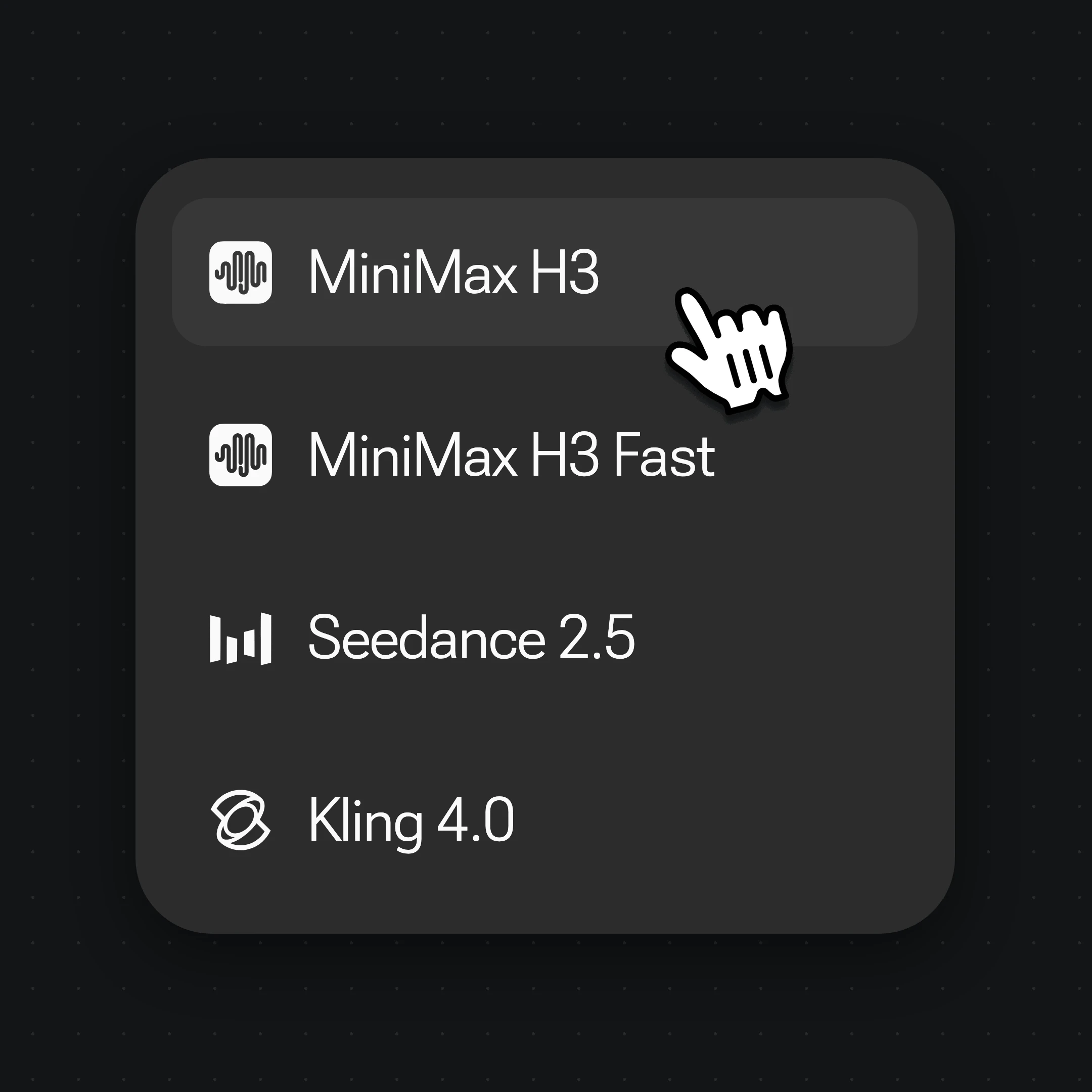
The four MiniMax H3 entries in the Renoise picker, compared on the limits Renoise exposes.
How MiniMax H3, H3 Fast, H3 Max and H3 Max Turbo compare on resolution, length, inputs and credits in Renoise
In Renoise
MiniMax H3
H3 Fast
H3 Max
H3 Max Turbo
Resolution
768p / 2K
480p / 768p
480p / 768p
480p / 768p / 1080p
Clip length
4–15s
5–15s
5–15s
5–15s
Inputs
Text, frames, or 12 references
Same as H3
Text, first + last frame, 12 references
Text, first + last frame
Credits per second
12 · 18
8 · 12
7 · 10
5 · 8 · 16
Credits · 5s at 768p
60
60
50
40
Best for
2K, audio references
All H3 inputs, lower price
Cheaper runs with references
Cheapest drafts, 1080p
Renoise model list and credit estimates (checked 2026-10-27).
As of October 2026, 100,000+ creators in 170+ countries and regions use Renoise AI, an AI video, image and audio platform, to generate 300,000+ images and videos with 30+ models.
Creators
100K+
Registered accounts on Renoise since March 2026
Countries and regions
170+
Where creators signed in from in the last 90 days
Images and videos generated
300K+
Completed generations, March–October 2026
AI models
30+
Seedance, Kling, GPT Image, Midjourney and more in one subscription
Source: Renoise internal data, March–October 2026. Figures are rounded down and updated quarterly. Last updated
What creators say about Renoise
Real feedback from creators who use Renoise AI to make videos, images and ads.
LLộc Bùi Nguyễn Vinh
Renoise is pretty easy to use, with a clean and smooth interface. The results from Seedance 2.5 also feel noticeably smoother in action sequences.
FFaith Joy Cloma
Renoise Ai is a good tool for making ai videos and photos. it puts several Ai models in one place, so you don't need to use many different apps.
Renoise has been a great platform for AI creativity. The tools are easy to use, the experience is smooth, and it makes creating content more enjoyable and efficient. I really appreciate the work the team is doing and look forward to seeing more improvements. Highly recommended!
Ssergio ramos
What I like about Renoise AI compared to other platforms: Fast generation speed: Slow generation takes up way too much time, but Renoise AI is surprisingly about 30% faster. Intuitive and user-friendly UI: Cheaply made platforms have terrible UIs that make me not even want to log in, but Renoise is very clean and convenient. Remembers my previous settings: It helpfully remembers my last workspace settings. Some odd platforms force you to re-adjust everything every single time you generate a video, which is extremely frustrating. Overall preference: For all these reasons, Renoise AI is definitely my preferred platform. Thank you!
ZZeus
Renoise is your go to one stop all for ai creators. all view and use all models in one place, for any type of content you have your mind on!
MMichał Reszka
I have a creat experience with the app. Consistent characters but also unique. THere were some issues with storyline continuity and non-typical humanoid characters.
LLộc Bùi Nguyễn Vinh
Renoise is pretty easy to use, with a clean and smooth interface. The results from Seedance 2.5 also feel noticeably smoother in action sequences.
FFaith Joy Cloma
Renoise Ai is a good tool for making ai videos and photos. it puts several Ai models in one place, so you don't need to use many different apps.
Renoise has been a great platform for AI creativity. The tools are easy to use, the experience is smooth, and it makes creating content more enjoyable and efficient. I really appreciate the work the team is doing and look forward to seeing more improvements. Highly recommended!
Ssergio ramos
What I like about Renoise AI compared to other platforms: Fast generation speed: Slow generation takes up way too much time, but Renoise AI is surprisingly about 30% faster. Intuitive and user-friendly UI: Cheaply made platforms have terrible UIs that make me not even want to log in, but Renoise is very clean and convenient. Remembers my previous settings: It helpfully remembers my last workspace settings. Some odd platforms force you to re-adjust everything every single time you generate a video, which is extremely frustrating. Overall preference: For all these reasons, Renoise AI is definitely my preferred platform. Thank you!
ZZeus
Renoise is your go to one stop all for ai creators. all view and use all models in one place, for any type of content you have your mind on!
MMichał Reszka
I have a creat experience with the app. Consistent characters but also unique. THere were some issues with storyline continuity and non-typical humanoid characters.
LLộc Bùi Nguyễn Vinh
Renoise is pretty easy to use, with a clean and smooth interface. The results from Seedance 2.5 also feel noticeably smoother in action sequences.
FFaith Joy Cloma
Renoise Ai is a good tool for making ai videos and photos. it puts several Ai models in one place, so you don't need to use many different apps.
Renoise has been a great platform for AI creativity. The tools are easy to use, the experience is smooth, and it makes creating content more enjoyable and efficient. I really appreciate the work the team is doing and look forward to seeing more improvements. Highly recommended!
Ssergio ramos
What I like about Renoise AI compared to other platforms: Fast generation speed: Slow generation takes up way too much time, but Renoise AI is surprisingly about 30% faster. Intuitive and user-friendly UI: Cheaply made platforms have terrible UIs that make me not even want to log in, but Renoise is very clean and convenient. Remembers my previous settings: It helpfully remembers my last workspace settings. Some odd platforms force you to re-adjust everything every single time you generate a video, which is extremely frustrating. Overall preference: For all these reasons, Renoise AI is definitely my preferred platform. Thank you!
ZZeus
Renoise is your go to one stop all for ai creators. all view and use all models in one place, for any type of content you have your mind on!
MMichał Reszka
I have a creat experience with the app. Consistent characters but also unique. THere were some issues with storyline continuity and non-typical humanoid characters.
LLộc Bùi Nguyễn Vinh
Renoise is pretty easy to use, with a clean and smooth interface. The results from Seedance 2.5 also feel noticeably smoother in action sequences.
FFaith Joy Cloma
Renoise Ai is a good tool for making ai videos and photos. it puts several Ai models in one place, so you don't need to use many different apps.
Renoise has been a great platform for AI creativity. The tools are easy to use, the experience is smooth, and it makes creating content more enjoyable and efficient. I really appreciate the work the team is doing and look forward to seeing more improvements. Highly recommended!
Ssergio ramos
What I like about Renoise AI compared to other platforms: Fast generation speed: Slow generation takes up way too much time, but Renoise AI is surprisingly about 30% faster. Intuitive and user-friendly UI: Cheaply made platforms have terrible UIs that make me not even want to log in, but Renoise is very clean and convenient. Remembers my previous settings: It helpfully remembers my last workspace settings. Some odd platforms force you to re-adjust everything every single time you generate a video, which is extremely frustrating. Overall preference: For all these reasons, Renoise AI is definitely my preferred platform. Thank you!
ZZeus
Renoise is your go to one stop all for ai creators. all view and use all models in one place, for any type of content you have your mind on!
MMichał Reszka
I have a creat experience with the app. Consistent characters but also unique. THere were some issues with storyline continuity and non-typical humanoid characters.
Choose your plan
One Renoise plan unlocks MiniMax H3, H3 Fast, H3 Max, H3 Max Turbo and every other video and image model, billed per generation from your plan credits.
Yes. MiniMax released H3 on July 31, 2026, and it has been live in Renoise since August 6, 2026, in the Canvas, the API, the CLI and MCP. H3 Max followed on September 1, H3 Max Turbo on September 9 and H3 Fast on October 20, so all four tiers are available today.
2.Is MiniMax H3 the same as Hailuo 3.0?
+
Yes, in practice. MiniMax’s official name is MiniMax H3; “Hailuo 3.0” is what media and the community often call it, after MiniMax’s Hailuo AI app and the earlier Hailuo video models. If you search for Hailuo 3.0, MiniMax H3 is the model you mean.
3.H3, Fast, Max or Max Turbo: which tier?
+
Use MiniMax H3 for 2K or audio references. H3 Fast takes the same inputs for less at up to 768p. H3 Max is cheaper again and accepts up to 12 references. H3 Max Turbo is the cheapest and reaches 1080p, but takes no references. There is no H3 Lite; Max Turbo is the budget tier. In our tests, H3 Max and Max Turbo clips also came with sound.
4.How long can a MiniMax H3 video be?
+
Any length from 4 to 15 seconds on MiniMax H3, and 5 to 15 seconds on H3 Fast, H3 Max and H3 Max Turbo, in one generation. For a longer piece, chain several shots in the Canvas, or use Seedance 2.5, which runs up to 30 seconds per clip.
5.Does MiniMax H3 support 4K?
+
No. MiniMax H3 goes up to 2K in Renoise, and Renoise has had no 4K option for it since August 25, 2026. For native 4K, use Seedance 2.0. You can also upscale a 2K clip with the AI video enhancer, which is cheaper but not the same as native 4K.
6.What references can MiniMax H3 use?
+
Up to 9 images, 3 videos and 3 audio clips, 12 in total, on MiniMax H3 and H3 Fast. Reference videos and audio run 2–15 seconds each and 15 seconds combined, and audio needs an image or video beside it. H3 Max takes 12 in any mix; H3 Max Turbo takes none.
7.How much does MiniMax H3 cost?
+
In Renoise, MiniMax H3 costs 12 credits per second at 768p and 18 at 2K, so a 5-second clip is 60 or 90 credits and a 15-second 2K clip is 270. H3 Fast is 8 or 12, H3 Max 7 or 10, and H3 Max Turbo 5, 8 or 16. Reference videos and audio cost nothing extra. See pricing.
8.Is MiniMax H3 free or unlimited?
+
No. All four MiniMax H3 tiers are billed per generation from the credits in your Renoise subscription, at the rates above, and none of them is part of an Unlimited campaign. The cheapest way to test a prompt is a 5-second H3 Max Turbo clip at 480p, for 25 credits.
9.Is MiniMax H3 open source?
+
MiniMax published the H3-Base weights on Hugging Face on August 3, 2026, under its own MiniMax H3 Community License, and ComfyUI workflows followed. Local runs output 768p; the 2K step and prompt pre-processing stay on MiniMax’s API. In Renoise you get 2K without hosting a GPU.
10.Can MiniMax H3 swap faces in a video?
+
MiniMax H3 has no dedicated face-swap mode in Renoise, and Renoise does not edit an existing video with it. To replace a face in footage you already have, use AI video face swap. Use only faces you have likeness authorization for, never celebrities or minors, and follow local law.
11.Who makes MiniMax H3?
+
MiniMax H3 is made by MiniMax, the company behind the Hailuo AI app. Renoise does not train video models: it integrates MiniMax H3 next to Seedance, Kling, Grok Imagine and others, and outputs on paid plans are watermark-free for commercial work. Comparing apps instead? See Hailuo alternatives.
MiniMax H3 is in the Canvas.
2K video with stereo sound.
Generate with MiniMax H3, H3 Fast, H3 Max or H3 Max Turbo in Renoise, next to Seedance 2.5 and Kling 4.0, and switch models shot by shot.