One identity
FacePass locks your face so every look stays recognizably you.

Turn your own photos into studio headshots — same face, any look.
Upload a few clear photos of yourself, register them as a FacePass so Renoise locks your identity, then generate headshots on Nano Banana Pro in Canvas. Describe the look — corporate, LinkedIn, editorial — and the same face carries across every variation. Export at high resolution when you have the shot you want.
Want a stylized profile picture instead of a realistic headshot? See the avatar guide
What a headshot session looks like in Renoise.
FacePass locks your face so every look stays recognizably you.
Corporate, LinkedIn, editorial, or casual — switch the brief, keep the face.
Export print-ready headshots at 1K, 2K, or 4K resolution.
From a few selfies to a studio-grade headshot you can use anywhere.

Drag in a few clear, front-facing photos and register them as a FacePass to lock your identity.
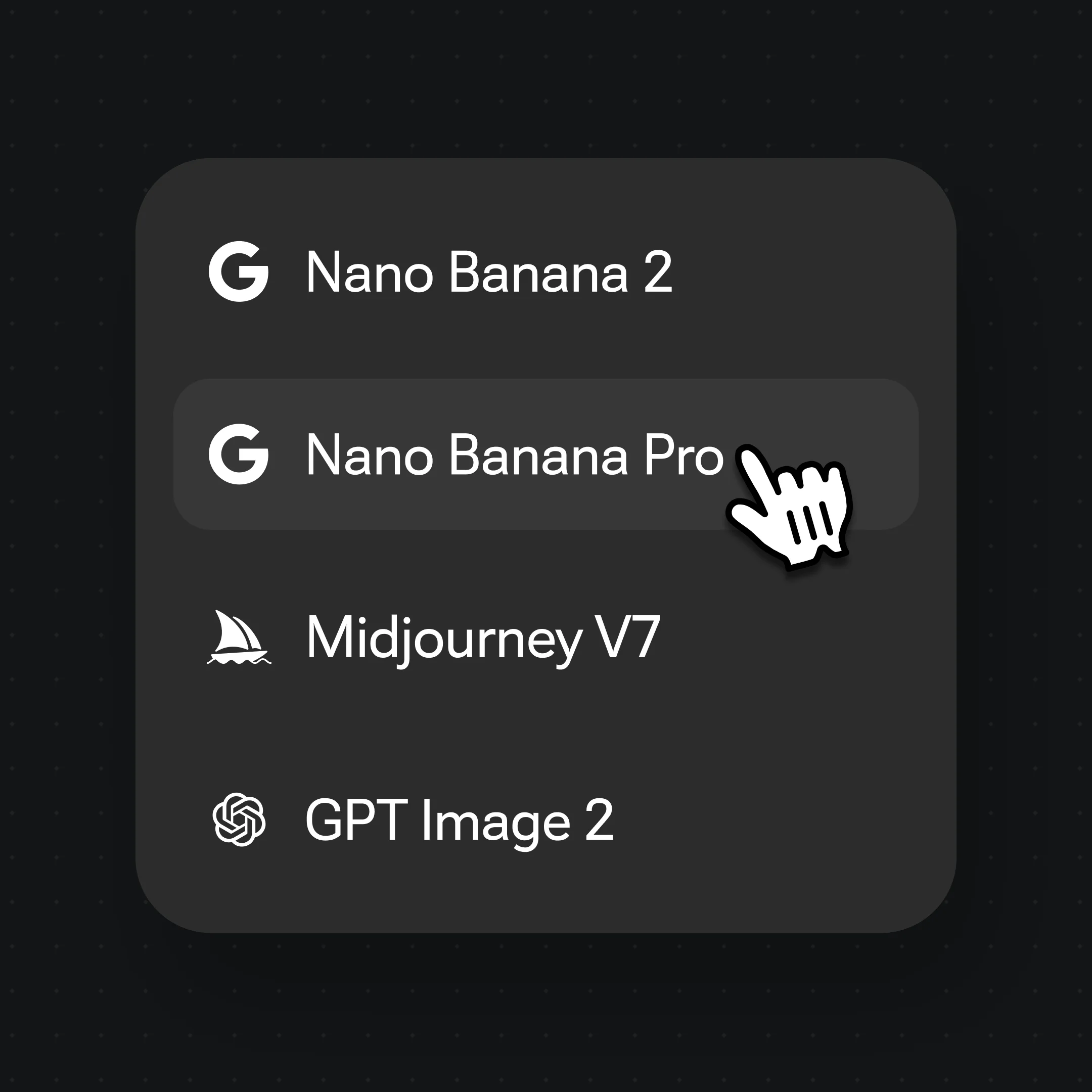
Write the brief as a spec — "corporate headshot, navy blazer, soft grey studio backdrop, shoulders-up framing".
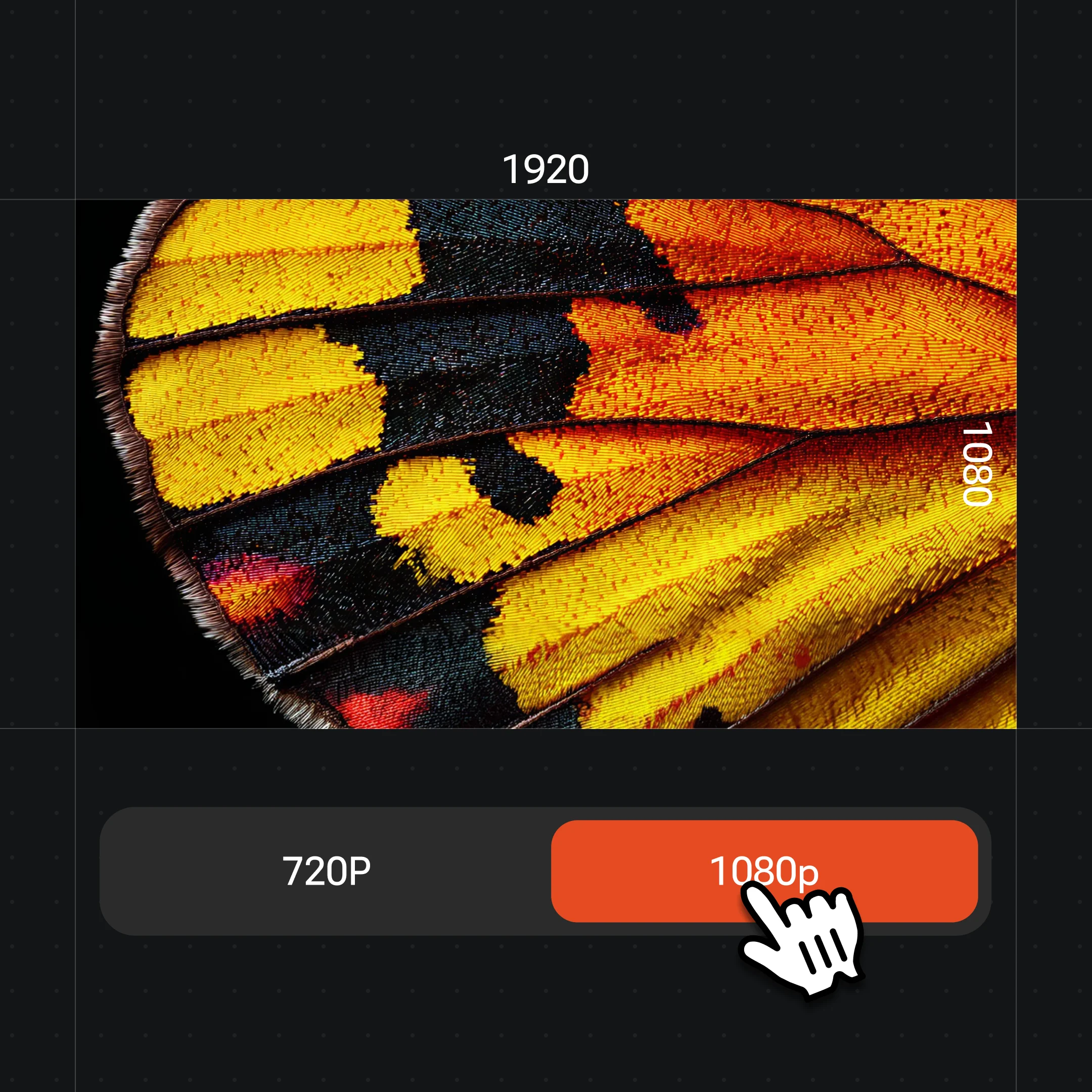
Generate on Nano Banana Pro, try other looks with the same face, then export at up to 4K.
FacePass keeps it recognizably you across corporate, editorial, and styled looks — in a single canvas.
A clean shoulders-up business headshot on a soft studio backdrop — the LinkedIn and team-page staple.
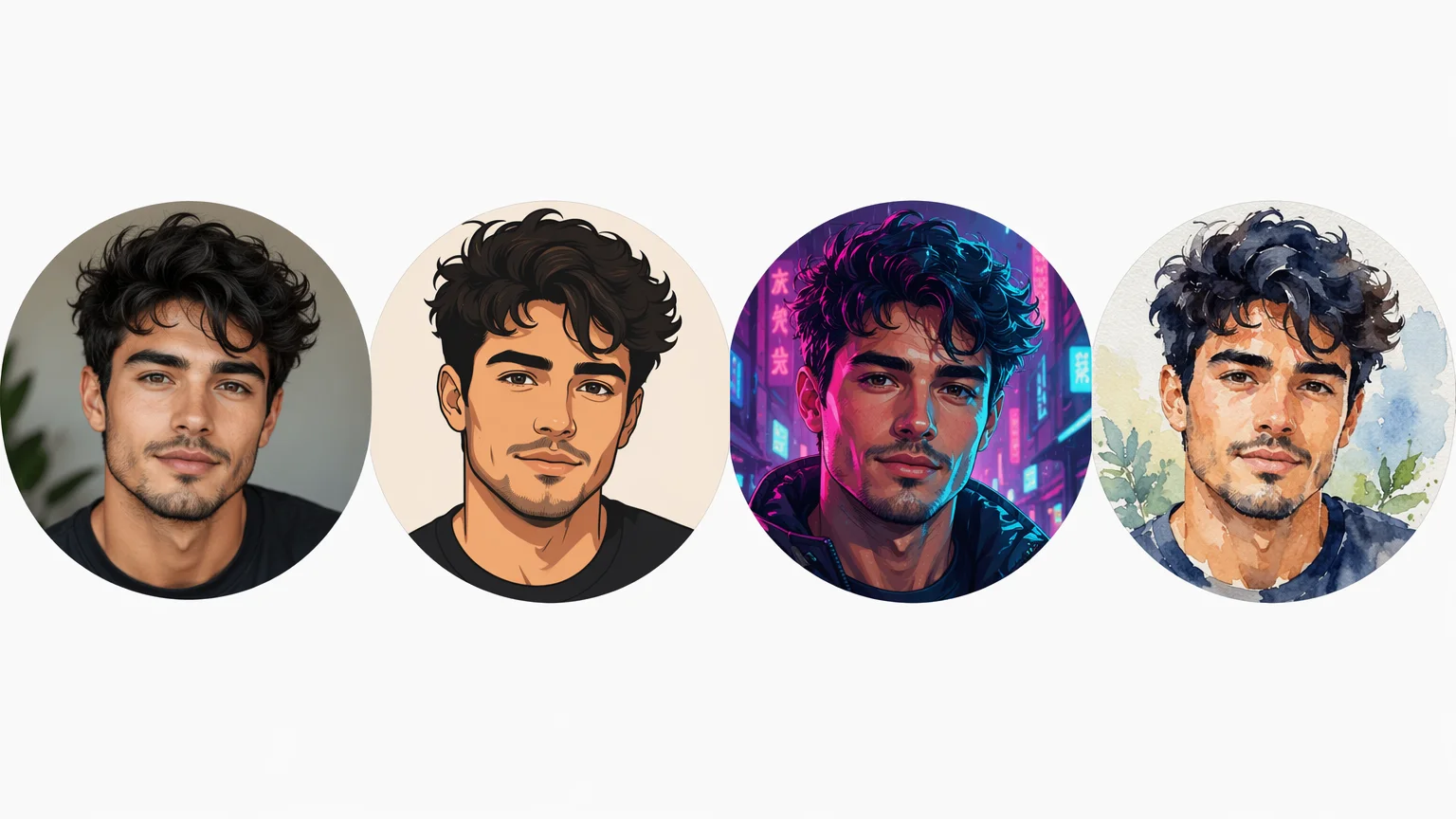
The same identity rendered four ways — FacePass holds the face while the styling changes.
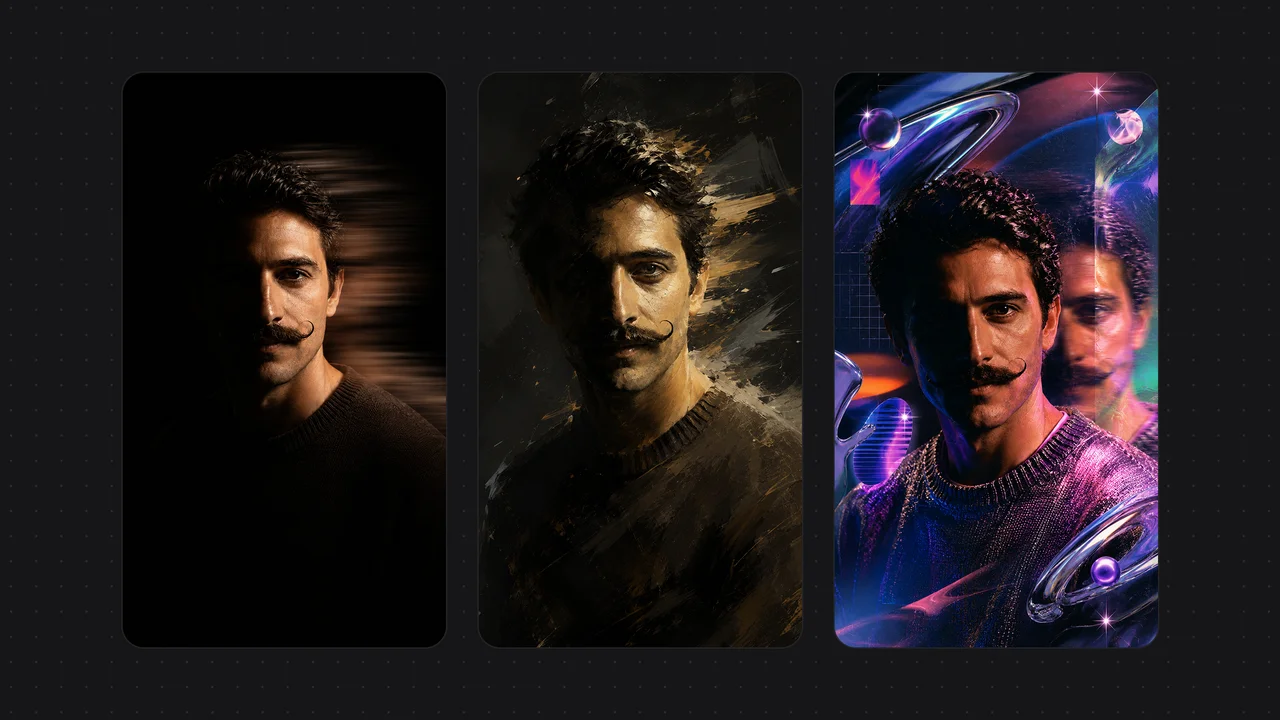
Dramatic lighting, painterly, and neon treatments for a profile that stands out.
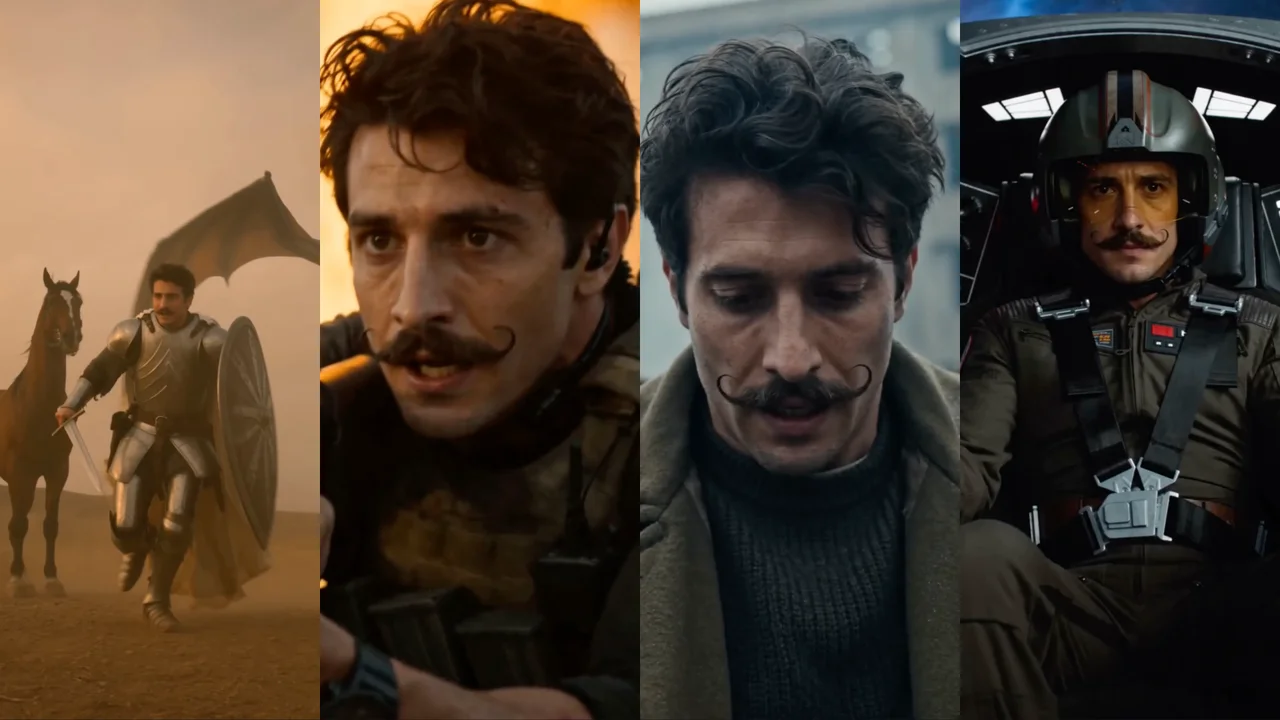
One person carried across four cinematic looks — proof the identity holds under heavy restyling.
Both live in the same Renoise canvas — pick by what the shot needs. Nano Banana Pro for photoreal skin and lighting, GPT Image 2 when you want a precise, instruction-heavy brief.
| For headshots | Nano Banana Pro (Recommended) | GPT Image 2 |
|---|---|---|
| Best for | Photoreal skin and lighting | Precise instruction following |
| Realistic faces | Best | Good |
| Works with FacePass | ✓ | ✓ |
| Up to 4K export | ✓ | ✓ |
| Same canvas | ✓ | ✓ |
The gap between a snapshot and a professional headshot is mostly framing, lighting, and consistency — and an AI headshot generator only earns the word "professional" when it nails all three. Framing means shoulders-up composition with the eyes on the upper third and a little headroom, not a cropped selfie. Spell it out in the prompt: "shoulders-up, eyes on the upper third, soft catchlights". Lighting is what reads as studio — a soft key light slightly off-axis with gentle fill kills the harsh phone-flash look. Prompt for "soft key light, low-contrast, neutral grey seamless backdrop" and the result stops looking like a casual photo.
The third thing — and the one most generators get wrong — is identity. Generate a headshot twice from a loose text prompt and you get two different people. That breaks the moment you need a matching set: a LinkedIn photo, a team page, and a conference bio that should obviously be the same person. This is where FacePass matters: you register your own photos once, and Renoise holds that identity across every look, so a corporate shot and an editorial shot are unmistakably you.
In practice the workflow is: register a FacePass, generate on Nano Banana Pro for photoreal skin and lighting, then iterate the wardrobe and backdrop while the face stays fixed. Keep the framing and lighting cues verbatim across variations so the only thing changing is styling — that consistency is exactly what a paid headshot session sells, produced in minutes inside Canvas.
Headshots lean on a few things — and Renoise gives you FacePass, Nano Banana Pro, and many other image models in one canvas.
Register your own photos once; your identity stays locked across every look and model.
Renders photoreal skin, studio lighting, and natural expressions for believable headshots.
Export print-ready at 1K, 2K, or 4K for LinkedIn, badges, or large prints.
Switch between Nano Banana Pro, GPT Image 2, and other image models per shot.
One plan unlocks FacePass, Nano Banana Pro, and every other image model.
Generate professional headshots with watermark-free exports on paid plans.
You upload a few clear photos of yourself and register them as a FacePass. Renoise locks that identity, then generates new headshots from a text brief on Nano Banana Pro — so the output is recognizably you in a studio setting, not a generic stranger.
Yes — that is the point of FacePass. It holds your identity across looks, so a corporate shot, a LinkedIn photo, and an editorial portrait are clearly the same person. Keep your framing and lighting cues consistent and only the styling changes.
A few clear, front-facing photos in good light are enough to register a reliable FacePass. More angles and expressions help the model hold your identity across a wider range of looks. Avoid heavy filters, sunglasses, or group shots.
Nano Banana Pro for most headshots — it renders photoreal skin, studio lighting, and natural expressions. Reach for GPT Image 2 when your brief is instruction-heavy and precise. Both work with FacePass and live in the same canvas, so you can switch per shot.
Yes. Prompt a shoulders-up business look — "navy blazer, soft grey backdrop, soft key light" — and export at 2K or 4K. Because FacePass keeps your face consistent, you can generate a matching set for LinkedIn, your team page, and a speaker bio.
Up to 4K. Choose 1K for web, 2K for most uses, or 4K for print and large displays. Generate at the highest resolution you may need so you keep detail for badges, posters, or press kits without re-running the shot.
Only with their permission. FacePass is built for your own face or a person who has authorized it — that consent step is required. Do not upload a celebrity or anyone who has not agreed; generating headshots of people without consent is not allowed.
For LinkedIn, team pages, bios, and badges, yes — when you nail framing, lighting, and a consistent identity. Outputs are watermark-free on paid plans. For formal ID or passport photos, check the issuing authority's rules, which often require an unedited photo.
Yes. Upload a few clear photos of yourself, register a FacePass, and generate an AI professional headshot on Nano Banana Pro — shoulders-up framing, soft key light, neutral backdrop — in minutes. The result is studio-quality without booking time, travel, or a photographer.
