4K
Up to 4096 × 4096 output — sharp enough for print.
OpenAI’s GPT Image 2, inside Renoise. One prompt, one production-ready image.
Up to 4096 × 4096 output — sharp enough for print.
Readable text inside images — posters, labels, and headlines, first try.
Complex composition instructions executed precisely, with fewer retries.
Select a region, describe the change — everything else stays untouched.
Describe the composition, style, and details in natural language.
Add a reference image to guide content or enable inpainting mode.
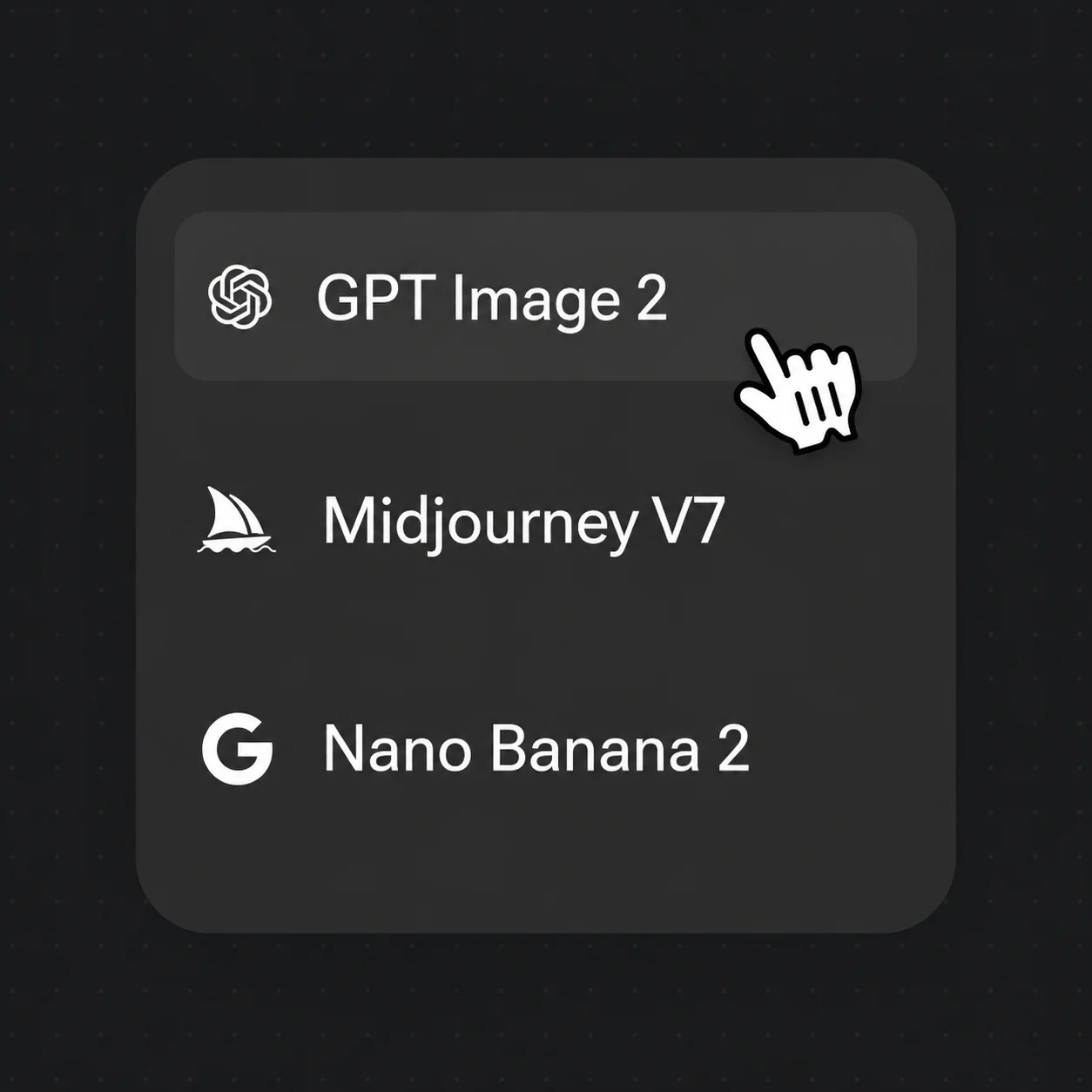
Pick GPT Image 2, choose resolution, and download your production-ready image.
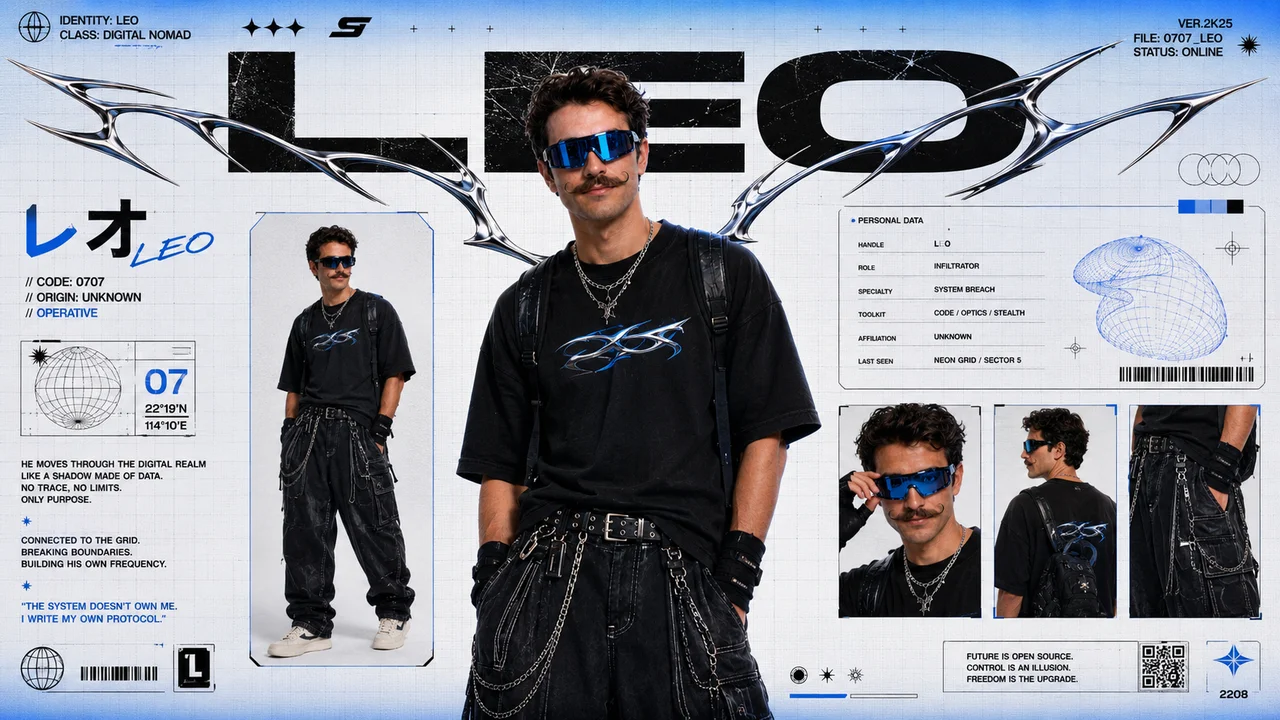
GPT Image 2 renders multilingual text accurately inside images — posters, labels, social graphics, and ad creatives with no post-processing required.
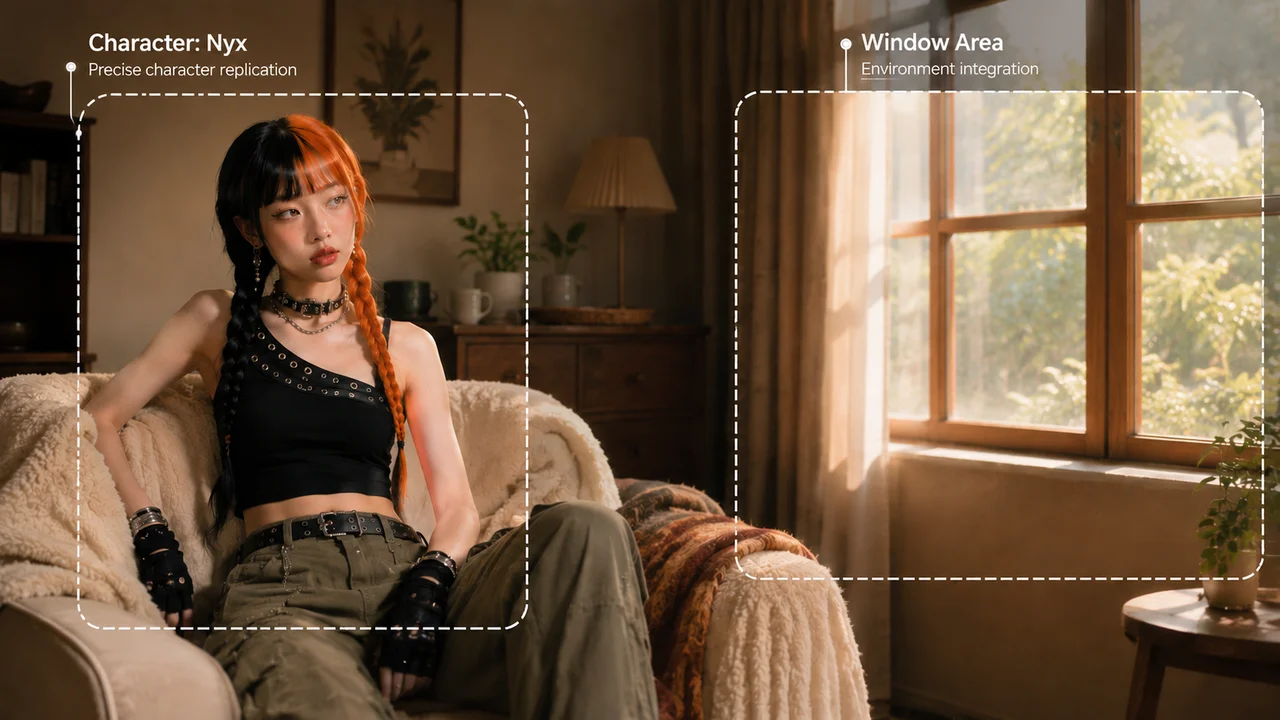
Complex composition instructions — “woman seated on the left, window on the right” — executed accurately, cutting iteration time.
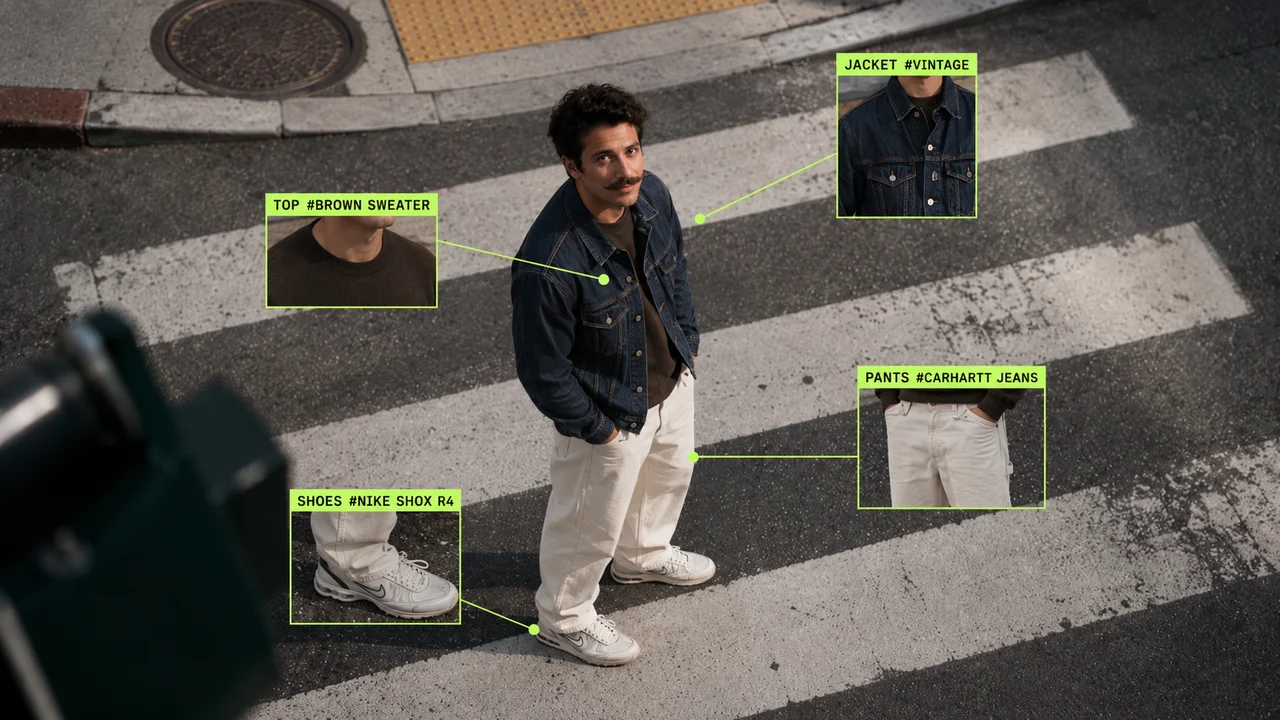
Upload an image, select the area to change, describe the new content — everything outside the selection stays untouched. Swap backgrounds, change outfits, recolor products.
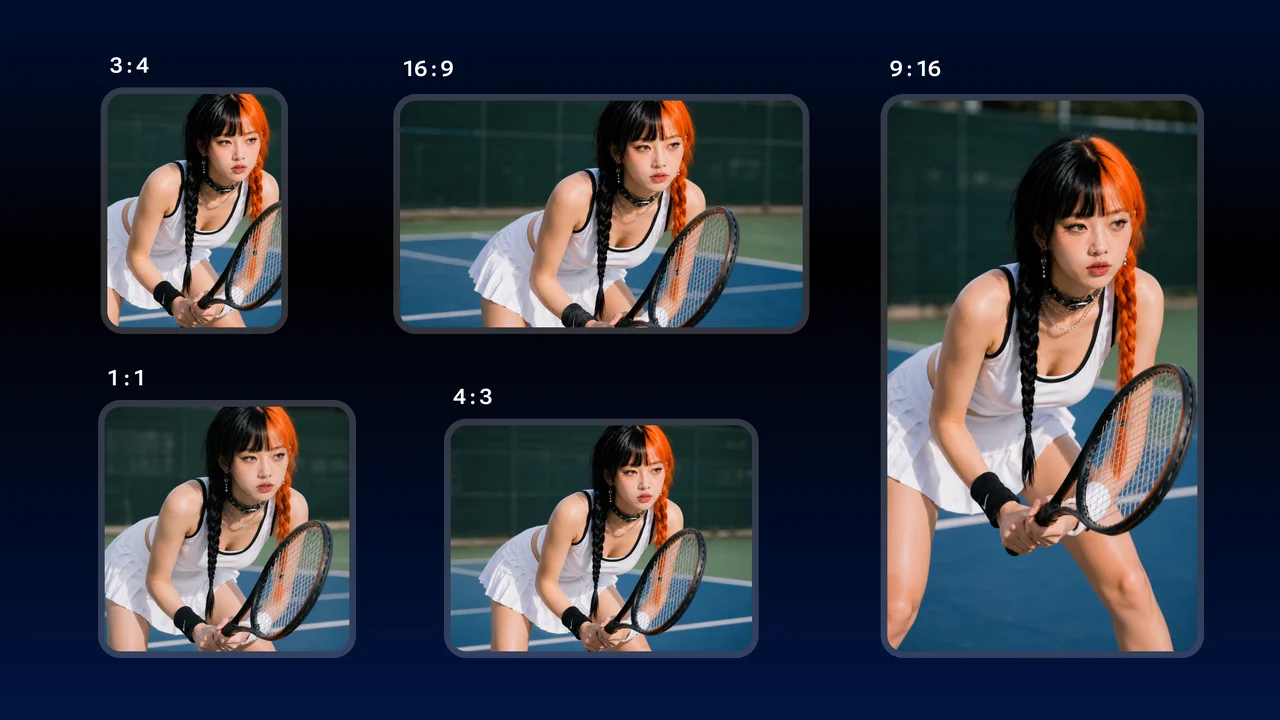
10 aspect ratios from 1:1 to 21:9 cover social feeds, e-commerce detail pages, and banner ads — no secondary cropping needed.
Unlock GPT Image 2 and every other model on one Renoise plan.
For first-time AI content creators
Billed $168 annually
Upgrade PlanSave $72/year
For creators shipping content every week.
Billed $504 annually
Upgrade PlanSave $216/year
For studios and pros producing at commercial scale.
Billed $1680 annually
Upgrade PlanSave $720/year
For first-time AI content creators
Billed monthly
Upgrade PlanFor creators shipping content every week.
Billed monthly
Upgrade PlanFor studios and pros producing at commercial scale.
Billed monthly
Upgrade PlanRenews automatically each year until canceled.
Renews automatically each month until canceled.
GPT Image 2 is developed by OpenAI. Renoise integrates it alongside Nano Banana 2 / Pro, Midjourney V7, Seedance 2.0, Kling 3.0 Omni, and HappyHorse 1.0 — Renoise does not train image models itself.
GPT Image 2 generates at 1K, 2K, or up to 4096 × 4096 (4K) — sharp enough for print.
Yes. It renders multilingual text accurately inside the image, so posters, labels, and ad headlines are legible on the first try.
10 aspect ratios from 1:1 to 21:9, covering square social posts through ultra-wide banners.
Upload an image, select a region, and describe the new content. Only the selected area changes — backgrounds, outfits, or product colors swap while the rest stays intact.
Open Renoise, type your prompt, hit Generate. No setup.