No real person involved
Every face is generated from scratch — a fictional person who does not exist and has no identity.
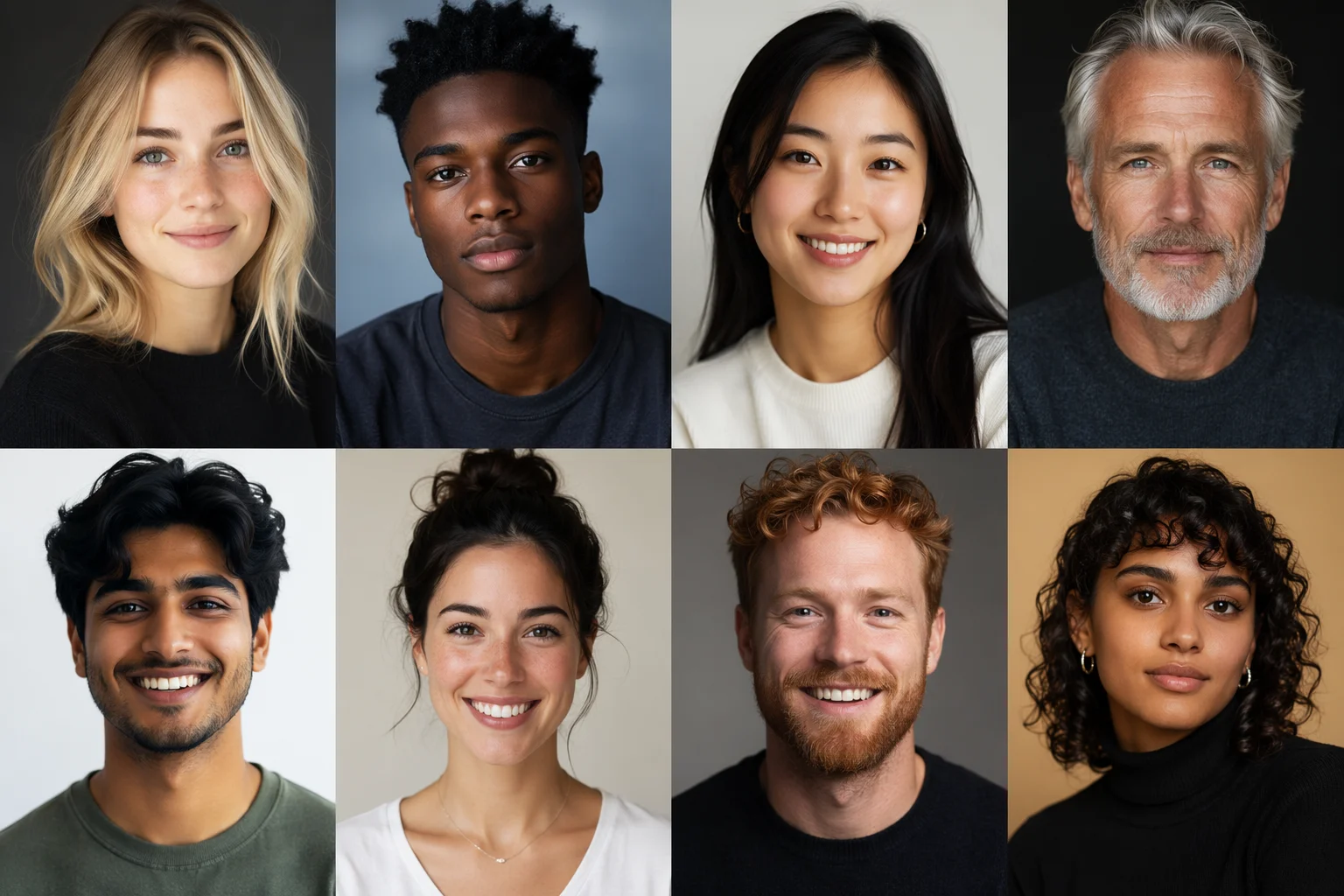
Generate original human faces — fictional people who do not exist.
Open Renoise Canvas, pick Nano Banana Pro or GPT Image 2, and prompt the facial features you need — age, ethnicity, expression, lighting, and framing. The model generates an original, fictional face. No real person is involved, so no FacePass clearance is needed.
Want a headshot from your own real photo instead? See the AI headshot guide
Original fictional faces for characters, mockups, and placeholder assets.
Every face is generated from scratch — a fictional person who does not exist and has no identity.
Specify age, gender expression, ethnicity, expression, hair, lighting, and shot framing.
Use-case fit: UX persona mockups, character concept art, placeholder avatars, stock-style portraits.
Open the canvas, describe the face, generate — no input photo needed.

Go to Renoise Canvas. No input image is required — generating from a text prompt alone.
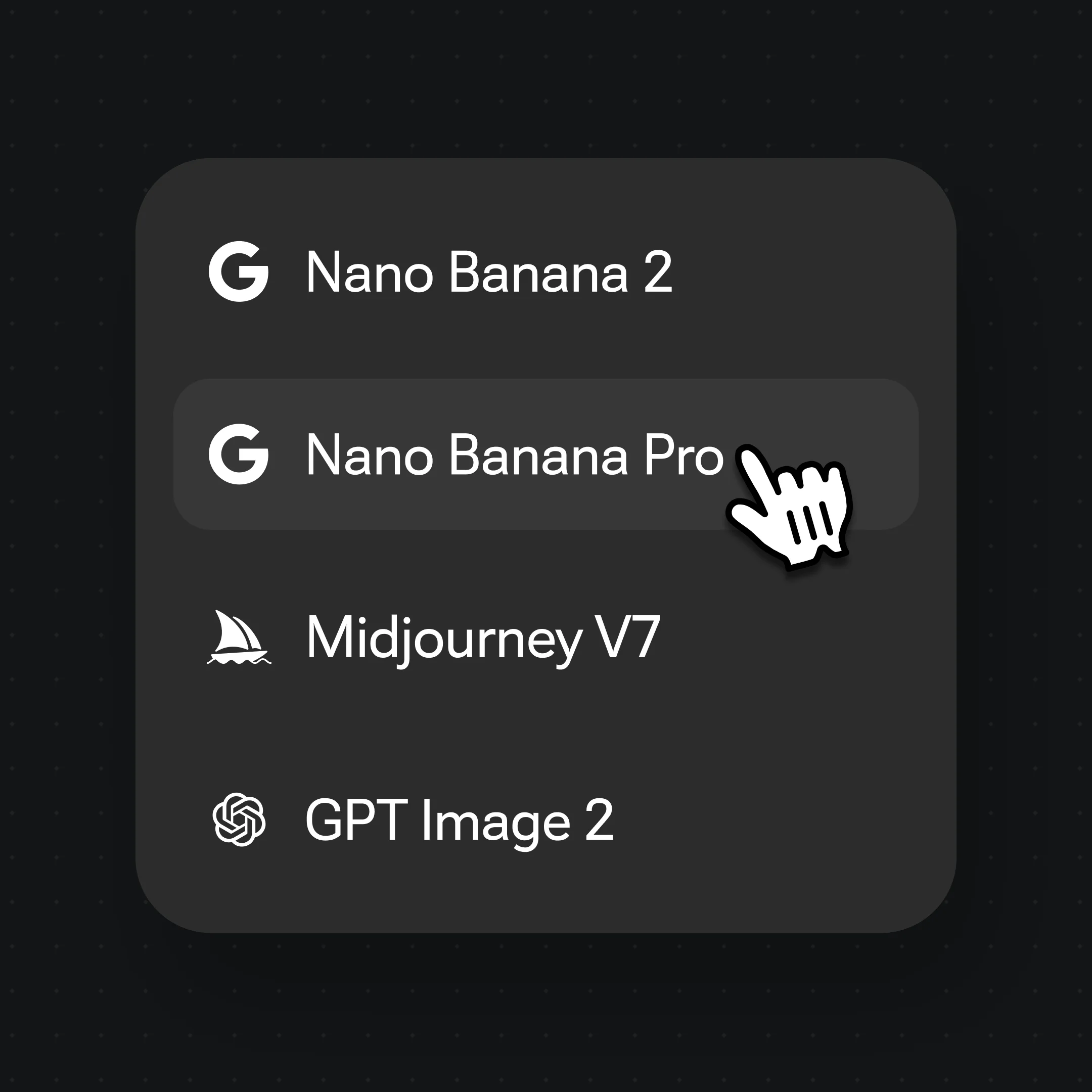
Pick Nano Banana Pro for photorealism. Prompt age, expression, ethnicity, lighting, and crop.
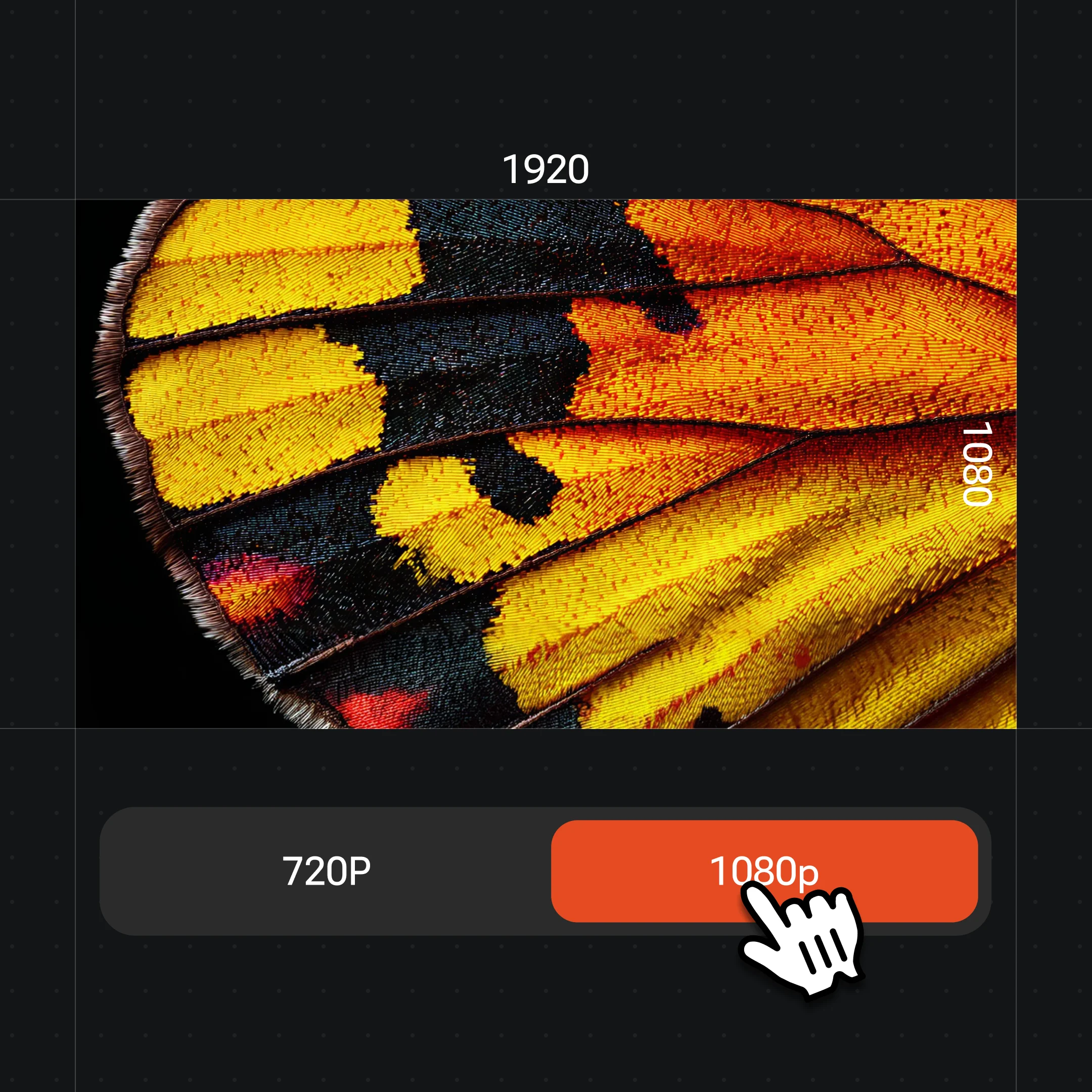
Generate a set of faces, pick the one that fits, and export at up to 4K.
Original non-real portraits for characters, design mockups, and placeholder assets.
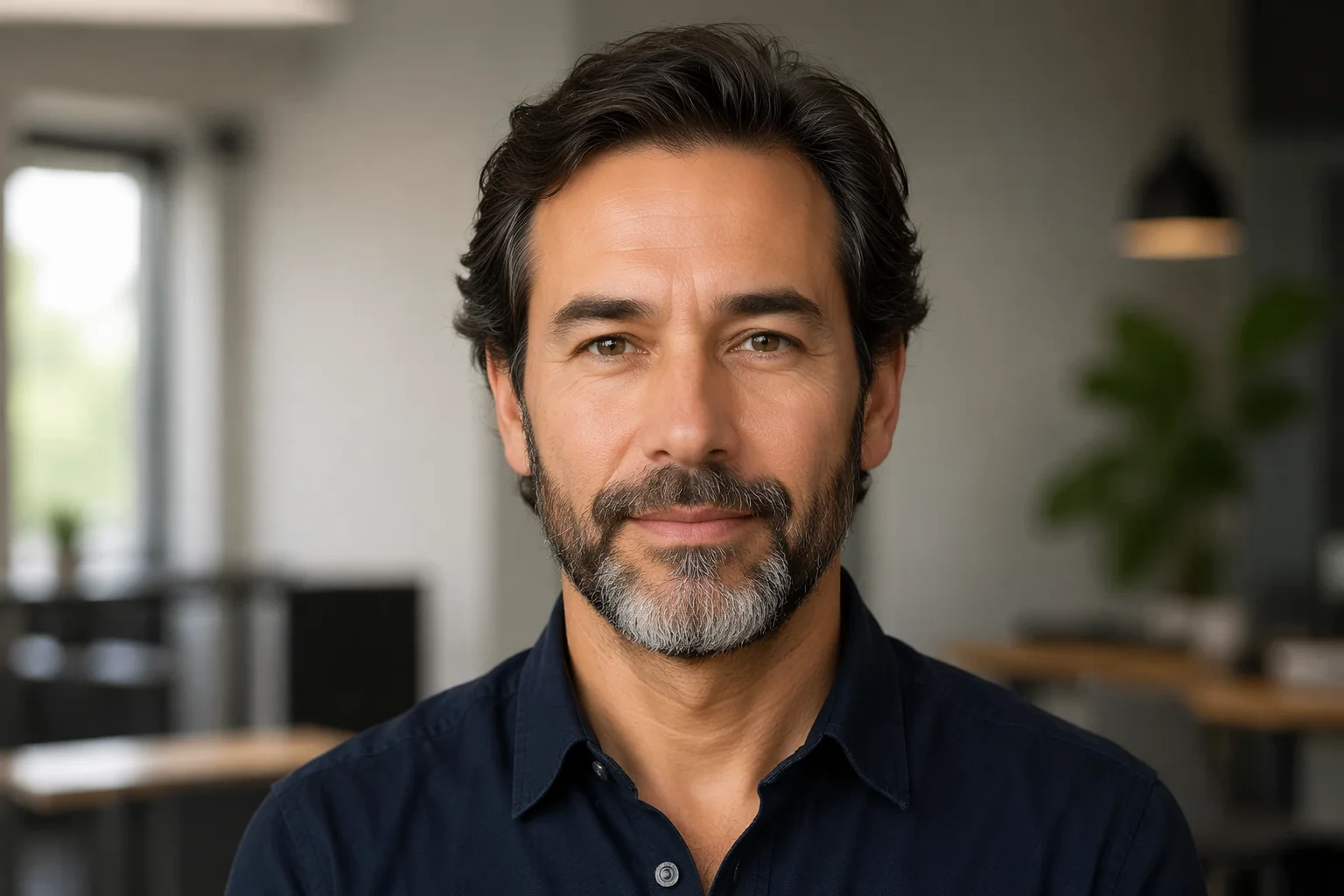
A photorealistic fictional portrait for a UX persona or user-research document.
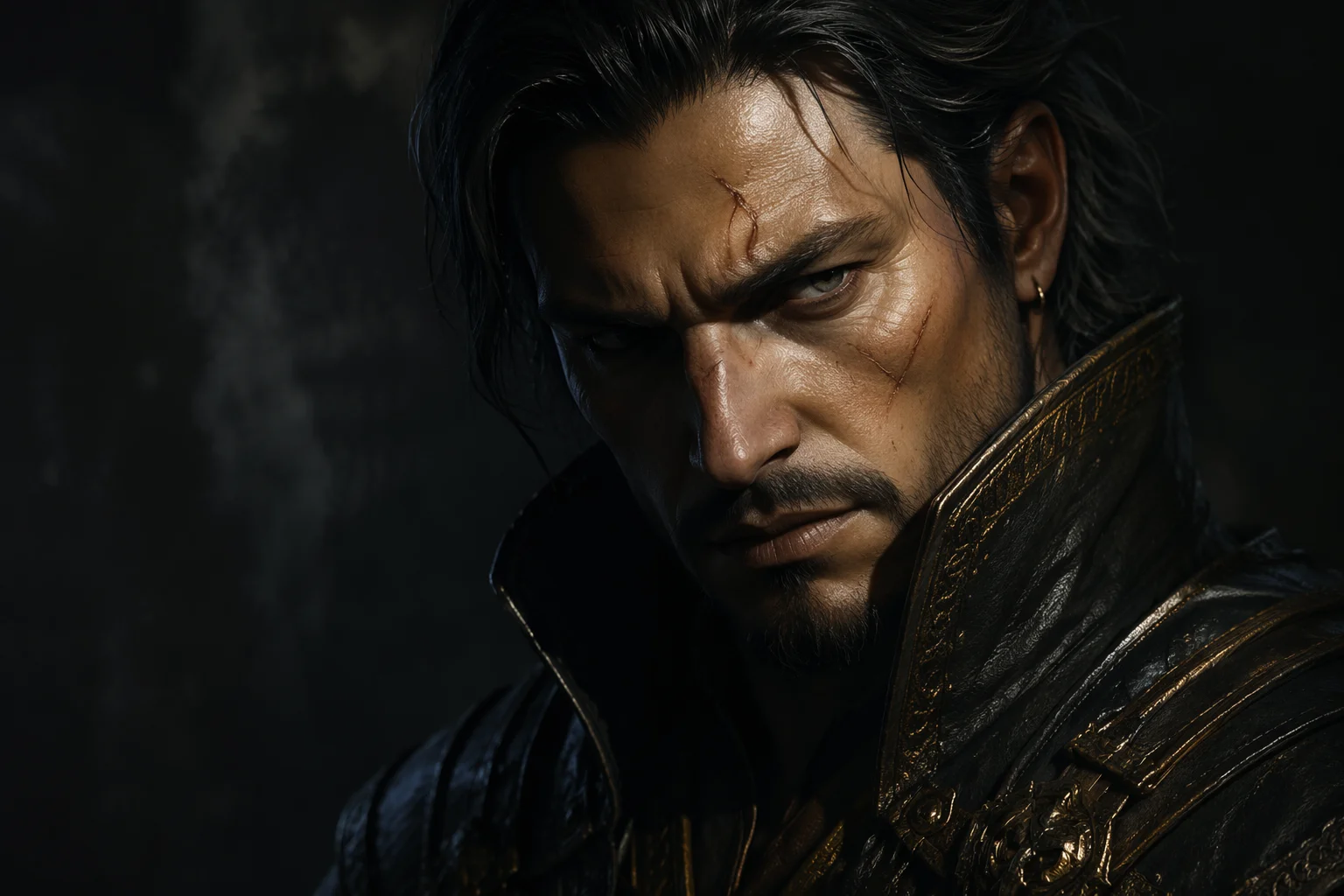
A fictional character face with expressive lighting for a game or narrative project.
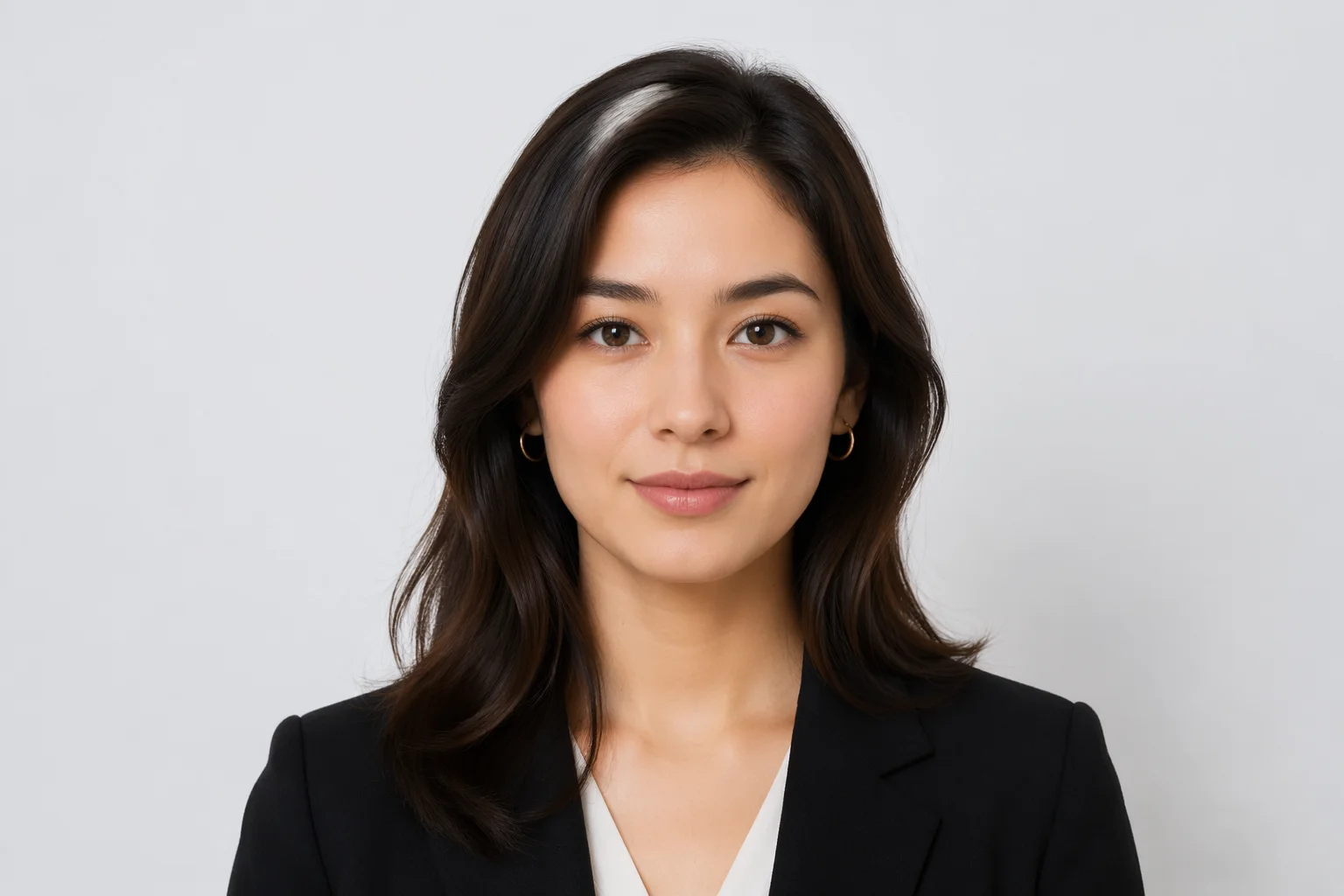
A clean, neutral fictional face for a placeholder avatar in a product mockup or prototype.
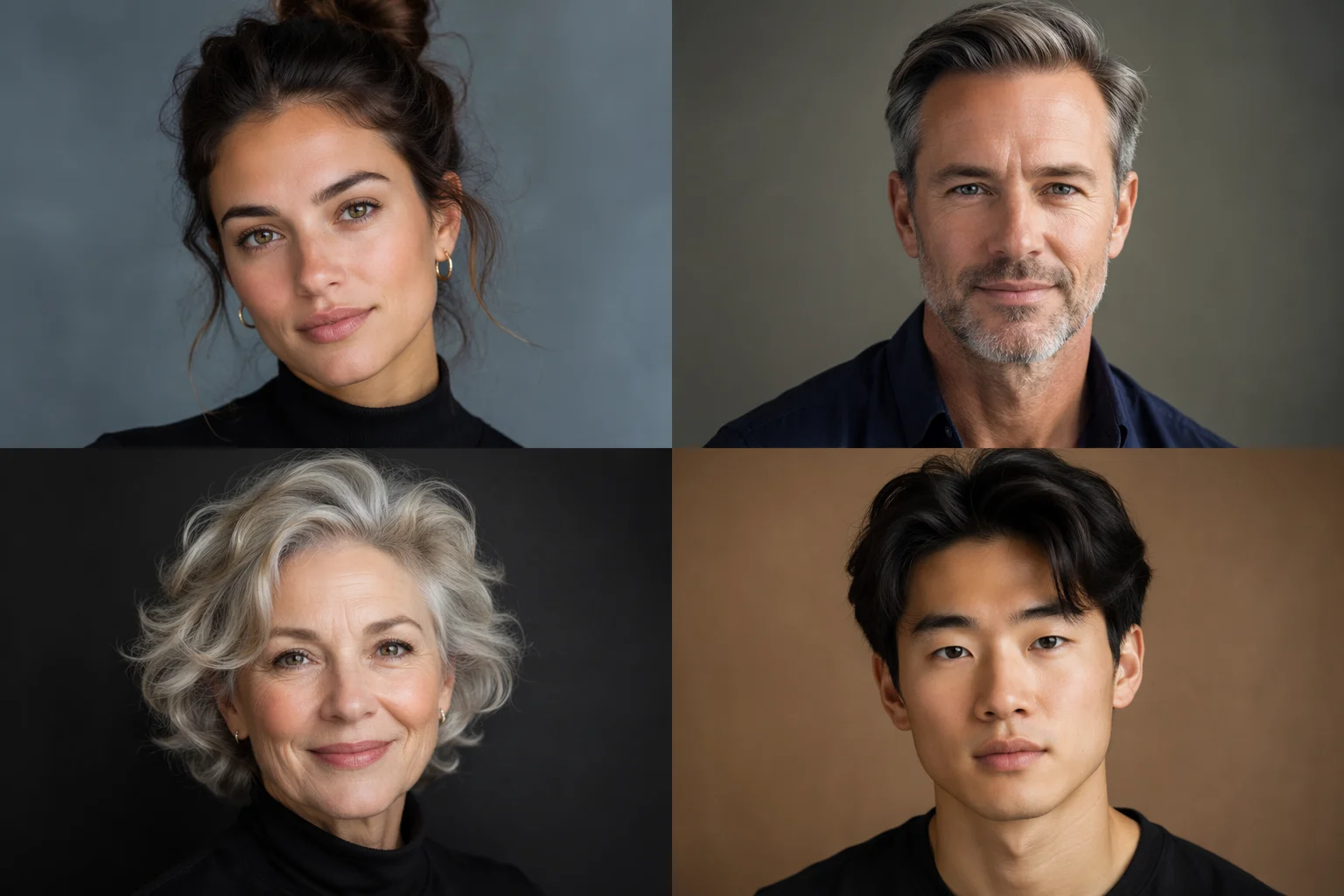
Multiple fictional faces across age, ethnicity, and expression for a stock-style portrait set.
Nano Banana Pro for the most photorealistic skin and lighting; GPT Image 2 when you need precise feature control or want to fuse several reference images.
| For fictional face generation | Nano Banana Pro (Recommended) | GPT Image 2 |
|---|---|---|
| Best for | Photoreal skin and lighting | Precise feature control |
| Input required | Text prompt | Text or up to 16 refs |
| Studio quality | Best | Good |
| Up to 4K export | ✓ | ✓ |
| Same canvas | ✓ | ✓ |
FacePass is Renoise's system for authorizing the use of real human faces in generated content. It exists because most AI video and image models block real-person face references by default — likeness of a real human carries legal and ethical weight, and Renoise routes that through a structured clearance process.
None of that applies when the face being generated is fictional. If you are generating an original face from a text prompt — someone who does not exist — there is no real person involved, no identity, and no likeness to clear. FacePass is simply not relevant.
The line is: does the reference image (or the intended output) depict a specific real person? If yes, FacePass clearance is required. If the output is a new fictional person generated from a prompt, there is nothing to clear.
This also means you should not use a fictional-face generation workflow to attempt to recreate a specific real person. That is the FacePass use case — authorized likeness use — not this page.
Face generation draws on image models and the full Renoise canvas.
Studio-level photorealism — generates natural skin, lighting, and hair detail.
Precise feature control; fuses up to 16 references if you need a consistent look.
Export portraits at 1K, 2K, or 4K — watermark-free on paid plans.
Switch models on the same Canvas to explore different styles from one prompt.
One plan unlocks Nano Banana Pro, GPT Image 2, and every other image model.
Create original non-real portraits for characters, mockups, and placeholder assets.
No. Every face generated from a text prompt is a fictional person created by the image model. They do not exist, have no identity, and are not based on any specific real human unless you explicitly provide a real-person reference.
No. FacePass applies when you use a real person's likeness as a reference. For purely generated fictional faces from a text prompt, no real identity is involved and FacePass clearance is not required.
The AI headshot guide takes your own real photo and turns it into a professional headshot — your face in, your face out, styled. This guide generates entirely new fictional faces from a text prompt, with no input photo needed and no real person involved.
The AI avatar guide stylizes a real photo of you into a character or persona — you as an avatar. This guide generates original fictional people from scratch. Different job: avatar = stylize you; face generator = invent someone new.
Generated faces are outputs of the image models and your Renoise account. Check Renoise's terms of service and the relevant model provider's terms for commercial use rights. In general, fictional generated content falls under your account's export rights on paid plans.
Nano Banana Pro gives the most photorealistic skin, lighting, and hair detail. Use GPT Image 2 when you need tighter feature control or want to supply multiple reference images to anchor a consistent look.
