Many models
Seedance 2.0, Kling 3.0 Omni, and HappyHorse 1.0 — pick the right one without leaving the canvas.
Switch top video models on the same canvas — no tool-hopping.
Seedance 2.0, Kling 3.0 Omni, and HappyHorse 1.0 — pick the right one without leaving the canvas.
Drive a shot with up to 9 images, 3 videos, and 3 audio references on Seedance 2.0.
Bring an authorized real face into your shots after a one-time likeness review.
Generated video clips can be edited and trimmed directly in Renoise.
All three are integrated SOTA models. Pick by length, lipsync, and inputs.
| Spec | Seedance 2.0 (Recommended) | Kling 3.0 Omni | HappyHorse 1.0 |
|---|---|---|---|
| Maker | ByteDance | Kuaishou | Integrated |
| Clip length | 4–15s | 3–15s | 3–15s |
| Resolution | 720p / 1080p / 4K | 720p / 1080p | 720p / 1080p |
| Aspect ratios | 6 | 5 | 5 |
| Native lipsync | — | ✓ | — |
| Reference video | ✓ (×3) | ✓ (×1) | — |
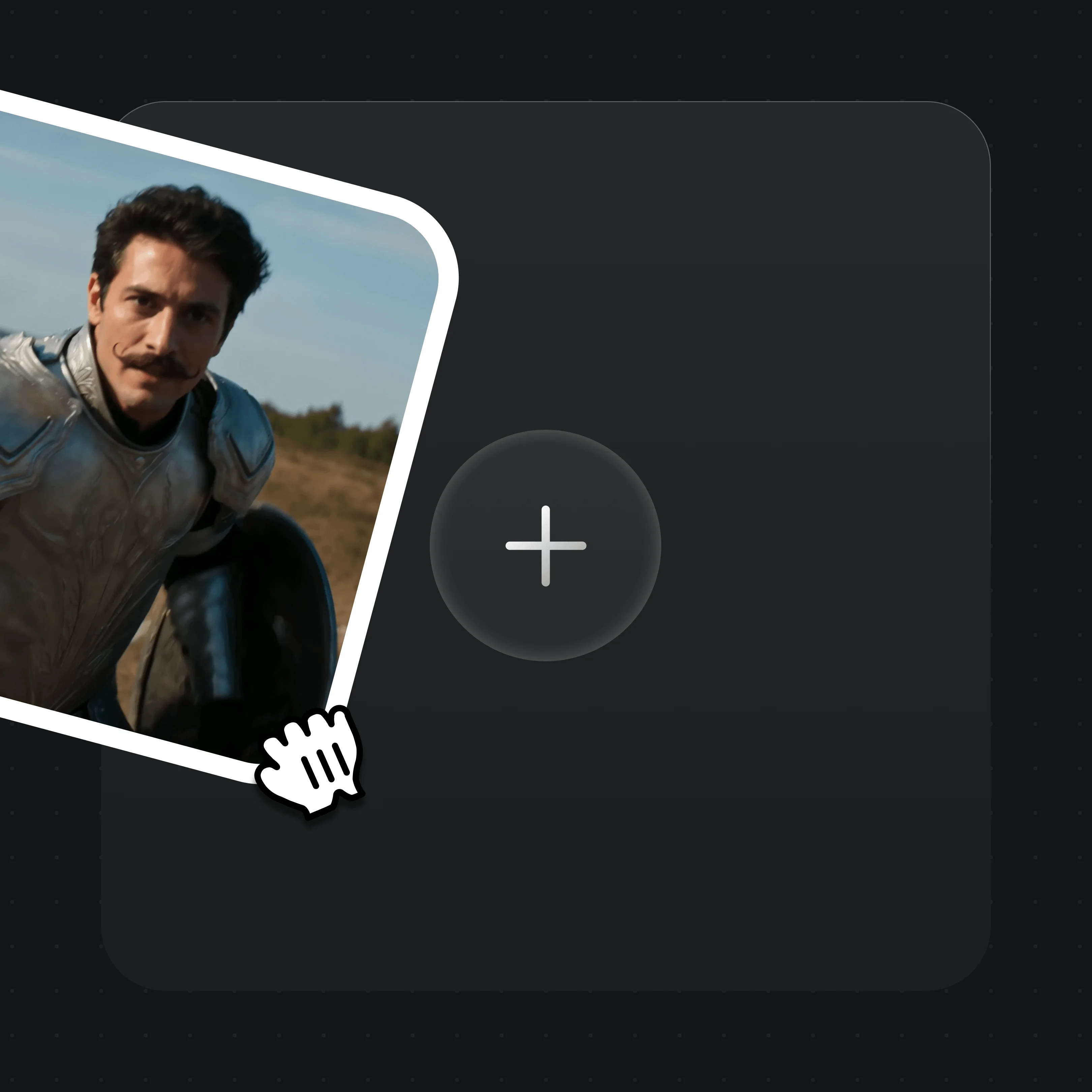
Drop in reference images, video, or audio to guide the shot — or prompt from scratch.

Describe the shot — light, character, motion. One detailed sentence is enough.

Choose Seedance 2.0 (up to 4K), Kling 3.0 Omni, or HappyHorse 1.0, set 4–15s, then generate.
Clips generated across Renoise video models.
A knight-versus-dragon shot with physical motion — cloth, fire, and camera push.
A chef working a live fire kitchen — believable hands, flame, and steam.
A figure skater mid-routine, captured with smooth high-speed camera tracking.
An in-cockpit space battle with parallax, glow, and depth across the frame.
One plan unlocks every video model plus direct video editing and trimming.
For first-time AI content creators
Billed $168 annually
Upgrade PlanSave $72/year
For creators shipping content every week.
Billed $504 annually
Upgrade PlanSave $216/year
For studios and pros producing at commercial scale.
Billed $1680 annually
Upgrade PlanSave $720/year
For first-time AI content creators
Billed monthly
Upgrade PlanFor creators shipping content every week.
Billed monthly
Upgrade PlanFor studios and pros producing at commercial scale.
Billed monthly
Upgrade PlanRenews automatically each year until canceled.
Renews automatically each month until canceled.
Renoise integrates Seedance 2.0 (ByteDance), Kling 3.0 Omni (Kuaishou), and HappyHorse 1.0. You switch between them on the same canvas — Renoise does not train video models itself.
Kling 3.0 Omni has native lipsync, so it is the pick for characters that speak. For general cinematic shots and longer clips, Seedance 2.0 is the default recommendation.
Each clip runs 3–15 seconds depending on the model. Generated video clips can be edited and trimmed directly in Renoise.
Yes — Seedance 2.0 outputs up to 4K (720p, 1080p, and 4K). Kling 3.0 Omni and HappyHorse 1.0 run at 720p / 1080p. Image models (Nano Banana 2 / Pro, GPT Image 2) also support 4K.
Yes. Upload an image as the first frame and the model animates it. Seedance 2.0 and HappyHorse 1.0 both support image-to-video from a reference.
Seedance 2.0 can generate clips with audio built in, and Kling 3.0 Omni syncs mouth movement to your audio. Renoise is not a standalone music or voice generator.
Only through FacePass. Models block real human faces by default; FacePass clears a face you are authorized to use after a one-time review. Public figures and minors are not permitted.