Photo to anime
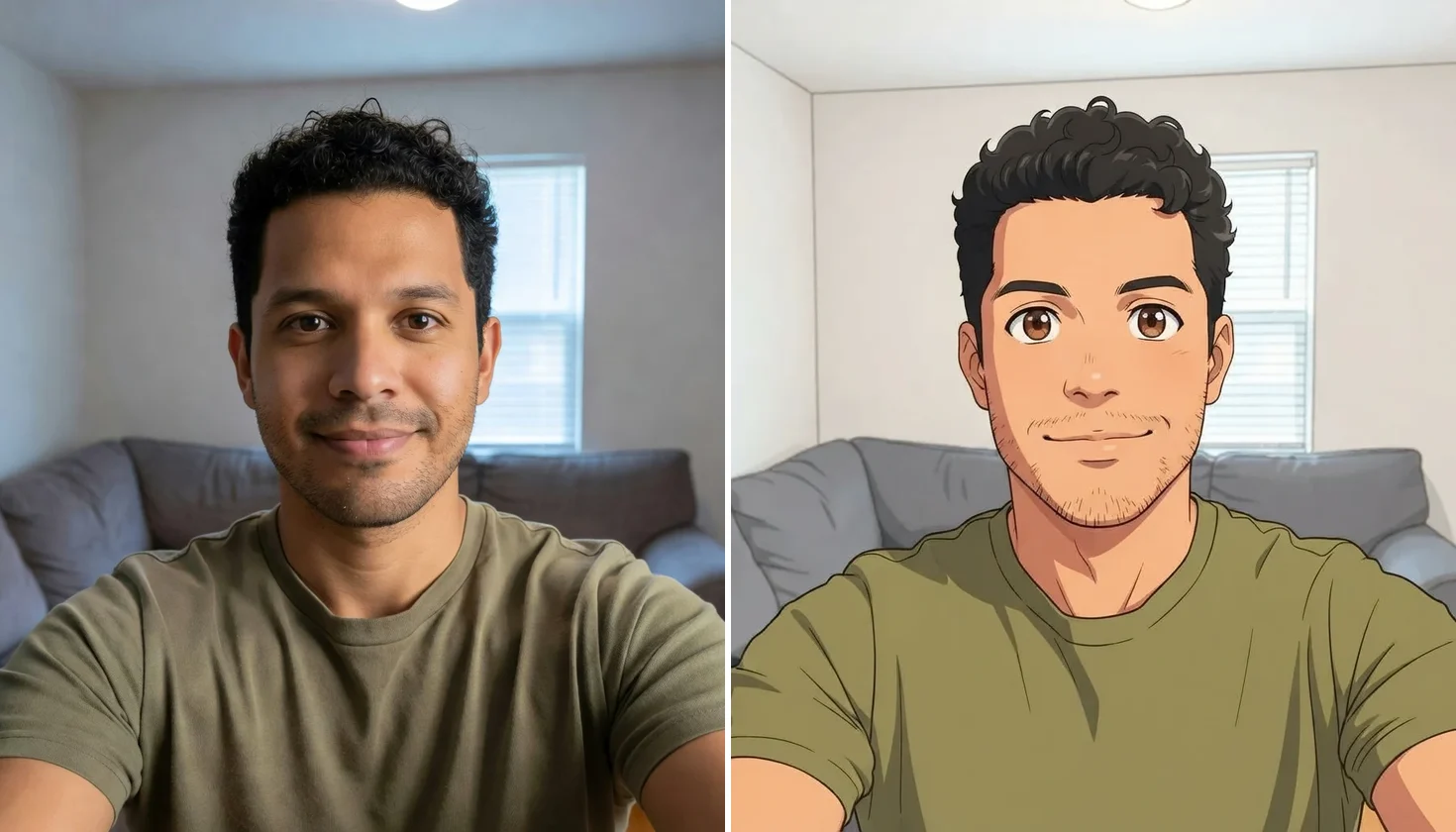
An ordinary living-room selfie redrawn as anime: same curls, stubble and T-shirt, and the room redrawn too.
Redraw a photo as anime, or describe a scene instead.
Follow us and get 20 free credits — about 5 images
Upload only your own photos, or photos you are authorized to use.
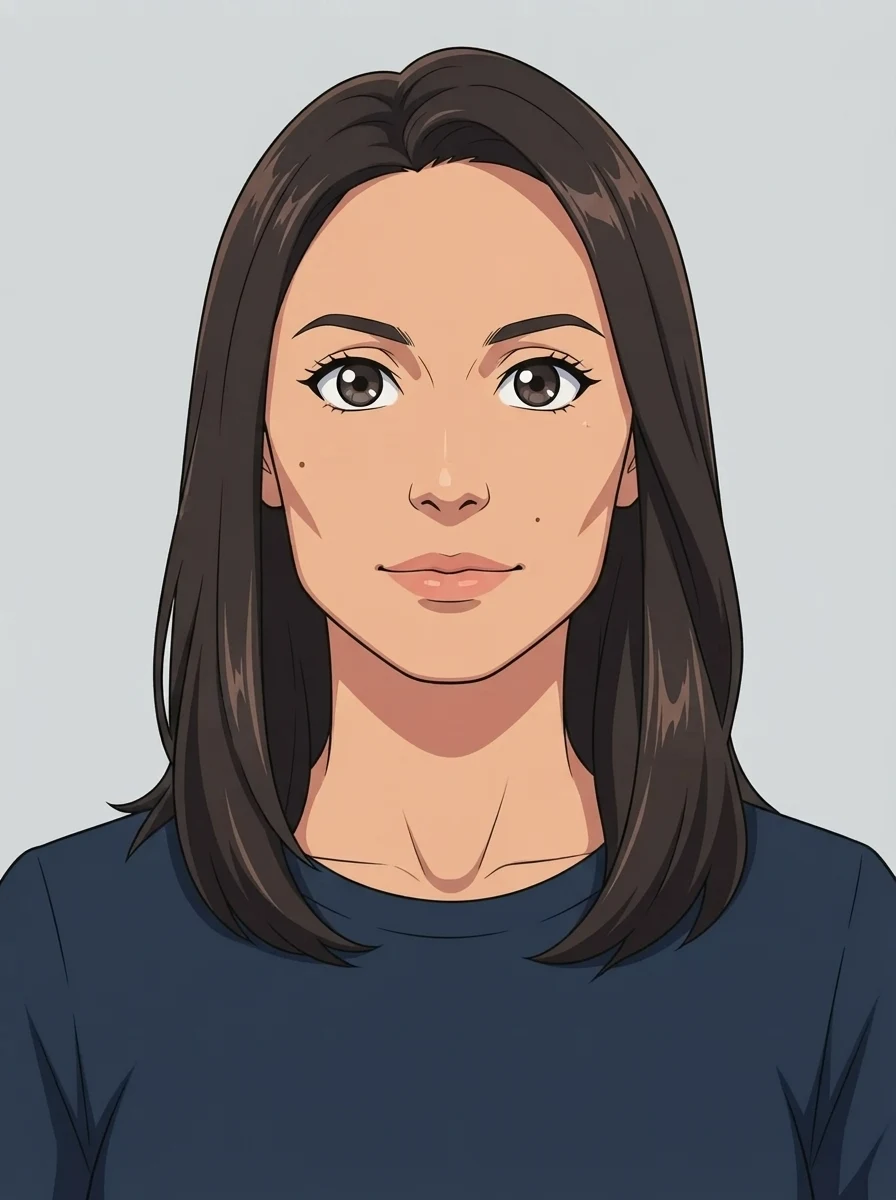
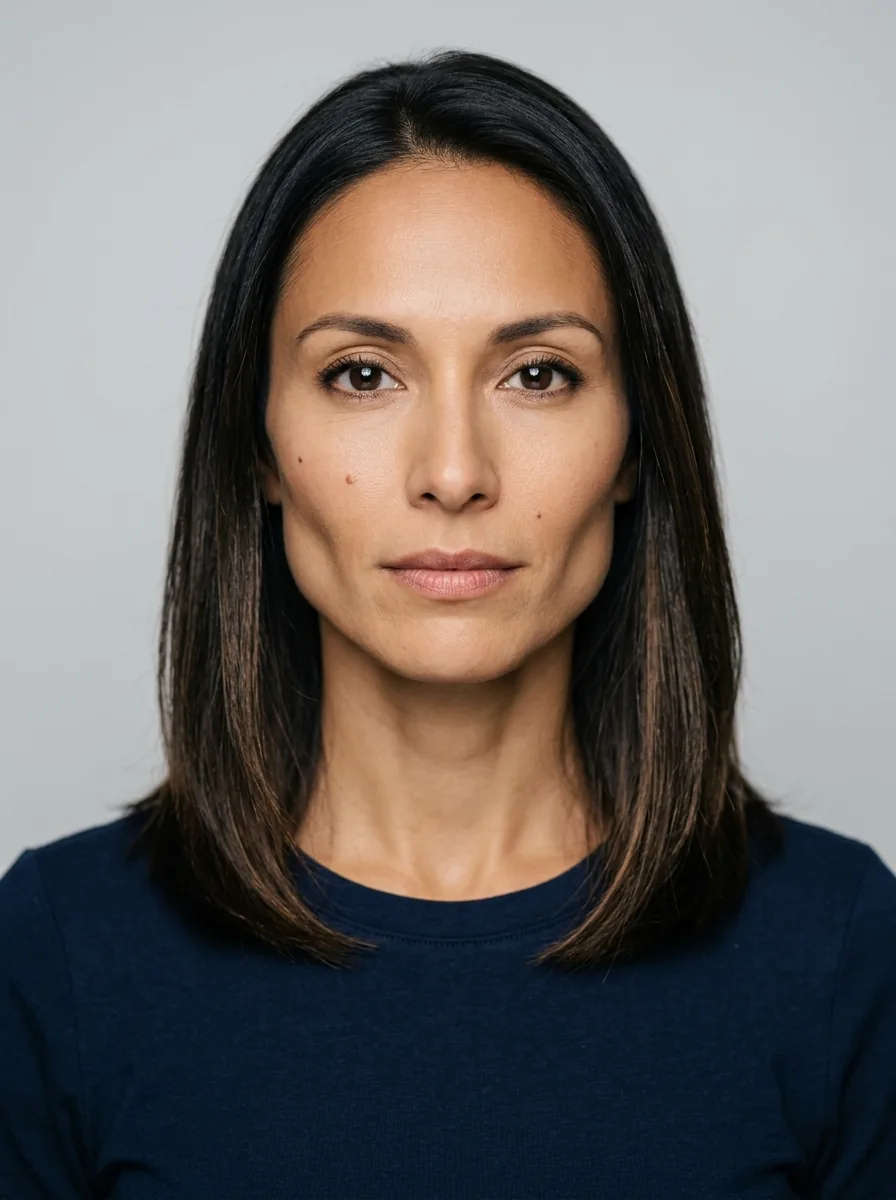
Real model output on a fictional person — drag the handle to compare.
Subscribe for more credits and more models.
Four real results from this page — two started from a photo, two from a sentence of text.
An ordinary living-room selfie redrawn as anime: same curls, stubble and T-shirt, and the room redrawn too.
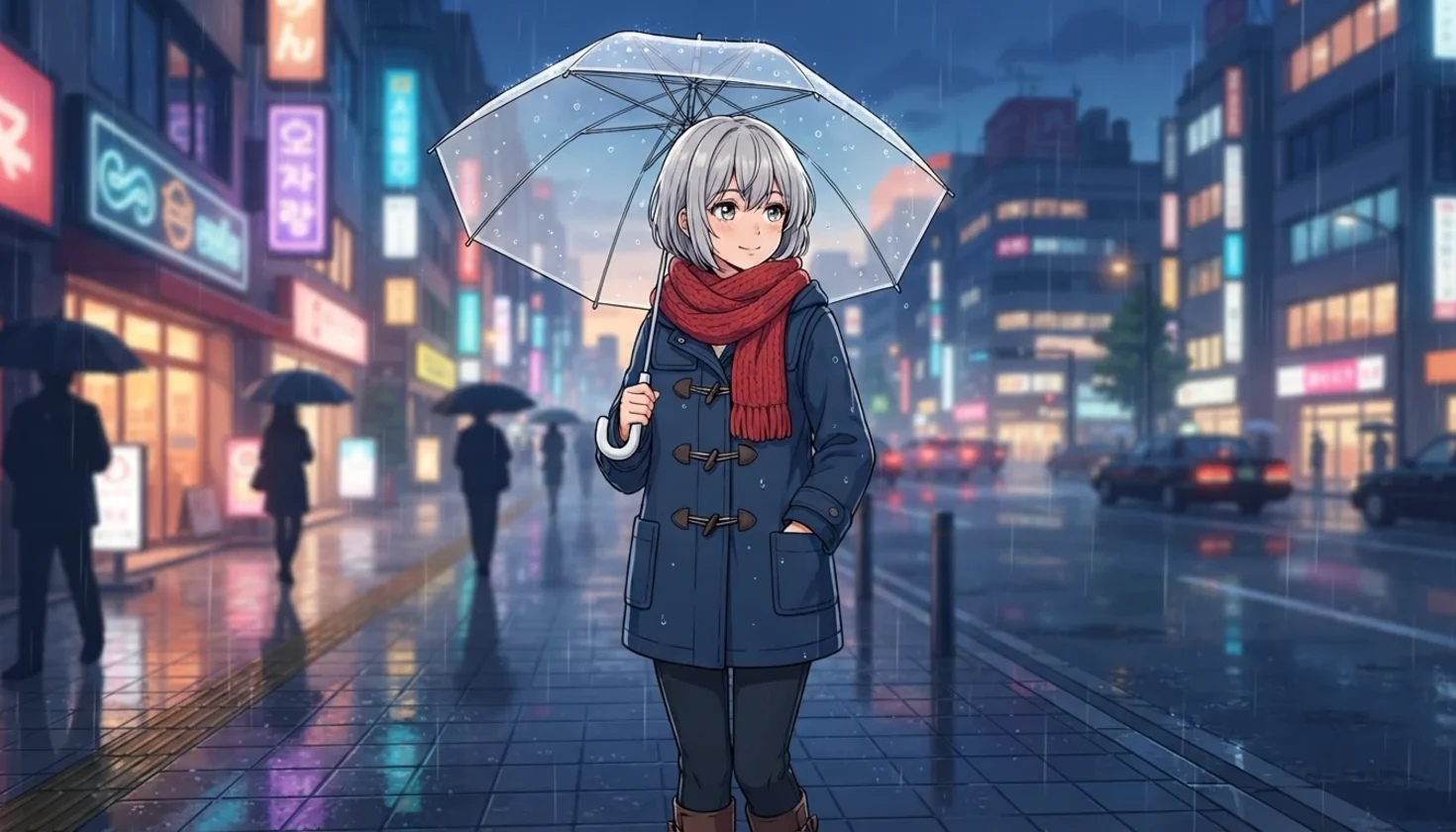
No photo at all: one sentence about a silver-haired girl, a red scarf and a rainy street at dusk.
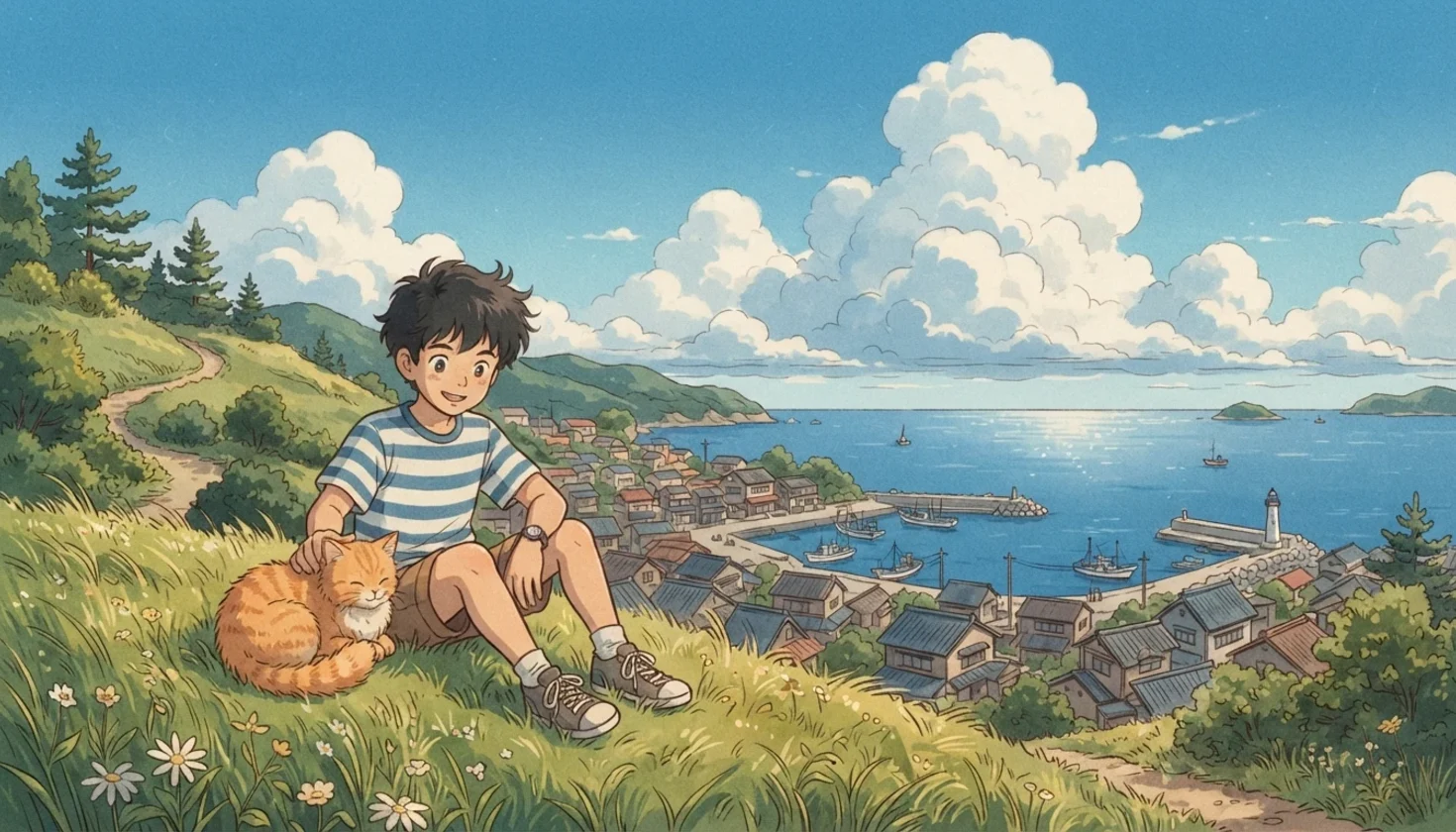
Text to anime in the 90s retro style: a boy, his cat and a seaside town in summer.
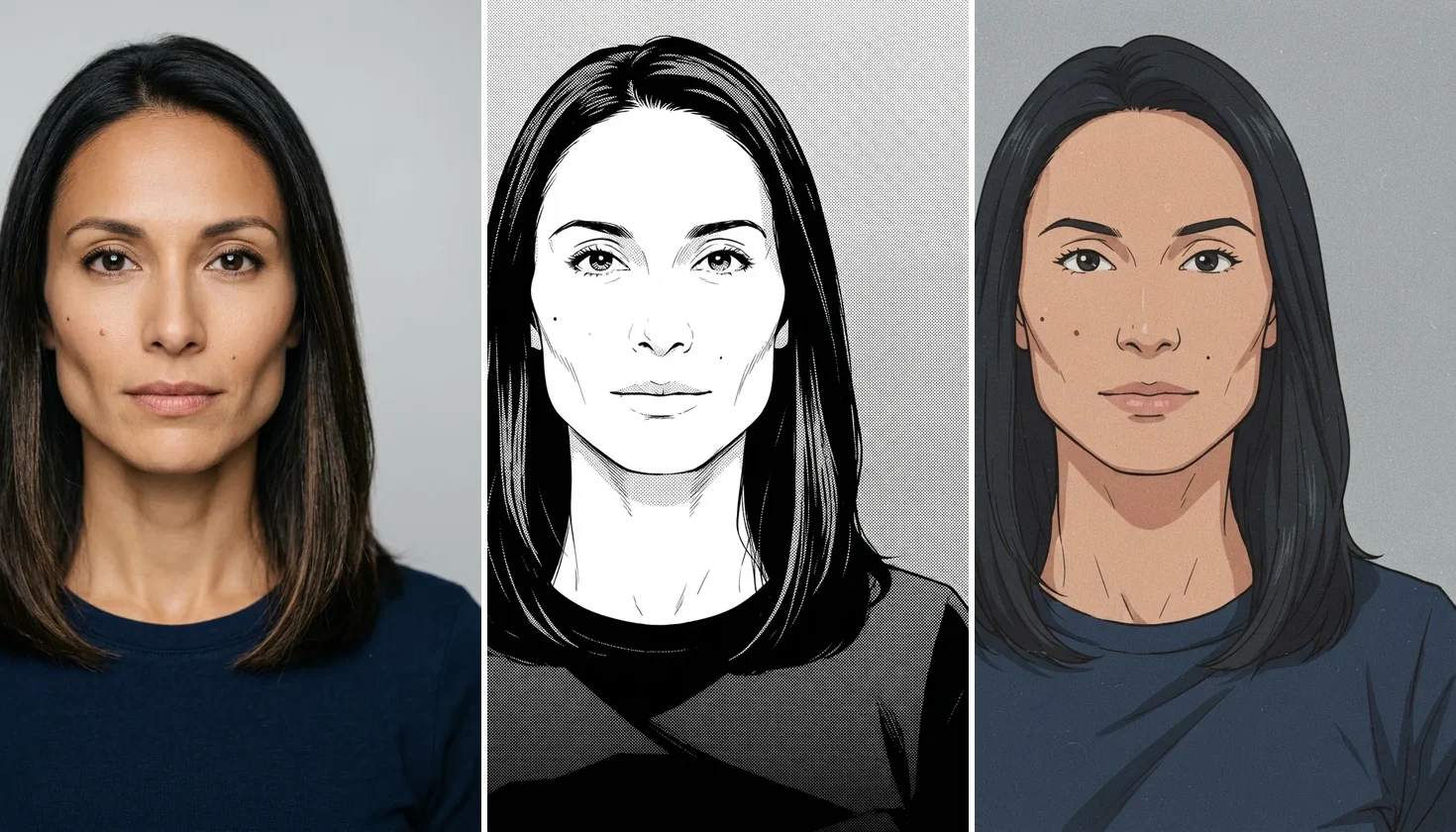
The same portrait as black-and-white manga ink and as a muted 90s retro cel, moles intact.
The tool runs a fast image model; the rest of the platform is one click away.
A follow on X and YouTube earns 20 credits; one image here uses 4.
Open the image workspace for higher-fidelity image models.
Take your anime picture into the video tools for a short moving clip.
The same credits work across image, editing and video tools.
Upload a clear photo above, choose an anime style, and generate — AI redraws the picture with anime line art and cel shading while keeping the face, hair, clothing and pose recognisable. No photo? Leave the upload box empty and describe the character or scene instead; the same AI anime generator draws it from your text. The slider lets you compare the result with your original before you download it.
Want a rounder, Western cartoon look instead of anime? Turn a photo into a cartoon
One tool, two ways in: a photo to redraw, or a description to draw from.
Drop in a JPG, PNG or WebP portrait — or skip it and type a description instead.
Choose Modern anime, Manga or 90s retro, and add anything the result must keep.
Press Generate Anime, compare the result with the slider, then download.
Three ways to get an anime picture, compared on what they actually do. Our column is what we measured on this page.
| What you get | Anime filter app | Text-only anime generator | This page (Recommended) |
|---|---|---|---|
| Starts from | Your photo | A text prompt | Your photo or a text prompt |
| How it works | Recolours and outlines your pixels | Draws a new image | Redraws your photo, or draws from text |
| Looks like you | Yes, but reads as a photo | Not applicable | Yes — face, hair and moles kept in our tests |
| Background | Filtered with the subject | Whatever you describe | Redrawn in the same anime style |
| Styles | Usually one look | Varies by tool | Modern anime, manga, 90s retro, plus your notes |
| Cost | Varies | Varies | 4 credits per image; a follow covers five |
This page runs Nano Banana 2 Lite, one of Google's Gemini image models, in two modes. With a photo, your picture goes in as a reference and the model redraws the whole frame in the anime style you picked — line art, flat cel shading, anime eyes — while holding face shape, hairstyle, clothing and pose. Without a photo it is plain text to anime: your description, the style, and an instruction to keep the characters original. That is why the result reads as anime rather than a cartoon: cartoon styles lean on rounded shapes and thick outlines, anime on thin line work, two-tone shading and large, detailed eyes.
We tested where it holds and where it slips. A clear single portrait keeps the person: on our test face both small moles survived in every style we ship. Pushing harder for exaggerated anime proportions made the eyes bigger but erased the moles, so the default stays one step milder. Telling the model to "keep freckles" made it invent freckles on a face that had none, so the instruction now keeps only marks that are really there. A busy street photo was the weak case in our tests — the people turned anime while parked cars and houses stayed half photographic — so crop to the people first. Text on signs comes out as pseudo-lettering, and we do not draw existing anime characters; describe the look you like instead.
Want more detail or a different engine? The image workspace has GPT Image 2, Nano Banana Pro and the rest of the models, on the same credits.
What happens to a photo you upload here.
Picking a file only previews it on your device. Not one byte is stored until you sign in and click generate.
Uploads land in your private library, never a public gallery, and re-running the same photo stores nothing new.
Remove uploads and results from your library whenever you want.
One plan unlocks every image model, plus the video tools.
For first-time AI content creators
Billed $168 annually
Upgrade PlanSave $72/year
For creators shipping content every week.
Billed $504 annually
Upgrade PlanSave $216/year
For studios and pros producing at commercial scale.
Billed $1680 annually
Upgrade PlanSave $720/year
For first-time AI content creators
Billed monthly
Upgrade PlanFor creators shipping content every week.
Billed monthly
Upgrade PlanFor studios and pros producing at commercial scale.
Billed monthly
Upgrade PlanRenews automatically each year until canceled.
Renews automatically each month until canceled.
Following us on X and YouTube earns 20 free credits, and one image here costs 4, so your first five are covered. After that each image is billed from your credits. The credits are shared with every other tool.
Yes. Upload the photo, pick Modern anime, Manga or 90s retro, and generate. A clear, well-lit photo of one or two people works best; the whole background is redrawn in the same style.
Recognisably, yes — face shape, hair, clothing and pose carry over, and on our test portrait small moles survived. It is a redraw, not a filter, so it is never pixel-exact. Name anything that must stay, such as glasses, in the description box.
Yes. Leave the upload box empty and describe the character or scene — hair, outfit, setting, time of day. The tool then works as a text-to-anime generator and returns a wide 16:9 image in the style you picked.
Three: Modern anime with clean line art and cel shading, black-and-white Manga with screentone, and 90s retro with a muted hand-drawn cel look. The description box refines any of them. We do not offer styles named after studios or shows.
No. The tool is instructed to draw original characters only, and you should not use it to copy a franchise character. You can describe the look you like — the hair, the palette, the era — and get an original character in that spirit.
Anime uses thin line art, flat two-tone cel shading and large, detailed eyes; Western cartoon styles use rounder shapes, thicker outlines and simpler faces. If you want the cartoon look, the photo-to-cartoon tool offers 3D animated, comic and storybook styles.
Yes, with a separate tool. The anime video generator turns a photo into a short anime clip; video runs are billed on their own, at video prices, from the same credit balance.
It depends on what you start from. For a photo you want to keep recognisable, pick a tool that redraws with a reference and shows real before-and-after results. For original art, judge the style range and the price per image.
Redraw a photo or describe a scene — then take it further in Renoise.