Your authorized face
FacePass clears a face you own — or one with written consent — before any swap.
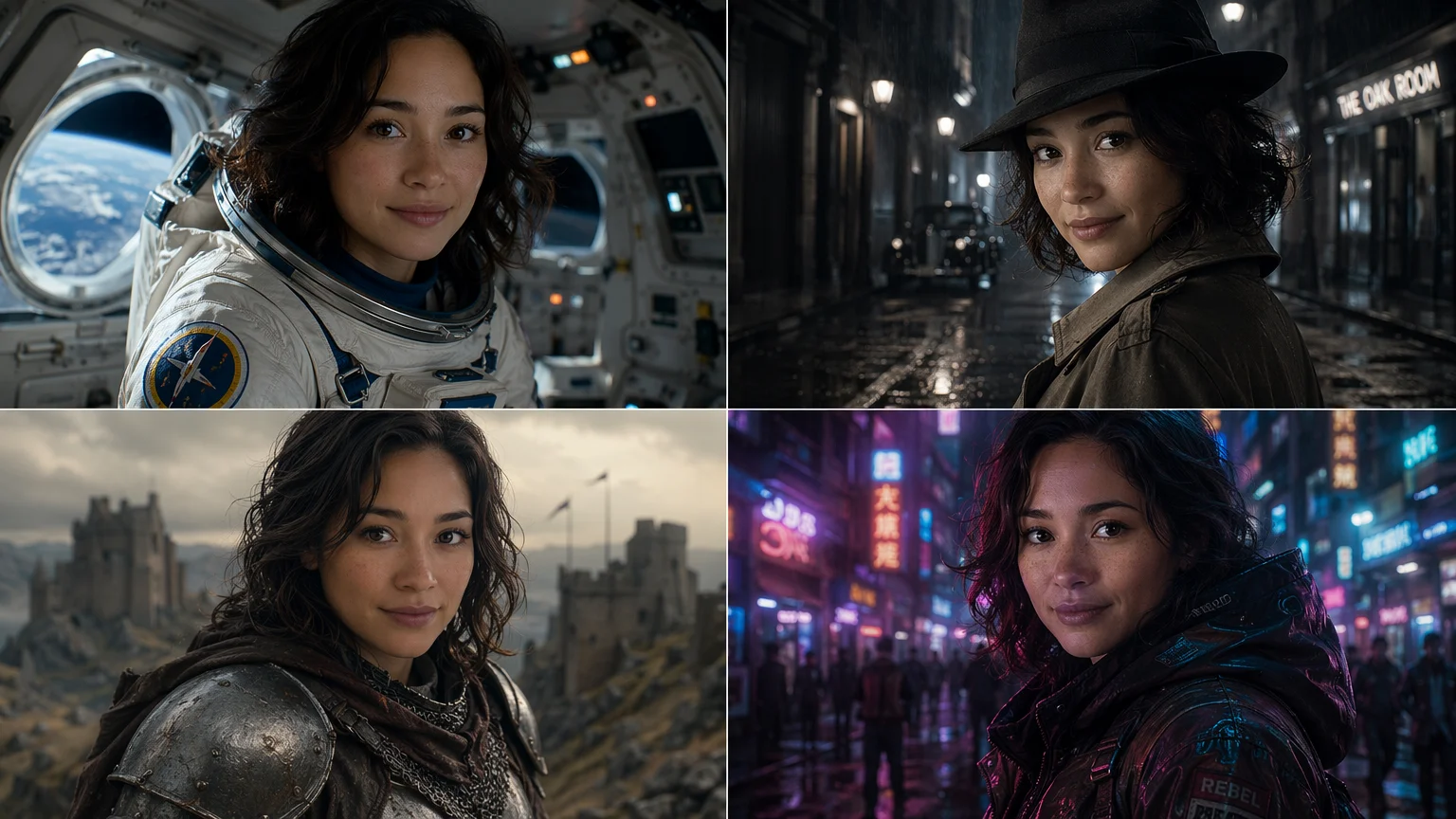
Carry your own authorized face into video — same identity, in motion.
Upload clear photos of your own face and register them as a FacePass so Renoise clears your identity. Then describe a video scene and generate on Kling 3.0 Omni or Seedance 2.0 — your cleared face is carried into the motion. FacePass only works with a face you own or have written consent to use; video clearance can take a little longer than images. No public figures.
Just want a still face swap, not video? See the face swap guide
What an AI face swap video looks like in Renoise.
FacePass clears a face you own — or one with written consent — before any swap.
Carry the cleared face into 3–15s clips on Kling 3.0 Omni or Seedance 2.0.
Kling 3.0 Omni adds native lipsync so the swapped face can speak.
No public figures, celebrities, or minors — authorized likeness only.
From a few selfies to your face moving in a scene.

Drag in clear, front-facing photos and register them as a FacePass. Video clearance takes a little longer.

Write the scene — "walking through a neon city at night, slow dolly-in" — and reference your FacePass.
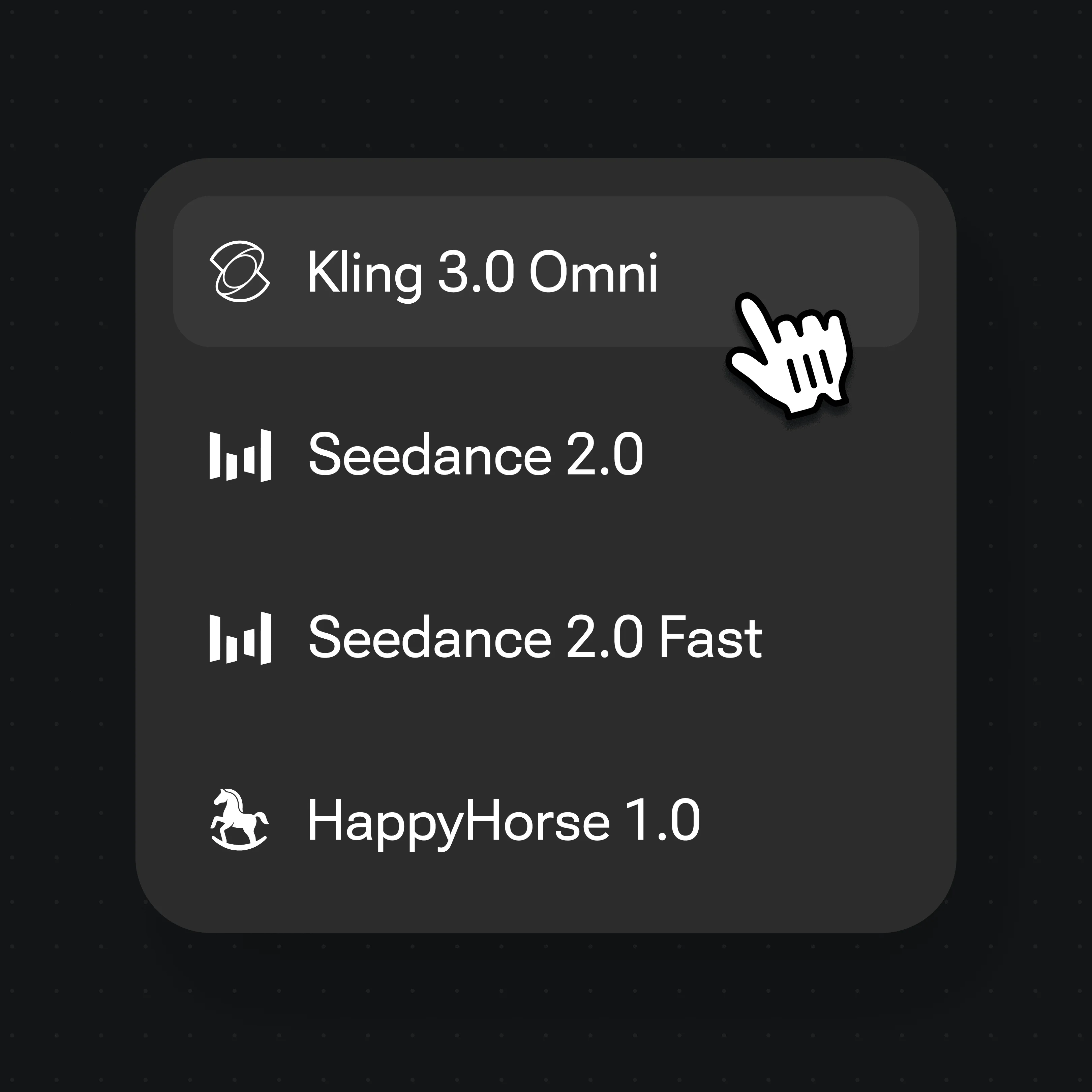
Generate on Kling 3.0 Omni or Seedance 2.0, then stitch clips on the Canvas Timeline.
FacePass holds your identity while the scene moves — generated on Renoise video models, one Canvas.
Drop your cleared face into a dramatic moving shot — identity held across the motion.
Carry one face through a transformation — proof the identity holds while everything else moves.
Your face on a hero in a high-energy clip, generated from a single prompt.
Physics-aware movement keeps the swapped scene believable, not warped.
Both run in the same Renoise Canvas — pick per shot. Kling 3.0 Omni for talking faces and multi-shot; Seedance 2.0 for audio-native video and cinematic 21:9.
| For face swap video | Kling 3.0 Omni | Seedance 2.0 |
|---|---|---|
| Best for | Talking faces, multi-shot | Audio-native, cinematic 21:9 |
| Native lipsync | ✓ | — |
| Works with FacePass | ✓ | ✓ |
| Clip length | 3–15s (≤10s with ref video) | 4–15s, plus Fast mode |
| Resolution | 720p / 1080p | 720p / 1080p |
A face swap video and a deepfake use overlapping technology, but they are not the same — and the difference is consent. A deepfake puts a real person’s face into video without their permission, almost always a public figure or someone who never agreed, and it is built to deceive. That is the use Renoise does not support and most platforms ban. A legitimate AI face swap video starts from a face you are allowed to use: your own, or one where the person gave written consent.
That consent is what FacePass enforces, and video raises the bar. Renoise treats a detectable real human face as an identity that needs authorization, not a free asset, so the model blocks it until you clear it. For video the clearance step can take a little longer than for stills, because moving footage of a real likeness carries more risk — that delay is the guardrail working, not a bug. Public figures, celebrities, and minors are never permitted.
In practice the workflow mirrors a still face swap, with motion added: clear a FacePass, write the scene, and generate on Kling 3.0 Omni — its native lipsync lets the swapped face speak — or Seedance 2.0 for audio-native, cinematic shots. Keep the framing and identity reference consistent across clips, stitch them on the Canvas Timeline, and you get a coherent video of a face you are authorized to use, in motion.
Face swap video leans on a few things — FacePass for the identity, plus the video models on one Canvas.
Clear your own face once; your identity stays locked across every clip and model.
Native lipsync and multi-shot so a swapped face can talk and act across cuts.
Audio-native, cinematic video from a single prompt, up to 1080p.
Stitch clips into a longer face swap video with cuts and transitions.
One plan unlocks FacePass, Kling 3.0 Omni, Seedance 2.0, and every other model.
Clear a FacePass and generate, with watermark-free exports on paid plans.
Register your own photos as a FacePass, then describe a video scene and generate on Kling 3.0 Omni or Seedance 2.0. Your cleared face is carried into the motion, so the result is recognizably you moving in the scene, not a generic character.
Only a face you are authorized to use — your own, or someone with written consent. FacePass requires that clearance, and detectable real faces are blocked until they pass it. Public figures, celebrities, and minors are not permitted.
No. A deepfake uses a real face in video without permission to deceive. A face swap video in Renoise starts from a cleared, authorized identity through FacePass. The technology overlaps; the difference is consent, which Renoise enforces.
Kling 3.0 Omni when the face needs to talk — its native lipsync syncs speech — or for multi-shot sequences. Seedance 2.0 for audio-native, cinematic shots and 21:9 framing. Both work with FacePass on the same Canvas, so you can switch per shot.
Each clip runs 3–15 seconds depending on the model. For a longer video, stitch multiple clips on the Canvas Timeline with cuts and transitions, keeping the same FacePass identity across every clip.
Moving footage of a real likeness carries more risk than a still, so FacePass runs a more careful review before a face can be used in video. The image clearance is near-instant; video clearance can take a little longer. It is the consent guardrail working as intended.
Renoise video models output 720p or 1080p. The 4K tier applies only to the image models, not video. Generate at 1080p for publishing to social or short-form platforms.
