Cartoonify a photo you already have
Drop in any photo and restyle it as a cartoon in seconds.
Turn a photo into a cartoon or design original characters.
Open Canvas, then either drop in a photo to cartoonify it or describe an original character. Pick a style — 3D Pixar-look, flat 2D Western cartoon, vector avatar, or exaggerated caricature — and generate on Nano Banana Pro or Midjourney V7. Iterate the style and export at high resolution.
Want Japanese anime style instead? Try the AI anime generator
What a cartoon session looks like in Renoise.
Drop in any photo and restyle it as a cartoon in seconds.
3D Pixar-look, flat 2D, vector avatar, or exaggerated caricature.
Export cartoons at 1K, 2K, or 4K on Nano Banana Pro.
From a photo or a prompt to a finished cartoon character.

Open Canvas and either drag in a photo to cartoonify or start from a blank prompt for an original character.

Write the brief — "3D Pixar-style character, big eyes, soft lighting" or "flat 2D Western cartoon, bold outlines".
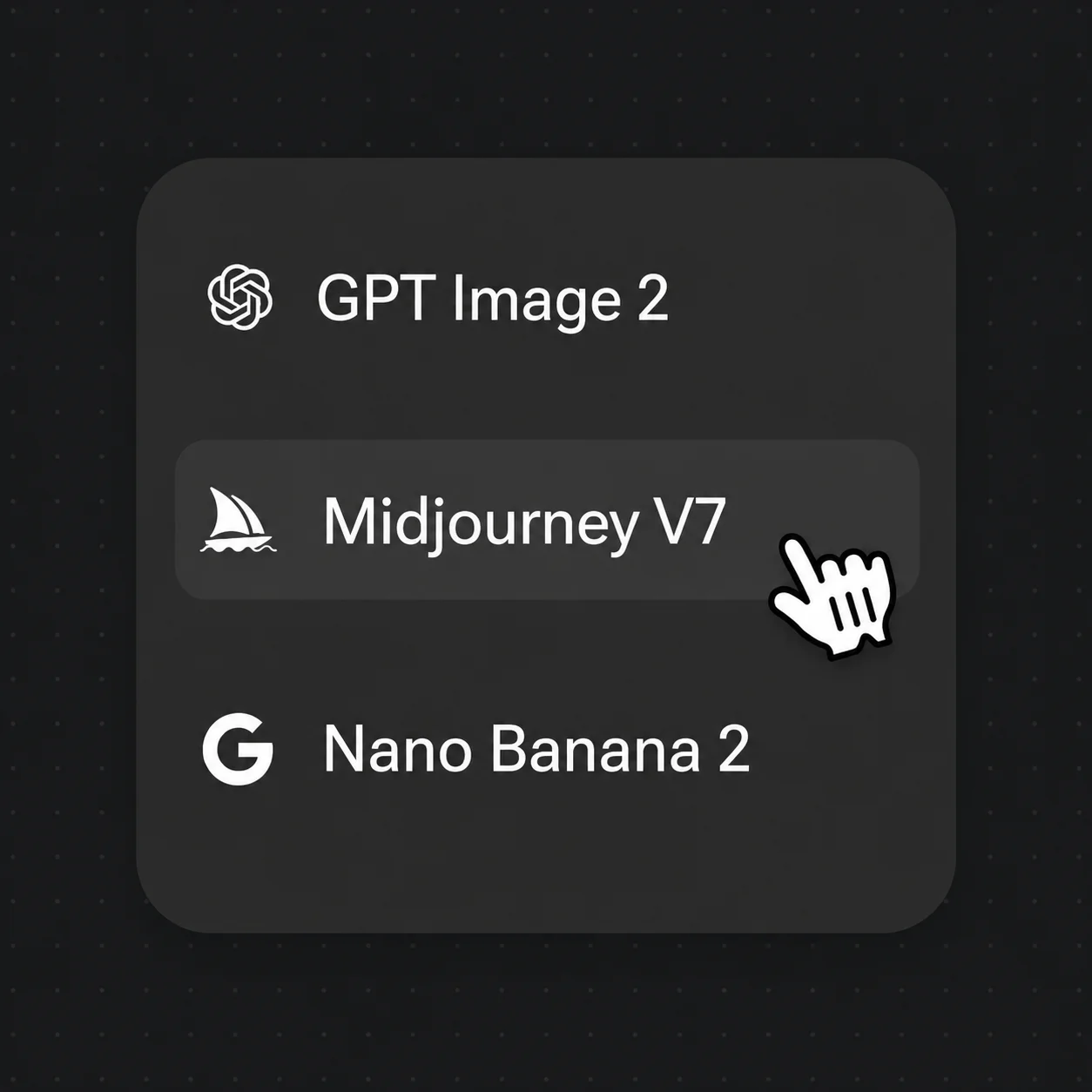
Pick Nano Banana Pro or Midjourney V7 from the model bar, generate, then export at up to 4K.
The same idea rendered four ways — switch the brief, switch the model, keep it all in one canvas.
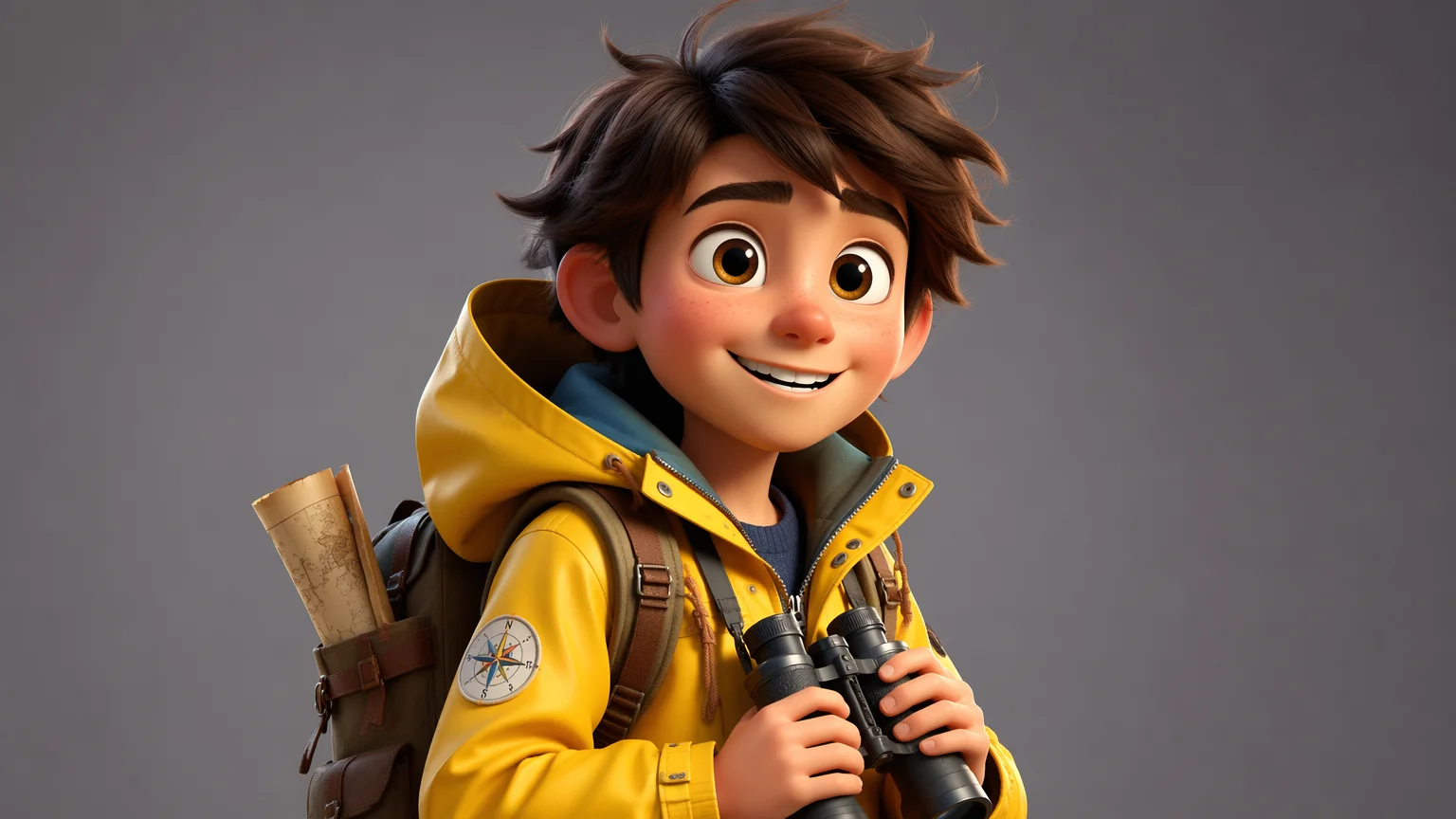
A glossy 3D character with big eyes and soft lighting — the animated-movie look.
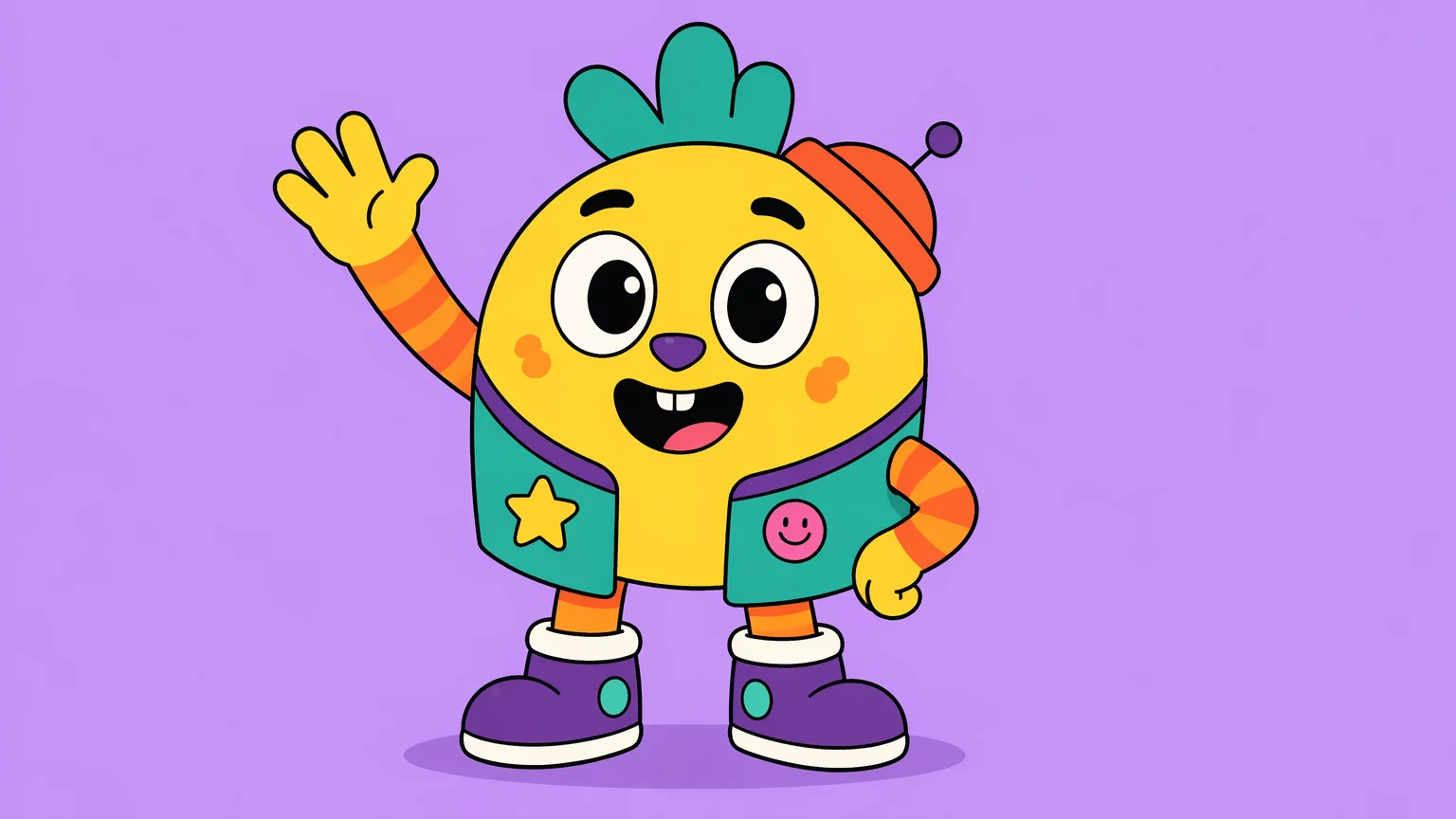
Bold outlines and flat color blocks in the classic Western cartoon style.
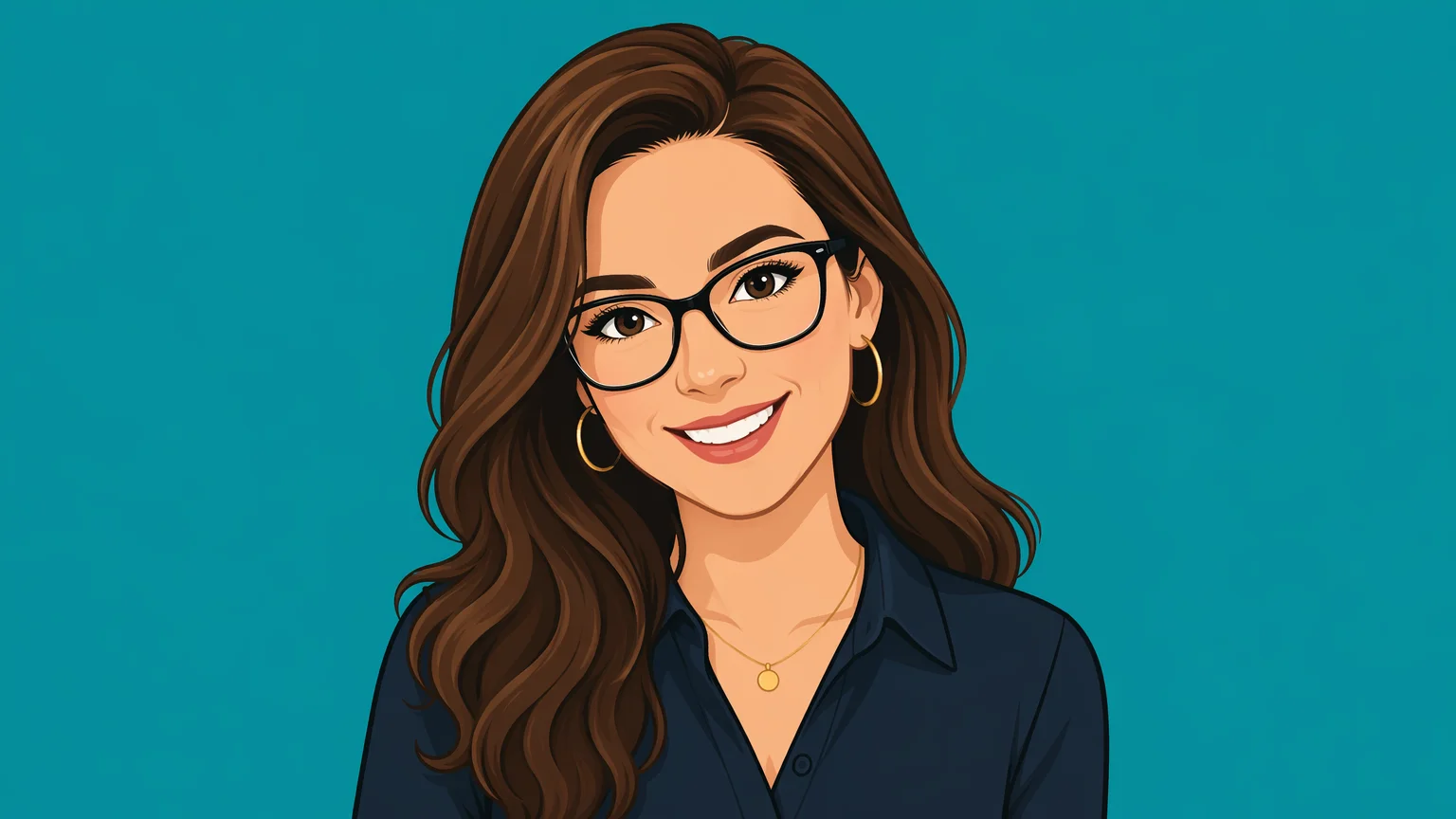
A clean photo-to-cartoon vector avatar — perfect for profile pictures.
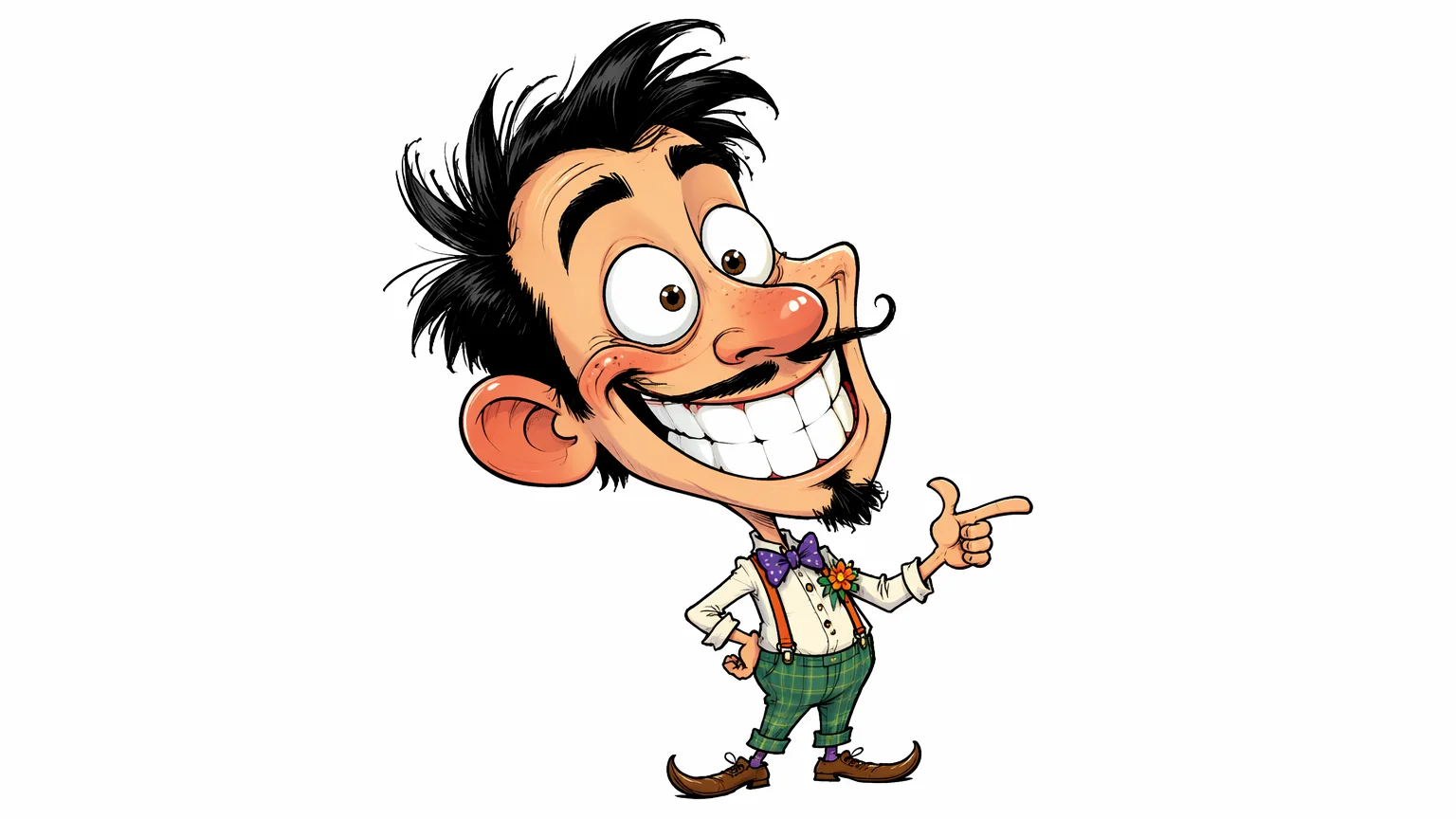
Exaggerated features and a playful pose for a true caricature.
Both live in the same Renoise canvas — pick by what the look needs. Nano Banana Pro for photo-to-cartoon, text, and 4K export; Midjourney V7 for stylized, painterly character art with four variations per run.
| For cartoons | Nano Banana Pro (Recommended) | Midjourney V7 |
|---|---|---|
| Best for | Photo-to-cartoon and clean styles | Stylized character art |
| Resolution | 1K / 2K / 4K | Auto |
| Renders text | ✓ | — |
| Variations per run | 1 | 4 |
| Reference images | Up to 14 | Up to 4 |
| Same canvas | ✓ | ✓ |
Cartoon and anime are both stylized, non-photoreal looks, but they come from different traditions and you prompt them differently. "Cartoon" usually means the Western lineage: bold outlines and flat color blocks (think flat 2D TV animation), glossy 3D characters with oversized eyes (the Pixar/DreamWorks look), clean vector avatars, or exaggerated caricatures. Anime is the Japanese style — cel-shaded faces, large detailed eyes, screentone textures, and lineart-heavy compositions. They overlap visually, but the terminology and references you reach for are distinct.
That distinction matters at the prompt level. For a cartoon you lean on words like "flat 2D Western cartoon, bold outlines", "3D Pixar-style, soft global illumination", "vector avatar, minimal shading", or "caricature, exaggerated features". For anime you would instead prompt "cel-shaded", "anime lineart", or "chibi". Same model, very different output.
In Renoise, generate cartoons on Nano Banana Pro when you are cartoonifying a photo or want clean styles with text and 4K export, and reach for Midjourney V7 when you want painterly, stylized character art — both in one Canvas. If you specifically want the Japanese cel-shaded look, the anime guide covers that workflow instead.
Cartoons lean on a few things — and Renoise gives you Nano Banana Pro, Midjourney V7, and many other image models in one canvas.
Cartoonifies photos and renders clean styles with text, up to 4K.
Returns four stylized character variations per run for painterly cartoons.
Switch models per shot without leaving the Canvas workflow.
Export print-ready cartoons at 1K, 2K, or 4K on Nano Banana Pro.
One plan unlocks Nano Banana Pro, Midjourney V7, and every other image model.
For first-time AI content creators
Billed $168 annually
Upgrade PlanSave $72/year
For creators shipping content every week.
Billed $504 annually
Upgrade PlanSave $216/year
For studios and pros producing at commercial scale.
Billed $1680 annually
Upgrade PlanSave $720/year
For first-time AI content creators
Billed monthly
Upgrade PlanFor creators shipping content every week.
Billed monthly
Upgrade PlanFor studios and pros producing at commercial scale.
Billed monthly
Upgrade PlanRenews automatically each year until canceled.
Renews automatically each month until canceled.
Generate cartoons across many styles with watermark-free exports on paid plans.
You either upload a photo to restyle as a cartoon or describe an original character from scratch. Renoise generates it on Nano Banana Pro or Midjourney V7 in Canvas, and you pick the style — 3D, flat 2D, vector, or caricature — in the prompt.
Yes. Drop a photo onto the Canvas and prompt the style you want, like "vector cartoon avatar" or "3D Pixar-style". Nano Banana Pro handles photo-to-cartoon well and exports up to 4K for profile pictures or prints.
Renoise covers the main Western looks: glossy 3D Pixar-style characters, flat 2D cartoons with bold outlines, clean vector avatars, and exaggerated caricatures. Spell the style out in the prompt and switch freely between them in one canvas.
Nano Banana Pro for photo-to-cartoon, clean styles, text, and 4K export. Reach for Midjourney V7 when you want painterly, stylized character art with four variations per run. Both live in the same canvas, so you can switch per shot.
Yes. Prompt a clean vector or flat 2D look from your photo, then export at 2K or 4K for a profile picture. Generate a few variations and pick the framing and expression that fits best.
Yes. Prompt "caricature, exaggerated features, playful pose" and the model amplifies distinctive traits while keeping the look recognizable. Midjourney V7 is a good pick here for its stylized, painterly character art.
On Nano Banana Pro you can export at 1K, 2K, or 4K. Choose 1K for web, 2K for most uses, or 4K for print and large displays. Midjourney V7 returns auto-sized images without a manual resolution choice.
Watermark-free exports are available on paid plans. Generate your cartoon, settle on the style and resolution you want, and export a clean image for avatars, stickers, prints, or social content.