One face
One original character carried across every reaction so the pack feels like a set.
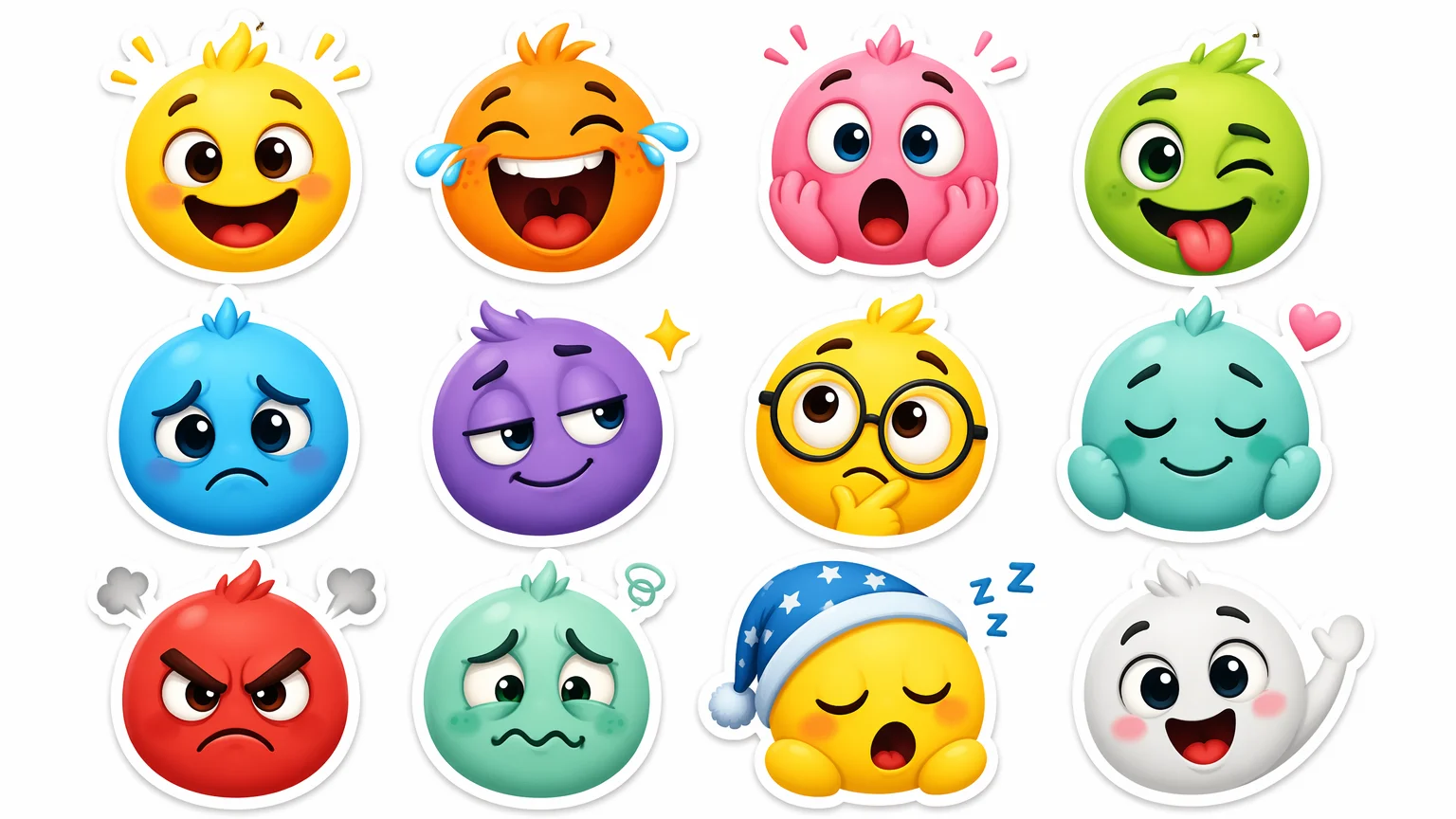
Generate matched custom emoji — one expressive face, every reaction.
Describe one original character, then generate a reaction set — happy, laugh, cry, angry — on Nano Banana 2 in Renoise Canvas. Keep the same face across every emoji, export each on a transparent background, and upload the pack to Slack or Discord. Generate the whole set in one canvas so the style stays consistent.
Want larger die-cut decorative art instead of small reaction faces? Try the sticker generator
What a custom emoji set looks like in Renoise.
One original character carried across every reaction so the pack feels like a set.
Export each emoji on a transparent background, ready to drop into chat.
Nano Banana 2 renders a full reaction pack in 15-60s per image.
From one character to a matched reaction pack for Slack or Discord.

Open Canvas and describe one original character — "round kawaii blob, big eyes, simple flat colors, thick outline".
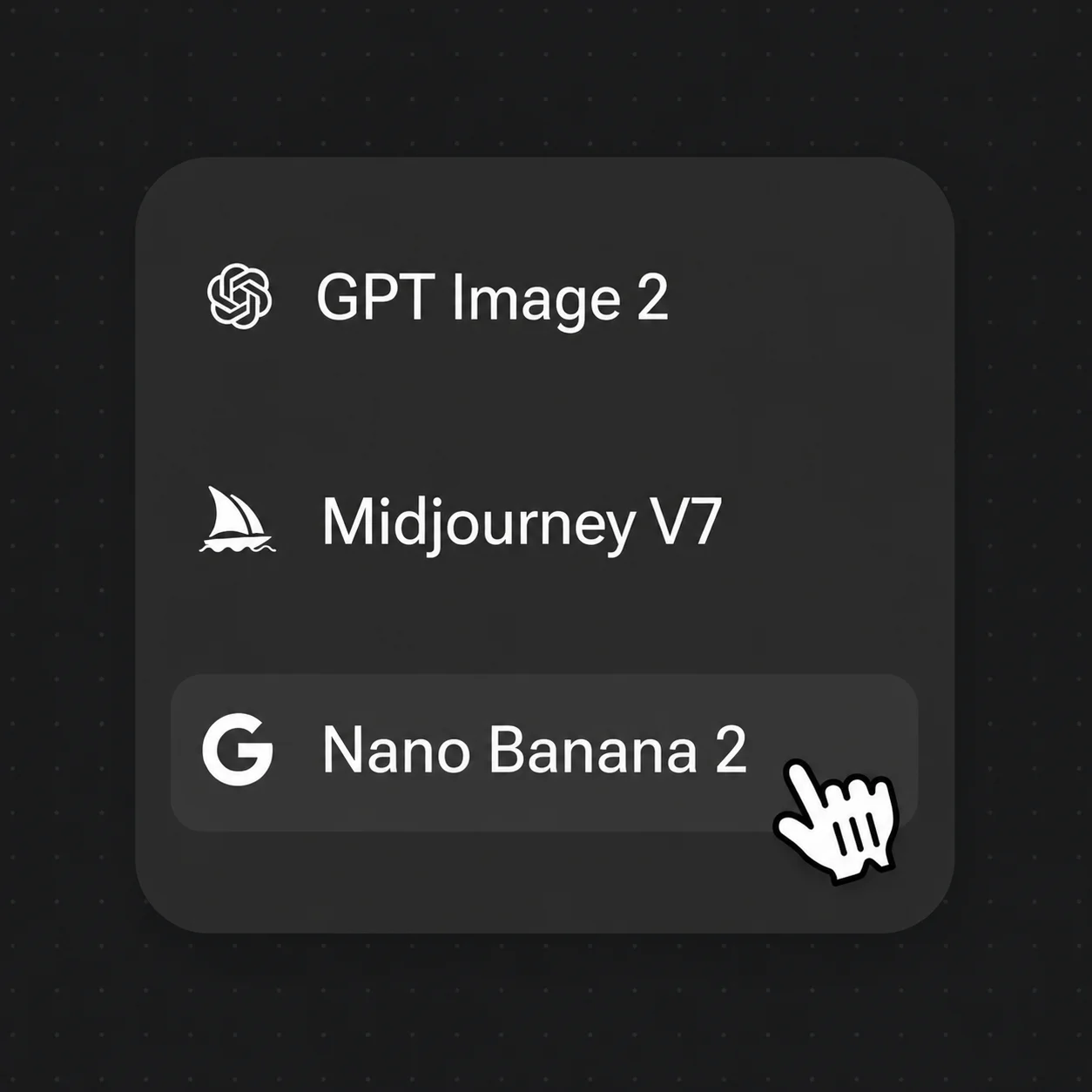
Pick Nano Banana 2, then generate each expression — happy, laugh, cry, angry — keeping the same face and style.
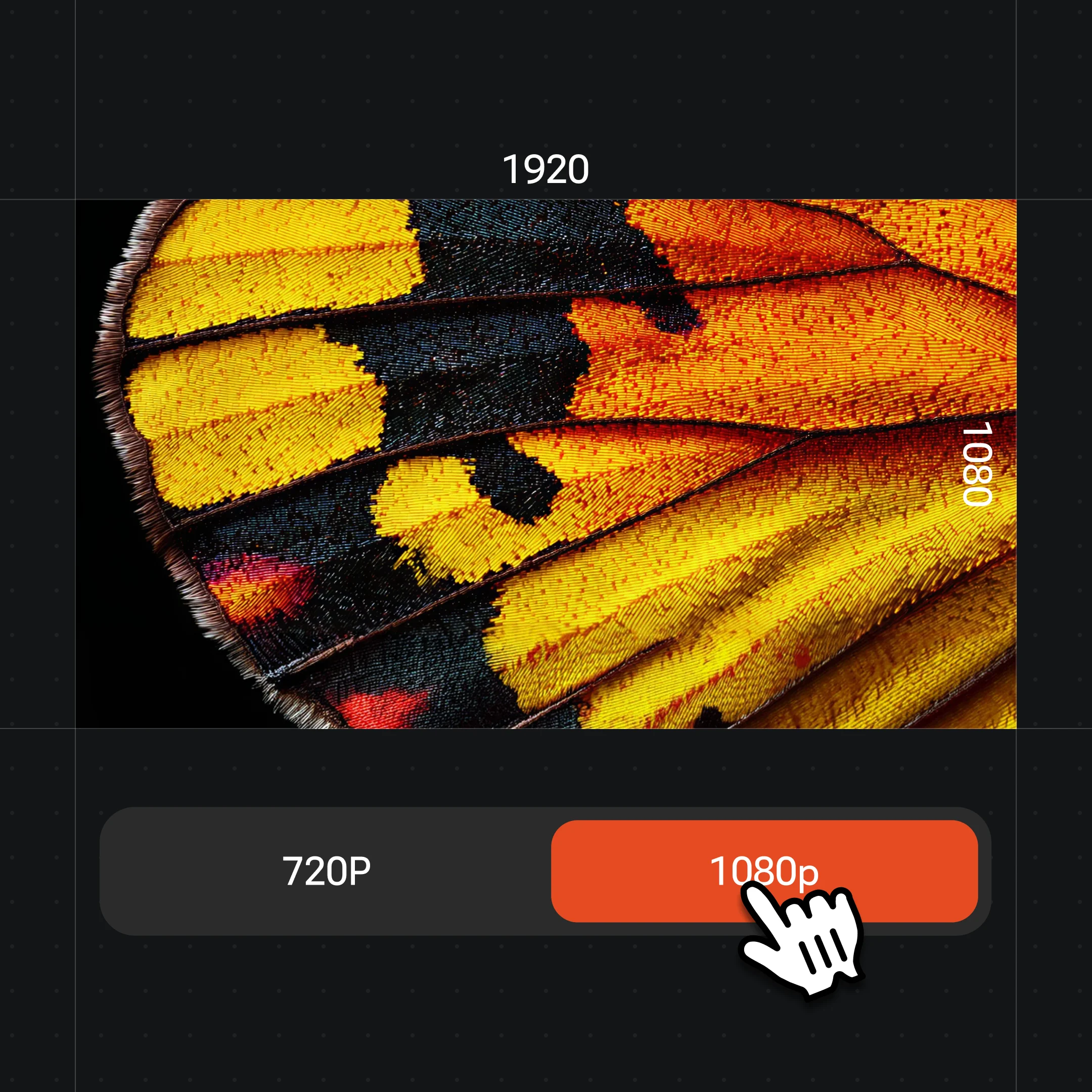
Export each emoji on a transparent background at 1K, then upload the pack to Slack or Discord.
Original kawaii faces rendered as a matched emoji set — same character, consistent style.
Happy and laughing expressions of one original character — the core of a chat reaction pack.
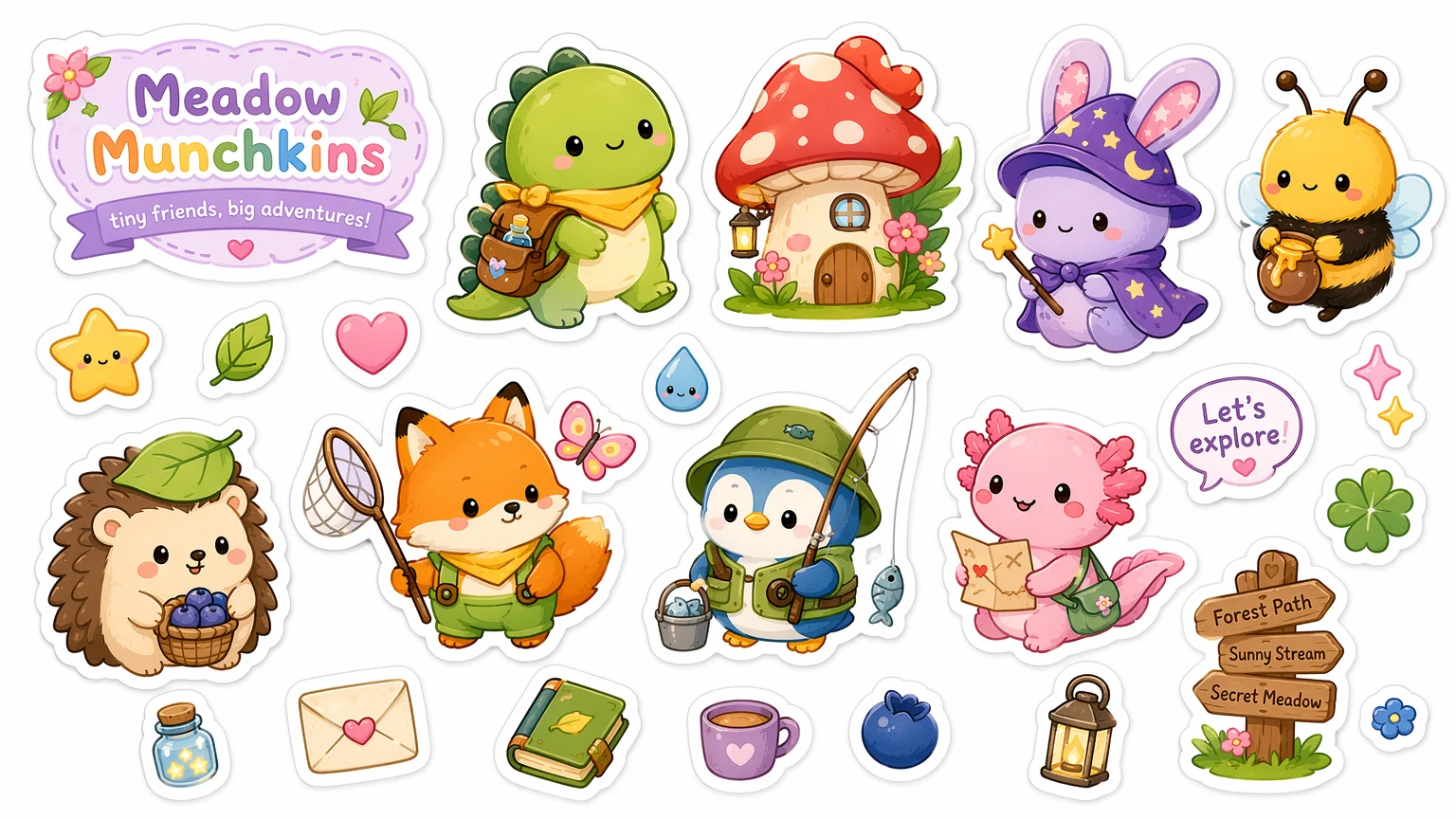
A single expressive face on a clean background, ready to export transparent for chat.
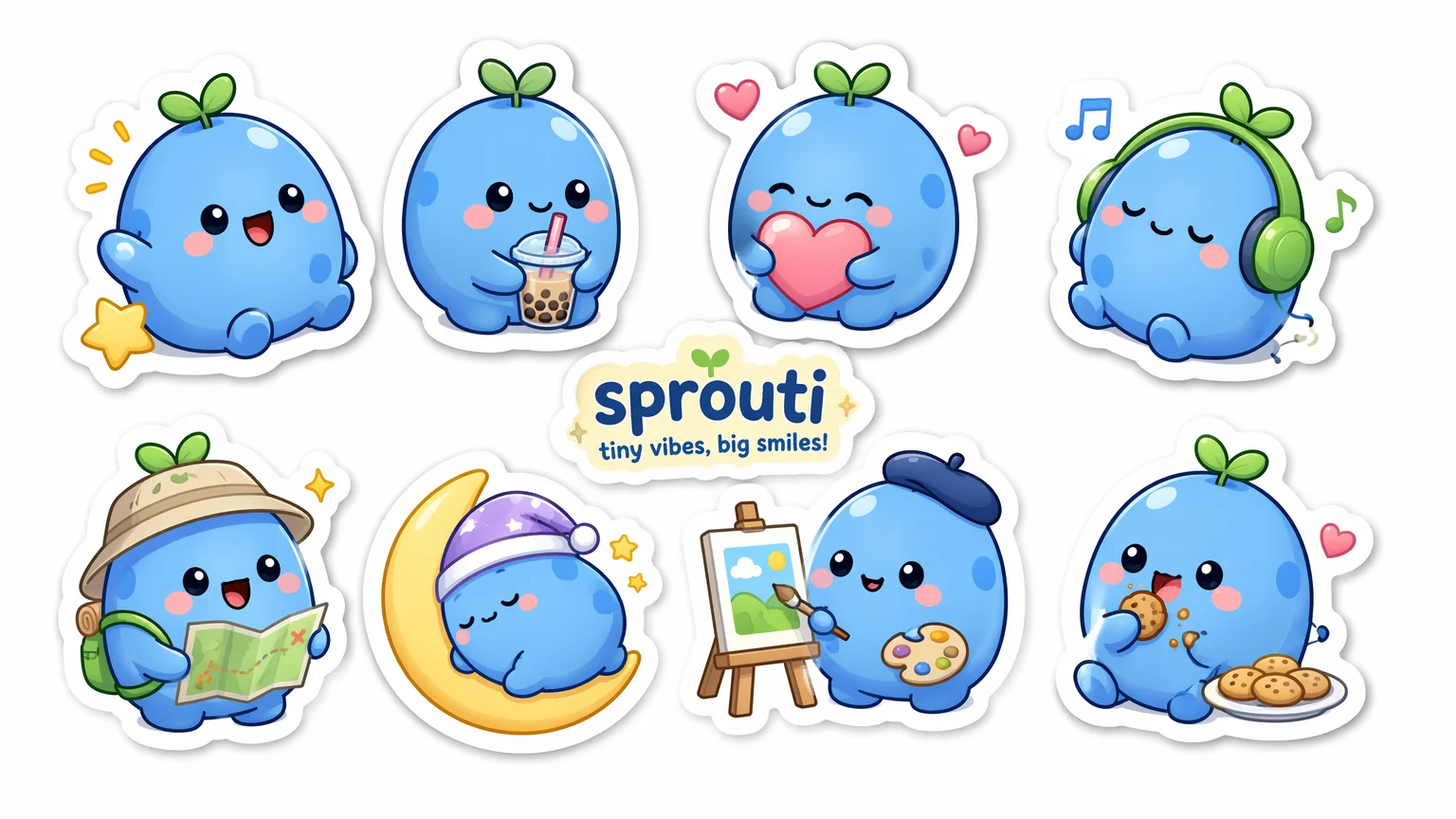
The same character idea rendered in different emoji styles — pick the look that fits your server.
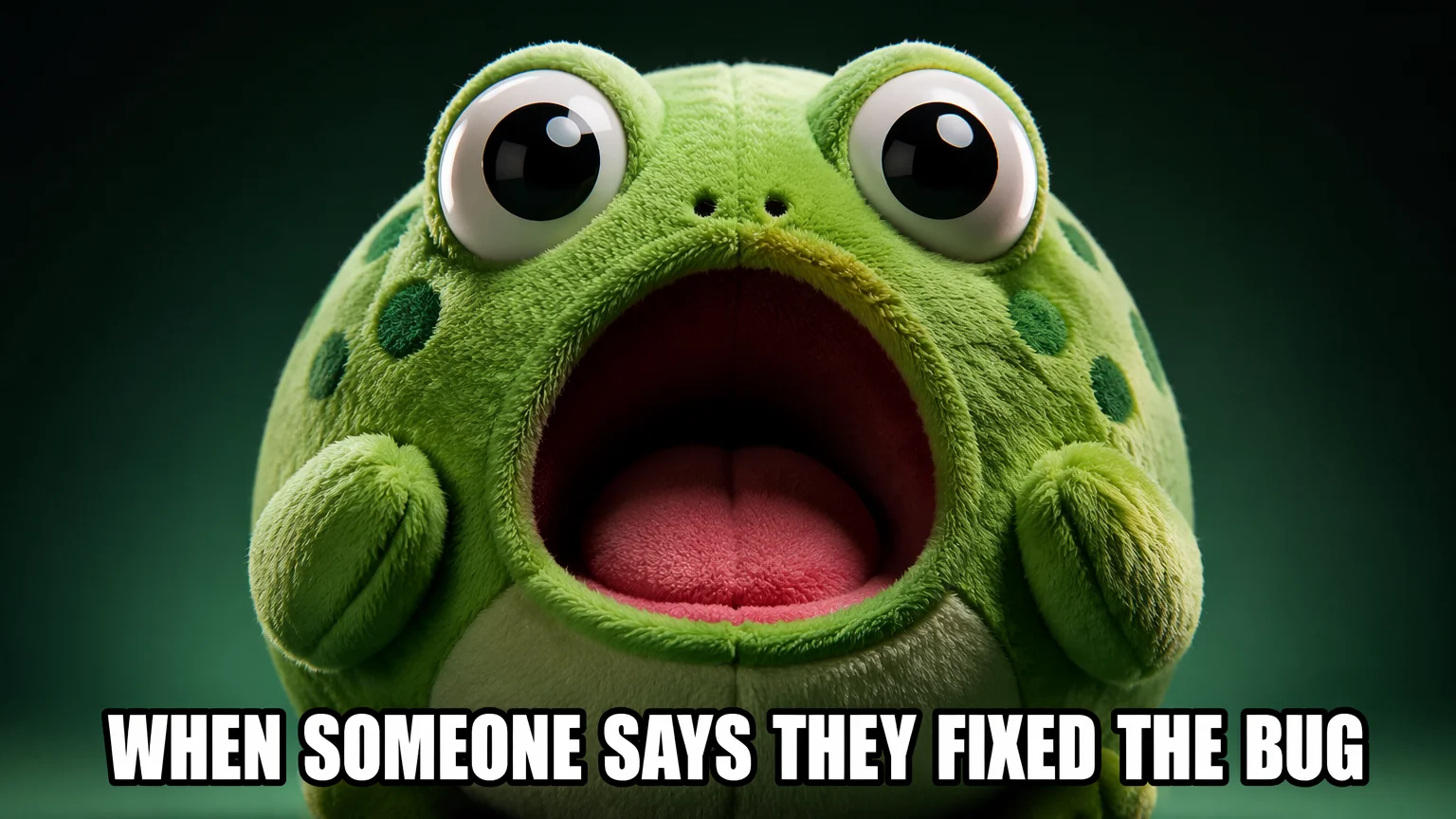
Bigger emotional beats — useful when one emoji needs to carry the whole reaction.
Both live in the same Renoise canvas — pick by what the set needs. Nano Banana 2 for fast, cheap, on-style sets; GPT Image 2 when the brief is precise and instruction-heavy.
| For emoji | Nano Banana 2 (Recommended) | GPT Image 2 |
|---|---|---|
| Best for | Fast, consistent sets | Precise instructions |
| Speed | 15-60s | 20-90s |
| Max resolution | 4K | 4K |
| Transparent export | ✓ | ✓ |
| Same canvas | ✓ | ✓ |
Emoji and stickers solve different jobs in chat, and an AI emoji generator earns the word "emoji" only when the output fits the slot emoji actually live in. An emoji is small — it renders inline at text size in Slack or Discord, so it has to read at roughly 32-128px. That forces a tight, simple design: one expressive face, bold flat colors, a thick readable outline, and minimal detail that survives shrinking. A sticker is the opposite — a larger die-cut piece of decorative art that posts as its own message bubble, with room for a full body, props, and fine linework.
The practical difference shows up in the prompt. For emoji you want "centered face, big eyes, flat colors, thick outline, simple shape, transparent background" and you crop tight on the expression. For stickers you open the frame and add scene, pose, and a white die-cut border. Same character, different framing and detail budget.
In Renoise the workflow is built for the emoji case: describe one original character, generate the reaction set on Nano Banana 2 so the style holds across happy, laugh, cry, and angry, then export each face transparent at 1K. Keep the face and outline cues verbatim across the set — that consistency is what makes a pack feel like real emoji rather than a pile of unrelated drawings.
Custom emoji lean on a few things — Renoise gives you Nano Banana 2, transparent export, and many image models in one canvas.
Renders fast, on-style reaction sets so a whole emoji pack stays consistent.
Export each emoji on a transparent background, ready for Slack or Discord.
Switch between Nano Banana 2, GPT Image 2, and other image models per set.
Export small for inline emoji or large if you also want sticker-sized art.
One plan unlocks Nano Banana 2, GPT Image 2, and every other image model.
For first-time AI content creators
Billed $168 annually
Upgrade PlanSave $72/year
For creators shipping content every week.
Billed $504 annually
Upgrade PlanSave $216/year
For studios and pros producing at commercial scale.
Billed $1680 annually
Upgrade PlanSave $720/year
For first-time AI content creators
Billed monthly
Upgrade PlanFor creators shipping content every week.
Billed monthly
Upgrade PlanFor studios and pros producing at commercial scale.
Billed monthly
Upgrade PlanRenews automatically each year until canceled.
Renews automatically each month until canceled.
Generate custom emoji sets with watermark-free exports on paid plans.
You describe one original character, then generate each expression — happy, laugh, cry, angry — on an image model like Nano Banana 2. Keeping the same face and style across the set gives you a matched emoji pack instead of unrelated drawings.
An emoji is small and renders inline at text size, so it stays a simple expressive face. A sticker is larger die-cut decorative art that posts as its own message. Renoise makes both — emoji here, stickers in the sticker guide.
Yes. Prompt for a transparent background and export each face transparent at 1K so it drops cleanly into Slack or Discord without a colored box around it. Keep the design centered and tightly cropped on the expression.
Nano Banana 2 for most emoji — it is fast and cost-effective and holds a consistent style across a reaction set. Reach for GPT Image 2 when your brief is precise and instruction-heavy. Both live in the same canvas, so you can switch per set.
Describe one original character and reuse the same face, color, and outline cues in every prompt — change only the expression. Generating the set in one canvas on Nano Banana 2 keeps the style aligned across happy, laugh, cry, and angry.
Yes. Export each emoji transparent at 1K and upload it as a custom emoji in Slack or as a server emoji in Discord. Small, simple designs with a thick outline read best at the size emoji render inline.
Keep emoji to original characters or art you have the rights to. Do not generate emoji of celebrities, brand mascots, or anyone without consent. Designing an original kawaii character avoids likeness and IP issues entirely.
For Slack, Discord, and chat reactions, yes — when the design is simple, centered, and consistent across the set. Outputs are watermark-free on paid plans. Generate a few extra expressions so your pack covers the reactions you use most.