Detail reconstruction
AI rebuilds edges and texture as it enlarges — not the soft stretch of plain interpolation.
Make your pictures higher resolution right here — AI reconstructs detail as it upscales, crisp up to 4K.
Follow us and get 20 free credits — about 20 images
Watermark-free exports on paid plans.
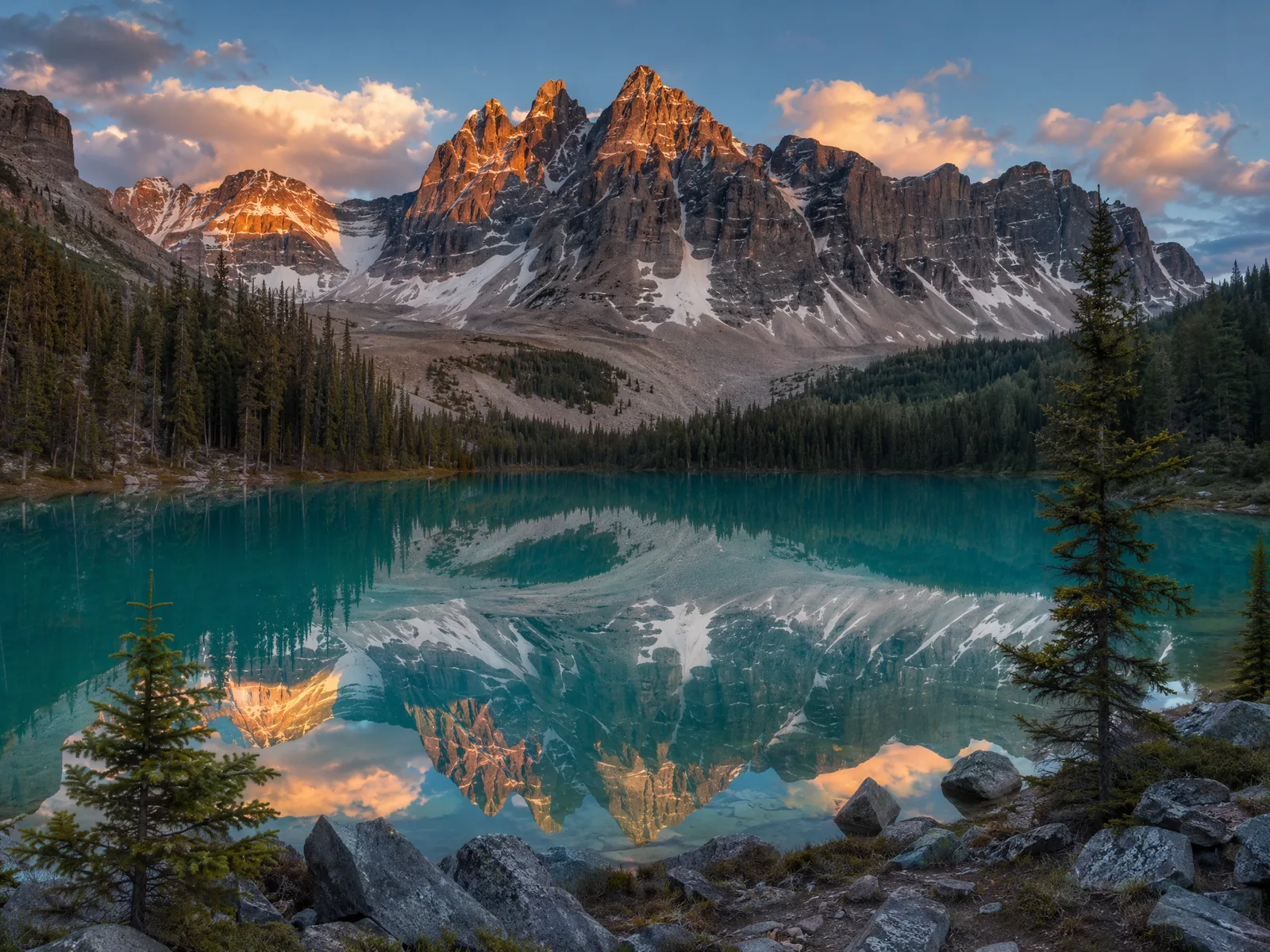
Drag the handle to compare before and after.
Subscribe for more credits and more models.
Upload the image above, pick a target resolution — 1080p, 2K, or 4K — and click Upscale Image. AI increases the resolution and reconstructs detail as it enlarges, so the result stays crisp instead of going soft like plain interpolation.
Is the photo the right size but poor quality? Use the image enhancer instead
Enlarging is easy — staying sharp is the hard part.
AI rebuilds edges and texture as it enlarges — not the soft stretch of plain interpolation.
Full 300 DPI at A4, sharp at A3 viewing distance — posters, frames, portfolios.
Take a 1K generation from any Renoise model to 4K for delivery — one canvas, no exports.
Credits-based with no daily caps — a whole listing set or asset library in one run.
From a small file to a crisp 2K or 4K version.
Drop up to 10 small images into the uploader at the top of this page.
Choose 1080p, 2K, or 4K — pick by where the image will live: screen, shop listing, or print.
Each image processes in under a minute. Check the detail at full size, then download.
Both make an image larger — they differ in what fills the new pixels. Honest trade-off: AI reconstructs plausible detail, which is usually what a print or listing needs, but it is a reconstruction, not the original capture.
| What matters | AI upscaling (this page) (Recommended) | Interpolation (e.g. photo editors) |
|---|---|---|
| Sharpness when enlarged | Crisp — edges rebuilt | Soft — pixels stretched |
| Texture and fine detail | Reconstructed from context | Blurred with the rest |
| Faithfulness | Plausible detail, verify at full size | Faithful but soft |
| Best for | Print, listings, wallpapers, AI art | Tiny size bumps |
Small originals taken to print-ready sizes — detail reconstructed, framing untouched.
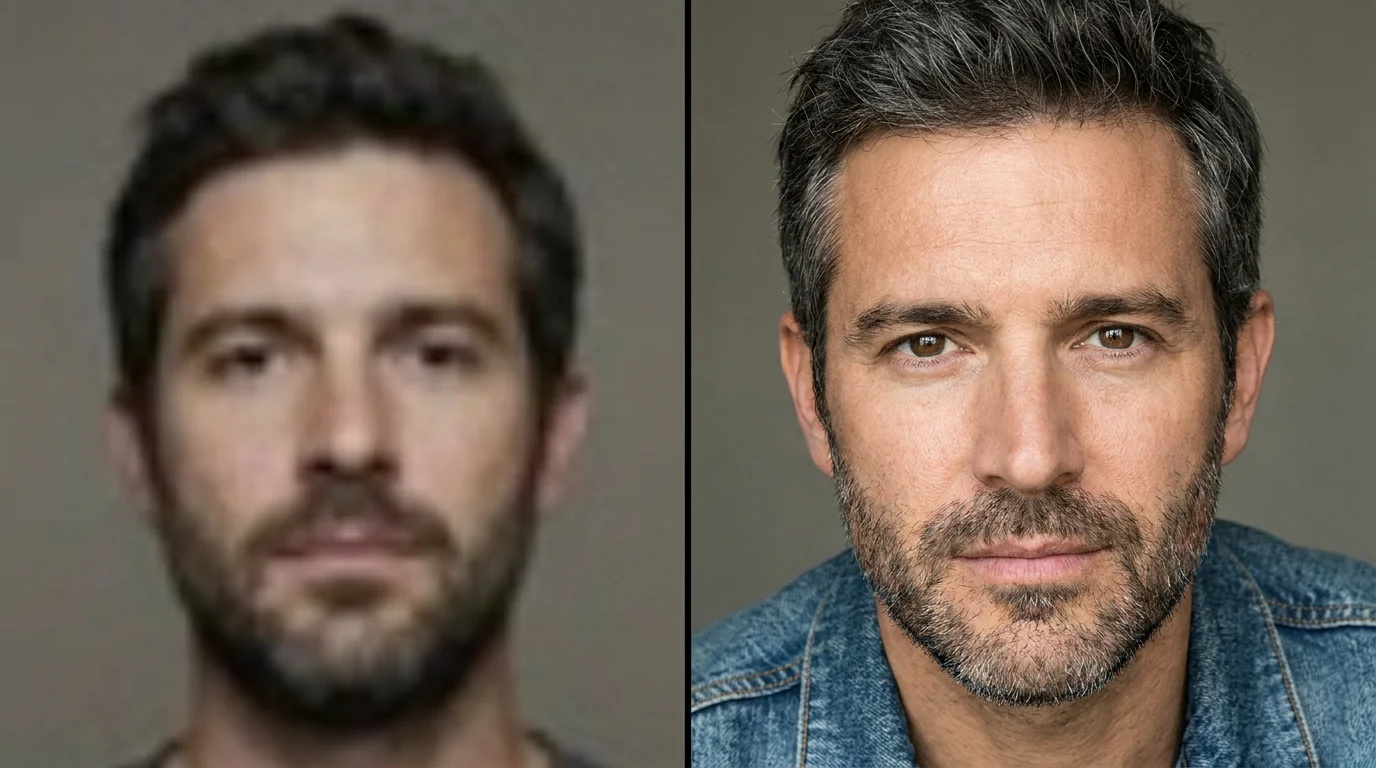
A small portrait enlarged with clean edges and natural skin texture.
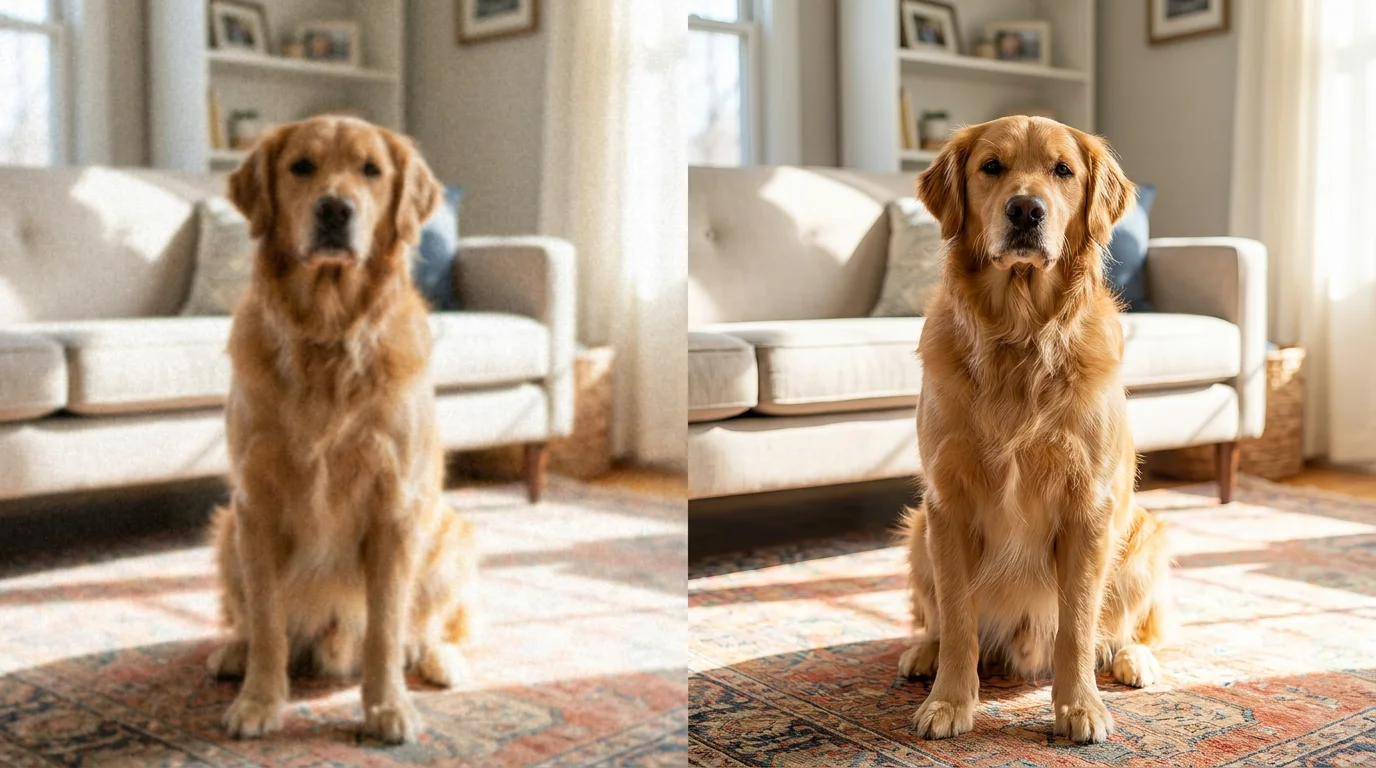
A phone shot taken up to a size that prints cleanly.
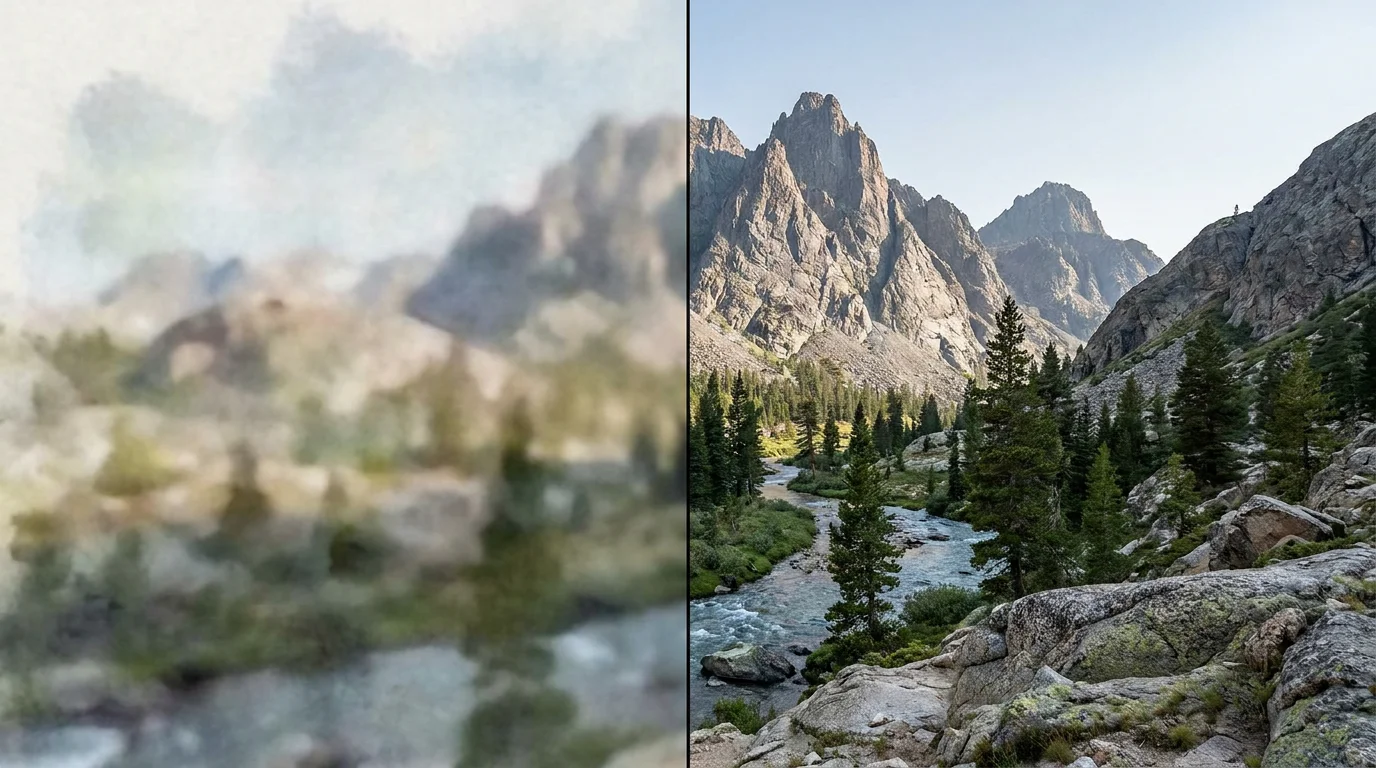
A scenic shot upscaled to 4K for a large display.
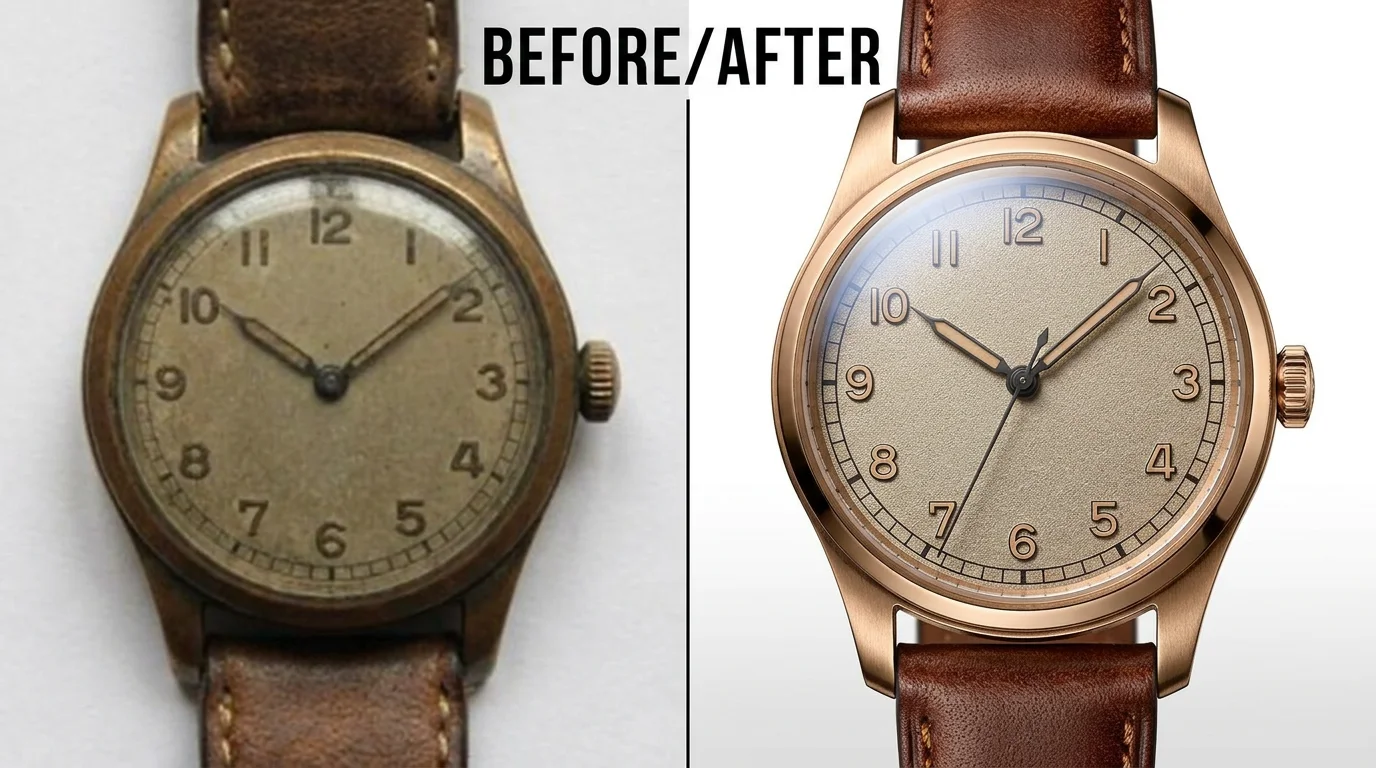
A listing photo enlarged past marketplace minimums without going soft.
Pick the target by where the image will live, not by "more is better". For screens: 1080p covers social posts and most web pages; 2K covers large hero images and high-density displays. For print, the rule of thumb is 300 DPI: a 4K image (about 3840 pixels on the long edge) covers an A4 print at full 300 DPI and still looks sharp at A3 from a normal viewing distance; 2K covers A5 comfortably; 1080p is postcard territory. Marketplaces have their own floors — many listing platforms want at least 1000–1600 pixels on the long edge, which a 1080p or 2K upscale clears comfortably. And if a file is already 2K, taking it from 2K to 4K is the same one-click pass — select 4K and the detail is rebuilt at the larger size.
Two practical notes. First, upscaling multiplies pixels, not information — the AI reconstructs detail that plausibly fits, which is what a print needs, but check faces and fine text at full size before sending anything to a printer. Second, going far beyond the size you need wastes nothing but adds nothing either: a 4K file posted to social media gets recompressed back down. Match the target to the destination, and re-run at a higher setting only when the job actually changes.
What happens to an uploaded image — the answer most upscaler tools avoid.
Picking a file only previews it on your device. Not one byte is stored until you sign in and click generate.
Uploads land in your private library, never a public gallery, and re-running the same image stores nothing new.
Remove uploads and results from your library whenever you want.
Credits work across every tool — upscaling, image editing and the video models.
For first-time AI content creators
Billed $168 annually
Upgrade PlanSave $72/year
For creators shipping content every week.
Billed $504 annually
Upgrade PlanSave $216/year
For studios and pros producing at commercial scale.
Billed $1680 annually
Upgrade PlanSave $720/year
For first-time AI content creators
Billed monthly
Upgrade PlanFor creators shipping content every week.
Billed monthly
Upgrade PlanFor studios and pros producing at commercial scale.
Billed monthly
Upgrade PlanRenews automatically each year until canceled.
Renews automatically each month until canceled.
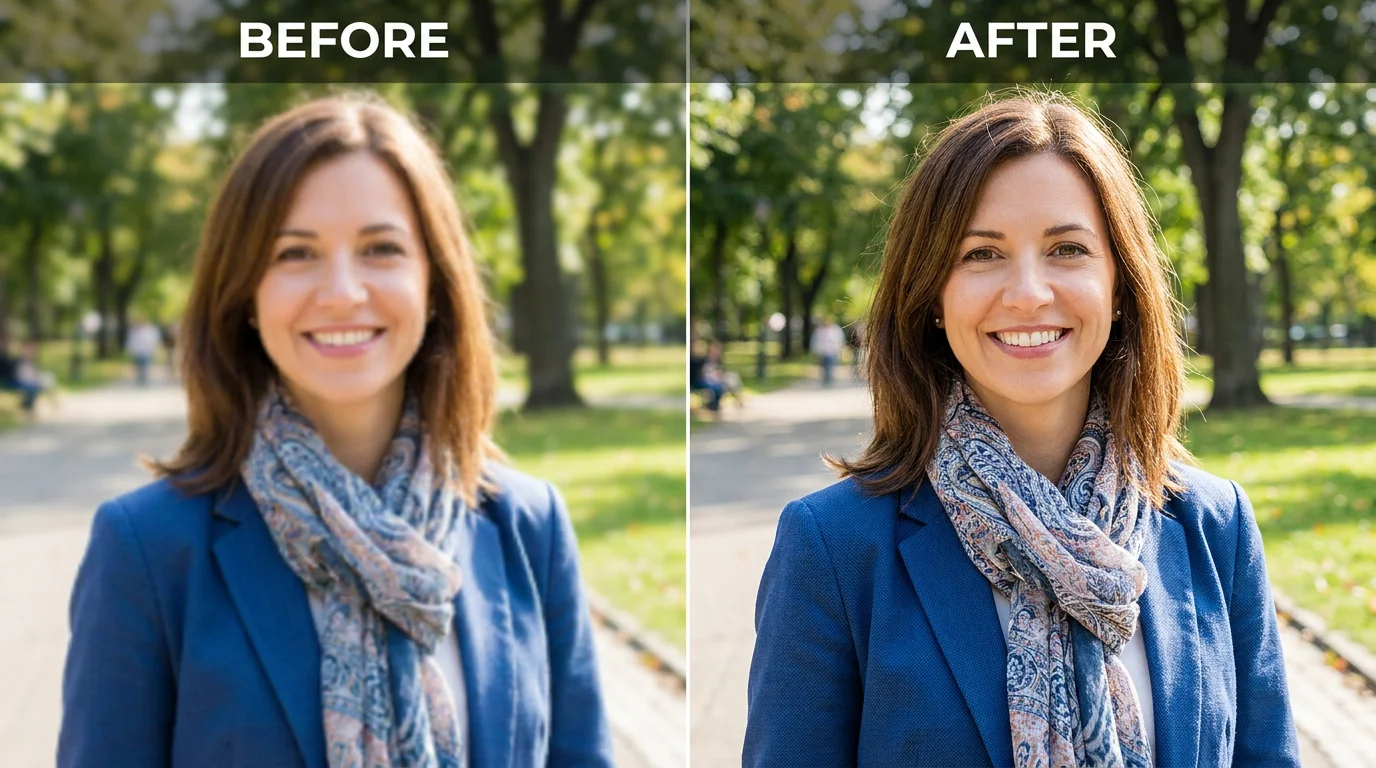
Pick a target resolution and compare before and after.
A super-resolution model enlarges the image to your target resolution and reconstructs edges and texture from context as it goes, so the result stays crisp. Plain interpolation only stretches existing pixels, which is why it looks soft.
Yes — 4K is the maximum, about 3840 pixels on the long edge. That covers an A4 print at full 300 DPI and looks sharp at A3 from a normal viewing distance. Target 2K or 1080p when the destination is a screen or a marketplace listing.
It is reconstructed — the model fills in detail that plausibly fits the surrounding image, which is what prints and listings need. It is not the original capture, so check faces and fine text at full size before you ship the result.
At the standard 300 DPI: 4K fully covers A4 and holds up at A3 from a normal viewing distance, 2K covers A5, and 1080p suits postcards and small frames. When in doubt, upscale to 4K and let the print shop downsample.
Yes. Upload up to 10 images and they process one after another, billed per image with no daily caps — a listing set or asset folder upscales in a single run.
Yes — it is one of the most common jobs here. Generate at 1K with any Renoise image model, then upscale to 4K for delivery. The image stays on the same canvas the whole way.
JPG, PNG, and WebP, up to 20MB per image and up to 10 images per run. Results export watermark-free on paid plans.


