Custom character design
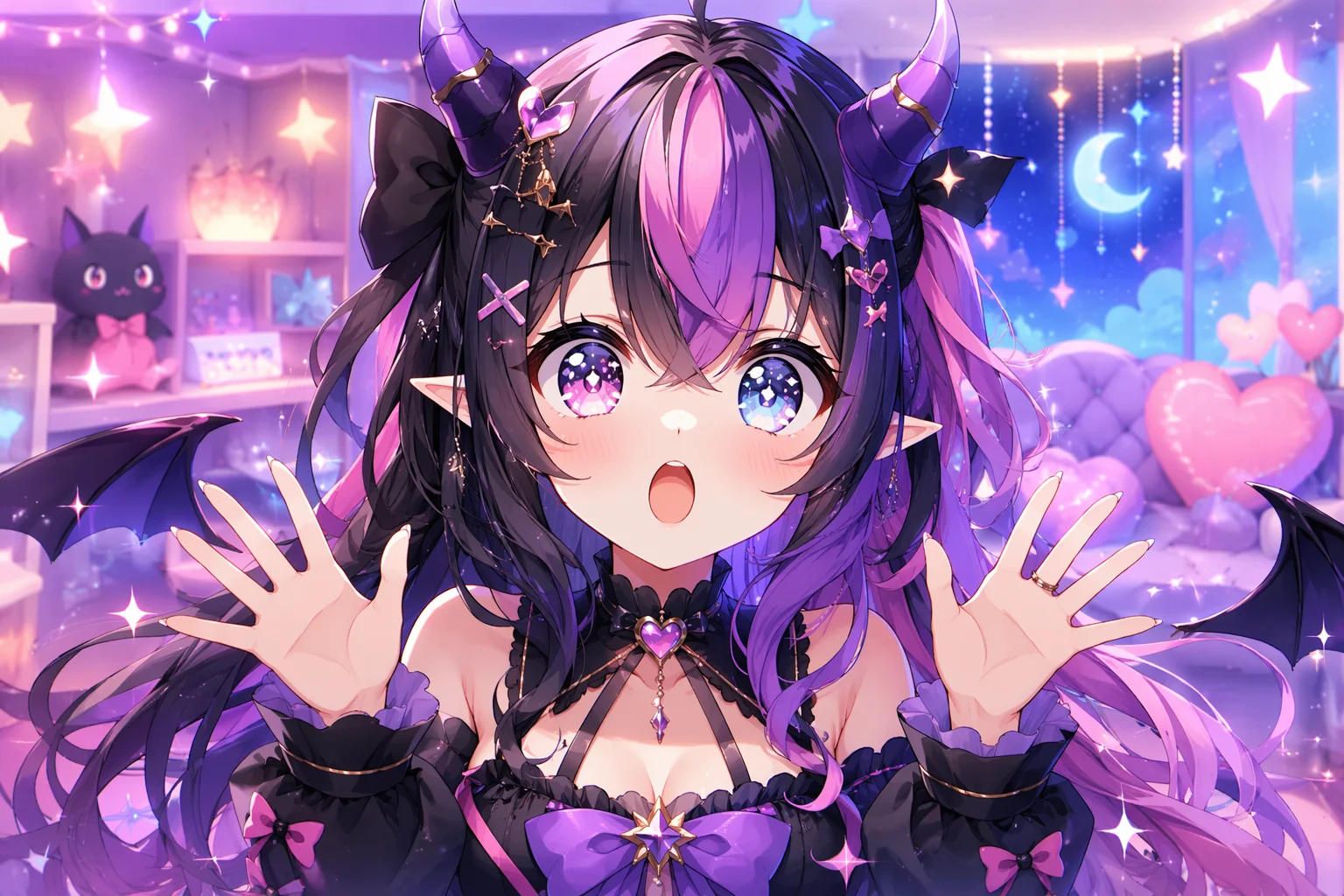
Describe the stylized persona — aesthetic, color palette, costume — and generate the portrait.
Design a stylized animated persona, then make it talk with native lipsync.
Generate a stylized character portrait in Canvas using Nano Banana Pro, then image-to-video it on Kling 3.0 Omni with native lipsync enabled. Input a script line and Kling 3.0 Omni animates the avatar mouth to match the audio — giving you a talking VTuber persona in a few steps.
Want to animate a still photo rather than build a persona from scratch? See the AI talking photo guide
What building an AI VTuber avatar looks like in Renoise.
Describe the stylized persona — aesthetic, color palette, costume — and generate the portrait.
Kling 3.0 Omni animates the avatar mouth to sync with a spoken script line.
3–15s talking-persona clips at 720p or 1080p — suitable for stream overlays and short-form content.
Using a real person's likeness as the avatar base requires FacePass consent clearance first.
From a character concept to a talking animated persona.

Describe the VTuber look in Canvas — art style, outfit, hair, expression — and generate the character portrait using Nano Banana Pro.
Switch to video mode in Canvas, select Kling 3.0 Omni, and upload the avatar portrait as the reference frame.
Type the script line for the VTuber to deliver, enable lipsync, and generate. The output is a short animated talking clip.
Stylized animated character clips made in Renoise — diverse aesthetics, all original fictional personas.
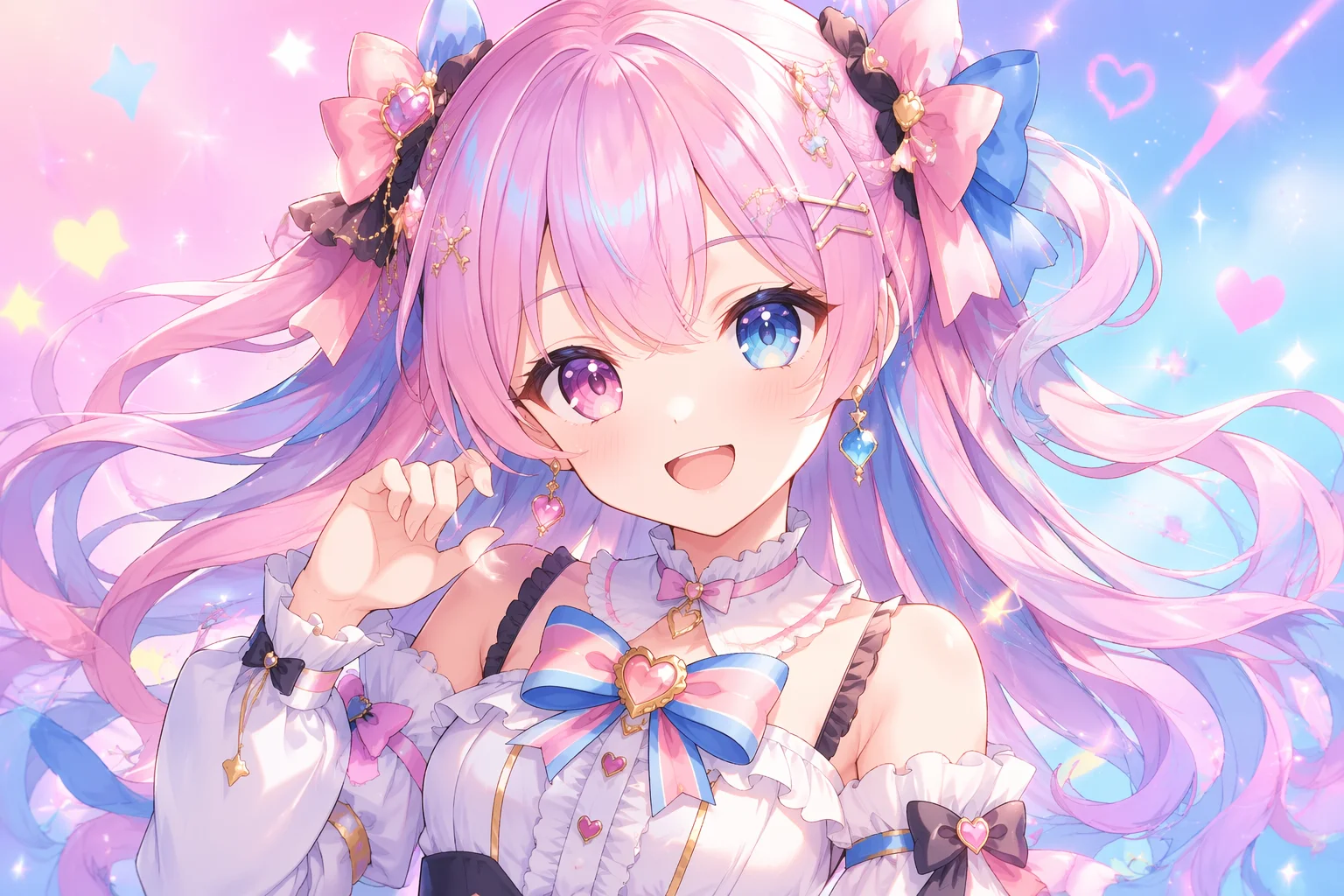
Big eyes, expressive hair — classic anime VTuber aesthetic.
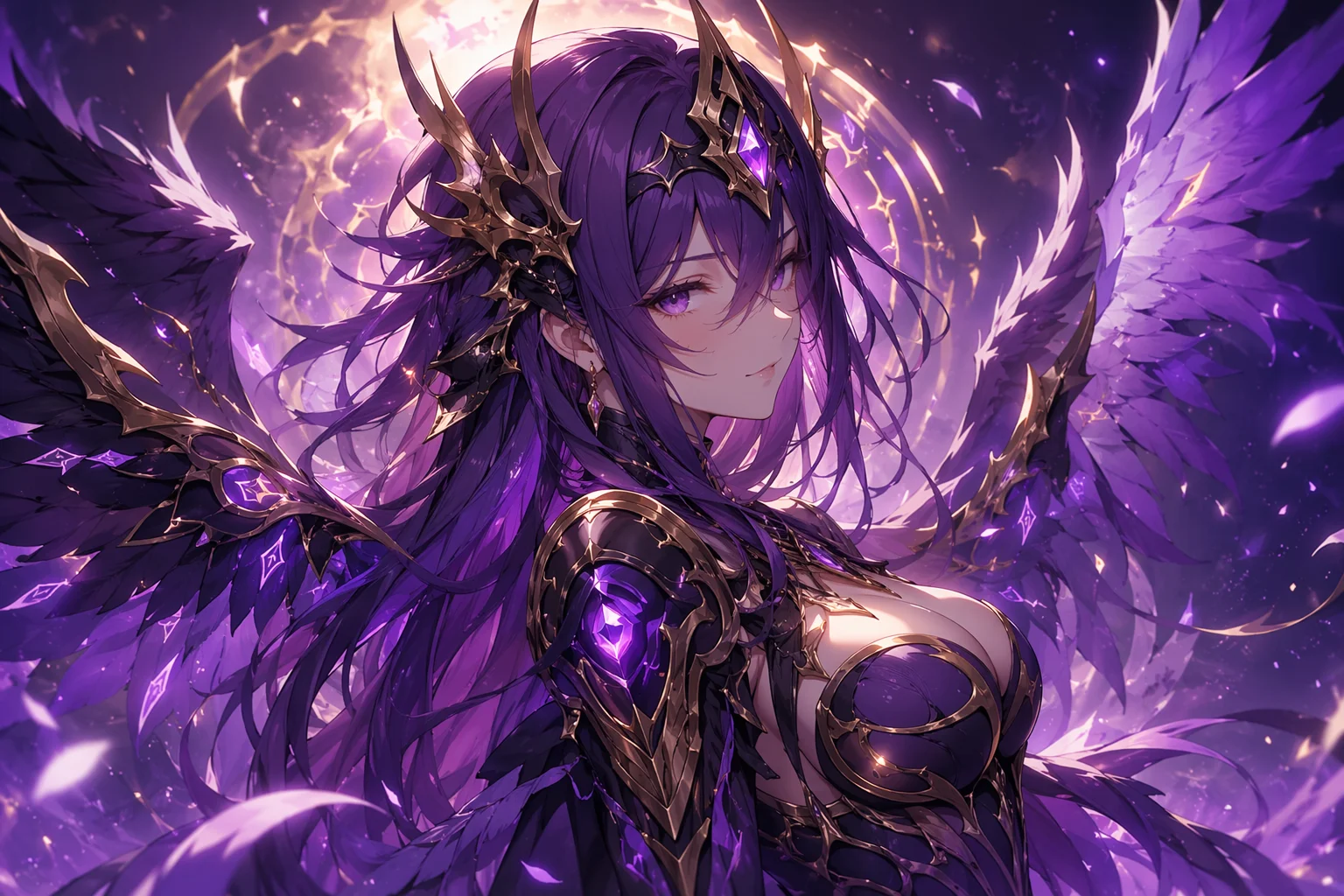
Armor, wings, or magical detail for a fantasy-themed streaming persona.
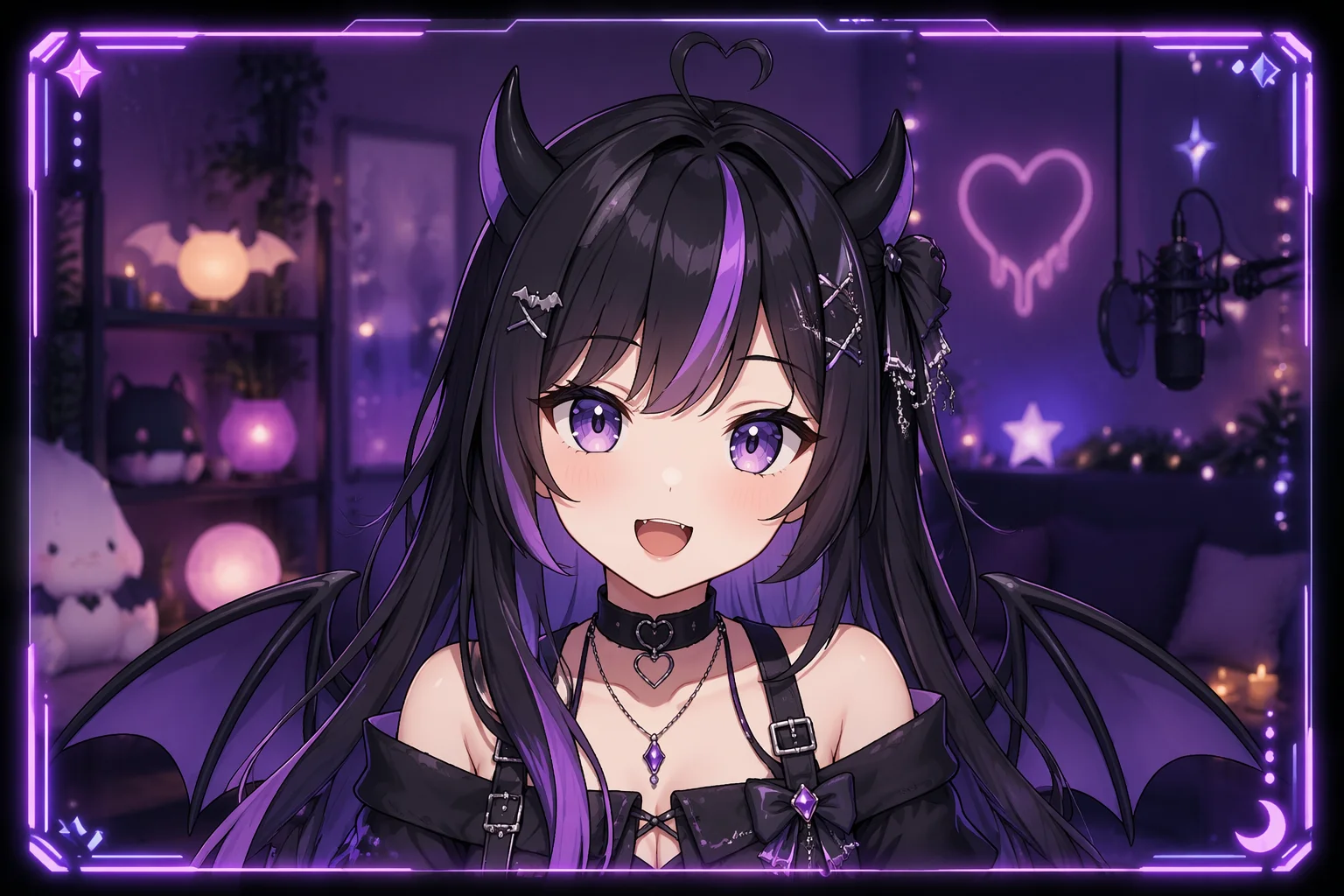
VTuber avatar delivering a line to camera, lip-synced.
Short emotive gesture clip for use as a stream overlay moment.
Most VTubers use fictional characters — no clearance needed. If you want to base the avatar on a real likeness, FacePass is required.
| Avatar type | Fictional / generated (Recommended) | Real face via FacePass |
|---|---|---|
| Design source | Prompted from scratch | Uploaded likeness, cleared via FacePass |
| Clearance needed | None | FacePass whitelist review |
| Lipsync (Kling 3.0 Omni) | ✓ | ✓ |
| Iteration speed | Instant re-prompt | Resubmit each change |
| Who can use | Anyone | Likeness owner / consent holder |
A VTuber is a virtual streamer persona: a stylized animated character that stands in for the creator on camera, letting them broadcast or produce short-form content without showing their real face. The character is the brand — consistent look, name, aesthetic — rather than a utility tool.
Renoise approaches this through generation: you describe the persona in a prompt (style, color, costume, expression), generate the character as an image, and then bring it into motion using Kling 3.0 Omni. The native lipsync capability is what makes it work as a VTuber rather than just a still — you type a script line and the character mouth animates to match, giving you short content clips without rigging or motion-capture software.
Because the character is fully fictional and AI-generated, there is no likeness concern. The scenario where FacePass matters is when someone wants to base the avatar on their own real appearance — using a photo of themselves as the reference frame before stylizing. That is a real likeness, so it must clear the FacePass whitelist before entering video generation. For most VTuber use cases — a new character created from a text prompt — the workflow is direct, and the identity is wholly yours.
For a basic talking photo of an existing image without designing a new persona, the talking photo guide covers that differently.
VTuber avatar creation uses image models, Kling lipsync, and the Canvas in sequence.
Generate a detailed stylized portrait at up to 4K — the base avatar frame.
Animate the avatar mouth to a script — native, no post-processing needed.
Real-face likeness clearance if the avatar is based on an actual person.
Image and video generation in one workspace — generate, animate, stitch.
One plan unlocks Nano Banana Pro, Kling 3.0 Omni, and the Canvas for avatar creation.
Design a stylized persona and animate it with native lipsync — all in Canvas.
Yes. Describe the character in a text prompt — art style, hair, outfit, color palette — and Nano Banana Pro generates the portrait. You do not need to draw, rig, or commission an artist. Then animate it with Kling 3.0 Omni for talking clips.
Kling 3.0 Omni native lipsync takes a text script as input and animates the avatar mouth to match the spoken delivery. You can record your own voiceover separately and match timing to the clip. The lipsync generation itself is script-to-animation, not live voice-tracking.
AI avatar generation is the broader capability — creating any kind of digital persona image. AI VTuber is a specific use case: a stylized animated character persona intended for streaming or short-form content, where the talking-head animation and lipsync are the central output. The avatar guide covers creation in general; this guide is focused on the VTuber streaming persona with animation.
Yes, but a real face is a likeness that needs consent clearance. Upload it to FacePass for whitelist review. Only after approval can that likeness be used as a reference frame in generation. FacePass is consent-first and the review is not guaranteed to pass.
Video clips generate at 720p or 1080p — standard for short-form platforms. The base portrait can be generated at up to 4K (image models), which gives a sharp source frame before animating.
Yes — because the character is a generated image, you re-prompt and generate a new version any time. Adjust styling, swap the outfit, change the color — each variation is a new Canvas prompt. No rigging rework needed.
