Lifelike person
Start from a generated portrait or a reference, then carry that look into motion.
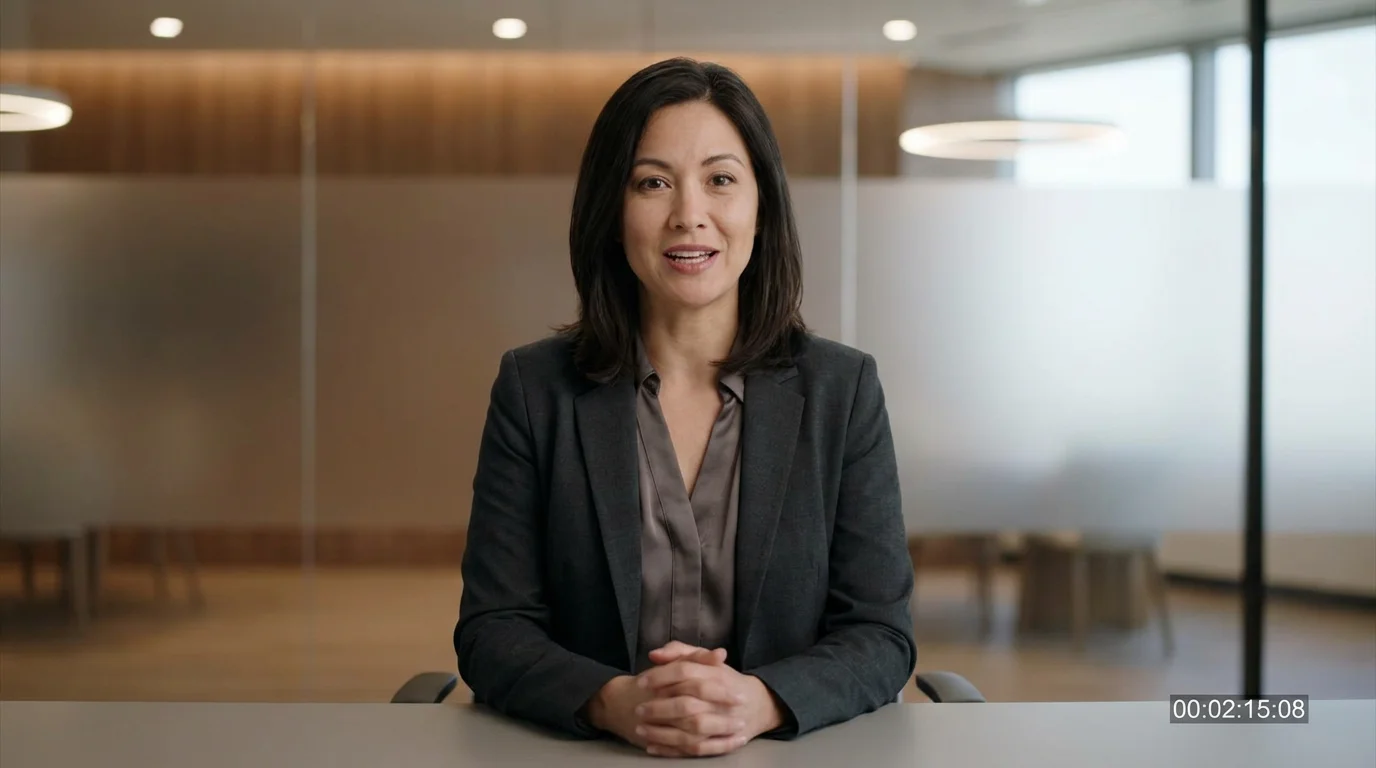
Build a realistic AI person and put them on camera, talking and moving.
Generate a person as an image first — describe their look, or pick a portrait — then turn that frame into video on Kling 3.0 Omni or Seedance 2.0. Kling 3.0 Omni adds native lipsync so the human can speak; Seedance 2.0 outputs audio-native motion. For a real person, clear their face through FacePass first.
This is video generation, not an AI text humanizer. See AI talking photo
What an AI human video looks like in Renoise.
Start from a generated portrait or a reference, then carry that look into motion.
Kling 3.0 Omni adds native lipsync so your AI human can present and speak.
3–15s clips at 720p or 1080p — not a static avatar, an actual moving person.
FacePass clears a likeness you own or have consent for before it enters video.
From a generated portrait to a person moving and speaking on screen.
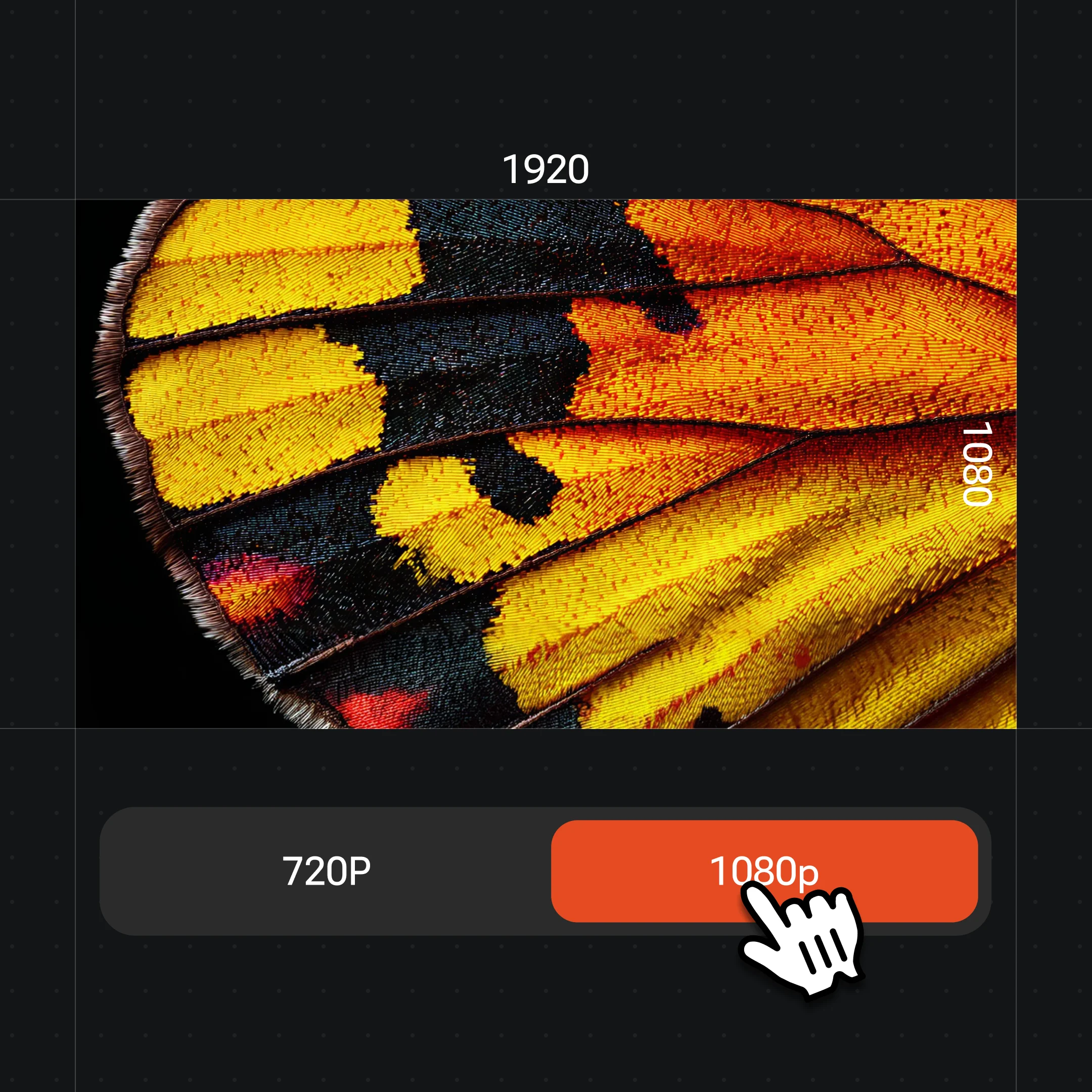
Describe the human you want and generate a portrait, choosing 1K–4K from the resolution menu for a clean source frame.
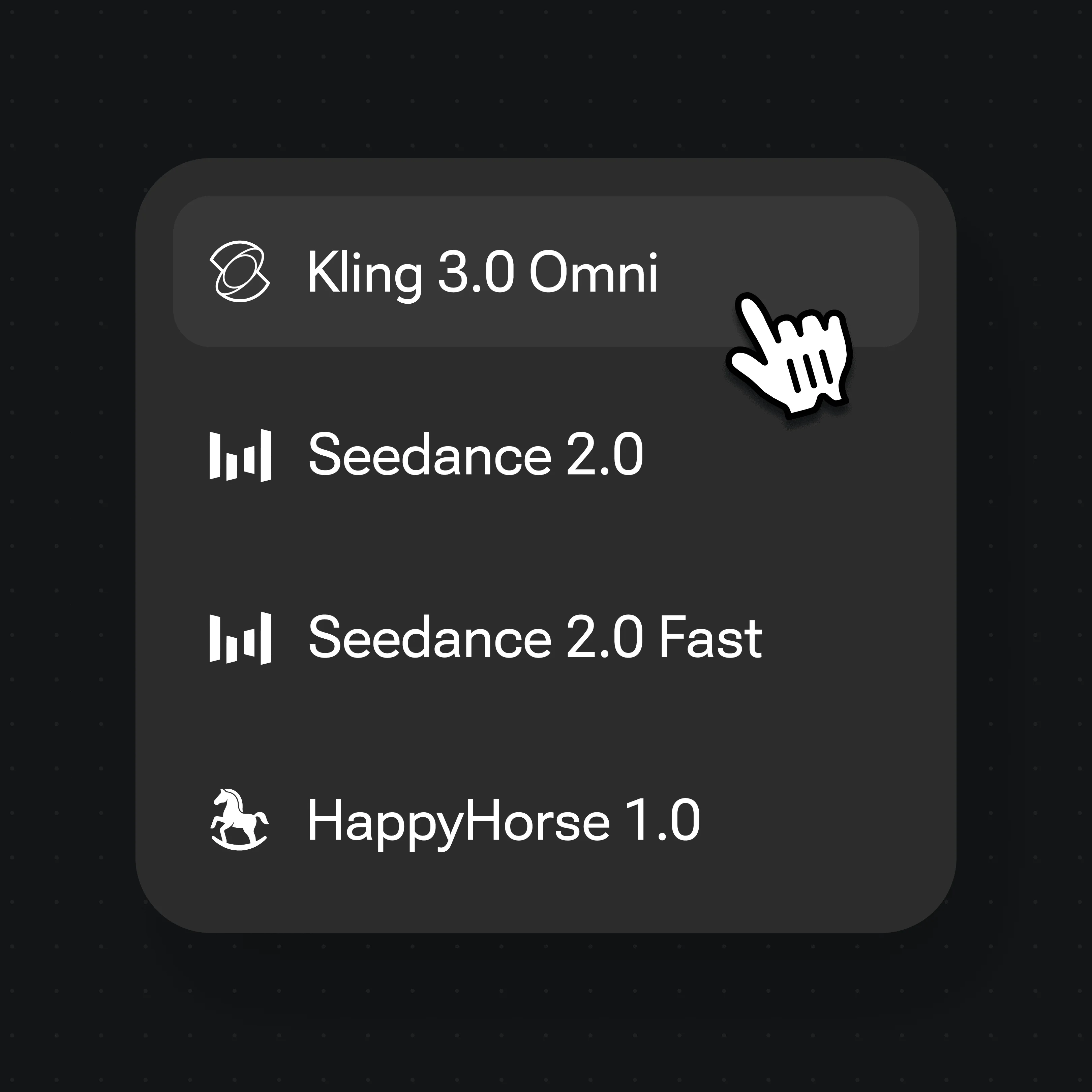
Choose Kling 3.0 Omni for a talking human, or Seedance 2.0 for audio-native cinematic motion.

Animate the portrait with image-to-video, add a line for lipsync, then edit and trim the result directly in Renoise.
Frames of generated people in Renoise — the digital humans you start from before sending a frame to video.

A talking-head presenter to camera.

A presenter moving through a scene.
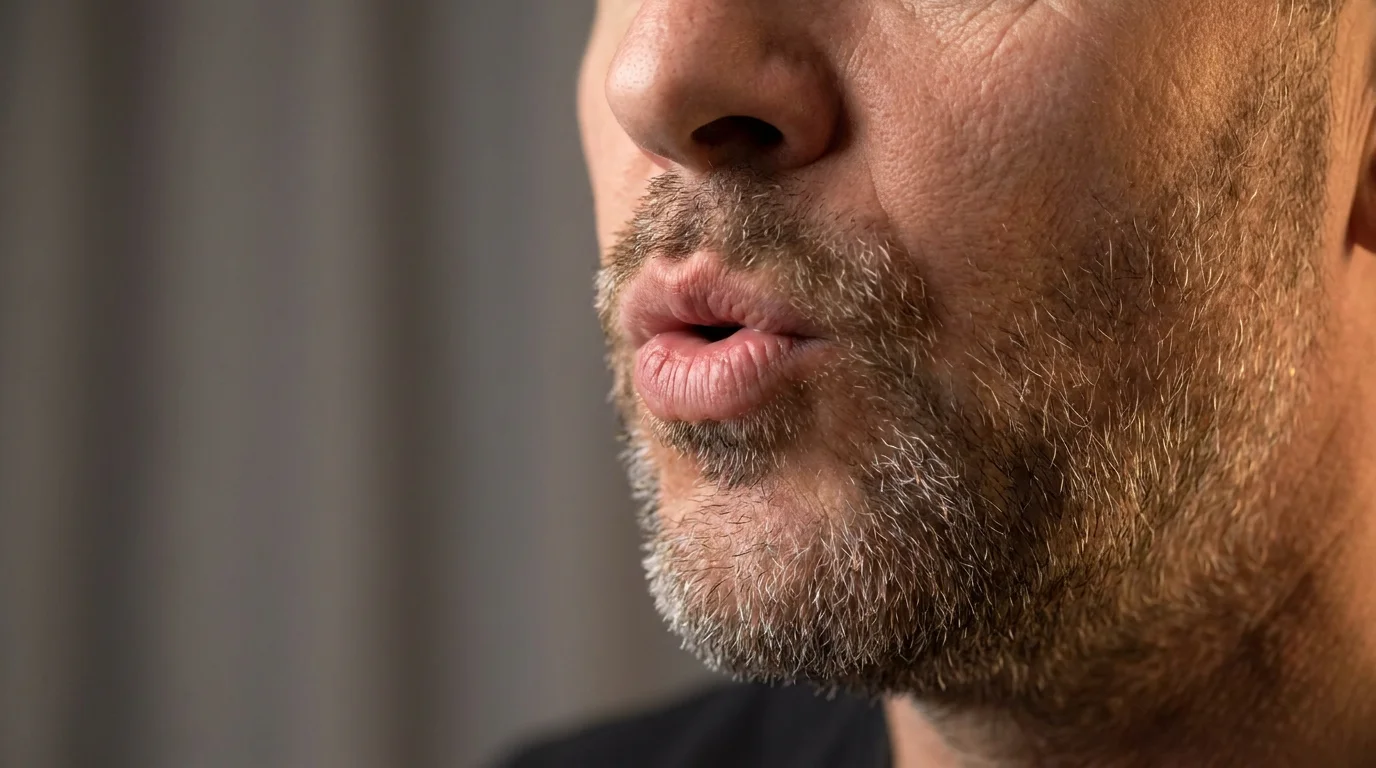
Native lip-sync on Kling 3.0 Omni.

Cast several original people in one scene.
Both run in the same Renoise Canvas — pick per shot. Kling 3.0 Omni for a talking, multi-shot human; Seedance 2.0 for audio-native, cinematic motion.
| For AI human video | Kling 3.0 Omni (Recommended) | Seedance 2.0 |
|---|---|---|
| Best for | Talking presenter, multi-shot | Audio-native, cinematic |
| Native lipsync | ✓ | — |
| Multi-subject consistency | ✓ | Good |
| Works with FacePass | ✓ | ✓ |
| Clip length | 3–15s (≤10s with ref video) | 4–15s, plus Fast mode |
| Resolution | 720p / 1080p | 720p / 1080p |
In this space "AI human" usually means one of two things. A digital human is a person you generate from scratch — describe a face, age, styling, and lighting, get a photoreal portrait, then bring that frame to life as video. An AI avatar is a pre-built talking head you script over: faster, but the face is a template, not one you authored. Renoise sits on the digital-human side: you generate the person, so the look is yours rather than a stock presenter, and you keep full control of framing, motion, and scene.
The practical workflow is generate-then-animate. Start with an image model to lock the person and the resolution (1K–4K), then image-to-video that frame on a video model. Kling 3.0 Omni is the pick when the human has to talk — its native lipsync syncs a spoken line to the mouth — and it holds multi-subject consistency across cuts. Seedance 2.0 is the pick for audio-native, cinematic motion when the human is moving through a scene rather than addressing the camera.
When the human is a real person, the rule changes. A detectable real face is treated as a likeness that needs authorization, so it must clear FacePass — a face you own or have written consent to use — before it can enter video. A fully fictional, generated human needs no clearance. Public figures, celebrities, and minors are never permitted.
AI human video leans on a few things — the video models, identity clearance, and the Canvas.
Native lipsync and multi-subject consistency so a human can present across cuts.
Audio-native, multimodal-reference video from a single prompt, up to 1080p.
Clears a real likeness you own or have consent for before it enters video.
Edit and trim generated human video clips directly in Renoise.
One plan unlocks FacePass, Kling 3.0 Omni, Seedance 2.0, and every other model.
For first-time AI content creators
Billed $168 annually
Upgrade PlanSave $72/year
For creators shipping content every week.
Billed $504 annually
Upgrade PlanSave $216/year
For studios and pros producing at commercial scale.
Billed $1680 annually
Upgrade PlanSave $720/year
For first-time AI content creators
Billed monthly
Upgrade PlanFor creators shipping content every week.
Billed monthly
Upgrade PlanFor studios and pros producing at commercial scale.
Billed monthly
Upgrade PlanRenews automatically each year until canceled.
Renews automatically each month until canceled.
Build a person, add lipsync, and export watermark-free on paid plans.
Generate a portrait of the person, then image-to-video that frame on Kling 3.0 Omni or Seedance 2.0. Kling 3.0 Omni adds native lipsync so the human can speak; Seedance 2.0 outputs audio-native motion. Generated video clips can be edited and trimmed directly in Renoise.
No. This page is about generating realistic AI people in video — a digital human you can put on camera. It is not an AI text humanizer or a tool for rewriting AI-written text. The "human" here is a person you generate and animate.
Only a face you are authorized to use — your own, or one with written consent. Real faces must clear FacePass first, and detectable real faces are blocked until they pass. A fully fictional, generated human needs no clearance. Public figures, celebrities, and minors are not permitted.
Kling 3.0 Omni when the human needs to talk — its native lipsync syncs speech — or for multi-shot consistency. Seedance 2.0 for audio-native, cinematic motion. Both work with FacePass on the same Canvas, so you can switch per shot.
Yes, on Kling 3.0 Omni. Its native lipsync syncs a spoken line to the mouth so a generated presenter can deliver a script. Add the line to the prompt and the model animates the face to match it.
Photoreal portraits hold well, and referencing the same source image keeps the look across clips — but consistency is a strong model behavior, not a guarantee, and faces can still drift. For a real likeness, FacePass authorization is separate from this.
Renoise video models output 720p or 1080p. The 4K tier applies only to the image models you use for the source portrait, not the video itself. Generate at 1080p for publishing to social or short-form platforms.