Digital illustration
Clean vector-style illustrations, editorial art, character design, and book illustration.
Create stunning digital art, illustrations, concept art, and paintings from a text prompt — any style, any vision.
Open Renoise Canvas, describe the artwork in detail — subject, style, mood, lighting, medium — and pick the model that matches your aesthetic. Midjourney V7 leads for painterly and editorial styles; GPT Image 2 excels at precise, instruction-following compositions; Grok Image delivers vivid and imaginative results. Generate, compare variations, and refine with follow-up prompts until the output matches your vision.
Looking for animated art or video? See the AI Video guide
From concept art to abstract — every major digital art style covered.
Clean vector-style illustrations, editorial art, character design, and book illustration.
Oil painting, watercolor, acrylic, gouache — AI recreates the texture and character of traditional media.
Environment art, sci-fi, fantasy worlds, creature design, and architectural visualization.
Geometric abstraction, surrealist compositions, dreamlike scenes, and non-representational art.
Anime character art, manga panels, chibi illustrations, and cel-shaded style.
Photorealistic digital painting where the line between photo and art is intentionally blurred.
From idea to finished artwork — entirely in Renoise Canvas.

Write a detailed prompt — include subject, art style, medium, mood, color palette, and lighting. The more specific, the closer the output matches your vision.

Choose Midjourney V7 for rich painterly aesthetics, GPT Image 2 for precise compositions and specific details, or Grok Image for vivid and imaginative output.
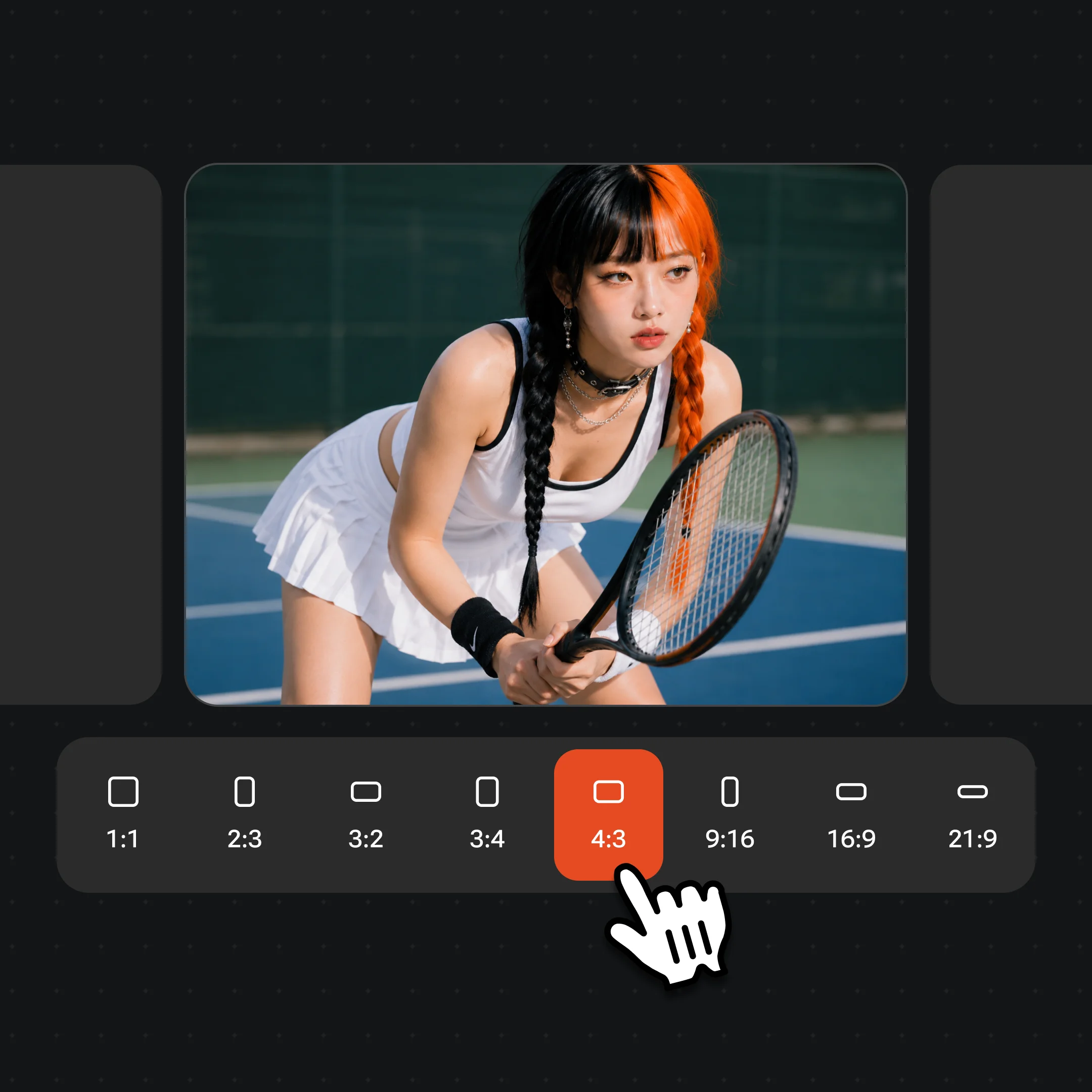
Generate multiple variations, pick your favorite direction, and refine with follow-up prompts. Export in high resolution watermark-free on paid plans.
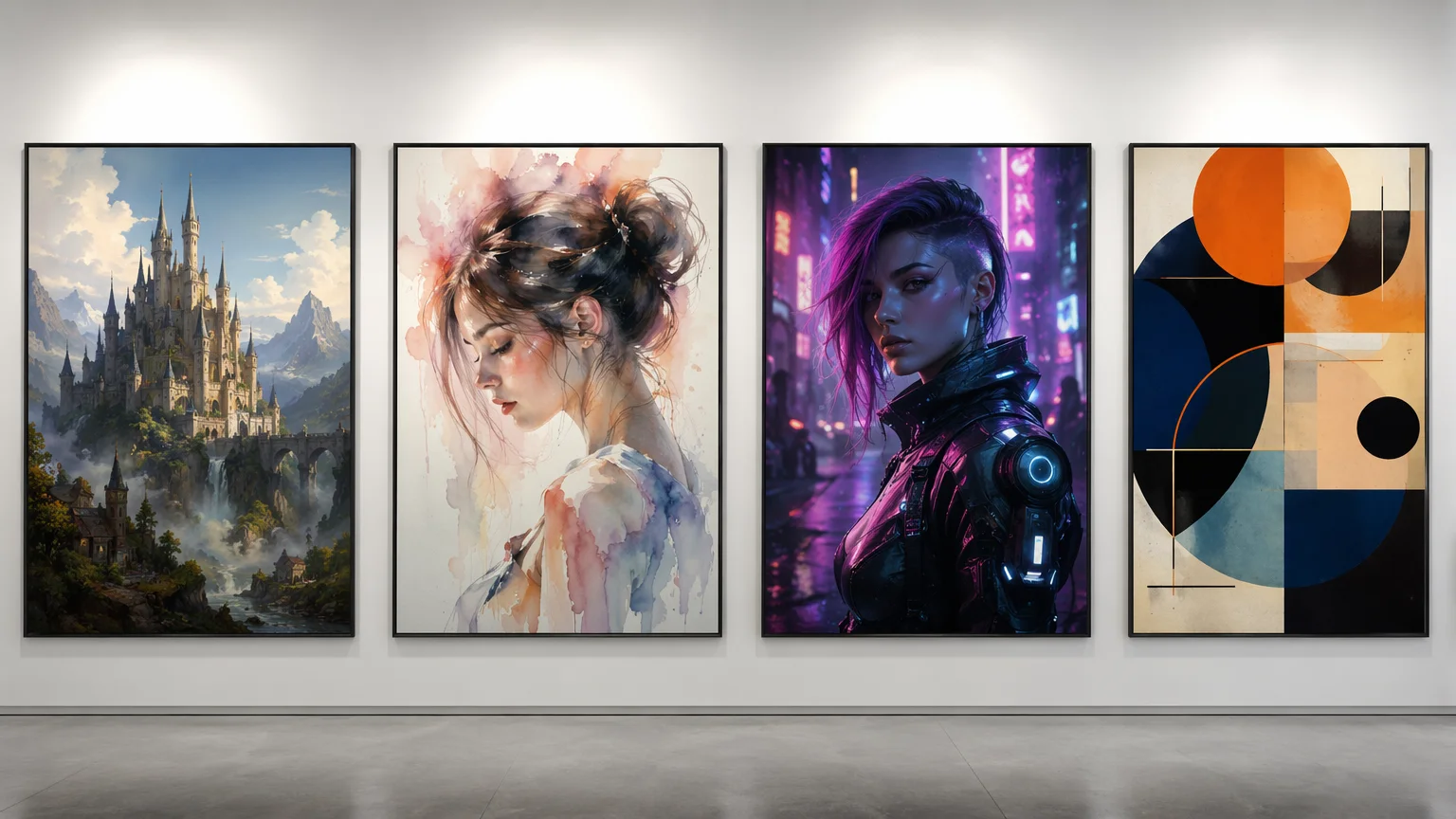
Digital art generated in Renoise — illustration, concept art, painting, and abstract.
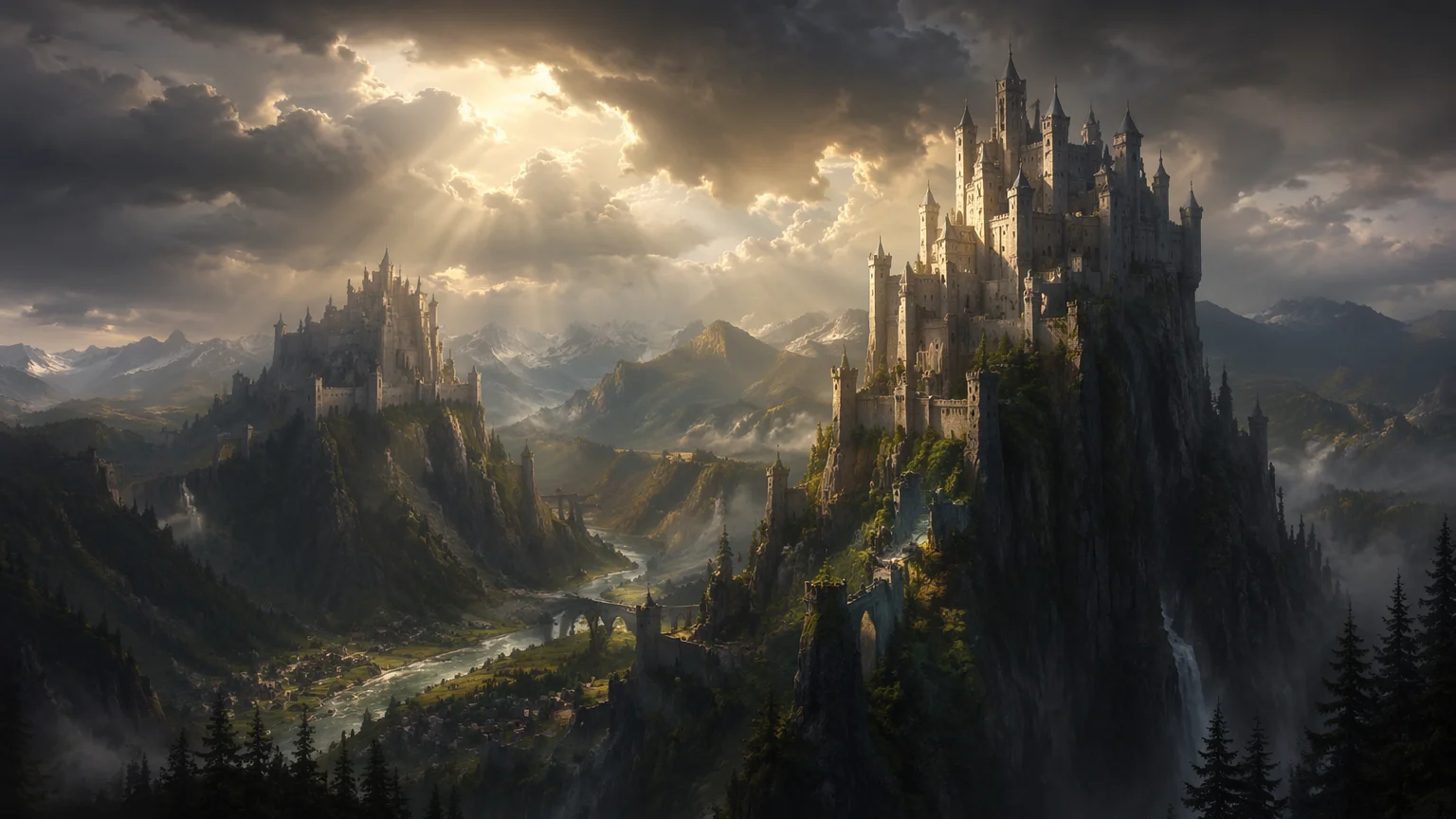
Sweeping fantasy environment art with dramatic lighting — generated in Midjourney V7.
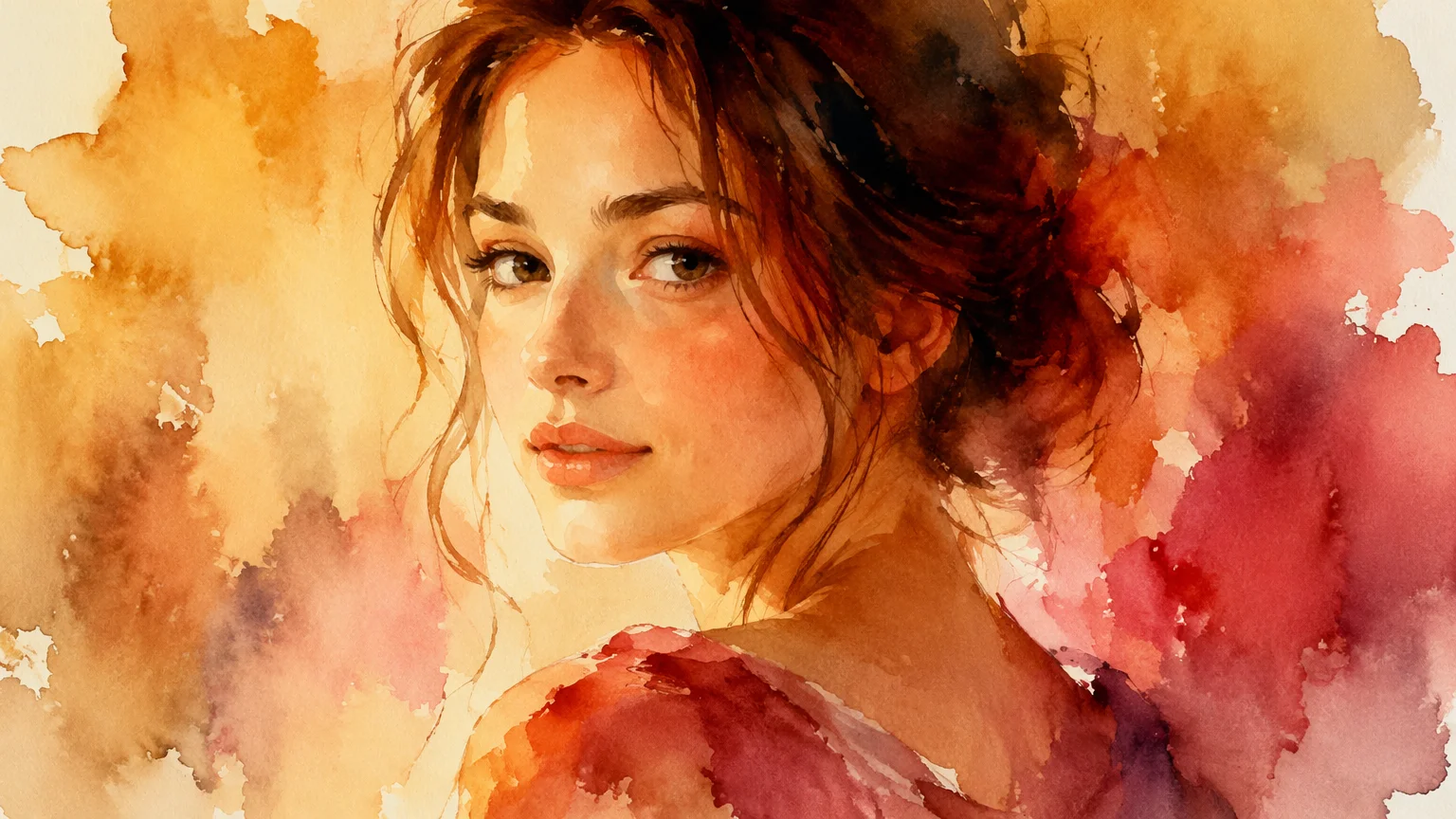
Painterly watercolor portrait with soft washes and expressive brushwork.
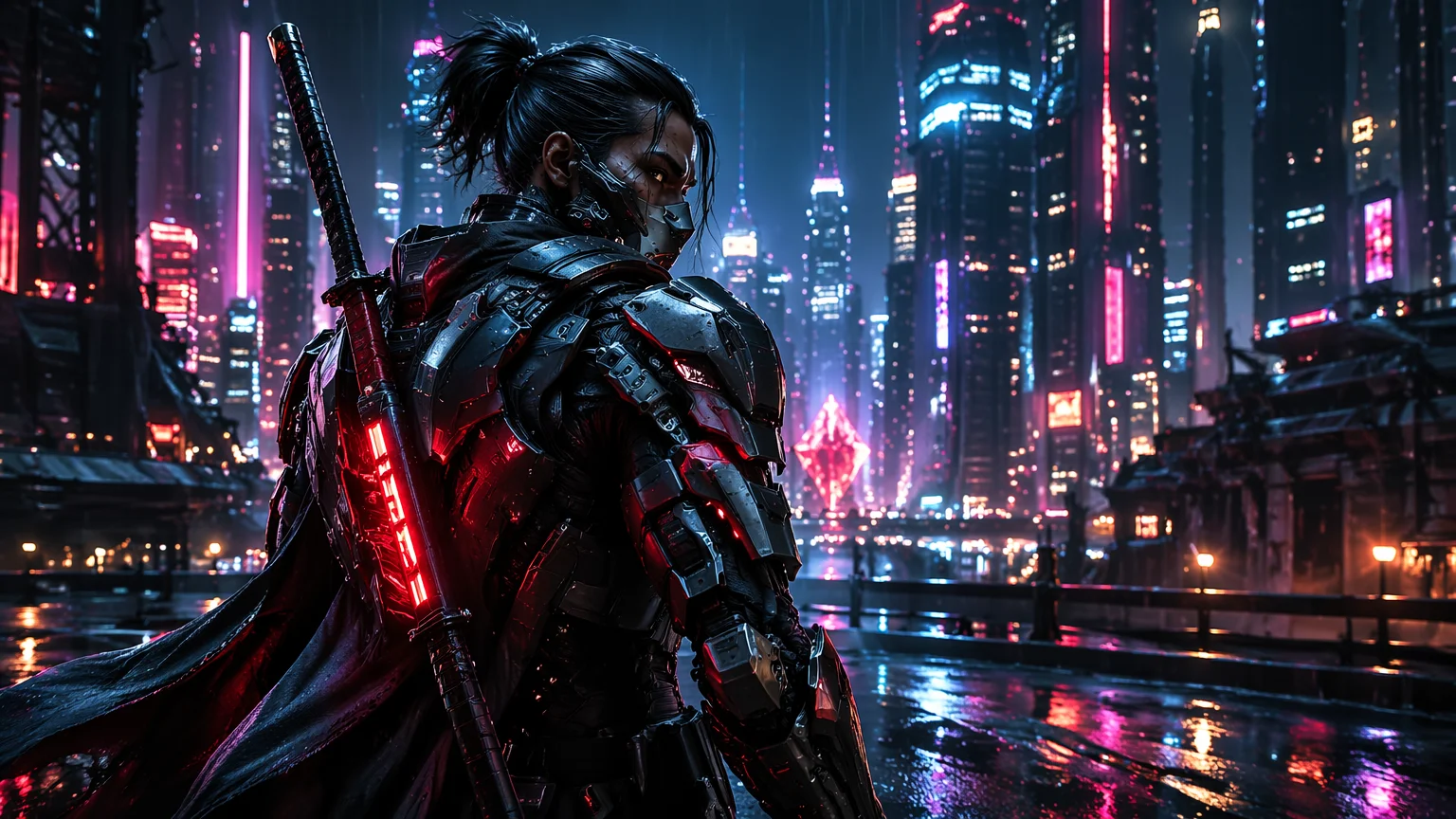
Cyberpunk character illustration with detailed armor and neon lighting.
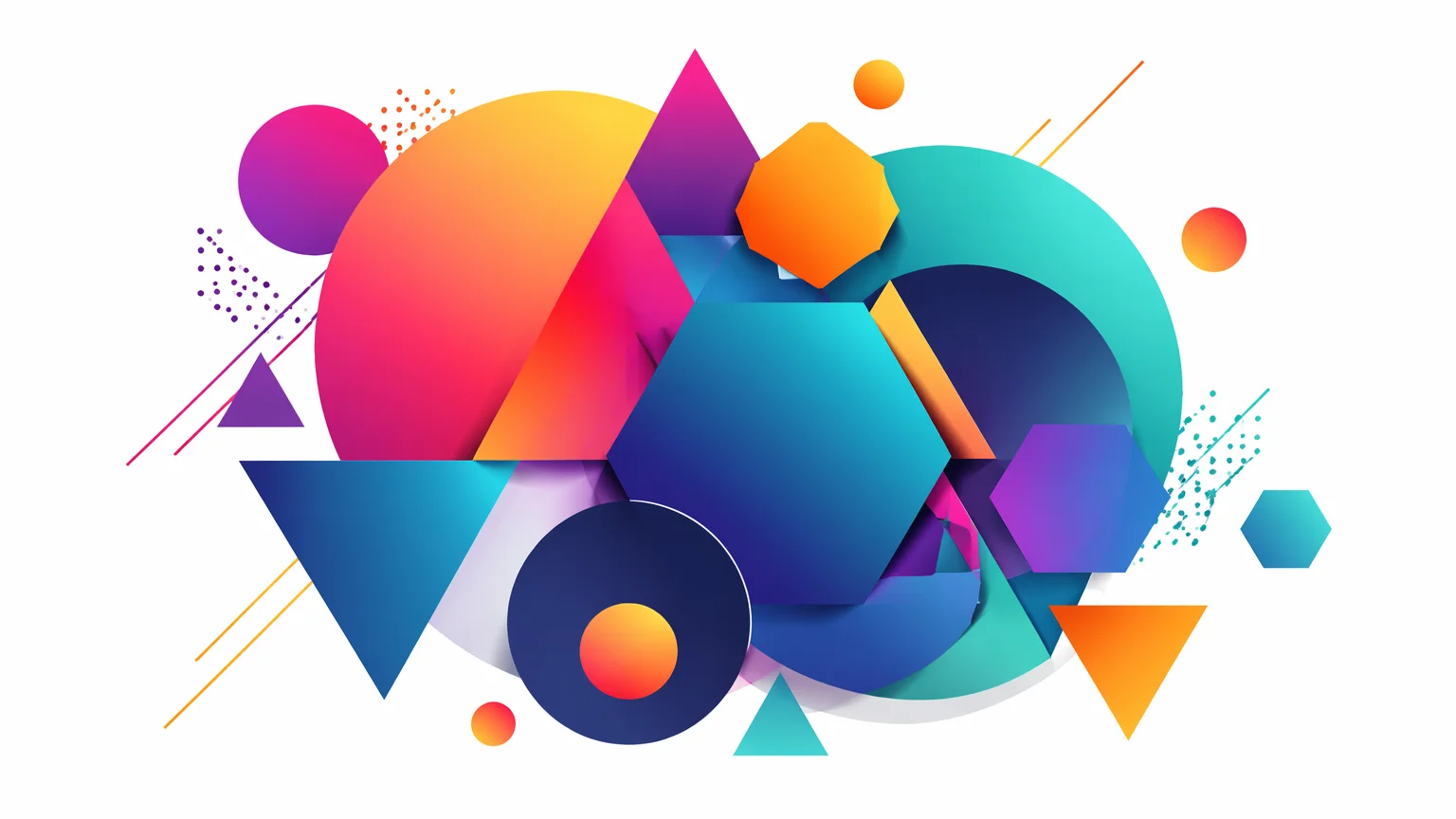
Bold abstract artwork with interlocking geometric forms and vibrant color.
Three models, three aesthetic strengths — all available in Renoise Canvas.
| For art generation | Midjourney V7 (Recommended) | GPT Image 2 |
|---|---|---|
| Best for | Painterly, editorial, and concept art aesthetics | Precise compositions and instruction-following |
| Art styles | Painting, illustration, fashion, fantasy | Photorealistic, infographic, clean illustration |
| Prompt adherence | Interprets artistically | Follows instructions closely |
| Abstract art | ✓✓ (strong) | ✓ |
| Text in image | Medium | High accuracy |
The quality gap between a vague prompt and a detailed prompt is enormous. A prompt like "a forest" produces generic output. "Ancient redwood forest at golden hour, volumetric light shafts through fog, oil painting style, warm amber palette, highly detailed bark texture, Dutch Golden Age influence" produces something genuinely arresting.
The key variables to control in any art prompt are: (1) subject and composition, (2) art medium or style (oil painting, watercolor, digital illustration, ink sketch), (3) lighting (golden hour, neon, overcast, studio), (4) color palette (warm, cool, monochromatic, vivid), and (5) mood or atmosphere. Artist name references work well with Midjourney V7 — "in the style of N.C. Wyeth" or "Moebius illustration" can be powerful starting points, especially for established historical styles.
Grok Image handles surreal and imaginative prompts particularly well — if you want something unexpected or dream-like, it often surprises. GPT Image 2 is the model to reach for when you have a specific vision with defined requirements: a particular layout, an exact subject arrangement, or text embedded in the artwork.
For concept art specifically: describe the world-building context, the lighting conditions, and the camera perspective (wide establishing shot, close-up portrait, bird's eye). These details push concept art toward production-ready quality.
Art generation draws on multiple image models in one Canvas workflow.
Industry-leading aesthetic model — painterly, editorial, and conceptual art excellence.
OpenAI image model: precise, instruction-following, and excellent for detailed compositions.
Vivid and imaginative output — strong for surreal, abstract, and experimental art.
Generate, compare, and iterate across models all in one visual workspace.
One plan unlocks Midjourney V7, GPT Image 2, Grok Image, and every image and video model in Renoise.
For first-time AI content creators
Billed $168 annually
Upgrade PlanSave $72/year
For creators shipping content every week.
Billed $504 annually
Upgrade PlanSave $216/year
For studios and pros producing at commercial scale.
Billed $1680 annually
Upgrade PlanSave $720/year
For first-time AI content creators
Billed monthly
Upgrade PlanFor creators shipping content every week.
Billed monthly
Upgrade PlanFor studios and pros producing at commercial scale.
Billed monthly
Upgrade PlanRenews automatically each year until canceled.
Renews automatically each month until canceled.
Any style, any vision — describe it and generate. Watermark-free on paid plans.
Midjourney V7 is the strongest choice for painterly aesthetics — oil painting, watercolor, gouache, and impressionist styles. It has the richest aesthetic vocabulary of any current image model. GPT Image 2 can also produce painting styles but follows instructions more literally, which is better for precise compositions.
Renoise does not restrict commercial use of outputs. For high-stakes commercial projects, confirm intended use aligns with the platform terms. Many creators use AI-generated art for marketing materials, book covers, concept development, and social media without restriction.
Include the style descriptor directly: "oil painting", "watercolor wash", "ink and wash", "digital illustration", "concept art", "impressionist". You can also reference historical art movements: "Baroque lighting", "Art Nouveau composition", "Ukiyo-e woodblock print style". Midjourney V7 responds particularly well to these aesthetic references.
Renoise generates images up to 1536×1536px (square) or various aspect ratios for landscape and portrait orientations. This is sufficient for digital display, social media, and most print applications at standard sizes.
Yes — upload a reference image in Canvas and describe how you want to transform or build on it. You can use a reference for composition, style, color palette, or subject direction. GPT Image 2 handles reference-based generation particularly well.
Renoise runs Midjourney V7, GPT Image 2, and other models on one Canvas. Instead of choosing one model and being locked in, you can switch and compare. For serious art creation, having access to multiple models in one workflow is a significant advantage.
Your privacy is important to us
We use cookies to improve your experience and for marketing. Read our Cookie Notice.