Text to animated loop
Describe the loop — a bouncing ball, a waving character, a flickering neon sign — and generate it.
Turn text or an image into a short looping animated clip — reactions, stickers, and meme loops.
Open Renoise Canvas, describe the loop you want (or upload a reference image), pick Seedance 2.0 or Kling 3.0 Omni, and generate a 3–15s clip. The output is a short looping video you can share as an animated reaction, meme, or sticker. Renoise generates short animated video — not a GIF codec export — but the looping visual covers every GIF use case.
Need a longer story-driven video instead? See the full AI Video guide
Short looping animated content for every platform.
Describe the loop — a bouncing ball, a waving character, a flickering neon sign — and generate it.
Upload a still and Seedance 2.0 or Kling 3.0 Omni animates it into a short looping clip.
Make animated reaction stickers, meme loops, and emoji-style clips for chat and social.
From a prompt or a still to a shareable animated loop — all in one canvas.

Type what you want — a spinning logo, a dancing character, a looping reaction. Or drag in a reference image to animate.

Choose Seedance 2.0 for smooth image-to-video motion or Kling 3.0 Omni for physics-based dynamics.
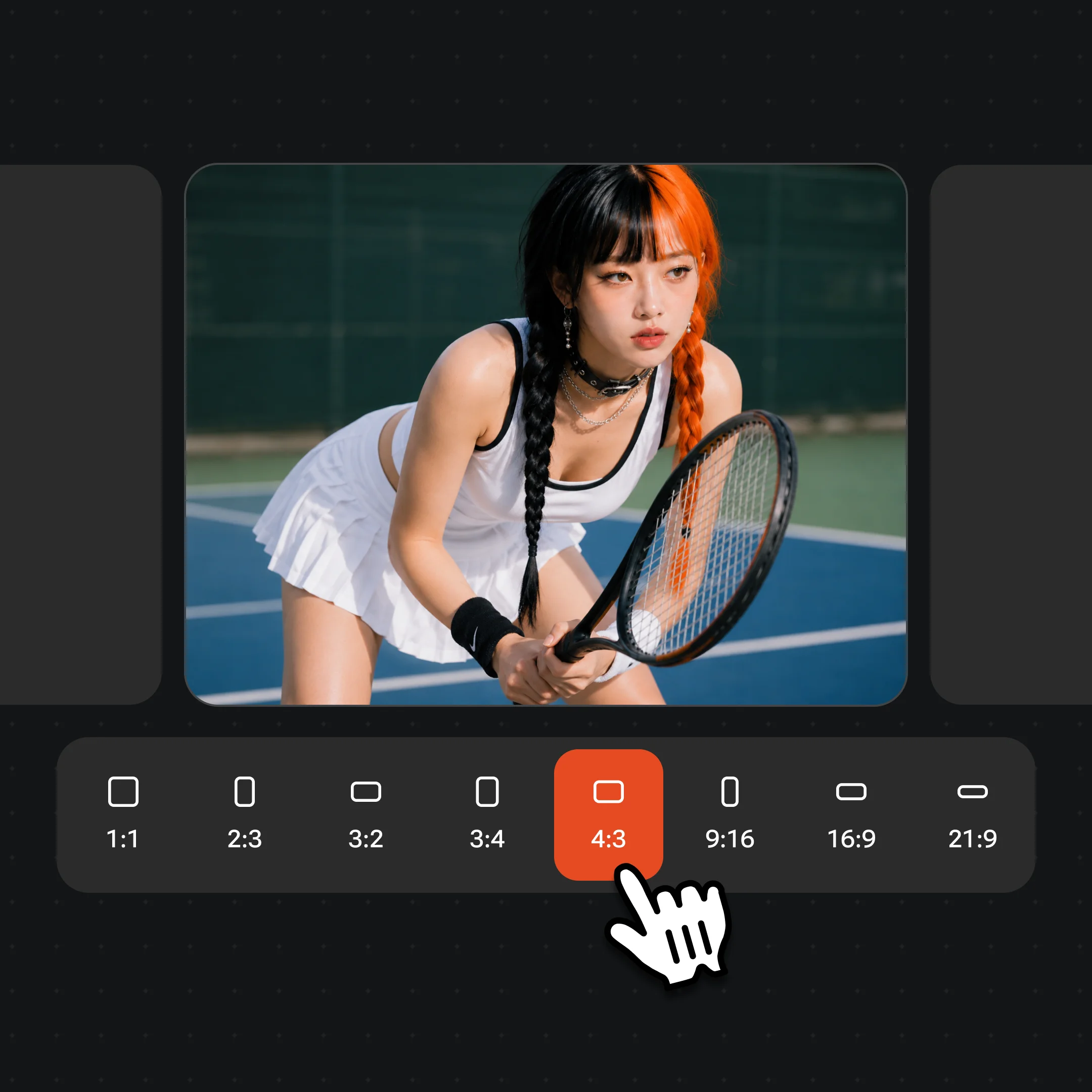
Generate the clip, preview the loop, then export and share. Exports are watermark-free on paid plans.
Short animated loops generated on Seedance 2.0 and Kling 3.0 Omni — reactions, stickers, and meme visuals.

A punchy animated reaction — laugh, nod, or spin — ready for chat and social.

A looping character or icon sticker, animated from a simple text prompt.
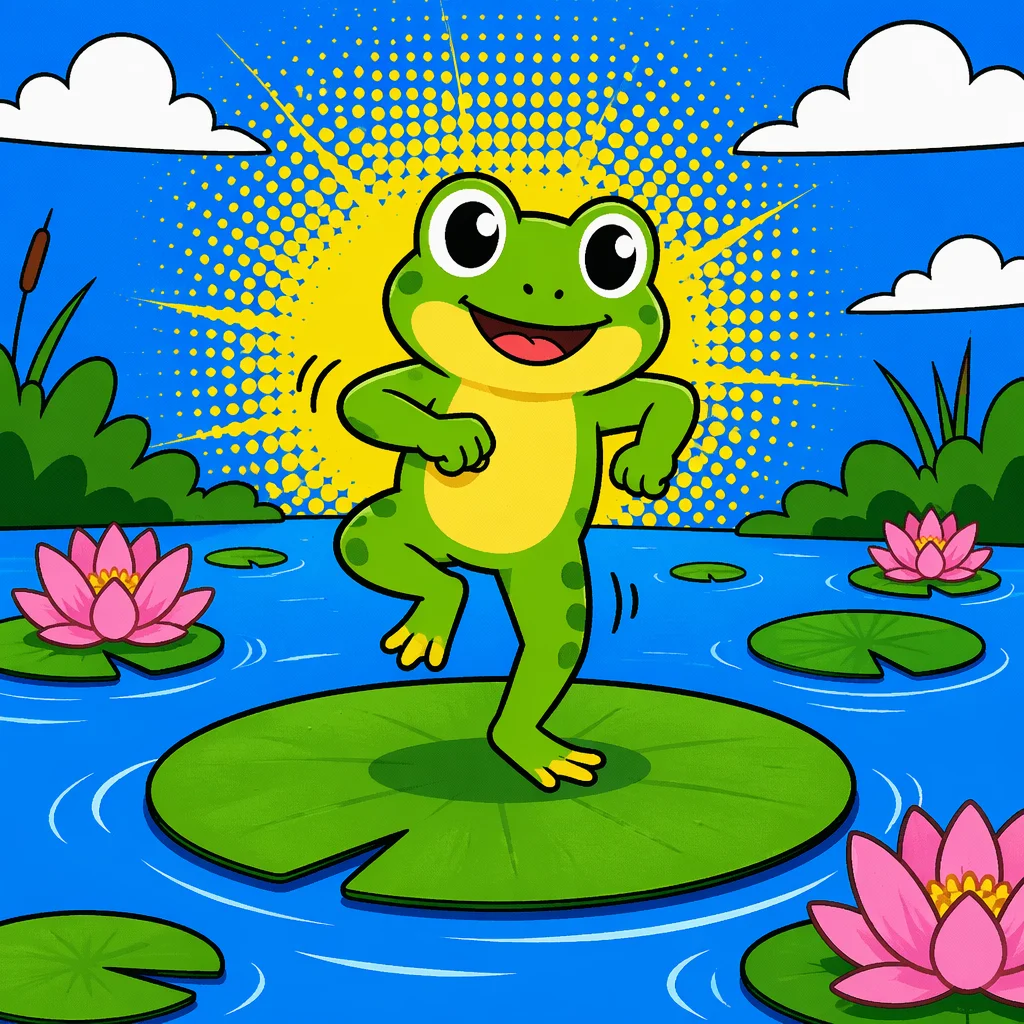
Text or image turned into a looping meme clip ready to drop in any thread.
A still logo or illustration animated into a short branded loop for social headers.
Both live in Renoise Canvas — pick by what the loop needs.
| For looping clips | Seedance 2.0 (Recommended) | Kling 3.0 Omni |
|---|---|---|
| Best for | Smooth image-to-video motion, multi-modal reference | Physics-based dynamics, character motion |
| Duration | 4–15s | 3–15s |
| Ratio (9:16 for mobile) | ✓ | ✓ |
| First-frame lock | ✓ | ✓ |
| Audio reference | ✓ (up to 3) | — |
GIF as a format is 30+ years old and carries real technical limits: 256-color palette, no audio, bloated file sizes at larger resolutions. What most people actually want when they search for an AI GIF generator is a short looping animated visual — a reaction, a sticker, a meme loop — not the specific .gif codec. Renoise generates short video clips (MP4, 720p/1080p) that loop, which delivers the same use case with far better quality.
The workflow is generative: you describe the loop with a text prompt, optionally upload a reference still, and the model builds the motion from scratch. Seedance 2.0 handles smooth continuous motion and supports multimodal references (up to 9 images, 3 video clips, 3 audio clips) — useful if you want to animate an existing character or product. Kling 3.0 Omni adds physics-based dynamics, so bouncing, splashing, or fabric-flapping loops read more physical. Both output 720p/1080p — a significant step up from a traditional GIF.
The main honest caveat: Renoise is a generative tool, not a frame-by-frame animator. You prompt and iterate — you do not draw paths or keyframe poses. For simple looping concepts (a spinning object, an expression shift, a ripple effect) this works well. For tightly choreographed animation with precise timing, a traditional animation tool will give you more control.
Short-loop generation draws on Renoise video models and Canvas in one workflow.
ByteDance video model: smooth motion, first/last-frame lock, multimodal reference.
Kuaishou video model: physics-based dynamics, multi-subject, up to 6 shots.
Prompt, reference, generate, and preview the loop all on one visual workspace.
Export the clip watermark-free on paid plans for sharing across platforms.
One plan unlocks Seedance 2.0, Kling 3.0 Omni, and every video and image model in Renoise.
For first-time AI content creators
Billed $168 annually
Upgrade PlanSave $72/year
For creators shipping content every week.
Billed $504 annually
Upgrade PlanSave $216/year
For studios and pros producing at commercial scale.
Billed $1680 annually
Upgrade PlanSave $720/year
For first-time AI content creators
Billed monthly
Upgrade PlanFor creators shipping content every week.
Billed monthly
Upgrade PlanFor studios and pros producing at commercial scale.
Billed monthly
Upgrade PlanRenews automatically each year until canceled.
Renews automatically each month until canceled.
Text or image to animated loop — watermark-free exports on paid plans.
Renoise generates short video clips (MP4, 720p/1080p) rather than .gif codec files. The output loops and covers every GIF use case — reactions, stickers, meme loops — with far better quality than a .gif. If you specifically need a .gif file, convert the exported clip with any standard video-to-GIF tool.
Seedance 2.0 generates 4–15s clips; Kling 3.0 Omni generates 3–15s clips. For a tight loop, 3–5s tends to feel most natural — prompt for a "seamlessly looping 4-second clip" to guide the model.
Yes. Upload the image as a reference in Canvas, set it as the first frame or a reference input, then prompt the motion you want. Seedance 2.0 handles this well for smooth continuous motion.
This page targets short looping clips — 3–5s reactions, stickers, meme loops. The AI Video guide on /features/ai-video covers longer story-driven videos, multi-shot sequences, and the full 15s range. The underlying models are the same; the intent and use case differ.
Yes. Prompt for an emoji-style or sticker-style character and animate it — "a cartoon cat waving, looping, sticker style, 4s". The clip can be dropped into any platform that accepts short video. For a static sticker or emoji image, see /guides/ai-sticker and /guides/ai-emoji.
Seedance 2.0 supports 6 ratios: 21:9 / 16:9 / 4:3 / 1:1 / 3:4 / 9:16. Kling 3.0 Omni supports 5: 16:9 / 9:16 / 1:1 / 4:3 / 3:4. Pick 1:1 for a square loop (Instagram, chat) or 9:16 for a vertical Reels/Stories loop.