Concept art
Character and environment sketches rendered into finished pieces for portfolios and pitches.
Upload a pencil, pen, or lineart sketch — AI renders it into a finished image, following your composition.
Follow us and get 20 free credits — about 6 images
For sketches you drew or have permission to use.
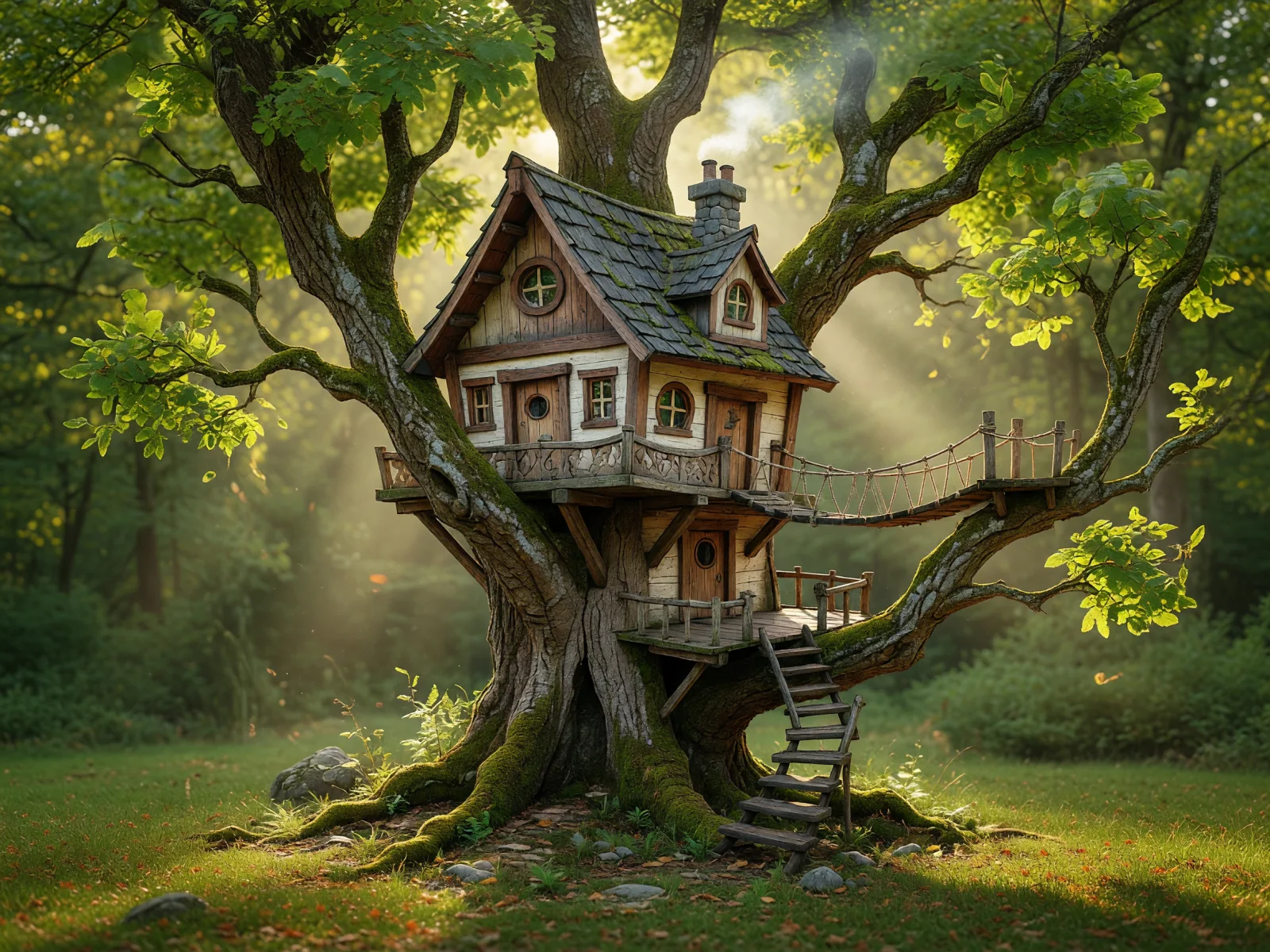
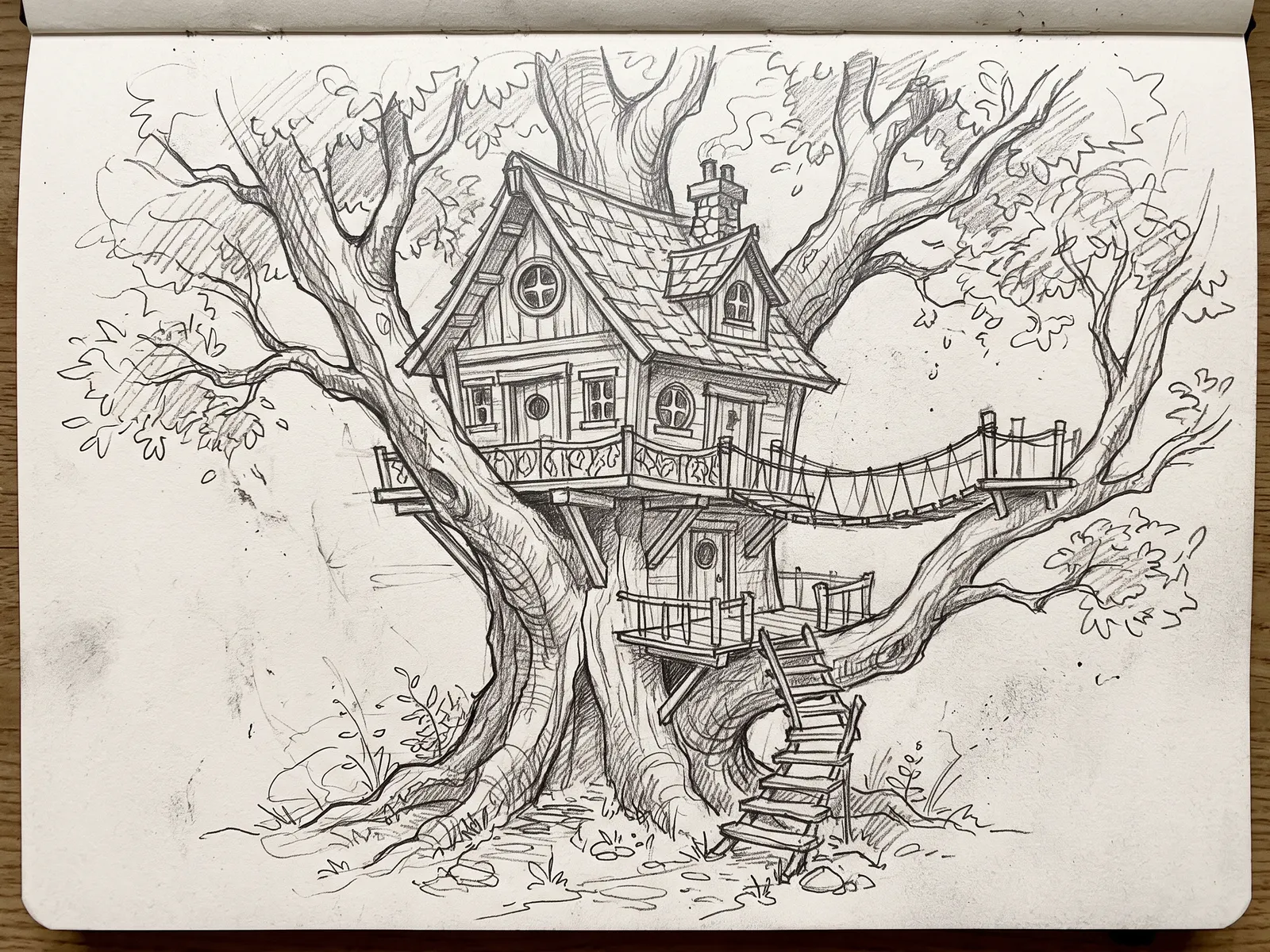
Real model output from this exact sketch — drag the handle to compare.
Subscribe for more credits and more models.
Upload your sketch above, pick an output style, and optionally describe the subject and colors. In about a minute, AI renders a finished image that follows your sketch's composition and linework as a guide — it re-draws the picture in the chosen style rather than tracing your lines pixel for pixel.
Starting from a text idea instead of a sketch? See the AI drawing guide
The same upload box serves very different sketches.
Character and environment sketches rendered into finished pieces for portfolios and pitches.
See a rough tattoo sketch as a clean finished design before committing to ink.
A child's drawing rendered into a keepsake image — the composition stays theirs.
Concept doodles and storyboard frames rendered into presentable visuals.
Each run is billed per image, so you can iterate on the style and description until it fits.
Drop a pencil, pen, or lineart sketch into the uploader — even a phone photo of a paper drawing works.
Choose photorealistic, anime, 3D render, watercolor, or concept art, and describe the subject or colors if you like.
The render is ready in about a minute. Compare it against your sketch, refine the description, and download.
Honest expectations by sketch type — the model follows your composition as a guide, not a pixel-perfect trace. Tested on our own sketches.
| Sketch type | Expected result | Tip |
|---|---|---|
| Single subject, clear outlines | Good — composition and linework follow closely | The default settings usually suffice |
| Detailed scene with shading | Good — shading guides lighting and depth | Name the mood or time of day in the description |
| Complex multi-object sketch | Partial — small objects can drift from the linework | List the objects that must stay, then iterate |
| Very faint or messy lines | Loose — the model improvises missing shapes | Darken the lines or describe the subject explicitly |
Renders generated in Renoise from sketch-style inputs — the lines set the composition, the style sets the finish.
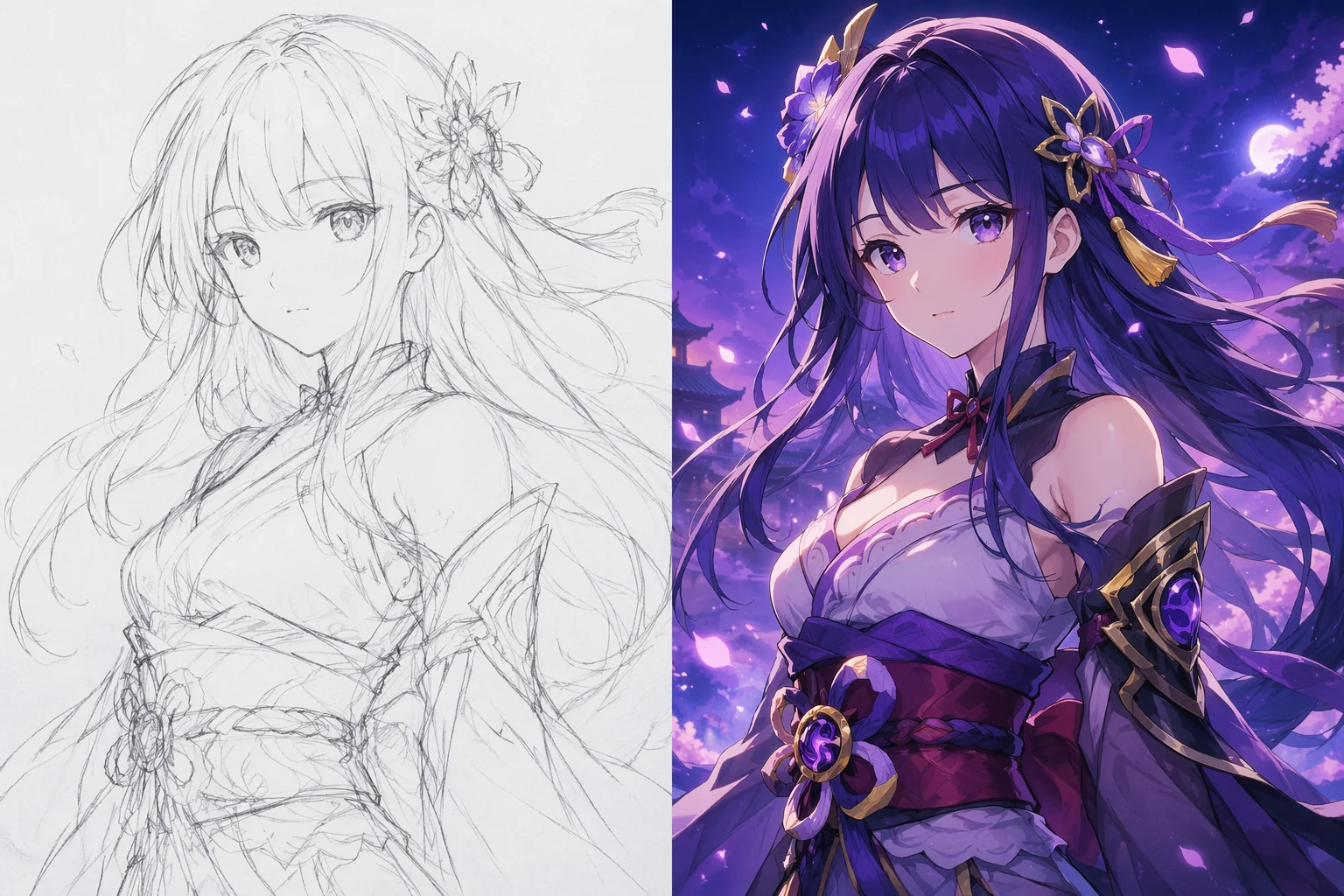
A rough character sketch rendered as a finished anime-style illustration.
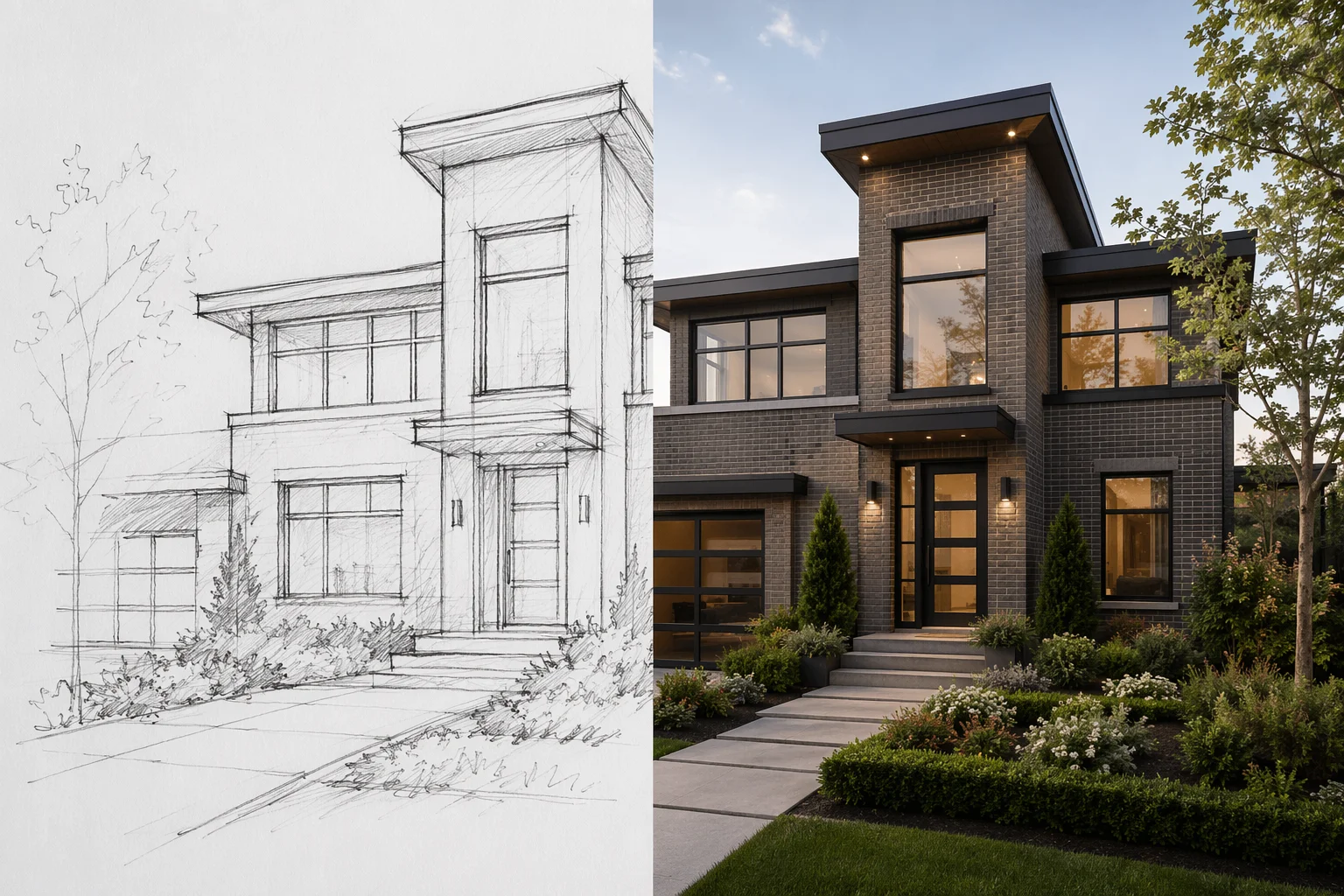
A hand-drawn building sketch rendered into a photorealistic visualization.
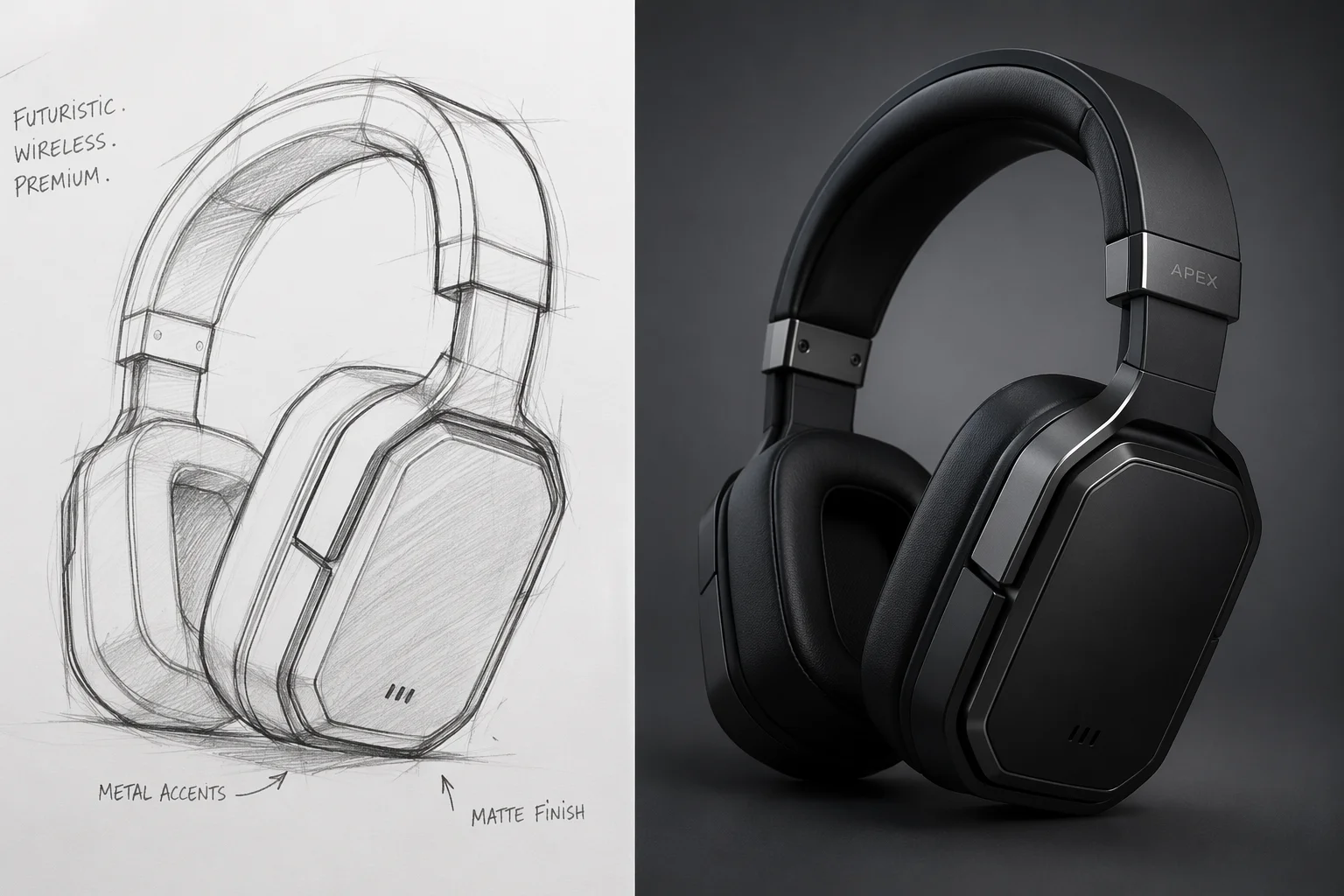
A quick product doodle turned into a detailed, presentation-ready render.
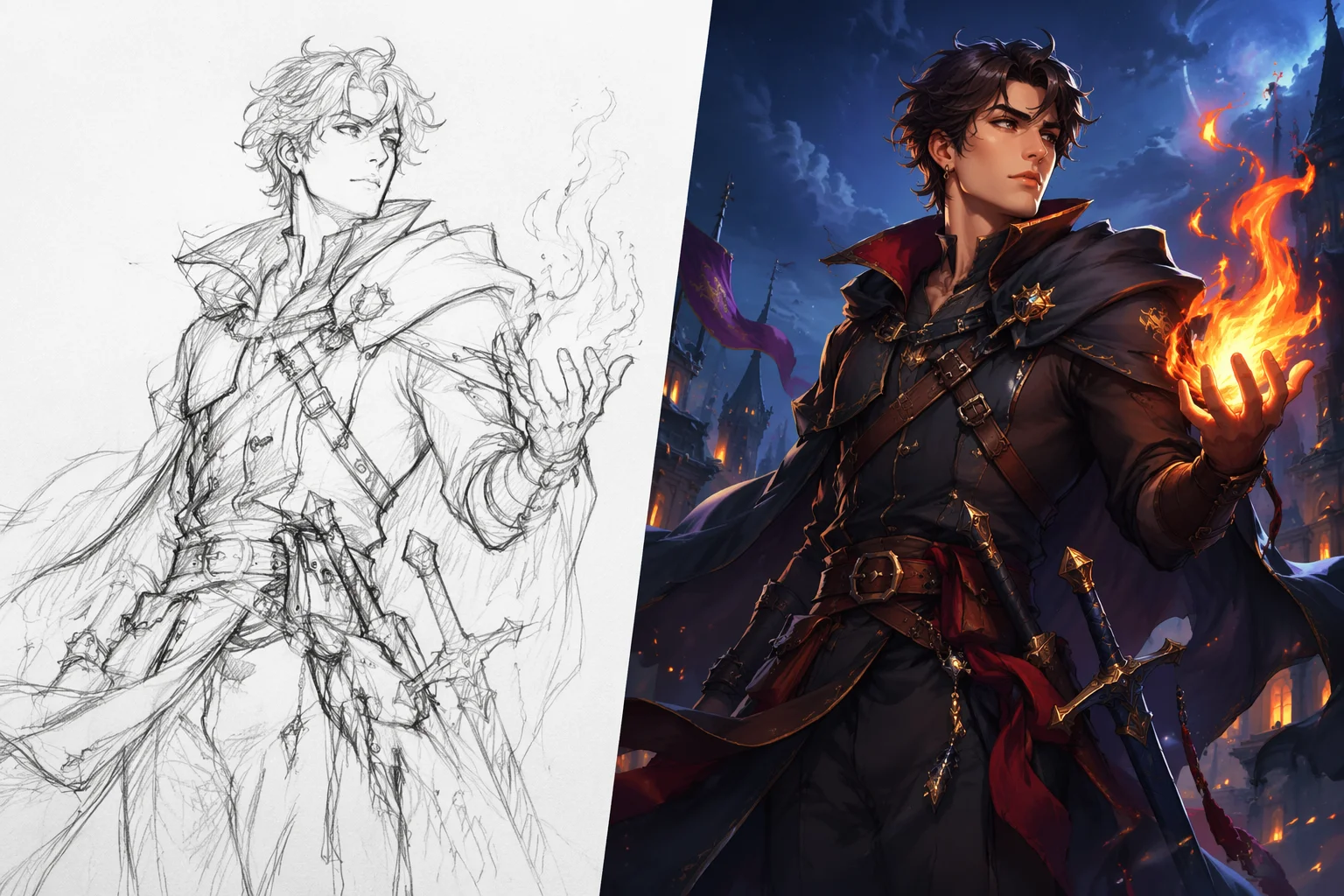
A loose pencil sketch carried through to a fully rendered illustration.
What runs on this page is a generative image-to-image edit on Grok Imagine Image, the xAI image model. Your sketch goes in as a reference image, and the instruction asks the model to produce a finished picture in the style you picked while following the sketch's composition and linework. The lines act as a structural anchor — shapes, proportions, and layout carry over — but the model re-renders the whole image rather than tracing your strokes, which is exactly what lets it add lighting, texture, and color a trace never could.
That mechanism also sets the honest limits. A single subject with clear outlines converts reliably; a complex sketch with many small objects gives the model more decisions to make, and some elements can drift from where you drew them. When that happens, iterate: name the objects that must stay in the description ("keep the rope bridge on the right, three windows") and run it again — each run is billed per image, with no daily caps. For hand-guided control beyond that, the same model runs in the Renoise Canvas, where you can keep editing the render, enhance it, or animate it. And upload only sketches you drew or have permission to use — an artist's drawing is their work.
What happens to an uploaded drawing — the answer most converter tools avoid.
Picking a file only previews it on your device. Not one byte is stored until you sign in and click generate.
Uploads land in your private library, never a public gallery, and re-running the same sketch stores nothing new.
Remove uploads and results from your library whenever you want.
As of October 2026, 100,000+ creators in 170+ countries and regions use Renoise AI, an AI video, image and audio platform, to generate 300,000+ images and videos with 30+ models.
Source: Renoise internal data, March–October 2026. Figures are rounded down and updated quarterly. Last updated
Real feedback from creators who use Renoise AI to make videos, images and ads.
Renoise is pretty easy to use, with a clean and smooth interface. The results from Seedance 2.5 also feel noticeably smoother in action sequences.
Renoise Ai is a good tool for making ai videos and photos. it puts several Ai models in one place, so you don't need to use many different apps.
あまりAIツールを使ったりしたことなかったですが、キャラクターの固定や動画を続いて作成できて使いやすいです。これからどんどん進んでいくアップデートが楽しみです。
Renoise has been a great platform for AI creativity. The tools are easy to use, the experience is smooth, and it makes creating content more enjoyable and efficient. I really appreciate the work the team is doing and look forward to seeing more improvements. Highly recommended!
What I like about Renoise AI compared to other platforms: Fast generation speed: Slow generation takes up way too much time, but Renoise AI is surprisingly about 30% faster. Intuitive and user-friendly UI: Cheaply made platforms have terrible UIs that make me not even want to log in, but Renoise is very clean and convenient. Remembers my previous settings: It helpfully remembers my last workspace settings. Some odd platforms force you to re-adjust everything every single time you generate a video, which is extremely frustrating. Overall preference: For all these reasons, Renoise AI is definitely my preferred platform. Thank you!
Renoise is your go to one stop all for ai creators. all view and use all models in one place, for any type of content you have your mind on!
I have a creat experience with the app. Consistent characters but also unique. THere were some issues with storyline continuity and non-typical humanoid characters.
Credits work across every tool — upscaling, image editing and the video models.
For first-time AI content creators
Billed $168 annually
Upgrade PlanSave $72/year
For creators shipping content every week.
Billed $504 annually
Upgrade PlanSave $216/year
For studios and pros producing at commercial scale.
Billed $1680 annually
Upgrade PlanSave $720/year
For first-time AI content creators
Billed monthly
Upgrade PlanFor creators shipping content every week.
Billed monthly
Upgrade PlanFor studios and pros producing at commercial scale.
Billed monthly
Upgrade PlanRenews automatically each year until canceled.
Renews automatically each month until canceled.
Render your sketch here, then keep refining it in the Renoise Canvas.
Yes. Upload the sketch at the top of this page, pick a style, and the model renders a finished image in about a minute, using your composition and linework as the guide. It works with pencil, pen, digital lineart, and wireframes.
Not pixel for pixel. The sketch anchors the composition — shapes, proportions, and layout carry over — but the model re-renders the image rather than tracing it. On complex multi-object sketches some elements can drift; name what must stay in the description and run it again.
Yes — a rough sketch with clear basic shapes converts well; the model infers intent from the forms, so it does not need to be neat or detailed. Very faint or messy lines leave it more room to improvise, so darken the lines or describe the subject explicitly for a more predictable result.
Yes. A phone photo of a sketchbook page or napkin drawing works — the example on this page is exactly that kind of input. Even lighting and a straight-on angle help the model read the lines.
Yes — that is one of the most common uses. Upload a photo of the drawing, pick photorealistic or 3D render, and the result keeps your child's composition while rendering it as a finished image you can print.
Five style directions are built in: photorealistic, anime, 3D render, watercolor, and concept art. The description box takes it further — add a mood, palette, or medium (oil painting, comic inking) and the render follows.
JPG, PNG, and WebP, up to 20MB per sketch. One sketch per run — each run is billed per image, with no daily caps.
Only sketches you drew or have permission to use. Someone else's drawing — an artist's concept, a comic panel, a friend's sketch — is their work; get their OK before rendering it.


