Dramatic lighting portraits
Chiaroscuro, Rembrandt, split lighting, backlit silhouettes — describe the lighting and the model executes it.
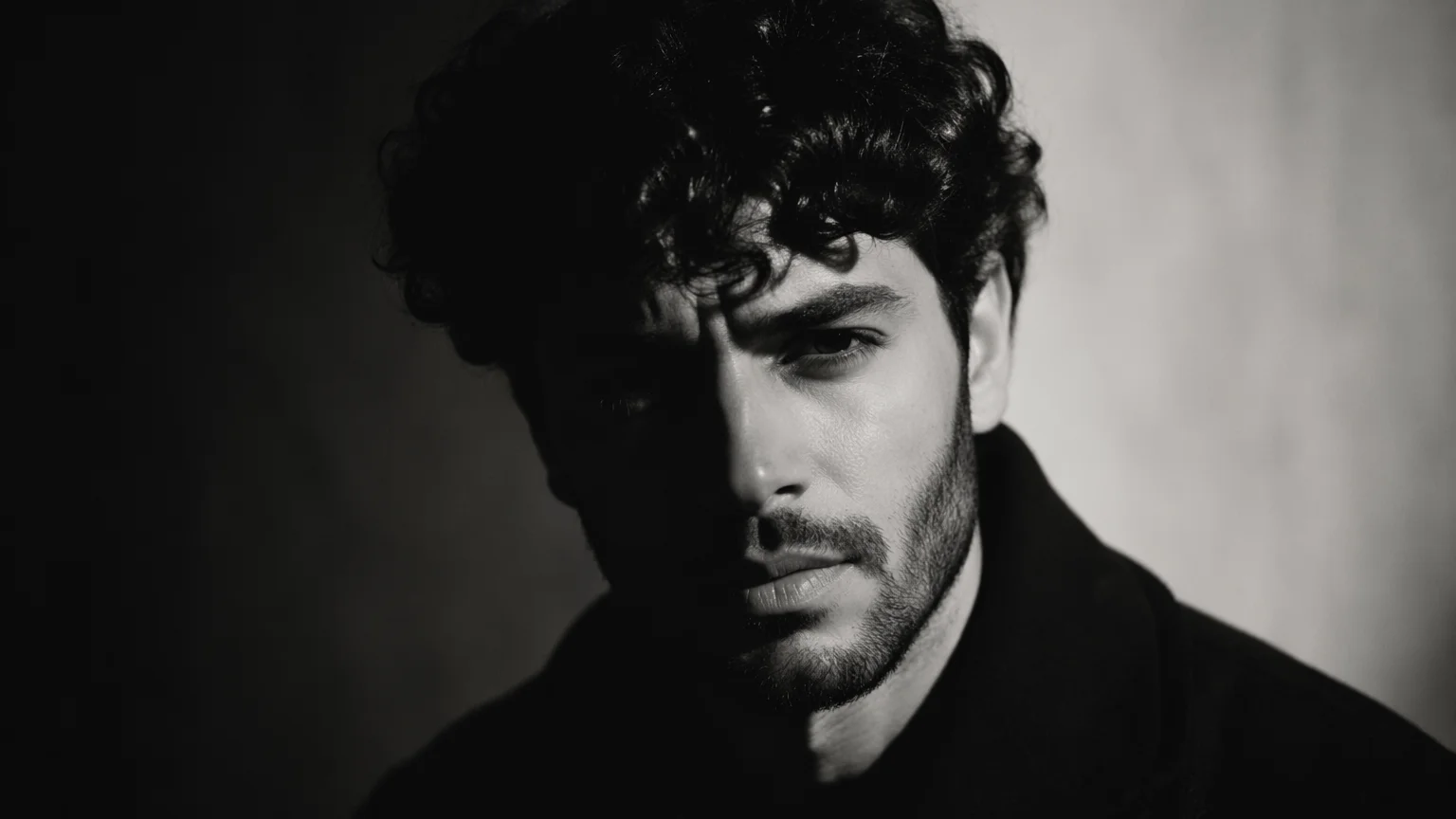
Generate editorial and artistic portrait photographs — dramatic lighting, creative mood, and artistic direction from a text prompt.
Open Renoise Canvas, describe the subject, lighting, mood, and creative direction, and generate on Nano Banana Pro for photoreal skin and studio lighting, GPT Image 2 for precise compositional briefs, or Midjourney V7 for artistic and painterly portrait aesthetics. A portrait is more than a photo of a face — it captures personality, mood, and visual style. Prompt accordingly.
Looking for a professional corporate or LinkedIn headshot instead? See the AI Headshot guide
From moody editorial photography to painterly fine art portraits — all in one canvas.
Chiaroscuro, Rembrandt, split lighting, backlit silhouettes — describe the lighting and the model executes it.
Oil painting, impressionist, fashion editorial, cinematic film still, studio photography — any visual language.
Generate portraits of original characters — unique faces, specific ages, ethnicities, expressions, and moods.
Subject in context — street photographer in a rainy alley, artist in a studio, traveler at a mountain overlook.
From a creative brief to an editorial-quality portrait image — all in one canvas.

Describe the subject (age, appearance, expression), lighting (dramatic side light, backlit, soft window light), mood, setting, and style. "A mid-30s woman with sharp cheekbones and dark hair, Rembrandt lighting, dramatic shadows, film grain, black and white" is a complete brief.

Nano Banana Pro for photoreal skin detail and studio lighting quality. GPT Image 2 for instruction-heavy briefs with precise color and composition control. Midjourney V7 for painterly, artistic, or editorial portrait aesthetics.
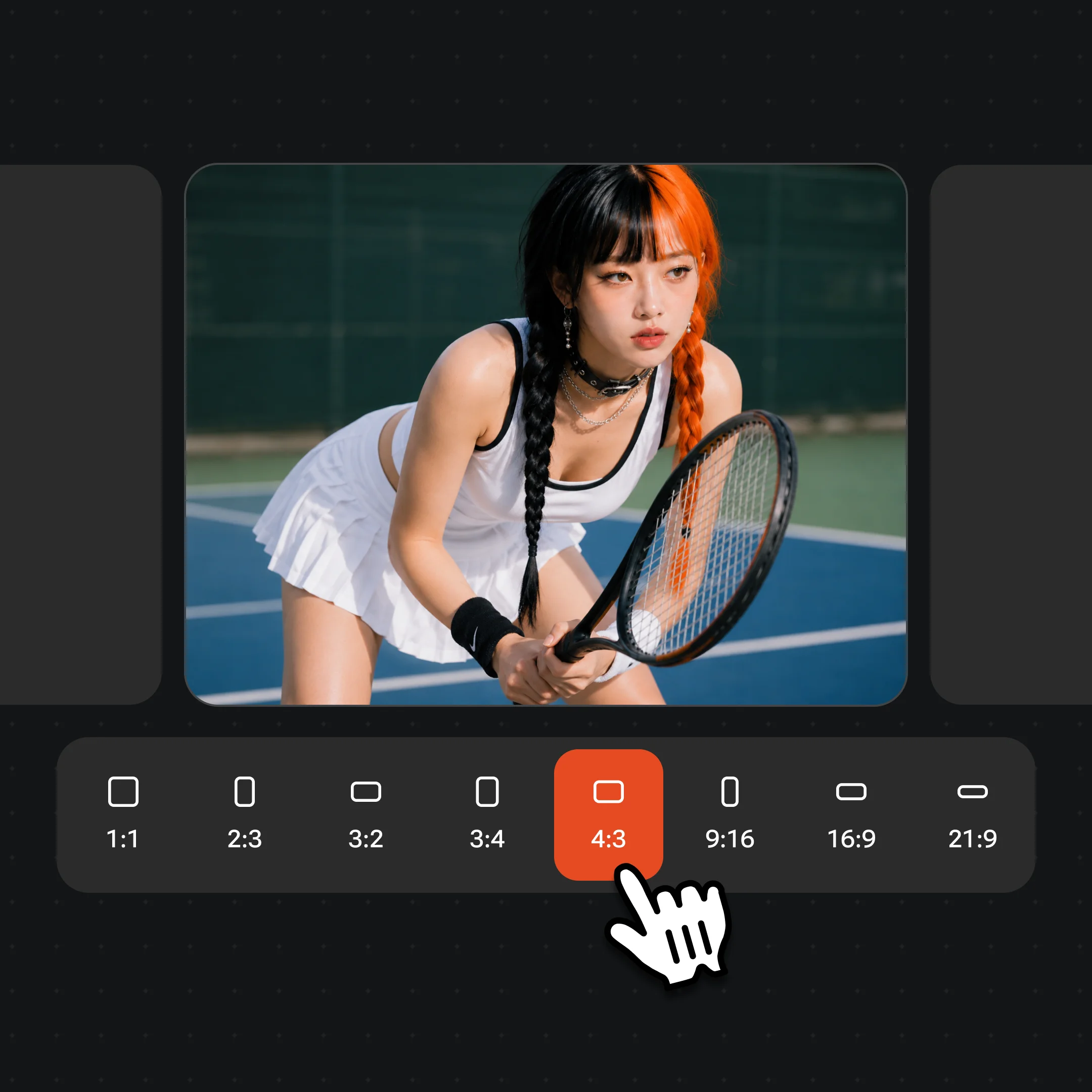
Generate several variations — portrait generation rewards iteration. Adjust lighting, expression, or color grade with prompt refinements. Export at up to 4K when you have the shot. Watermark-free exports on paid plans.
Editorial, dramatic, and artistic AI portraits generated on Renoise — mood, lighting, and personality captured in each shot.
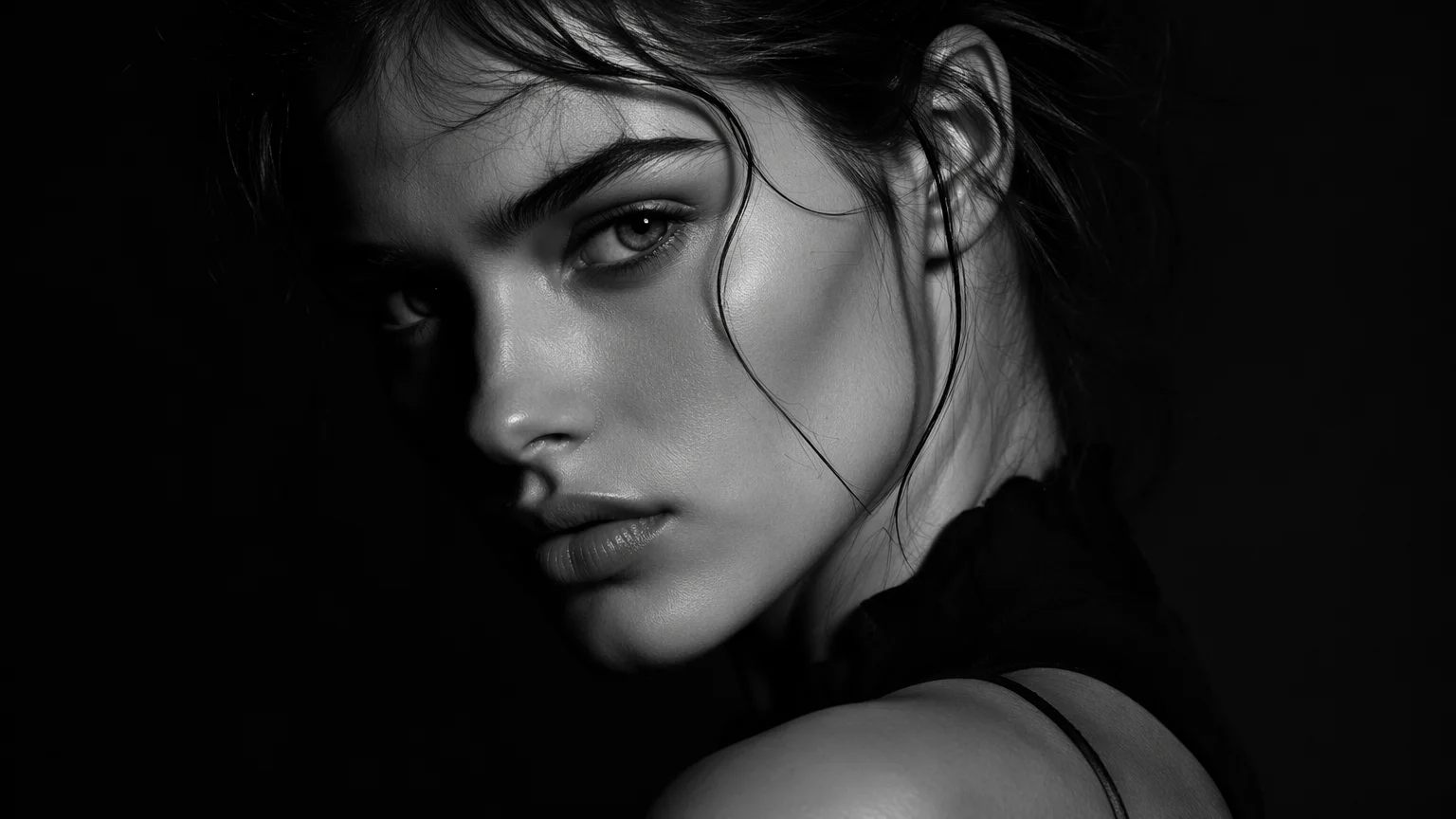
Hard side lighting, deep shadows, and strong contrast — a cinematic editorial portrait with film-photography feel.
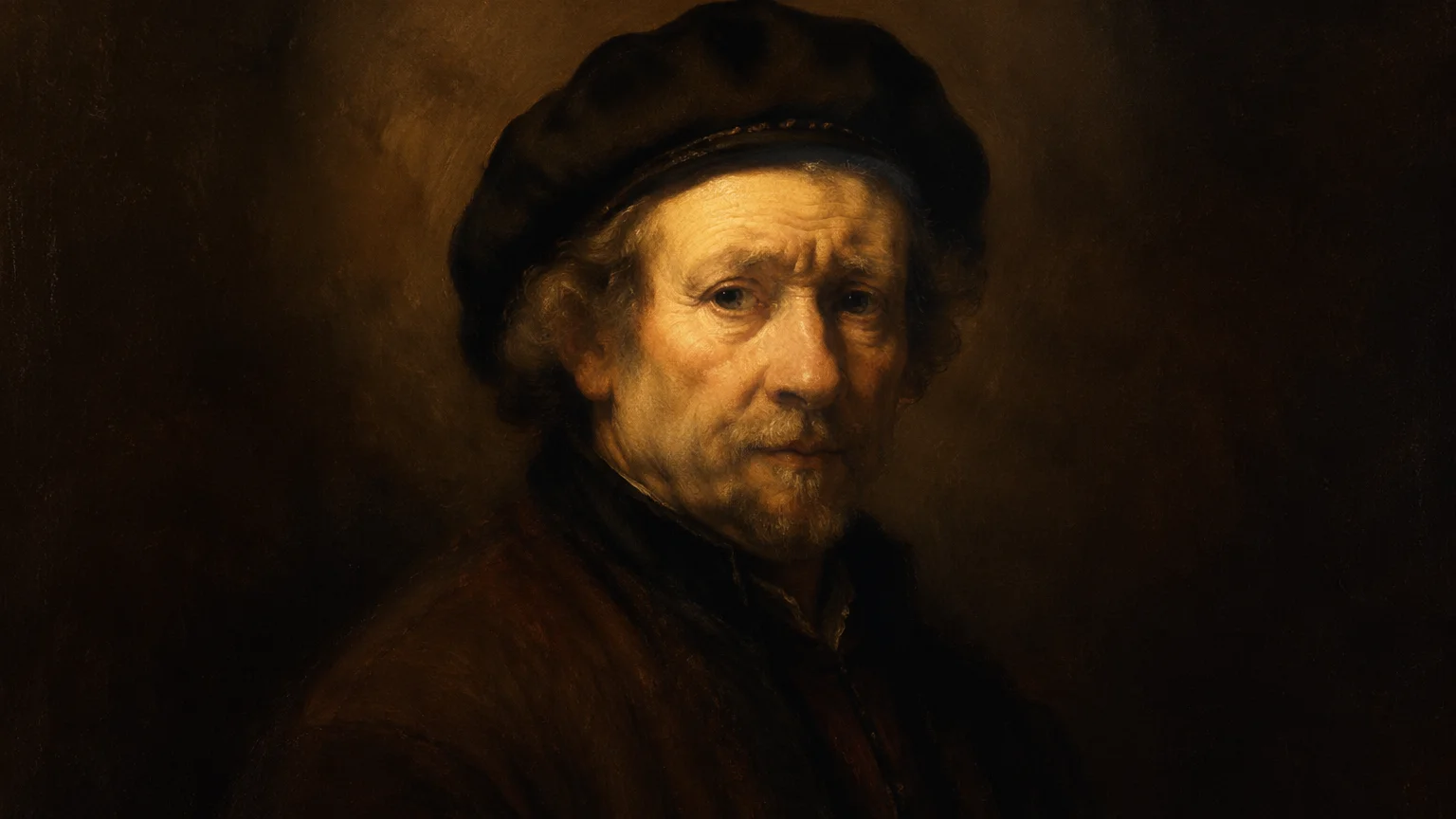
A portrait rendered in an oil painting style — Old Masters influence, warm glazed tones, artistic brushwork.
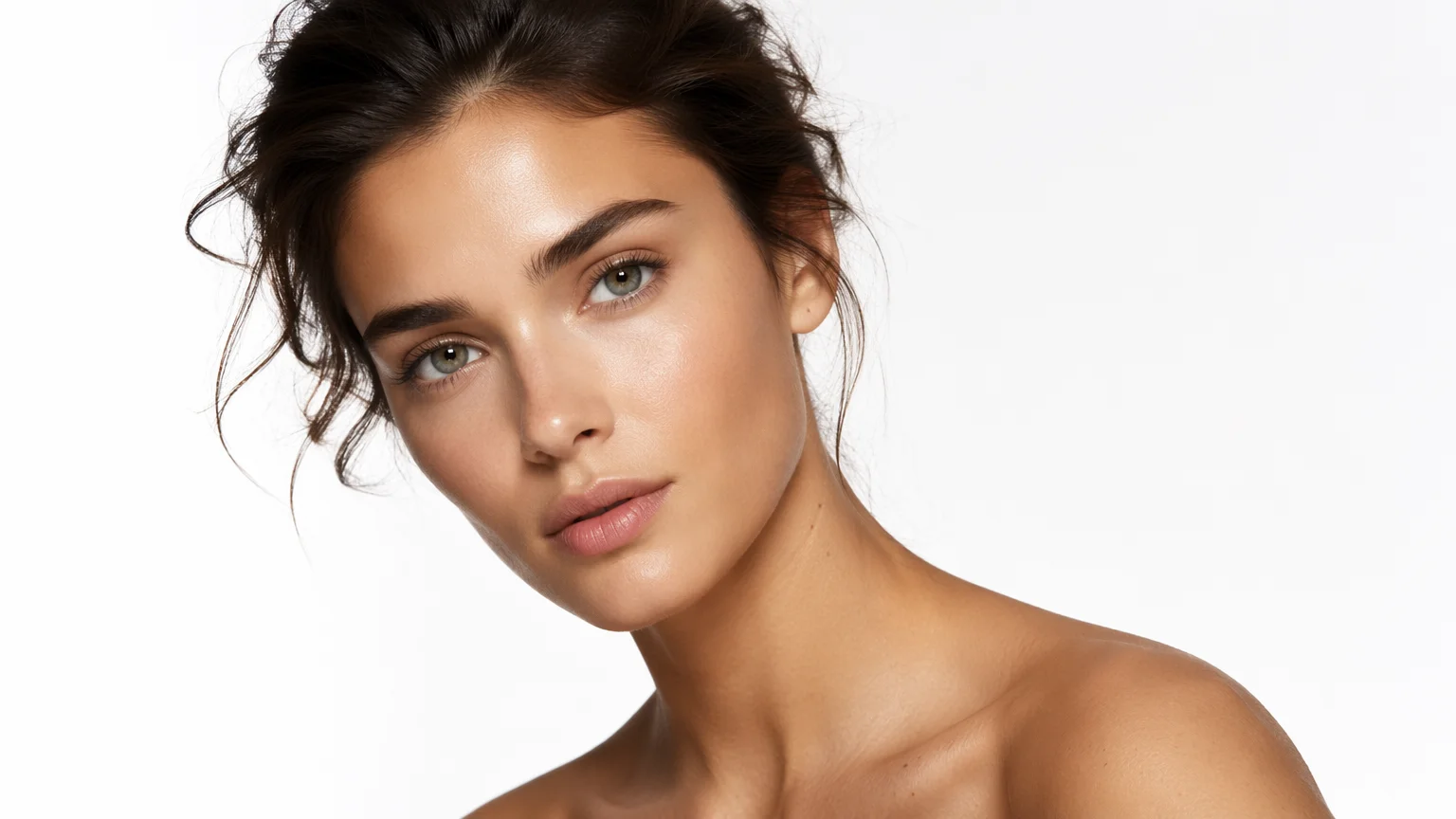
A clean, high-fashion portrait — sharp detail, precise color, editorial composition.
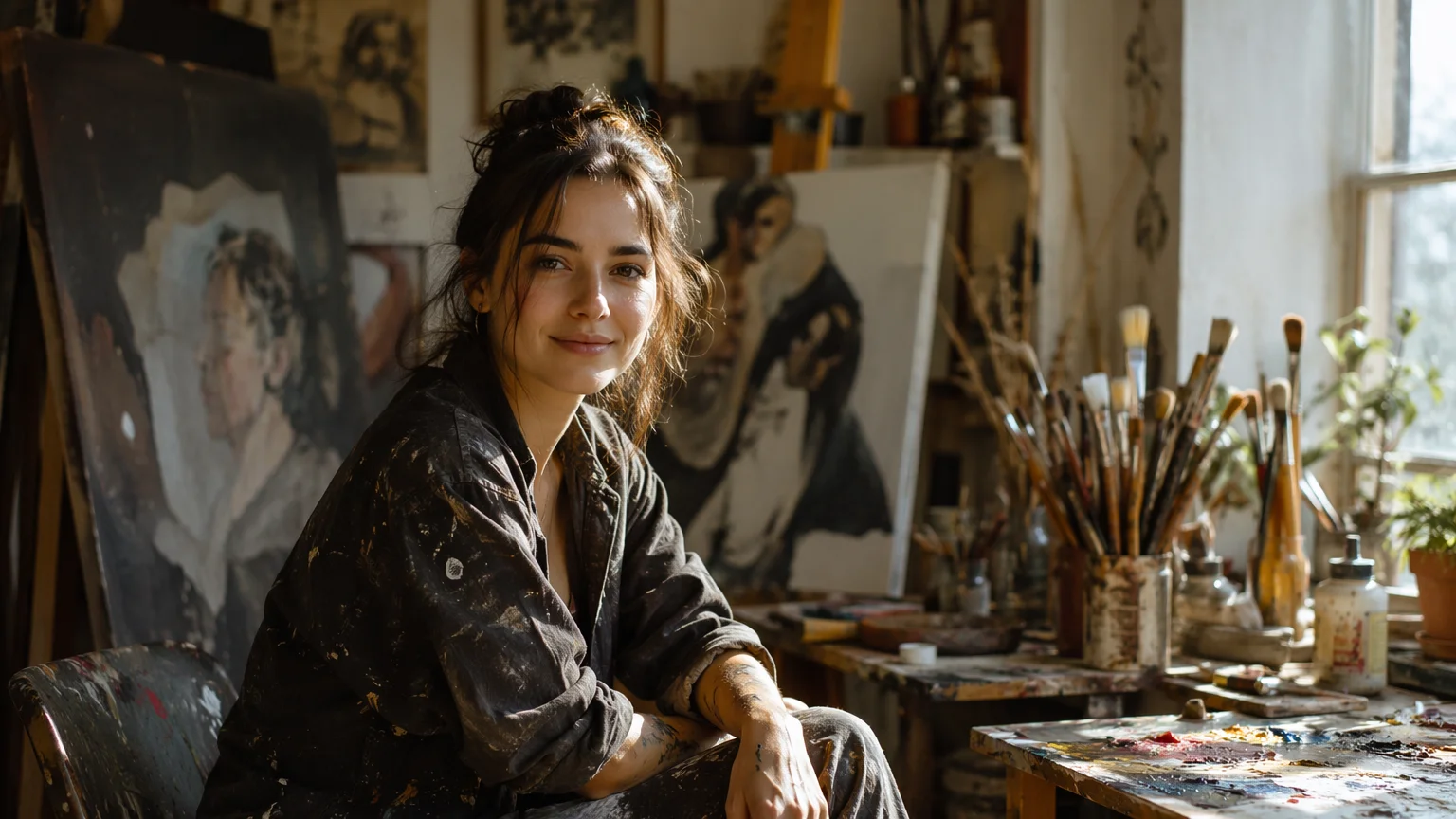
Subject in context — an artist in a paint-splattered studio, character and environment telling a story together.
All three models live in the same Renoise canvas — pick by what the portrait needs.
| For AI portraits | Nano Banana Pro (Recommended) | Midjourney V7 |
|---|---|---|
| Best for | Photoreal skin, studio lighting, precise faces | Artistic, painterly, editorial aesthetics |
| Photoreal skin and texture | Best | Good |
| Artistic and painterly styles | Good | Best |
| Fashion and editorial | Good | Best |
| Complex lighting setups | Best | Good |
| Up to 4K | ✓ | ✓ |
A headshot and a portrait are related but different things. A headshot's job is professional identification — clean framing, neutral background, clearly lit face, no strong artistic statement. A portrait's job is to communicate personality, mood, and visual style. The same person looks different in a headshot and an editorial portrait because the intent and the lighting grammar are different.
Portrait prompting works best when you think like a photographer briefing a shoot. Specify: subject, lighting setup, mood/emotion, color grade, framing/crop, and style reference.
Lighting is the most impactful variable. Rembrandt lighting (a triangle of light on the shadowed cheek) gives drama and depth. Split lighting (one side fully lit, one in shadow) is high-contrast and strong. Soft window light (diffused, directional, low-contrast) feels intimate and natural. Rim/backlight creates silhouettes and ethereal glows. Name the lighting style explicitly — the models know these terms.
For an editorial portrait, add style references: "1970s Helmut Newton style", "Annie Leibovitz environmental portrait", "Richard Avedon high-key portrait". These anchor the aesthetic quickly. For fine art portraits, art movement references work well: "Flemish Old Masters style", "Pre-Raphaelite portrait", "Klimt-inspired decorative portrait".
Portrait generation benefits from iteration — generate 4–6 variations of the same brief and pick the strongest one. Small prompt adjustments (changing "soft" to "hard" in the lighting description, or adding "film grain" or "slight motion blur") shift the mood significantly. The best portrait usually comes after 2–3 prompt refinement cycles.
Portrait generation draws on three image models in one canvas.
Photorealistic image model: accurate skin texture, natural studio lighting, and convincing facial detail.
Artistically sophisticated model: editorial aesthetics, painterly styles, and high visual polish.
Precise instruction-following: complex multi-clause briefs, color control, and compositional accuracy.
Export portrait art at 1K, 2K, or 4K — sharp enough for gallery prints and editorial use.
One plan unlocks Nano Banana Pro, Midjourney V7, GPT Image 2, and every other model on Renoise.
For first-time AI content creators
Billed $168 annually
Upgrade PlanSave $72/year
For creators shipping content every week.
Billed $504 annually
Upgrade PlanSave $216/year
For studios and pros producing at commercial scale.
Billed $1680 annually
Upgrade PlanSave $720/year
For first-time AI content creators
Billed monthly
Upgrade PlanFor creators shipping content every week.
Billed monthly
Upgrade PlanFor studios and pros producing at commercial scale.
Billed monthly
Upgrade PlanRenews automatically each year until canceled.
Renews automatically each month until canceled.
Editorial, dramatic, and artistic portrait photographs from a text prompt. Watermark-free exports on paid plans.
An AI headshot is a professional identification photo — clean, neutral, shoulders-up framing, designed for LinkedIn and team pages. An AI portrait is an artistic or editorial photograph that captures personality, mood, and visual style — dramatic lighting, creative direction, emotional depth. See the AI Headshot guide if you need a professional photo; this guide is for creative, artistic portrait work.
Nano Banana Pro for photoreal skin texture, accurate facial detail, and studio-quality lighting. Midjourney V7 for artistic, editorial, and painterly portrait aesthetics. GPT Image 2 when you have a complex, detailed brief and need precise compositional control. All three are in the same Renoise canvas.
You can describe general physical characteristics and generate an original character with those features. Generating portraits that are intended to realistically depict a specific real person without their consent is not permitted. For portraits featuring your own face, upload reference photos and use a FacePass to lock your identity.
Name the lighting style explicitly in the prompt: "Rembrandt lighting", "split lighting", "chiaroscuro", "rim light", "backlit", "soft window light", "hard side light". Add the contrast level: "high contrast deep shadows", "low contrast soft diffused". Lighting is the single most impactful variable in portrait quality — be specific.
Yes. Add style descriptors to the prompt: "oil painting portrait", "Flemish Old Masters style", "impressionist portrait", "Pre-Raphaelite", "watercolor illustration". Midjourney V7 is particularly strong for artistic portrait styles. For very specific art movement references, include both the style name and a brief visual description of the characteristics.
Up to 4K. For web and social media use, 2K is more than sufficient. For gallery prints or editorial publication, generate and export at 4K to preserve fine detail in skin texture and lighting transitions.
Check the specific license for the model used. Renoise provides high-resolution exports suitable for editorial and commercial applications. Verify the applicable model license for your specific use case.
Your privacy is important to us
We use cookies to improve your experience and for marketing. Read our Cookie Notice.