Native lipsync
Characters speak in sync — lipsync is built into the model, no separate step.
Kuaishou’s flagship video model — lipsync, multi-shot, one Canvas.
Characters speak in sync — lipsync is built into the model, no separate step.
Keep several characters coherent in a shot from 5+ input modalities.
Direct a multi-shot sequence in one generation — no stitching.
Physics-aware dynamics keep movement, cloth, and collisions believable.
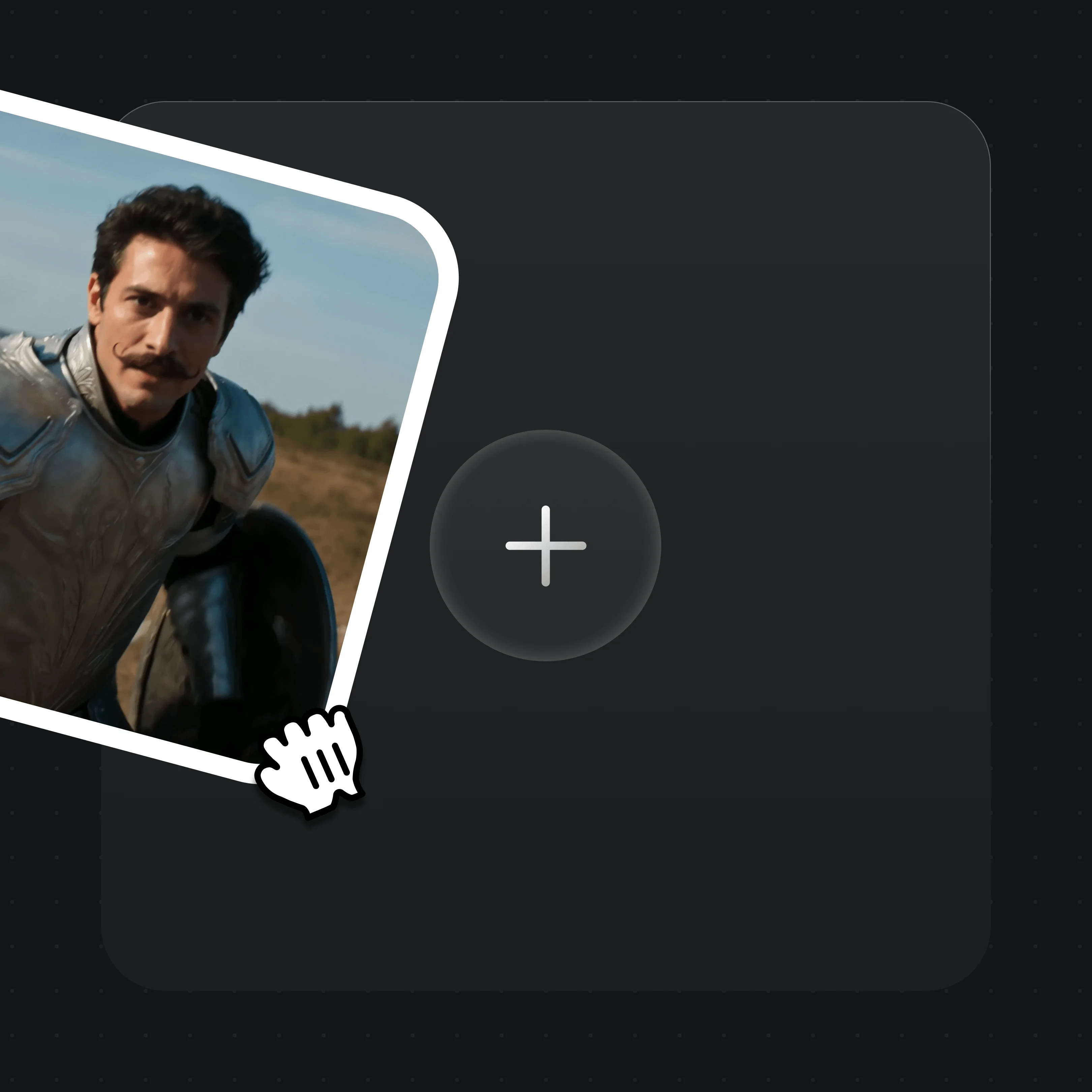
Drag in up to 7 images, one reference video, or first/last frames. MD5 dedup is automatic.
Describe the shot, dialogue, and camera in plain text, and set 3 to 15 seconds.
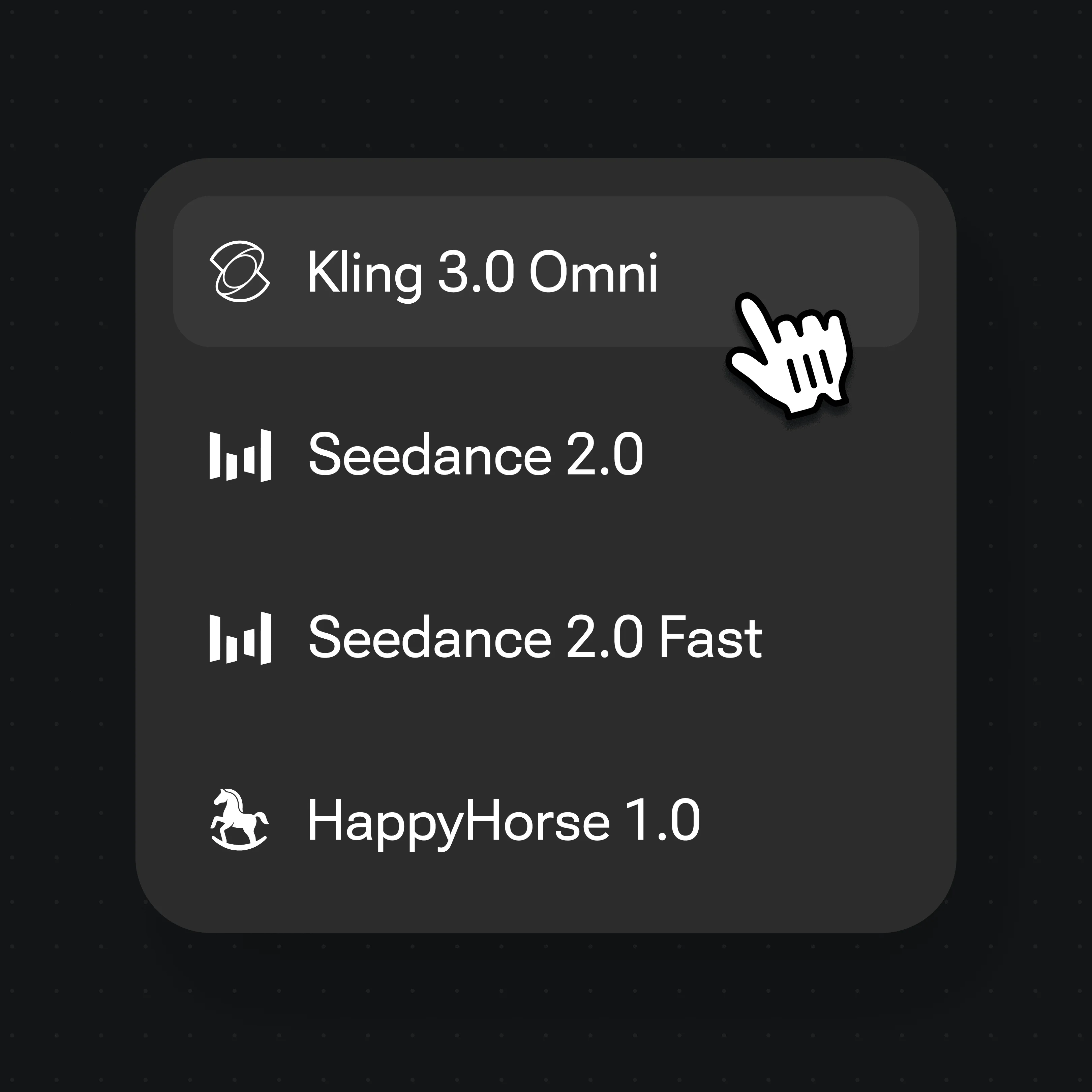
Choose Kling 3.0 Omni in the model selector and hit Generate.
Direct several connected shots from one prompt — Kling 3.0 Omni handles up to six.
Reference an image to carry the same subject across a moving sequence.
Cloth, hair, and collisions move with believable physical dynamics.
Animate a still from a first frame, or extend it with a reference video.
Both run inside Renoise — pick per shot, no winner. Reach for Kling 3.0 Omni for lipsync and multi-shot work; Seedance 2.0 for audio-native video and 21:9 framing.
| For your shot | Kling 3.0 Omni | Seedance 2.0 |
|---|---|---|
| Best for | Lipsync & multi-shot scenes | Audio-native, cinematic 21:9 |
| Native lipsync | ✓ | — |
| Multi-shot in one generation | Up to 6 shots | Via continuation |
| Aspect ratios | 5 (16:9 to 3:4) | 6 incl. 21:9 |
| Clip length | 3–15s (≤10s with ref video) | 4–15s, plus Fast mode |
| Reference inputs | Images ×7, video ×1 | Image ×9, video ×3, audio ×3 |
Unlock Kling 3.0 Omni and every other model on one Renoise plan.
For first-time AI content creators
Billed $168 annually
Upgrade PlanSave $72/year
For creators shipping content every week.
Billed $504 annually
Upgrade PlanSave $216/year
For studios and pros producing at commercial scale.
Billed $1680 annually
Upgrade PlanSave $720/year
For first-time AI content creators
Billed monthly
Upgrade PlanFor creators shipping content every week.
Billed monthly
Upgrade PlanFor studios and pros producing at commercial scale.
Billed monthly
Upgrade PlanRenews automatically each year until canceled.
Renews automatically each month until canceled.
Lipsync, multi-shot, and more models on one Canvas.
Kling is developed by Kuaishou. Renoise integrates Kling 3.0 Omni alongside Seedance 2.0, HappyHorse 1.0, Nano Banana 2 / Pro, GPT Image 2, and Midjourney V7 — Renoise does not train video models itself.
Kuaishou’s flagship video model, accepting 5+ input modalities. It adds native lipsync, multi-subject consistency, up to six shots in one generation, and physics-aware motion. In Renoise it is one model on a shared Canvas.
Yes. Lipsync is native to Kling 3.0 Omni, so characters can speak in sync without a separate step. Pair it with FacePass to use a real, authorized face as a reference.
Each clip runs 3 to 15 seconds, or up to 10 seconds when you include a reference video. Generated video clips can be edited and trimmed directly in Renoise.
Yes. Use up to seven reference images, a first or last frame, or one reference video to drive the shot. Renoise re-uploads references into its asset library with automatic MD5 dedup.
Not directly — the model blocks detectable real faces. Clear a face you are authorized to use through FacePass first; the cleared face then works as a reference. No public figures, celebrities, or minors.
No. Kling 3.0 Omni outputs at 720p or 1080p. 4K is available for the image models — Nano Banana Pro and GPT Image 2 — not for video.
Reach for Kling 3.0 Omni when you need lipsync or multi-shot sequences; reach for Seedance 2.0 for audio-native video, 21:9 framing, or more reference inputs. Both live on the same Canvas, so you can switch per shot.