One install command
Paste one line into Claude Code (or install the Skill for Codex / OpenClaw) and the plugin is live. No API plumbing.
Claude doesn’t make video on its own. Install the Renoise plugin in Claude Code and create AI video straight from a conversation — powered by Seedance 2.5, Kling and more.
Not on its own — Claude is a language model and does not generate video. But you can generate AI video from inside Claude by installing the Renoise plugin: you describe the shot in chat, and Renoise runs the actual generation on video models like Seedance 2.5 and Kling 3.0 Omni, then hands back the clip. Renoise is a third-party integration you install yourself; it is not affiliated with or endorsed by Anthropic.
Prefer the terminal? The same plugin works from Claude Code
One install, then you generate by chatting.
Paste one line into Claude Code (or install the Skill for Codex / OpenClaw) and the plugin is live. No API plumbing.
Generation runs on Seedance 2.5, Kling 3.0 Omni and more — not on Claude, which has no video model.
Describe the shot in plain language; Claude expands it into a professional video prompt with camera and lighting.
The same generation works from Codex and OpenClaw via the Renoise plugin — pick the agent you already use.
Install once, then generate by chatting.
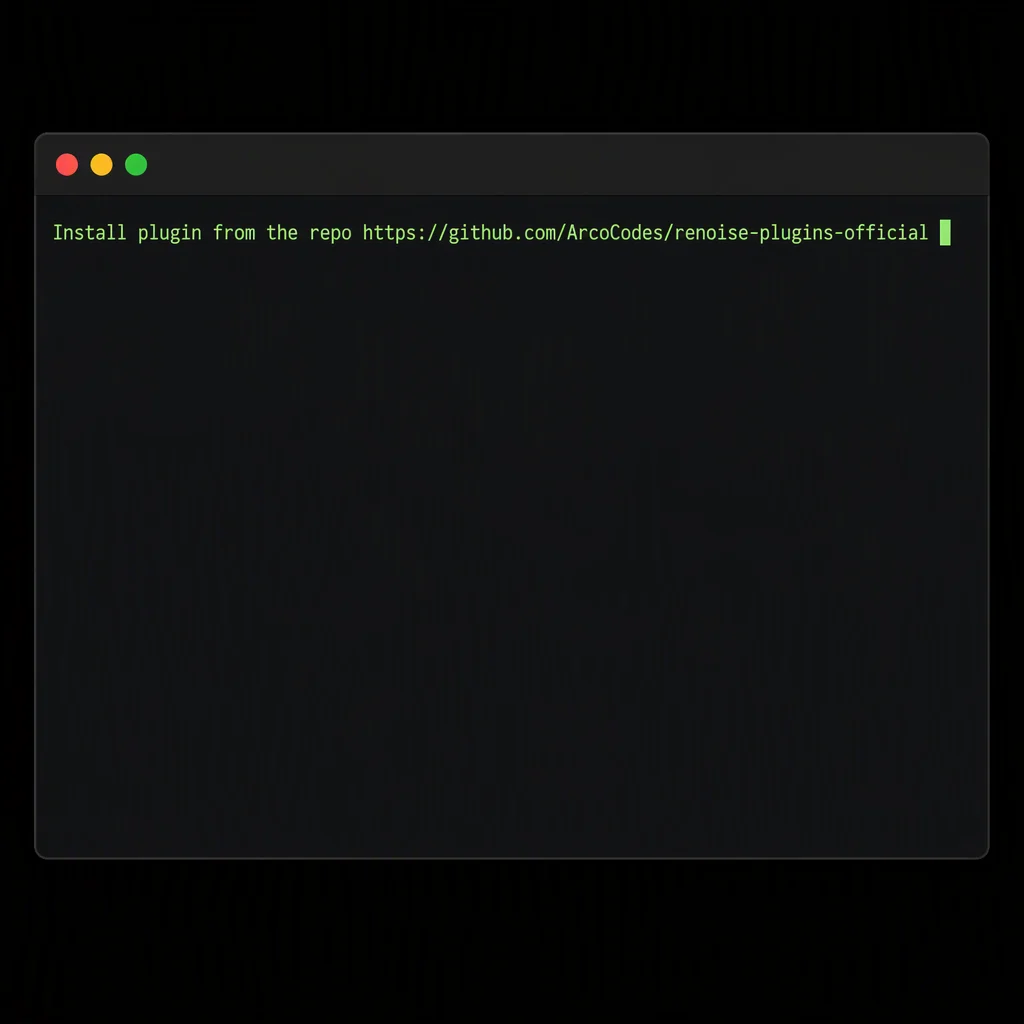
In Claude Code, paste: Install plugin from the repo https://github.com/ArcoCodes/renoise-plugins-official. For Codex / OpenClaw, use their one-line install.
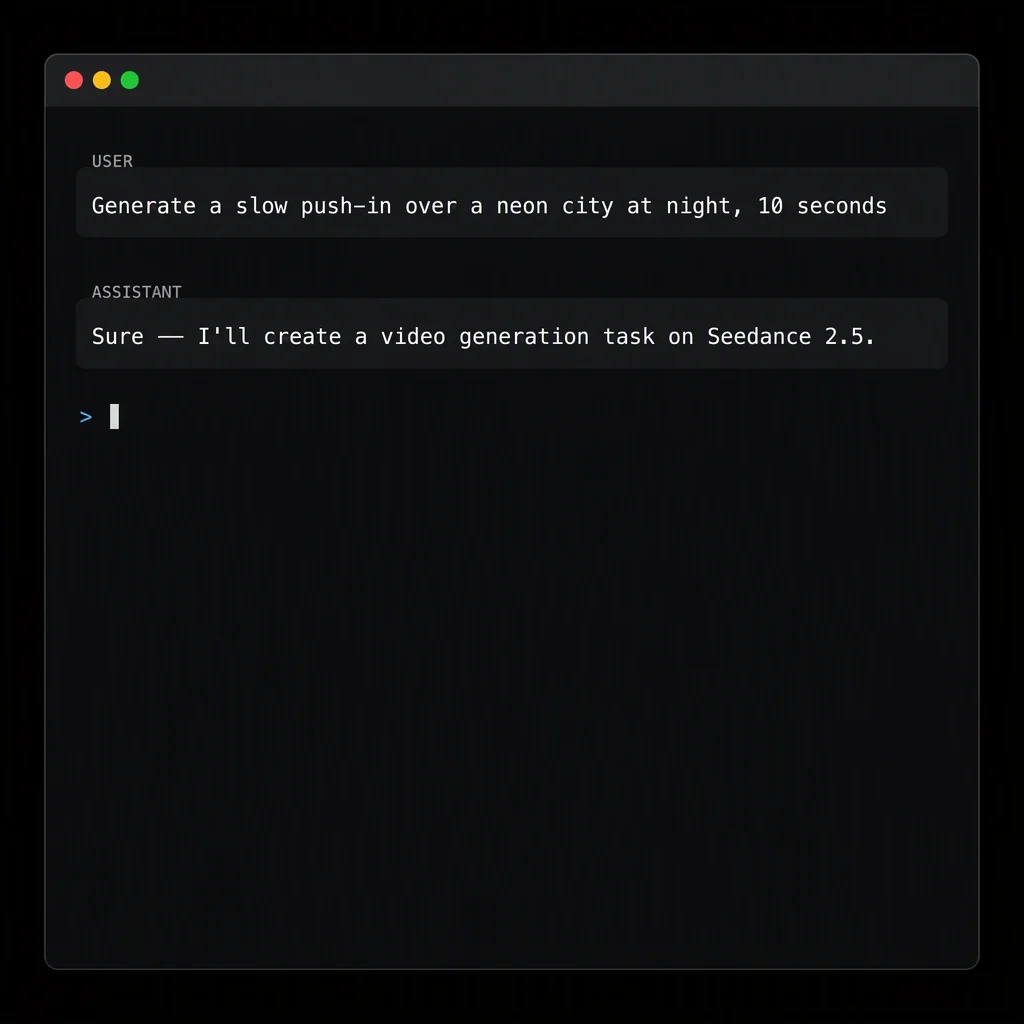
In chat, say what you want — "a slow push-in over a neon city at night, 10 seconds." Claude passes it to Renoise.
Renoise generates on Seedance 2.5 or Kling and returns the video. Iterate by chatting — no tab-switching.
Claude Code has no video model, so the Renoise plugin works by splitting the job: Claude handles the conversation and the creative direction, and Renoise handles the actual generation. When you describe a shot in chat, Claude turns it into a proper video prompt, picks a model and duration, and calls Renoise’s API to create a generation task. Renoise runs that task on real video models — Seedance 2.5, Kling 3.0 Omni and others — then Claude polls the task until it’s done and hands you back the finished clip.
It is a third-party integration you install yourself with your Renoise API key. Claude and Anthropic are not involved in the generation; Renoise only connects to Claude through the plugin (and an open MCP standard), and generation happens on Renoise’s models. The same plugin also exposes image generation, so a single conversation can produce images and video.
Both run on the same Renoise models and the same credits — they differ in where and how you work.
| Claude Code plugin | Web page (renoise.ai) | |
|---|---|---|
| Where you work | In your terminal / coding agent | In the browser |
| Who writes the prompt | Claude, from plain language | You, in the editor |
| Reference assets | Local files, referenced in chat | Upload + @-mention in the editor |
| Batch & automation | Scriptable via SDK / CLI | Manual, one at a time |
| Best for | Developers, batch work, automation | Visual editing, no coding |
| Billing | Same credits, same plans | Same credits, same plans |
Prompted from Claude, generated by Renoise’s video models.
Describe a scene and get a 6–15 second clip with real camera and subject motion.
Reference an image in chat and animate it into a clip.
Batch variations for ads and social straight from a conversation.
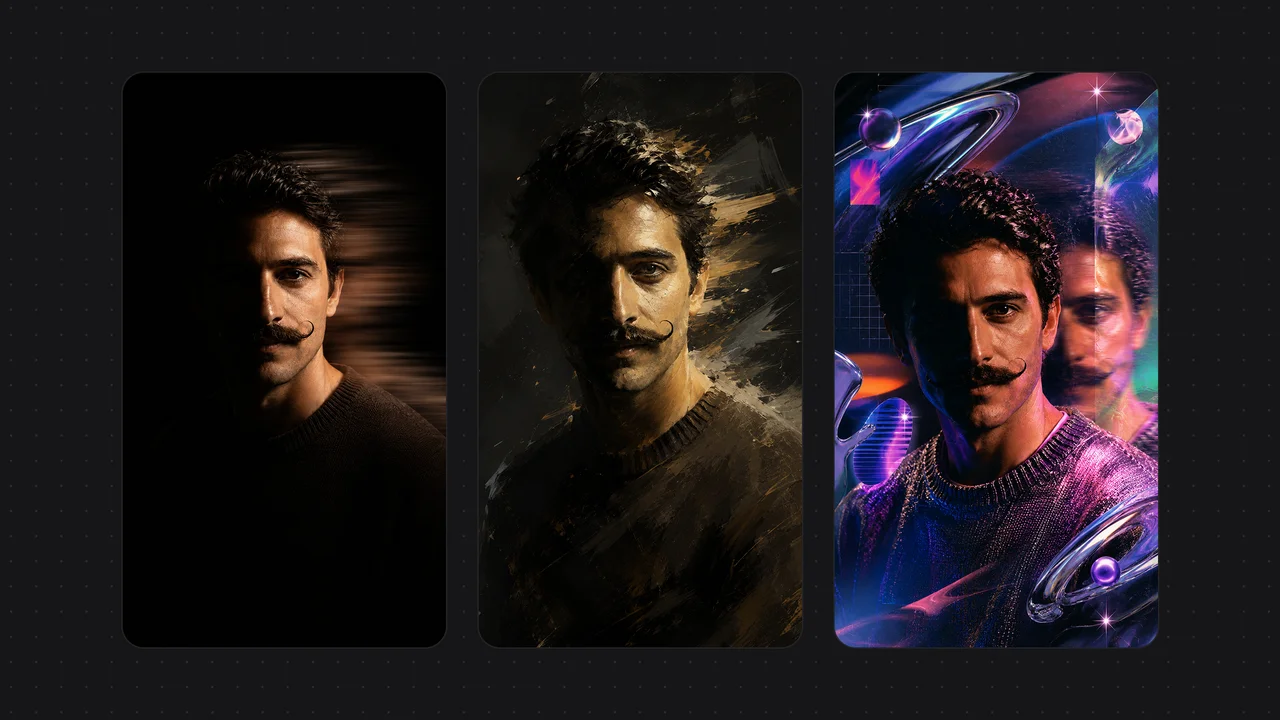
The same plugin generates images (GPT Image 2, Nano Banana Pro, Seedream) — not just video.
One Renoise plan powers generation from Claude Code, the web Canvas and more.
For first-time AI content creators
Billed $168 annually
Upgrade PlanSave $72/year
For creators shipping content every week.
Billed $504 annually
Upgrade PlanSave $216/year
For studios and pros producing at commercial scale.
Billed $1680 annually
Upgrade PlanSave $720/year
For first-time AI content creators
Billed monthly
Upgrade PlanFor creators shipping content every week.
Billed monthly
Upgrade PlanFor studios and pros producing at commercial scale.
Billed monthly
Upgrade PlanRenews automatically each year until canceled.
Renews automatically each month until canceled.
Install the Renoise plugin and generate AI video by chatting.
No. Claude is a language model and has no video generation model. To generate video "in Claude," you install the Renoise plugin, which lets Claude call Renoise’s video models (Seedance 2.5, Kling 3.0 Omni) and return a clip.
No. Renoise is a third-party integration you install yourself. It is not made by, affiliated with, or endorsed by Anthropic — it connects to Claude through the plugin and the open MCP standard.
In Claude Code, paste "Install plugin from the repo https://github.com/ArcoCodes/renoise-plugins-official". For Codex, do the same from the repo. For OpenClaw, run openclaw plugins install renoise --marketplace ArcoCodes/renoise-plugins-official. Full steps are in the setup docs.
Yes. Beyond Claude Code, Renoise ships a plugin for Codex and OpenClaw, so you can generate from those agents in the same conversational way.
Both run on the same Renoise models and the same credits. The plugin generates from inside your coding agent — Claude writes the prompt and you can script batches — while the website gives you a visual editor for manual, one-off work. Neither is "better"; pick whichever fits how you work.
Generation runs on Renoise’s integrated video models — Seedance 2.5 (480P/720P, 4–30s), Kling 3.0 Omni and others. Claude only handles the conversation; Renoise does the generating.
Yes. The same Renoise plugin exposes image generation (GPT Image 2, Nano Banana Pro, Seedream 5.0 Lite and more), so you can create images and video from the same chat.
Yes. The plugin calls Renoise with your Renoise API key, and generation draws from your Renoise credits. Installing the plugin is free; you pay per generation like anywhere else on Renoise.
Yes. Renoise also exposes a standard MCP server (create_video_task, list_tasks, list_templates) at /.well-known/mcp/manifest.json for agent setups that prefer MCP over the plugin.