Skip to content
New user onlyFirst Purchase Discount

Renoise Features

The tools and capabilities inside Renoise — explore what you can create.

AI Video

AI Video

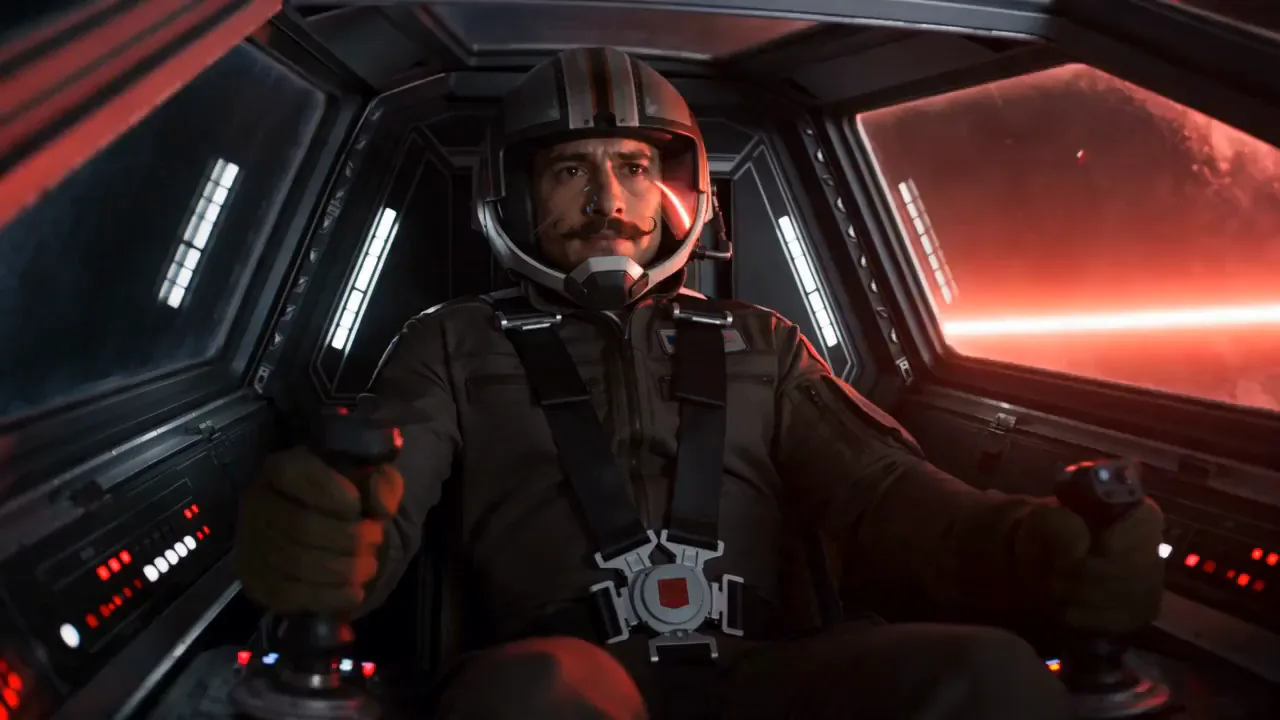
Switch top video models on the same canvas — no tool-hopping.

AI-generated wallpaper made in Renoise

AI Image

Switch top image models on the same canvas — up to 4K.

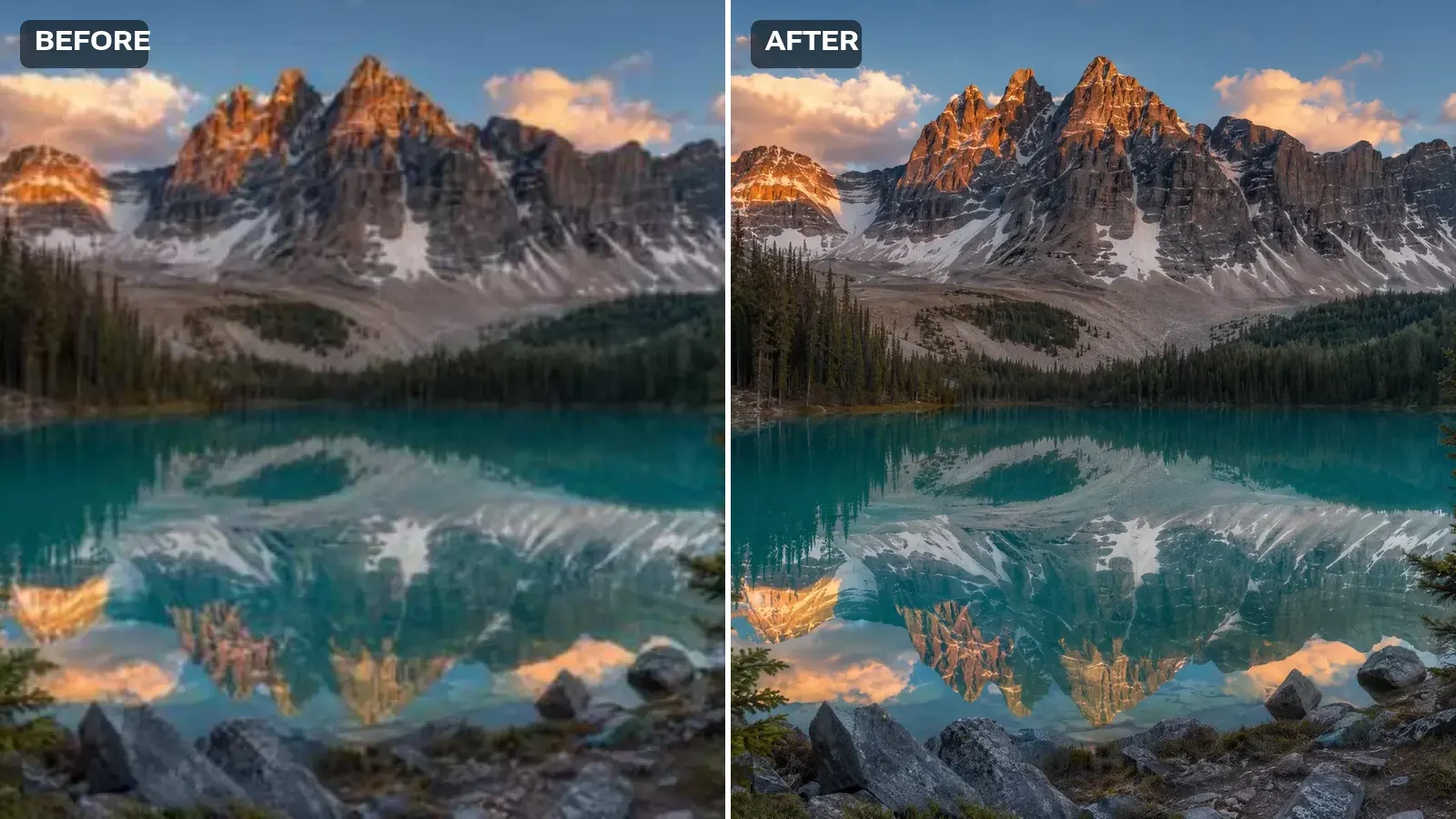
The same alpine lake photo at high resolution with crisp detail throughout

AI Image Upscaler

Make your pictures higher resolution right here — AI reconstructs detail as it upscales, crisp up to 4K.

AI Product Video

AI Product Video

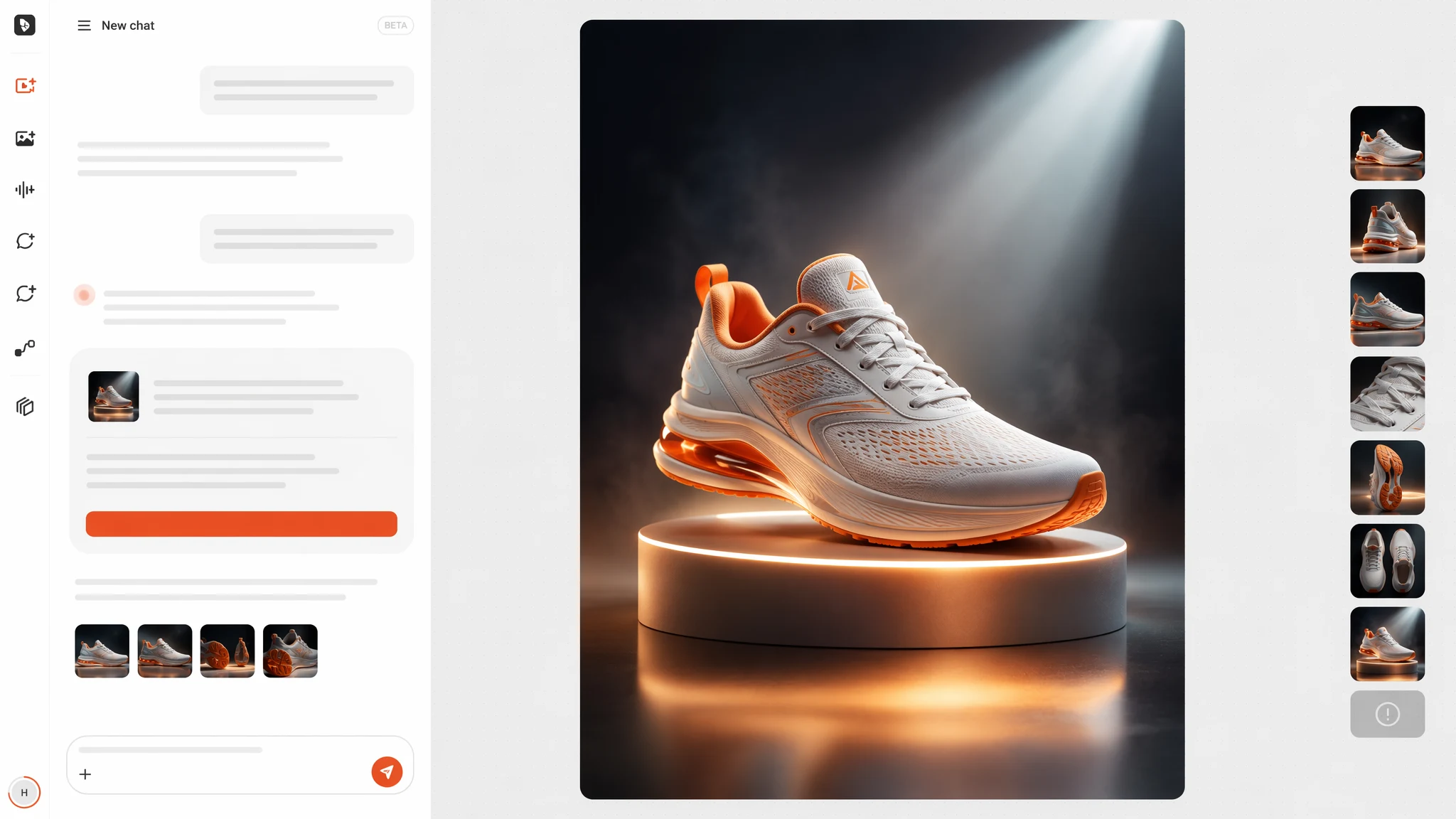
Upload, prompt, ship — no shoot, no editor, no agency.

Renoise Agent chat workbench planning and generating a video

Renoise Agent

Brief it in chat. It plans, prices, and generates.

Claude Video

Claude Video

Claude doesn’t make video on its own. Install the Renoise plugin in Claude Code and create AI video straight from a conversation — powered by Seedance 2.5, Kling and more.

AI Lip Sync

AI Lip Sync

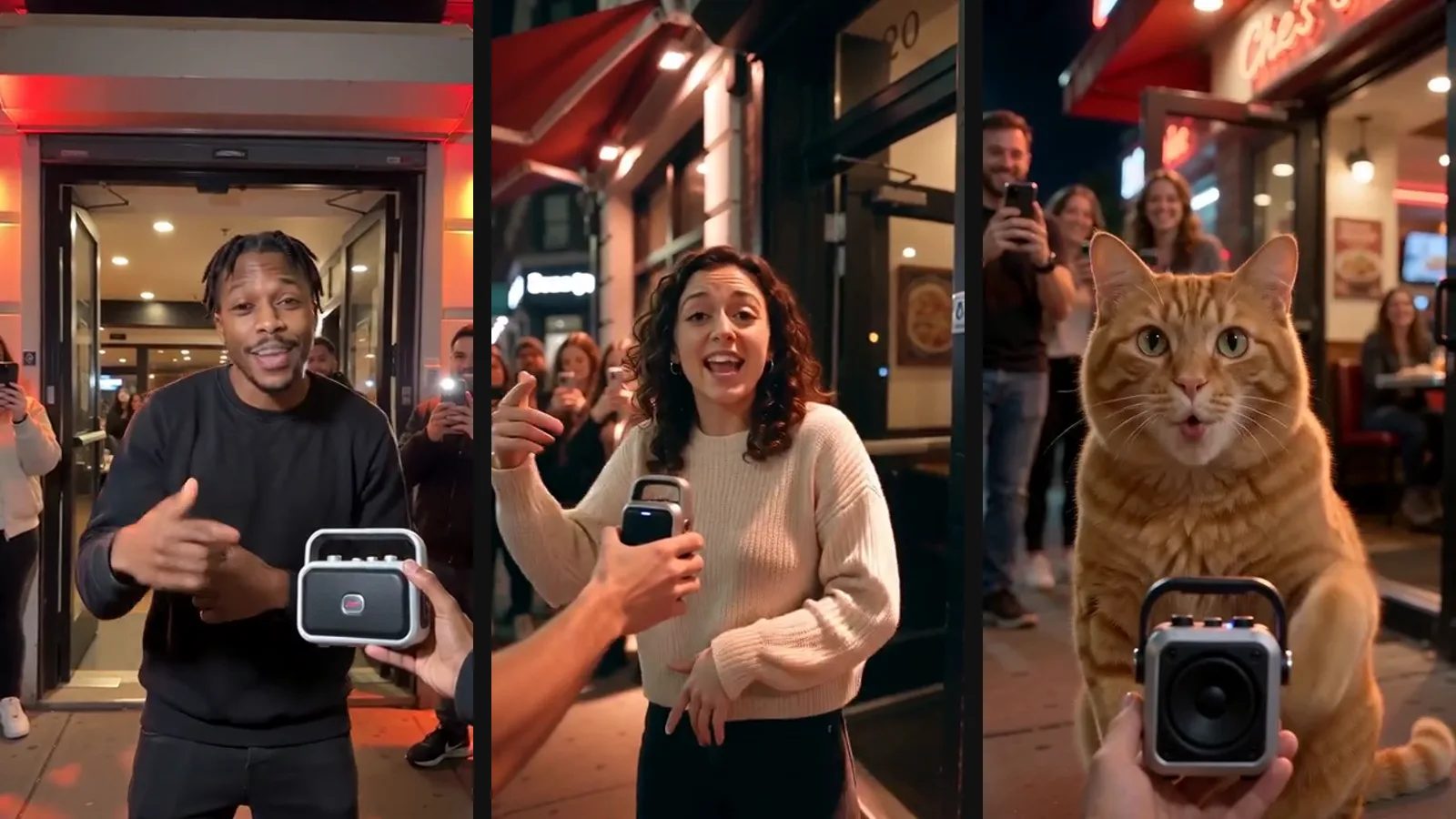
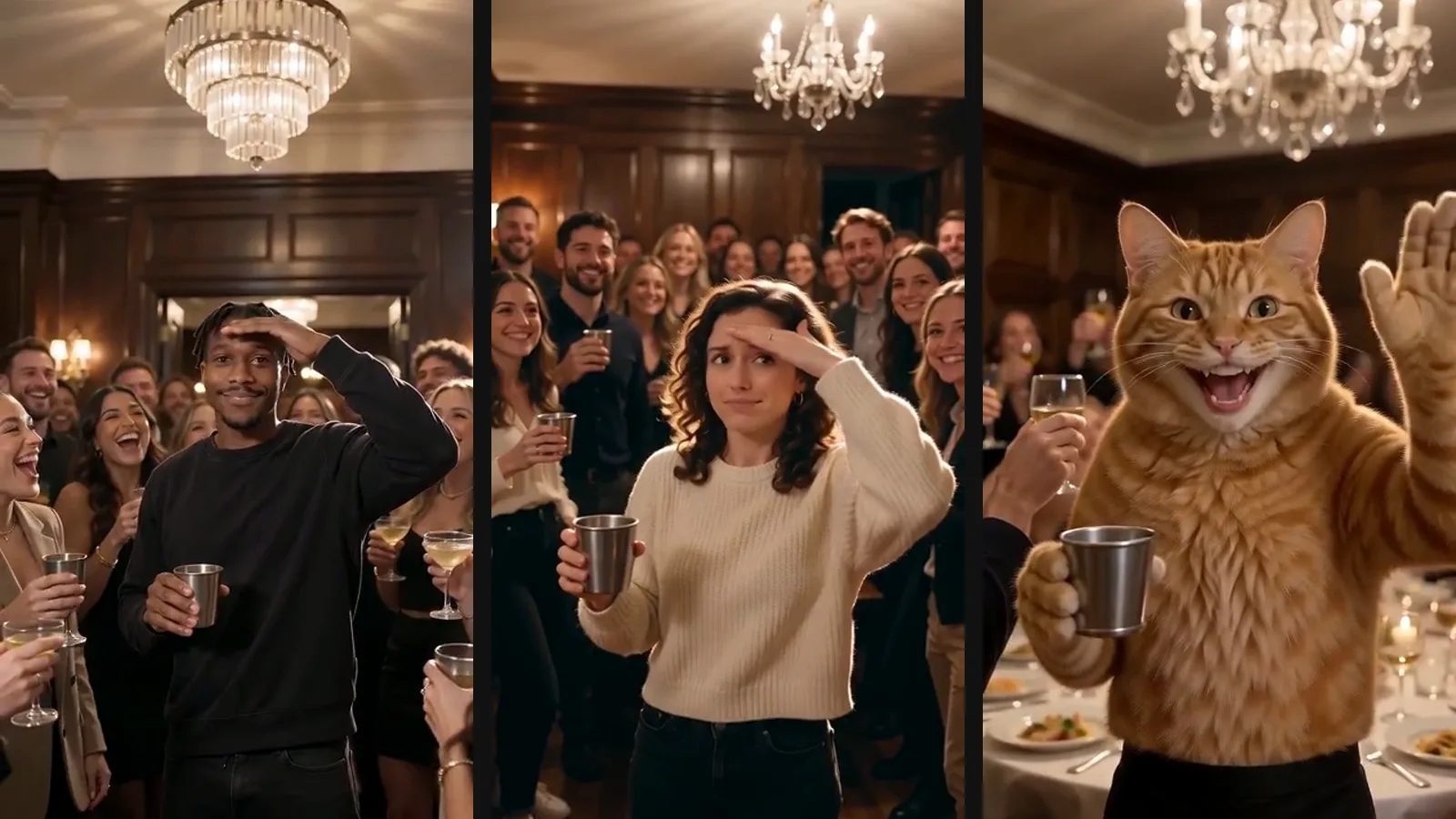
Sync any face to your audio — speech, song, or dialogue.

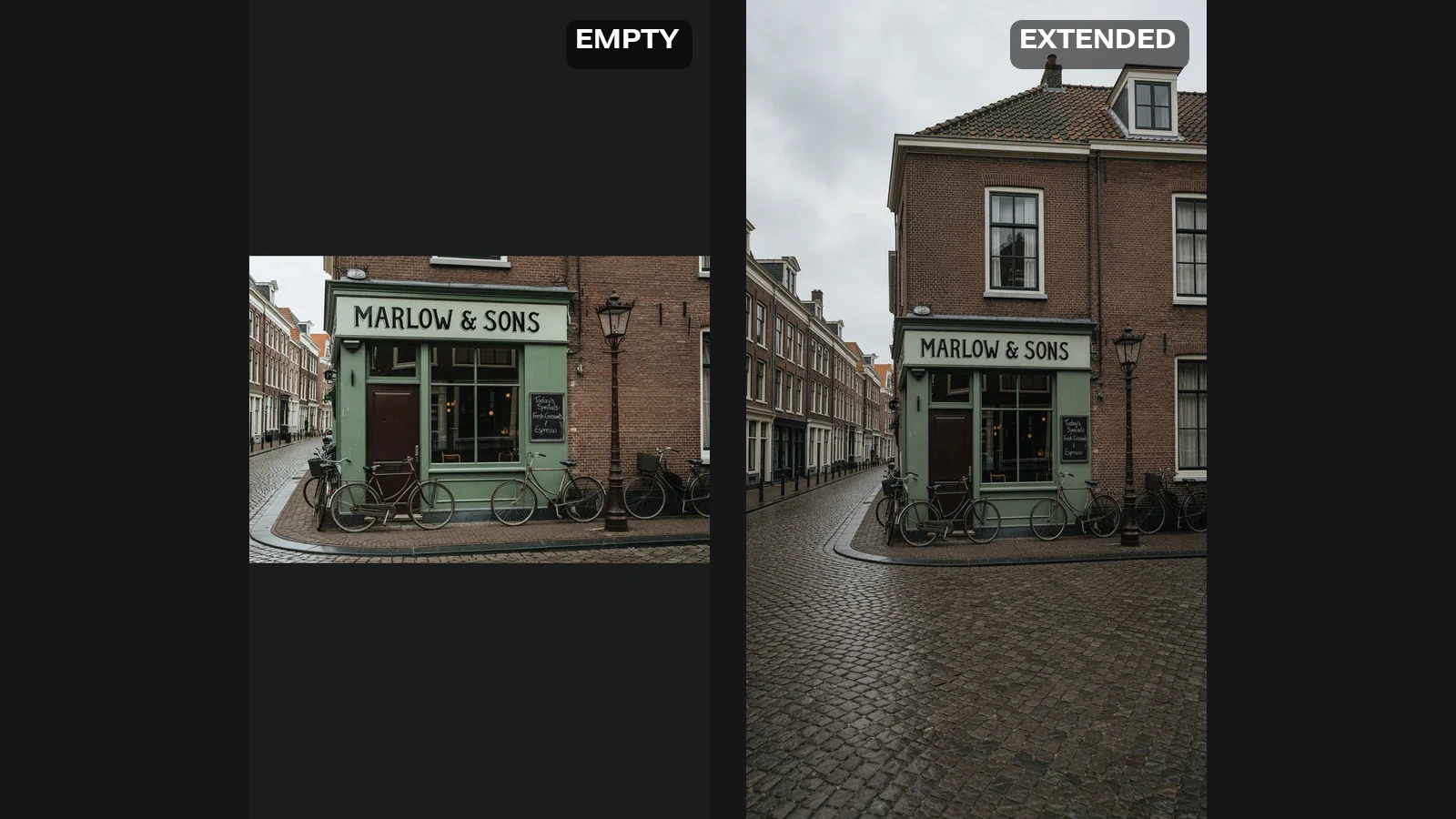
After AI image extension: the same desk photo as a full 16:9 image with the wooden desk surface continued on both sides

AI Image Extender

Upload a photo, pick the shape you need it to be, and AI paints in the area that was never photographed. The expansion always goes outward, so nothing is cut off.

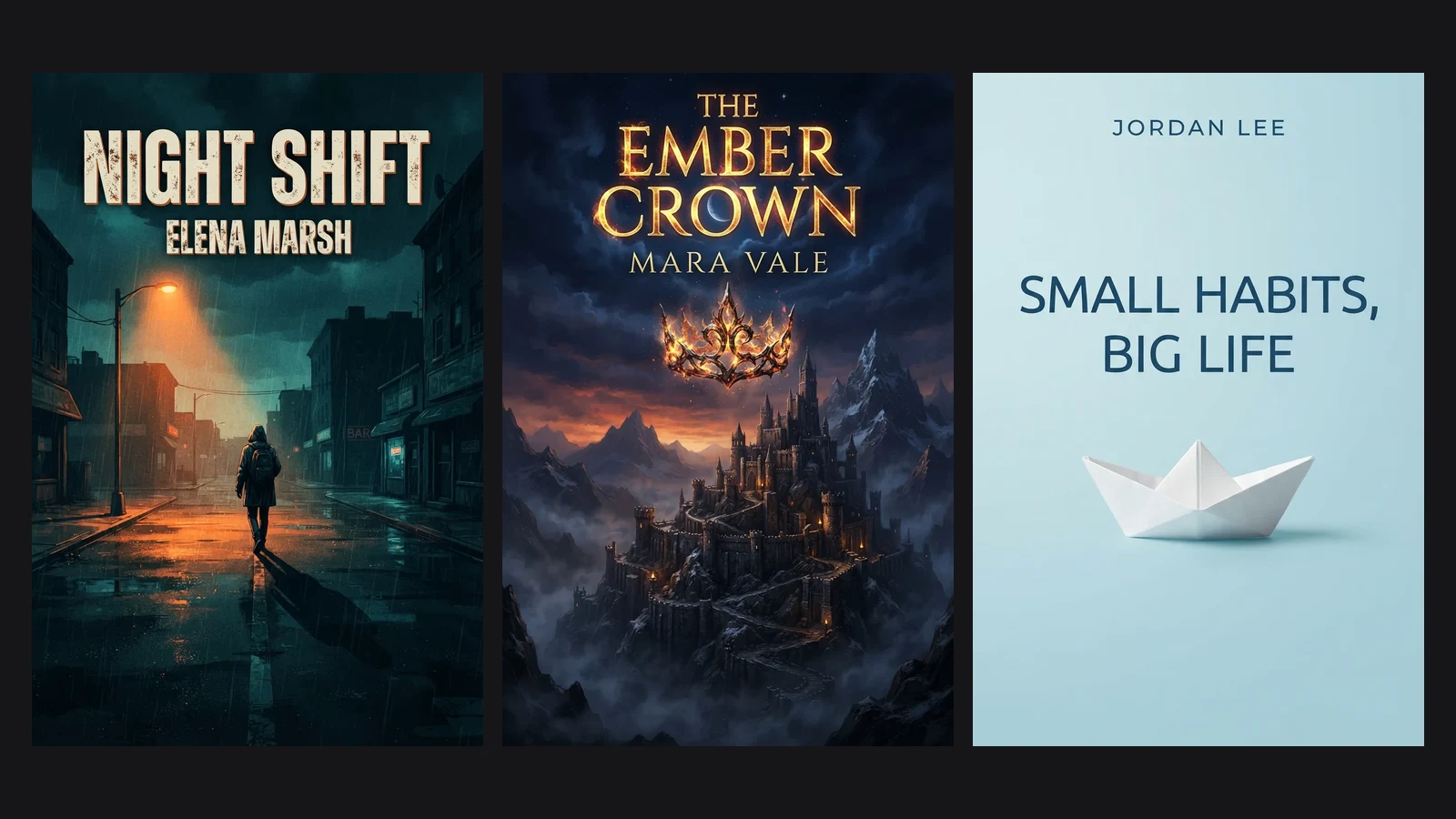
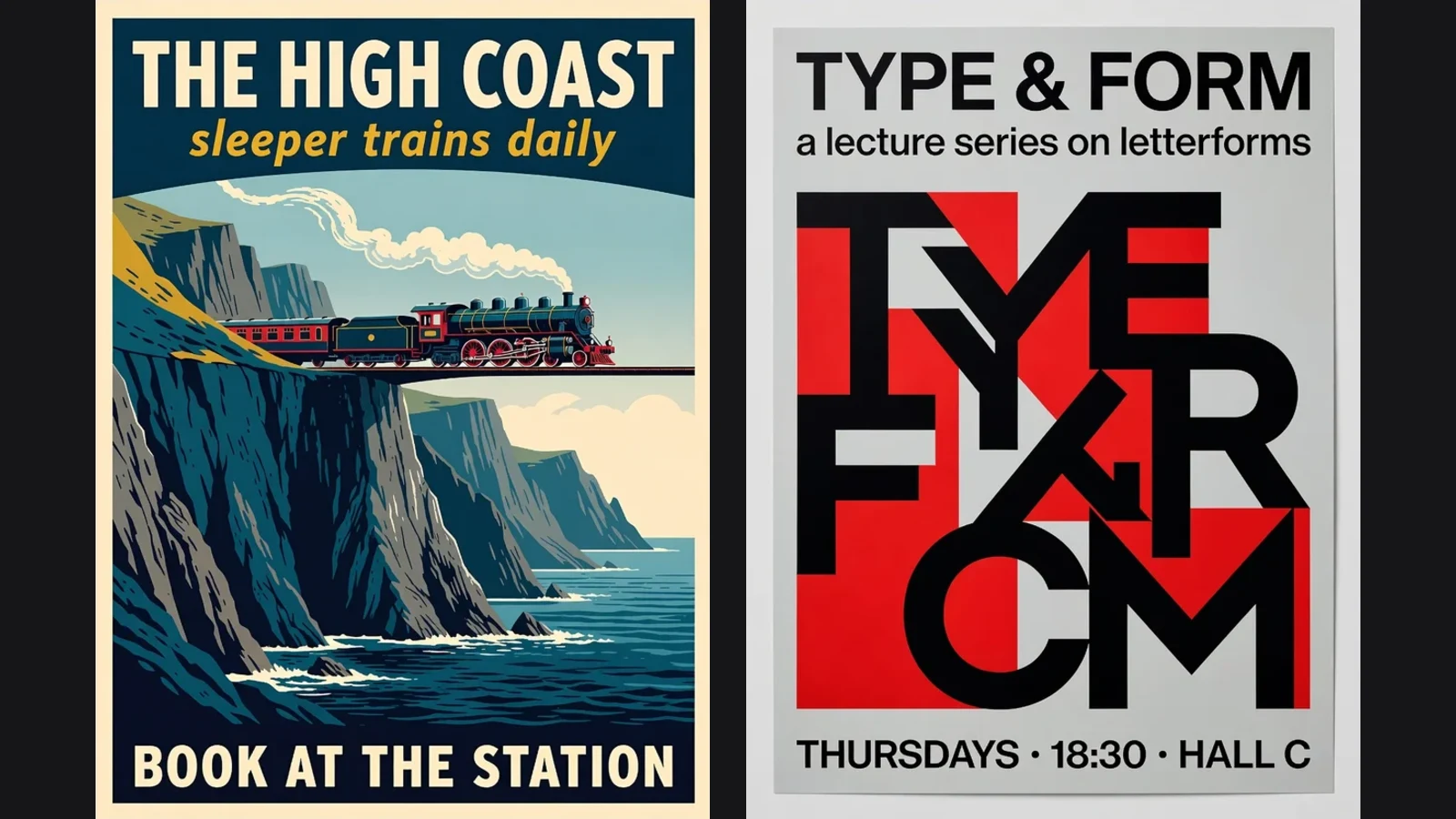
AI-generated poster: a retro screen-printed jazz trio with the headline HARBOUR SESSIONS and the dates 12-15 November

AI Poster Generator

Type the words that go on the poster, pick a style, and get a finished portrait piece with the type set into the illustration rather than floating on top of it.

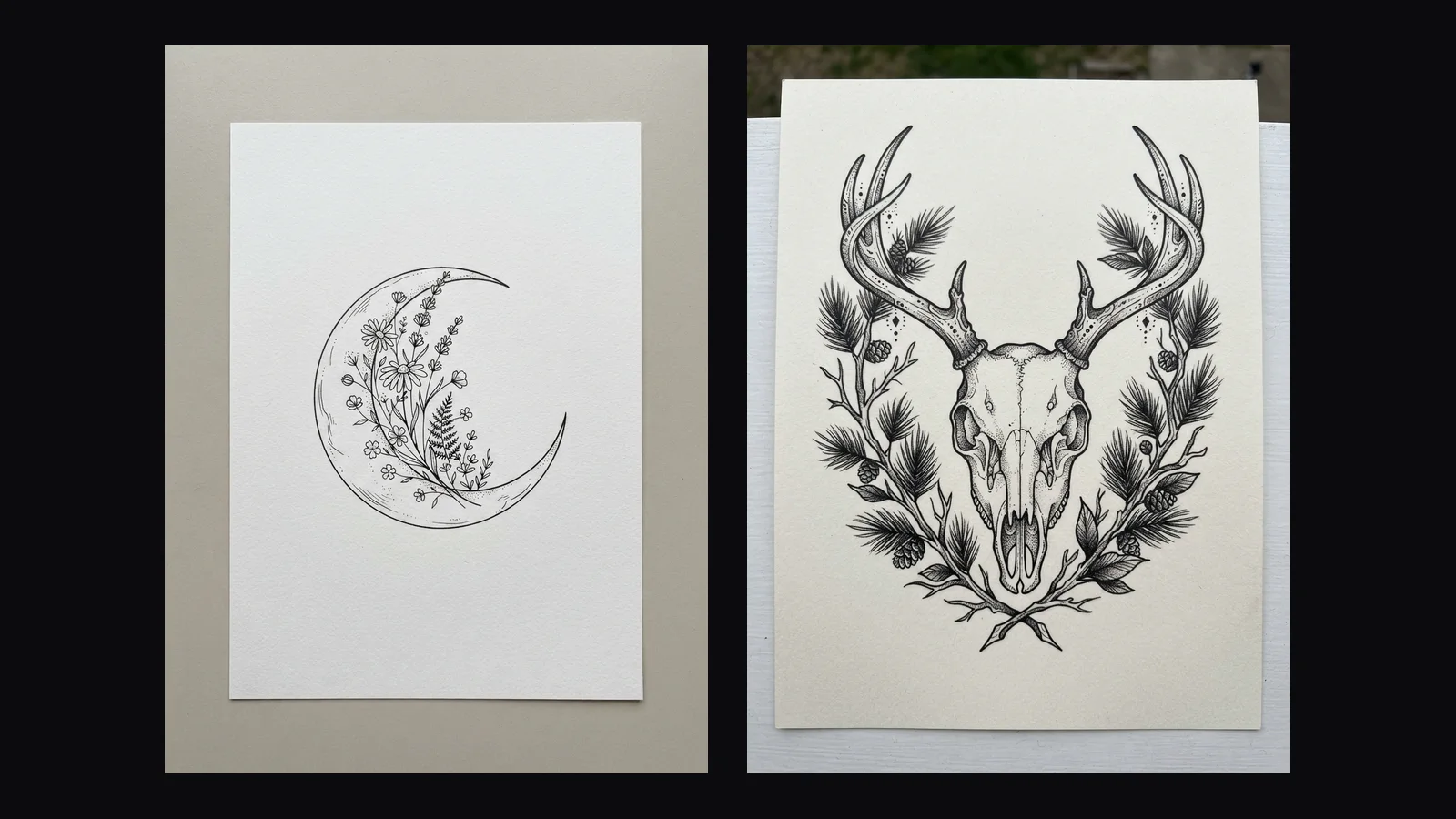
AI tattoo design: a fine-line crescent moon filled with wildflowers, drawn on white paper as a flash sheet

AI Tattoo Generator

Describe what you want inked and pick a style. You get a clean flash-sheet drawing on white — the kind of thing you save, sit with for a week, and take to an artist.

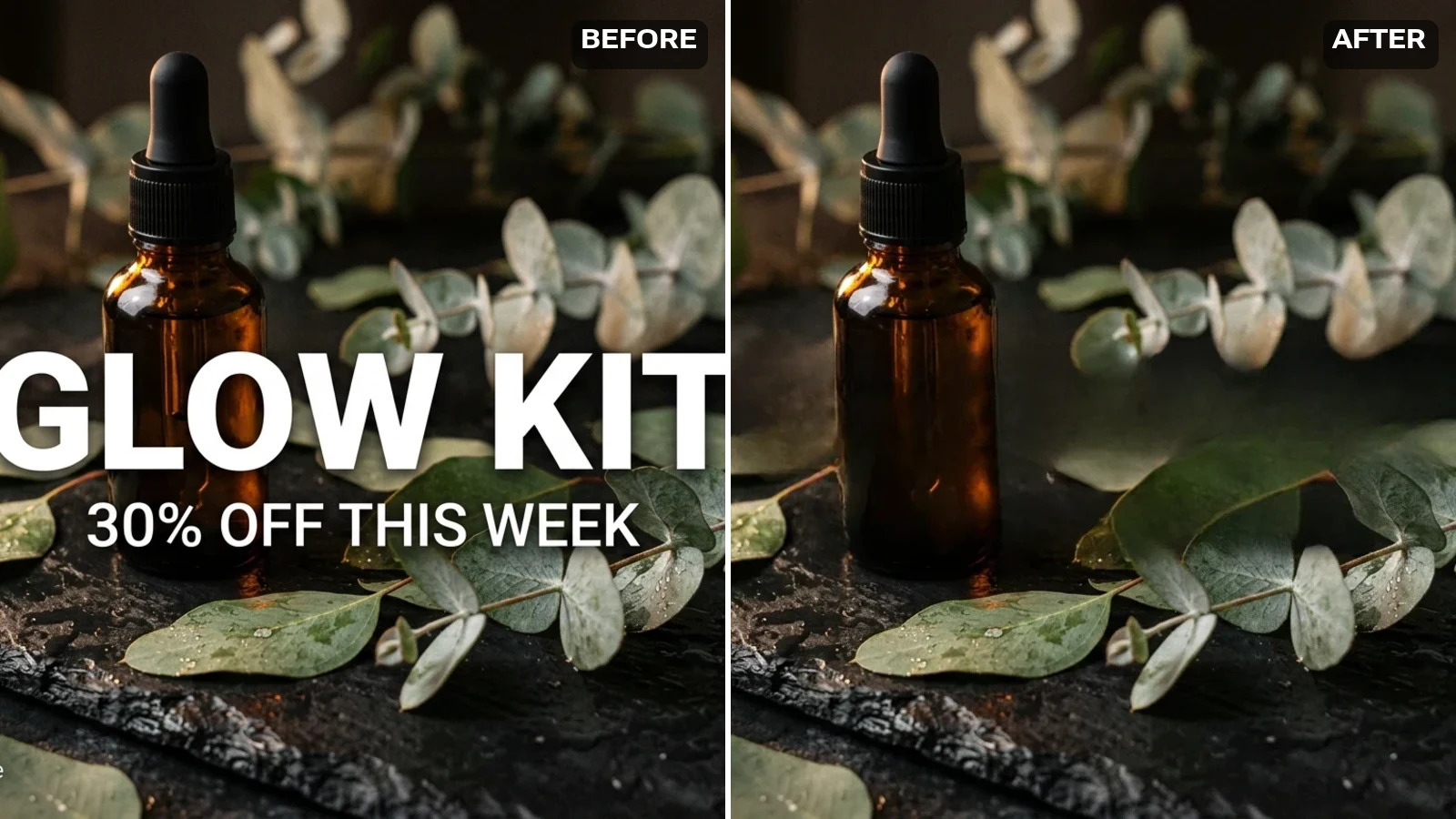
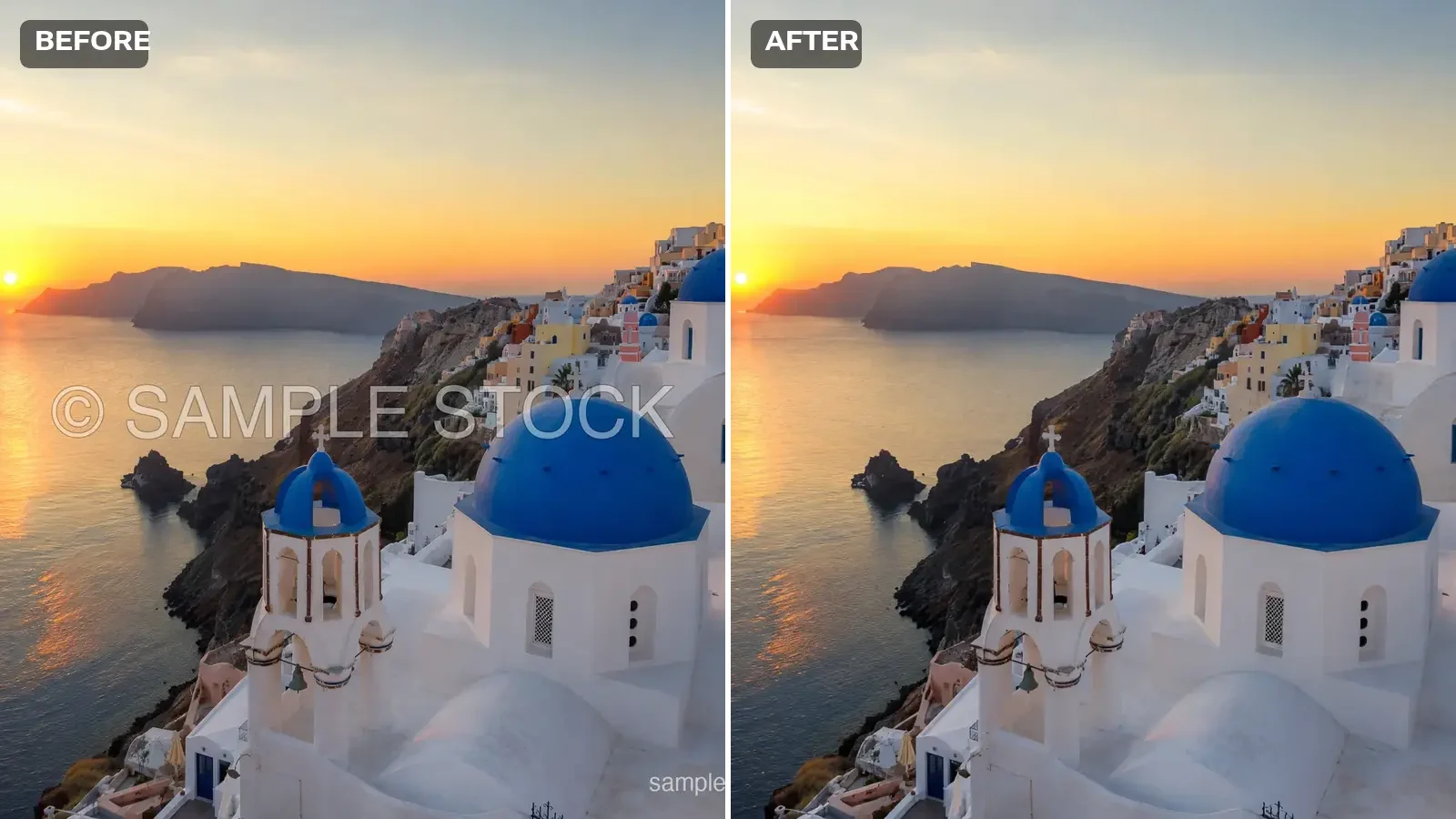
After: real model output with the watermark removed and the area rebuilt seamlessly

AI Watermark Remover

For photos you own — AI rebuilds the marked area from the surrounding image.

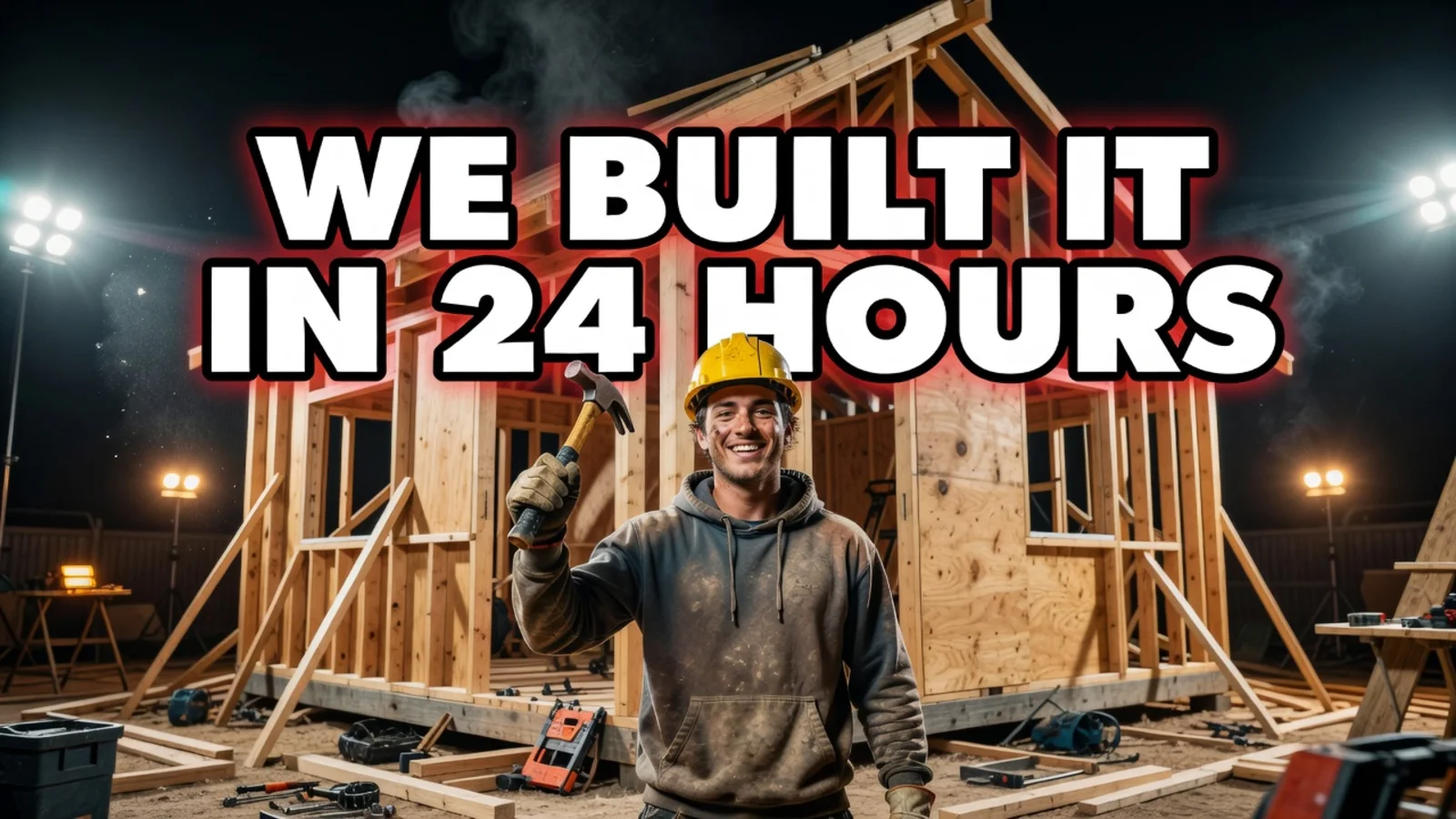
AI-generated YouTube thumbnail: a night building site with the headline WE BUILT IT IN 24 HOURS in bold white type

YouTube Thumbnail Generator

Type the headline you want on the thumbnail, pick a look, and generate. Output is 1280×720 — YouTube’s own size — with the words rendered into the artwork rather than pasted on afterwards.

After using the AI text remover: the same trail photo with the URL and date stamp gone and the valley, rocks and cloud unchanged

Text Remover

Upload the picture and the model finds the text itself — no brush, no masking. Clear every word in the frame, or name one line and leave the rest alone.

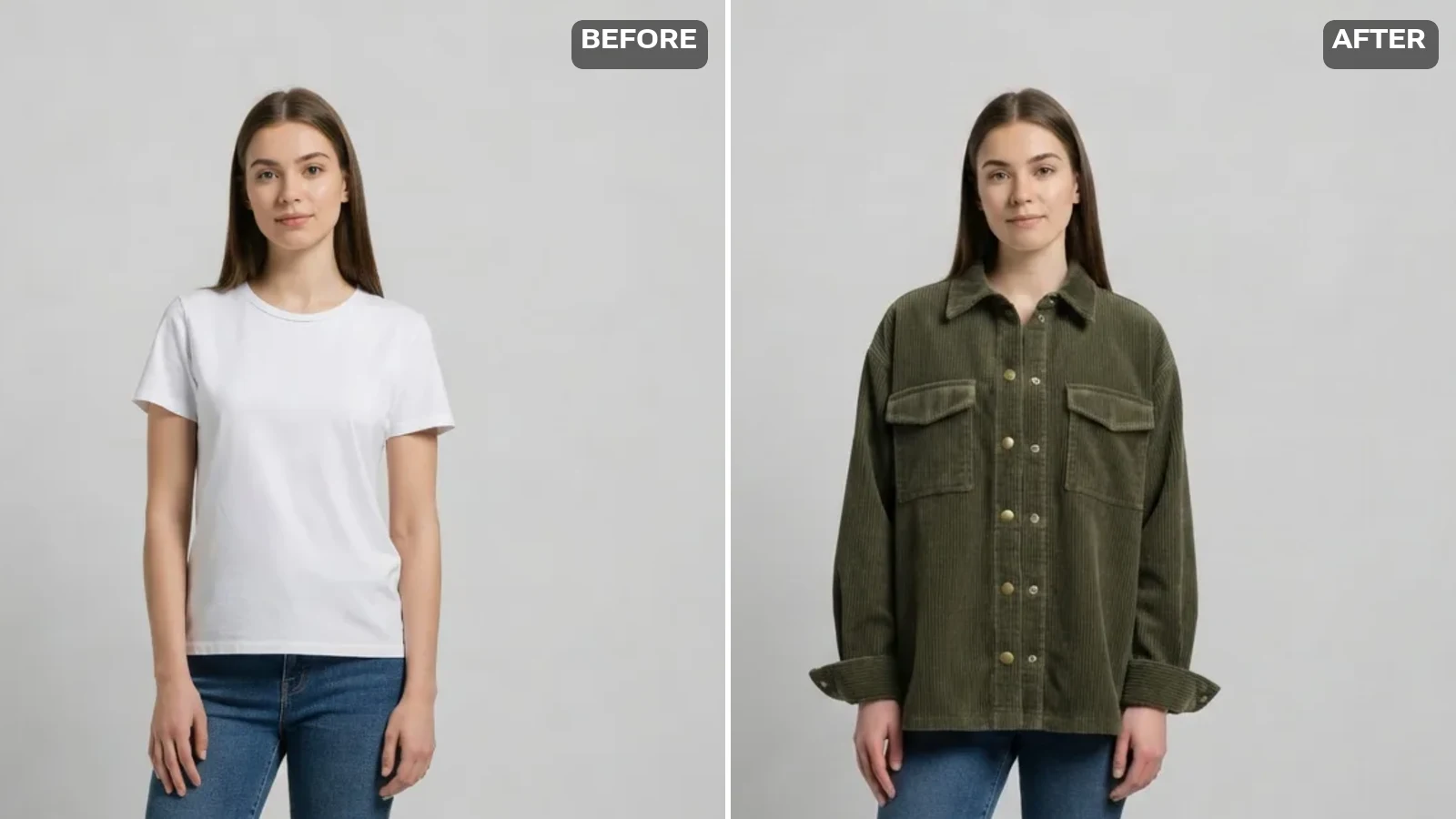
After AI outfit change: the same photo with an olive corduroy jacket rendered on, keeping the jeans, shoes and background

Virtual Try-On

Upload a photo of yourself and a photo of the piece of clothing. The garment is rendered onto you with its real colour, fabric and details — your pose and background stay where they were.

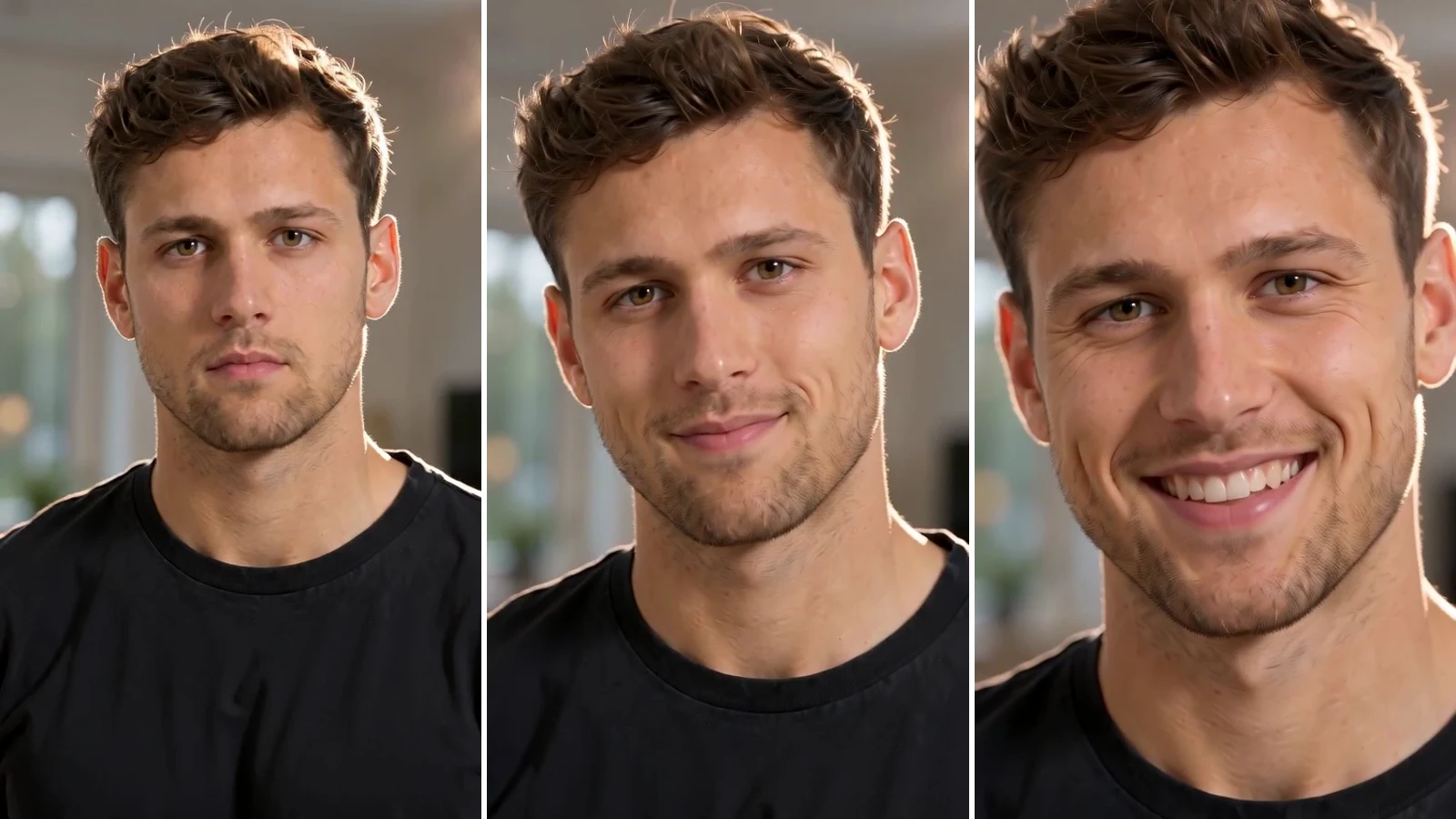
A portrait photo animated into a short clip — the face blinks and a small smile appears

AI Animated Face

Upload a portrait and get a 4-second clip where the face blinks, smiles and turns. No talking — this animates expression, not speech. Your first clip is free after signup.

A dancer mid-move in a short clip generated from a single photo — a frame of real model output

AI Dance Generator

Upload a photo and get a 4-second clip of that person dancing. Your first video is free after signup; it runs at 480p and takes about two minutes.

A vertical 9:16 clip generated from one tall photo — the subject smiles as the camera pushes in

AI Reels Generator

Upload a vertical photo and get a 4-second 9:16 clip back. It is one clip — not a finished reel with music and captions. Your first one is free after signup.

The same frame upscaled to 1920×1080, with individual wheat heads and fabric texture visible

AI Video Enhancer

Upload a clip up to 30 seconds and get it back at 1080p, 2K or 4K. Signing up gives you 20 credits — enough for two 1080p passes.

A still portrait photo turned into a short clip — the person blinks and the camera pushes in slowly

Photo to Video AI

Upload a photo and get a 4-second video back. There is no prompt to write — the motion is chosen for you. Your first clip is free after signup; it runs at 480p and takes about two minutes.

A couple on a rooftop at sunset sharing a kiss — a frame from real model output

AI Kissing Video Generator

Upload one photo of the two of them — or a portrait of each — and get a 4-second kissing clip. Your first video is free after signup; it runs at 480p and takes about two minutes.

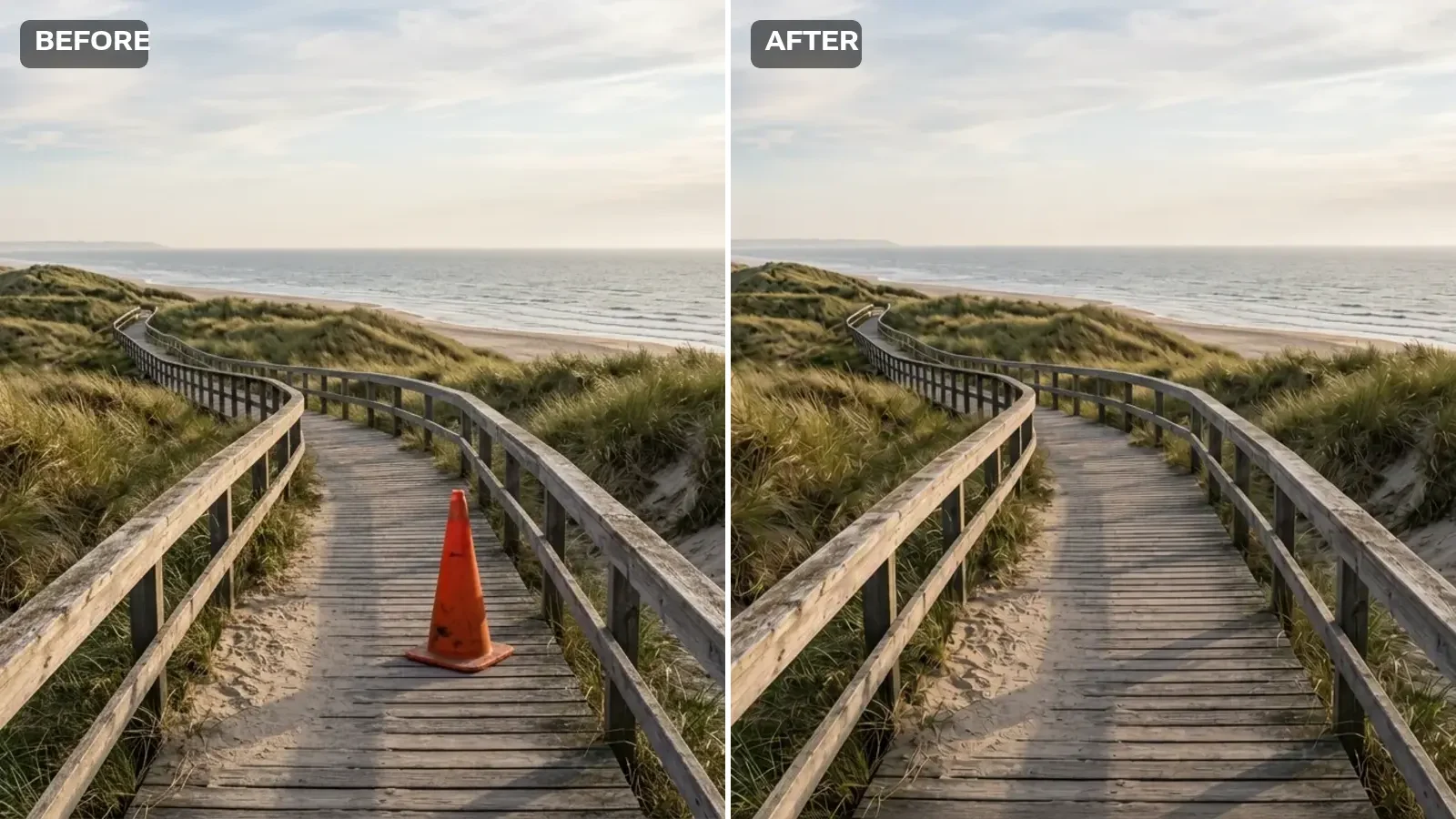
After: real GPT Image 2 output with the cone removed and the boardwalk rebuilt from the surrounding scene

AI Object Remover

Paint over the object — AI rebuilds the area from the surrounding scene.

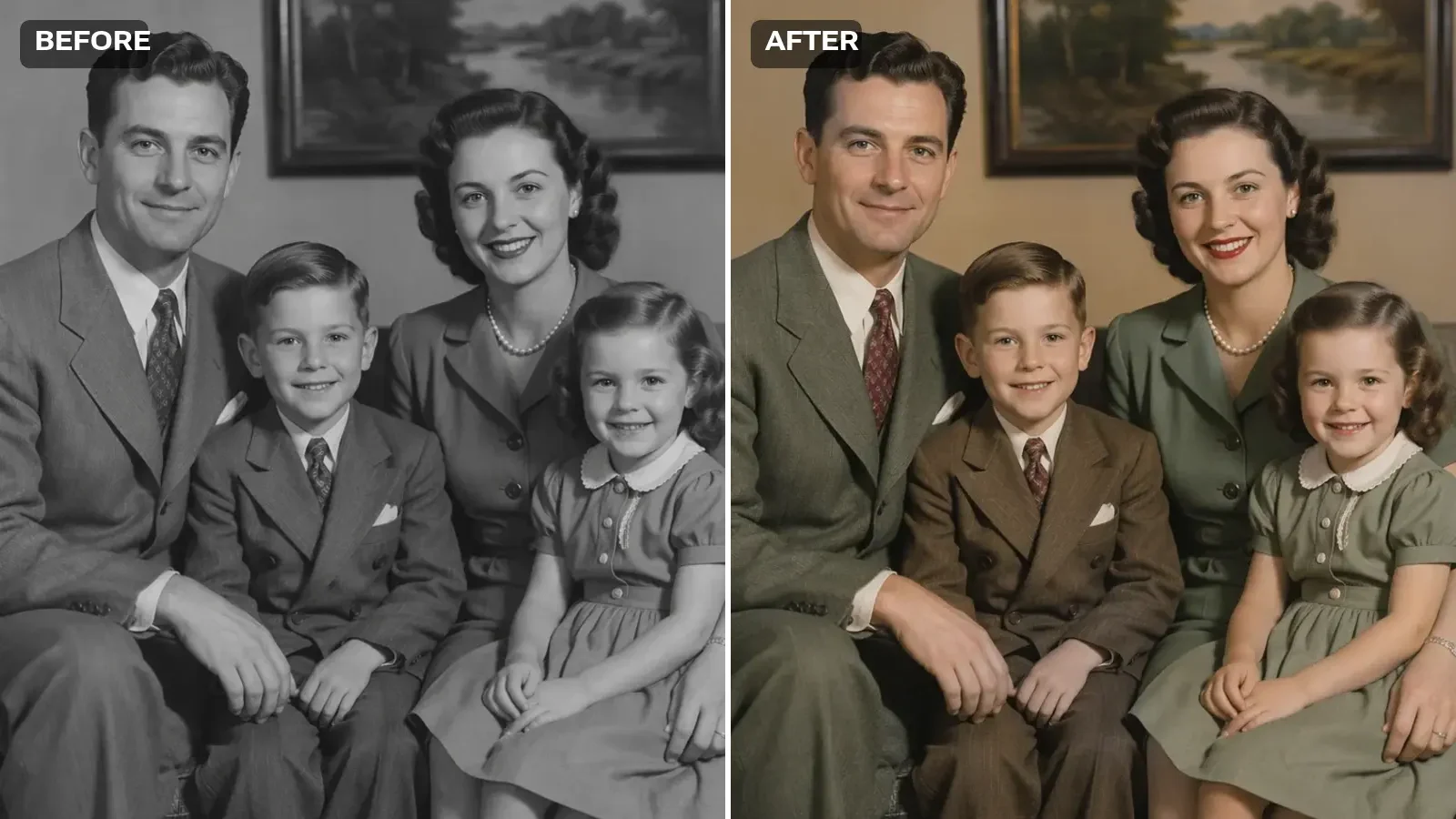
After: real model output of the same colorize black and white photo run — green and brown clothing, natural skin tones

AI Photo Colorizer

Upload the scan, pick how the colour should feel, and AI infers skin, fabric and light from context — the composition and the faces stay exactly as they are.

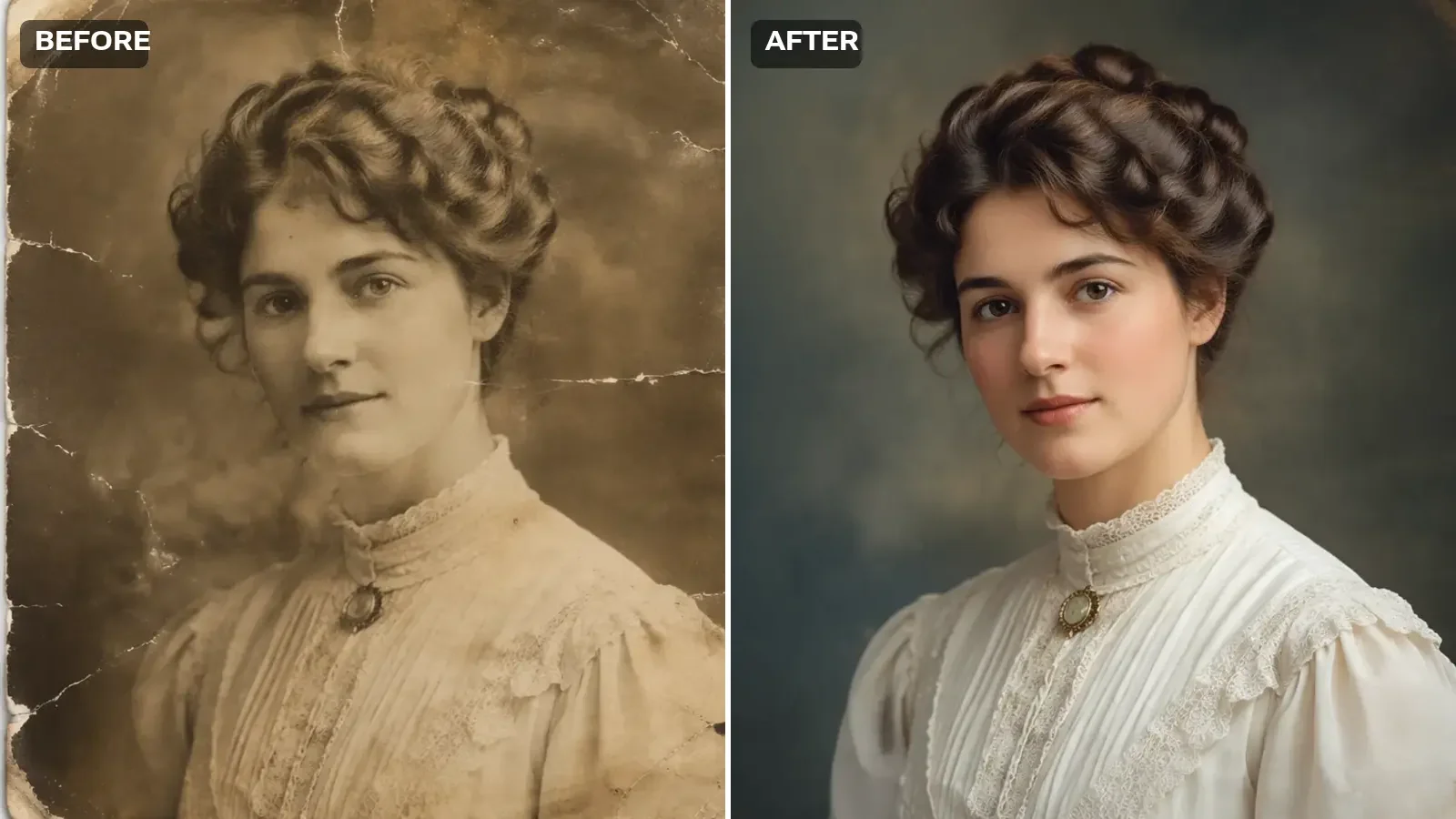
After: real model output — the same portrait with the cracks and stains gone, the detail recovered and natural tone restored

Old Photo Restoration

Upload a scan or a phone shot of the print, say what the damage is, and AI rebuilds the faded, scratched and torn parts while keeping the people and the framing.

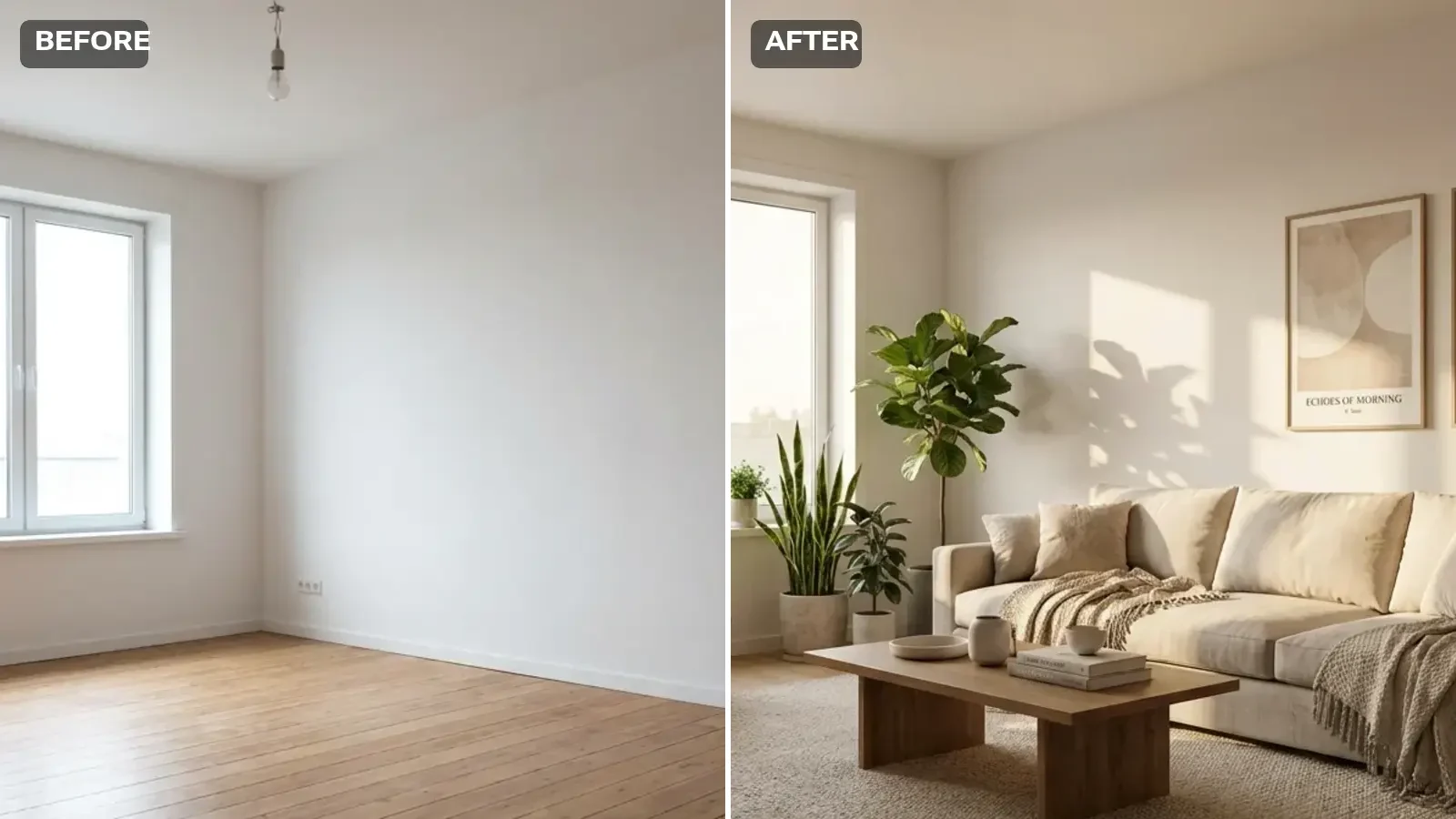
After: real model output — the same room with a linen sofa, coffee table, rug, plants and framed prints added

AI Room Design

Upload a photo of the room, pick a style, and AI restyles the surfaces and furniture while the walls, windows and proportions stay where they are.

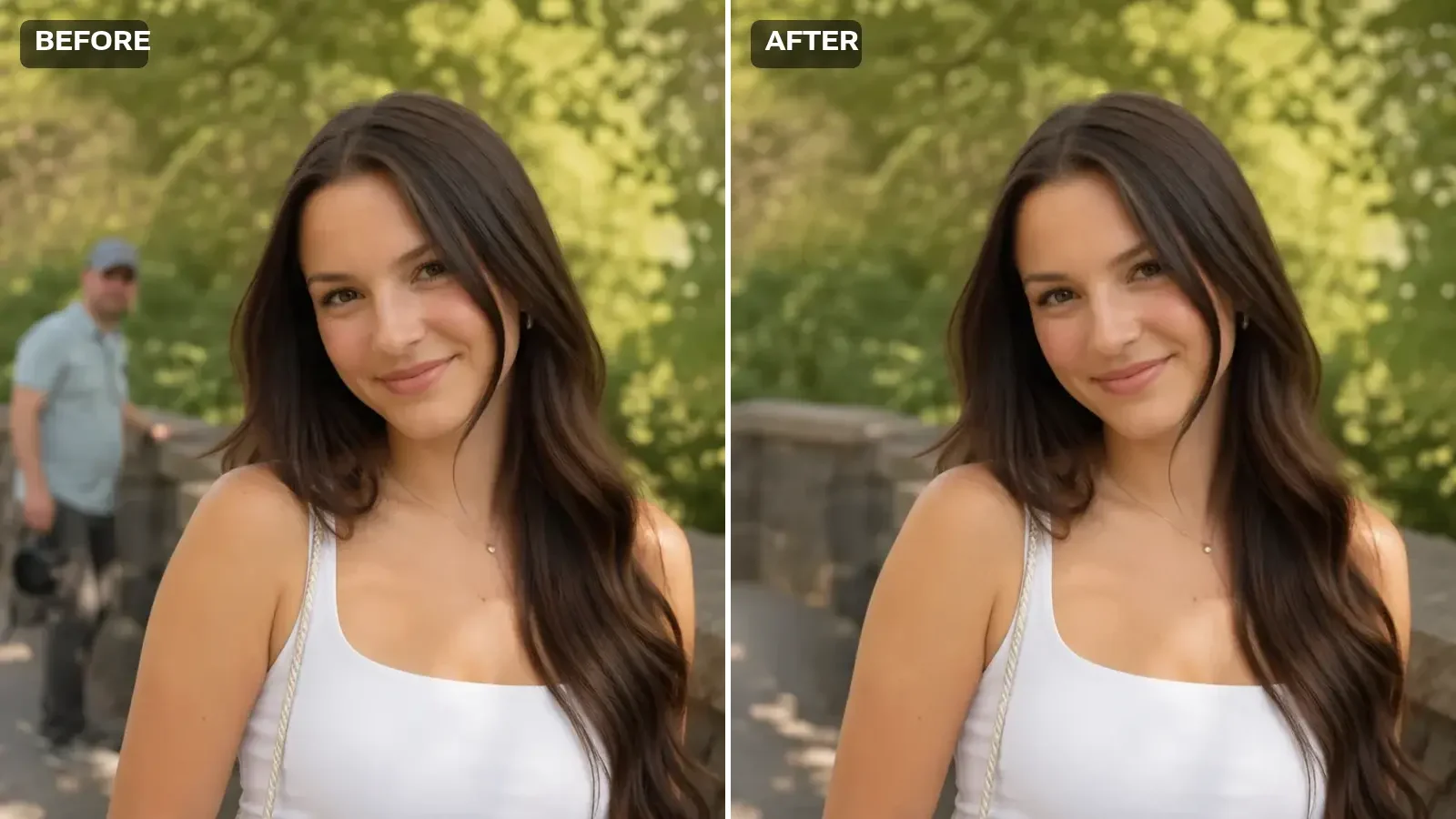
After: real model output of the remove people from photo edit — the stranger is gone and the stone wall is rebuilt

Remove People From Photos

Upload the photo, brush over the people you want gone, and AI rebuilds what was behind them from the surrounding scene. Everything you do not paint stays untouched.

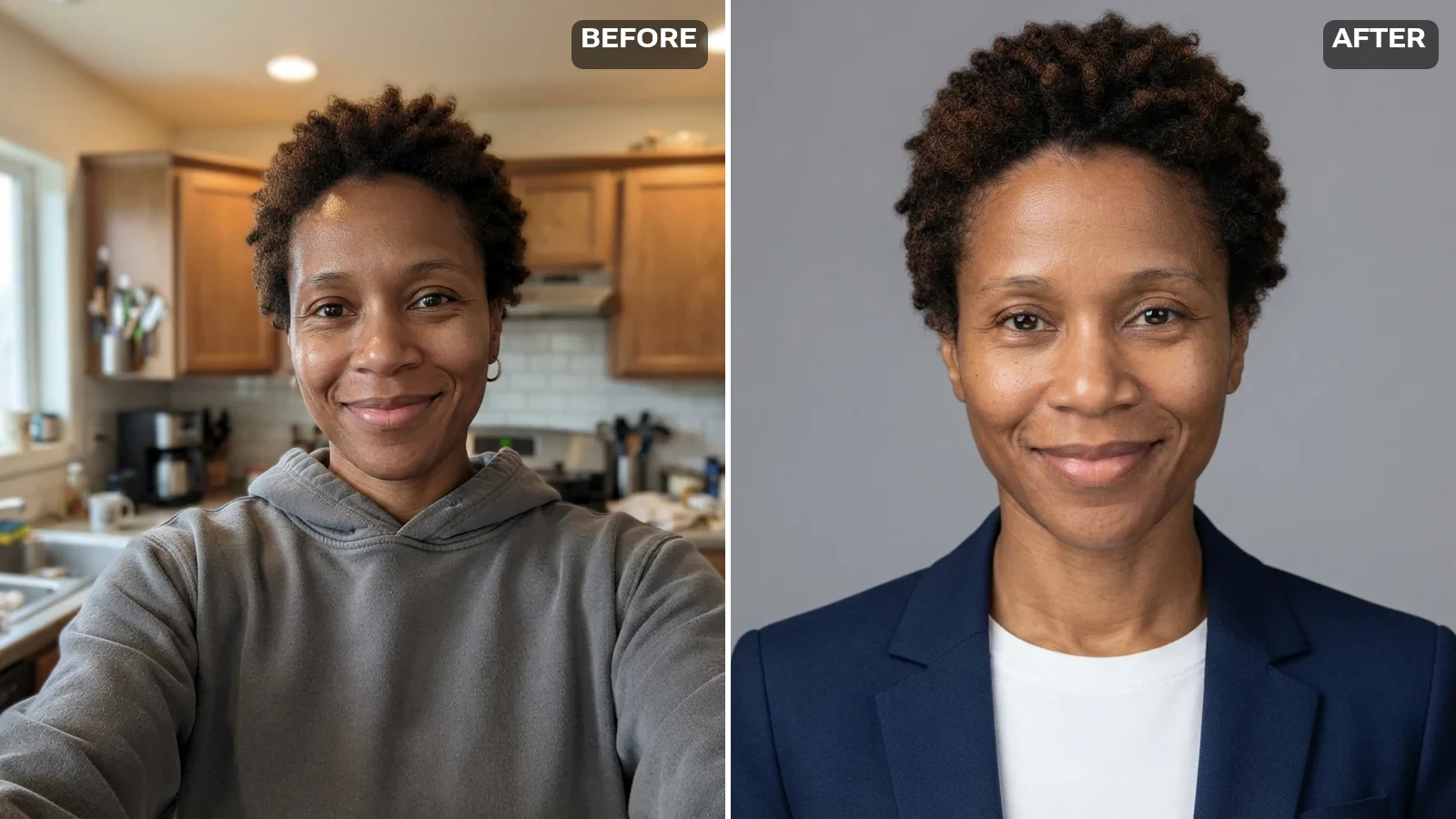
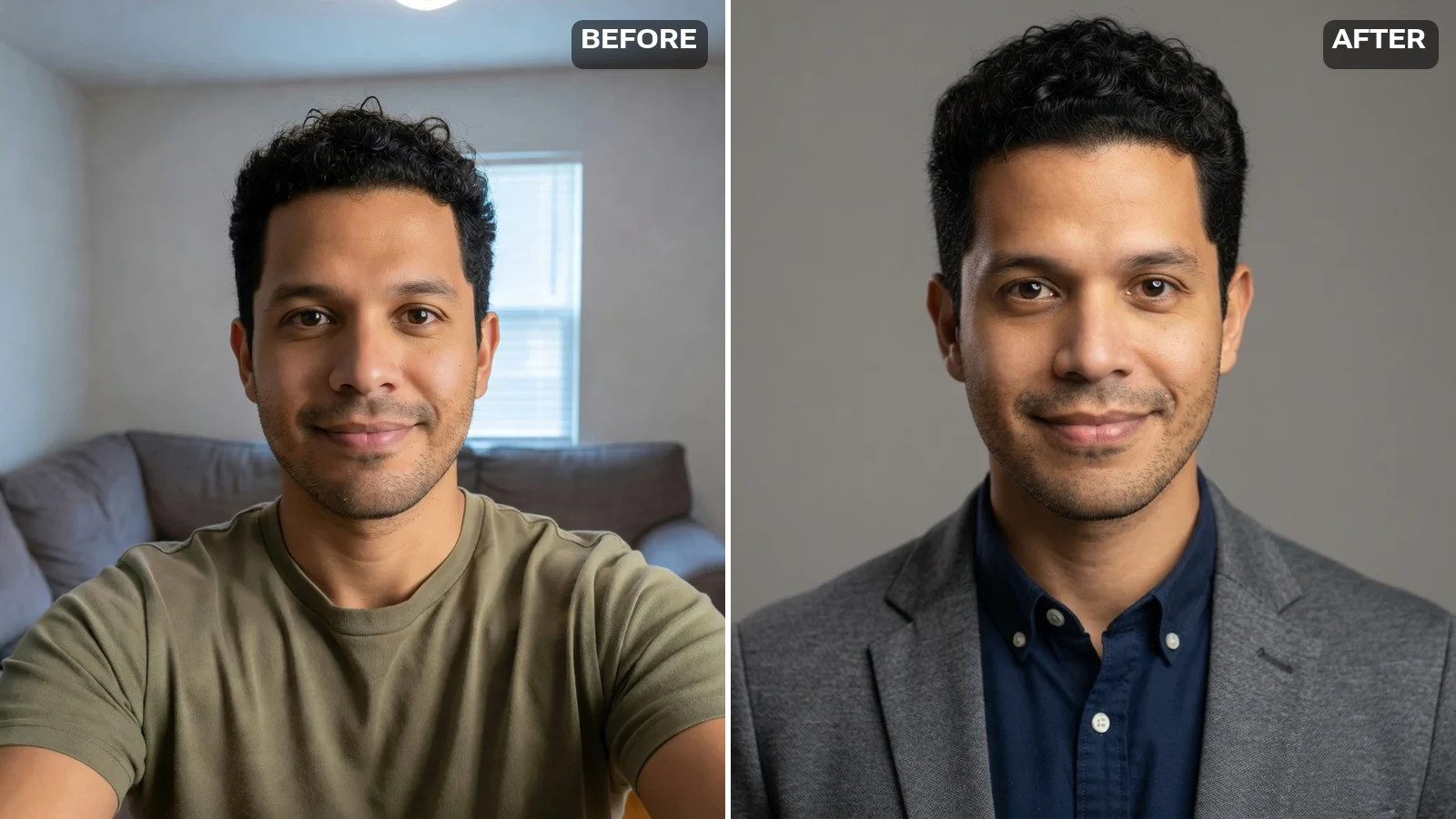
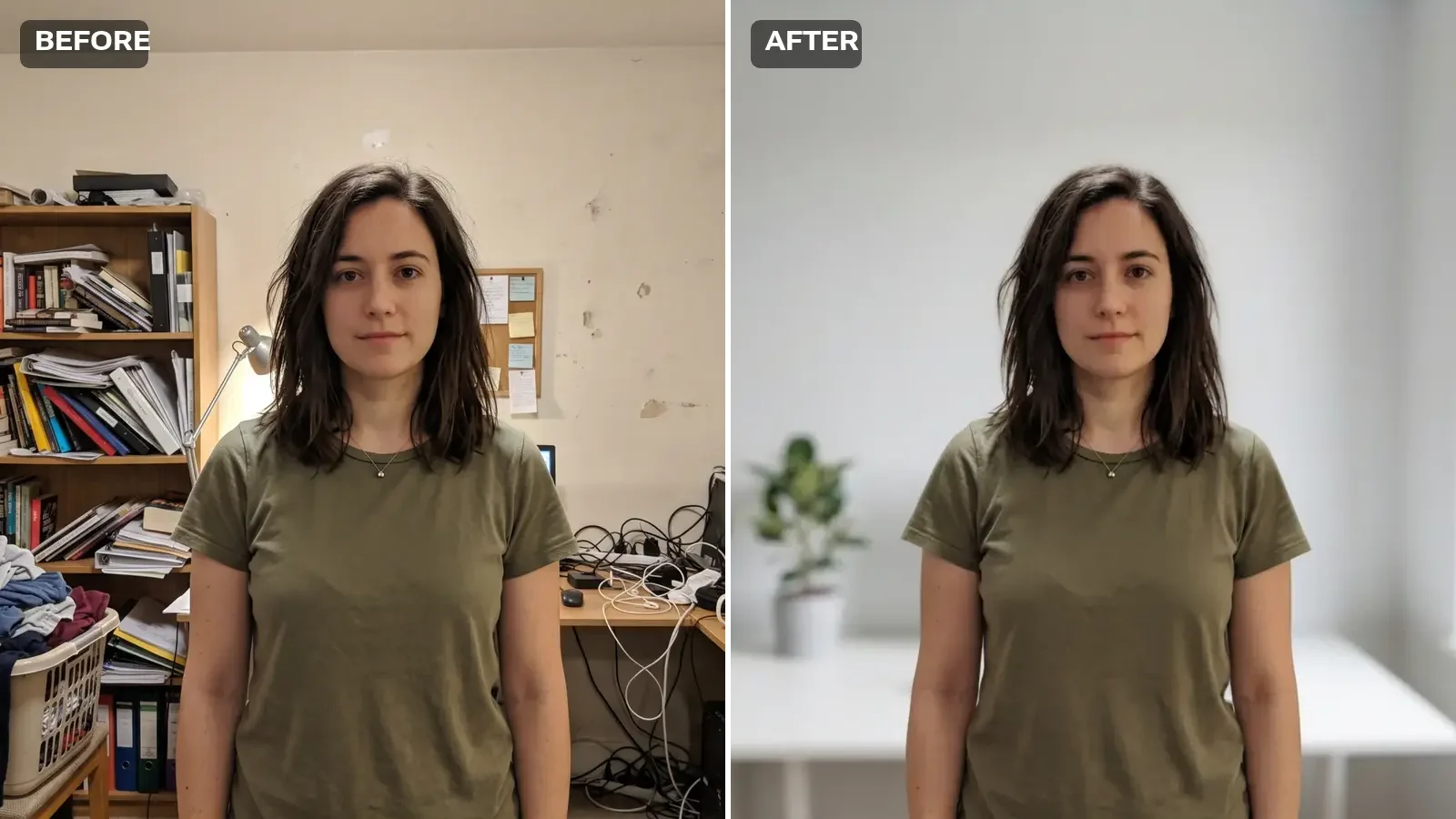
After: real model output — the same person untouched, with the cluttered room replaced by a bright modern office

AI Background Changer

Upload a photo, pick a new backdrop, and AI redraws only what is behind your subject — face, clothes, and pose stay exactly as they are.

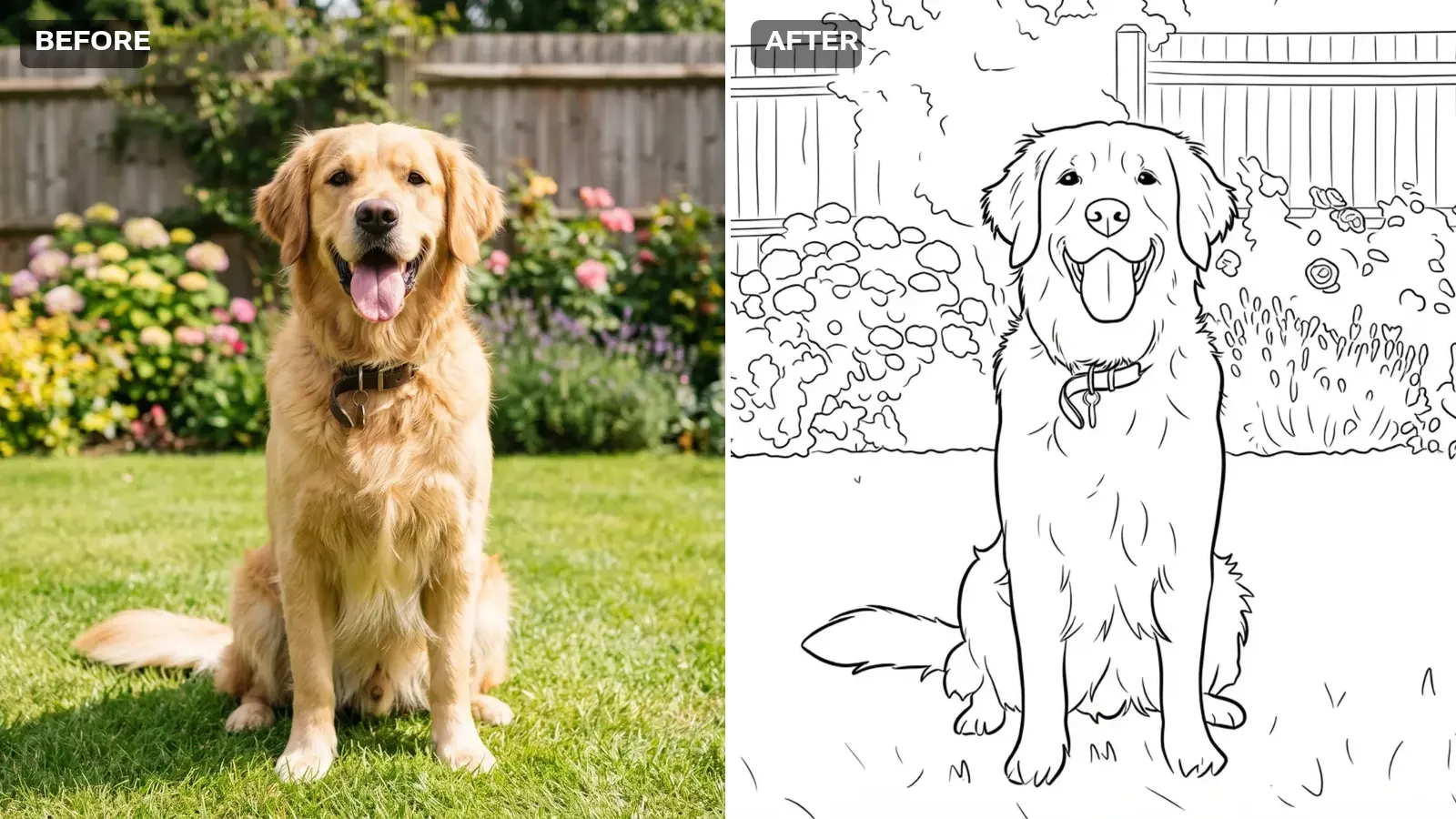
After: real model output — the same dog as clean black-and-white printable line art on white

Photo to Coloring Page

Upload a photo and AI turns it into clean black-and-white line art on white — with a line weight you pick to suit the age of whoever is colouring.

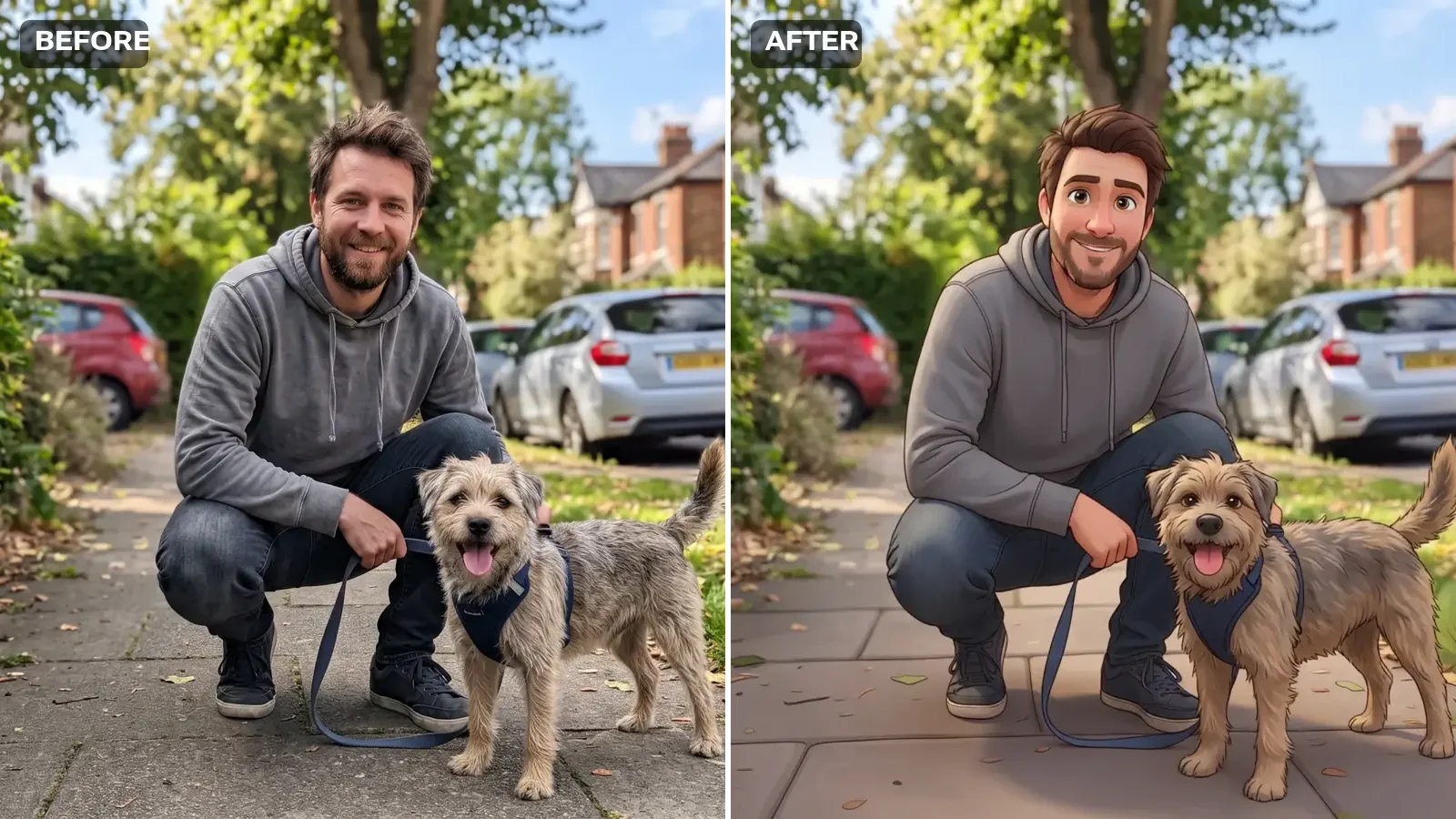
After: real model output — the same man and dog redrawn in a 3D animated cartoon style

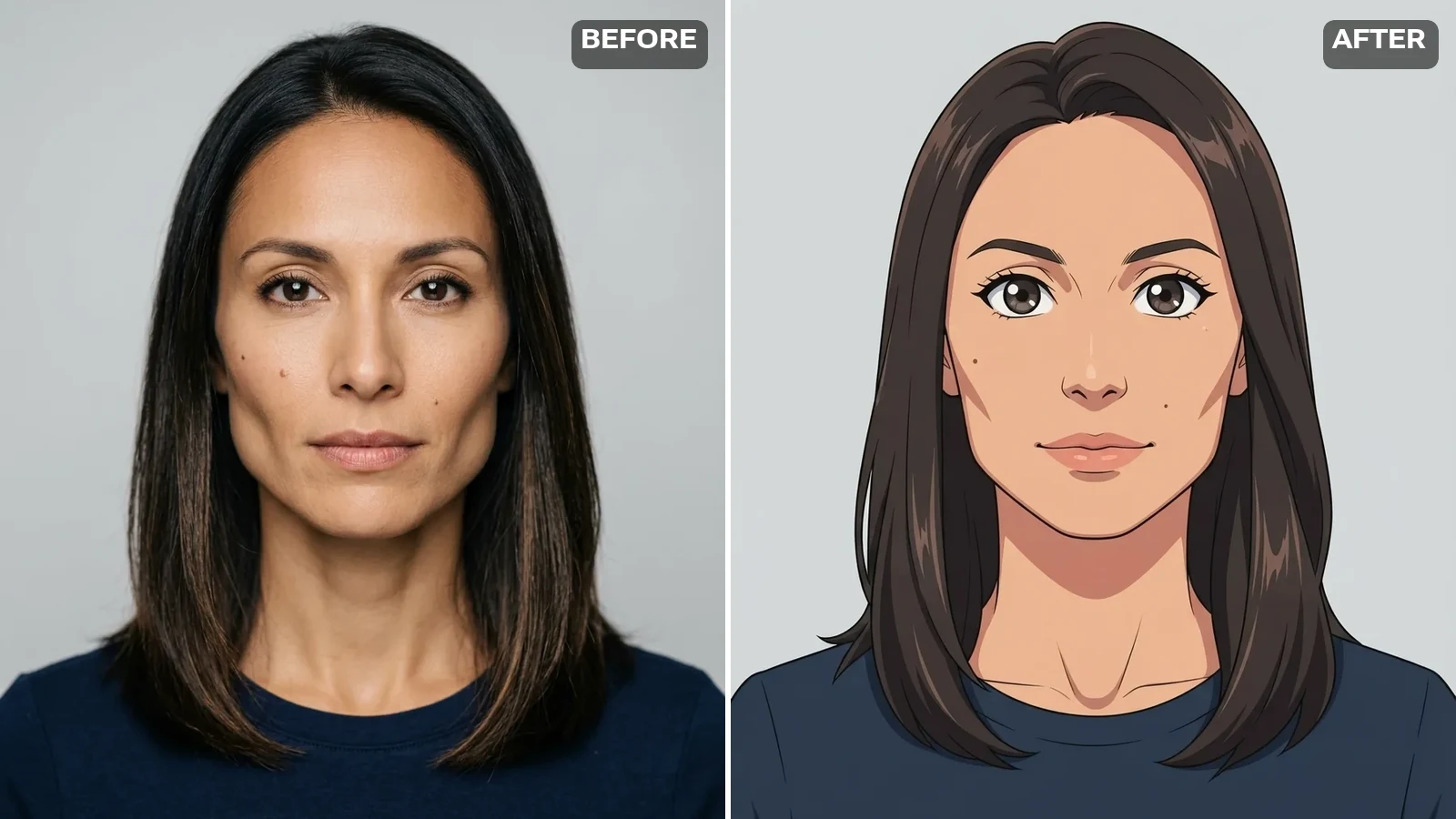
Photo to Cartoon

Upload a photo, pick a cartoon style, and AI redraws it while keeping the faces, pose, and framing recognisable.

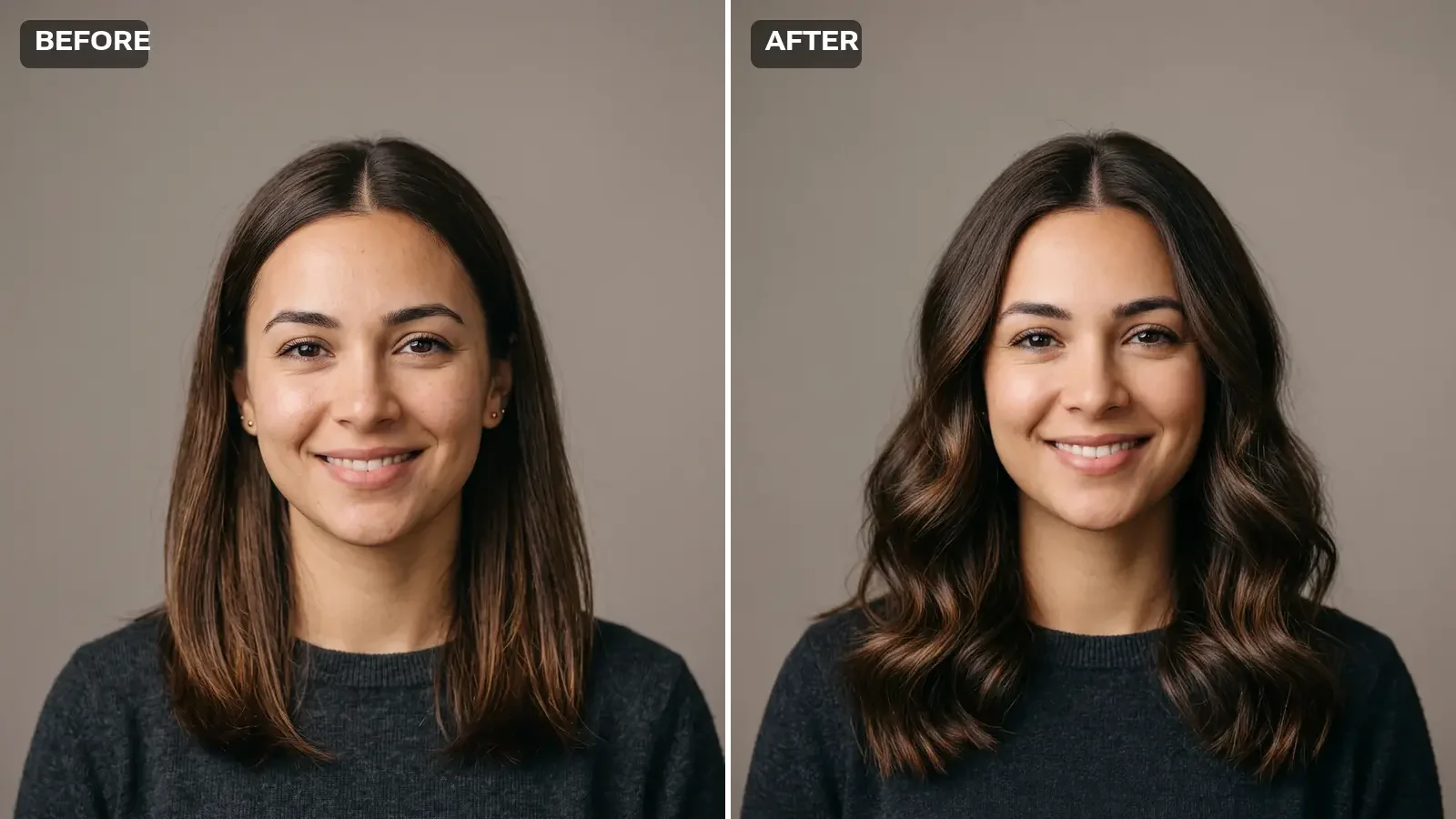
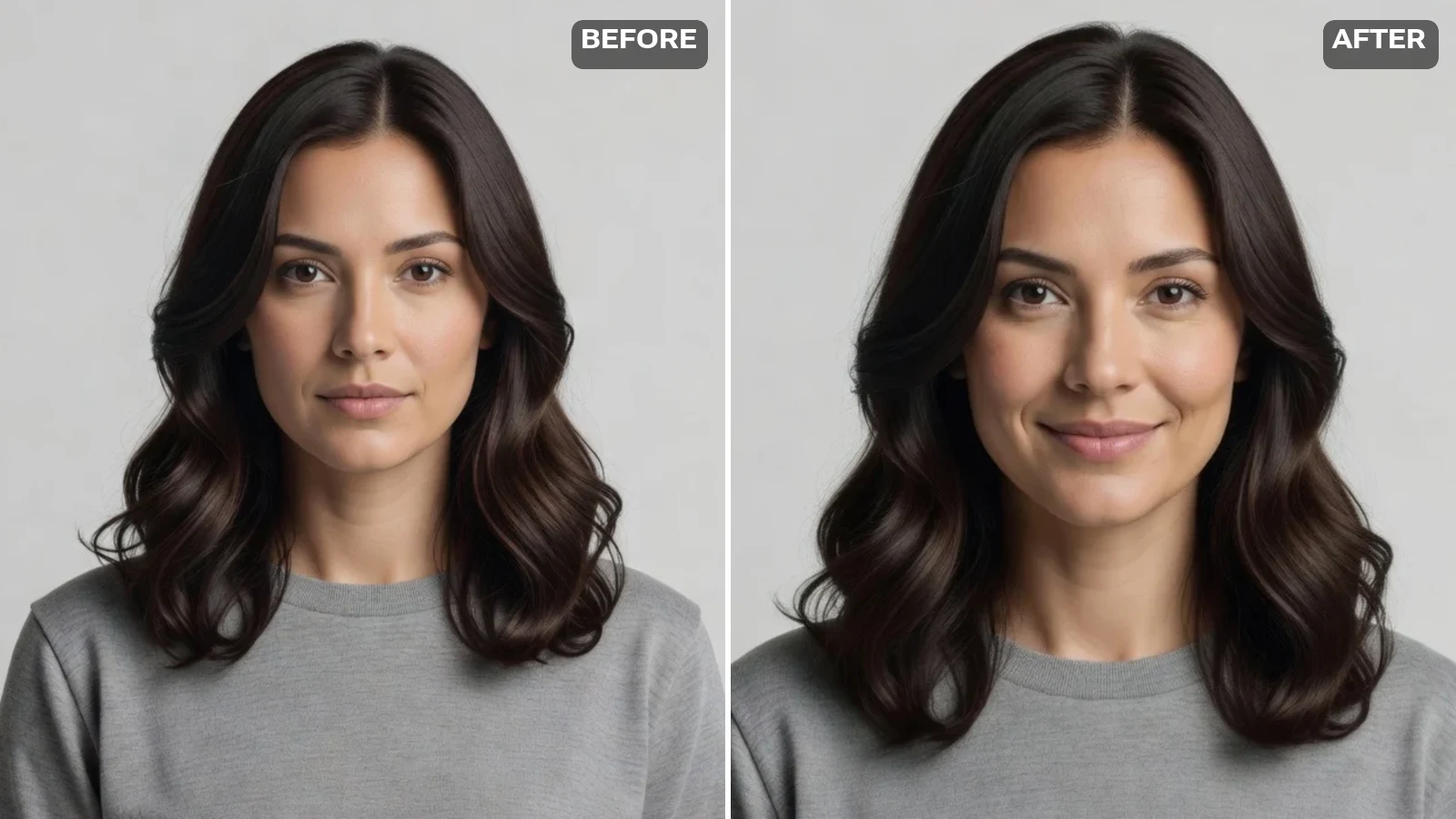
After: real model output of the same AI-generated person with long soft waves — face unchanged

AI Hairstyle Changer

Pick a preset cut or color — AI renders the new hair and keeps your face the same.

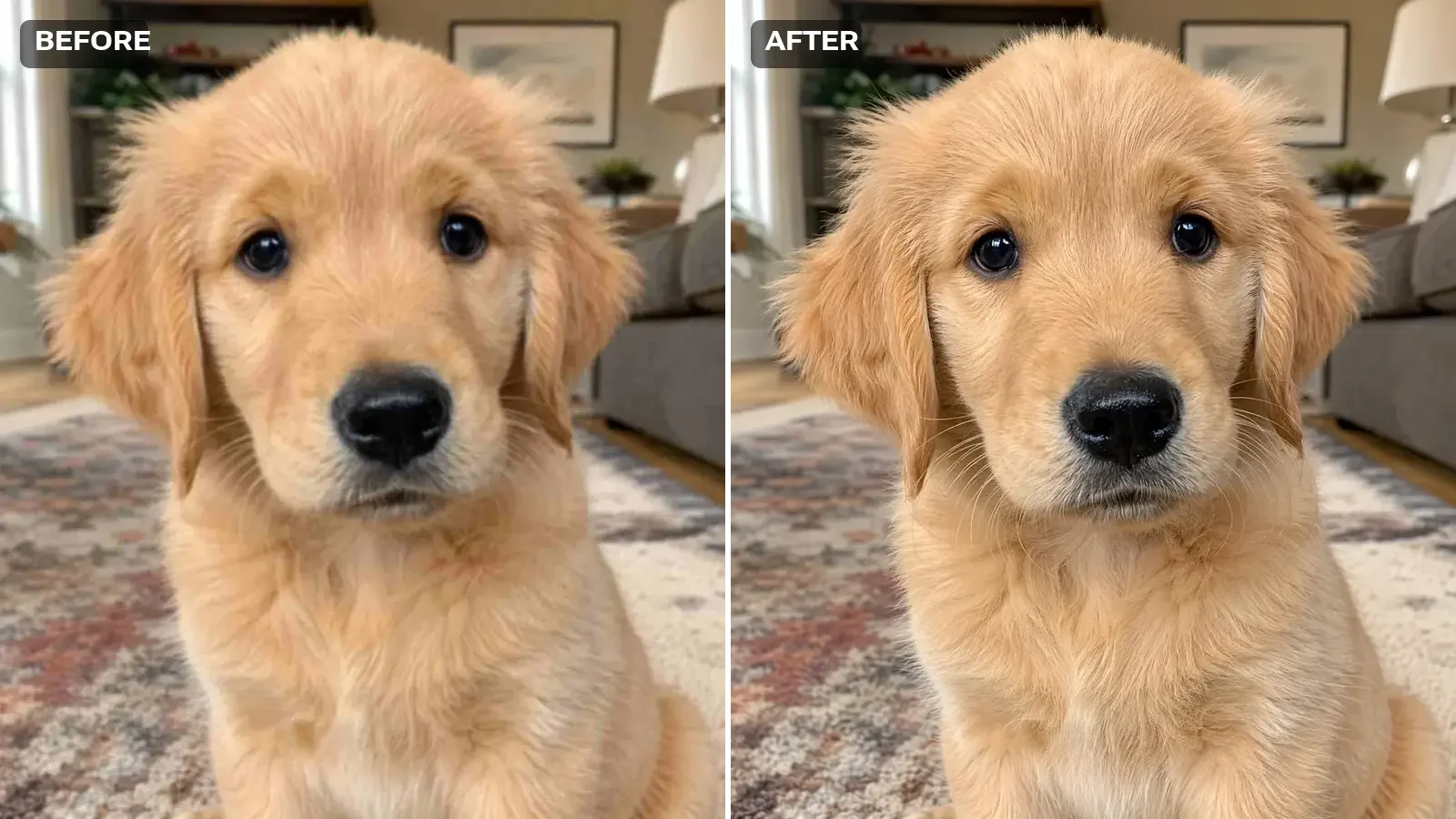
The same puppy photo, sharp and clean, with crisp fur detail

AI Image Enhancer

Fix blurry, noisy, or compressed photos right here — compare before and after.

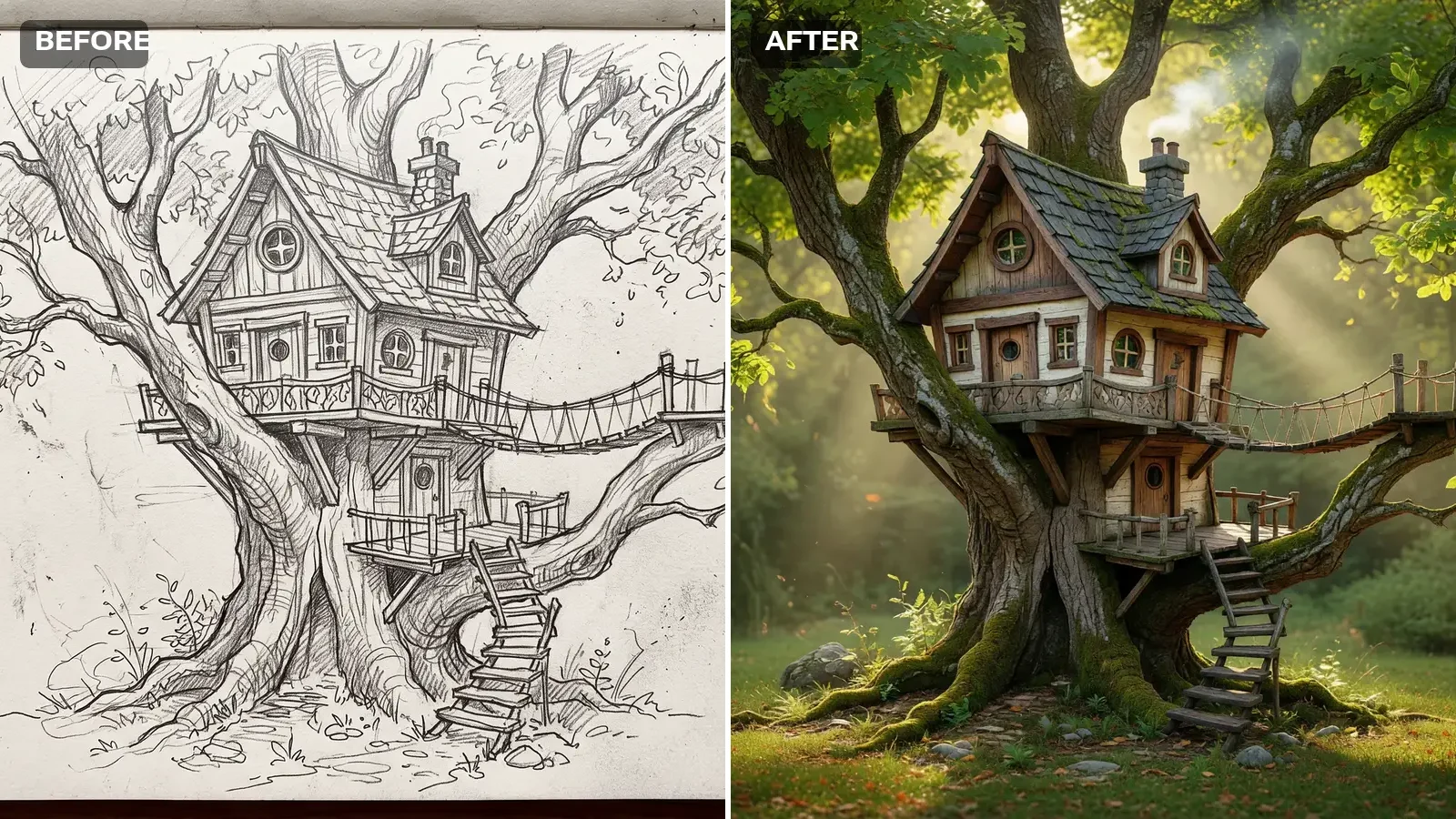
After: real model output — the same treehouse rendered as a finished photorealistic image, following the sketch's composition

AI Sketch to Image

Upload a pencil, pen, or lineart sketch — AI renders it into a finished image, following your composition.