Beyond presenter video
Generate cinematic scenes, product shots, and supporting visuals without an avatar.
Avatars and localization are HeyGen's focus; Renoise expands the workflow to image, video, and audio across 20 models.
HeyGen centers avatars and localization; Renoise expands the brief into original campaign assets.
Generate cinematic scenes, product shots, and supporting visuals without an avatar.
Reuse product images across campaign shots and model changes.
Turn a plain-language campaign brief into reviewable generation tasks.
Build supporting assets across three media types in the same account.
Verified against renoise.ai and heygen.com on August 25, 2026.
Official sources checked August 25, 2026.
| Comparison point | Renoise (Recommended) | HeyGen |
|---|---|---|
| HeyGen plans | 20 credits for a follow · Starter $20/mo · 1,200 credits | Free · Creator $29 · Pro $49 · Business $149 |
| Price comparison | Seedance 2.0 family · from $0.05/s | Avatar III $0.0032/s · Seedance $0.0967/s |
| Avatar workflow | 20 models · Canvas · Agent · API · plugins | Avatars · translation · business video |
| Best for | One balance across multiple models | Avatar, dubbing, and training workflows |
Keep the creative brief, then choose the Renoise model and settings that match the output you need.
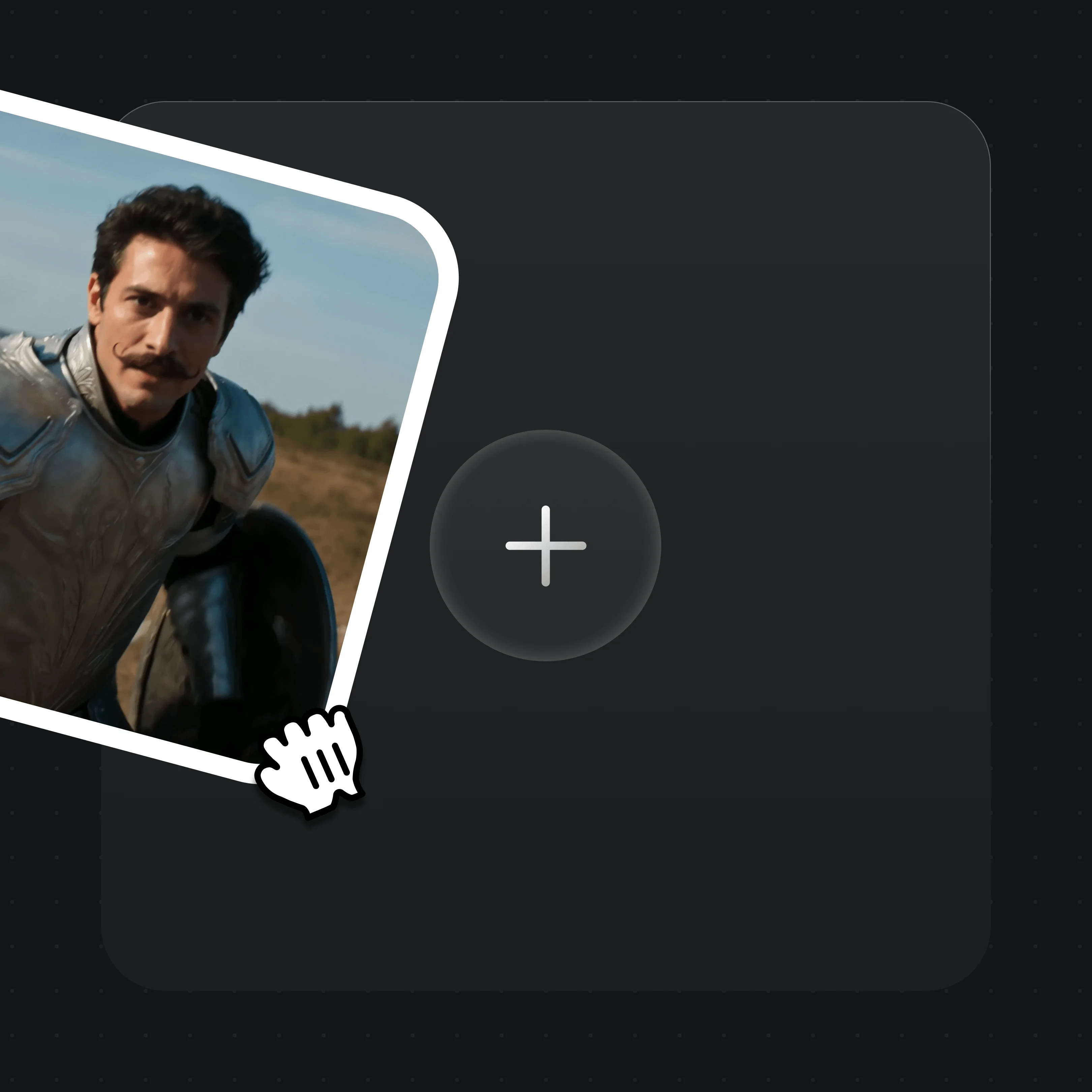
Upload the character, product, first frame, last frame, video, or audio references supported by your chosen model.

Write the shot, image, motion, framing, and audio requirements in plain language.

Choose a model and quality level, review the credit estimate, and then submit the generation.
Real Renoise outputs — beyond talking-head avatars.
The same character across a full figure-skating routine — an image reference in the prompt keeps her identical shot to shot.
Talking-head style video without picking from a stock avatar roster.
Product-in-scene lifestyle clip for short-form ads, no studio needed.
Dynamic match-day action — the same character carried into a new scene.
Renoise plans cover generative media, not avatar-seat pricing.
For first-time AI content creators
Billed $168 annually
Upgrade PlanSave $72/year
For creators shipping content every week.
Billed $504 annually
Upgrade PlanSave $216/year
For studios and pros producing at commercial scale.
Billed $1680 annually
Upgrade PlanSave $720/year
For first-time AI content creators
Billed monthly
Upgrade PlanFor creators shipping content every week.
Billed monthly
Upgrade PlanFor studios and pros producing at commercial scale.
Billed monthly
Upgrade PlanRenews automatically each year until canceled.
Renews automatically each month until canceled.
Yes, as a workflow alternative. HeyGen is an avatar, translation, localization, and business-video SaaS; it is not a like-for-like text-to-video model marketplace. Renoise instead combines 20 curated video, image, and audio models with Canvas, Agent, API, MCP, and official Renoise agent plugins. The products are not identical.
Free $0; Creator $29/month with 600 credits; Pro $49/month with 1,000+ credits; Business $149/month with 1,500 credits. Feature-dependent: Avatar III look $0.0032/s, Avatar V $0.0387/s, standard Video Agent $0.0322/s, and Seedance mode $0.0967/s. These figures use the stated billing scope and should not be treated as a platform-wide price.
HeyGen is a better fit when you need avatar-led business video, translation and dubbing, 175+ languages and dialects, brand controls, team seats, or training-video workflows. Renoise is a better fit when the multi-model workspace matters more.
No. Renoise does not run HeyGen. It is an alternative workflow using its own integrated models; do not expect HeyGen project files, subscriptions, or credits to transfer.
Yes. Seedance 2.0 standard supports native 4K at 100 credits per second. Seedance 2.5 tops out at 1080p. Renoise also offers fixed-cost Upscale Video to 4K; upscaling is not the same as native 4K generation.
Yes. Follow us on X and YouTube and 20 credits land on your account immediately — you can generate with them without subscribing.
One workspace for avatars plus the product and lifestyle video HeyGen leaves out.