Split screen, in motion
SD on the left, upscaled on the right. Watch the wheat heads and the shirt.
Upload a clip up to 30 seconds and get it back at 1080p, 2K or 4K. Following us on X and YouTube earns 20 credits — enough for two 1080p passes.


Drag the handle. Real frames from one run — 640×360 in, 1920×1080 out.
Subscribe for more credits and more models.
Upload a clip of up to 30 seconds, pick 1080p, 2K or 4K, and this AI video enhancer rebuilds it at that resolution — same length, same framing, more pixels. It takes a few minutes. Following us on X and YouTube earns 20 credits and a 1080p pass costs 8, so you get two free passes before paying anything. Failed runs refund automatically.
Need a clip longer than 30 seconds? Use the full video tools
No prompt, no settings beyond the target size.
MP4, MOV or WebM, up to 30 seconds and 50MB. If it is longer, you are told immediately rather than after a charge.
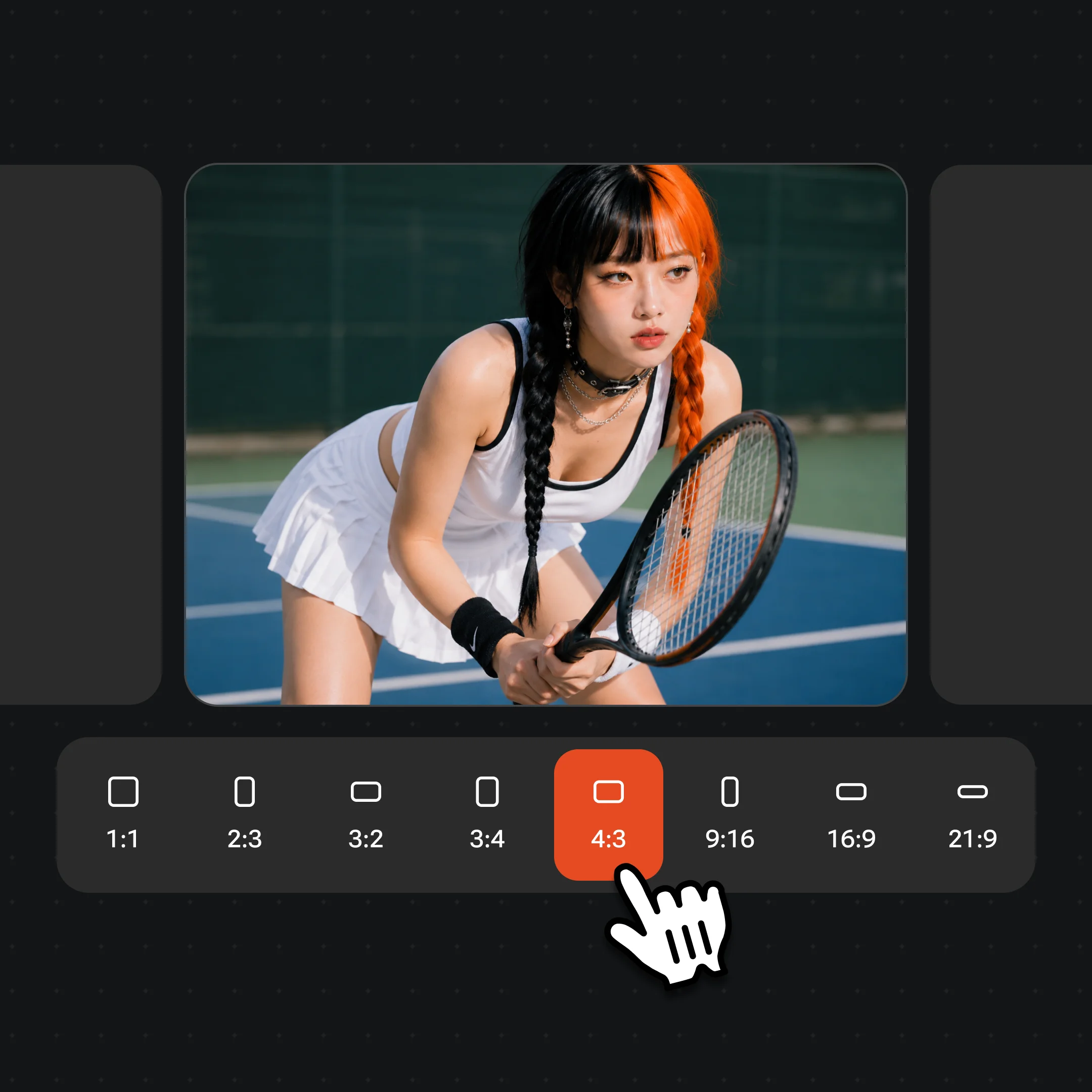
Tiers you cannot reach are greyed out: upscaling only adds pixels, so a clip already at 1080p is not offered a 1080p pass.

A few minutes later the result lands next to the original so you can see whether the tier was worth it. It is also saved to your videos.
This is the limit worth knowing before you upload, so here it is with the reasoning. Processing takes roughly two minutes plus about six seconds per second of input. In our own runs a 4-second clip took 120 to 127 seconds at 1080p and 154 seconds at 2K; the pattern holds up to around eight minutes for a minute of footage.
The page waits eight minutes for a result. Thirty seconds of input lands near five minutes of processing, which leaves real margin for queue time. Around fifty-five seconds it would exceed the budget — and a job that outlasts the wait is a job you paid for and did not receive. So the cap is not "the system cannot do it": it is the longest clip this page can honestly promise to hand back.
Competitors ranking for this search advertise much longer inputs, and some are genuinely better for a full video. We would rather say that than take an upload we cannot finish. For anything longer, the video tools handle it with a plan and a queue built for it.
The file size cap is 50MB, and that one is about your upload rather than our processing — thirty seconds of 1080p phone footage lands around 40MB, and asking for more than that on mobile data before we can even quote you is worse than refusing it.
Following us on X and YouTube earns 20 credits. A 1080p pass costs 8, so you get two of them free, with 4 credits left over. A 2K pass costs 15, so the grant covers one. A 4K pass costs 30 and the grant does not cover it at all — which is why the 4K pill says so instead of taking your click and failing.
That arithmetic is the one place this page is genuinely more generous than our other video tools, where the free credits cover exactly one clip. It works because upscaling is priced per pass rather than per second: a 4-second clip and a 30-second clip cost the same at the same tier.
After the grant, each pass is billed per run. There is no free plan and no trial period — just credits you were given, then per-pass pricing. Failed and cancelled runs refund automatically, so a clip the model cannot handle does not consume one of your free passes.
Flat pricing per pass, so the only question is where the extra pixels actually show. All three keep the length and framing of your source.
| Tier | 1080p (Recommended) | 2K | 4K |
|---|---|---|---|
| Cost per pass | 8 credits | 15 credits | 30 credits |
| Covered by the free credits | ✓ twice | ✓ once | — |
| Short edge of the output | 1080 | 1440 | 2160 |
| Worth it when the source is | 480p–720p | 1080p | 1440p |
| Where it shows | Phone and laptop | Large monitor | TV and projection |
One real run, shown two ways. The left half of the clip is the untouched 640×360 source; the right half is the same frames at 1920×1080.
SD on the left, upscaled on the right. Watch the wheat heads and the shirt.
640×360 enlarged with no upscaling — this is what stretching pixels looks like.
Wheat separates into individual heads and the fabric regains its weave.
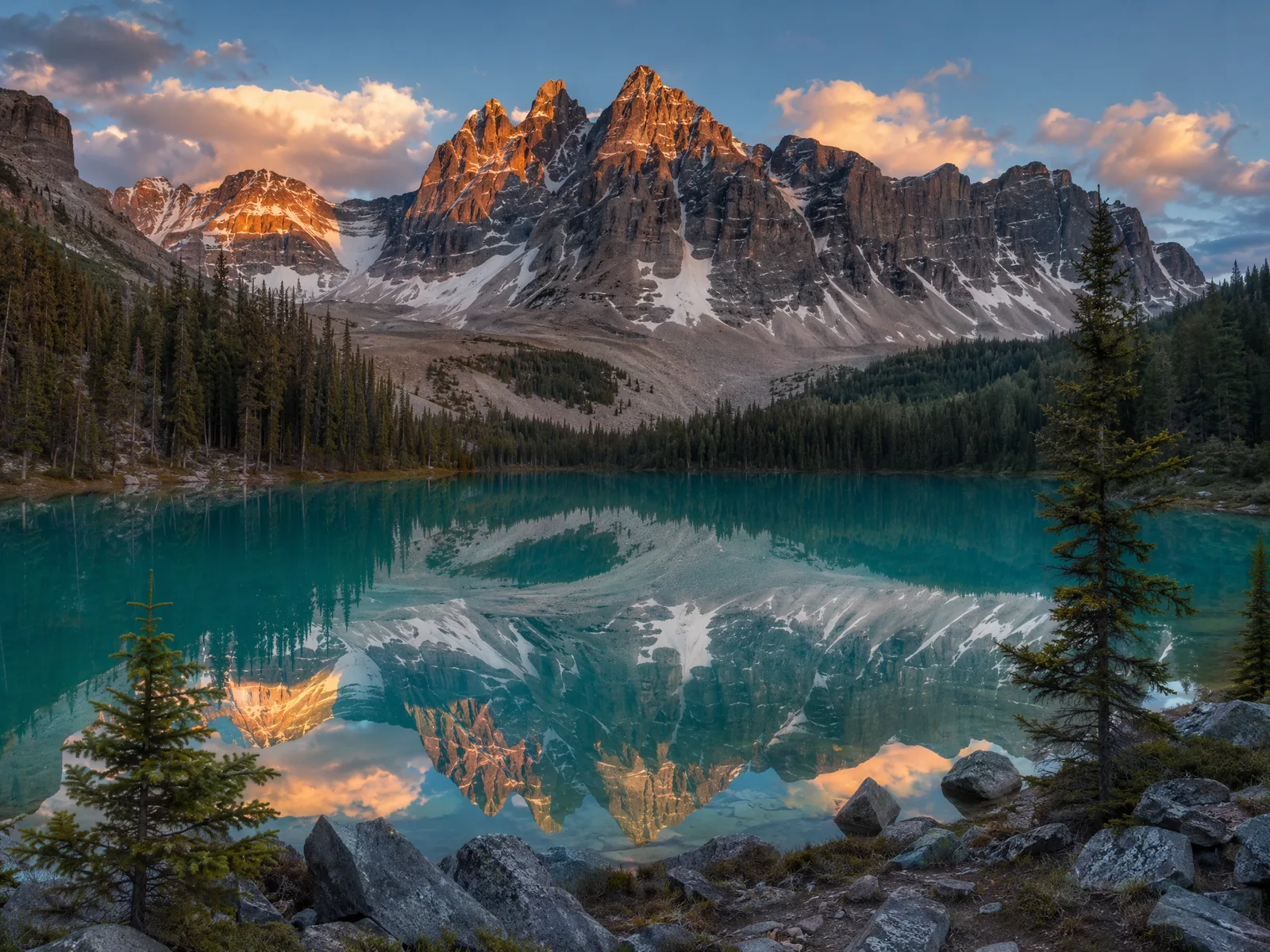
Single images have their own tools — cheaper per run and no length limit.
The 4K tier outputs a 2160-pixel short edge, which for 16:9 footage is 3840×2160. It costs 30 credits per pass, more than the 20 a follow earns you, so it needs a plan. We are saying that plainly because several tools ranking for this search put "Upscale to 4K Free" in their titles and then meter it after the upload.
It is also worth being precise about what upscaled 4K is. The model reconstructs plausible detail at the higher resolution; it does not recover information the camera never captured. A 480p clip upscaled to 4K is a sharper 480p clip at 4K dimensions — genuinely better on a large screen, and not the same thing as footage shot at 4K. Anyone telling you otherwise is selling.
Which is why the tier table above frames the choice by source rather than by ambition. Going from 720p to 4K spends 30 credits to add pixels that have little underlying detail behind them. Going from 720p to 1080p spends 8 and shows most of the improvement. If you are unsure, run 1080p first — you have two free.
This tool changes one thing: resolution. Everything else about your clip comes back as it went in, and none of the tools ranking for this search say so, which makes it worth a section.
Frame rate is unchanged. A 24fps clip comes back at 24fps — there is no interpolation, so if you came looking for a 60fps converter this is not it. Camera shake is unchanged; there is no stabilisation pass. Grain and compression noise are not removed as a separate step, though they often look less objectionable once the frame is larger. Watermarks, logos and burned-in captions are upscaled along with everything else, crisply.
Colour and exposure are left alone as well. If a clip is underexposed, it comes back sharper and still underexposed. And audio passes through untouched: the same track, the same quality, not re-encoded upward.
Some of that is on the roadmap for the full video tools and some of it is a different kind of model altogether. Either way, knowing what a tool leaves alone is usually more useful than another list of what it claims.
Most searches in this area use the words video upscaler, ai video upscaler or simply upscale video, and for this page they all mean the same operation: existing footage in, more pixels out, nothing invented. That is different from a video model, which generates frames that were never filmed.
The practical split is length and control. This page is the fast path for a short clip you already have: one upload, one tier, a few minutes, two free passes. The video tools take longer inputs, let you queue several jobs, and combine upscaling with the rest of the pipeline — which is what you want for anything you intend to publish.
Both run on the same account and the same credits, so trying the cheap path first costs you nothing but time.
Credits work across every tool — upscaling, image editing and the video models.
For first-time AI content creators
Billed $168 annually
Upgrade PlanSave $72/year
For creators shipping content every week.
Billed $504 annually
Upgrade PlanSave $216/year
For studios and pros producing at commercial scale.
Billed $1680 annually
Upgrade PlanSave $720/year
For first-time AI content creators
Billed monthly
Upgrade PlanFor creators shipping content every week.
Billed monthly
Upgrade PlanFor studios and pros producing at commercial scale.
Billed monthly
Upgrade PlanRenews automatically each year until canceled.
Renews automatically each month until canceled.
Your first two 1080p passes are free. Following us on X and YouTube earns 20 credits and a 1080p pass costs 8, so two are covered with 4 credits left. After that each pass is billed per run. There is no free plan and no trial period — just the credits you were given, then per-pass pricing.
This is one: it runs in the browser with nothing to install, and the free credits cover two 1080p passes. What it does need is an account, because the credits are attached to one. If you want a genuinely no-signup tool, some of the results on this search are — they are also generally limited to shorter clips and lower tiers.
Thirty seconds, and 50MB. Longer clips are refused at upload rather than after a charge, because processing time grows with length and a job that outlasts the page's eight-minute wait is a job you paid for and did not receive. For longer footage, use the full video tools.
Yes. The free credits are attached to an account, so there is nothing free to spend without one. An account costs nothing, and following us on X and YouTube earns 20 credits, which is two 1080p passes here.
Two at 1080p (8 credits each, from a 20-credit grant, leaving 4). One at 2K (15 credits). None at 4K, which costs 30 — that tier needs a plan, and the pill says so before you click it.
No. 4K is the ceiling — a 2160-pixel short edge, so 3840×2160 for 16:9 footage. There is no 8K tier, and at that point you would be adding pixels with almost nothing underneath them.
No. Frame rate passes through unchanged: a 24fps clip comes back at 24fps. This model adds resolution, not frames, and frame interpolation is a different kind of model entirely.
Not as a deliberate step. There is no stabilisation and no denoising pass, so shake comes back as shake. Grain and compression artefacts often read as less objectionable at a larger size, but that is a side effect rather than a feature you can rely on.
No, and this matters. The model reconstructs plausible detail at the higher resolution; it cannot recover information the camera never recorded. A 480p clip upscaled to 4K is a sharper 480p clip at 4K dimensions — a real improvement on a large screen, and not equivalent to footage shot at 4K.
A few minutes, scaling with length. Our own runs: a 4-second clip took 120 to 127 seconds at 1080p and 154 seconds at 2K, and the pattern works out near five minutes for a 30-second input. Queue time is included in those numbers. You can leave the page while it runs.
No. Failed and cancelled runs refund their credits automatically. The usual causes are unusual codecs and very heavily compressed sources; re-exporting as MP4 fixes most of them.
Commercial use comes with a paid plan, under the main terms. Note that upscaling does not change who owns the footage: enhancing a clip does not give you rights to it, so the source needs to be yours or licensed to you.
Up to 30 seconds, back at 1080p, 2K or 4K. Two 1080p passes are free.


