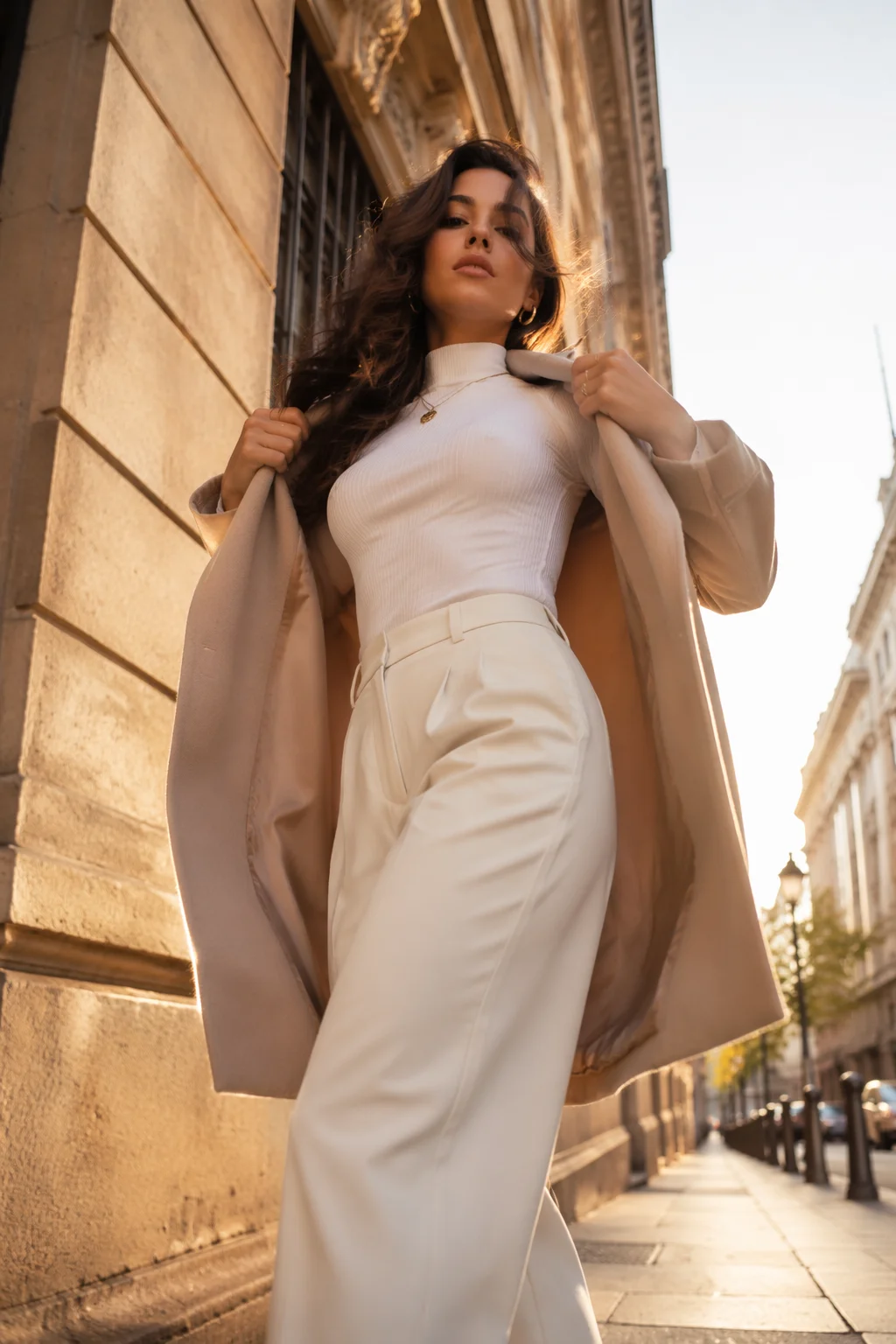
Fashion reveal
A written prompt, a longer clip, a moving camera — the video surface, not this widget.
Upload a vertical photo and get a 4-second 9:16 clip back. It is one clip — not a finished reel with music and captions. Your first one is free after signup.
Follow us and get 20 free credits — about 1 video
For photos of yourself or people who agreed to appear.
Real output from this page. One vertical photo in, 4 seconds out.
Subscribe for more credits and more models.
It turns one vertical photo into one 4-second 9:16 clip — the right shape for Reels, TikTok and Shorts, and the right length for a single beat of one. It does not assemble a finished reel: no music you picked, no captions, no cuts between shots. Upload, press generate, about two minutes. Following us on X and YouTube earns 20 free credits and a clip costs 20 at list price, so your first is free.
Need a full reel — several shots, music, longer? Use the full video models
Putting this second rather than in the FAQ, because it decides whether the next two minutes are worth your time. A reel that performs is usually 15 to 60 seconds, cut from several shots, carrying a track people recognise and captions that work with the sound off. This page gives you one continuous 4-second shot, no captions and no sound.
So it is a component, not an output. It is genuinely useful as one: an opener before your talking-head footage, a B-roll insert, a loop for a story, a test of whether a still you own reads well in motion. It is not something you post as a reel on its own and expect to hold anyone.
If a finished vertical video is what you came for, the honest answer is that our video tools do that and this page does not — longer clips, your own prompt, several generations you can cut together. Same account, same credits. We would rather tell you now than after you have waited.
One more thing the example shows: the shape comes from your photo. Upload a tall photo and you get 9:16; upload a square and you get a square clip, because nothing is cropped or added. Vertical framing also invites the model to build depth behind the subject — in our own run a plain studio wall became a lit room, which flatters a vertical clip and is still the model reinterpreting your background rather than preserving it.
One tall photo, one button. The shape of your photo is the shape of the clip.
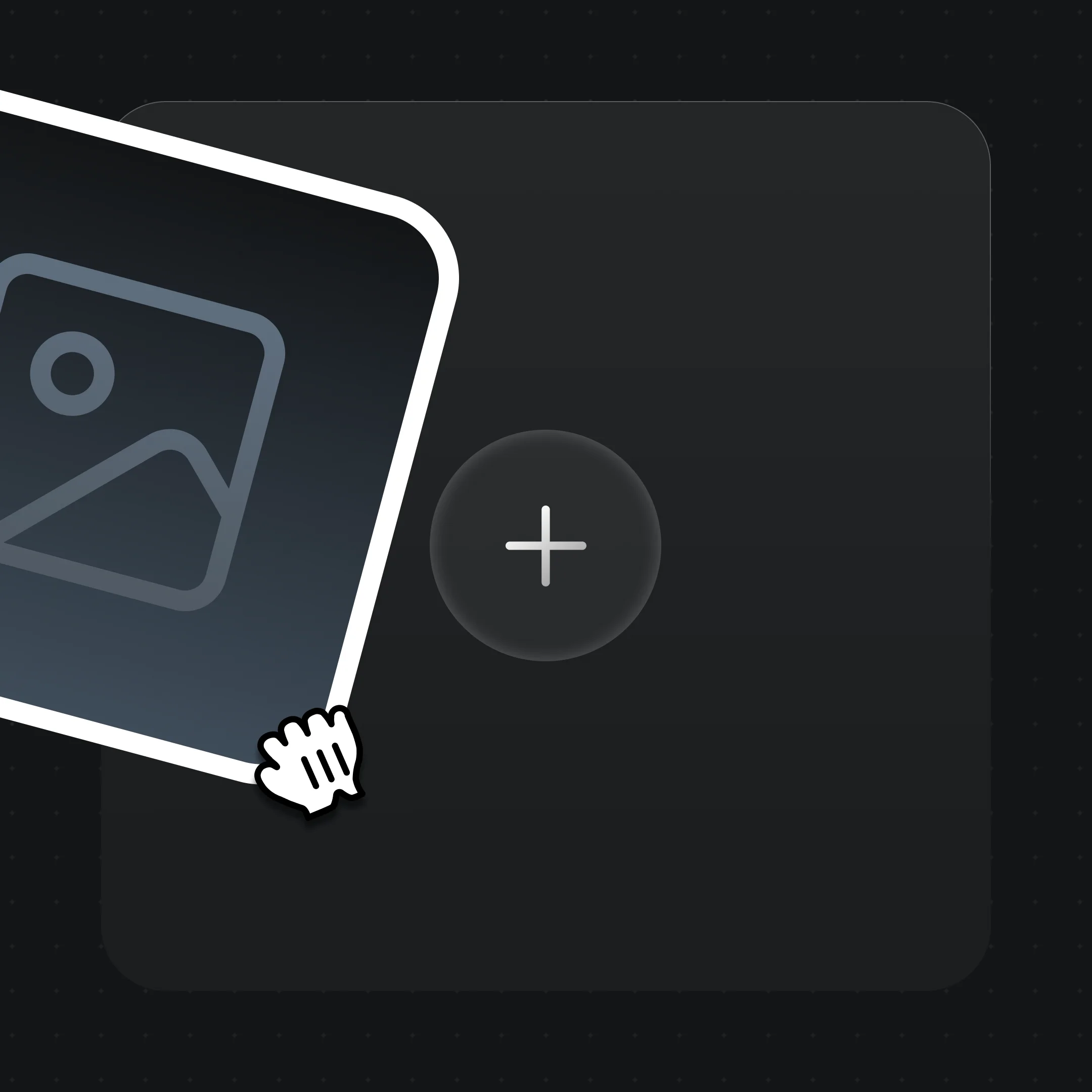
A phone portrait is ideal — 9:16 in, 9:16 out. A landscape photo will come back landscape, which is the wrong shape for a reel.
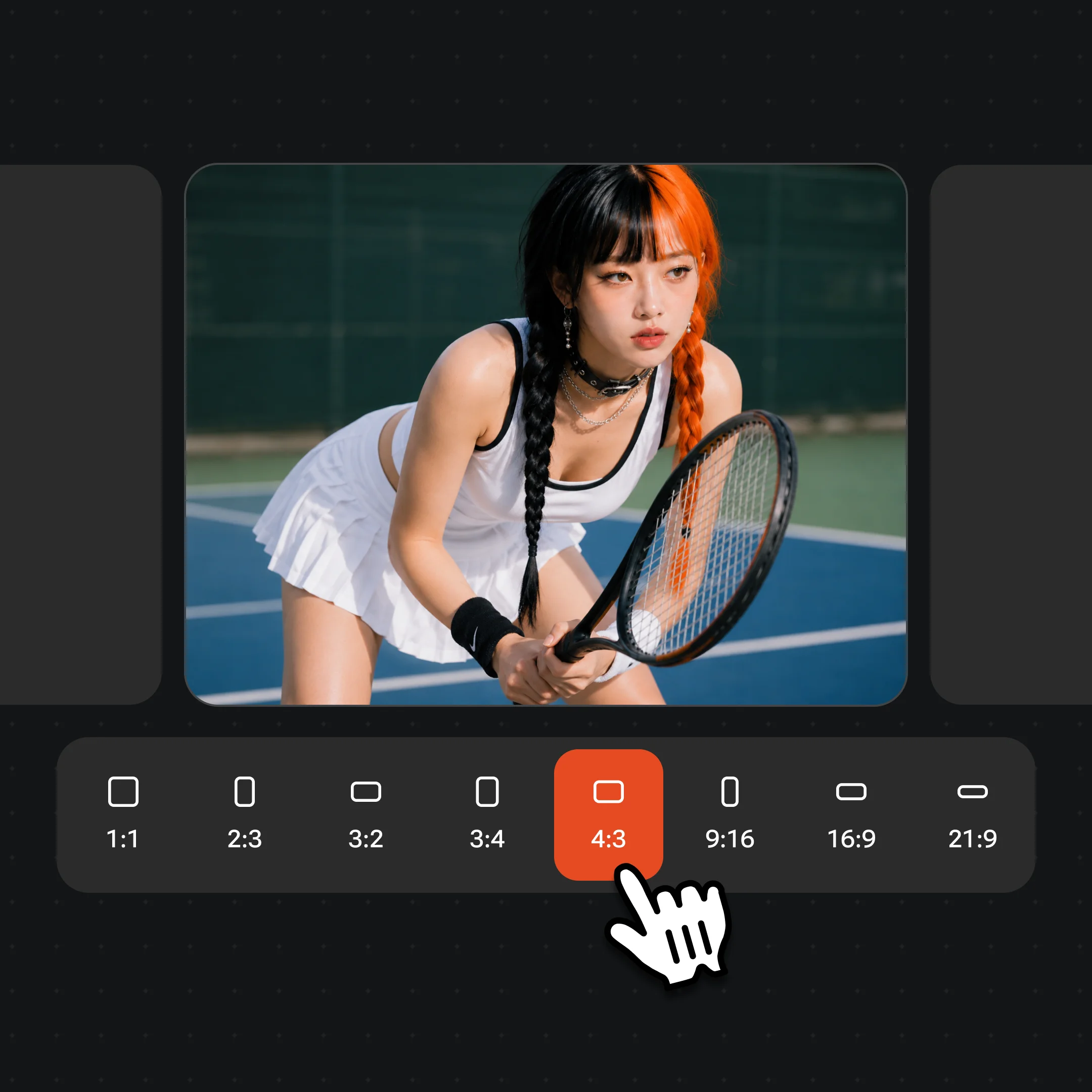
480p and 4 seconds is preselected — what the free credits cover. The line above the button opens the model, the resolution and the length, and reprices as you pick, so a sharper or longer clip costs what it says before you run it.
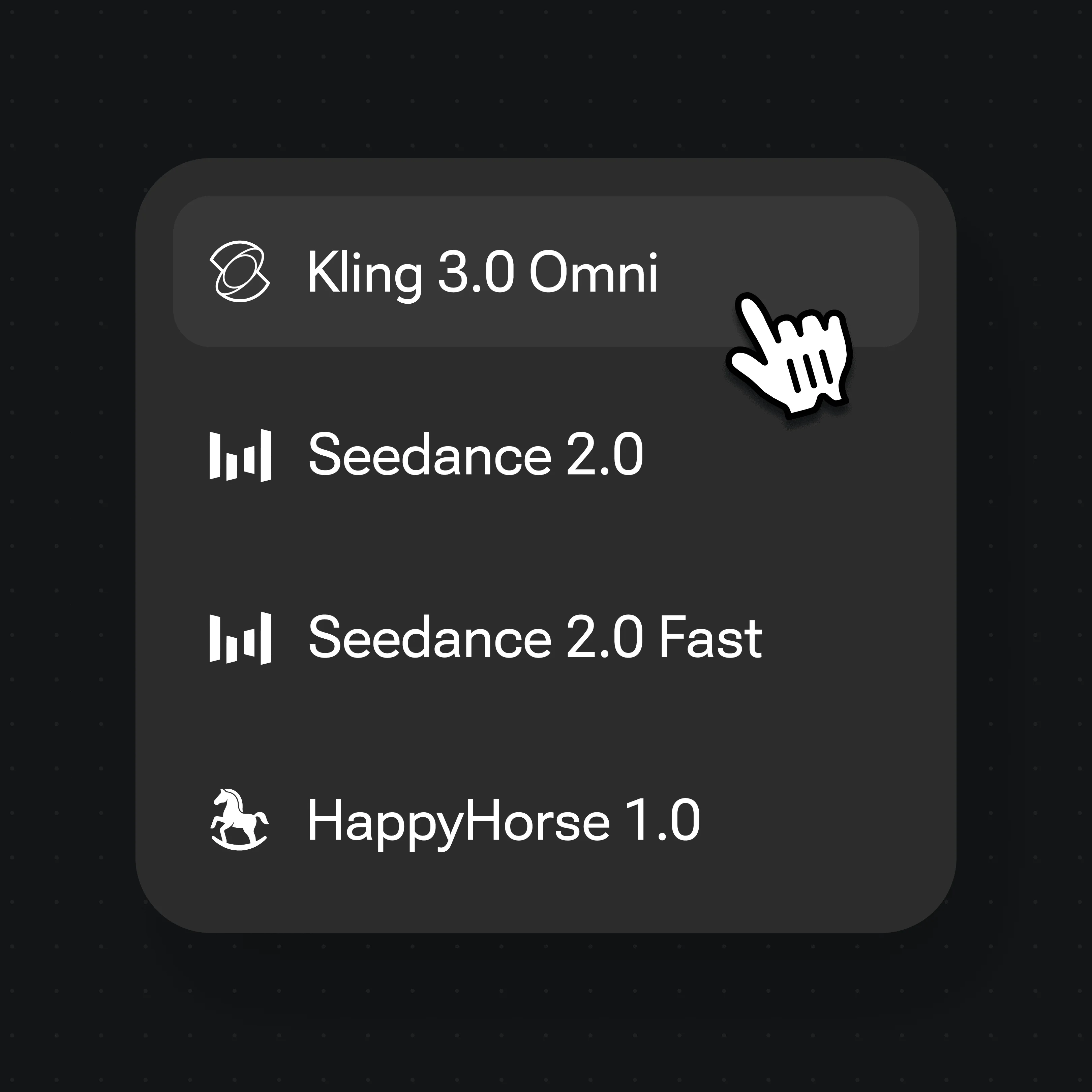
About two minutes. Bring the clip into whatever you edit in — it is a piece of a reel, so it expects to be cut with other material.
These are NOT from this page — they are Seedance 2.0 on the video surface: longer, prompt-written, several shots. Shown so the difference is concrete rather than described.
A written prompt, a longer clip, a moving camera — the video surface, not this widget.

Full model output at higher resolution than this page runs.
The kind of vertical clip a product launch needs — written, not one-button.

No photo involved at all — generated from a prompt on the video surface.
Following us on X and YouTube earns 20 credits and one clip at the default tier costs 20 at list price, so the first one is free — no card, no trial period, no plan to cancel. After that each clip is billed per generation. A free tier is not something we have, and calling the free credits one would be a lie you would find out about on your second clip.
Failed and cancelled runs refund automatically, so a photo the model cannot use does not silently consume your one free attempt — and when a run does fail, trying again with the same photo is usually a better first move than looking for a different one.
The free clip carries a watermark, which matters more here than on our other pages: a watermark in the corner of something you post is a real cost. Watermark-free exports come with a paid plan.
The widget runs the cheap tier so the first clip can be free. Everything a finished reel needs is on the other side.
| What you get | This page | Renoise video models (Recommended) |
|---|---|---|
| Vertical 9:16 output | ✓ | ✓ |
| Clip length | 4 seconds | 4–30 seconds |
| Write your own prompt | — | ✓ |
| Several shots you can cut | — | ✓ |
| Music and captions | — | Add in your editor |
| First one free | ✓ | — |
| Watermark | Yes | Watermark-free on paid plans |
Use photos of yourself, or of people who agreed to appear in a clip — and if you are posting it, they need to have agreed to that too. Animating a stranger, a celebrity, or someone who never consented is non-consensual synthetic media; do not use this for that. Never use photos of minors.
Face compliance runs automatically on every generation, which is why nothing has to be registered first. But an automated check is a floor, not permission: it cannot know whether the person in your photo agreed, and neither can this page.
Your uploads are not a gallery. Nothing is stored until you sign in, generations are private to your account, and the photo you upload is used for that generation rather than added to a public feed.
What happens to an upload on this page.
Picking a file only previews it on your device. Not one byte is stored until you sign in and click generate.
Uploads land in your private library, never a public gallery, and re-running the same photo stores nothing new.
Remove uploads and results from your library whenever you want.
One plan unlocks Seedance, Kling 3.0 Omni and every other video model.
For first-time AI content creators
Billed $168 annually
Upgrade PlanSave $72/year
For creators shipping content every week.
Billed $504 annually
Upgrade PlanSave $216/year
For studios and pros producing at commercial scale.
Billed $1680 annually
Upgrade PlanSave $720/year
For first-time AI content creators
Billed monthly
Upgrade PlanFor creators shipping content every week.
Billed monthly
Upgrade PlanFor studios and pros producing at commercial scale.
Billed monthly
Upgrade PlanRenews automatically each year until canceled.
Renews automatically each month until canceled.
Your first clip is free. Following us on X and YouTube earns 20 credits and one clip at the default 480p, 4-second tier costs 20 at list price. After that each generation is billed per clip — there is no free plan and no trial period.
No. This page produces one 4-second clip with no captions and no track you chose. A finished reel means several shots cut together, music and text, which is editing work — do it in your editor, with clips from the video surface where you can generate longer material and write your own prompts.
It is whatever shape your photo is. Upload a 9:16 photo and you get a 9:16 clip; upload a square or landscape photo and you get that shape back, because nothing is cropped away and nothing is added. So use a tall photo if you want a vertical clip.
Four seconds by default, and up to 15 from the line above the button — still short of a reel. The free credits cover the 480p 4-second clip; longer or sharper reprices as you pick, so you see what it costs first. For genuinely longer vertical video, use the video surface with a plan.
You can, with two caveats. Free clips carry a watermark, which is visible in a feed — watermark-free exports come with a paid plan. And 4 seconds on its own will not hold a viewer; it works as an opener, an insert or a loop inside something longer.
Because the prompt asks for depth, and vertical framing gives the model room to build it. In our own run a plain studio wall became a lit room. It generally flatters a vertical clip, but it is the model reinterpreting your background rather than preserving it — if you need the exact background kept, write your own prompt on the video surface.
No. Failed and cancelled runs refund their credits automatically. Try the same photo again before switching: some failures have nothing to do with your photo and clear on a retry. Only look for a different photo if it fails repeatedly, or if the message says the picture itself was declined.


