Change the background
Drop the subject into a new place or backdrop while keeping them untouched.
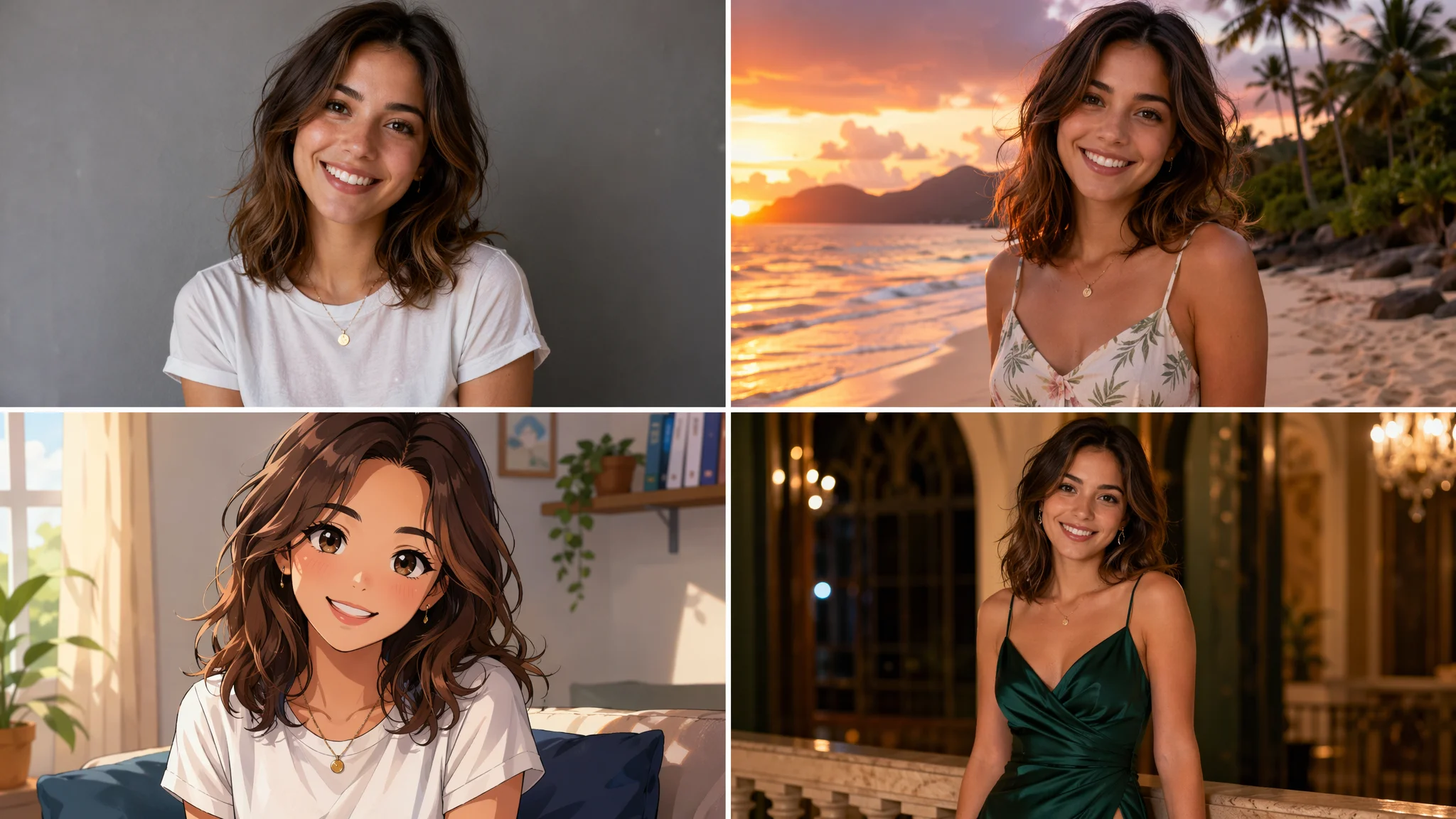
Change anything in one image — background, style, outfit, object, or subject — just describe it.
Upload the image, describe the change you want in plain language, and generate on Nano Banana Pro in Canvas — the AI rewrites just that part while keeping the rest of the photo intact. Change the background, restyle the whole look, swap an outfit, remove or replace an object, or change the subject, then export at up to 4K. When the change involves a real face, use an authorized face (your own or one with written consent).
Just want to clean up and enhance a photo, not transform it? See the AI photo editor
Five kinds of change, one canvas. Pick what you need — each has a focused guide too.
Drop the subject into a new place or backdrop while keeping them untouched.
Restyle a photo into anime, watercolor, 3D, or any look you describe.
Swap clothing on the same person, same pose — try any look.
Remove, add, or replace an object or element anywhere in the image.
Swap a face or subject in — using authorized real faces only.
Stack changes on the same image without re-uploading between models.
From the original photo to the version you meant.
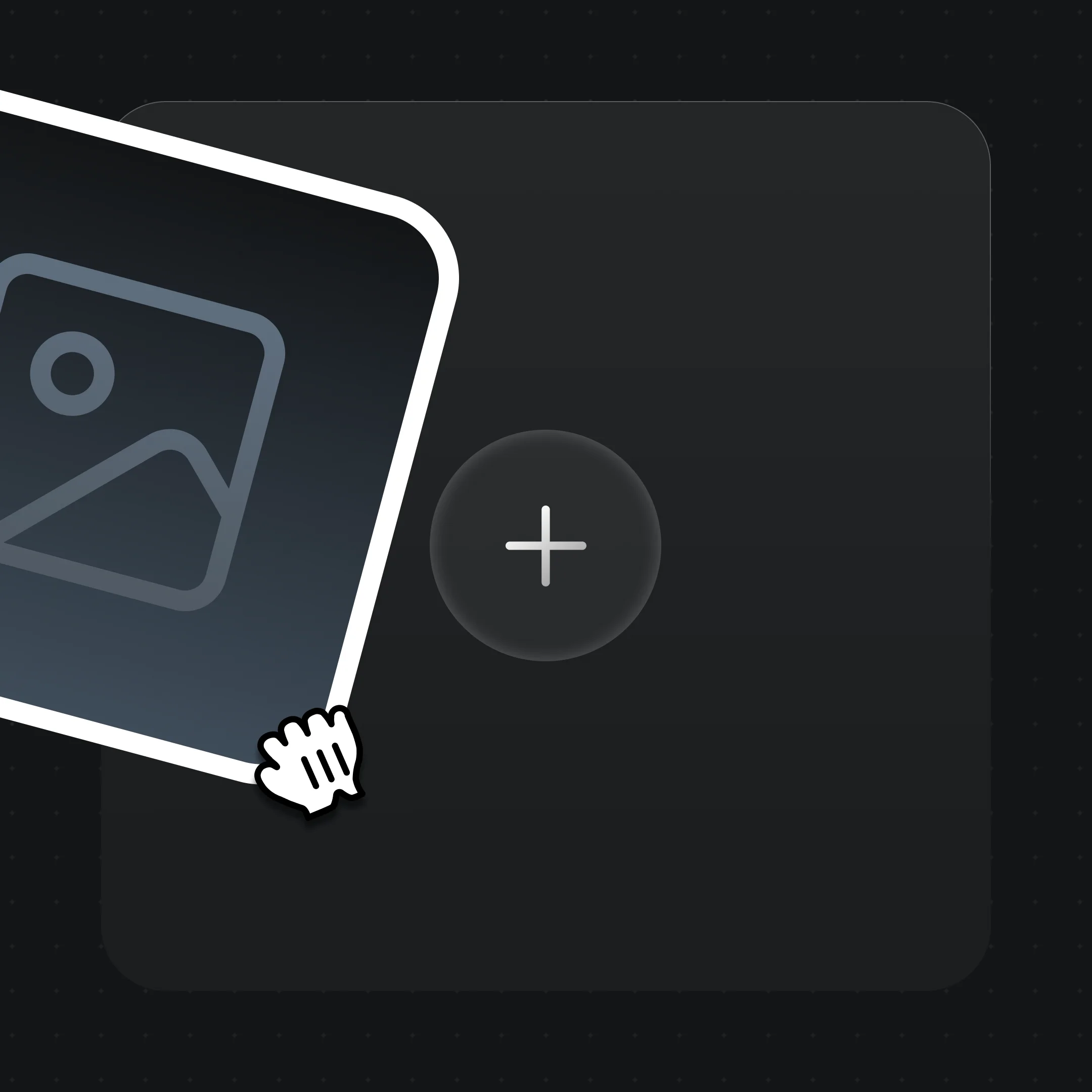
Drag the photo you want to change onto the Renoise Canvas. Any resolution works.
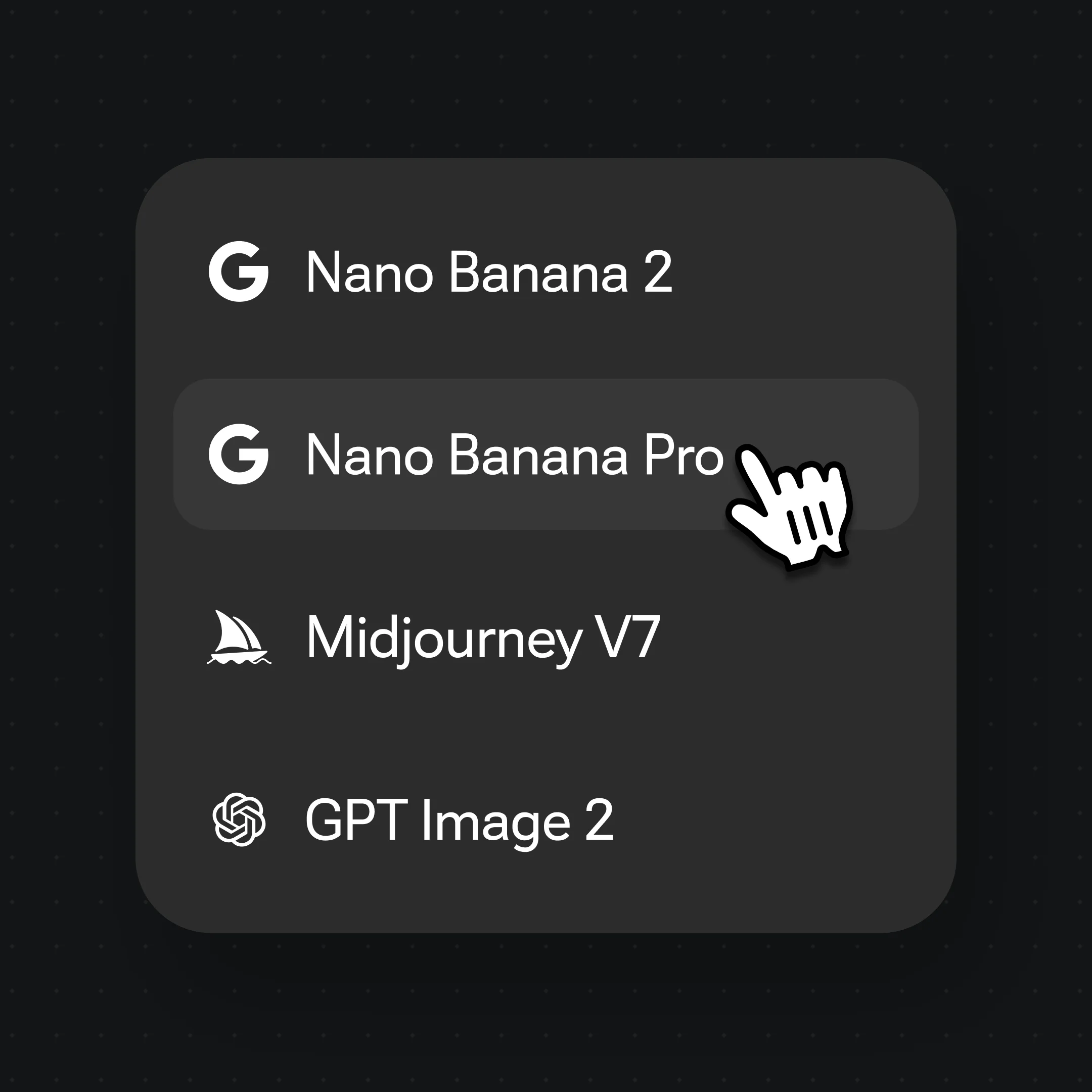
Say exactly what to change — "replace the background with a sunset beach" — and pick Nano Banana Pro.
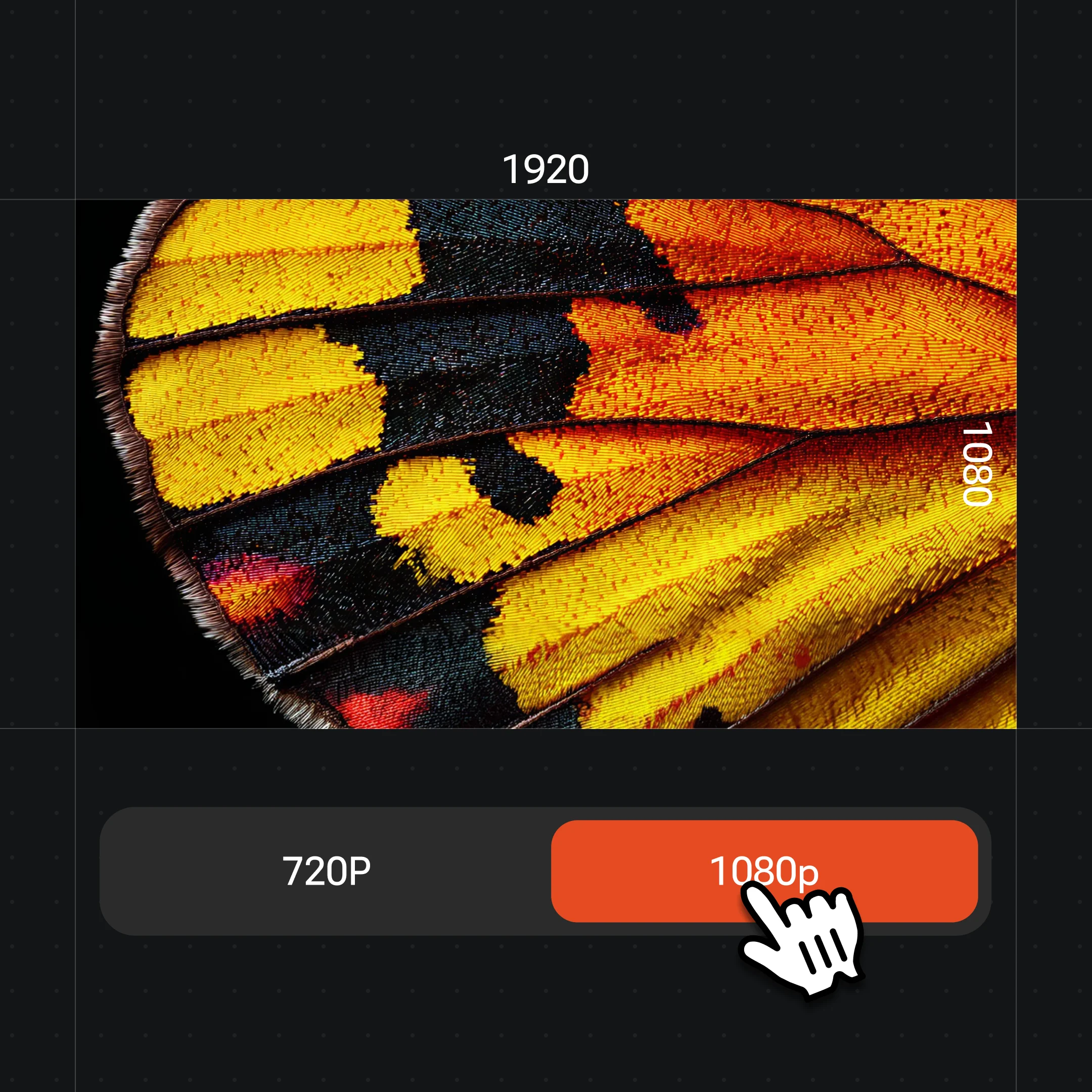
Generate, stack more changes on the same image, then export at up to 4K.
The same source photo, transformed — only the part you name changes, the rest holds.
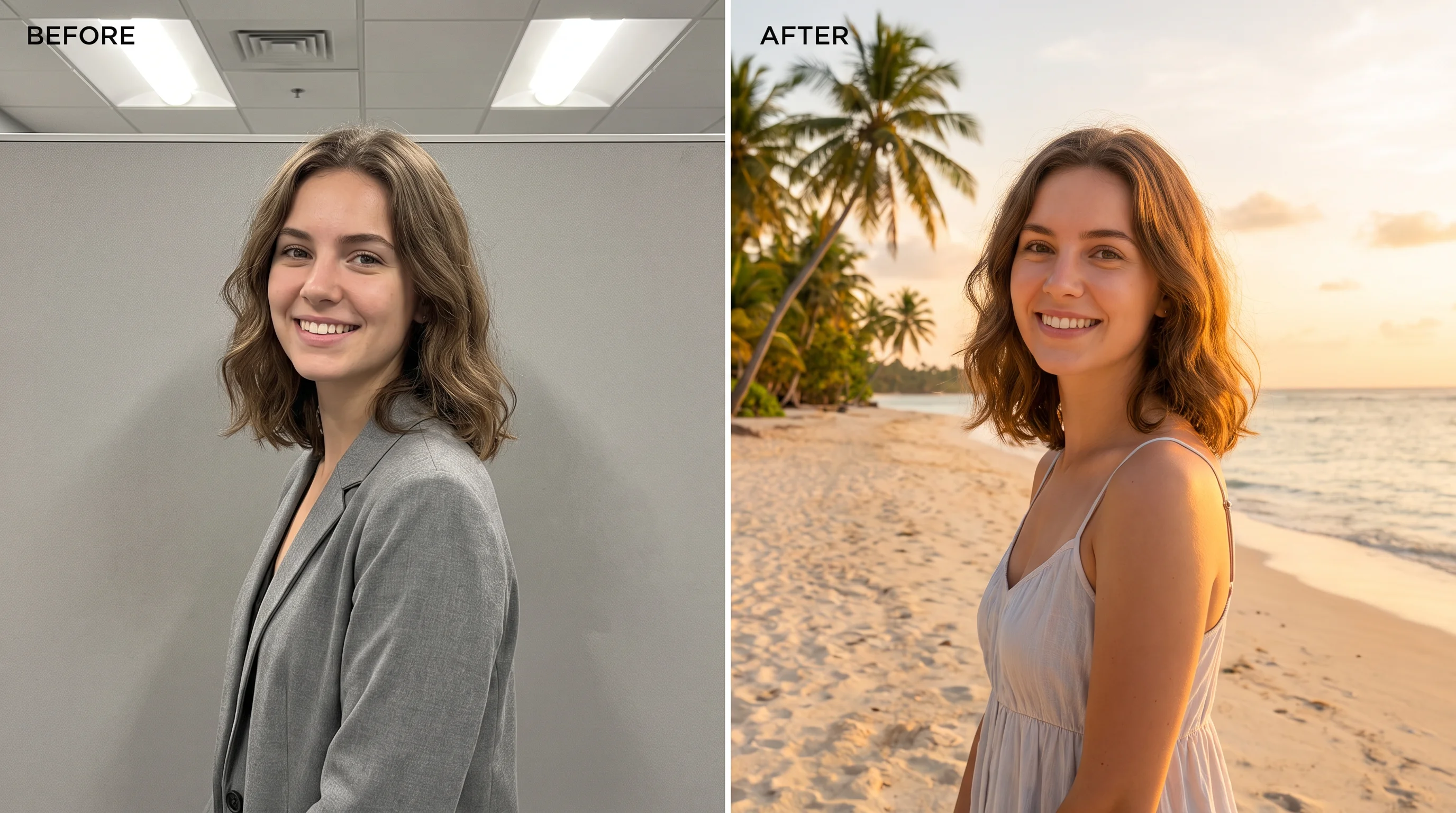
Move the subject to a new setting — the person stays exactly as shot.
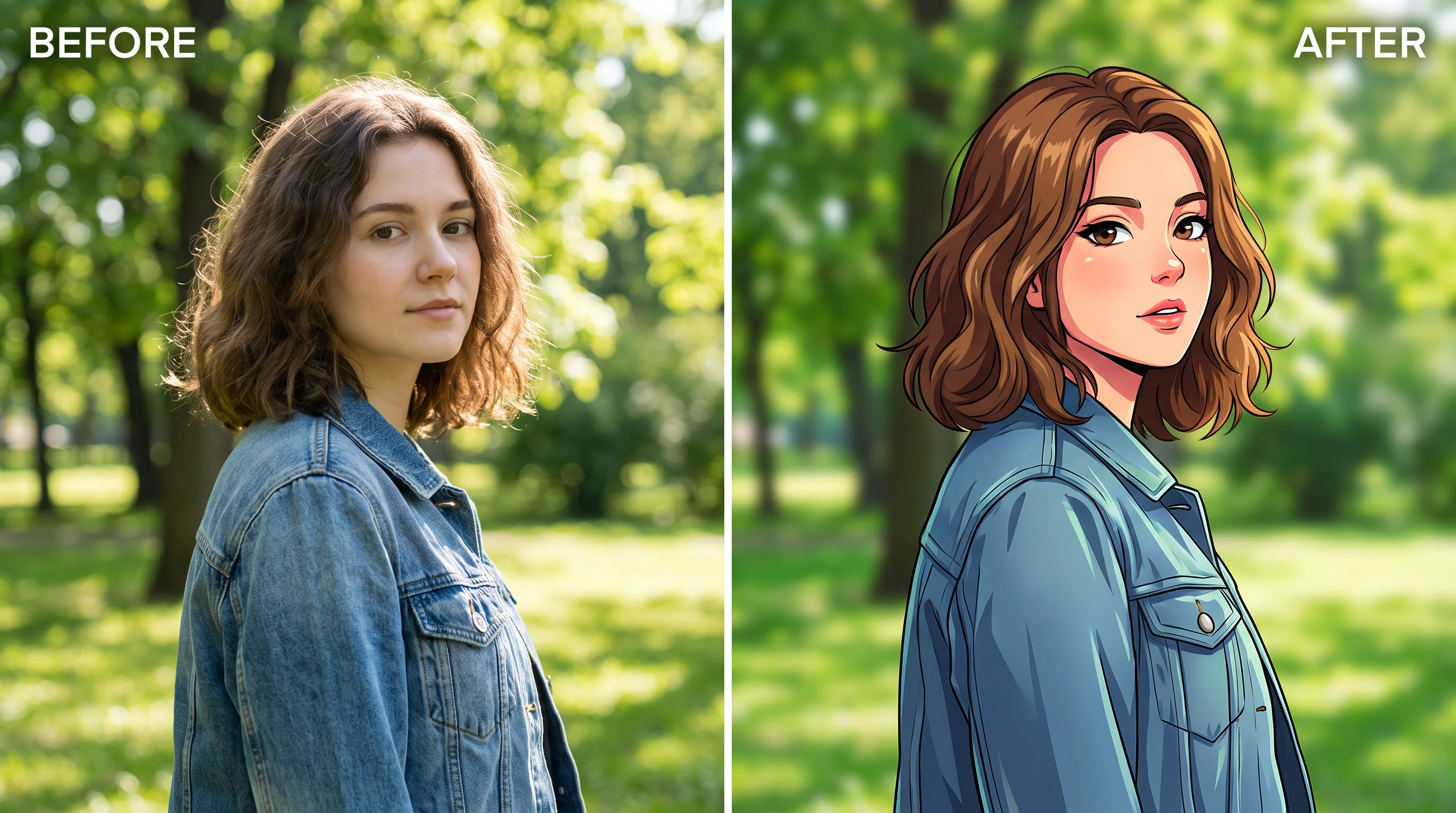
Restyle the whole photo into a different art look from one prompt.
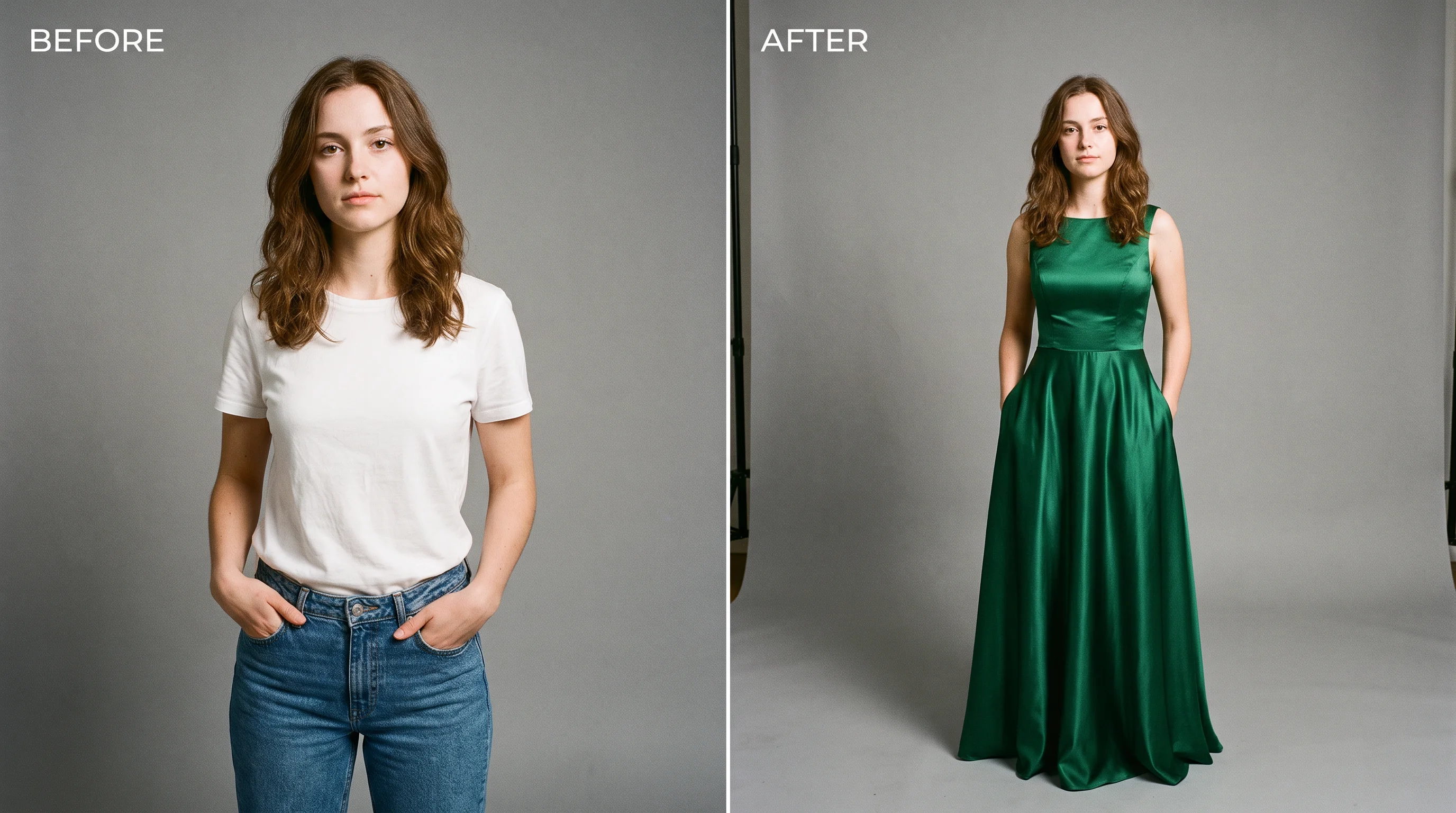
Swap the clothing while face, body, and pose stay consistent.
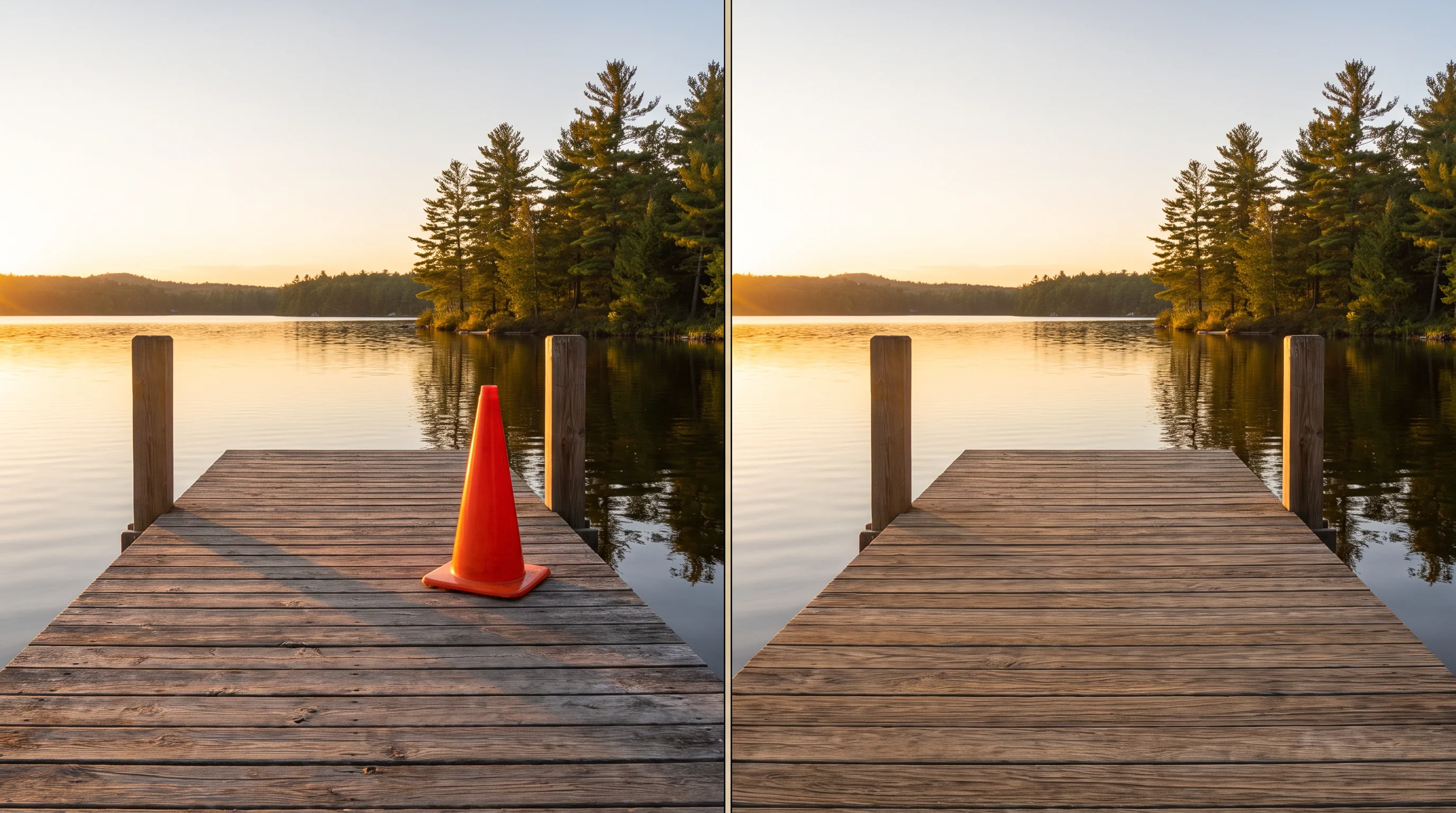
Take out an unwanted object and the AI fills the space cleanly.
Both live in the same Renoise canvas — pick by what the change needs. Nano Banana Pro for photoreal edits that blend into the original, GPT Image 2 when the instruction is precise and detail-heavy.
| For image changes | Nano Banana Pro (Recommended) | GPT Image 2 |
|---|---|---|
| Best for | Photoreal, seamless edits | Precise instruction following |
| Keeps the untouched parts | Best | Good |
| Multi-step changes | ✓ | ✓ |
| Up to 4K export | ✓ | ✓ |
| Same canvas | ✓ | ✓ |
An AI image changer answers a different question than an enhancer. An enhancer makes the same photo look better — sharper, cleaner, higher resolution. A changer rewrites what is in the frame: a new background, a different outfit, an object gone, the whole thing restyled. The image comes out looking like a deliberate new version, not a touched-up copy.
The craft is in naming the change precisely. Vague prompts ("make it better") drift; specific ones ("replace the grey office wall with a warm sunset beach, keep the person and lighting") change exactly what you meant and leave the rest alone. Generate on Nano Banana Pro so the new part blends into the original photo — matched lighting, matched perspective — instead of looking pasted in. Switch to GPT Image 2 when the brief is intricate and instruction-heavy.
Because everything happens on one canvas, changes stack: swap the background, then restyle, then remove a stray object, each on the result of the last, without re-uploading. When the change involves a real face, use an authorized face — your own or one with written consent, and never a public figure or minor.
Changing images leans on a couple of models and one canvas that holds them together.
Blends the changed part into the original photo — lighting, perspective, and detail matched.
Follows precise, detail-heavy change instructions closely.
Apply one change after another on the same image without re-uploading.
Export the changed image at 1K, 2K, or 4K.
One plan unlocks Nano Banana Pro, GPT Image 2, and every change type in the same canvas.
For first-time AI content creators
Billed $168 annually
Upgrade PlanSave $72/year
For creators shipping content every week.
Billed $504 annually
Upgrade PlanSave $216/year
For studios and pros producing at commercial scale.
Billed $1680 annually
Upgrade PlanSave $720/year
For first-time AI content creators
Billed monthly
Upgrade PlanFor creators shipping content every week.
Billed monthly
Upgrade PlanFor studios and pros producing at commercial scale.
Billed monthly
Upgrade PlanRenews automatically each year until canceled.
Renews automatically each month until canceled.
Swap, restyle, and replace — with watermark-free exports on paid plans.
It rewrites part of an image while keeping the rest. In Renoise you can change the background, restyle the whole photo, swap an outfit, remove or replace an object, or change the subject — all from a plain-language prompt on the same canvas.
Upload the photo, describe the new background ("replace the background with a snowy mountain at dusk"), and generate on Nano Banana Pro. The subject stays exactly as shot while only the backdrop changes. See the dedicated AI background guide for more.
Yes — that is the point. You name what to change and the model rewrites only that, blending it into the original lighting and perspective so the untouched parts stay consistent.
Yes. Changes stack on one canvas — swap the background, then restyle, then remove an object, each applied to the result of the last, without re-uploading between steps.
Nano Banana Pro for most changes — it blends edits seamlessly into a photo. Use GPT Image 2 when the change instruction is precise and detail-heavy. Both live in the same canvas, so you can switch per change.
Only with an authorized real face — your own or one with written consent. Do not change in a face that has not agreed, and no public figures or minors.