Keep the subject
The product or face stays intact while the scene behind it changes.
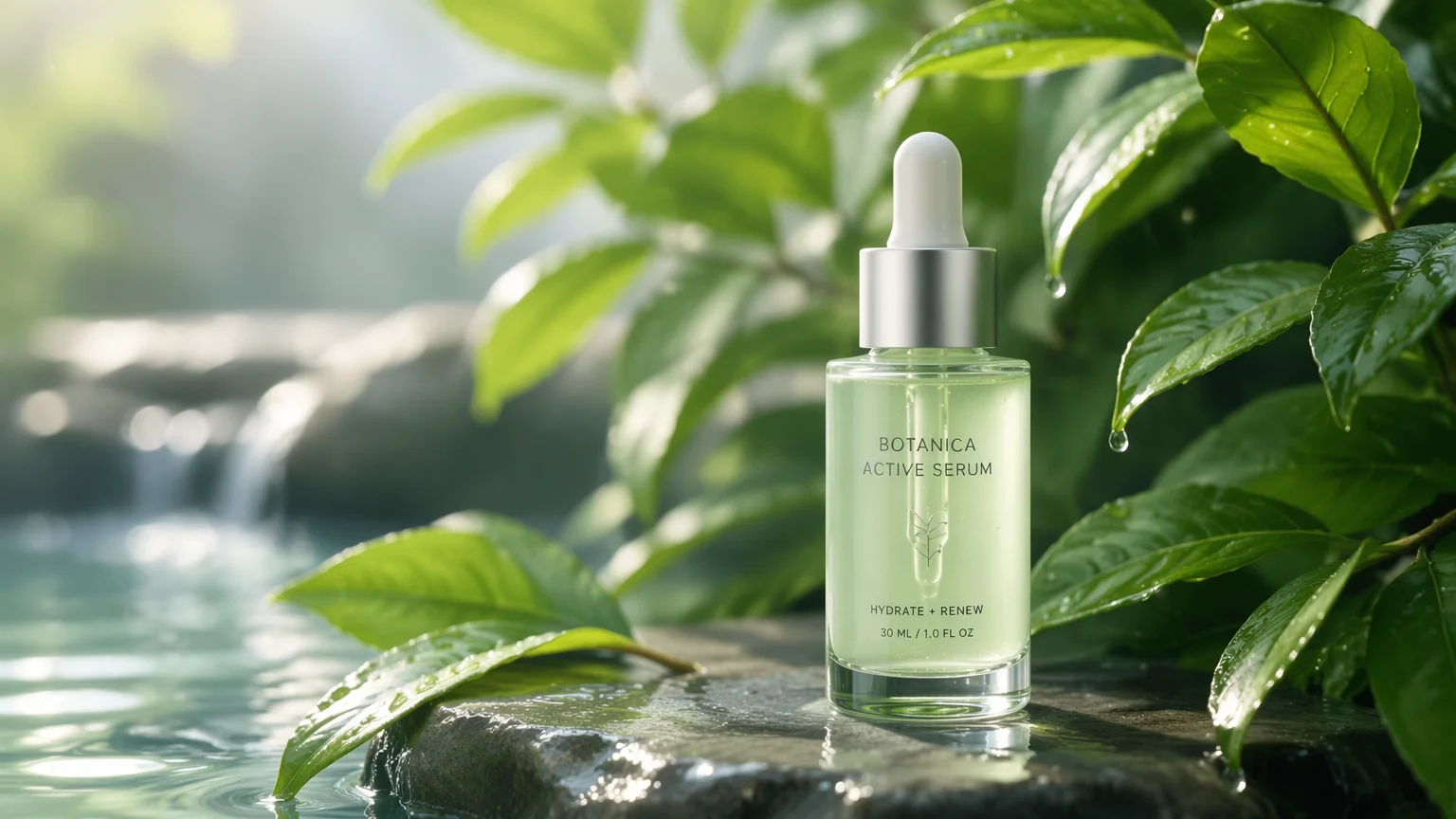
Generate or swap product and portrait backgrounds — keep the subject, change the scene.
Drop your product or portrait into Renoise Canvas, then prompt the scene you want — a clean studio gradient, a lifestyle setting, or a seasonal backdrop. Nano Banana Pro keeps your subject intact and renders a new background around it. Iterate the scene, then export at up to 4K.
Need a moving product shot, not a still? See the product video guide
What a background swap looks like in Renoise.
The product or face stays intact while the scene behind it changes.
Clean studio, lifestyle, or seasonal — switch the brief, keep the subject.
Export shop-ready images at 1K, 2K, or 4K resolution.
From a plain product or portrait shot to a finished, on-brand scene.

Drag your product or portrait onto the Canvas upload card so Renoise has the subject to keep.
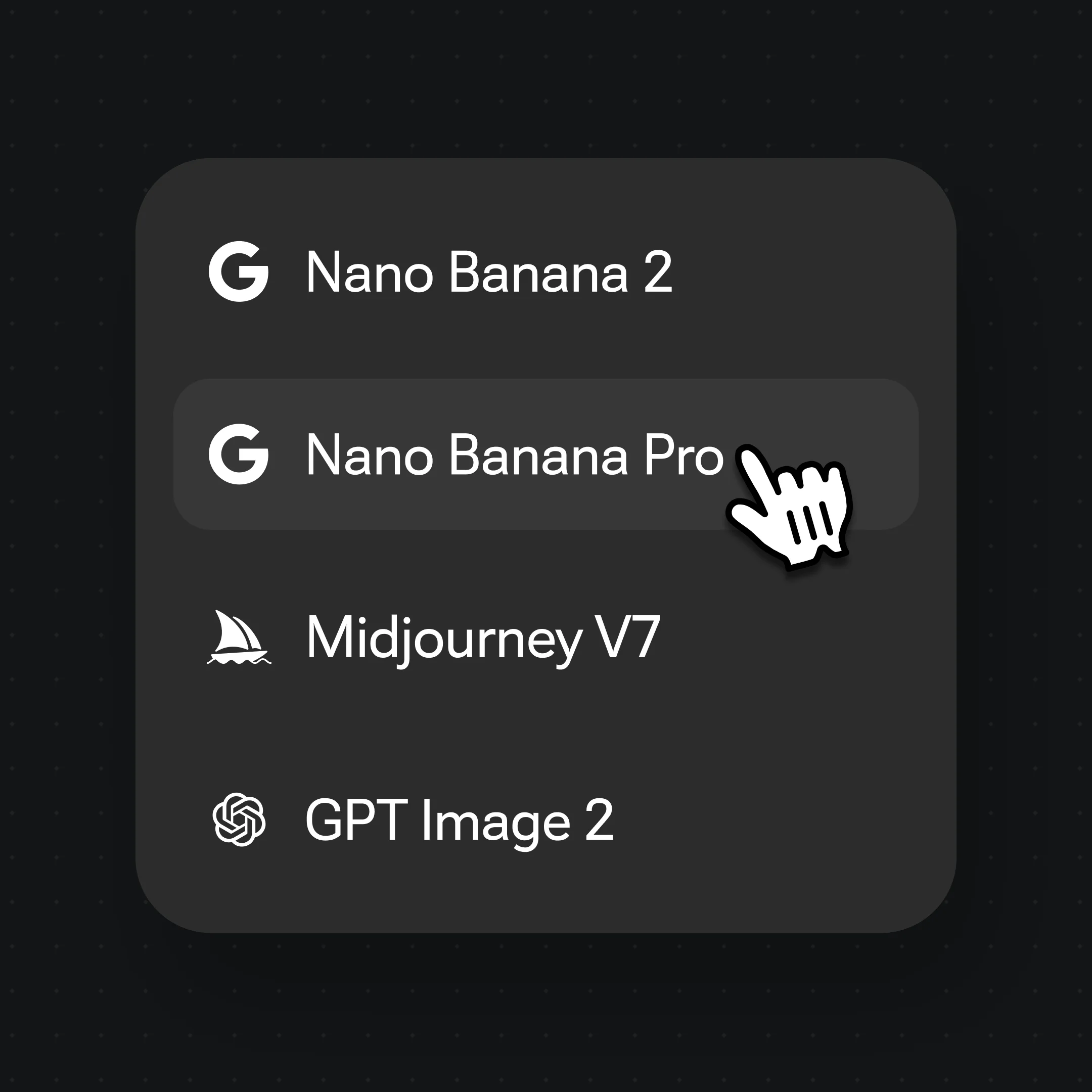
Pick Nano Banana Pro, then prompt the backdrop — "clean white studio gradient" or "lifestyle table with autumn leaves".
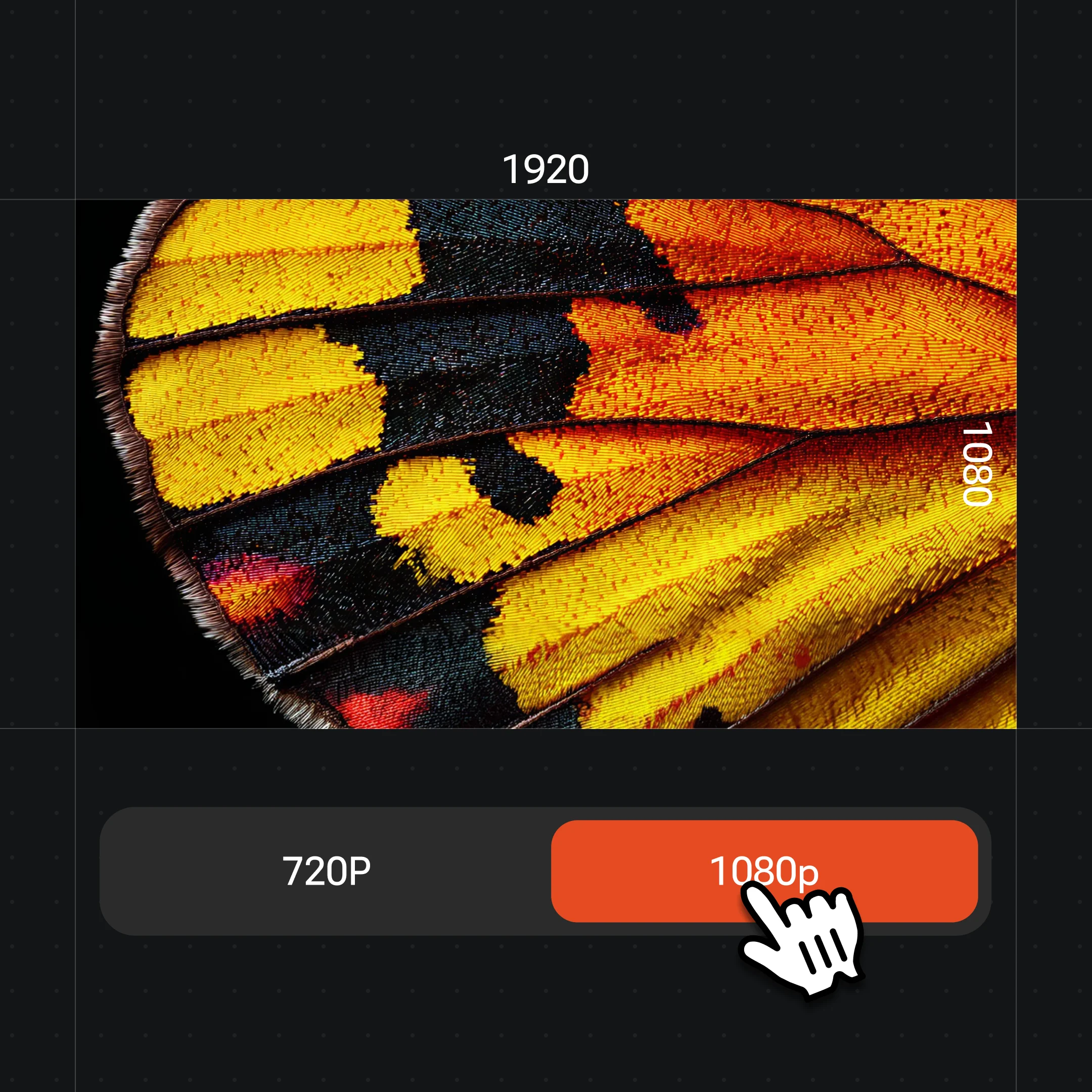
Generate, try other scenes with the same subject, then export at 1K, 2K, or 4K.
Swap the scene around a product or portrait without touching the subject — all in one canvas.
A serum bottle dropped into a natural leaf-and-water scene — the in-context shot for product pages and ads.
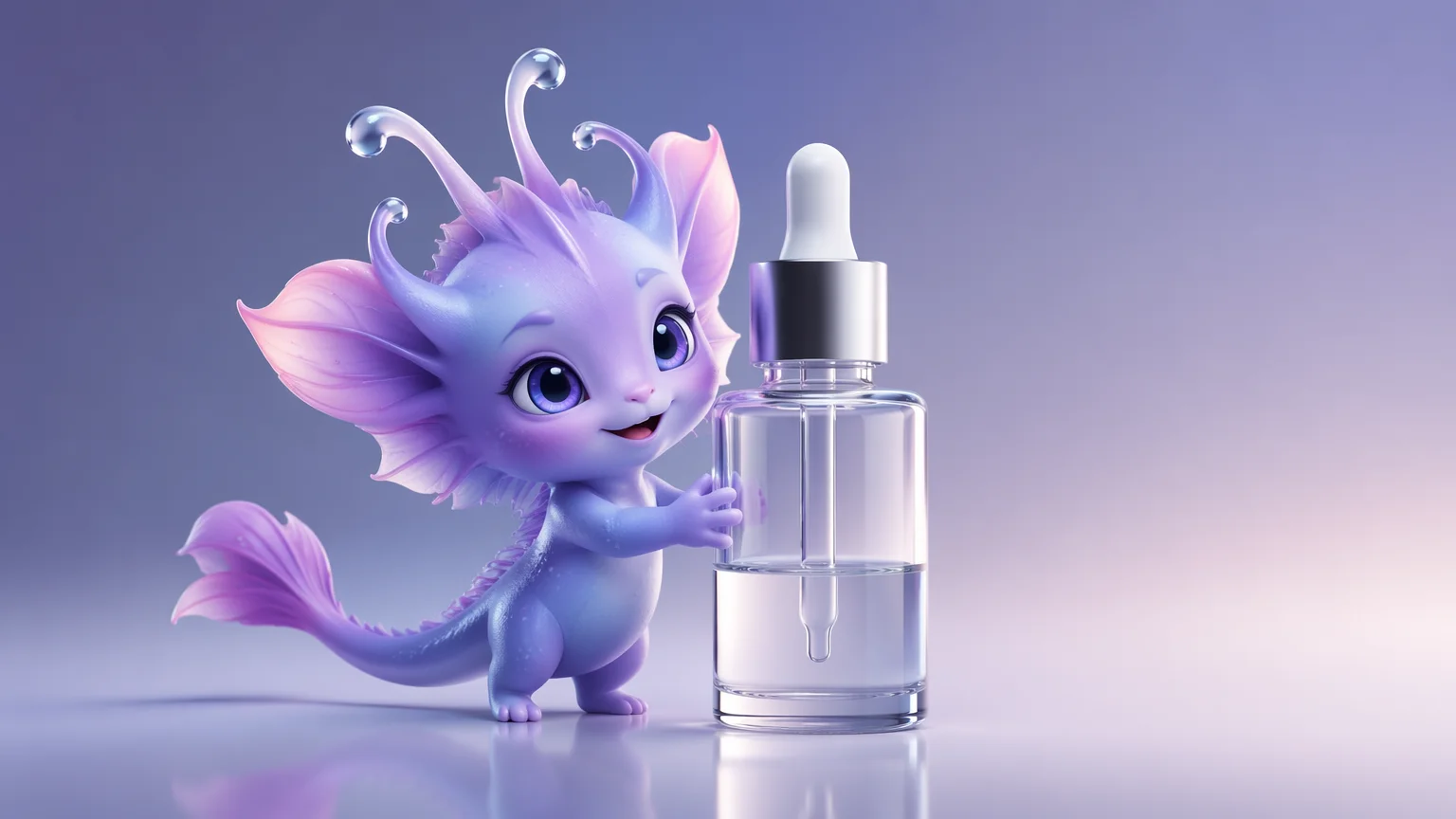
The same product on a smooth studio gradient — the catalog and marketplace staple.
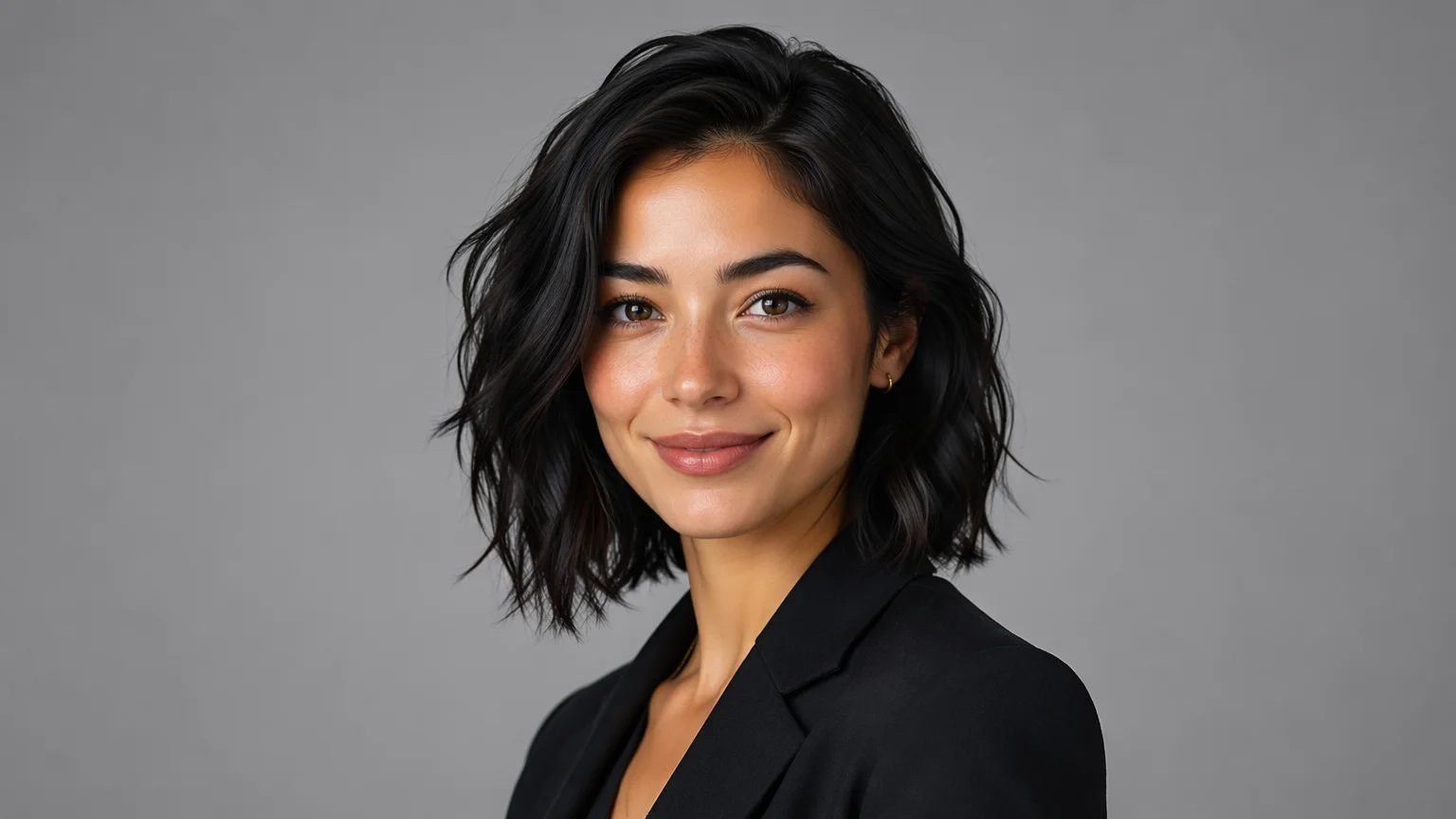
A portrait moved onto a clean studio backdrop while the face stays intact.

A sneaker placed in a seasonal setting for a campaign-ready promo image.
Both live in the same Renoise canvas — pick by what the shot needs. Nano Banana Pro for photoreal scenes and lighting, GPT Image 2 when the brief is precise or fuses several reference images.
| For backgrounds | Nano Banana Pro (Recommended) | GPT Image 2 |
|---|---|---|
| Best for | Photoreal scenes and lighting | Precise, instruction-heavy briefs |
| Reference images | Image-to-image | Up to 16 references |
| Aspect ratios | 10 (1:1–21:9) | 8 (1:1–21:9) |
| Up to 4K export | ✓ | ✓ |
| Same canvas | ✓ | ✓ |
Background removal and background generation solve different halves of the same job. Removal is subtractive: it cuts the subject out and leaves transparency or a flat fill — the classic "white-background product photo" you upload to a marketplace. It is precise and fast, but the result is only ever as interesting as the empty space behind it. That is fine for a catalog grid, less so for an ad that needs to stop the scroll.
Generation is additive: instead of erasing the background, you describe a new one and the model paints it in around the subject. A lifestyle scene, a seasonal set, a branded studio gradient with directional light — none of which exist in the original shot. The trade-off is that the subject and the new scene have to agree on perspective, lighting, and shadow, or the composite reads as fake.
In Renoise the two are one workflow. Drop the product or portrait into Canvas, then prompt the scene — "clean white studio gradient, soft top light" for catalog work, or "wooden table, autumn leaves, warm window light" for a lifestyle shot. Nano Banana Pro keeps the subject intact and renders the scene around it with matching light; switch to GPT Image 2 when you need a precise, instruction-heavy brief or want to fuse several reference images into one set.
Background work leans on a few things — Renoise gives you Nano Banana Pro, GPT Image 2, and many other image models in one canvas.
Renders photoreal scenes and matching light around a product or portrait.
Switch between Nano Banana Pro, GPT Image 2, and other image models per shot.
Export shop-ready images at 1K, 2K, or 4K for listings, ads, and banners.
Carry the same product into a moving product shot in the same workspace.
One plan unlocks Nano Banana Pro, GPT Image 2, and every other image model.
For first-time AI content creators
Billed $168 annually
Upgrade PlanSave $72/year
For creators shipping content every week.
Billed $504 annually
Upgrade PlanSave $216/year
For studios and pros producing at commercial scale.
Billed $1680 annually
Upgrade PlanSave $720/year
For first-time AI content creators
Billed monthly
Upgrade PlanFor creators shipping content every week.
Billed monthly
Upgrade PlanFor studios and pros producing at commercial scale.
Billed monthly
Upgrade PlanRenews automatically each year until canceled.
Renews automatically each month until canceled.
Generate product and portrait backgrounds with watermark-free exports on paid plans.
You upload a product or portrait, then describe the scene you want. Renoise keeps the subject intact and renders a new background around it on Nano Banana Pro — a studio gradient, a lifestyle setting, or a seasonal backdrop, all from a text brief.
Yes. Drop the product into Canvas and prompt the scene — "clean white studio gradient" for a catalog shot or "wooden table with autumn leaves" for a lifestyle one. The product stays intact while the background changes around it.
You can isolate a subject and place it on a clean studio backdrop, which covers most "remove the background" needs. Generation goes further by painting a new scene with matching light, rather than leaving an empty fill behind the subject.
Yes. Add the portrait and prompt a clean studio backdrop or any other scene. The face stays intact while the background changes — useful for profile photos, team pages, and bios that need a consistent look.
Nano Banana Pro for most scenes — it renders photoreal backdrops and matching light. Reach for GPT Image 2 when the brief is precise or you want to fuse several reference images. Both live in the same canvas, so you can switch per shot.
Yes. Prompt the season — "spring florals", "autumn leaves", or "festive winter set" — and generate a matching scene around the product. Keep the subject fixed and only the scene changes, so you can build a campaign set quickly.
Up to 4K. Choose 1K for web thumbnails, 2K for most listings, or 4K for banners and large displays. Generate at the highest resolution you may need so you keep detail for ads and print without re-running the shot.
For product pages, marketplaces, and ads, yes — when the subject and the new scene agree on perspective, lighting, and shadow. Outputs are watermark-free on paid plans. Check each marketplace's image rules, since some require a plain white background.