
Professional
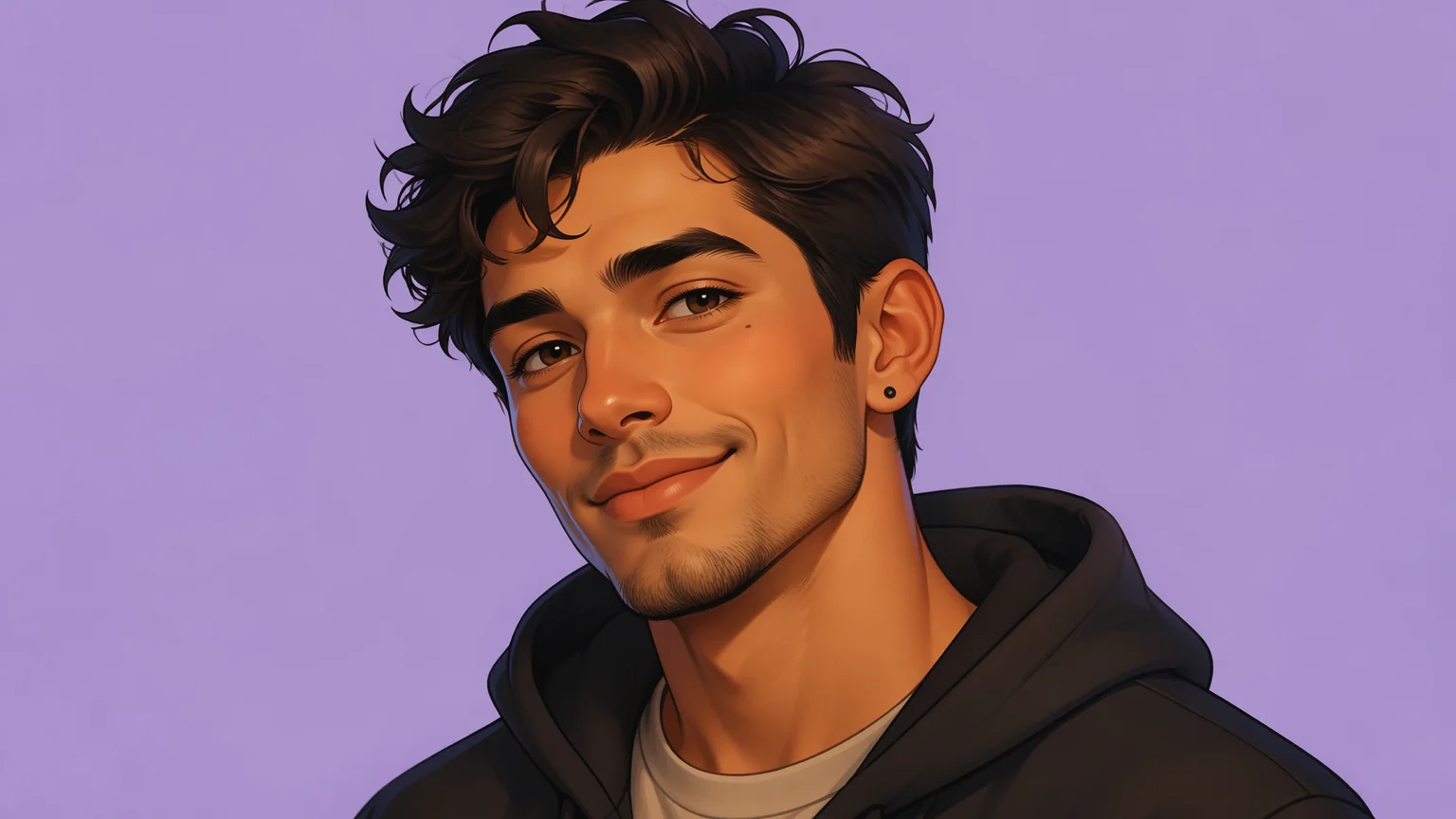
A clean corporate headshot avatar — the look for LinkedIn, a work badge, or a team page.
Turn one selfie into profile pictures in any style — same face throughout.
An AI avatar generator turns one selfie into profile pictures across many styles while keeping your real face. In Renoise, Nano Banana Pro locks your identity from a single reference photo, so a professional headshot and a cyberpunk PFP still read as the same person.
This guide covers static avatars. For a moving, lip-syncing avatar video, see the AI talking photo guide
Three steps to a set of profile pictures that all keep your real face.
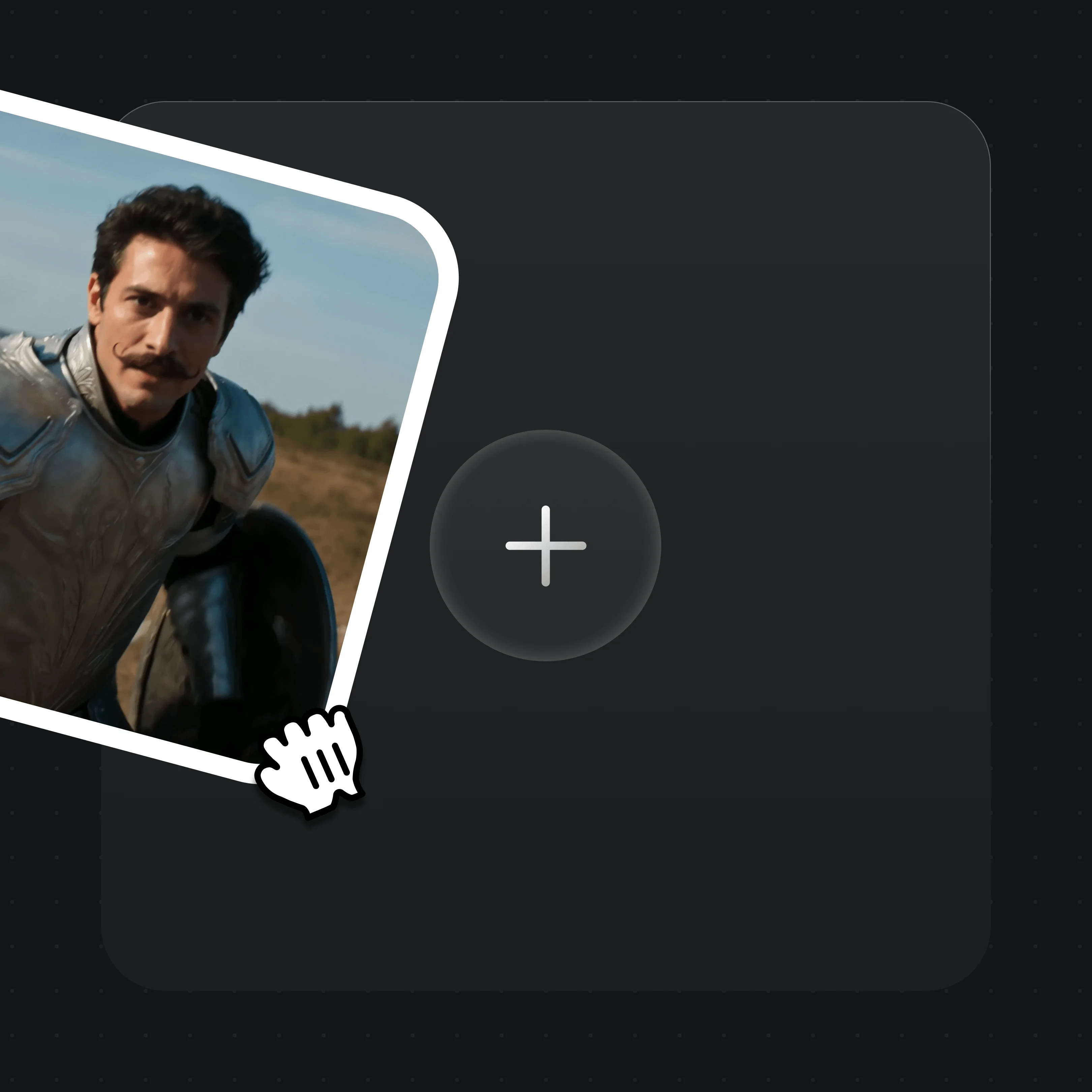
Drag one clear, front-facing selfie onto the Canvas upload card. This is the identity reference every avatar will lock to.

Write the style — "professional headshot", "flat-color cartoon", "cyberpunk neon" — and @-reference your selfie so the face stays yours.
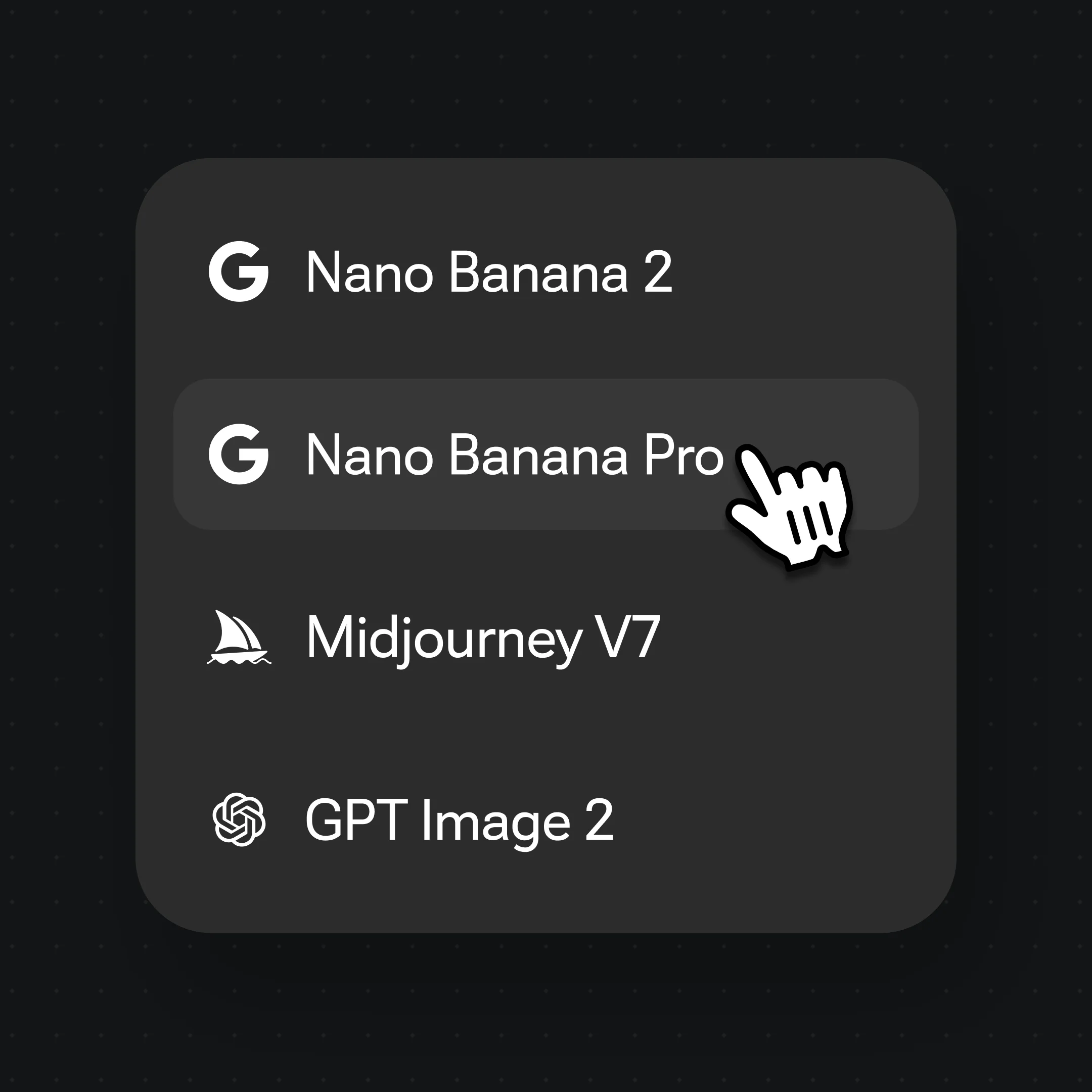
Generate on Nano Banana Pro for the tightest face lock, or GPT Image 2 for crisp stylized looks.
Reference your selfie once, then generate avatars in any style — the same face carries across all of them.
A clean corporate headshot avatar — the look for LinkedIn, a work badge, or a team page.
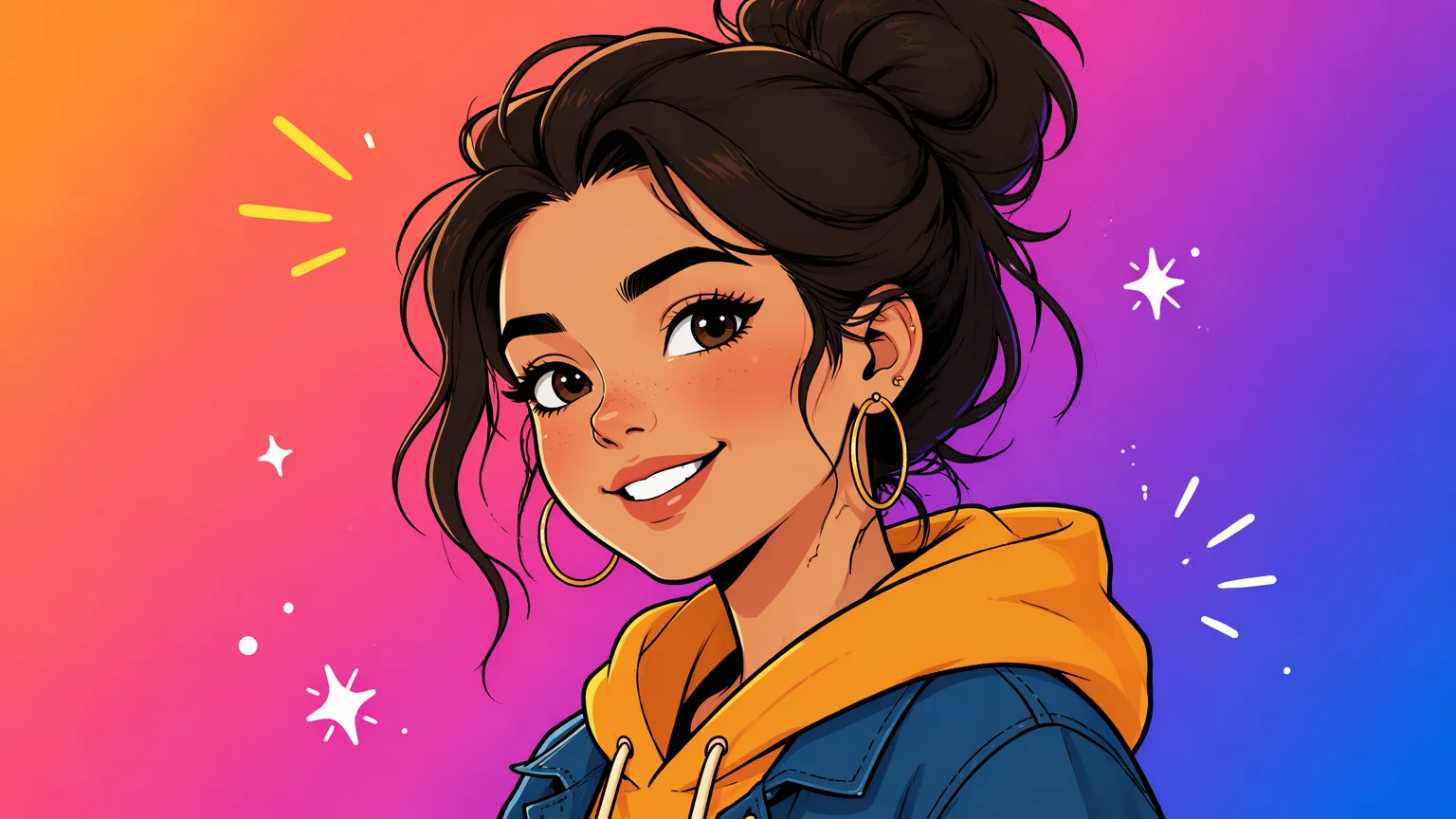
A flat-color cartoon avatar with bold linework — playful PFP energy for chat apps and socials.
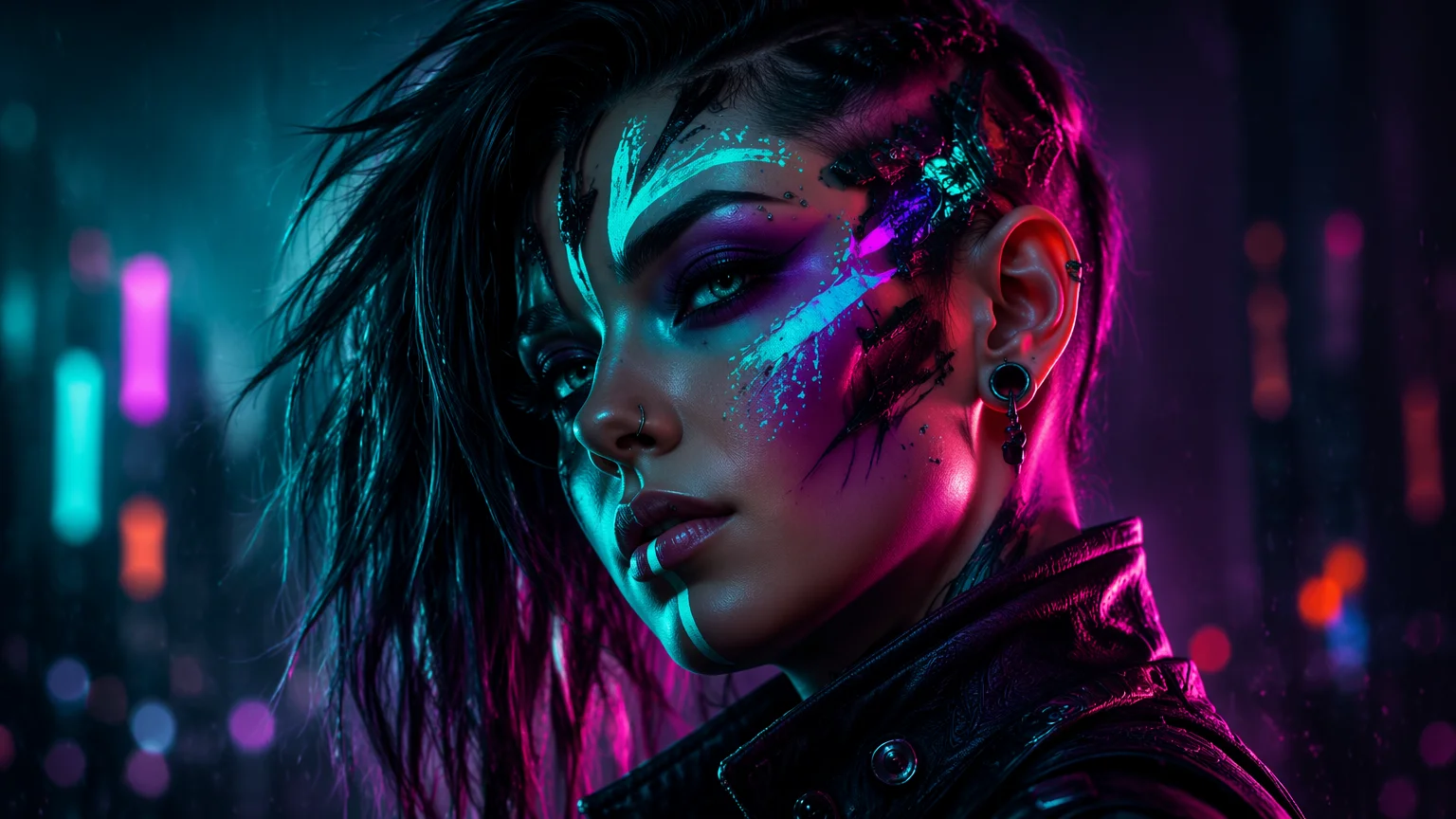
A neon-lit fantasy avatar with cybernetic details — a bold gaming or Discord profile picture.
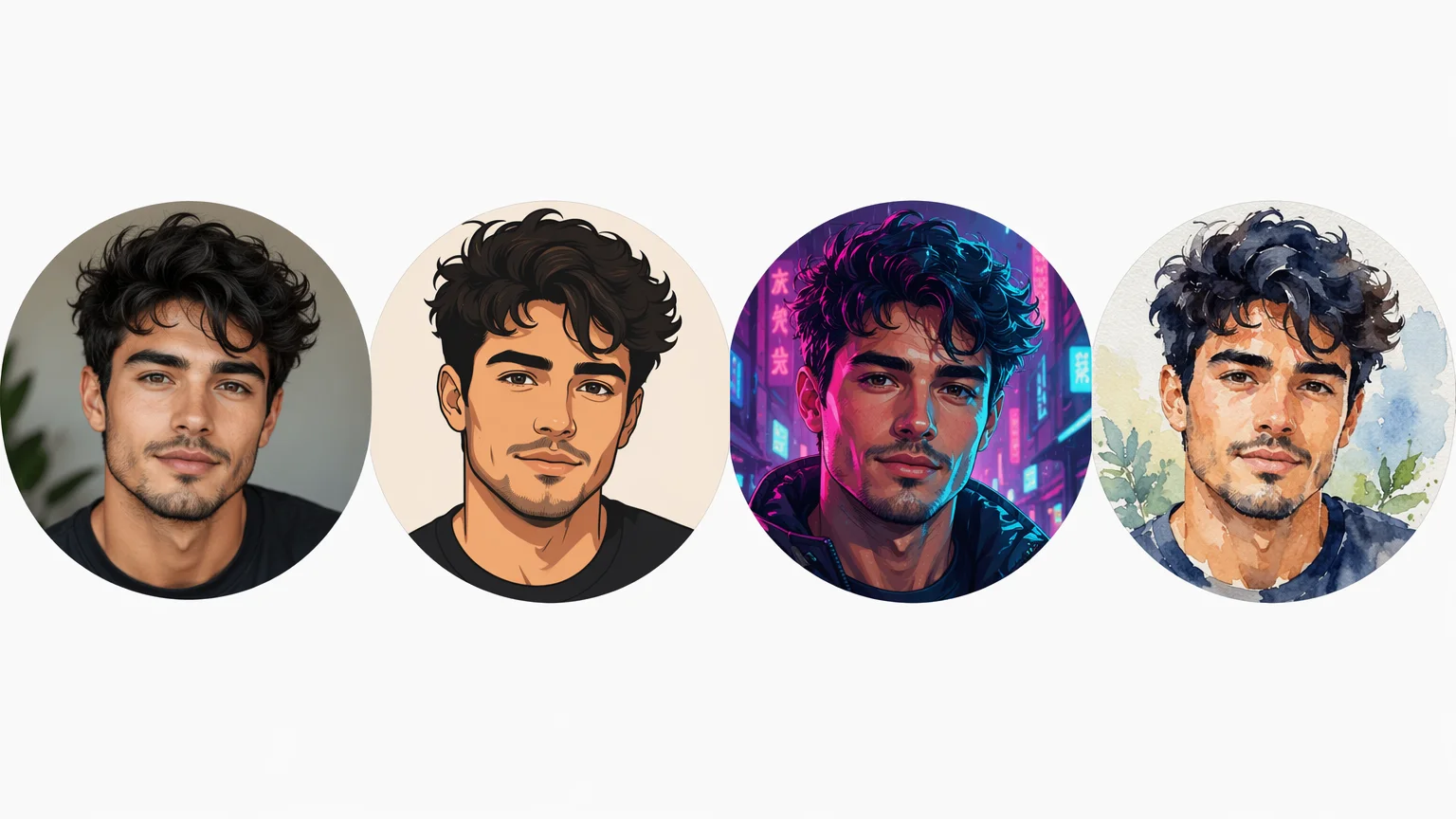
The same selfie rendered in four styles side by side — proof the identity holds across every one.
Both live in one Renoise canvas — pick by priority. Nano Banana Pro for the tightest face lock, GPT Image 2 for crisp stylized looks.
| For avatars | Nano Banana Pro (Recommended) | GPT Image 2 |
|---|---|---|
| Best for | Identity lock | Stylized looks |
| Face lock from 1 selfie | Best | Good |
| Stylized crispness | Good | Best |
| Same canvas | ✓ | ✓ |
An AI avatar keeps your likeness because it is anchored to a reference image, not generated from scratch. Identity lock is the model reading the geometry of your face — eye spacing, jaw, brow — from one selfie and reproducing it under a new art style. The cleaner and more front-facing that selfie is, the tighter the lock.
Without a reference, a model invents a new face every generation, so a cartoon avatar and a cyberpunk avatar end up looking like two different people. The whole point of an avatar set is the opposite: one recognizable person rendered many ways.
In Renoise, Nano Banana Pro holds identity hardest from a single selfie, and FacePass lets you save that face once and reuse it across every avatar and project. You @-reference your selfie in each prompt, change only the style words, and the face carries through — a professional headshot and a neon PFP still read as you.
Avatar work hinges on identity — and Renoise gives you Nano Banana Pro, GPT Image 2, FacePass, and many other image models in one canvas.
Locks your face from a single selfie and holds it across wildly different styles — the tightest identity lock for avatars.
Save your face once and reuse it across every avatar and project so each profile picture stays recognizably you.
Renders crisp stylized looks — illustrated, painted, retro — with clean detail and accurate prompt following.
Switch freely between Nano Banana Pro, GPT Image 2, and other image models per avatar — all in one project.
One plan unlocks Nano Banana Pro, GPT Image 2, and every other image model.
For first-time AI content creators
Billed $168 annually
Upgrade PlanSave $72/year
For creators shipping content every week.
Billed $504 annually
Upgrade PlanSave $216/year
For studios and pros producing at commercial scale.
Billed $1680 annually
Upgrade PlanSave $720/year
For first-time AI content creators
Billed monthly
Upgrade PlanFor creators shipping content every week.
Billed monthly
Upgrade PlanFor studios and pros producing at commercial scale.
Billed monthly
Upgrade PlanRenews automatically each year until canceled.
Renews automatically each month until canceled.
Generate a set of profile pictures with watermark-free outputs on paid plans.
Upload one clear, front-facing selfie to the Canvas, @-reference it, and describe the style you want. Generate on Nano Banana Pro and your face is locked into the avatar. Repeat with different style prompts to build a whole set of profile pictures.
Yes. Reference your own selfie and the model anchors to your real face. Nano Banana Pro holds identity hardest from a single photo, so the avatar reads as you even when the art style changes completely. A clear, well-lit, front-facing selfie gives the strongest lock.
Nano Banana Pro for most avatar work — it has the tightest identity lock from one selfie, so your face stays consistent across styles. Use GPT Image 2 when you want especially crisp stylized or illustrated looks. Both, plus other models, live in the same canvas.
Save your face with FacePass once, then reuse it across every generation. Each new avatar references the same identity, so a professional headshot and a cyberpunk PFP still read as the same person. This is what keeps a full avatar set coherent.
This guide covers static profile pictures and avatars. If you want a moving, talking avatar that lip-syncs to audio, see the AI talking photo guide at /guides/ai-talking-photo, which walks through animating a still portrait into a video.
Any style you can describe — professional headshot, flat-color cartoon, anime, cyberpunk, watercolor, 3D-render, pixel, and more. State the style in the prompt while referencing your selfie. The face stays yours; only the rendering style changes between generations.
Yes. Avatars are great for LinkedIn, Discord, X, gaming, and team pages. Renoise outputs are watermark-free on paid plans and commercially licensable. Use a photo of yourself — generating avatars of other real people or celebrities is not supported.
Use a selfie of yourself or a person who has consented. Renoise's avatar workflow is built to render your own likeness in new styles — it is not for generating profile pictures of celebrities or real people without permission.