Stylize your photo
Upload your own photo and re-render it in anime, painterly, illustration, or studio-photoreal style.
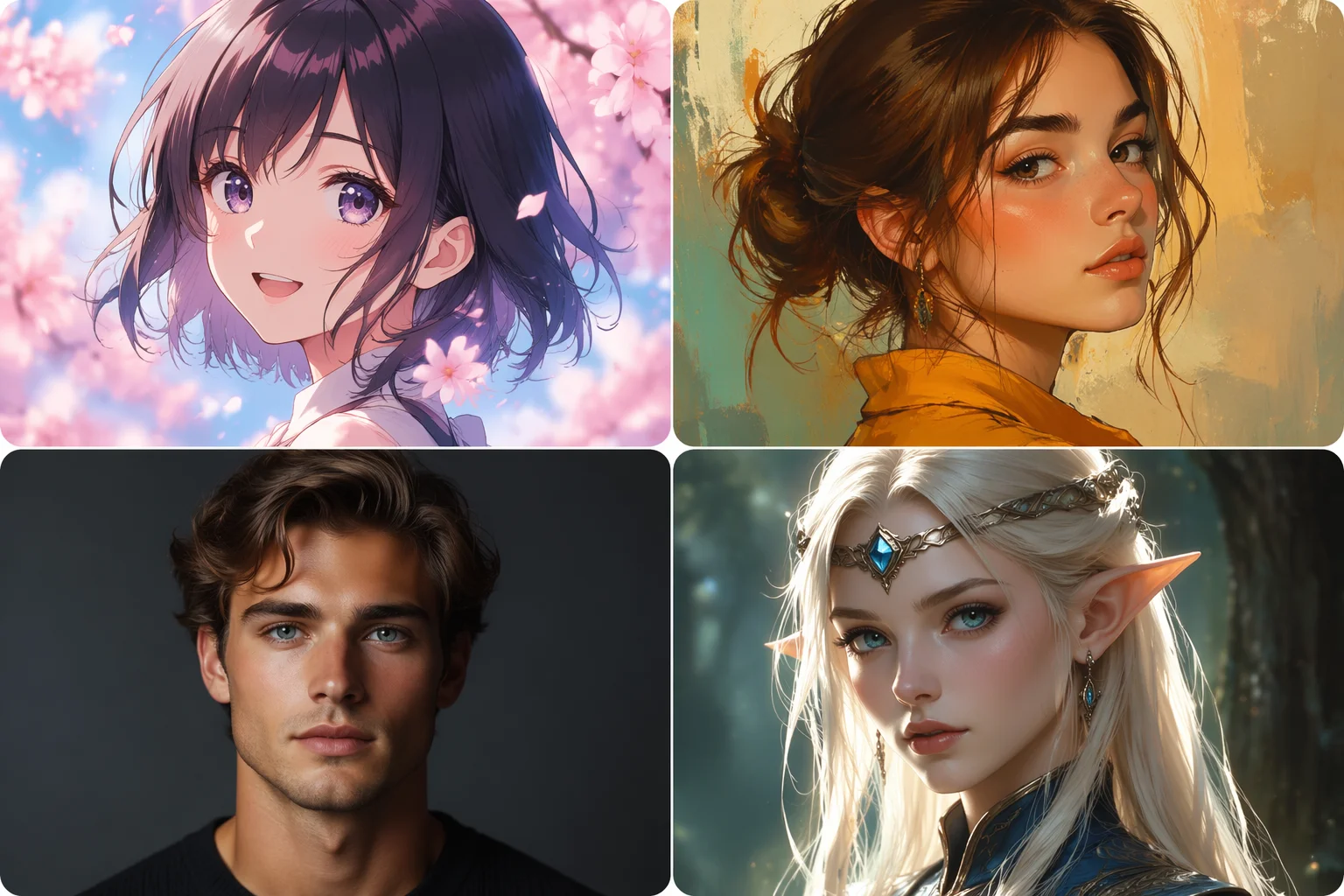
Stylize your photo or generate a fresh PFP — ready for Discord, X, and Instagram.
Upload your photo to Renoise Canvas, pick a style — anime, painterly, illustration, photoreal studio — then generate. The image model re-renders your photo in the chosen style, cropped for a profile picture. Export square at up to 4K.
Looking for a broader avatar — characters, mascots, or game personas? See the AI avatar guide
Profile pictures styled for every social context — anime, illustration, or a sharper studio photo.
Upload your own photo and re-render it in anime, painterly, illustration, or studio-photoreal style.
No photo needed — prompt a fictional character or persona and generate a PFP from a description.
Generate a square crop at 1:1 ratio, sized for Discord, X, or Instagram profile use.
From your photo to a styled PFP — one canvas, a few minutes.

Drag your headshot onto the Renoise Canvas upload card. If you want a fictional PFP, skip the upload and go straight to a text prompt.
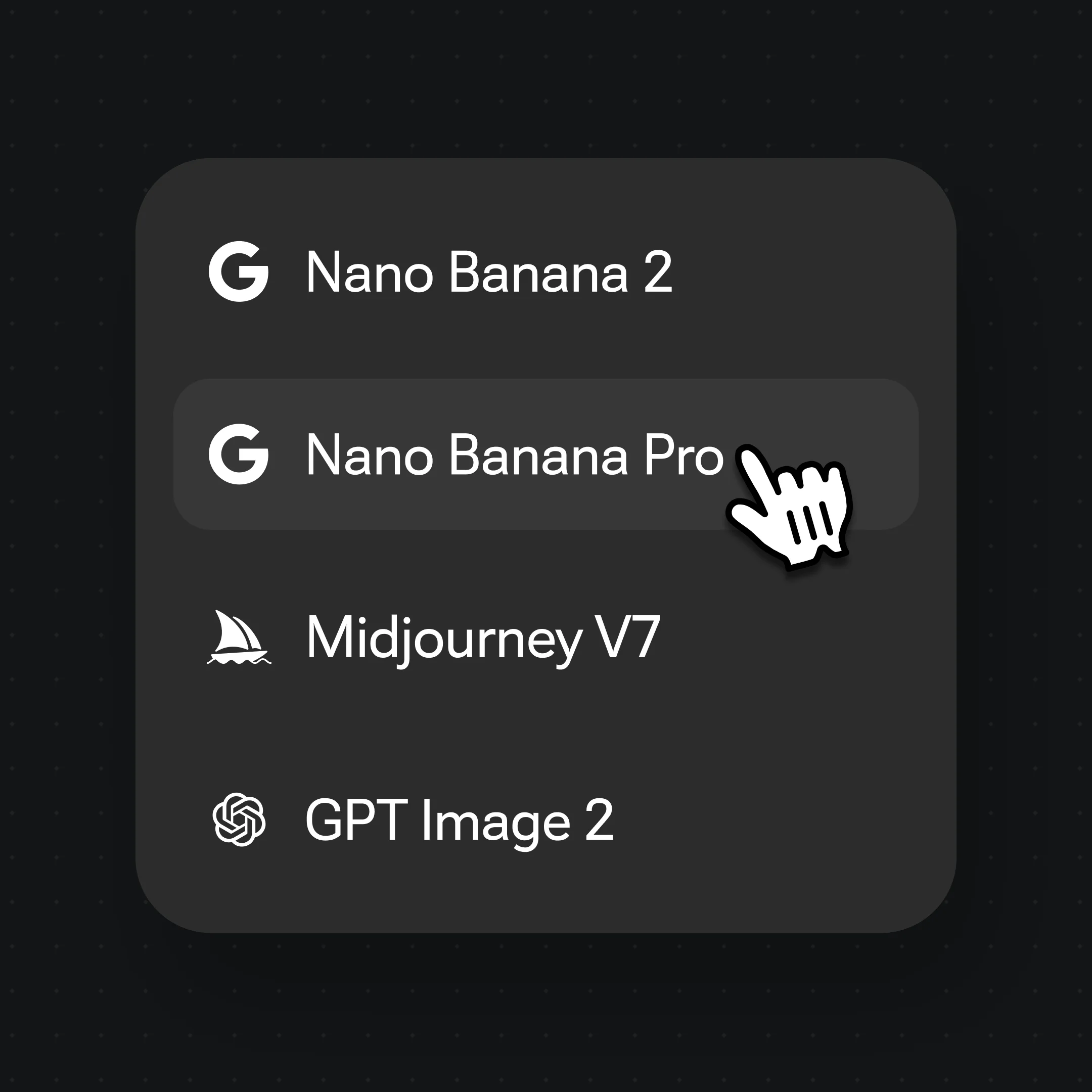
Select Nano Banana Pro, then prompt the style: "anime portrait, expressive eyes, soft pastel background" or "painterly illustration, warm lighting, neutral backdrop".
Generate, pick the strongest result, and export at 1:1 ratio up to 4K — ready to upload to Discord, X, or Instagram.
From anime to studio — PFPs styled for every social context.
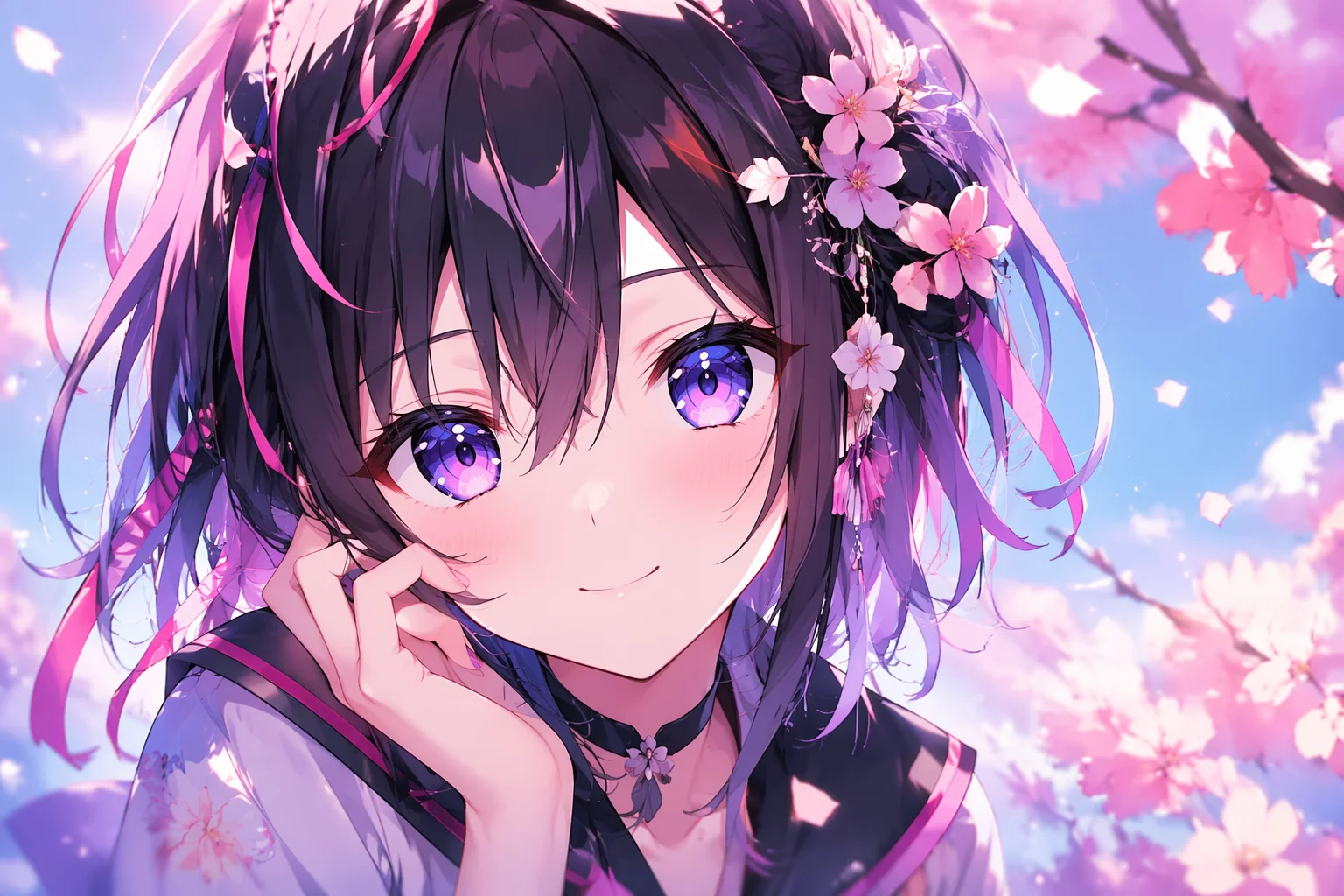
A clean anime-style PFP with expressive features and a soft background — popular on Discord.
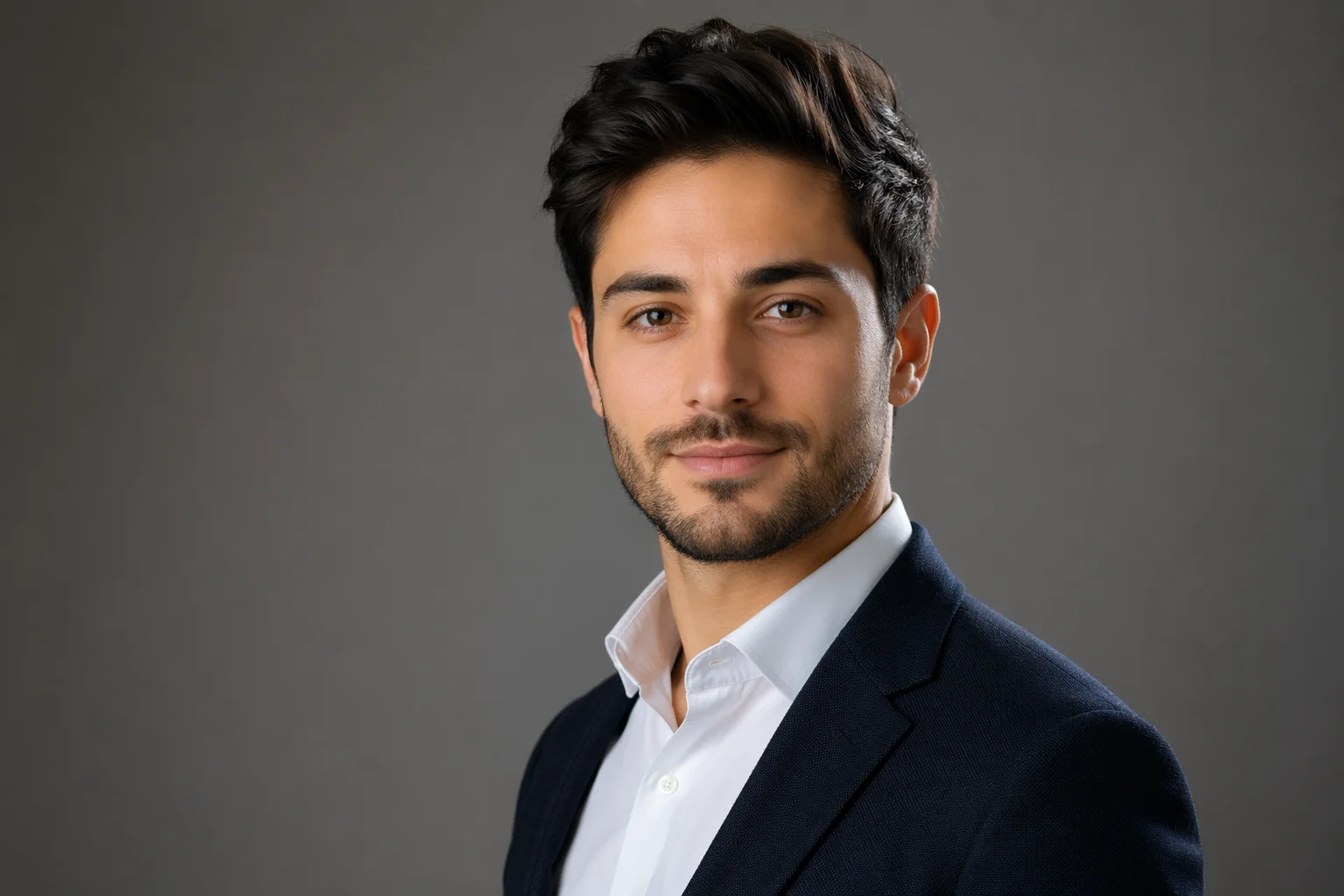
A sharper, studio-lit version of your photo — a professional PFP for X or LinkedIn.
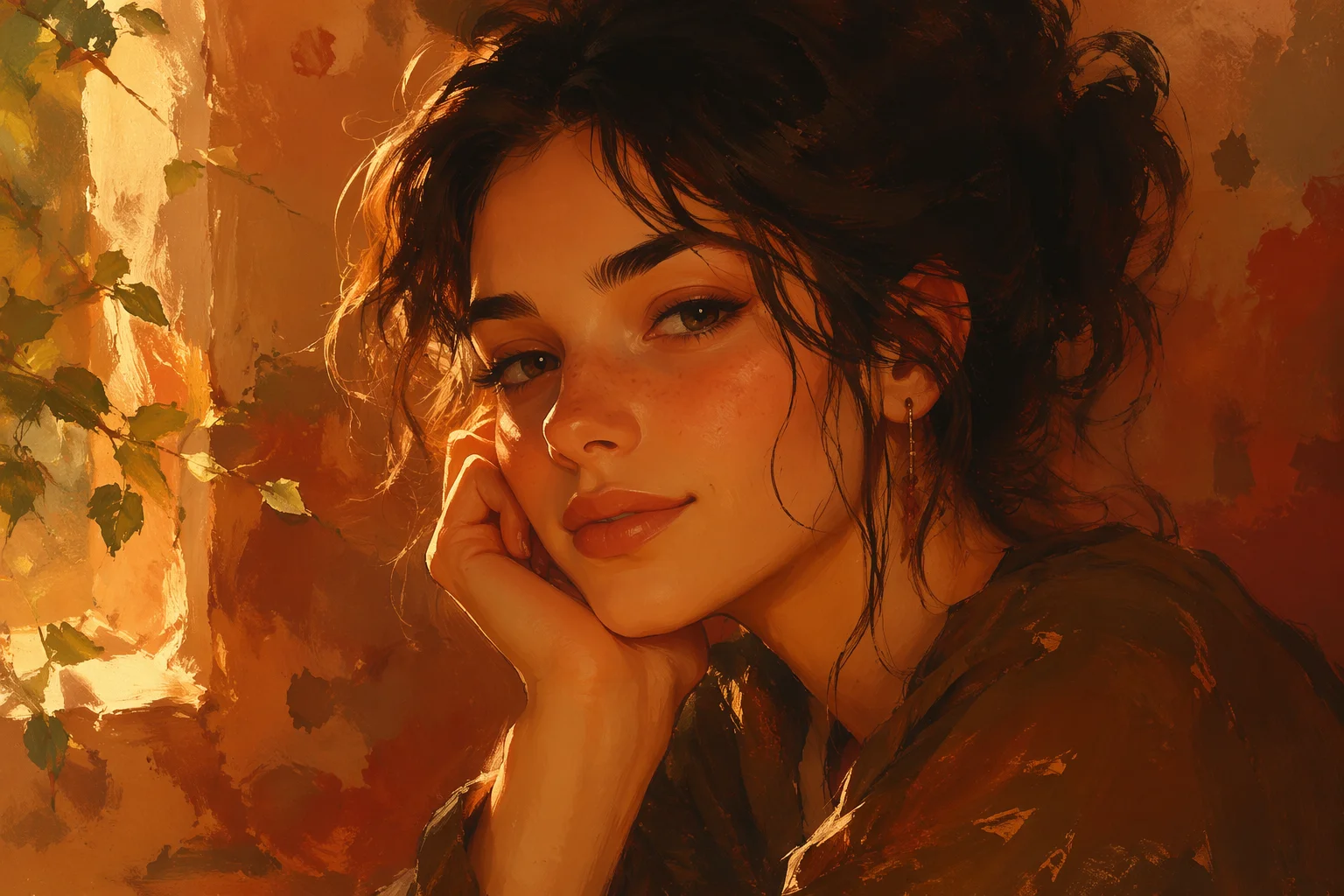
A warm, painted illustration style — personal and distinct for an Instagram profile.
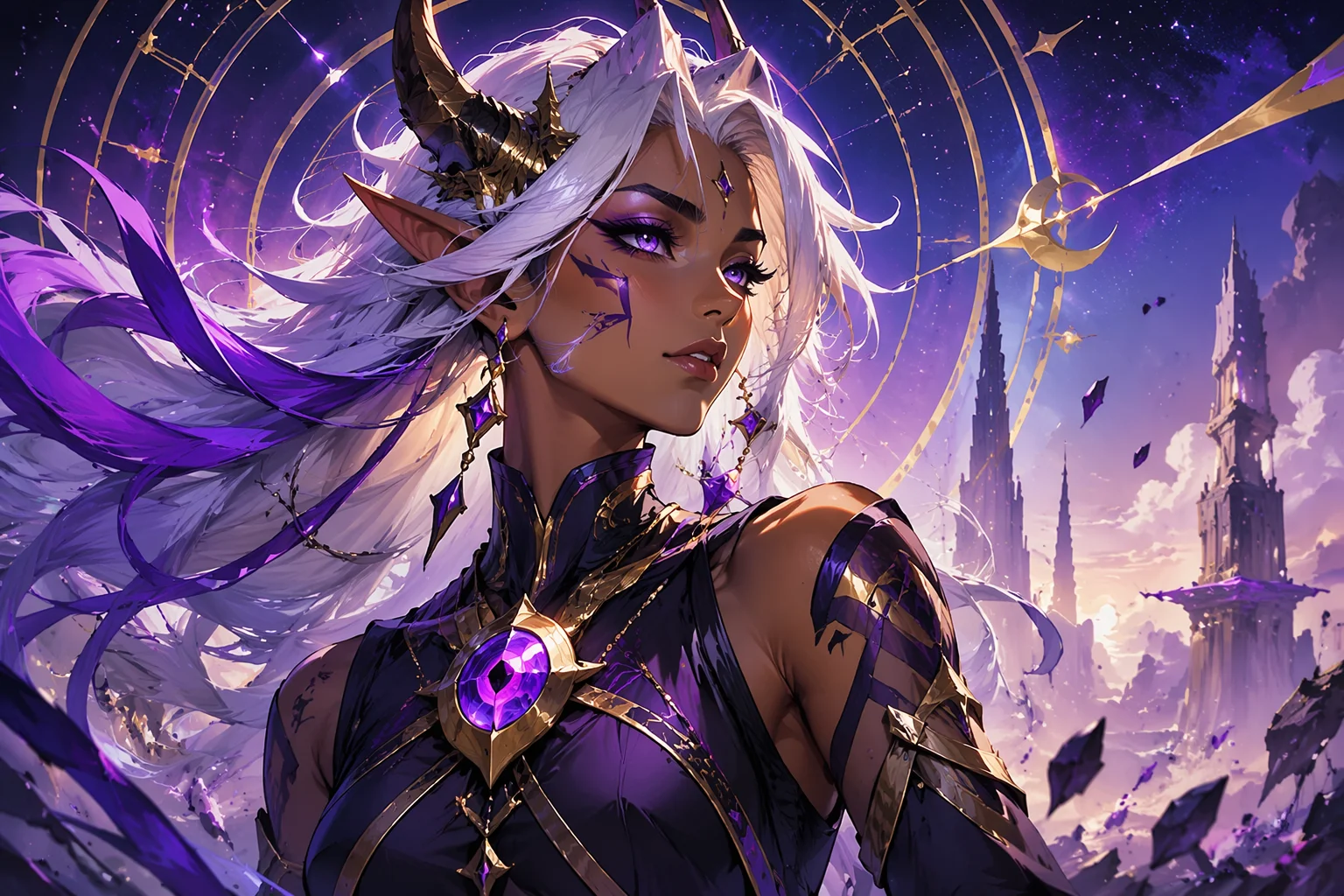
A generated character from a text prompt — no input photo, purely original.
Nano Banana Pro for photorealism and stylized studio looks; GPT Image 2 when you want tight feature control or supply multiple reference images.
| For profile picture generation | Nano Banana Pro (Recommended) | GPT Image 2 |
|---|---|---|
| Best for | Photoreal and stylized looks | Precise feature control |
| Anime / illustration styles | Strong | Good |
| Reference images | Image-to-image | Up to 16 |
| 1:1 square ratio | ✓ | ✓ |
| Up to 4K export | ✓ | ✓ |
Profile picture and avatar are often used interchangeably, but the intent behind them differs — and the two guides split on that intent.
This guide is for social profile pictures: the small square image that represents you on Discord, X, Instagram, or any platform with a profile photo. The typical job is stylizing an existing photo of yourself or generating a fresh face or character that becomes your social identity. The output format is a square, typically 400×400 to 1080×1080, ready to upload directly.
The AI avatar guide covers a broader set of use cases — game character avatars, brand mascots, illustrated personas for presentations or product profiles, VTuber-style character sheets. The output format is more varied, the intent is less specifically tied to a social platform profile slot.
If what you are making will live in a profile picture field on a social platform, you are in the right guide. If you are building a character, mascot, or stylized representation for a different purpose, the avatar guide is a better fit.
PFP generation draws on image models — all in one canvas.
Studio-level photorealism and a wide range of stylized looks for portrait-format images.
Precise feature control; fuses up to 16 reference images for a consistent stylized look.
Export at 1:1 ratio up to 4K — watermark-free on paid plans.
Anime, painterly, illustration, or photoreal — switch models and styles on the same canvas.
One plan unlocks Nano Banana Pro, GPT Image 2, and every other image model.
For first-time AI content creators
Billed $168 annually
Upgrade PlanSave $72/year
For creators shipping content every week.
Billed $504 annually
Upgrade PlanSave $216/year
For studios and pros producing at commercial scale.
Billed $1680 annually
Upgrade PlanSave $720/year
For first-time AI content creators
Billed monthly
Upgrade PlanFor creators shipping content every week.
Billed monthly
Upgrade PlanFor studios and pros producing at commercial scale.
Billed monthly
Upgrade PlanRenews automatically each year until canceled.
Renews automatically each month until canceled.
Stylize your photo or generate a fresh PFP — ready for Discord, X, and Instagram.
Yes. Describe the character or persona you want — age, style, expression, backdrop — and the model generates an original fictional face from that prompt. No input photo needed.
You prompt the style directly: anime, painterly illustration, studio photoreal, editorial, comic-style, and more. Nano Banana Pro handles the widest style range; GPT Image 2 gives tighter control when you supply reference images.
Generate at 1:1 ratio. Discord, X, and Instagram accept square images from 400×400 up to 1080×1080 (or larger). Renoise exports at up to 4K — use 1K for web uploads and 4K if you plan to reuse the image at larger sizes.
A profile picture (this guide) is the square image in a social platform's profile slot. An avatar is a broader concept — it covers game characters, brand mascots, illustrated personas, and character sheets. If it is going into a social profile field, you are in the right place; for other avatar uses, see the AI avatar guide.
No. FacePass applies when you are using a real person's face that you do not own the likeness rights to — typically a public figure or another person. Stylizing your own photo does not require FacePass.
Check Renoise's terms of service and the relevant model provider's terms for commercial use rights. For brand or product persona use cases, the AI influencer guide may also be relevant.