Pixel avatars
Start with a bold face, simple hair shape, and a few distinctive accessories.
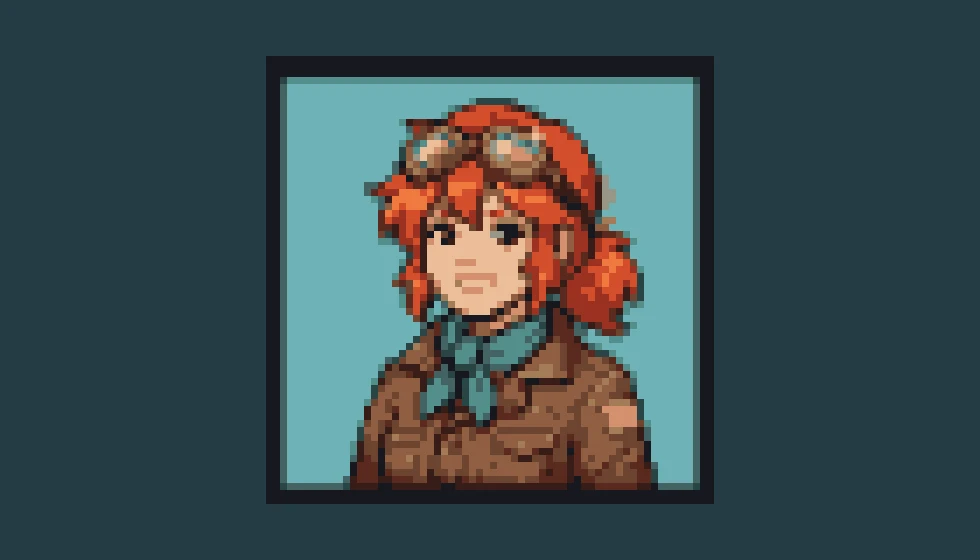
Describe an avatar, item, or scene and turn it into a small pixel image.
Follow us and get 20 free credits — about 5 images
One static, opaque 64×64 PNG. Sprite sheets and exact palettes need a pixel editor.
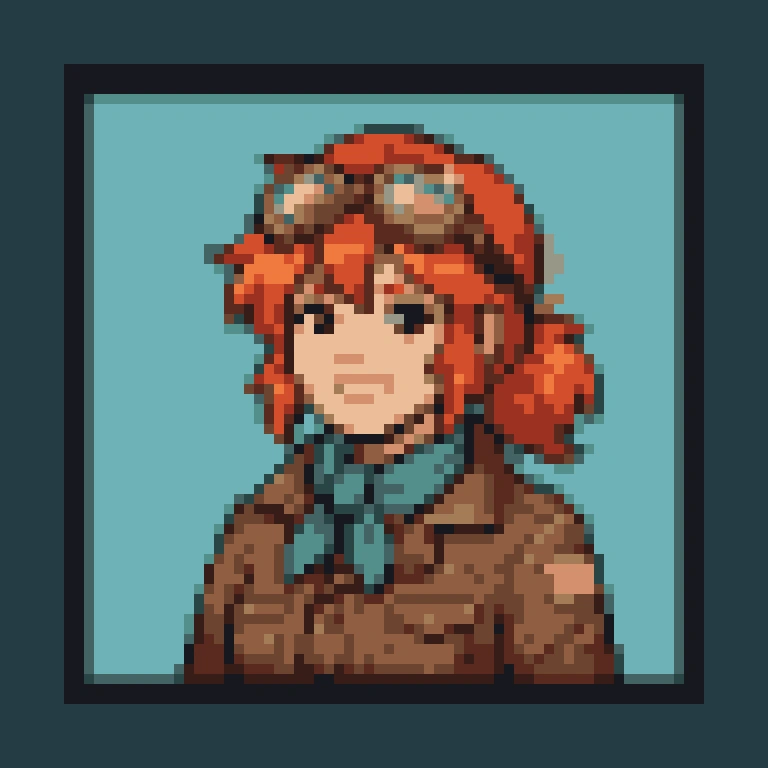
bust portrait of an original cheerful red-haired explorer with goggles and a teal scarf
Real exported pixels, enlarged with nearest-neighbor scaling for display.
Subscribe for more credits and more models.
Each example is a real 64×64 export, enlarged without smoothing to show the pixels.
Start with a bold face, simple hair shape, and a few distinctive accessories.
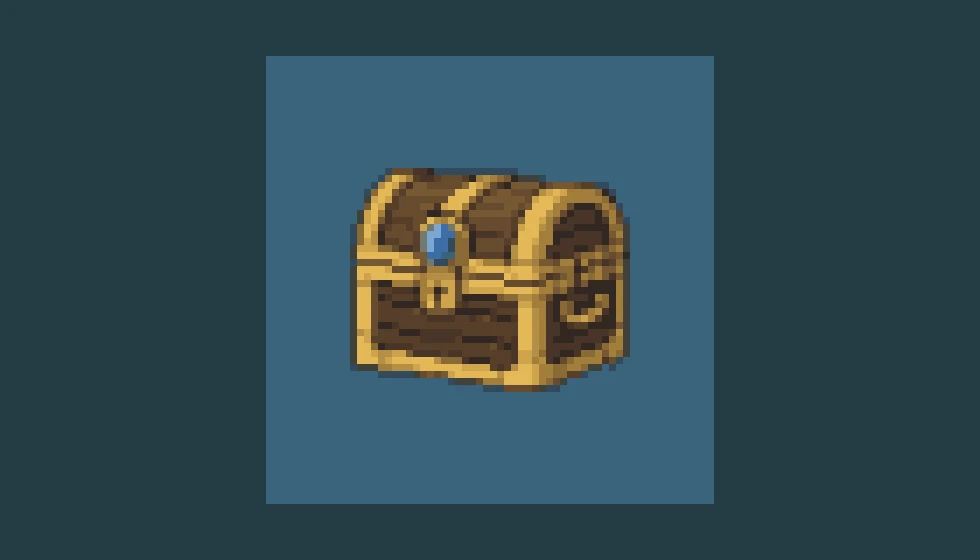
Explore one readable object before refining its edges and palette in your game editor.
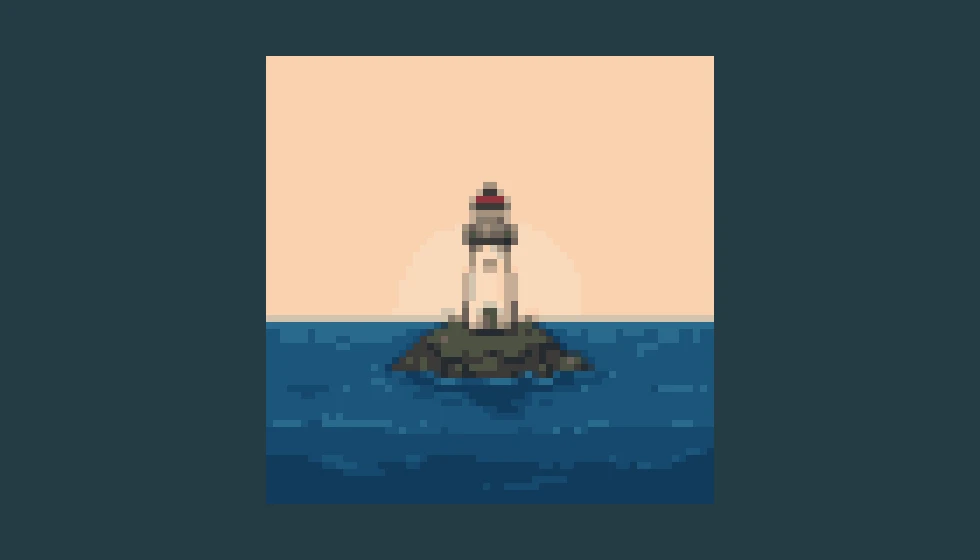
Keep the setting compact: one landmark, a simple horizon, and large blocks of color.
Use one balance across image and video tools.
Explore other models and settings in the full Renoise workspace.
Explore character concepts before reducing them to small pixel images.
Describe a simple subject, generate the image, and download the 64×64 PNG prepared with a palette of at most 16 colors. The model first creates a larger pixel-style illustration; the browser then resizes and quantizes it into the small downloadable image. That distinction matters when you need actual pixel dimensions for a project. Start with an avatar, one item, or a compact scene, and inspect the export at native size before deciding whether the silhouette needs manual cleanup.
Need a larger character concept first? Try the character generator
Choose Avatar, Item, or Scene, then describe a simple subject with a clear silhouette.
Click Generate Pixel Art and compare the original image with the small exported preview.
Choose Download 64×64 PNG. Enlarge with nearest-neighbor scaling if you need a bigger display.
Use generation for a visual starting point and a pixel editor when individual cells must be exact.
| Your decision | This AI generator | Manual pixel editor |
|---|---|---|
| Starting point | A text description | A blank grid or imported image |
| Export dimensions | 64×64 PNG on this page | Set your own canvas dimensions |
| Palette | Quantized to at most 16 colors | Choose exact palette entries |
| Animation | One static image per run | Author and align each frame |
| Game integration | Review and clean up the export | Control pivots, tiles, and frames directly |
A large illustration can look pixelated without having a useful pixel grid. If tiny painted squares vary in size, shrinking the picture does not magically align them into a clean sprite. A game asset also needs decisions about silhouette, palette, outline weight, and the way neighboring pixels form readable clusters. Those choices are different from a general request for a retro aesthetic.
This page makes the file-level promise concrete: its PNG export resizes the generated image to 64×64 pixels, then reduces the result to a maximum of 16 colors. The original stays available separately. The process creates a small raster file you can inspect and edit; it does not guarantee perfect clusters, a fixed named palette, or a sprite that matches an existing game’s art direction. Simple prompts lose less information during reduction than elaborate armor, tiny lettering, or crowded scenes.
Open the exported PNG at native size to judge readability. Enlarge it only with nearest-neighbor scaling when you want to show the grid without blur. For production game work, use a pixel editor to clean stray pixels, adjust contrast, and set any transparent background, pivot, or tile boundaries you require. Animated sprites and seamless tiles need their own alignment checks; a single attractive frame is not evidence that a whole animation or tileset will work.
Picking a file only previews it on your device. Not one byte is stored until you sign in and click generate.
Uploads land in your private library, never a public gallery, and re-running the same image stores nothing new.
Remove uploads and results from your library whenever you want.
As of October 2026, 100,000+ creators in 170+ countries and regions use Renoise AI, an AI video, image and audio platform, to generate 300,000+ images and videos with 30+ models.
Source: Renoise internal data, March–October 2026. Figures are rounded down and updated quarterly. Last updated
Real feedback from creators who use Renoise AI to make videos, images and ads.
Renoise is pretty easy to use, with a clean and smooth interface. The results from Seedance 2.5 also feel noticeably smoother in action sequences.
Renoise Ai is a good tool for making ai videos and photos. it puts several Ai models in one place, so you don't need to use many different apps.
あまりAIツールを使ったりしたことなかったですが、キャラクターの固定や動画を続いて作成できて使いやすいです。これからどんどん進んでいくアップデートが楽しみです。
Renoise has been a great platform for AI creativity. The tools are easy to use, the experience is smooth, and it makes creating content more enjoyable and efficient. I really appreciate the work the team is doing and look forward to seeing more improvements. Highly recommended!
What I like about Renoise AI compared to other platforms: Fast generation speed: Slow generation takes up way too much time, but Renoise AI is surprisingly about 30% faster. Intuitive and user-friendly UI: Cheaply made platforms have terrible UIs that make me not even want to log in, but Renoise is very clean and convenient. Remembers my previous settings: It helpfully remembers my last workspace settings. Some odd platforms force you to re-adjust everything every single time you generate a video, which is extremely frustrating. Overall preference: For all these reasons, Renoise AI is definitely my preferred platform. Thank you!
Renoise is your go to one stop all for ai creators. all view and use all models in one place, for any type of content you have your mind on!
I have a creat experience with the app. Consistent characters but also unique. THere were some issues with storyline continuity and non-typical humanoid characters.
One credit balance for image and video tools. Check the live quote before each generation.
For your first AI creations
per month
≈ 150 GPT Image 2 Generations
≈ 60 Seedance 2.0 videos
The agent takes your idea all the way to a finished cut.
Starter and Standard: production work in Director Mode uses credits by usage. Advanced: free.
No queue. Start as many paid generations as you want at once.
Content generated with Renoise.ai may be used commercially, subject to our Terms of Service
For creating every week
per month
≈ 450 GPT Image 2 Generations
≈ 180 Seedance 2.0 videos
The agent takes your idea all the way to a finished cut.
Starter and Standard: production work in Director Mode uses credits by usage. Advanced: free.
No queue. Start as many paid generations as you want at once.
Renoise Agent runs on frontier models from leading AI labs to plan your shots, write prompts, and pick the right model for each one. Chatting with the Agent is free on every plan.
Content generated with Renoise.ai may be used commercially, subject to our Terms of Service
For professional-scale production
per month
≈ 1,750 GPT Image 2 Generations
≈ 700 Seedance 2.0 videos
The agent takes your idea all the way to a finished cut.
Starter and Standard: production work in Director Mode uses credits by usage. Advanced: free.
No queue. Start as many paid generations as you want at once.
Renoise Agent runs on frontier models from leading AI labs to plan your shots, write prompts, and pick the right model for each one. Chatting with the Agent is free on every plan.
Content generated with Renoise.ai may be used commercially, subject to our Terms of Service
For your first AI creations
per month, billed annually
Save $72compared to monthly
≈ 150 GPT Image 2 Generations
≈ 60 Seedance 2.0 videos
The agent takes your idea all the way to a finished cut.
Starter and Standard: production work in Director Mode uses credits by usage. Advanced: free.
No queue. Start as many paid generations as you want at once.
Content generated with Renoise.ai may be used commercially, subject to our Terms of Service
For creating every week
per month, billed annually
Save $216compared to monthly
≈ 450 GPT Image 2 Generations
≈ 180 Seedance 2.0 videos
The agent takes your idea all the way to a finished cut.
Starter and Standard: production work in Director Mode uses credits by usage. Advanced: free.
No queue. Start as many paid generations as you want at once.
Renoise Agent runs on frontier models from leading AI labs to plan your shots, write prompts, and pick the right model for each one. Chatting with the Agent is free on every plan.
Content generated with Renoise.ai may be used commercially, subject to our Terms of Service
For professional-scale production
per month, billed annually
Save $720compared to monthly
≈ 1,750 GPT Image 2 Generations
≈ 700 Seedance 2.0 videos
The agent takes your idea all the way to a finished cut.
Starter and Standard: production work in Director Mode uses credits by usage. Advanced: free.
No queue. Start as many paid generations as you want at once.
Renoise Agent runs on frontier models from leading AI labs to plan your shots, write prompts, and pick the right model for each one. Chatting with the Agent is free on every plan.
Content generated with Renoise.ai may be used commercially, subject to our Terms of Service
Following Renoise on X and YouTube earns 10 credits each, up to 20 shared credits. An unused balance currently covers five default image generations. After those credits are used, further generation is paid. Check the live quote before starting.
Yes. Download 64×64 PNG produces a file that is 64 pixels wide and 64 pixels high, with at most 16 colors. The Original image download is the larger model output and has different dimensions.
This page accepts a text prompt, not an uploaded image. For conversion of an existing picture, use an image editor with resize and palette controls. Describing your picture here creates a new interpretation rather than converting the source pixels.
The export limits the number of colors but does not lock them to specified color codes. Mentioning colors in your prompt guides the generated image. For an exact game palette, remap the exported PNG in a pixel editor.
This page produces a single static image, not aligned animation frames or a sprite sheet. Use the result as a concept or starting frame, then draw and align additional poses in a pixel editor designed for animation.
The 64×64 export on this page has an opaque background. Choose a simple background to make later editing easier, then remove it in your pixel editor if you need transparency. Do not assume PNG automatically means a transparent file.
Smooth resizing can blur a small image when it is enlarged. Display the exported PNG at native size or enlarge it with nearest-neighbor interpolation. If the silhouette itself is unclear, simplify the prompt or clean the pixels manually.
Use the download as a starting asset after checking its readability and fit with your game. Inspect palette, outline, transparency, and dimensions in your engine. Generation does not create collision shapes, pivots, animation timing, or a consistent asset set.
Describe one clear subject and inspect the actual exported pixels.


