Persona portrait
Start with a head-and-shoulders portrait from a short description. This file becomes the persona you reuse.
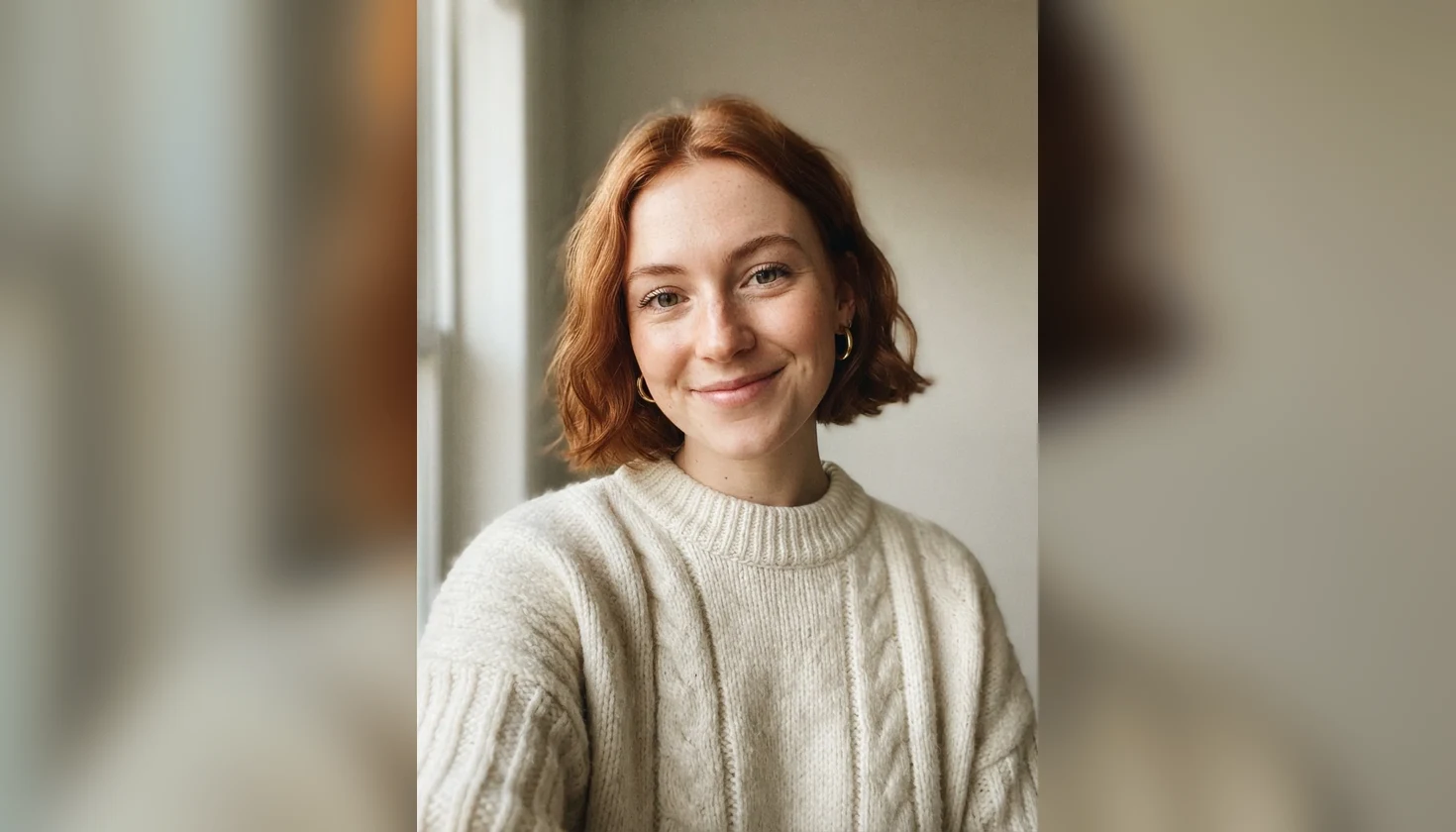
Describe a fictional persona, then reuse it in new scenes.
Follow us and get 20 free credits — about 5 images
Fictional people only. Do not upload photos of real people or celebrities.
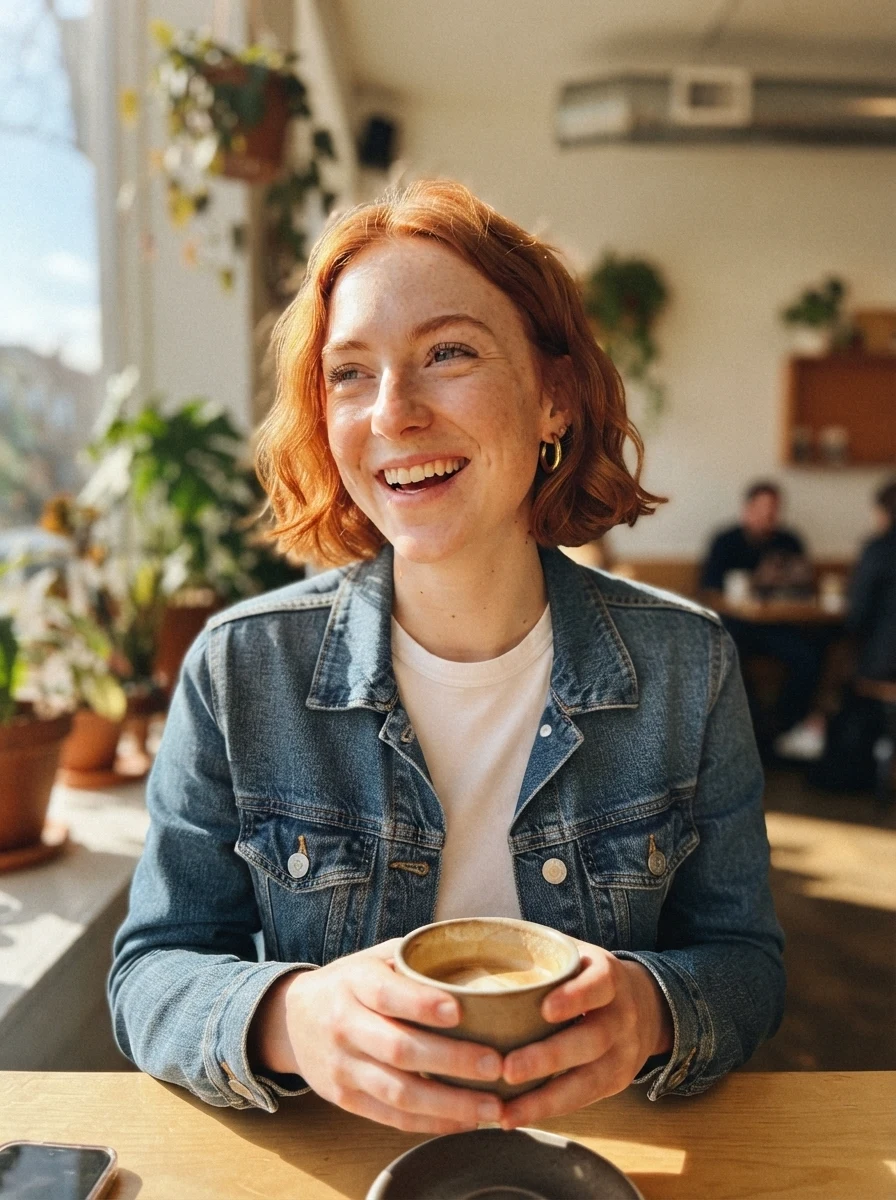
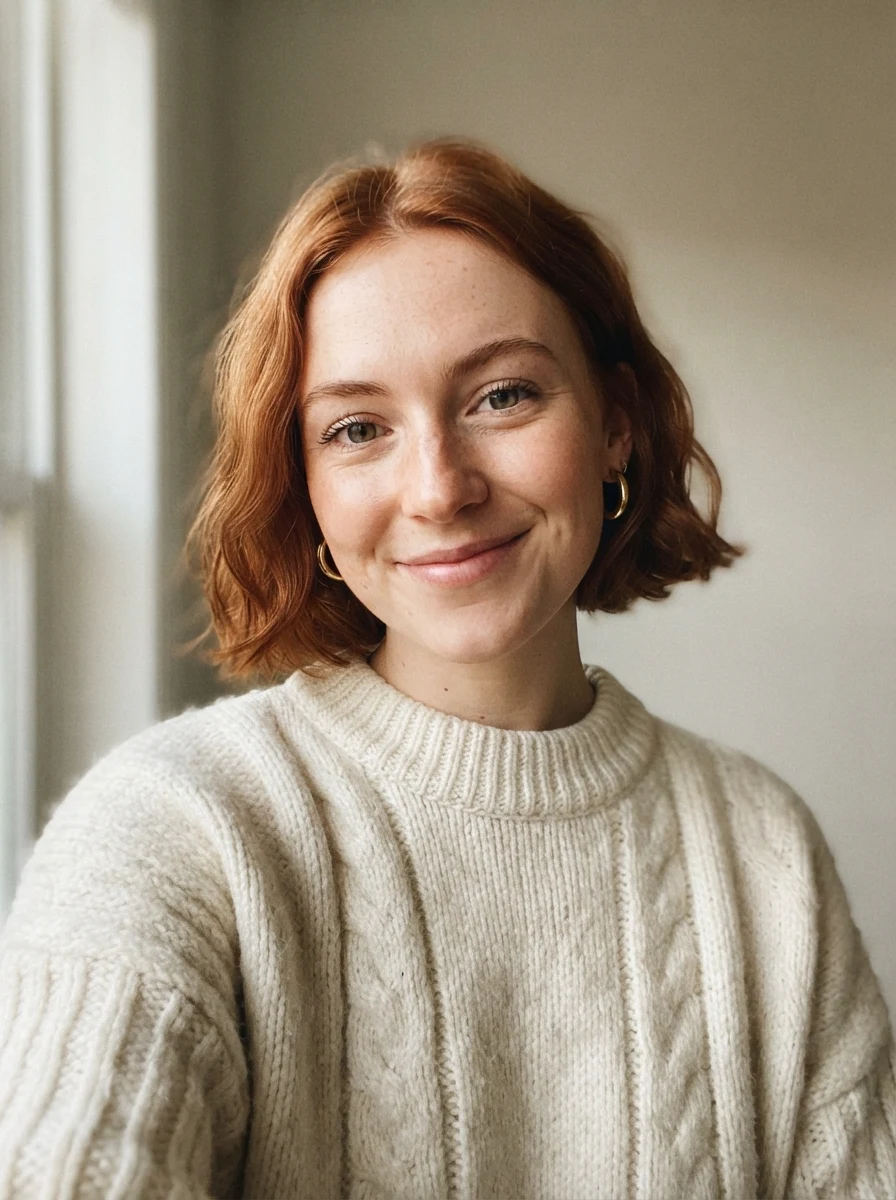
Real model output on a fictional person — the cafe shot used the persona portrait as its reference.
Subscribe for more credits and more models.
An AI influencer is a fictional person you post as. Here is one persona we created on this page, then placed in three scenes.
Start with a head-and-shoulders portrait from a short description. This file becomes the persona you reuse.
Add the persona, pick Cafe and name an outfit. Same freckles, same earrings, new morning.
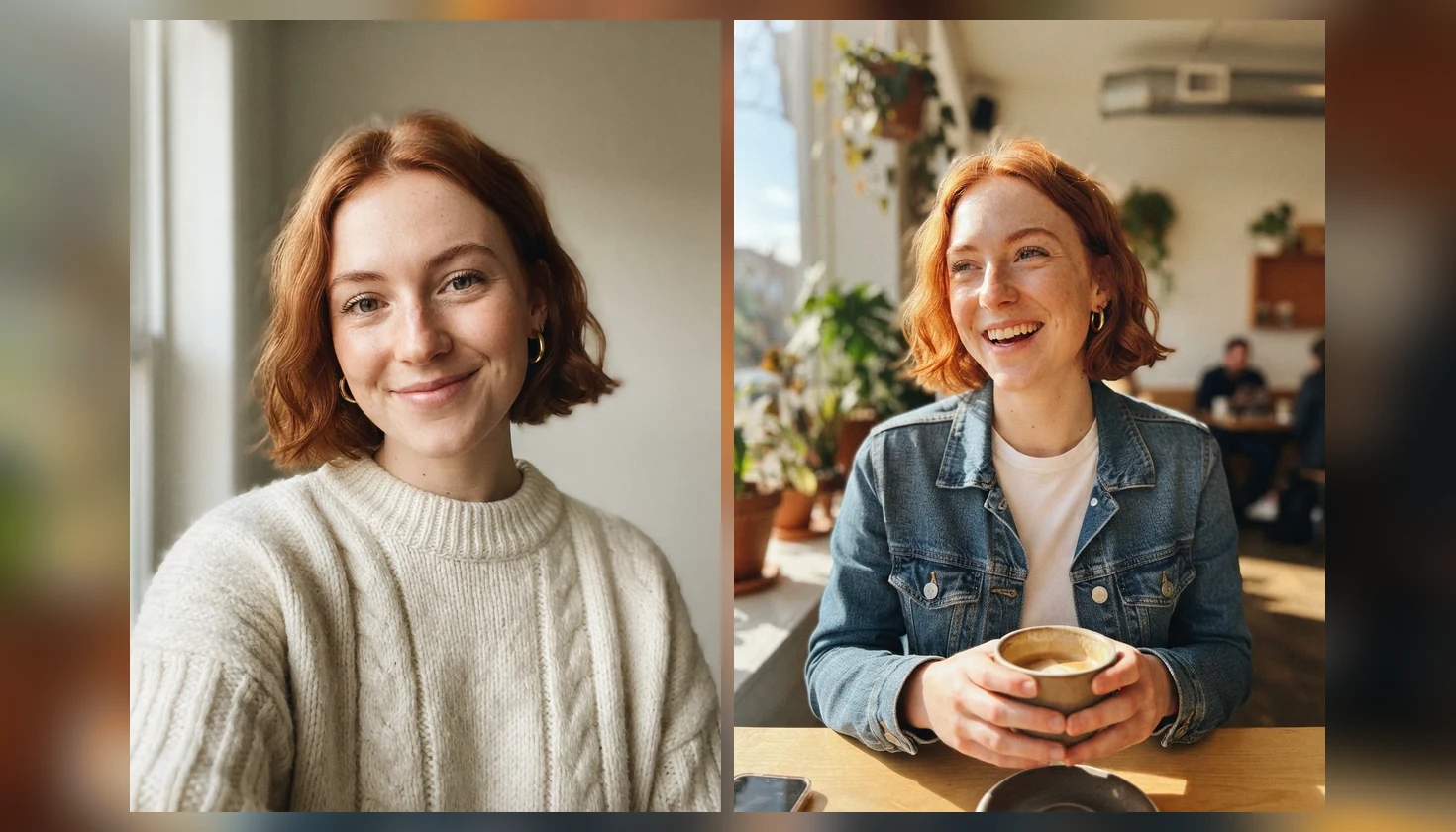
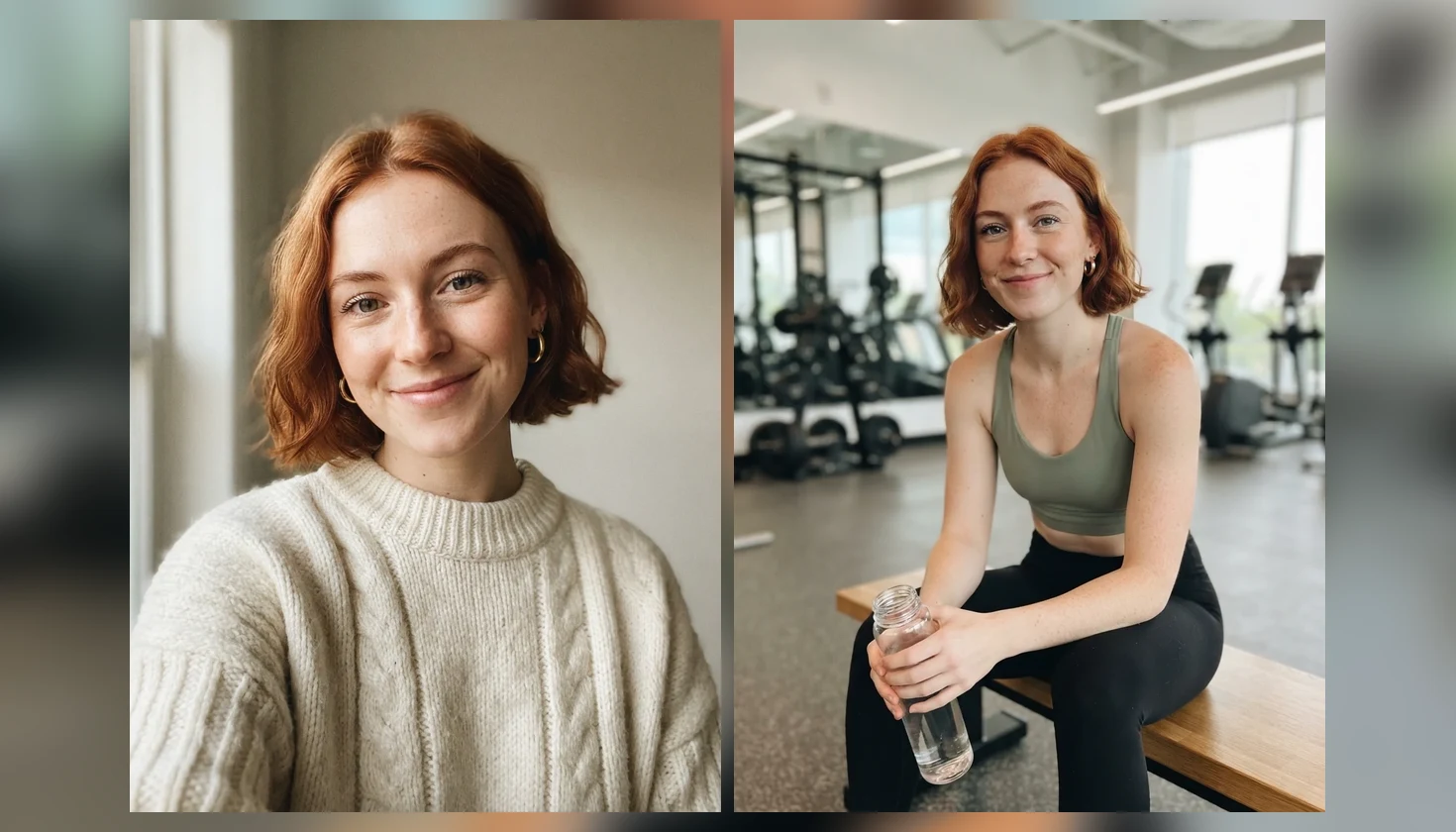
Gym puts the same AI influencer in athletic wear on a bench between sets.
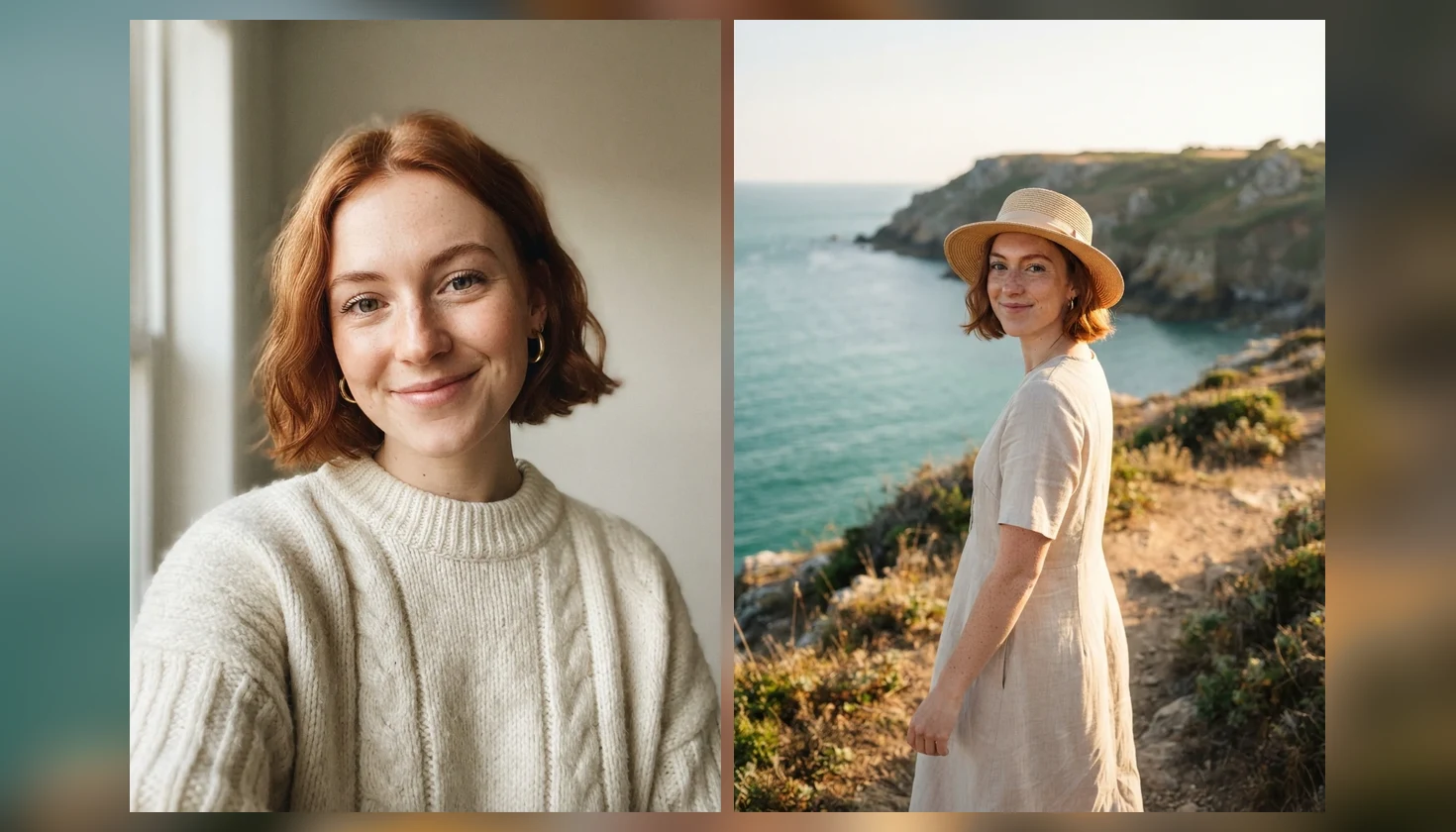
Travel holds the face even at a distance, turned three-quarters on a coastal path.
One balance covers this tool, image editing and every video model.
Need more detail or resolution? Open the same persona with premium image models.
Use the persona portrait as the first frame of a short video.
Keep portraits, scenes and clips side by side on one board.
Describe a fictional adult — age, hair, one distinctive mark, style — generate one portrait, then reuse that exact portrait as the reference for every new scene so the face stays the same. The description does the design work; the reference does the remembering. Keep the first portrait as your master file and go back to it for every post, rather than feeding each new scene into the next one.
Keeping your persona consistent on video? Read the character consistency guide
Leave the upload empty. Type age, hair, one distinctive mark, wardrobe and mood; keep Shot on Portrait.
Click Create My Influencer and download the 3:4 portrait. This file is your persona.
Upload that original portrait, choose Cafe, Gym or Travel, and optionally name an outfit.
Both put a face in front of your audience. They differ in who that face belongs to and what a new post costs.
| What you need | This generator (Recommended) | Booking a real model |
|---|---|---|
| Who appears | A fictional persona you designed | A real person under contract |
| A new outfit or place | One more run from the same portrait | A new booking, location and stylist |
| Likeness release | No real person to release — the persona is fictional | Needed from the model |
| Scheduling | Whenever you open the page | Around everyone’s availability |
| Output | Still photos; video through the video models | Photos and footage from the shoot |
The first image of a virtual influencer is the easy part. The hard part is the tenth post, when your audience should still recognise the person. We tested this page the way you would use it: one persona portrait from text, then new scenes that each used that portrait as the reference. The cafe, gym and travel shots above came back as the same woman — hairline, freckles, eye colour and the gold hoops all held, even when she was small in the frame on the coastal path.
Three things changed the result. First, always reference the original portrait. When we fed a finished cafe shot back in as the reference for the next scene, the face aged with each generation and the white tee from the earlier shot leaked into the new outfit. Keep the first portrait as your master file. Second, small accessories drift. A nose stud survived in only one of four panels in our test, so name every detail you want to keep — "gold hoops", "nose stud", "freckles across the nose" — in the description, and big expressions such as laughing deepen lines around the eyes. Third, scenes that naturally contain lettering invite it: a neon street at night printed a café sign despite a no-text instruction. Both templates on this page now forbid signs with writing, but check every image before you post it.
This page runs Nano Banana 2 Lite at 1K in a 3:4 frame, the tier that keeps a persona and four scenes within the credits you earn for following us. For higher resolution or a stronger model, take the same portrait to the image workspace. Build fictional adults only: the tool is not for recreating real people, celebrities or existing virtual influencers, and it is not a way to make someone appear somewhere they never were. If you want to star in your own photos, use the AI photoshoot page with a picture of yourself.
Picking a file only previews it on your device. Not one byte is stored until you sign in and click generate.
Uploads land in your private library, never a public gallery, and re-running the same image stores nothing new.
Remove uploads and results from your library whenever you want.
One plan unlocks every image and video model — credits work across all of them.
For first-time AI content creators
Billed $168 annually
Upgrade PlanSave $72/year
For creators shipping content every week.
Billed $504 annually
Upgrade PlanSave $216/year
For studios and pros producing at commercial scale.
Billed $1680 annually
Upgrade PlanSave $720/year
For first-time AI content creators
Billed monthly
Upgrade PlanFor creators shipping content every week.
Billed monthly
Upgrade PlanFor studios and pros producing at commercial scale.
Billed monthly
Upgrade PlanRenews automatically each year until canceled.
Renews automatically each month until canceled.
Following us on X and YouTube earns 20 free credits, and one run here costs 4 — enough for a persona portrait and four scenes. After that each run is paid; check the live quote before generating.
An AI influencer, or virtual influencer, is a fictional person whose photos and videos are generated by AI and posted by the people who run the account. The face does not belong to anyone real.
Upload your original persona portrait for every new scene and describe only what changes. Do not reuse a finished scene as the next reference — in our tests that aged the face with each generation.
No. This page is for fictional adults only — do not upload photos of real people, celebrities or existing virtual influencers. To create photos of yourself, use the AI photoshoot page with your own picture.
Creating a fictional persona is common, but rules on disclosure and advertising vary by platform and country. Label AI-generated content where the platform asks, never present the persona as a real person, and follow local law.
Five details: age, hair, one distinctive mark, wardrobe and mood — for example "early twenties, short copper-red bob, freckles across the nose, gold hoop earrings, oversized cream sweater, warm half-smile". Name any accessory you want to keep.
Usually because a generated scene was used as the reference instead of the original portrait, so small changes add up. Laughing expressions also deepen lines. Go back to the master portrait and regenerate.
This page makes still photos. Use your persona portrait as the first frame in the video models to animate it, or see the AI UGC video guide for ad-style clips with the same persona.
Review Renoise’s current terms before commercial use, and make sure your description does not copy a real person, brand or existing character. Watermark-free downloads come with paid plans.
Pick the one that keeps the same face across posts, shows its per-run cost, and lets you move into video without starting over. Test it with your own persona and three scenes before committing.
Five runs from a follow — one persona and four posts.


