Indie cover art
Give a quiet release one memorable subject: a cabin, a moon, and a restrained palette.
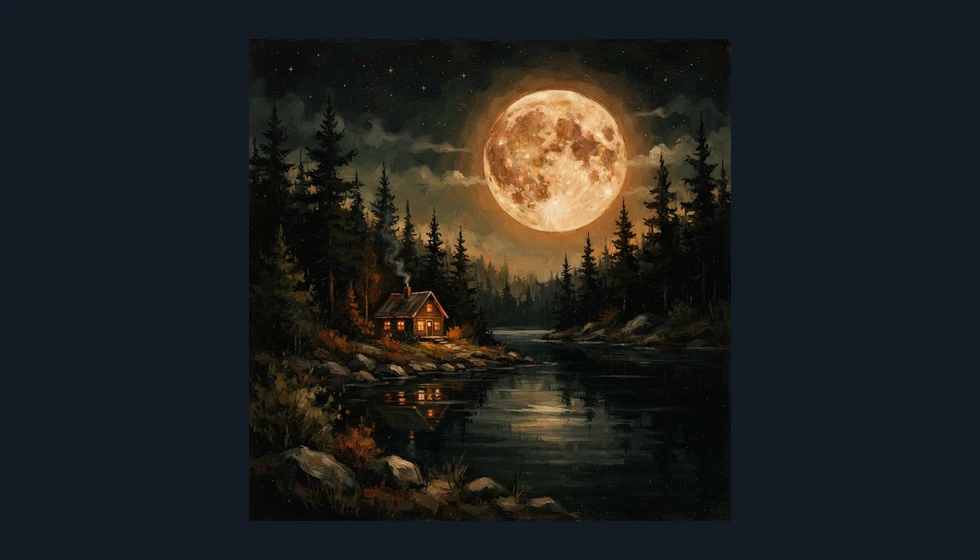
Describe your music and visual idea to create square cover art.
Follow us and get 20 free credits — about 5 images
Check any requested lettering character by character. Review your distributor’s file requirements before delivery.
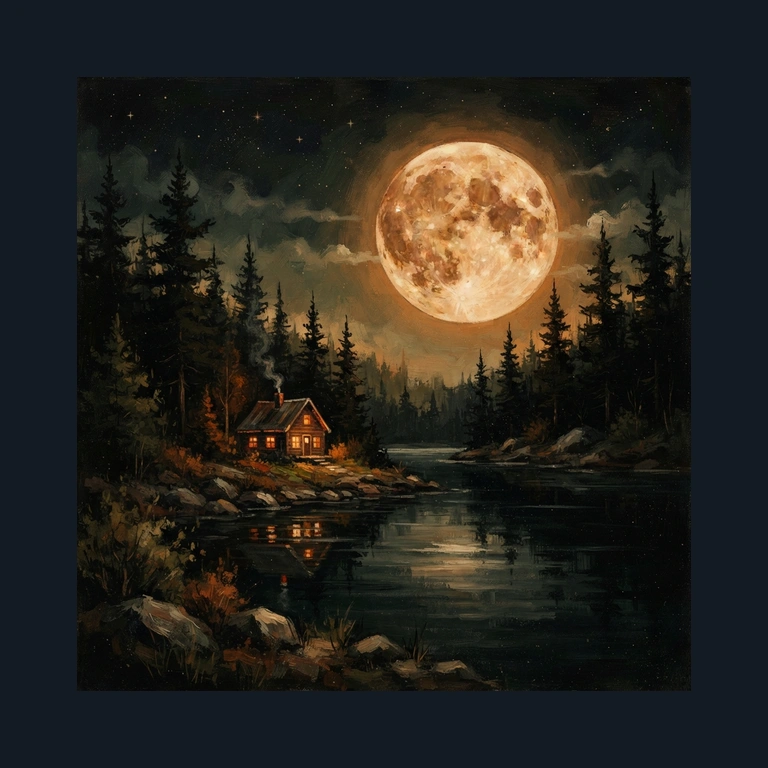
a tiny warm cabin beside a dark lake under a huge amber moon, pine silhouettes, painterly indie folk textures, moss green and warm cream
Real output from the default model, displayed without a record-sleeve mockup.
Subscribe for more credits and more models.
Three visual directions, each generated from a text description at this page’s default tier.
Give a quiet release one memorable subject: a cabin, a moon, and a restrained palette.
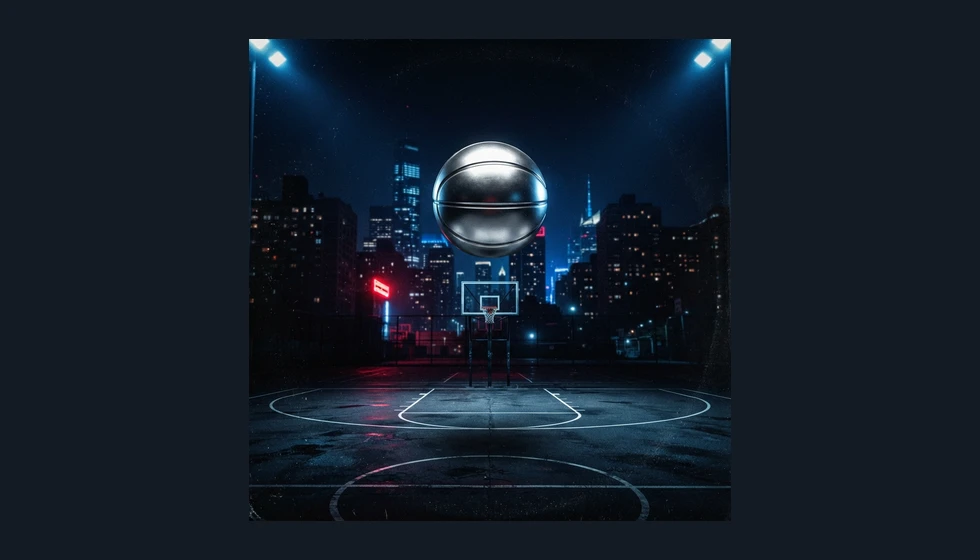
Build a cover around a bold object and lighting that still read at playlist size.
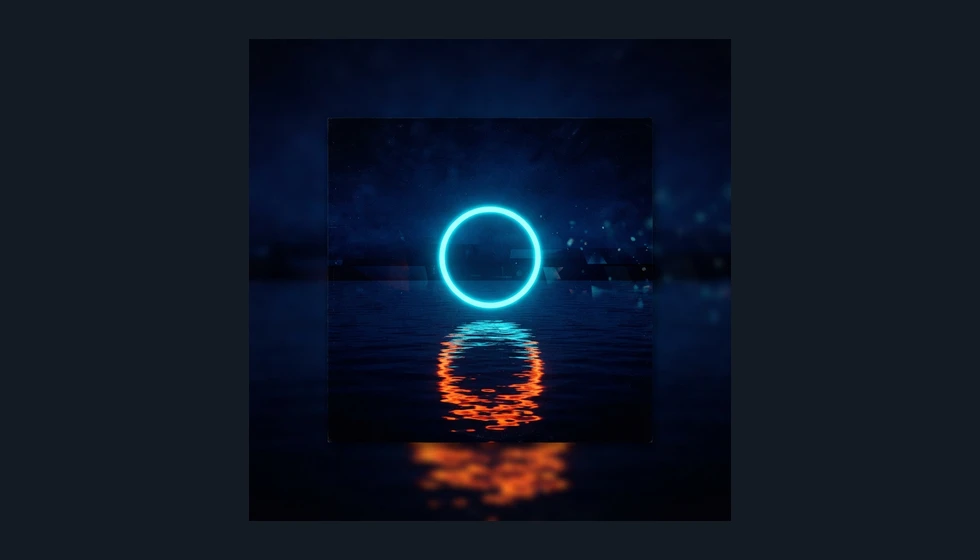
Pair an abstract shape with contrasting colors for a focused electronic single or EP.
Use one balance across image and video tools.
Explore other models and settings in the full Renoise workspace.
Continue from cover artwork to posters and short videos.
Describe a subject, musical mood, and color palette, then generate square artwork and download the version that fits your release. Start with one visual idea rather than a list of everything in the song. A lonely cabin can carry an intimate folk record; a floating chrome object can suggest a sharper electronic sound. The examples here were generated with Nano Banana 2 Lite at the default 1K square setting. Review small details and thumbnail readability before adding your artist name in a layout editor.
Need artwork with a headline already integrated? Try the AI poster generator
Enter your subject, mood, and colors, then choose a Music style.
Click Generate Cover and review the square artwork at full size and thumbnail size.
Download the image, then add final typography and check your distributor’s delivery requirements.
Choose the method that matches the part of your release artwork you still need to make.
| Your decision | This AI generator | Manual layout editor |
|---|---|---|
| Starting material | A description of a visual idea | Your photos, illustrations, and text |
| New imagery | Generates a new raster image | Assemble or edit supplied images |
| Typography | Request lettering; verify each character | Control text placement and spelling |
| Deliverable | Square artwork at the selected tier | An arranged layout you export |
| Precise revisions | Regenerate a visual interpretation | Edit individual layout elements |
Cover art has two jobs: reward a close look and remain recognizable when it is tiny. A detailed scene may look impressive full-screen but turn into a dark patch beside a song title. Begin with a dominant shape, a clear light–dark separation, and enough negative space for any lettering you plan to add. A thumbnail test is more useful than asking the model for increasingly elaborate detail.
In Renoise, describe the visual hierarchy explicitly: one cabin beneath a large moon, one silver basketball above an empty court, or one luminous ring over water. The page’s prompt uses your selected Music style, keeps the output square, and requests flat artwork rather than a photographed sleeve. It omits lettering unless you explicitly ask for it. These instructions guide the model; they do not create editable layers or guarantee a particular composition. If the first result is busy, simplify the subject before generating again.
Download your preferred artwork and view it at roughly the size of a playlist thumbnail. Then place the artist name and release title in a layout editor where you can control spelling, contrast, and alignment. Before delivery, inspect the actual file dimensions and your distributor’s current requirements. Upscaling may help with dimensions, but it cannot turn missing source detail into a carefully designed master.
Picking a file only previews it on your device. Not one byte is stored until you sign in and click generate.
Uploads land in your private library, never a public gallery, and re-running the same image stores nothing new.
Remove uploads and results from your library whenever you want.
As of October 2026, 100,000+ creators in 170+ countries and regions use Renoise AI, an AI video, image and audio platform, to generate 300,000+ images and videos with 30+ models.
Source: Renoise internal data, March–October 2026. Figures are rounded down and updated quarterly. Last updated
Real feedback from creators who use Renoise AI to make videos, images and ads.
Renoise is pretty easy to use, with a clean and smooth interface. The results from Seedance 2.5 also feel noticeably smoother in action sequences.
Renoise Ai is a good tool for making ai videos and photos. it puts several Ai models in one place, so you don't need to use many different apps.
あまりAIツールを使ったりしたことなかったですが、キャラクターの固定や動画を続いて作成できて使いやすいです。これからどんどん進んでいくアップデートが楽しみです。
Renoise has been a great platform for AI creativity. The tools are easy to use, the experience is smooth, and it makes creating content more enjoyable and efficient. I really appreciate the work the team is doing and look forward to seeing more improvements. Highly recommended!
What I like about Renoise AI compared to other platforms: Fast generation speed: Slow generation takes up way too much time, but Renoise AI is surprisingly about 30% faster. Intuitive and user-friendly UI: Cheaply made platforms have terrible UIs that make me not even want to log in, but Renoise is very clean and convenient. Remembers my previous settings: It helpfully remembers my last workspace settings. Some odd platforms force you to re-adjust everything every single time you generate a video, which is extremely frustrating. Overall preference: For all these reasons, Renoise AI is definitely my preferred platform. Thank you!
Renoise is your go to one stop all for ai creators. all view and use all models in one place, for any type of content you have your mind on!
I have a creat experience with the app. Consistent characters but also unique. THere were some issues with storyline continuity and non-typical humanoid characters.
One credit balance for image and video tools. Check the live quote before each generation.
For your first AI creations
per month
≈ 150 GPT Image 2 Generations
≈ 60 Seedance 2.0 videos
The agent takes your idea all the way to a finished cut.
Starter and Standard: production work in Director Mode uses credits by usage. Advanced: free.
No queue. Start as many paid generations as you want at once.
Content generated with Renoise.ai may be used commercially, subject to our Terms of Service
For creating every week
per month
≈ 450 GPT Image 2 Generations
≈ 180 Seedance 2.0 videos
The agent takes your idea all the way to a finished cut.
Starter and Standard: production work in Director Mode uses credits by usage. Advanced: free.
No queue. Start as many paid generations as you want at once.
Renoise Agent runs on frontier models from leading AI labs to plan your shots, write prompts, and pick the right model for each one. Chatting with the Agent is free on every plan.
Content generated with Renoise.ai may be used commercially, subject to our Terms of Service
For professional-scale production
per month
≈ 1,750 GPT Image 2 Generations
≈ 700 Seedance 2.0 videos
The agent takes your idea all the way to a finished cut.
Starter and Standard: production work in Director Mode uses credits by usage. Advanced: free.
No queue. Start as many paid generations as you want at once.
Renoise Agent runs on frontier models from leading AI labs to plan your shots, write prompts, and pick the right model for each one. Chatting with the Agent is free on every plan.
Content generated with Renoise.ai may be used commercially, subject to our Terms of Service
For your first AI creations
per month, billed annually
Save $72compared to monthly
≈ 150 GPT Image 2 Generations
≈ 60 Seedance 2.0 videos
The agent takes your idea all the way to a finished cut.
Starter and Standard: production work in Director Mode uses credits by usage. Advanced: free.
No queue. Start as many paid generations as you want at once.
Content generated with Renoise.ai may be used commercially, subject to our Terms of Service
For creating every week
per month, billed annually
Save $216compared to monthly
≈ 450 GPT Image 2 Generations
≈ 180 Seedance 2.0 videos
The agent takes your idea all the way to a finished cut.
Starter and Standard: production work in Director Mode uses credits by usage. Advanced: free.
No queue. Start as many paid generations as you want at once.
Renoise Agent runs on frontier models from leading AI labs to plan your shots, write prompts, and pick the right model for each one. Chatting with the Agent is free on every plan.
Content generated with Renoise.ai may be used commercially, subject to our Terms of Service
For professional-scale production
per month, billed annually
Save $720compared to monthly
≈ 1,750 GPT Image 2 Generations
≈ 700 Seedance 2.0 videos
The agent takes your idea all the way to a finished cut.
Starter and Standard: production work in Director Mode uses credits by usage. Advanced: free.
No queue. Start as many paid generations as you want at once.
Renoise Agent runs on frontier models from leading AI labs to plan your shots, write prompts, and pick the right model for each one. Chatting with the Agent is free on every plan.
Content generated with Renoise.ai may be used commercially, subject to our Terms of Service
Following Renoise on X and YouTube earns 10 credits each, up to 20 shared credits. An unused balance currently covers five default image generations. After those credits are used, further generation is paid. Check the live quote before starting.
Yes. Put the exact words in your description and ask for lettering. Check every character before downloading because generated spelling and placement can vary. For precise typography or later text revisions, add your title in a layout editor instead.
The default requests a square image at the 1K model tier. Inspect the downloaded file for its exact dimensions. This page does not promise a 3000×3000 master; use an upscaler or your design workflow if your delivery specification requires more pixels.
This page starts from text and has no photo upload. Use the full Renoise image workspace for reference-image workflows. If you already have a finished photograph, a layout editor may be the shorter route to adding your release title.
Yes. Describe the sound and visual idea for a single, EP, or album in the same prompt. The tool produces square artwork; release length does not change the generation process or create separate versions automatically.
Acceptance depends on the platform or distributor and the file you submit. Review dimensions, image quality, text, and content requirements before uploading. Renoise generates artwork but does not validate a release package or guarantee a distributor’s approval.
Review Renoise’s current terms and the rights relevant to your prompt before commercial use. Avoid unlicensed logos, recognizable third-party characters, and artwork you do not have permission to use. A generated image is not a rights clearance service.
Name one main subject, the mood of the music, and a small color palette. For example, describe a warm cabin beneath an oversized moon for intimate indie folk. Change one element at a time when comparing new directions.
Start with the mood of your music and one strong visual idea.


