Cute animal stickers
Create a little character with a clear outline and white border for notes and messages.
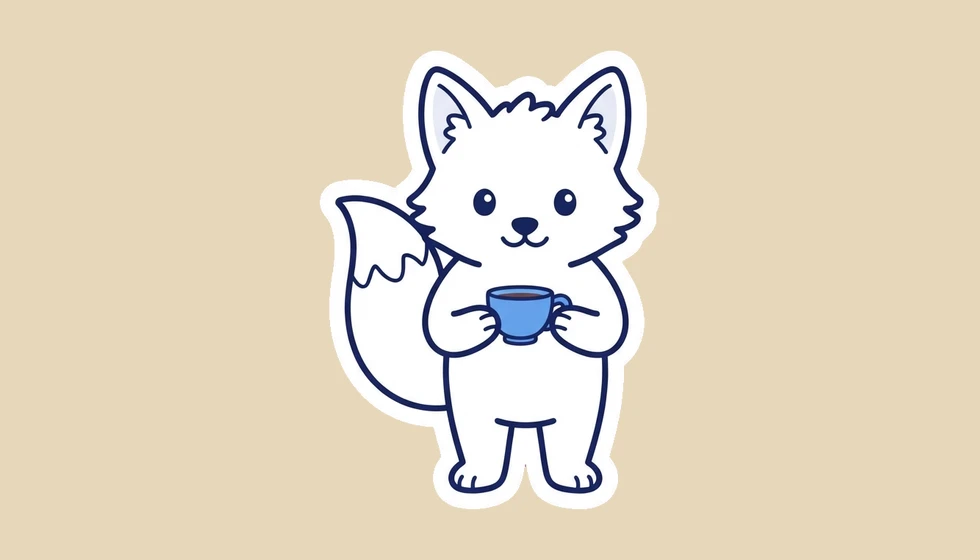
Turn a short description into a single sticker with a transparent background.
Follow us and get 20 free credits — about 5 images
One sticker per run. Avoid magenta in the subject; that color is reserved for background removal.
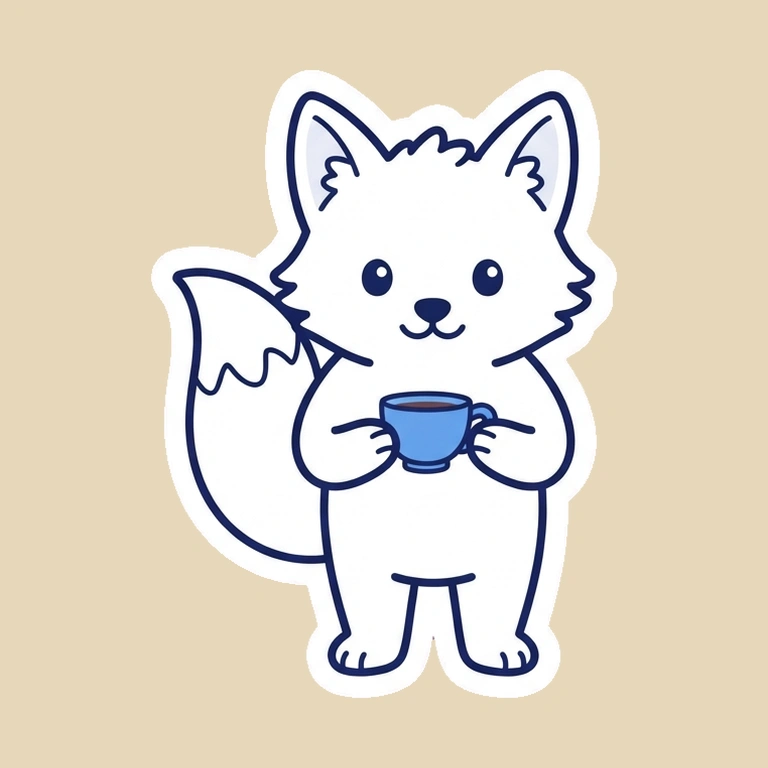
cute white fox holding a small blue teacup
A real generated design after the page’s transparent PNG preparation.
Subscribe for more credits and more models.
Single designs, shown after transparent PNG export on colored presentation backgrounds.
Create a little character with a clear outline and white border for notes and messages.
Make a single expressive face or character that communicates an emotion without tiny lettering.
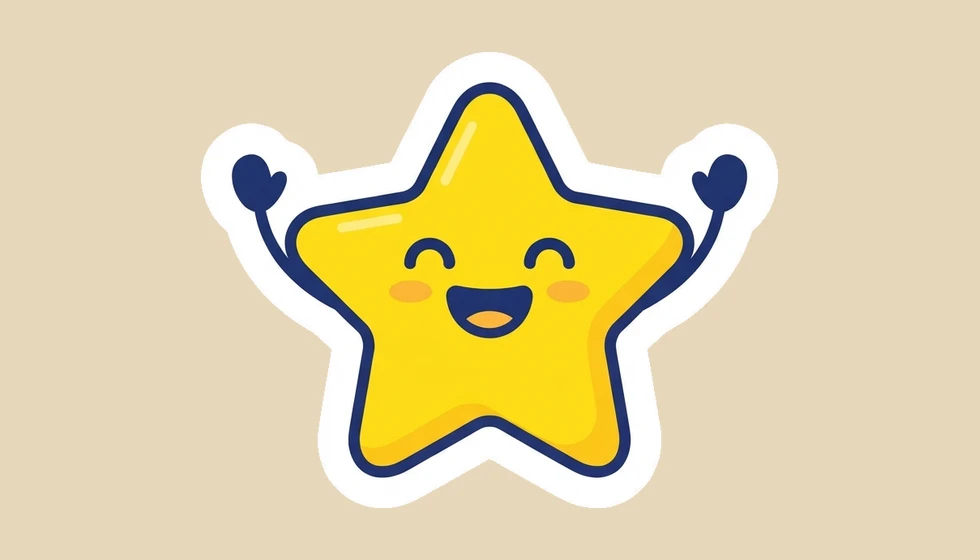
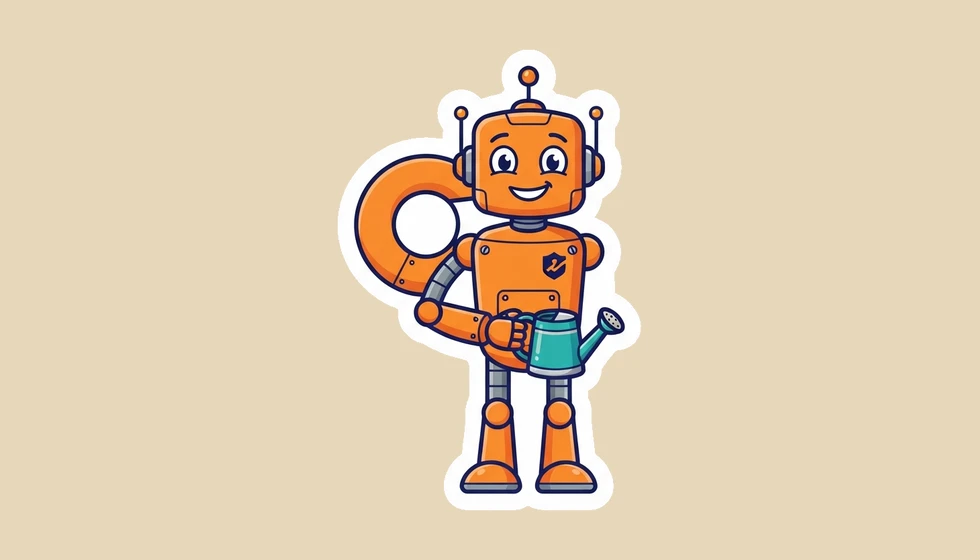
Try an original mascot with recognizable colors, simple accessories, and room around its silhouette.
Use one balance across image and video tools.
Explore other models and settings in the full Renoise workspace.
Develop a character, then explore other image tools.
Describe one subject and its expression, generate the design, then download the transparent PNG prepared beneath the result. Renoise first creates an image against a reserved background color; the browser removes that color and crops around the sticker. The white outline remains part of your design. Start with one animal, reaction, or mascot rather than a sheet of small characters. The three examples here use the default Nano Banana 2 Lite model, followed by the same local export process available in the tool.
Want to develop the character first? Open the character generator
Describe one character and expression, then choose a Style. Avoid magenta in the subject.
Click Generate Sticker. Wait for the image and the transparent preview beneath it.
Choose Download transparent PNG and check the cutout on a contrasting background.
A quick character concept and a precisely authored sticker are different starting points.
| Your decision | This AI sticker maker | Manual illustration and cutout |
|---|---|---|
| Input | A text description | A drawing or existing image |
| Background | Reserved color removed in the browser | A mask or transparent drawing layer |
| Output | One cropped transparent PNG | Whatever formats your editor supports |
| Fine corrections | Edit the downloaded file separately | Adjust outlines and masks directly |
| Sticker packs | Generate and collect images separately | Arrange and export a coordinated set |
A transparent sticker needs an alpha channel, not a white rectangle or a painted checkerboard. The PNG export on this page removes a reserved magenta background from the generated image and keeps the sticker’s white border. The preview uses a checkerboard to make that transparency visible; the checkerboard is not baked into the download. White fur, eyes, and highlights stay part of the subject.
This is a controlled-background workflow, not a general photo cutout tool. The prompt asks for one isolated design with generous margins and reserves magenta exclusively for the background. Avoid requesting magenta clothing, accessories, or lettering: those areas could also be removed. Simple silhouettes with a strong border are easier to inspect than wispy hair, translucent materials, or many disconnected details.
If the generated image does not have a suitable background, the export reports a preparation failure and keeps the original image available. Retry preparation for a temporary download problem; if the background itself is wrong, simplify the prompt for a new generation or remove it in an image editor. Downloading or retrying the local PNG conversion does not spend generation credits. Before using a sticker, inspect its edges on both light and dark backgrounds, especially around enclosed gaps and narrow accessories.
Picking a file only previews it on your device. Not one byte is stored until you sign in and click generate.
Uploads land in your private library, never a public gallery, and re-running the same image stores nothing new.
Remove uploads and results from your library whenever you want.
As of October 2026, 100,000+ creators in 170+ countries and regions use Renoise AI, an AI video, image and audio platform, to generate 300,000+ images and videos with 30+ models.
Source: Renoise internal data, March–October 2026. Figures are rounded down and updated quarterly. Last updated
Real feedback from creators who use Renoise AI to make videos, images and ads.
Renoise is pretty easy to use, with a clean and smooth interface. The results from Seedance 2.5 also feel noticeably smoother in action sequences.
Renoise Ai is a good tool for making ai videos and photos. it puts several Ai models in one place, so you don't need to use many different apps.
あまりAIツールを使ったりしたことなかったですが、キャラクターの固定や動画を続いて作成できて使いやすいです。これからどんどん進んでいくアップデートが楽しみです。
Renoise has been a great platform for AI creativity. The tools are easy to use, the experience is smooth, and it makes creating content more enjoyable and efficient. I really appreciate the work the team is doing and look forward to seeing more improvements. Highly recommended!
What I like about Renoise AI compared to other platforms: Fast generation speed: Slow generation takes up way too much time, but Renoise AI is surprisingly about 30% faster. Intuitive and user-friendly UI: Cheaply made platforms have terrible UIs that make me not even want to log in, but Renoise is very clean and convenient. Remembers my previous settings: It helpfully remembers my last workspace settings. Some odd platforms force you to re-adjust everything every single time you generate a video, which is extremely frustrating. Overall preference: For all these reasons, Renoise AI is definitely my preferred platform. Thank you!
Renoise is your go to one stop all for ai creators. all view and use all models in one place, for any type of content you have your mind on!
I have a creat experience with the app. Consistent characters but also unique. THere were some issues with storyline continuity and non-typical humanoid characters.
One credit balance for image and video tools. Check the live quote before each generation.
For your first AI creations
per month
≈ 150 GPT Image 2 Generations
≈ 60 Seedance 2.0 videos
The agent takes your idea all the way to a finished cut.
Starter and Standard: production work in Director Mode uses credits by usage. Advanced: free.
No queue. Start as many paid generations as you want at once.
Content generated with Renoise.ai may be used commercially, subject to our Terms of Service
For creating every week
per month
≈ 450 GPT Image 2 Generations
≈ 180 Seedance 2.0 videos
The agent takes your idea all the way to a finished cut.
Starter and Standard: production work in Director Mode uses credits by usage. Advanced: free.
No queue. Start as many paid generations as you want at once.
Renoise Agent runs on frontier models from leading AI labs to plan your shots, write prompts, and pick the right model for each one. Chatting with the Agent is free on every plan.
Content generated with Renoise.ai may be used commercially, subject to our Terms of Service
For professional-scale production
per month
≈ 1,750 GPT Image 2 Generations
≈ 700 Seedance 2.0 videos
The agent takes your idea all the way to a finished cut.
Starter and Standard: production work in Director Mode uses credits by usage. Advanced: free.
No queue. Start as many paid generations as you want at once.
Renoise Agent runs on frontier models from leading AI labs to plan your shots, write prompts, and pick the right model for each one. Chatting with the Agent is free on every plan.
Content generated with Renoise.ai may be used commercially, subject to our Terms of Service
For your first AI creations
per month, billed annually
Save $72compared to monthly
≈ 150 GPT Image 2 Generations
≈ 60 Seedance 2.0 videos
The agent takes your idea all the way to a finished cut.
Starter and Standard: production work in Director Mode uses credits by usage. Advanced: free.
No queue. Start as many paid generations as you want at once.
Content generated with Renoise.ai may be used commercially, subject to our Terms of Service
For creating every week
per month, billed annually
Save $216compared to monthly
≈ 450 GPT Image 2 Generations
≈ 180 Seedance 2.0 videos
The agent takes your idea all the way to a finished cut.
Starter and Standard: production work in Director Mode uses credits by usage. Advanced: free.
No queue. Start as many paid generations as you want at once.
Renoise Agent runs on frontier models from leading AI labs to plan your shots, write prompts, and pick the right model for each one. Chatting with the Agent is free on every plan.
Content generated with Renoise.ai may be used commercially, subject to our Terms of Service
For professional-scale production
per month, billed annually
Save $720compared to monthly
≈ 1,750 GPT Image 2 Generations
≈ 700 Seedance 2.0 videos
The agent takes your idea all the way to a finished cut.
Starter and Standard: production work in Director Mode uses credits by usage. Advanced: free.
No queue. Start as many paid generations as you want at once.
Renoise Agent runs on frontier models from leading AI labs to plan your shots, write prompts, and pick the right model for each one. Chatting with the Agent is free on every plan.
Content generated with Renoise.ai may be used commercially, subject to our Terms of Service
Following Renoise on X and YouTube earns 10 credits each, up to 20 shared credits. An unused balance currently covers five default image generations. After those credits are used, further generation is paid. Check the live quote before starting.
The Download transparent PNG button exports a file with an alpha channel after removing the reserved background. The Original image button keeps the unprocessed generation. Use the transparent download for a cutout, and inspect its edges before sharing.
This tool creates a new sticker from text; it does not accept photos. For an existing photo, use an image editing workflow with background removal. Describing a person in words will not reliably preserve the identity of a photographed subject.
You can use the PNG as source artwork for a sticker import workflow. This page does not install sticker packs or enforce each app’s size and file limits. Check the destination app’s current requirements and resize your file when needed.
Magenta is reserved for background removal, so magenta details inside the character can disappear too. Choose other subject colors and keep a clear white outline. For an otherwise good design, repair the missing area in an image editor.
This page makes one sticker per generation. Create designs separately and collect the downloaded PNGs if you need a set. Reusing a description can help establish a theme, but identical character proportions across generations are not guaranteed.
Treat the PNG as artwork, not a production cut file. A printer may need specific dimensions, bleed, resolution, or a vector cutting path. Inspect the actual file and prepare those requirements in a design application before ordering prints.
A temporary image download problem or an unsuitable generated background can stop preparation. Retry once without generating again. If the image lacks a plain magenta background, download the original for manual cleanup or generate a simpler isolated subject.
Give your character one expression, one accessory, and a clear outline.


