Thriller book cover
High contrast, one lit window or streetlight, and a stark condensed title signal suspense at thumbnail size.
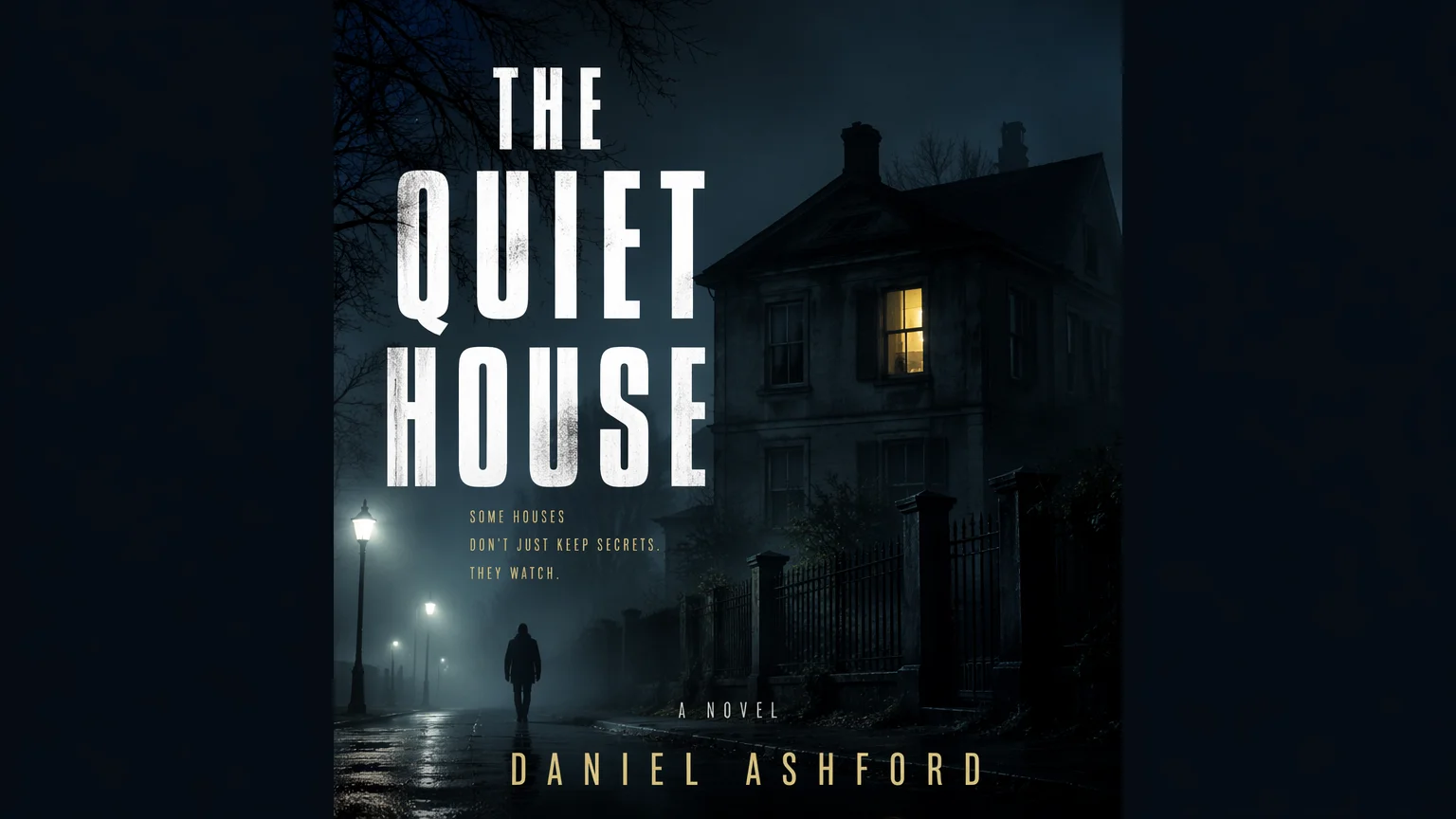
Describe your story and genre to create portrait front cover art.
Follow us and get 20 free credits — about 5 images
Check the title and author name letter by letter. Front cover art only — no spine, back cover, or print bleed.
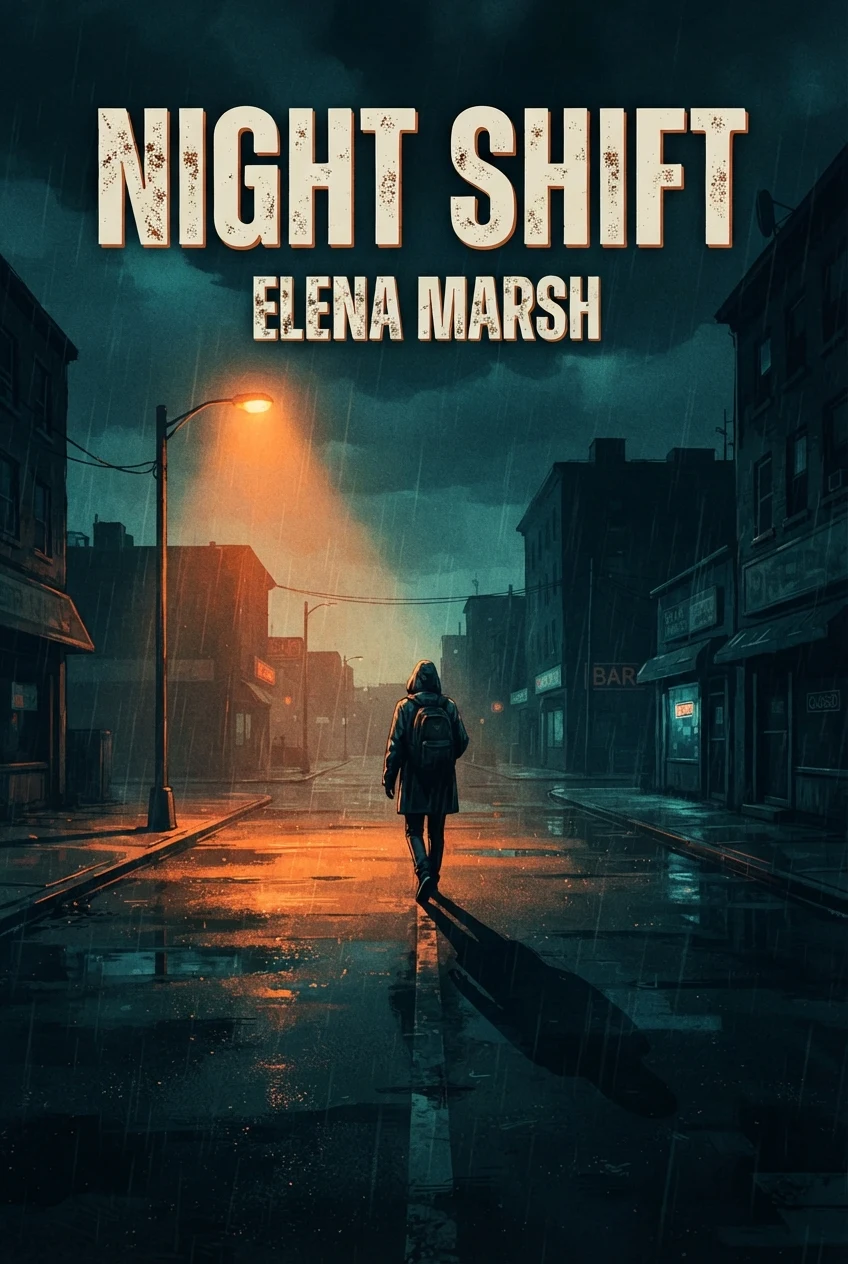
a lone figure under a single streetlight on a rain-soaked empty street at night, long shadow, cold teal and sodium orange, title "NIGHT SHIFT" and author name "ELENA MARSH"
Real model output from the default settings, with the title and author requested in quotes.
Subscribe for more credits and more models.
Four genres in one portrait format. Each cover below is a real model output from a short text description.
High contrast, one lit window or streetlight, and a stark condensed title signal suspense at thumbnail size.
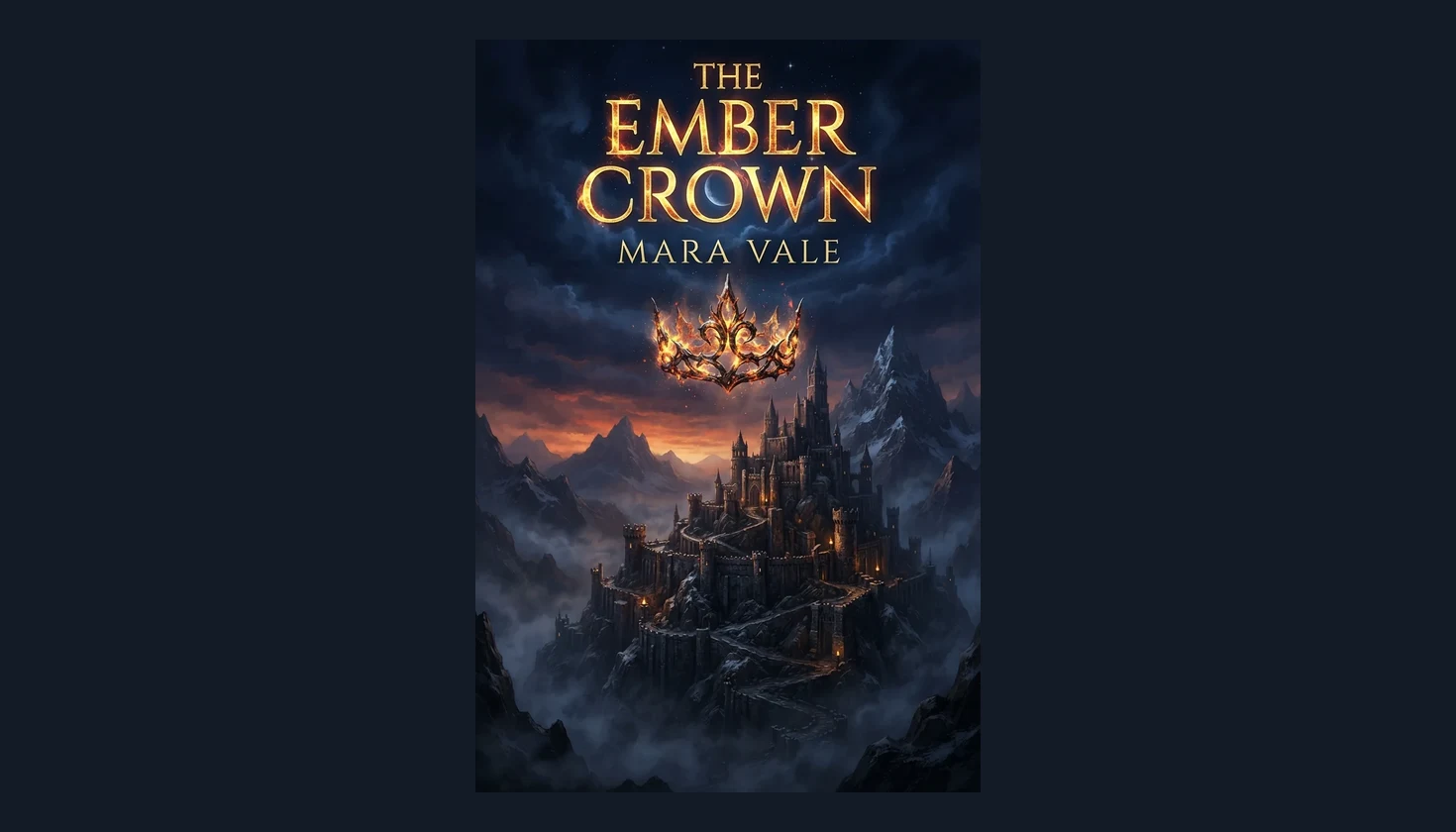
A glowing object above a fortress gives an epic fantasy its focal point; the title sits in open sky.
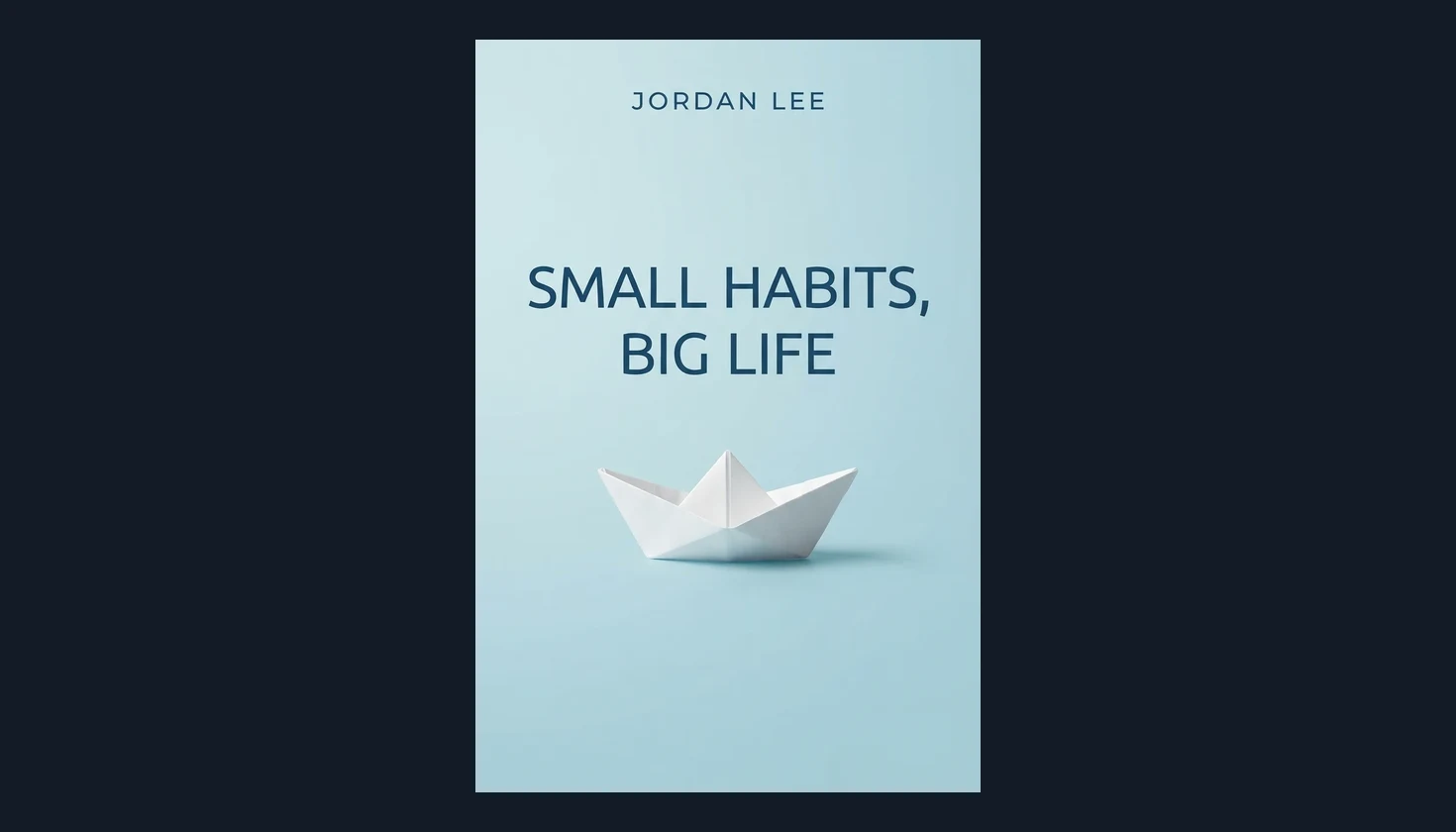
Self-help and business titles lean on one simple object, calm color, and a large readable title.
Leave the words out for artwork only, then set your title and name in a layout editor.
One balance covers image and video tools across Renoise.
Switch to a stronger text model in Images for subtitles and taglines.
Enlarge your cover with the image upscaler before you publish.
Turn your finished cover into a short clip for launch posts.
Describe your book's genre, main image, and mood, put the exact title and author name in quotes, then generate a portrait cover and check every letter before you download. One clear image works better than a summary of the plot: a single streetlight for a thriller, a burning crown for epic fantasy, a paper boat for a calm self-help title. Pick the Genre that matches your shelf so the palette and lettering style follow its conventions. Keep the title short and judge the result at thumbnail size, because that is how most readers first meet book cover art.
Need a subtitle, tagline, and long title on one cover? Try a stronger text model
Enter the main image, mood, and colors, then add the title and author name in quotes.
Choose Thriller, Romance, Fantasy, or Non-fiction to set the palette and lettering style.
Click Generate Cover, check every letter at thumbnail size, then download the portrait image.
Template tools such as Canva or KDP Cover Creator arrange your own text and images. This page generates new cover artwork from a description.
| Your decision | This AI generator | Template cover maker |
|---|---|---|
| Starting point | A description of your book | A template plus your own images |
| New artwork | Generates a new illustrated cover | Uses your photos or stock images |
| Title and author | Requested in quotes; check each letter | Typed in and fully editable |
| Spine, back, bleed | Not included; front cover only | Some tools build a full wrap |
| Output | 848 × 1264 px portrait image | An exported layout at your chosen size |
| Revisions | Regenerate a new interpretation | Edit individual elements |
The default setting returns a 2:3 portrait image of 848 × 1264 pixels. Amazon's Kindle Direct Publishing help page on eBook covers (kdp.amazon.com, checked September 2026) lists 2,560 × 1,600 pixels (height by width) as the ideal ebook cover size and say covers under 500 pixels on the shortest side are not displayed; they prefer JPEG files in RGB at 5MB or less. The output clears that display minimum but sits below the ideal size, so enlarge it with an AI upscaler rather than stretching it, check the quality, and allow for a slight crop, because 1.6:1 is a little taller than 2:3.
A paperback needs more than a front. The full wrap adds a spine and a back cover, and its size depends on trim and page count. This tool makes the front artwork only, so build the wrap with KDP's cover tools or your layout software and check the current requirements of your store or printer.
Lettering is a request, not a guarantee. In our tests the default model, Nano Banana 2 Lite, spelled short titles and author names correctly, yet an early titled run came back as a photographed 3D book instead of a flat cover. The page's prompt now asks for flat edge-to-edge artwork and adds no text unless you give exact words in quotes; if a mockup or a stray word still appears, regenerate. In the same test, GPT Image 2 in Renoise Images produced the cleanest flat cover at a higher cost per image, so use it when a cover carries a subtitle or tagline.
Picking a file only previews it on your device. Not one byte is stored until you sign in and click generate.
Uploads land in your private library, never a public gallery, and re-running the same image stores nothing new.
Remove uploads and results from your library whenever you want.
One credit balance for image and video tools. Check the live quote before each generation.
For first-time AI content creators
Billed $168 annually
Upgrade PlanSave $72/year
For creators shipping content every week.
Billed $504 annually
Upgrade PlanSave $216/year
For studios and pros producing at commercial scale.
Billed $1680 annually
Upgrade PlanSave $720/year
For first-time AI content creators
Billed monthly
Upgrade PlanFor creators shipping content every week.
Billed monthly
Upgrade PlanFor studios and pros producing at commercial scale.
Billed monthly
Upgrade PlanRenews automatically each year until canceled.
Renews automatically each month until canceled.
Following Renoise on X and YouTube earns 10 credits each, up to 20 shared credits. An unused balance currently covers five default book covers. After those credits are used, further generation is paid. Check the live quote before starting.
Yes. Put the exact words in quotes in your description, such as a title and an author name. Short titles work best. Check every letter before downloading, and use a layout editor if you need precise typography or later text changes.
The default returns a 2:3 portrait image of 848 × 1264 pixels. That suits screens, previews, and storefront thumbnails, but it is not a print master. Upscale it or rebuild it at your printer's required size before submitting.
Yes, as the starting artwork. KDP lists 2,560 × 1,600 pixels as the ideal ebook cover size, so enlarge it with an AI upscaler rather than stretching it, crop it to that ratio, and confirm the current Kindle requirements before uploading your file.
No. It creates the front cover only. A paperback wrap also needs a spine and a back cover sized to your trim and page count, so assemble it with KDP's cover tools or your own layout software.
Yes. Describe your story, pick a genre, and generate a portrait cover with a short title. Check Wattpad's current cover size guidance before uploading, and crop or resize the downloaded image to match it.
Review Renoise's current terms and your retailer's content rules before publishing, including any rules about disclosing AI-generated content. Avoid recognizable characters, real people's likenesses, logos, and artwork you do not have the rights to use.
Not on this page; it starts from a text description only. Use the full Renoise image workspace for reference-image workflows, or place an existing photo in a layout editor and add your title there.
The best choice depends on your genre, how much text the cover needs, the file size you must deliver, and cost. Test a few prompts at thumbnail size and compare spelling, composition, and whether the output is a flat cover.


