Cinematic shots
Generate wide establishing shots, close-ups, and dramatic reaction shots with film-quality lighting from a text prompt.
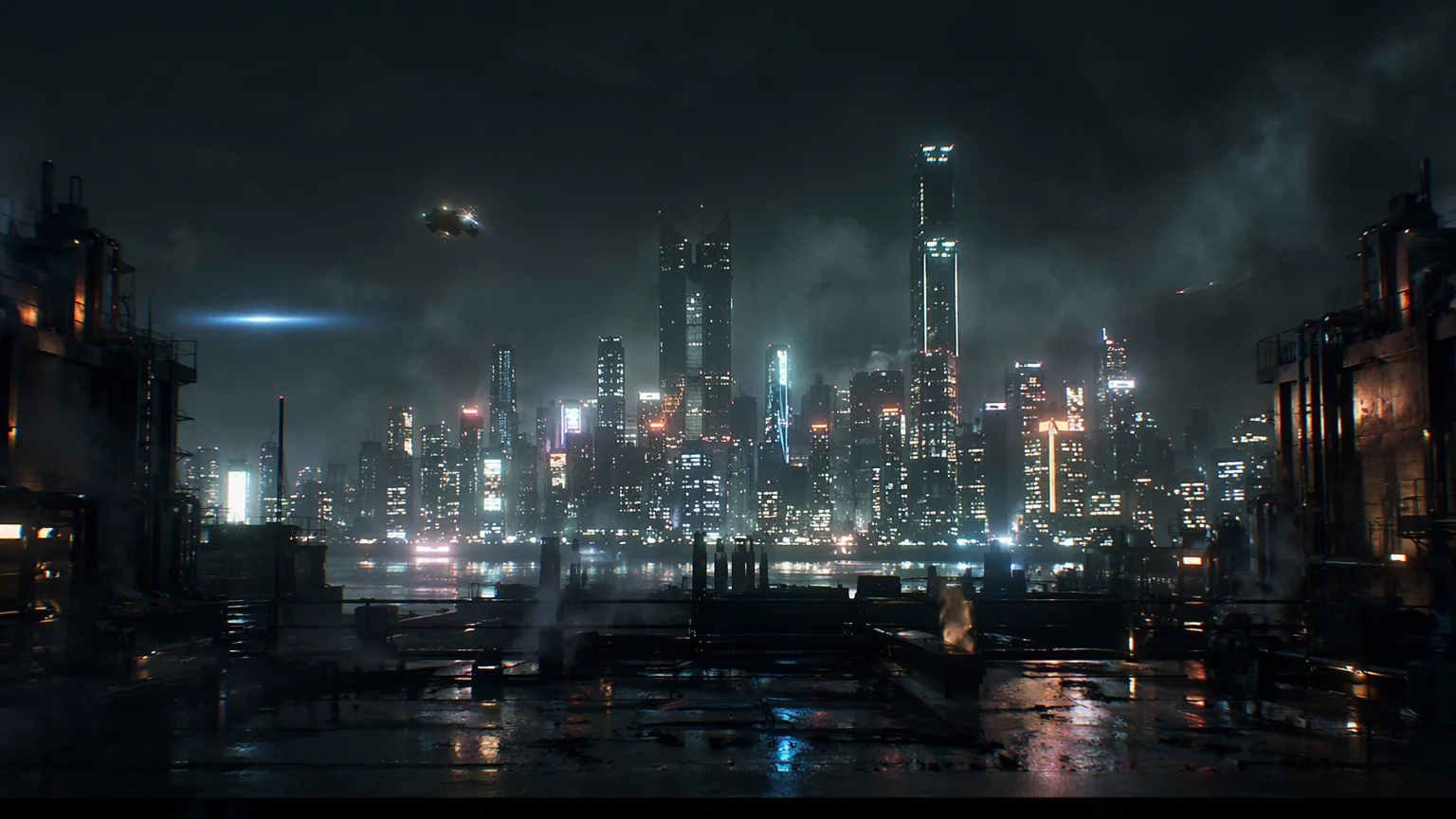
Generate cinematic shots, dramatic scenes, and mini-movie sequences from text prompts — Seedance 2.0, Kling 3.0 Omni, and Wan 2.1 on one canvas.
Open Renoise Canvas, write a scene or shot description, and pick a cinematic video model — Kling 3.0 Omni for physics-based dynamics and multi-shot sequences, Seedance 2.0 for smooth motion and multi-modal references, or Wan 2.1 for open-source quality. Generate each shot individually and assemble them into a narrative sequence. Renoise gives you the raw cinematic material; you direct the story arc shot by shot.
Looking for a single short looping clip or reaction video instead? Try the AI GIF generator
Cinematic short film content — one shot at a time, on three powerful video models.
Generate wide establishing shots, close-ups, and dramatic reaction shots with film-quality lighting from a text prompt.
Kling 3.0 Omni supports up to 6 shots in a single generation — build story arcs scene by scene.
Prompt cinematic lighting styles — golden hour, neon noir, thriller overcast, morning mist — and get consistent mood across shots.
Direct camera moves: dolly, crane, tracking shot, handheld. Describe it in the prompt and the model follows the direction.
From a scene concept to a sequence of cinematic shots — all generated on Renoise Canvas.

Describe the scene as a shot brief: subject, setting, action, mood, and camera direction. "Wide establishing shot of a neon-lit city street, rain-slicked pavement, slow dolly forward" is far more effective than a vague scene idea.

Select Kling 3.0 Omni for multi-shot sequences and physics-based dynamics, Seedance 2.0 for smooth first/last-frame continuity, or Wan 2.1 for open-model flexibility.
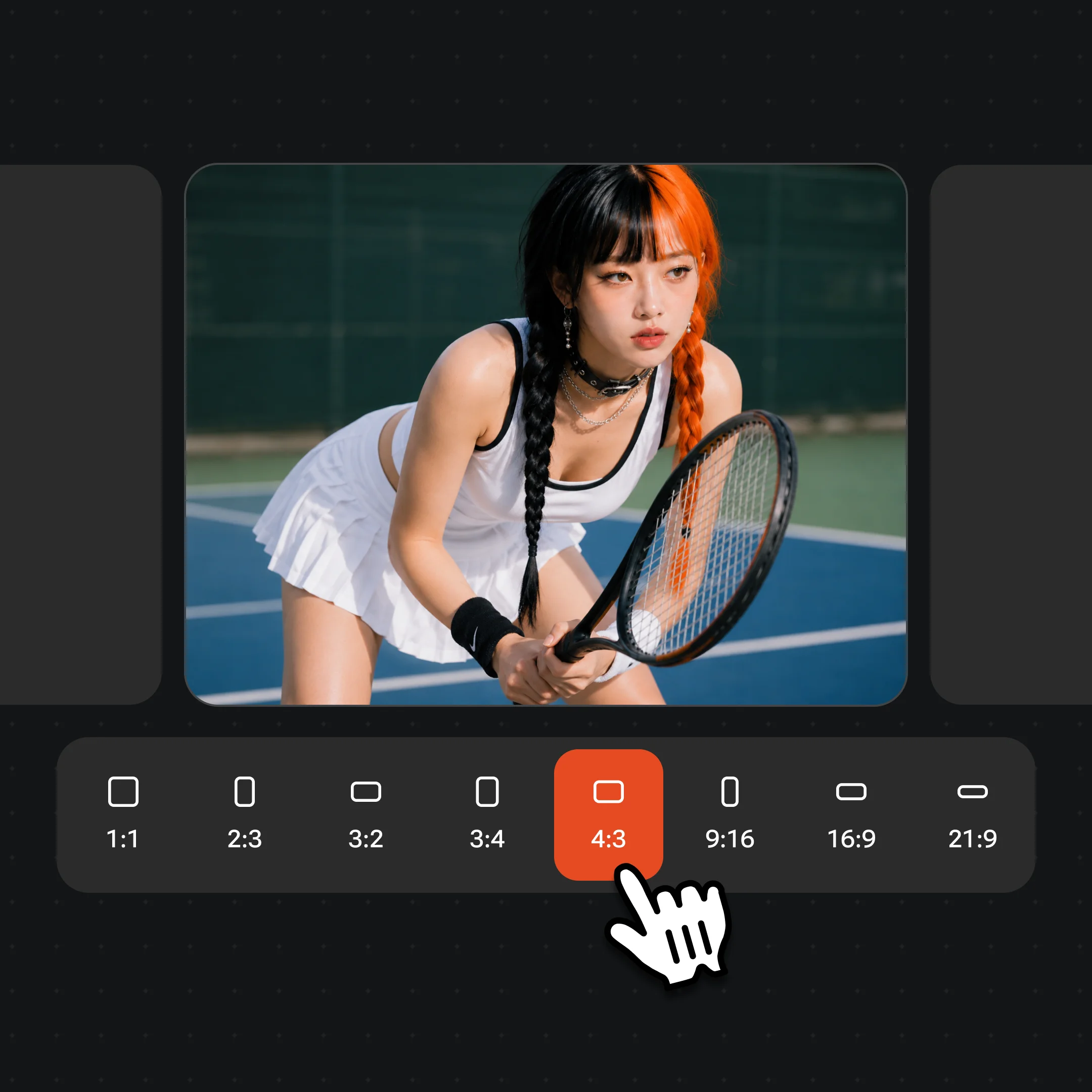
Generate the shot, iterate the prompt to adjust framing or mood, then export. Repeat for each shot in your sequence. Watermark-free exports on paid plans.
Dramatic scenes, story moments, and film-quality visuals generated on Seedance 2.0, Kling 3.0 Omni, and Wan 2.1.
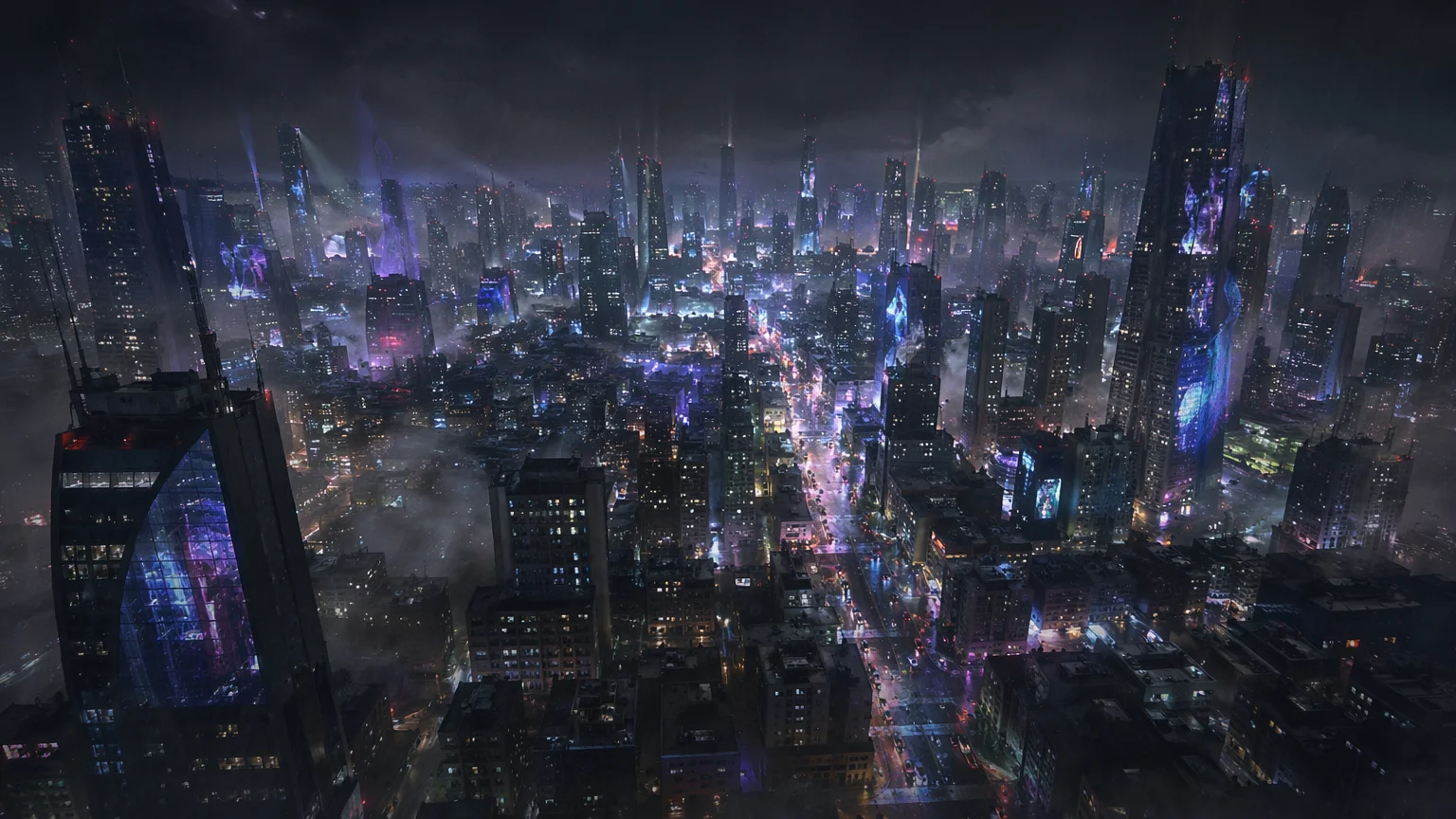
A wide cinematic establishing shot — city, landscape, or interior — setting the scene with film-quality composition.
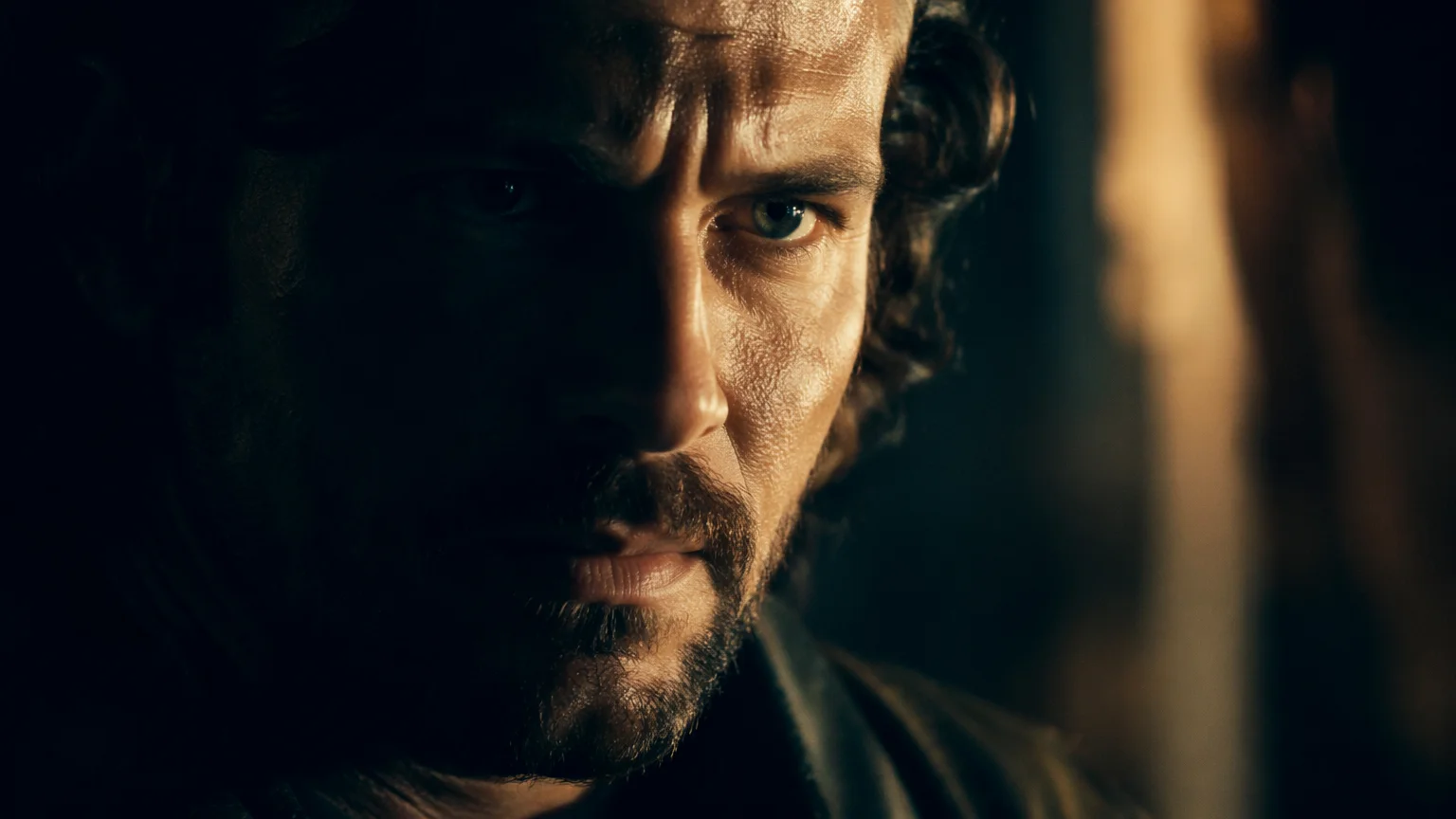
A tight close-up on a character or object — conveying emotion or tension with cinematic lighting.
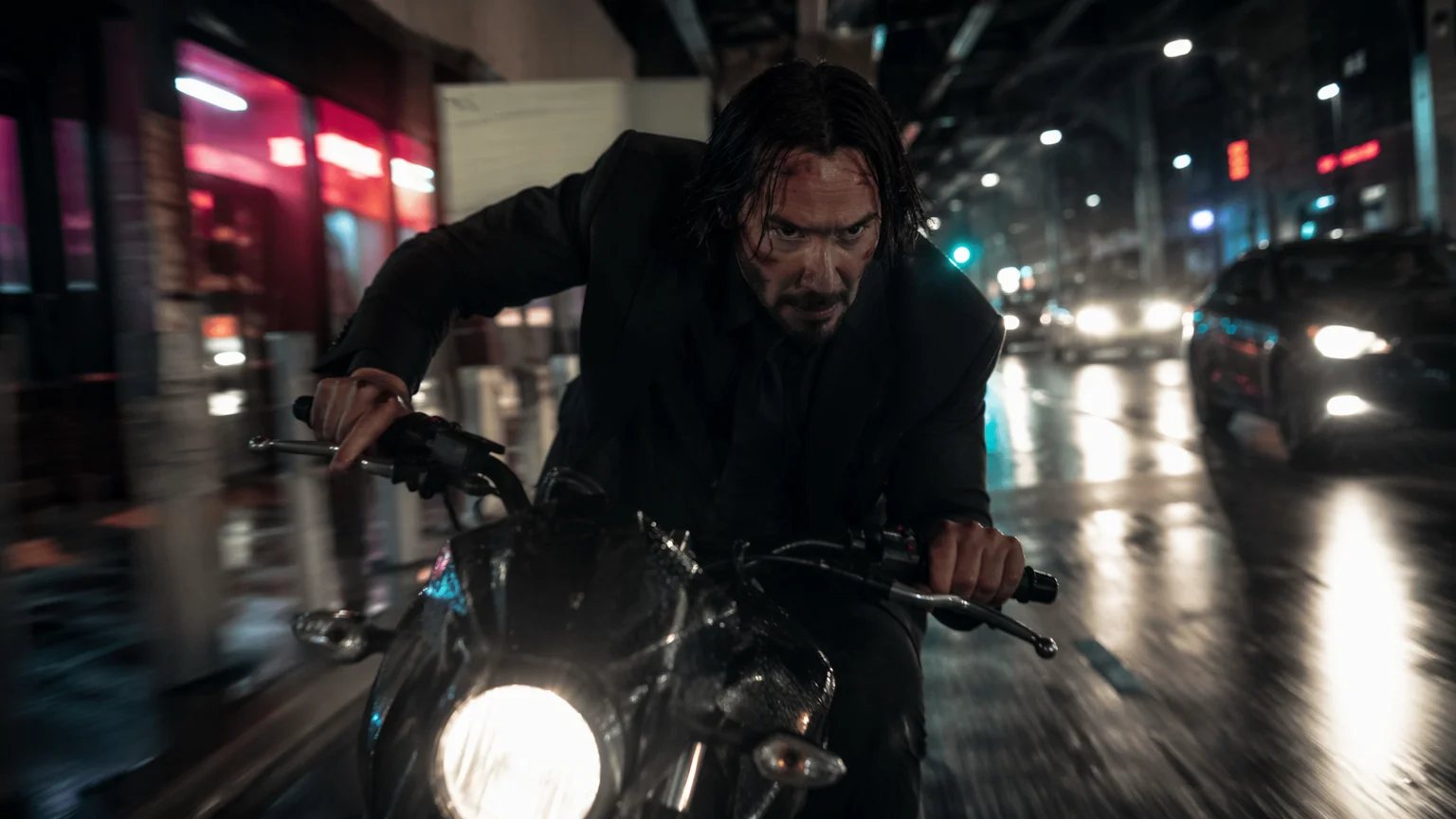
Dynamic motion — running, fighting, flying — with Kling 3.0 Omni physics-based dynamics.
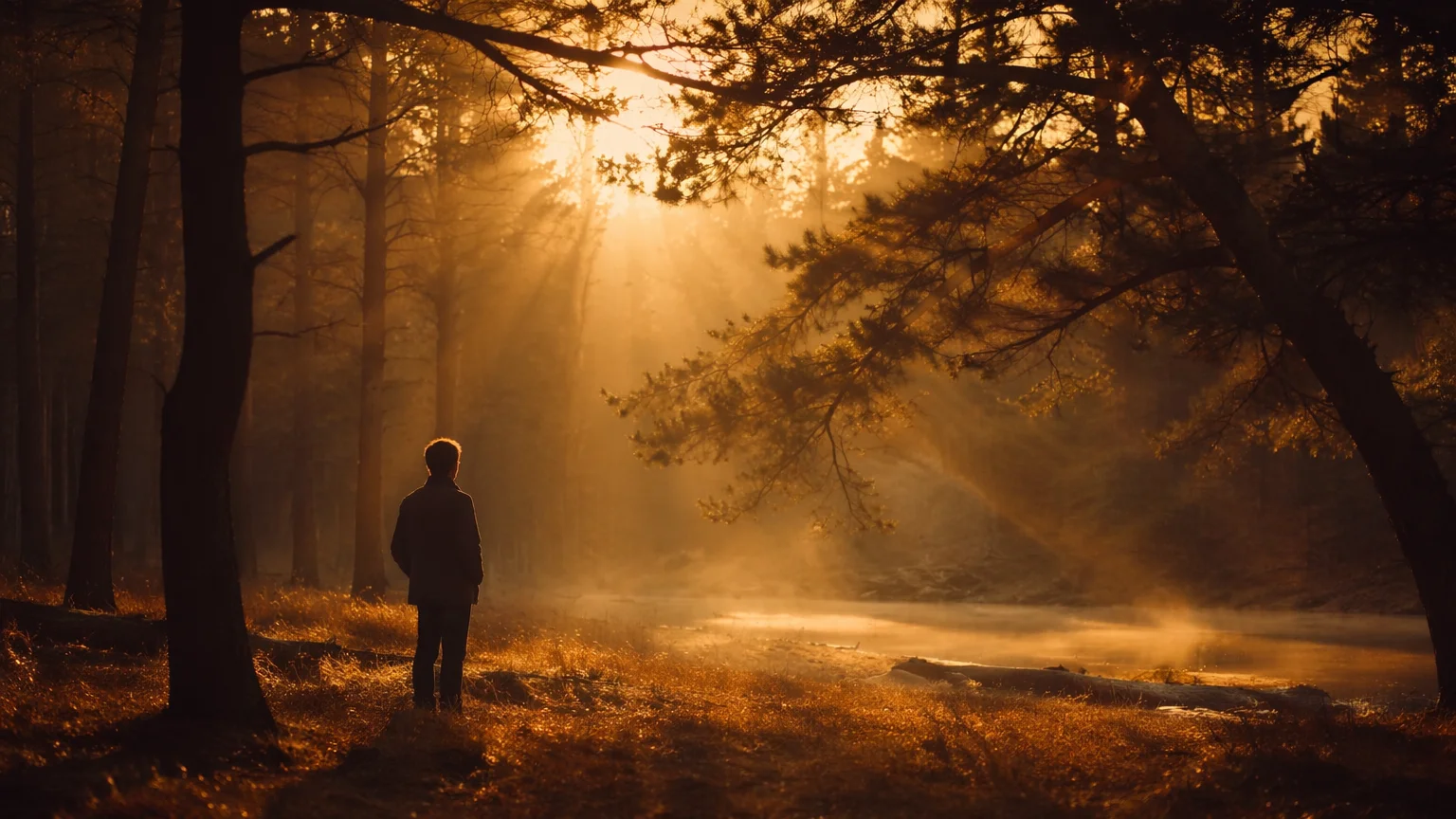
A quiet emotional moment — golden hour light, mist, or candlelight — with atmospheric composition.
Both models run in the same Renoise canvas — pick by what your scene needs.
| For cinematic video | Kling 3.0 Omni (Recommended) | Seedance 2.0 |
|---|---|---|
| Best for | Multi-shot sequences, physics-based action | Smooth continuous motion, image-to-video |
| Max shots per generation | Up to 6 | 1 |
| Duration per shot | 3–15s | 4–15s |
| First/last frame lock | ✓ | ✓ |
| Reference image support | ✓ | ✓ |
| Audio reference | — | ✓ (up to 3) |
An AI short film is made one shot at a time. Renoise does not generate a fully assembled, narratively coherent 5-minute film from a single prompt — no AI video tool does that reliably yet. What it does do is generate individual cinematic shots from precise descriptions, and those shots can be compelling enough to assemble into a short film with a story arc.
The craft is in the shot description. A prompt like "a woman walks through a forest" produces a generic clip. "Medium tracking shot, woman in a red coat walking through a misty pine forest at dawn, camera follows from behind, handheld feel, shallow depth of field, birdsong on the audio track" produces a cinematic shot with a specific visual language. Think in terms of a director's shot list: framing (wide/medium/close), subject action, setting, lighting/time of day, camera movement, and mood.
For a short film narrative, write a shot list first. A 90-second short film at 5–8 seconds per shot needs roughly 10–18 shots. That is a manageable number on Renoise — generate each one, iterate the weak ones, then assemble in a video editor. Kling 3.0 Omni's multi-shot mode (up to 6 shots per generation) is particularly useful here: you can describe a short scene arc and get multiple connected shots in one run.
For continuity across shots — same character, same location — use consistent descriptors in every prompt. A character description that stays word-for-word identical across prompts ("a tall woman, short dark hair, red wool coat") helps the model hold the visual identity across generations.
Short film generation draws on three video models and Canvas in one workflow.
Kuaishou video model: up to 6 shots, physics-based dynamics, multi-subject, cinematic motion.
ByteDance video model: smooth continuous motion, first/last-frame lock, audio and multimodal reference.
Open-source video model: flexible, detailed generation across a wide range of cinematic styles.
Write shot prompts, generate, preview, and iterate — all in one workspace.
One plan unlocks Kling 3.0 Omni, Seedance 2.0, Wan 2.1, and every other model on Renoise.
For first-time AI content creators
Billed $168 annually
Upgrade PlanSave $72/year
For creators shipping content every week.
Billed $504 annually
Upgrade PlanSave $216/year
For studios and pros producing at commercial scale.
Billed $1680 annually
Upgrade PlanSave $720/year
For first-time AI content creators
Billed monthly
Upgrade PlanFor creators shipping content every week.
Billed monthly
Upgrade PlanFor studios and pros producing at commercial scale.
Billed monthly
Upgrade PlanRenews automatically each year until canceled.
Renews automatically each month until canceled.
Cinematic shots and story sequences from text prompts. Watermark-free exports on paid plans.
Renoise generates individual cinematic shots from text prompts — not a fully assembled film. You write a shot list, generate each shot, and assemble them in a video editor. Kling 3.0 Omni's multi-shot mode can generate up to 6 connected shots in one run, which helps build scene arcs efficiently.
Kling 3.0 Omni for most short film work — multi-shot sequences, physics-based action, and cinematic character motion. Seedance 2.0 when you want smooth continuous motion or need to animate from a reference image. Wan 2.1 as an open-model alternative with broad stylistic flexibility.
Include an identical character description in every shot prompt — word for word. "A tall woman, short dark hair, red wool coat, late 30s" should appear in every prompt where she appears. The more consistent and specific your description, the more continuity you get across shots.
16:9 is the standard widescreen cinematic ratio and works best for a conventional short film look. For vertical social content (Reels, TikTok), use 9:16. Both are supported by Kling 3.0 Omni and Seedance 2.0.
Kling 3.0 Omni generates shots up to 15s; Seedance 2.0 generates 4–15s clips. For most cinematic shots, 5–8s is a natural duration — long enough to establish the scene, short enough to edit cleanly.
Seedance 2.0 supports up to 3 audio reference clips as input — useful for matching motion to a soundtrack or sound design. Final audio mixing and sync is done in your video editor after exporting the generated shots.
Your privacy is important to us
We use cookies to improve your experience and for marketing. Read our Cookie Notice.