Realistic pet portraits
Generate studio-quality portraits with accurate fur, eyes, and breed features from a photo or a detailed text prompt.
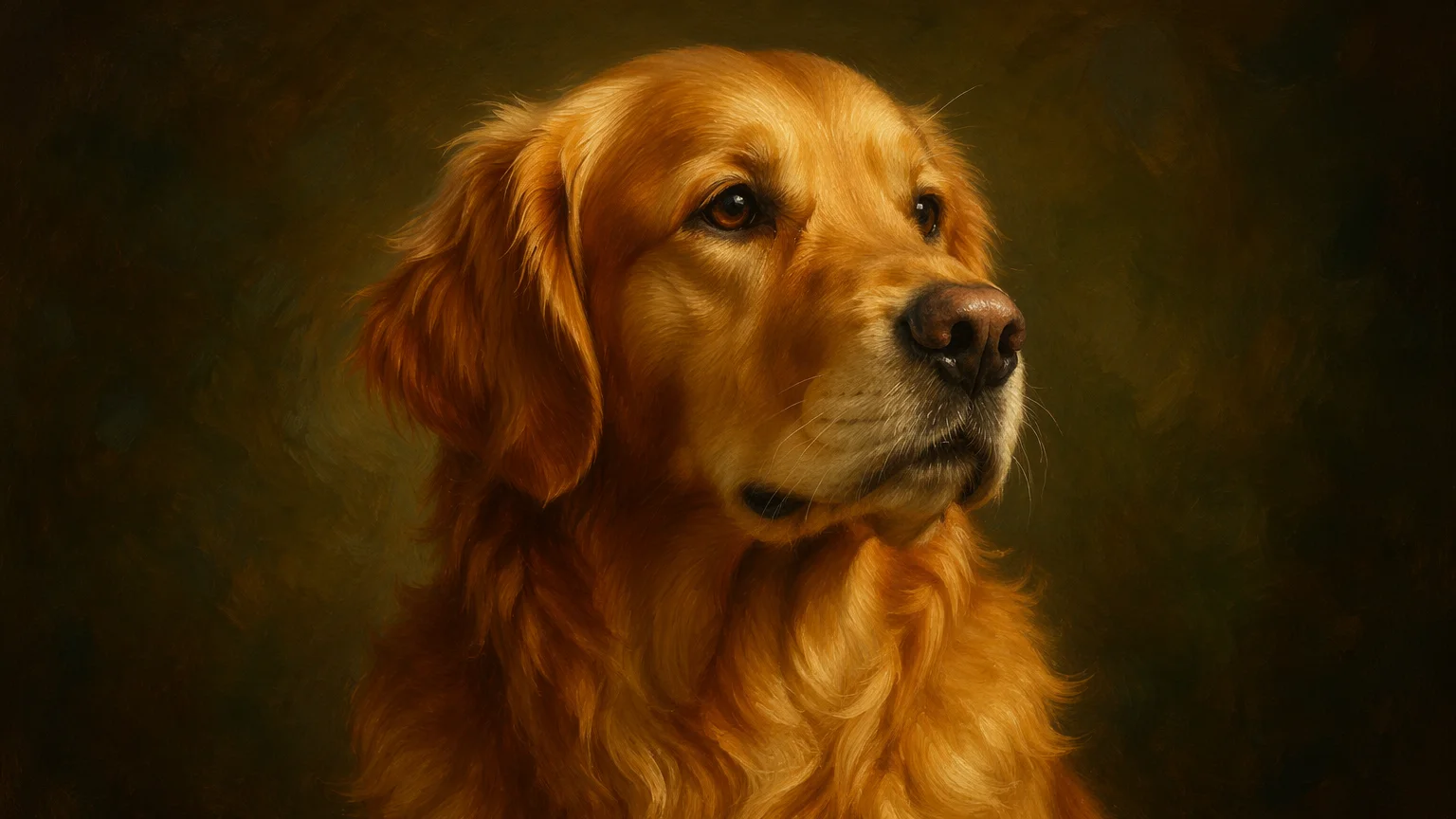
Turn your pet into a portrait, an oil painting, a cartoon hero, or an animated short clip — all from a photo or a text prompt.
Open Renoise Canvas, upload a photo of your pet or describe them in a text prompt, then pick a model — GPT Image 2 for instruction-precise portraits, Nano Banana Pro for photorealistic fur and lighting, or Seedance 2.0 to animate the photo into a short video clip. The output is ready to share, print, or gift in minutes.
Want to animate your pet into a short video loop? See the AI Video guide
From realistic portraits to animated clips — one canvas covers every pet content need.
Generate studio-quality portraits with accurate fur, eyes, and breed features from a photo or a detailed text prompt.
Transform your pet into an oil painting, watercolor, cartoon, or comic book character — great for gifts and prints.
Upload a pet photo and Seedance 2.0 animates it into a short looping clip for social media and messages.
Generate high-resolution pet art ready for canvas prints, greeting cards, and personalized merchandise.
From a photo upload to a shareable portrait or animated clip — all in one canvas.

Drag in a photo of your pet or describe them — breed, color, expression, pose. The more detail you give, the more accurate the result.

Pick the output style — realistic portrait, oil painting, cartoon, anime — then select the model. GPT Image 2 for precise prompts, Nano Banana Pro for photoreal fur, Seedance 2.0 for animation.
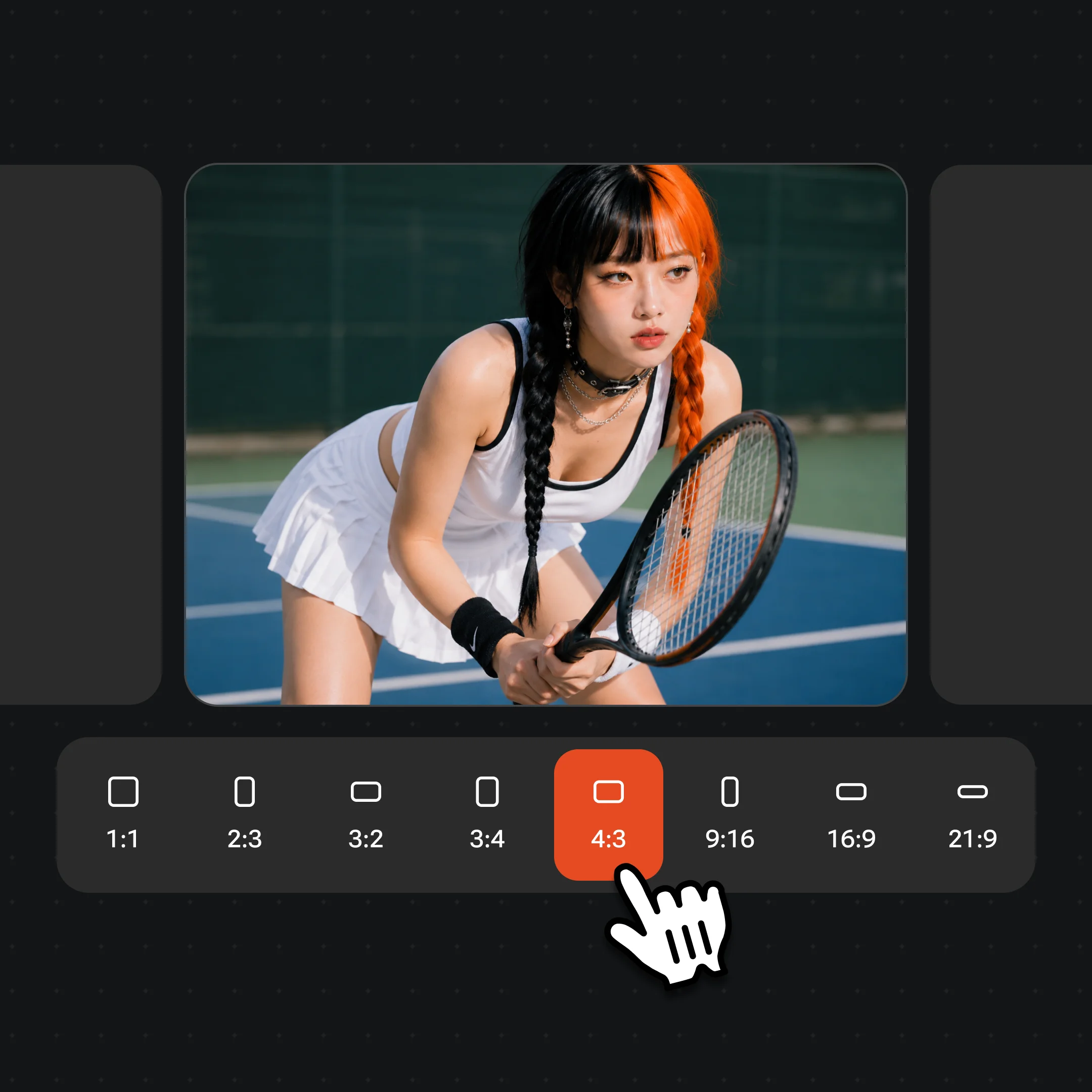
Generate and iterate until the result is right, then export at up to 4K. Watermark-free exports on paid plans.
Realistic portraits, artistic illustrations, and animated clips — all generated on Renoise.
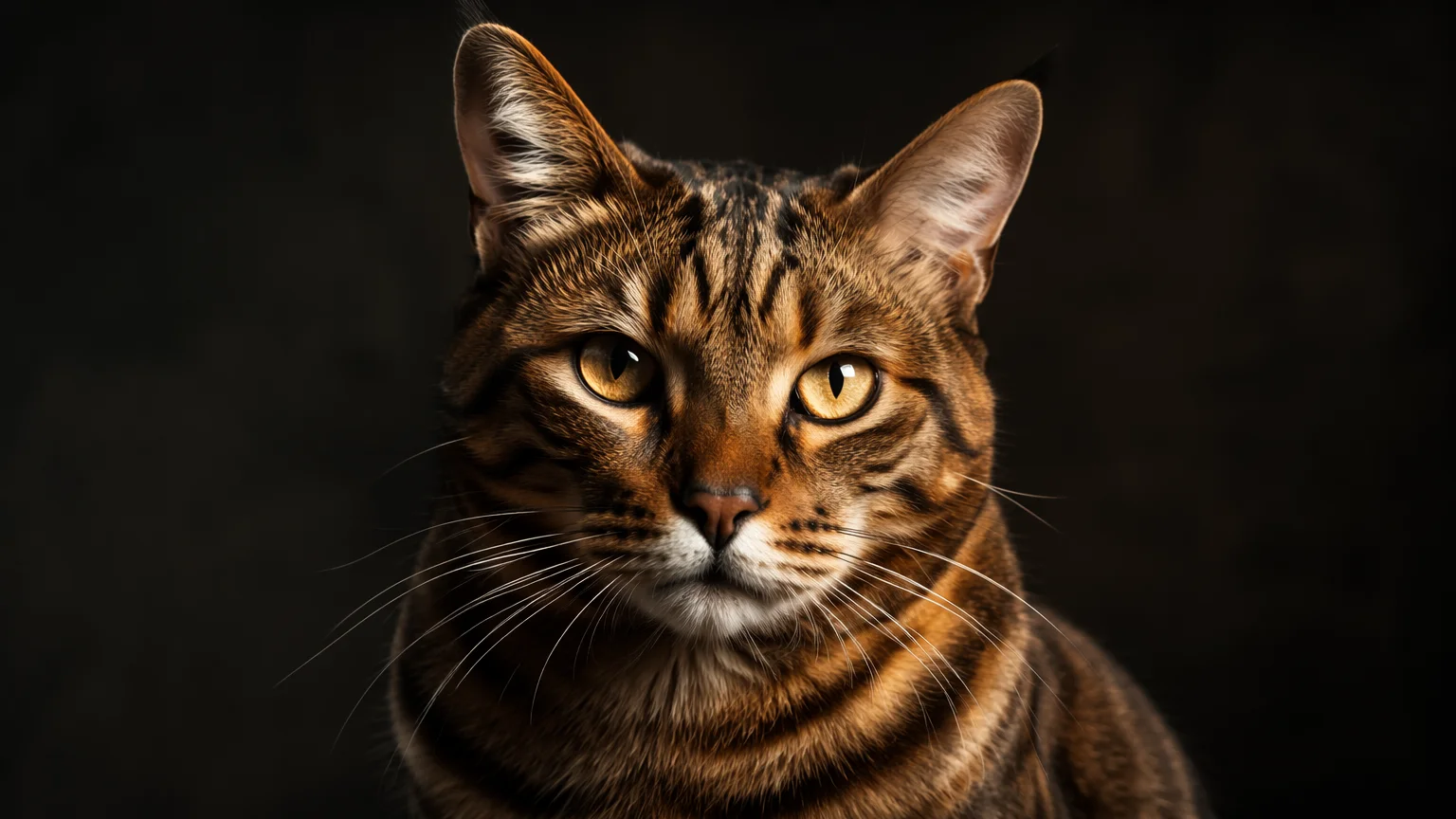
A photorealistic AI cat portrait with studio lighting and accurate breed features — ready to print or frame.
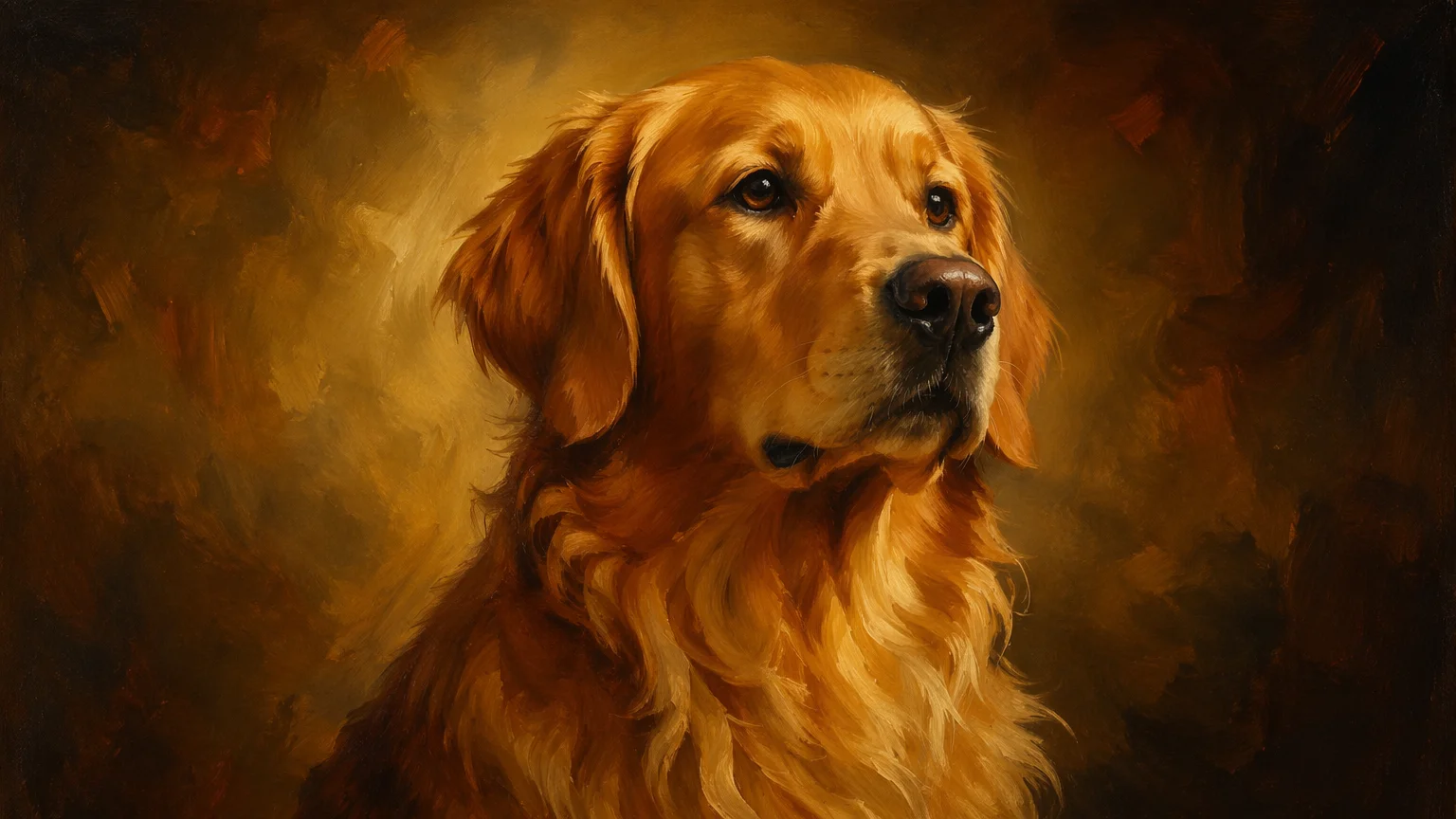
A classic oil painting AI dog portrait — brush strokes, rich tones, ready for canvas print or a custom gift.
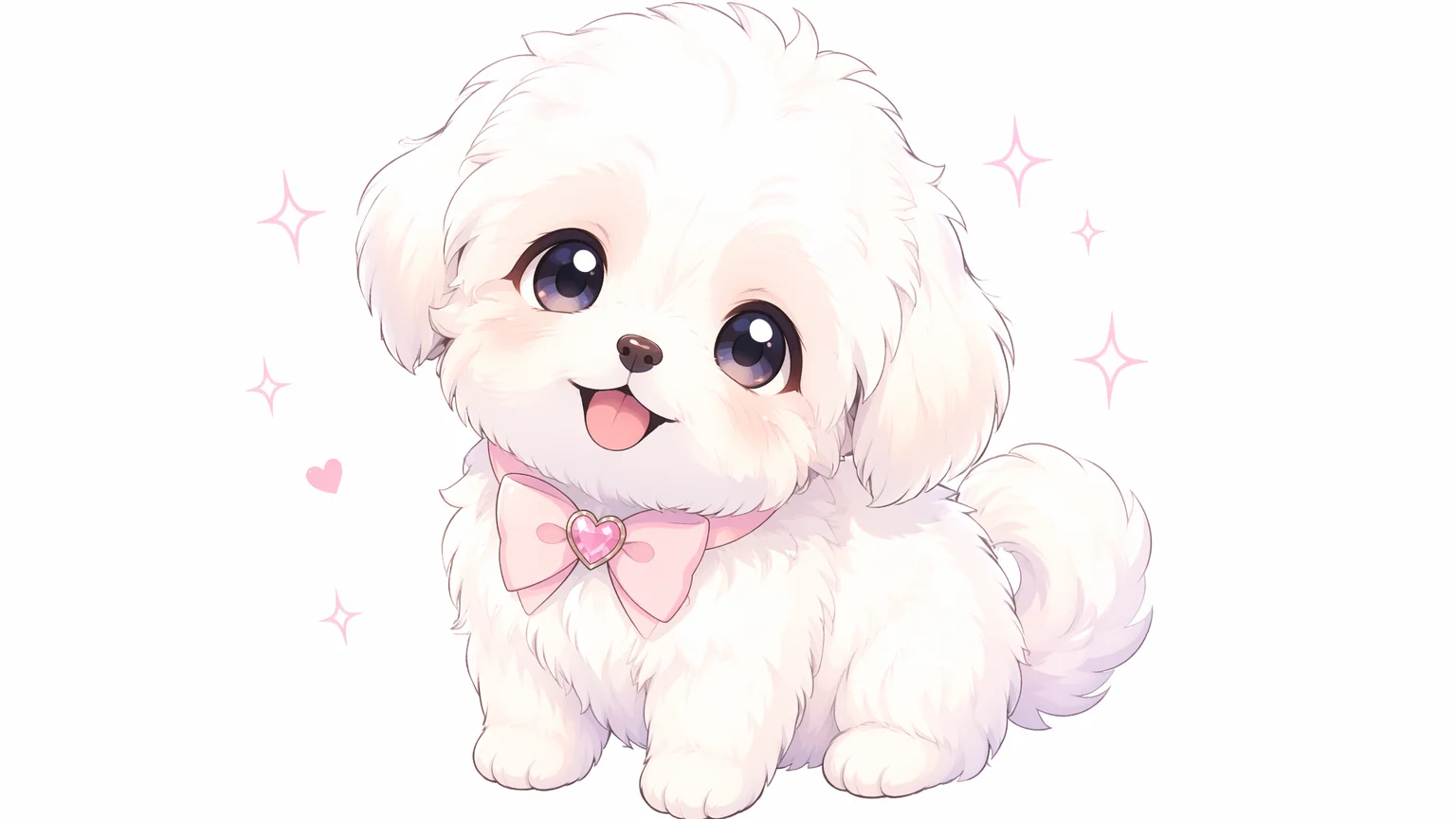
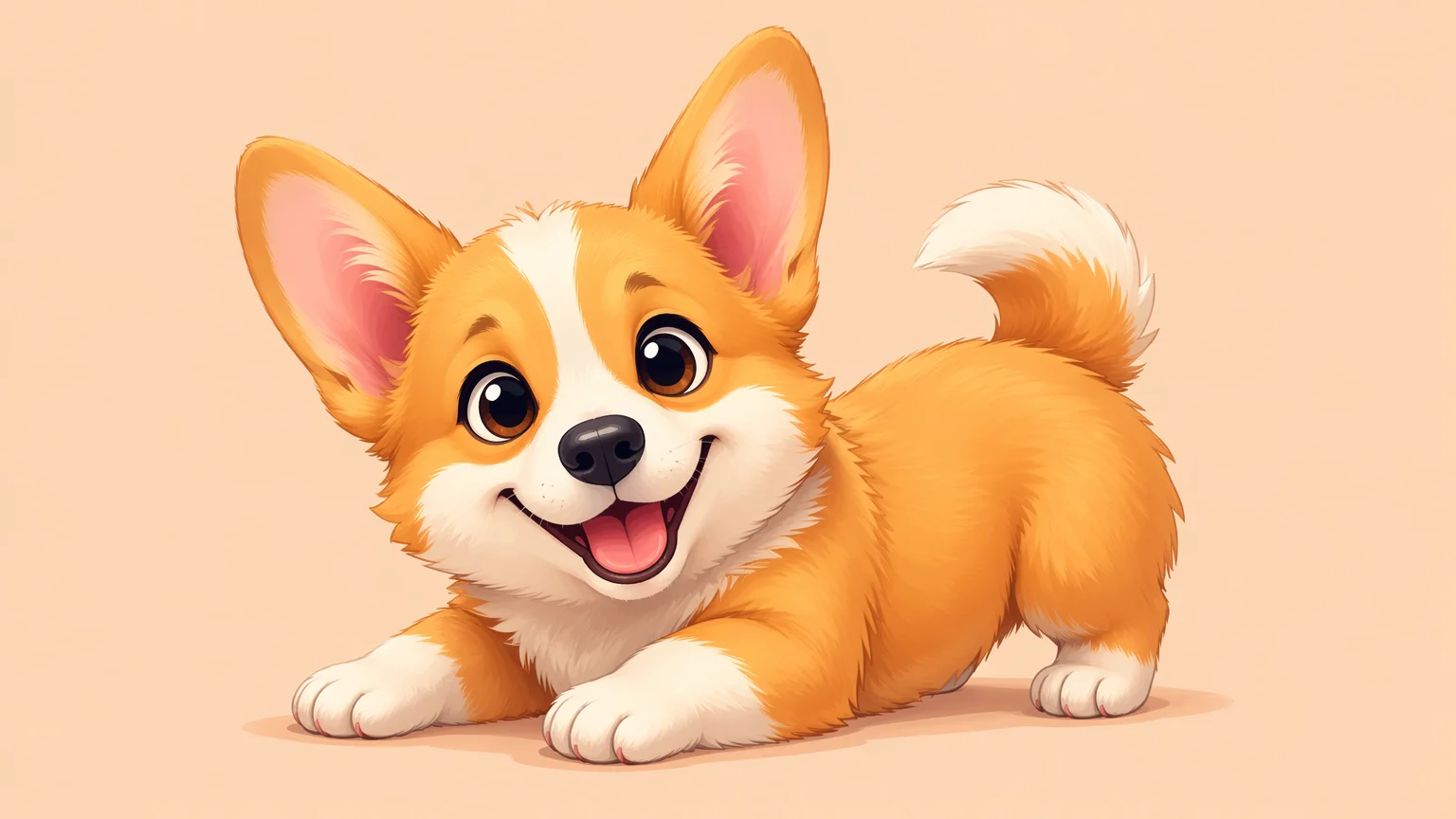
Your pet reimagined as a cartoon or anime character — great for social media avatars and stickers.
A still pet photo animated into a short looping video — the ears twitch, the tail wags, the eyes blink.
All three models are in the same Renoise canvas — pick by what you need.
| For pet photos | GPT Image 2 | Nano Banana Pro (Recommended) |
|---|---|---|
| Best for | Precise text instructions, artistic styles | Photoreal fur, skin, and lighting |
| Realistic fur and texture | Good | Best |
| Artistic style control | Best | Good |
| Up to 4K | ✓ | ✓ |
| Works with reference photo | ✓ | ✓ |
Generating an AI pet portrait that actually looks like your specific animal requires a bit of technique. The two approaches — uploading a reference photo versus writing a detailed text prompt — each have trade-offs.
With a reference photo, the model has accurate color, breed, and markings to work from. The key is prompting the style explicitly: add a clear directive like "oil painting style, warm lighting, soft bokeh background" so the model transforms the photo rather than just rendering a slightly edited version. Nano Banana Pro handles photorealistic textures well — fur, feathers, scales — so it's the first choice when you want the portrait to look like a polished photo rather than a stylized illustration.
With a text-only prompt, precision matters more. Breed name, color pattern, eye color, expression, and pose all help — "orange tabby cat, green eyes, sitting upright, dramatic studio lighting, white seamless backdrop, head tilt" gives a model much more to anchor on than "a cat portrait". GPT Image 2 follows complex multi-clause prompts very reliably, which makes it useful when you want precise artistic direction without an uploaded photo.
For animated pet clips, upload the clearest still you have and prompt the motion you want. "Tail wagging, ears perked, blinking, subtle head tilt, looping" works well with Seedance 2.0 for smooth natural motion. Keep it to 3–5 seconds for the most natural-feeling loop.
A popular twist on the pet portrait is going the other direction — asking the model to imagine what your pet would look like as a person. Upload a clear photo of your pet, and prompt something like "reimagine this cat as a human character, keep the same eye color, hair color matching the fur, same personality and expression, portrait photo, studio lighting". The model maps the animal's coloring, expression, and attitude onto a human face, and the results are often uncanny in the best way — a grumpy Persian becomes a stern aristocrat, a golden retriever becomes the friendliest guy at the party.
GPT Image 2 and Nano Banana Pro both handle pet-to-human transformations well. GPT Image 2 is stronger when your prompt spells out the character in detail (outfit, era, art style), while Nano Banana Pro produces the most photorealistic human portraits. The same works in reverse — "turn me into a dog" — and for couple portraits of you and your pet as two humans. Keep the source photo sharp and front-facing for the closest resemblance.
Pet photo generation draws on multiple models and tools in one canvas.
OpenAI image model: precise instruction following, strong artistic style control, up to 4K.
Photorealistic image model: accurate fur, feathers, and natural lighting for lifelike pet portraits.
ByteDance video model: animates still pet photos into smooth, natural looping clips.
One workspace for image generation, animation, and export — no switching between apps.
One plan unlocks GPT Image 2, Nano Banana Pro, Seedance 2.0, and every other model on Renoise.
For first-time AI content creators
Billed $168 annually
Upgrade PlanSave $72/year
For creators shipping content every week.
Billed $504 annually
Upgrade PlanSave $216/year
For studios and pros producing at commercial scale.
Billed $1680 annually
Upgrade PlanSave $720/year
For first-time AI content creators
Billed monthly
Upgrade PlanFor creators shipping content every week.
Billed monthly
Upgrade PlanFor studios and pros producing at commercial scale.
Billed monthly
Upgrade PlanRenews automatically each year until canceled.
Renews automatically each month until canceled.
Portraits, art, and animated clips from a photo or a prompt. Watermark-free exports on paid plans.
Yes. Upload a clear photo of your pet in Canvas, then prompt the style and any changes you want — "oil painting style", "anime character", "studio portrait on a white backdrop". The model uses the photo as a visual reference for breed, color, and features.
Nano Banana Pro is the best choice for photorealistic fur textures, accurate eye detail, and natural studio lighting. GPT Image 2 is better when you want precise artistic direction with a complex written prompt — both models live in the same canvas.
Yes. Upload the photo in Canvas, select Seedance 2.0, and describe the motion you want — "tail wagging, ears perked, blinking, looping 4-second clip". The model animates the still into a short looping clip suitable for social media.
Any style you can describe: oil painting, watercolor, pencil sketch, anime, cartoon, comic book, 3D render, studio photograph. Add the style as part of your prompt — "watercolor portrait, soft pastel tones, white background" — and the model follows the direction.
Yes. Write a detailed text-only prompt describing the breed, color, markings, expression, pose, and background. "A cream-colored ragdoll cat, blue eyes, sitting on a velvet armchair, dramatic side lighting, oil painting style" gives the model enough to produce a specific and convincing result.
Yes. Upload a pet photo and prompt a pet-to-human transformation — "reimagine this dog as a human, matching hair color and personality, portrait photo". GPT Image 2 and Nano Banana Pro both map the animal's coloring and expression onto a convincing human character.
Renoise pricing is per generation: images start from $0.03 per image and short videos from $0.34 per video. One plan unlocks every model — GPT Image 2, Nano Banana Pro, Seedance 2.0 — with watermark-free exports on paid plans.
Up to 4K. Choose the export resolution to match your use case — 2K for most web and social sharing, 4K if you want to print the portrait on a canvas or large-format print.
Your privacy is important to us
We use cookies to improve your experience and for marketing. Read our Cookie Notice.