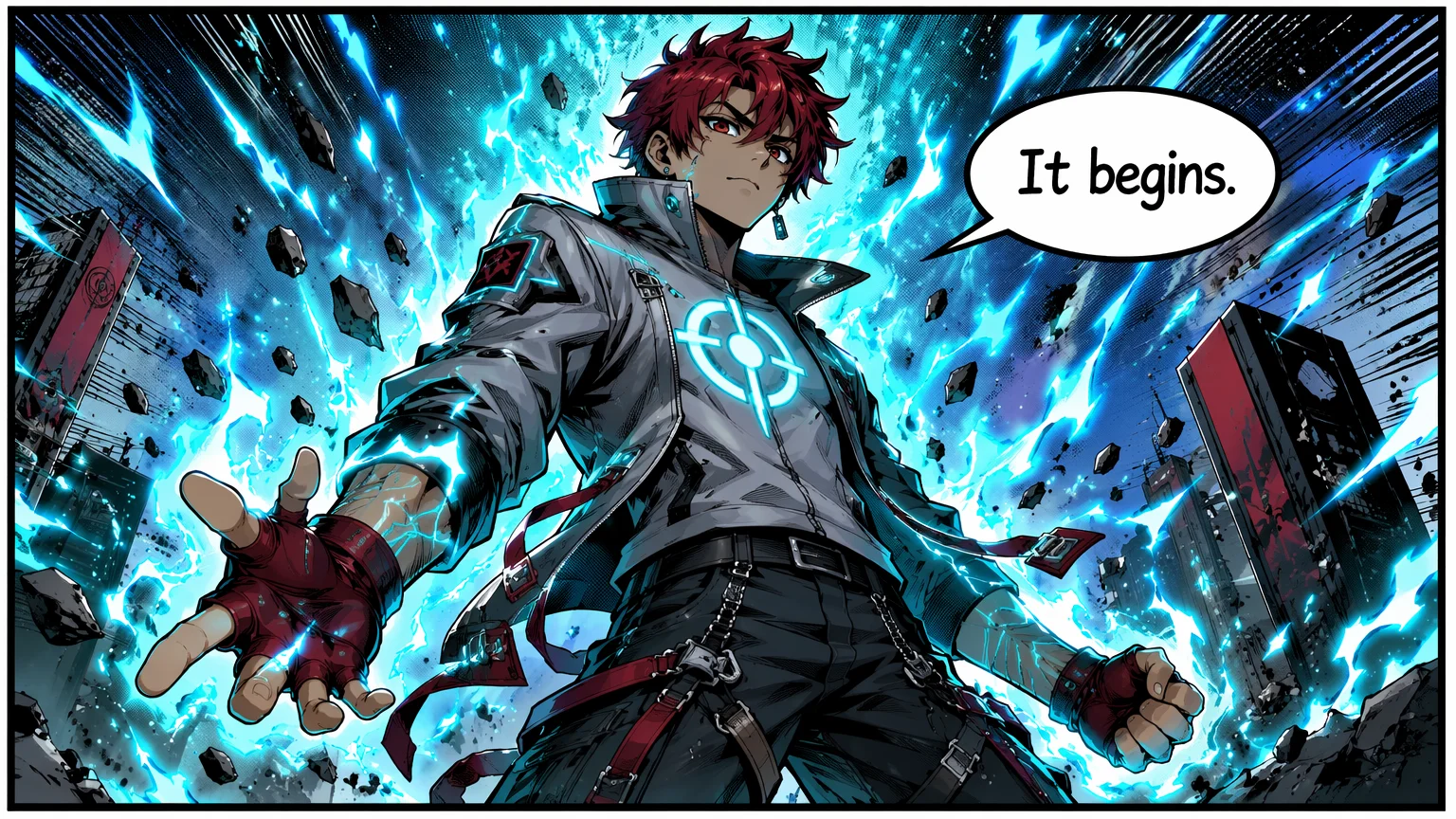
Hero reveal
A dramatic suit-up entrance — the kind of splash beat a chapter opens on.
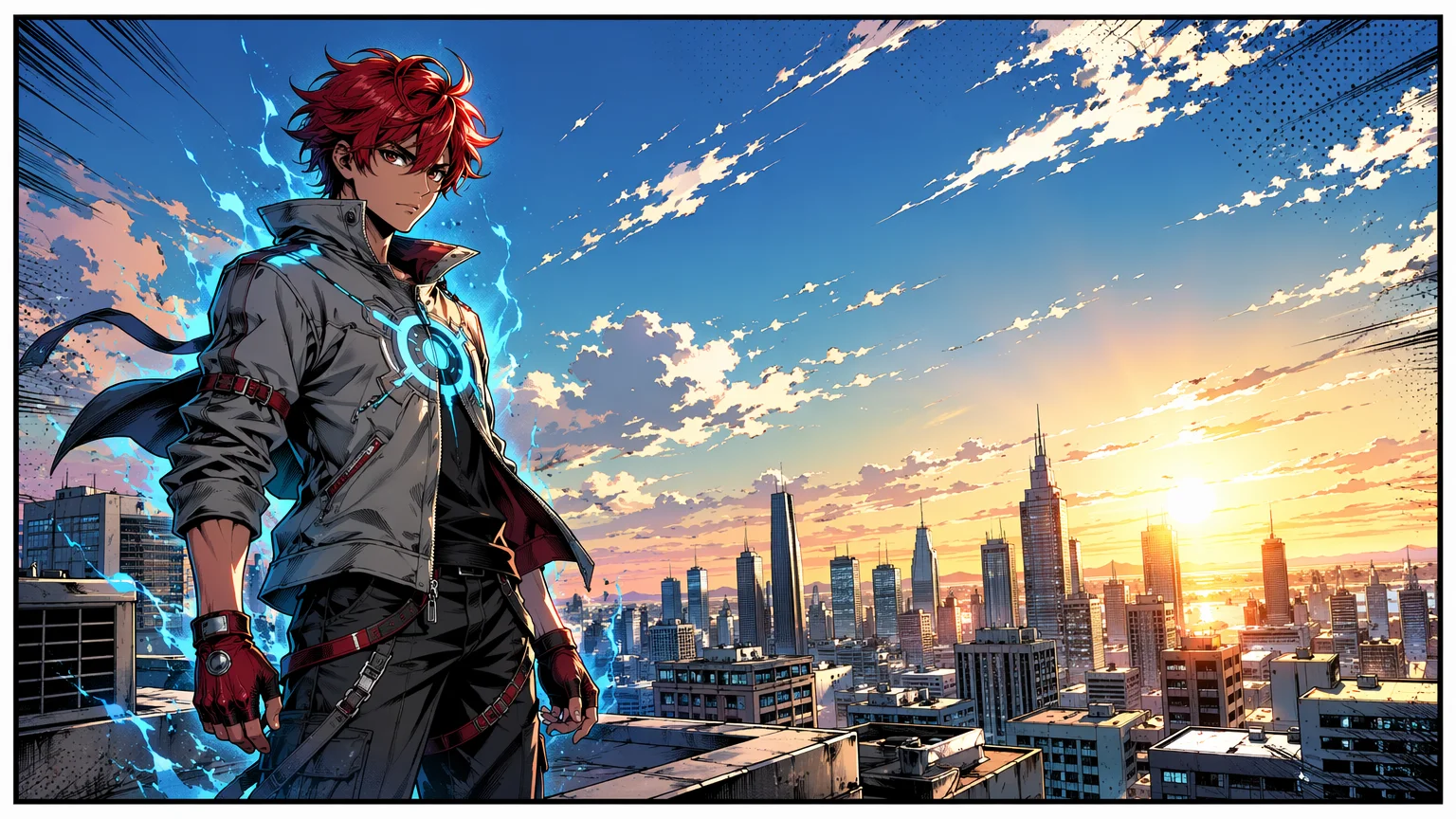
Reference one character image to keep the same protagonist across every panel of a chapter.
Generate one character portrait, then @-reference that image in every panel prompt so the same protagonist carries across a multi-panel comic or manga page. In Renoise, GPT Image 2 renders the panels with crisp in-panel dialogue text and multi-aspect layouts, all in one canvas.
This guide covers multi-panel comics and manga. For single-image character art, see the AI anime generator
A 3-step workflow that scales to a full chapter by repeating each step.

Write a 6-line panel script: one line per panel with camera angle, action, and any dialogue. This is the panel skeleton.

Generate one character portrait with GPT Image 2 in your chosen style, then @-reference that image in every panel prompt so each panel reuses it.
Include the same style cue verbatim in every panel prompt: "1990s shōnen manga, screentone shading, black ink with light gray fills".
Generate your protagonist once, then @-reference that image — the same character carries across any scene, exactly what a multi-panel comic needs.
A dramatic suit-up entrance — the kind of splash beat a chapter opens on.
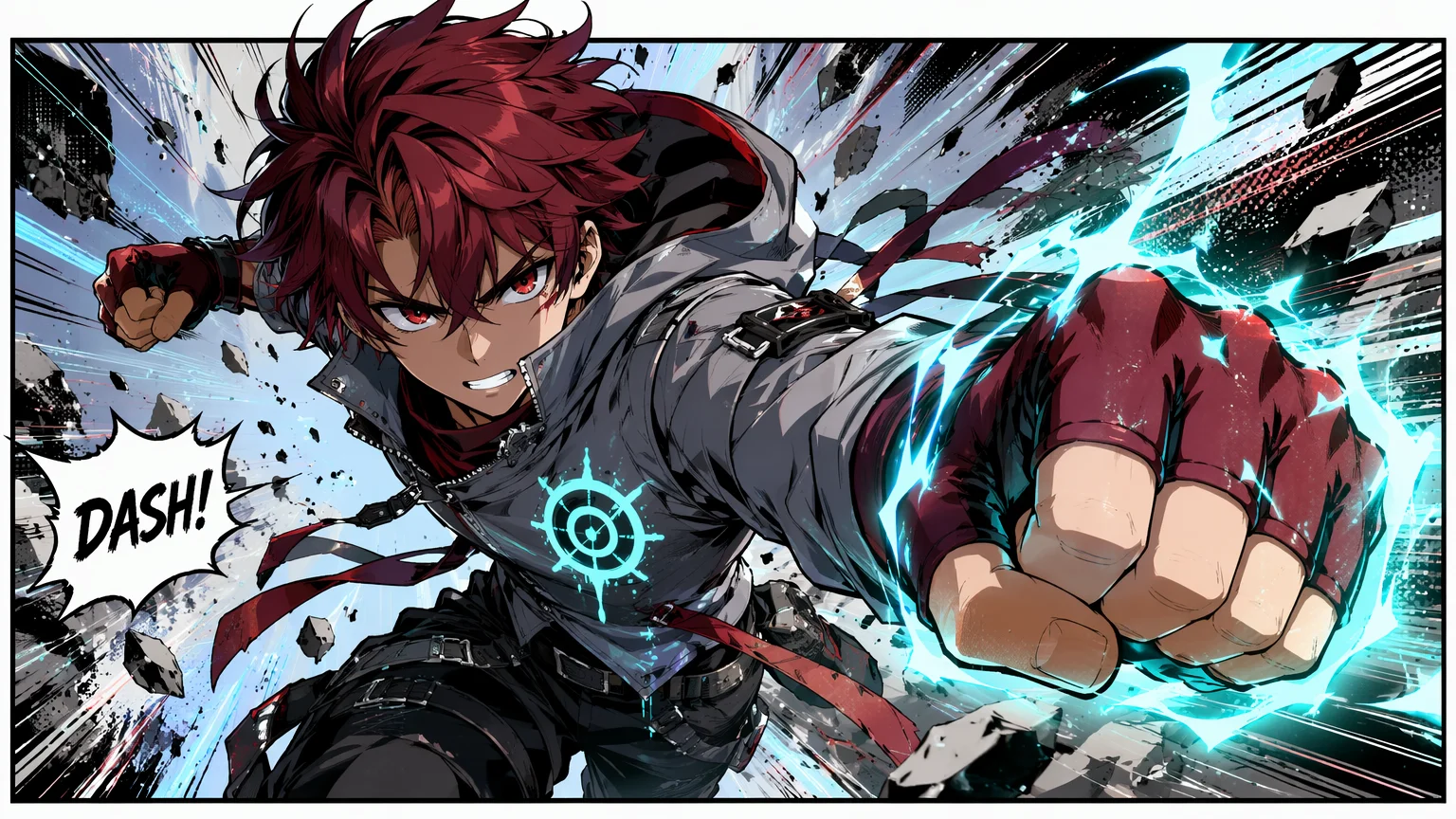
A high-motion fight scene; the same face holds even as pose and framing change completely.
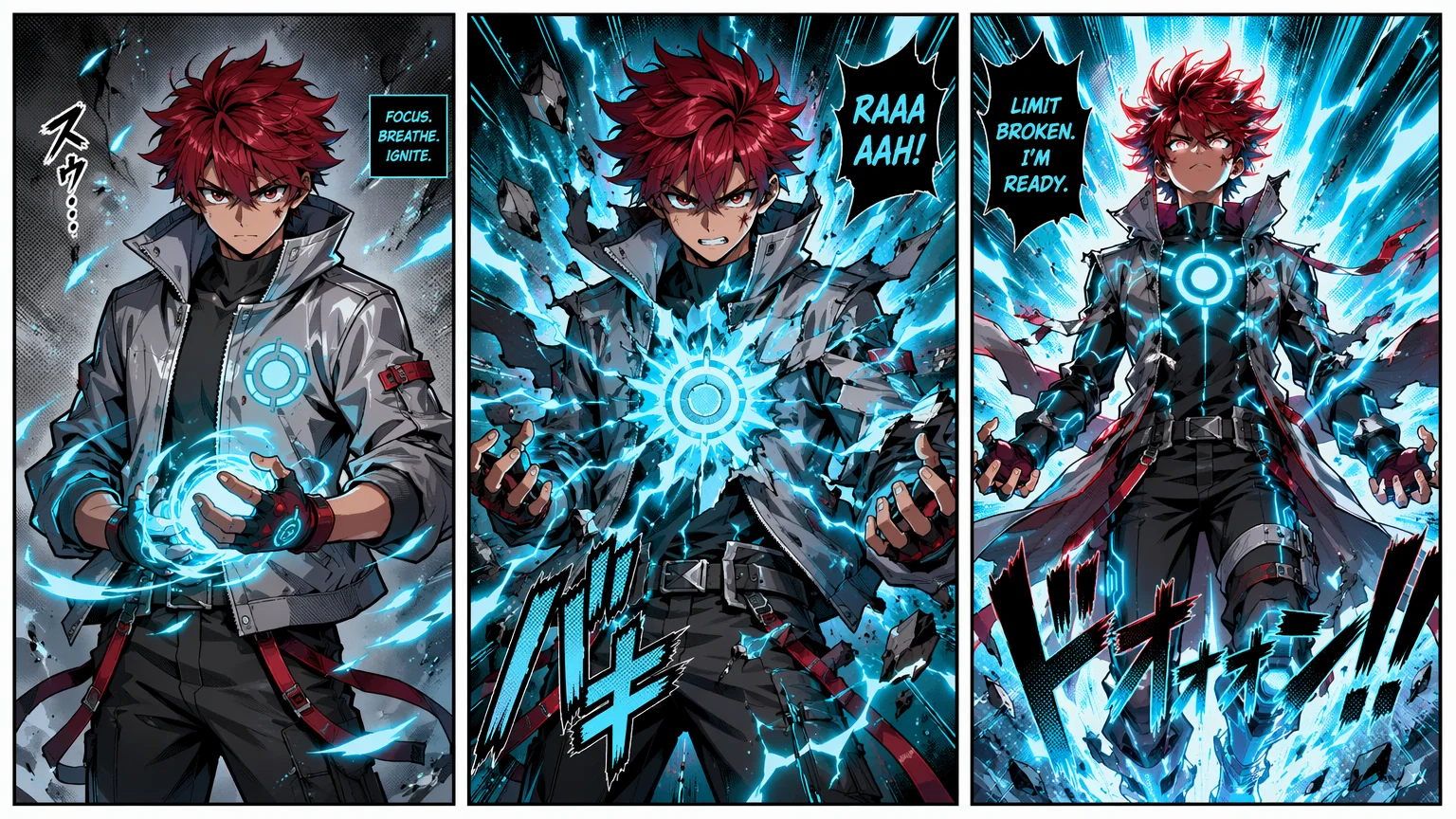
A multi-beat power-up sequence — referencing the same character image keeps it reading as one character throughout.
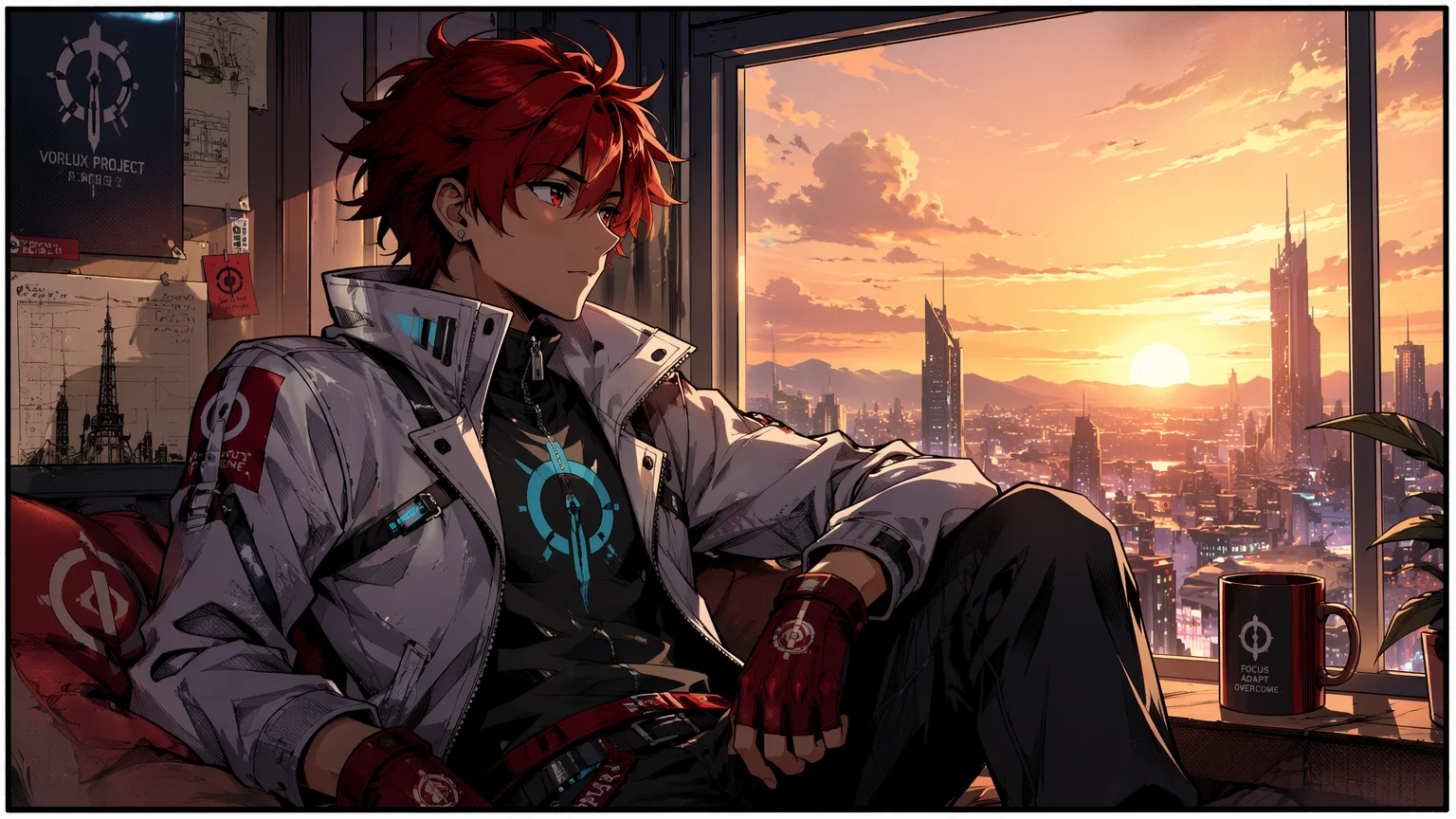
A quiet, manga-styled moment between the action — same character, relaxed framing.
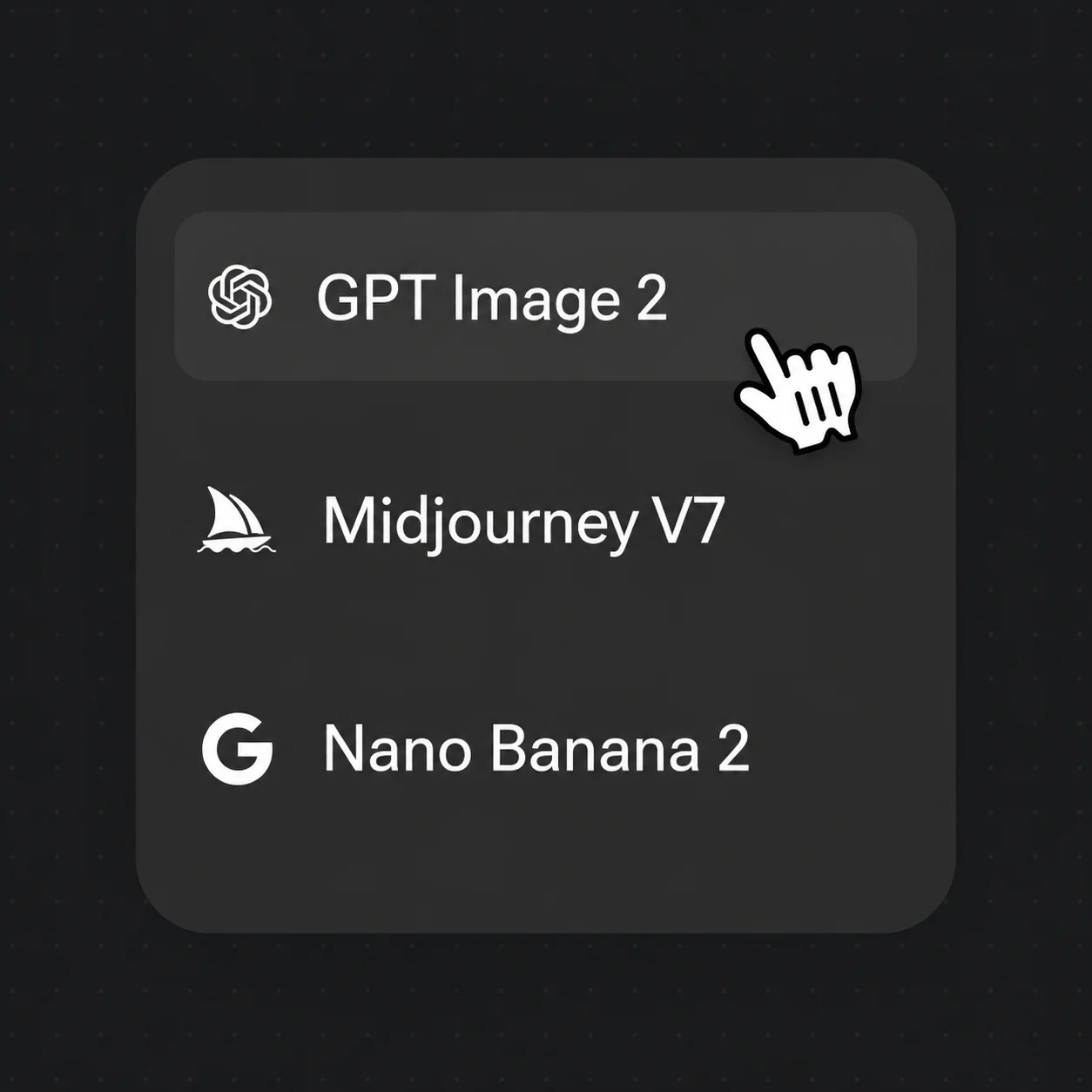
Both live in the same Renoise canvas — pick by what each panel needs. GPT Image 2 for in-panel dialogue text and layout, Nano Banana Pro when you lean on many reference images for identity.
| For comic panels | GPT Image 2 (Recommended) | Nano Banana Pro |
|---|---|---|
| Best for | In-panel text + layout | Identity across references |
| In-panel dialogue text | Best | Good |
| Identity lock | Good | Best |
| Multi-panel layouts | ✓ | — |
| Same canvas | ✓ | ✓ |
Comic and manga share a panel-based grammar but differ in how the page reads. Western comics usually run a horizontal grid of wide panels read left-to-right, with gutters — the white space between panels — controlling pacing: tight gutters speed a beat up, wide ones let a moment breathe. Manga reads right-to-left and leans on taller, more varied panel shapes and screentone shading instead of flat color.
What both formats live or die on is in-panel text: speech bubbles, narration boxes, and SFX have to sit inside the art and stay legible. A panel with a misspelled caption or a bubble crowding the subject breaks the read instantly, which is why text rendering matters more here than in single-image art.
In Renoise, GPT Image 2 is the model to reach for — it renders crisp dialogue bubbles and SFX directly in the panel, so you can write "with dialogue bubble: Look out!" and get correctly-spelled text in a fitting font and position. Generate panels natively at 1:1, 16:9, or 9:16 to match a print grid or a vertical webtoon scroll, then arrange and export the finished layout as one page.
Comic work hinges on a few things — and Renoise gives you GPT Image 2, Nano Banana Pro, and many other image models in one canvas, plus video models to animate your panels into anime clips.
Clean in-panel text — dialogue bubbles, SFX, and page numbers — across manga, Western, and webtoon styles, with strong multi-panel layouts.
Generate your protagonist once and @-reference that image so every panel reuses it; Nano Banana Pro locks identity hardest when you need many references.
Generate 1:1, 16:9, and 9:16 panels natively in one job — no cropping.
Switch freely between GPT Image 2, Nano Banana Pro, and other image models — then animate finished panels with video models for motion comics.
One plan unlocks GPT Image 2, Nano Banana Pro, and every other image and video model.
For first-time AI content creators
Billed $168 annually
Upgrade PlanSave $72/year
For creators shipping content every week.
Billed $504 annually
Upgrade PlanSave $216/year
For studios and pros producing at commercial scale.
Billed $1680 annually
Upgrade PlanSave $720/year
For first-time AI content creators
Billed monthly
Upgrade PlanFor creators shipping content every week.
Billed monthly
Upgrade PlanFor studios and pros producing at commercial scale.
Billed monthly
Upgrade PlanRenews automatically each year until canceled.
Renews automatically each month until canceled.
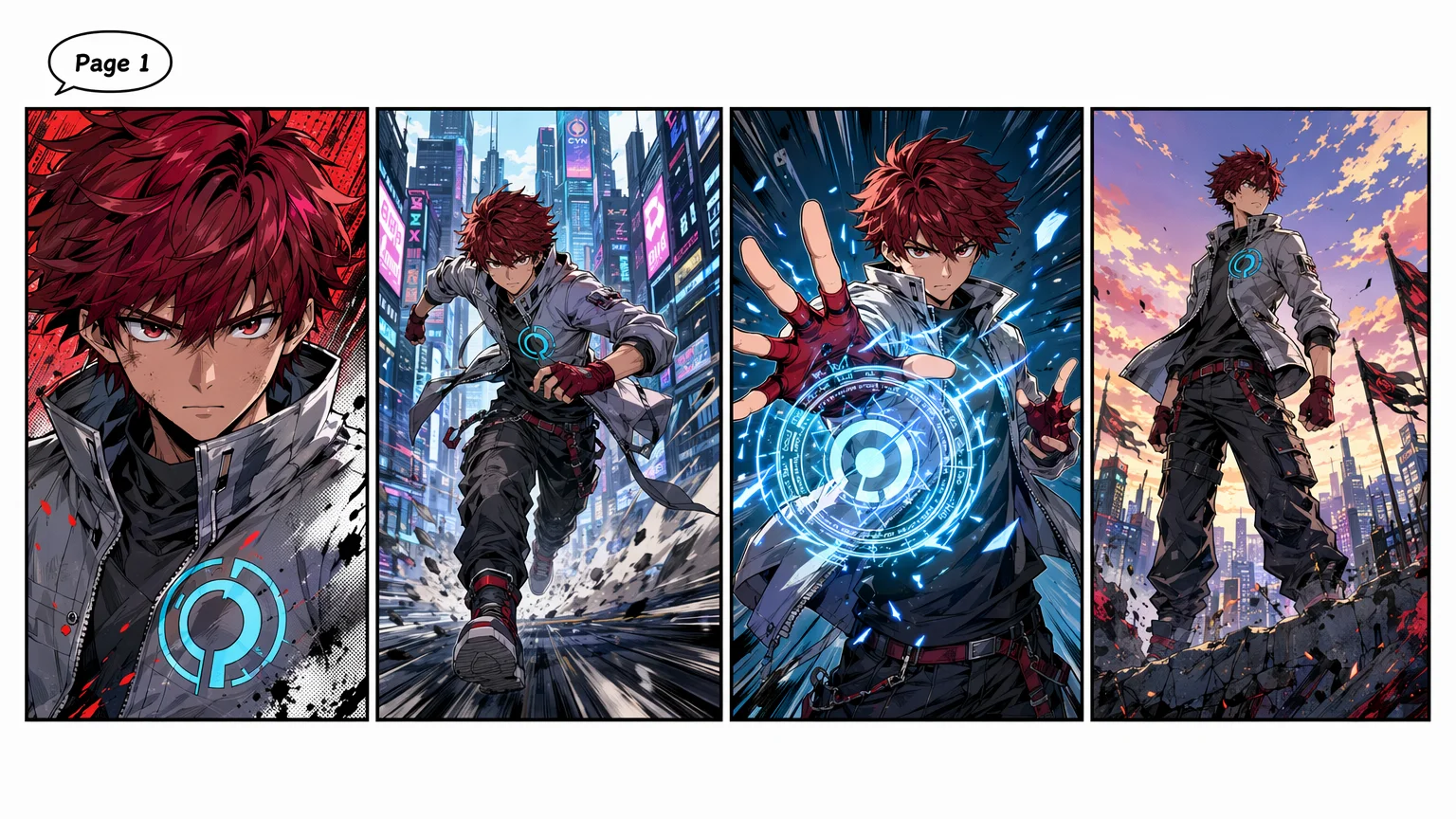
Lock one character and render a full page. Watermark-free on paid plans.
Yes — generate your protagonist once, then @-reference that image in every panel prompt. Each subsequent panel reuses that character. Without an image reference, your character drifts and panel 1 versus panel 6 look like different people.
Yes — GPT Image 2 leads here. It is the strongest model for in-panel text: include the dialogue in the prompt, such as "with dialogue bubble: Look out!", and it renders crisp, correctly-spelled text in a context-appropriate font and position. SFX and page numbers render cleanly too.
For most comic work, GPT Image 2 — it has a clear lead on in-panel text, spelling, and multi-panel layouts, which is what comics live or die on. Reach for Nano Banana Pro when you need the tightest character-identity lock across many reference images. Both, plus other models, live in the same canvas, so you can mix them per panel.
Yes. Keep @-referencing the same character image across the project. Generate page 1, then add new panels to the same Canvas, referencing that portrait throughout. A 20-page chapter is realistic in 3 to 5 hours of generation work.
Yes. Once your panels and character are set, animate them with Renoise's video models to produce short anime-style clips — handy for trailers, social teasers, or motion comics. See the AI music video and AI photo-to-video guides for the video workflow.
Use a specific era and medium descriptor. Good: "1990s shōnen manga, screentone shading, black ink with light gray fills". Bad: "anime style". The more specific the era and medium, the more consistent the output across panels.
Yes, with the same caveats as any AI-generated image. Renoise outputs are watermark-free on paid plans and can be commercially licensed. Verify the licensing terms in your account before publishing to platforms like Webtoon or Tapas.
Yes. Drop panels onto Canvas, arrange them in a grid, and export the layout as a single PNG or JPG page. For print, export at 300 DPI; for digital webtoons, export at 72 DPI for vertical scrolling.