3–30 seconds per shot
Pick any whole second from 3 to 30. A 30-second take comes out of one generation, no stitching.
Kuaishou’s Kling 4 and Kling 4.0 Omni in the Renoise Canvas: 3–30 second shots with native audio, 720p up to 4K, and 21:9 framing.
Pick any whole second from 3 to 30. A 30-second take comes out of one generation, no stitching.
Render at 720p or 1080p, or choose the 2K and 4K tiers, which are upscaled output.
Dialogue, effects and ambience come with every clip. Kuaishou says the audio is two-channel stereo with tighter lip sync.
Frame shots in 21:9, 16:9, 9:16 or 1:1 for film, YouTube, Reels and feeds.
Start from your own first frame, or set both ends and let Kling 4.0 animate the move between them.
Kuaishou says signs, titles and logos stay legible in English, Chinese, Japanese, Korean and more.
Renoise lists two Kling 4 models at the same price and with the same caps: 3–30 seconds, 720p to 4K, four aspect ratios and native audio. The only difference is how you steer the shot.
Use Kling 4.0 for pure text-to-video, or when you already have the exact first frame (and, optionally, the last). Use Kling 4.0 Omni when a person, product or place from your images has to appear in the video: it takes up to 10 reference images. One task uses either frames or reference images, not both.
Kling 4.0
Best when the opening image is fixed or you only have a prompt.
Kling 4.0 Omni
Best for keeping a character, product or set consistent across the shot.
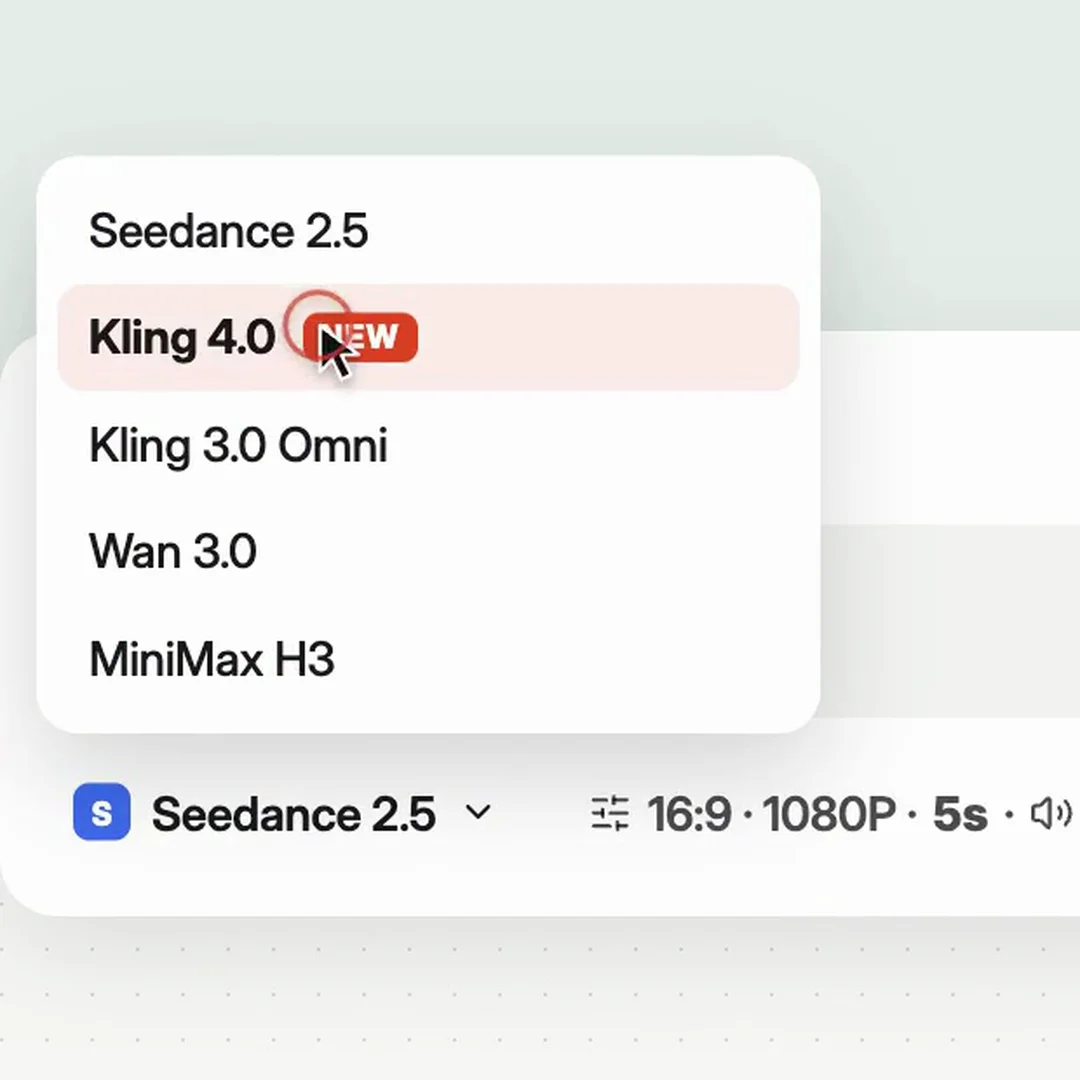
Open Videos and choose Kling 4.0, or Kling 4.0 Omni if you want to add reference images.
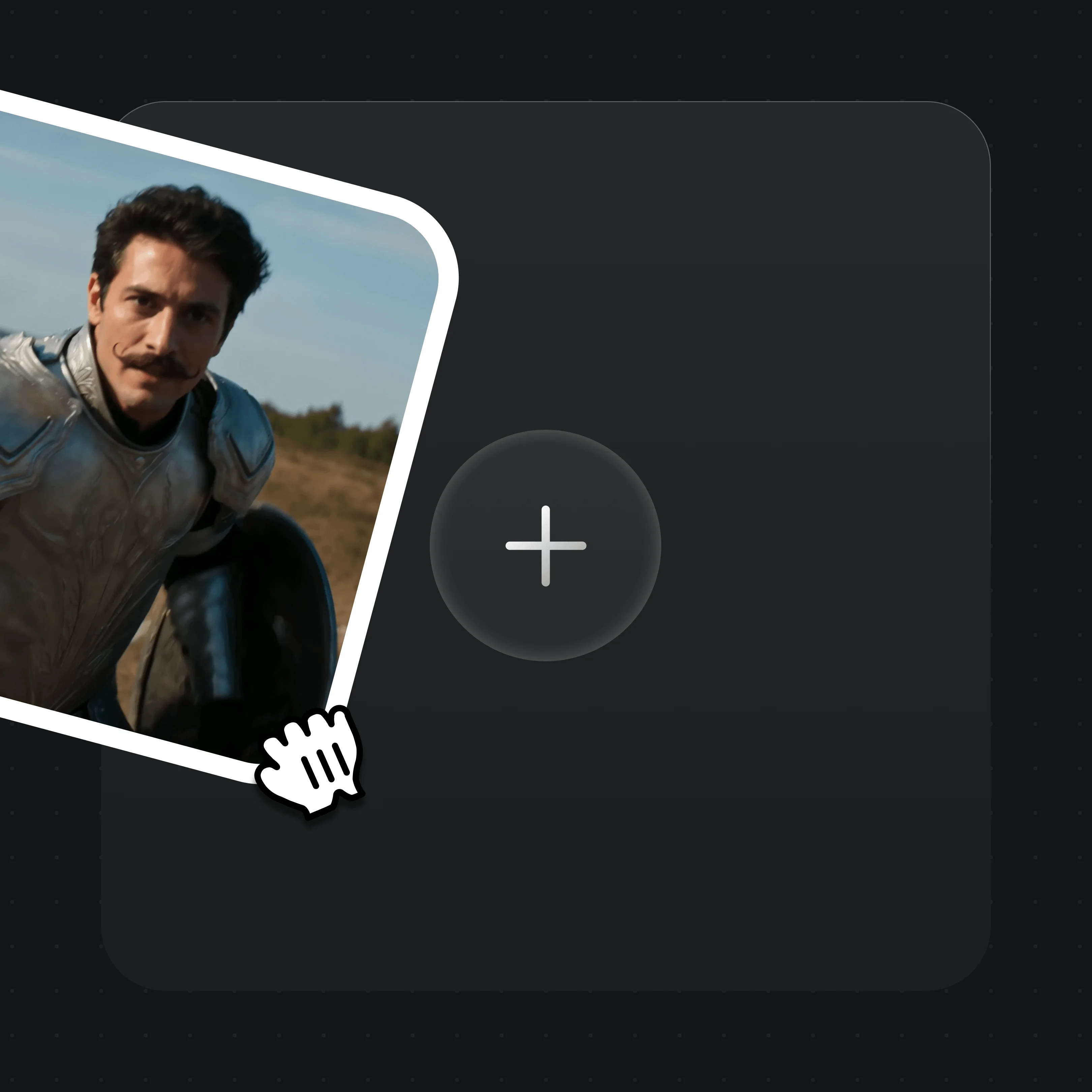
Optional: drop in a first frame (and last frame), or up to 10 reference images for Omni. Each image needs at least 300px per side.
Write the action, camera and dialogue, then set 3–30 seconds, the ratio and 720p to 4K. Long or 4K clips can take several minutes or more.
Every clip below is a single Kling 4.0 generation made in Renoise, shown muted.
Both are in the Renoise model picker. These are the limits Renoise exposes for each, not Kuaishou’s full spec sheet.
| In Renoise | Kling 4.0 / 4.0 Omni (Recommended) | Kling 3.0 Omni |
|---|---|---|
| Clip length | Any whole second, 3–30s | 3, 5, 10 or 15s |
| Resolution | 720p, 1080p, 2K, 4K (2K/4K upscaled) | 720p, 1080p |
| Aspect ratios | 16:9, 9:16, 1:1, 21:9 | 16:9, 9:16, 1:1 |
| Reference images | Up to 10 (Omni) | Up to 7 |
| Reference video | Not yet | 1 clip |
| Native audio | Always on | On or off |
| Price at 720p | 26 credits / second | 16 credits / second |
| Pick it when | You need longer shots, 4K or 21:9 | You need a reference video or a cheaper short clip |
Kling 4.0 and Kling 4.0 Omni cost 26 credits per second at 720p, 38 at 1080p, 46 at 2K and 76 at 4K. One Renoise plan covers them and every other video and image model.
For first-time AI content creators
Billed $168 annually
Upgrade PlanSave $72/year
For creators shipping content every week.
Billed $504 annually
Upgrade PlanSave $216/year
For studios and pros producing at commercial scale.
Billed $1680 annually
Upgrade PlanSave $720/year
For first-time AI content creators
Billed monthly
Upgrade PlanFor creators shipping content every week.
Billed monthly
Upgrade PlanFor studios and pros producing at commercial scale.
Billed monthly
Upgrade PlanRenews automatically each year until canceled.
Renews automatically each month until canceled.
Generate with Kling 4.0 or Kling 4.0 Omni in Renoise, next to Seedance 2.5 and Kling 3.0 Omni, billed per generation from your plan credits.
Kling 4.0 is the fourth-generation video model from Kuaishou’s Kling AI. It makes 3–30 second clips with native audio from a prompt, a first frame, first and last frames, or reference images. In Renoise it comes as two entries, Kling 4.0 and Kling 4.0 Omni.
Kuaishou opened Kling 4.0 Flash to a limited group on September 28, 2026 and rolled out the full Kling 4.0 in October 2026. Kling 4.0 and Kling 4.0 Omni went live in Renoise on October 23, 2026.
They share the same price, durations, resolutions and ratios. Kling 4.0 works from text, a first frame, or first and last frames. Kling 4.0 Omni also accepts up to 10 reference images to keep a character, product or scene consistent. A single task uses frames or reference images, not both.
Any whole number of seconds from 3 to 30 in one generation. Kuaishou has announced extending a video up to 2 minutes as coming soon; that is not available in Renoise.
Yes. Renoise offers 720p, 1080p, 2K and 4K for Kling 4.0, where 2K and 4K are upscaled output. Kuaishou’s 10-bit HDR output is listed as coming soon and is not available in Renoise.
Yes. Native audio is always on in Renoise, so dialogue, sound effects and ambience come with every clip. Kuaishou describes it as two-channel stereo with improved lip sync across languages such as English, Chinese, Japanese, Korean and Spanish.
In Renoise, Kling 4.0 and Kling 4.0 Omni cost 26 credits per second at 720p, 38 at 1080p, 46 at 2K and 76 at 4K. A 5-second 720p clip is 130 credits; a 10-second 1080p clip is 380 credits. See pricing for plans.
Yes. Renoise exposes kling-4.0 and kling-4.0-omni in the same API, CLI and MCP you use for every other Renoise model, so you can call it from your own code or from Claude.
Both are in Renoise. Kling 4.0 goes up to 4K and 21:9 and costs 26 credits per second at 720p. Seedance 2.5 tops out at 1080p but takes far more references: up to 30 images, 10 videos and 10 audio clips. Pick by the shot, not by a winner.