Nothing uploads before sign-in
Picking a file only previews it on your device. Not one byte is stored until you sign in and click generate.
Upload a portrait and get a 4-second clip where the face blinks, smiles and turns. No talking — this animates expression, not speech. Your first clip is free after signup.
Sign up and get 20 free credits — about 1 video
For photos of yourself or people who agreed to appear.
Real output from this page. One photo in, expression out — no speech.
Upload one portrait and this AI animated face tool returns a 4-second clip where the face blinks, smiles faintly and turns slightly — the same person, now moving. There is nothing to write and nothing to adjust. It takes about two minutes. New accounts get 20 free credits and a clip here costs 20 at list price, so your first one is free, and a failed run refunds itself.
Want the face to actually speak, with synced audio? See the talking photo guide
One portrait, one button. The tighter the crop, the more of the clip is face.
Front-facing, evenly lit, face reasonably large in the frame. A face in profile or lost in a group shot has much less to work from.
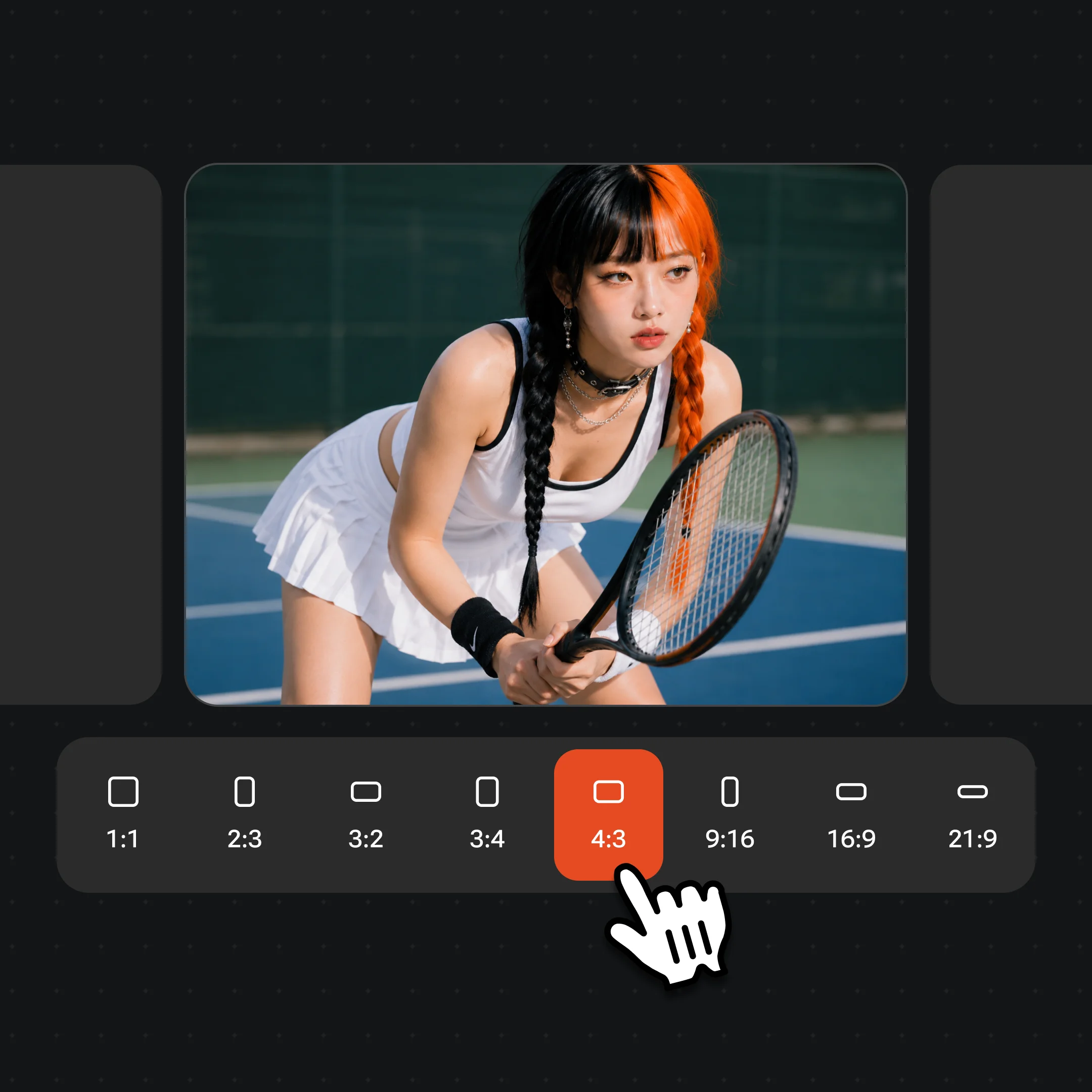
480p and 4 seconds is what the signup credits cover, and it is preselected. The 720p and 10-second options need a plan and say so before you click.
The clip renders server-side. You can leave the page — it lands in your videos either way.
This is the distinction that decides whether the page is useful to you, so it goes first. The clip you get back has the face blinking, a small smile arriving, the head turning slightly, hair settling. What it does not have is speech: no mouth shapes forming words, no lipsync, no audio you supplied.
That is a hard limit rather than a setting. Lipsync runs on a different model priced per second of speech, which puts even a short line far past the credits a new account is given — so rather than offer it here and meter you three seconds in, this page does the thing it can do for free and points you elsewhere for the thing it cannot.
Within expression, the results held up better than we expected at this tier. In our own run the face was unmistakably the same person across all four seconds, with the blink and the smile arriving at a natural pace and the hair moving with the head. What drifts is anything the model has to guess at: a face small in the frame, in profile, or in heavy shadow has less to anchor to and can soften over the four seconds.
The numbers: 4 seconds at 480p, about 560×752 for a portrait crop, H.264 with an audio track, around 2MB, roughly 90 to 110 seconds end to end. It carries a watermark.
Signing up gives you 20 credits and one clip at the default tier costs 20 at list price, so the first one is free — no card, no trial period, no plan to cancel. After that each clip is billed per generation. A free tier is not something we have, and calling the signup credits one would be a lie you would find out about on your second attempt.
What makes that a real free clip rather than a technicality is the refund. Failed and cancelled runs return their credits automatically, so a portrait the model cannot use does not silently consume your one free attempt. We hit this ourselves: the first attempt at the example on this page failed, the credits came straight back, and resubmitting the identical photo worked. Which is worth knowing — when a run fails here, trying again is usually a better first move than hunting for a different photo.
The widget runs the cheap tier so the first clip can be free. When expression is not enough, the same account opens the rest.
| What you get | This page | Renoise video models (Recommended) |
|---|---|---|
| Face expression and head motion | ✓ | ✓ |
| Speech / lipsync | — | ✓ |
| Resolution | 480p | Up to native 4K |
| Clip length | 4 seconds | 4–30 seconds |
| Write your own prompt | — | ✓ |
| First one free | ✓ | — |
Use photos of yourself, or of people who agreed to appear in a clip. Animating a stranger, a celebrity, or someone who never consented is non-consensual synthetic media — do not use this for that, and in most places it is illegal as well as harmful. Never use photos of minors.
Face compliance runs automatically on every generation, which is why nothing has to be registered first. But an automated check is a floor, not permission: it cannot know whether the person in your photo agreed, and neither can this page. That judgement is yours, both for making the clip and for sharing it.
Your uploads are not a gallery. Nothing is stored until you sign in, generations are private to your account, and the photo you upload is used for that generation rather than added to a public feed.
What happens to an upload on this page.
Picking a file only previews it on your device. Not one byte is stored until you sign in and click generate.
Uploads land in your private library, never a public gallery, and re-running the same photo stores nothing new.
Remove uploads and results from your library whenever you want.
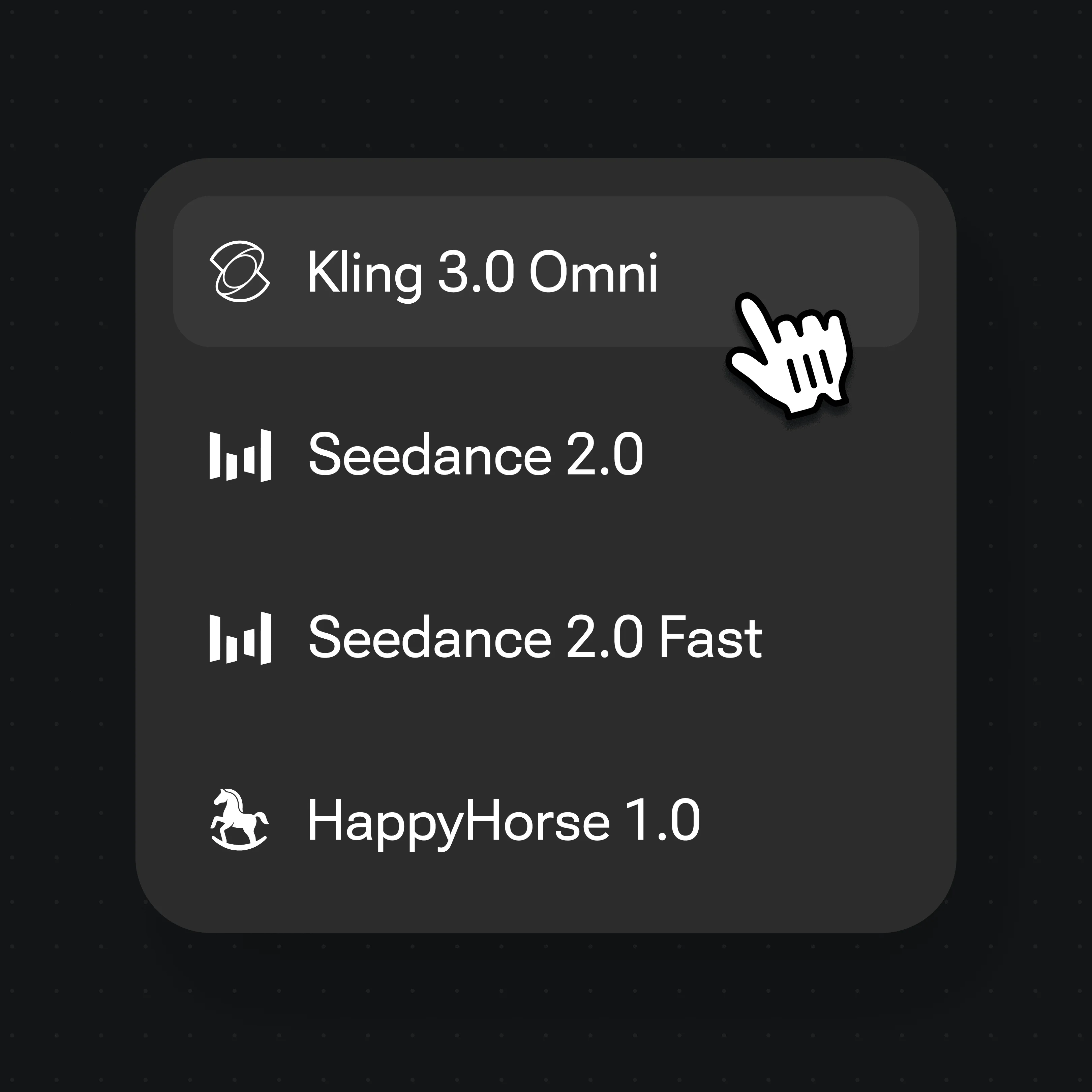
One plan unlocks Seedance, Kling 3.0 Omni and every other video model.
Your first clip is free. New accounts get 20 credits and one clip at the default 480p, 4-second tier costs 20 at list price. After that each generation is billed per clip — there is no free plan and no trial period, just the credits you were given and then per-generation pricing.
No. This page animates expression — blink, smile, head turn — and deliberately not speech. Lipsync runs on a different model priced per second of speech, which is well beyond the signup credits, so it lives with the full video tools rather than here.
In our own run, yes, clearly, across all four seconds. It is not a guarantee. A face that is small in the frame, turned to the side, or in deep shadow gives the model less to hold onto and can soften as the clip goes on. A front-facing photo where the face fills a good part of the frame is the most reliable input.
A clear, front-facing portrait in even light, with the face reasonably large in the frame. Group shots work poorly because the face you care about is small. Sunglasses, heavy motion blur and strong backlighting all reduce what the model can read.
You were not charged; failed runs refund automatically. And try again with the same photo first. We hit a failure making this page's example where the model's own generated audio was flagged, not the photo — resubmitting the identical image worked. Only look for a different photo if it fails repeatedly, or if the message says the picture itself was declined.
Not on this page. The 720p·4s and 720p·10s tiers appear above with a lock because the signup credits do not cover them. For longer clips, higher resolution or a specific animation you describe yourself, use the video surface with a plan.
You can, but restore it first. Animating a scratched, faded scan animates the scratches too — they move with the face and look worse in motion than they do still. Clean it up, then bring it back here.
