Fantasy epic
A knight-versus-dragon set piece — the hero beat a fantasy trailer builds toward.
Cinematic trailer in under an hour: Seedance 2.0, Kling 3 Omni, FacePass.
Plot your trailer beats, generate a lead portrait, and @-reference it across every shot. Use Seedance 2.0 for cinematic hero shots and Kling 3.0 Omni for multi-character action, then edit and trim each generated clip directly in Renoise.
This guide covers cinematic trailers. For music-synced edits, see the AI music video guide
Cold open to title card: plan beats, lock the lead, generate cinematic shots.

Write 6–10 trailer beats: cold open (5s), world establishing (10s), hero reveal (10s), action (20s), title card (5s).

Generate a hero portrait, then @-reference it in every clip prompt. For a real actor, clear via FacePass first.
Build wide and atmospheric beats in Seedance 2.0. Prompt example: "abandoned hallway, dust motes, slow dolly forward, anamorphic, 16:9, 8s".
Cinematic beats generated in Renoise — switch models per shot, keep one lead across the cut.
A knight-versus-dragon set piece — the hero beat a fantasy trailer builds toward.
A deep-space dogfight with motion that holds across a fast multi-shot sequence.
A dim hallway and a slow reveal — the tension beat most horror trailers open on.
An armored lead running through a collapsing city — Kling 3 Omni keeps every subject coherent.
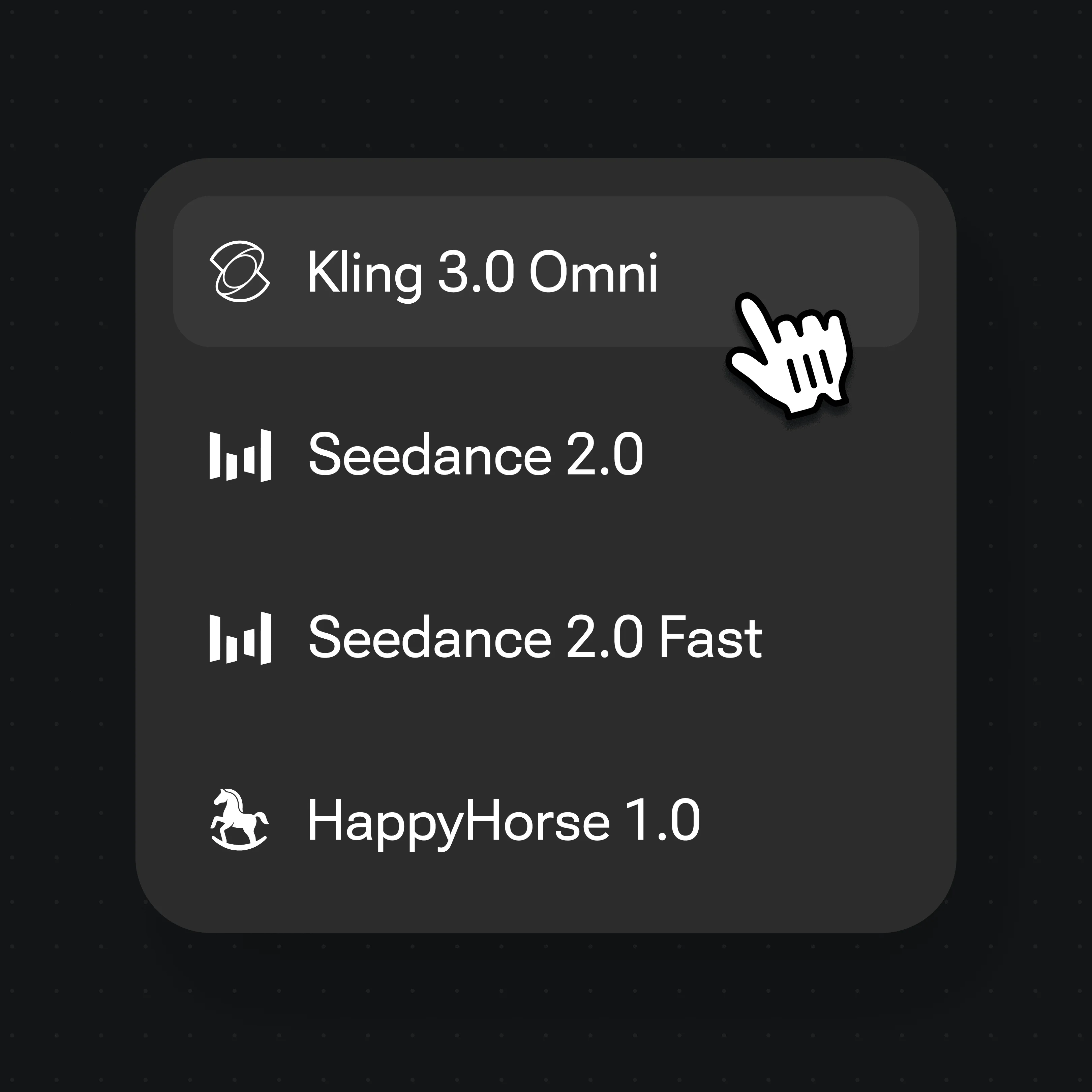
Both live in the same Renoise canvas — switch per shot. Seedance 2.0 for single-subject cinematic hero shots, Kling 3 Omni for multi-character action and multi-shot continuity.
| For trailer shots | Seedance 2.0 (Recommended) | Kling 3 Omni |
|---|---|---|
| Best for | Single-subject hero shots | Multi-character action |
| Cinematic single-subject motion | Best | Good |
| Multi-shot continuity | Good | Best |
| Same canvas | ✓ | ✓ |
A trailer is a piece of editing, not a short film — it sells a feeling in roughly 60–90 seconds by withholding plot. The structure is a deliberate arc: a cold open hooks with one striking image or line, an establishing stretch sets the world, a hero reveal raises the stakes, an action build accelerates the cutting, and a title card lands the name. Pacing comes from cut rhythm — long, held shots early; quick cuts as tension peaks.
Two terms worth keeping straight: a shot is one continuous generated clip, while a scene is a group of shots that reads as one location or beat. Trailers move across many scenes quickly, so planning the shot list before generation keeps every clip focused.
In Renoise, generate each shot as its own clip — Seedance 2.0 for cinematic single-subject hero beats and Kling 3.0 Omni for multi-character action — then edit and trim each result directly.
Three tools working together for trailers.
Seedance 2.0 for single-subject cinematic shots, Kling 3 Omni for multi-character action. Switch per shot in one Canvas.
@-reference one image of your lead across every shot so one character carries the whole trailer. For a real actor, clear their face via FacePass first.
Edit and trim each generated trailer shot directly in Renoise.
One plan covers every model your trailer needs.
For first-time AI content creators
Billed $168 annually
Upgrade PlanSave $72/year
For creators shipping content every week.
Billed $504 annually
Upgrade PlanSave $216/year
For studios and pros producing at commercial scale.
Billed $1680 annually
Upgrade PlanSave $720/year
For first-time AI content creators
Billed monthly
Upgrade PlanFor creators shipping content every week.
Billed monthly
Upgrade PlanFor studios and pros producing at commercial scale.
Billed monthly
Upgrade PlanRenews automatically each year until canceled.
Renews automatically each month until canceled.
Plan beats, lock your lead, generate cinematic shots. Watermark-free on paid plans.
No. Individual clips are capped at 15 seconds. Renoise is built for short-form work like trailers, music videos, and ad cuts. A 60–90 second trailer is the sweet spot for high quality.
Timing depends on the number of shots and how many generations you keep. Generate each shot separately, then edit and trim the selected clips directly in Renoise.
Yes. Generate one image of your lead, then @-reference it before generating clips so every shot reuses that face. If your lead is a real actor, clear their face through FacePass first — video models block reference images with a real human face, and FacePass is the compliant path once you hold the rights to that likeness. Without referencing the same image, video models drift and your lead changes each cut.
Yes. Generated trailer clips can be edited and trimmed directly in Renoise.
Render 16:9 for theatrical, YouTube, and Vimeo distribution. Add 9:16 in the same job for Reels, TikTok, and Shorts cut-downs. Skip 4:3 unless you want a deliberate retro aesthetic.
Yes. Keep the same lead image and @-reference it in the new project. Start a new Canvas, attach the same reference (FacePass clearance carries over for a real actor), and the lead from your first trailer carries into the second one.