Native lipsync
Characters speak in sync — lipsync is built into the model, no separate step.
Kuaishou’s flagship video model — lipsync, multi-shot, one Canvas.
Characters speak in sync — lipsync is built into the model, no separate step.
Keep several characters coherent in a shot from 5+ input modalities.
Direct a multi-shot sequence in one generation — no stitching.
Physics-aware dynamics keep movement, cloth, and collisions believable.
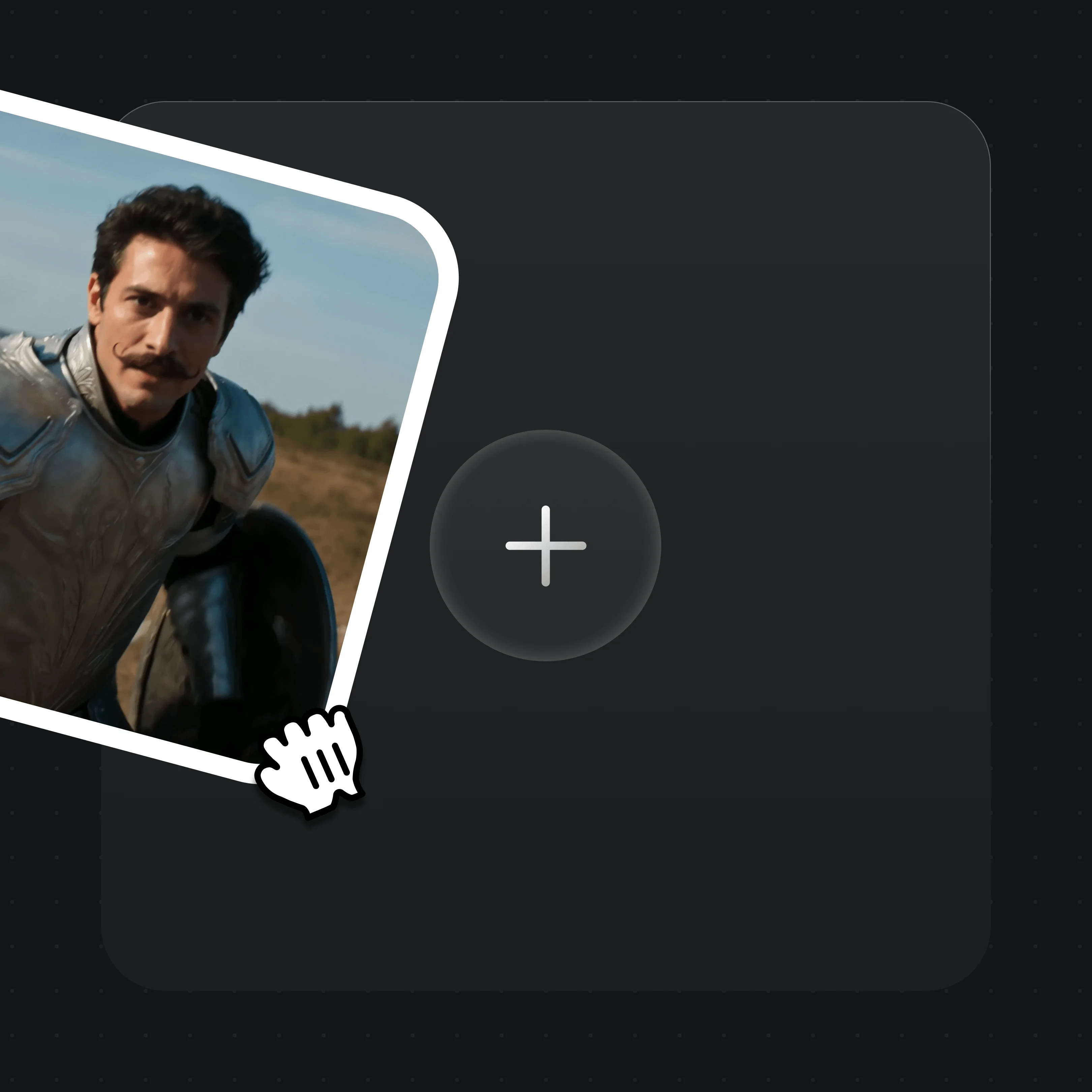
Drag in up to 7 images, one reference video, or first/last frames. MD5 dedup is automatic.

Describe the shot, dialogue, and camera in plain text, and set 3 to 15 seconds.
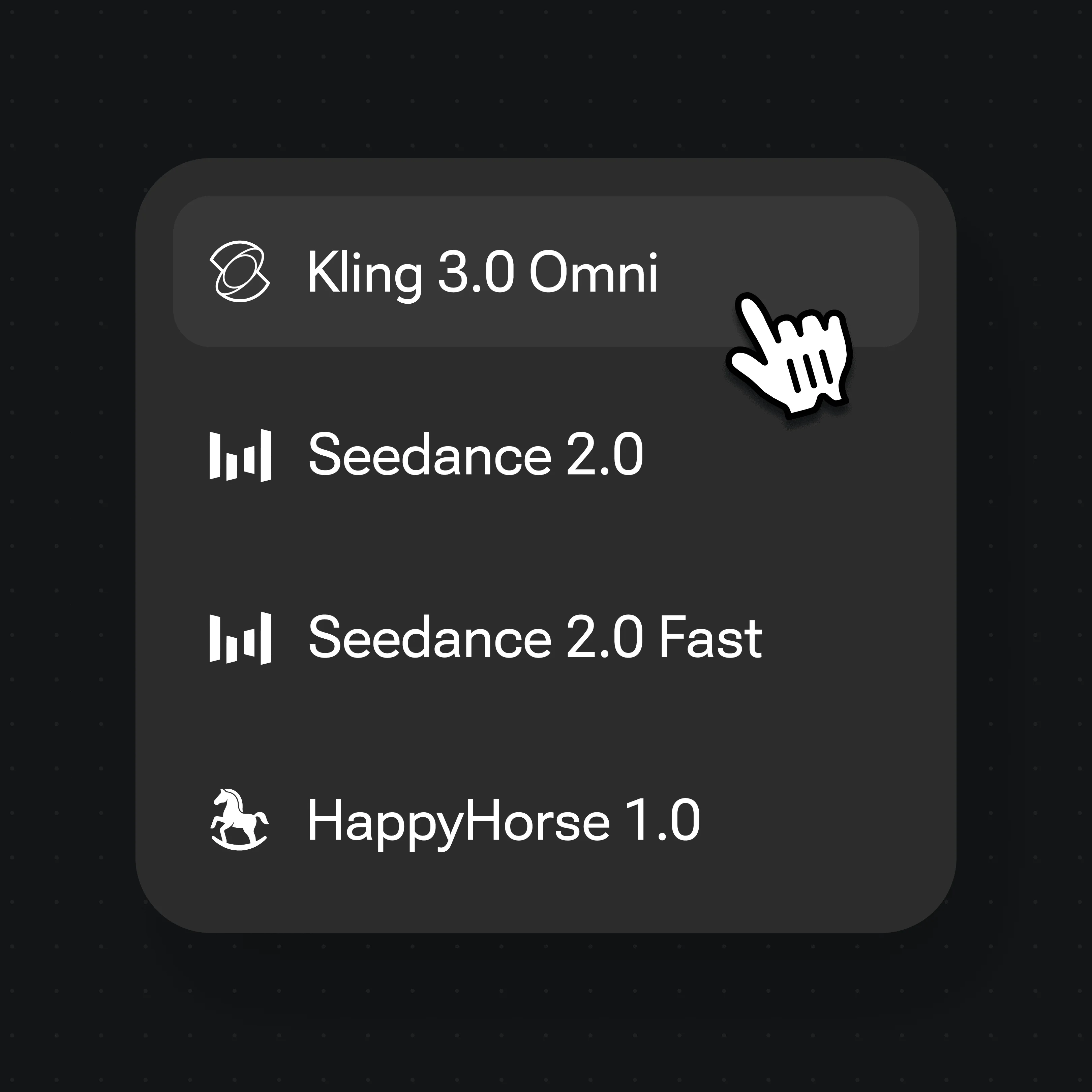
Choose Kling 3.0 Omni in the model selector and hit Generate.
Direct several connected shots from one prompt — Kling 3.0 Omni handles up to six.
Reference an image to carry the same subject across a moving sequence.
Cloth, hair, and collisions move with believable physical dynamics.
Animate a still from a first frame, or extend it with a reference video.
Both run inside Renoise — pick per shot, no winner. Reach for Kling 3.0 Omni for lipsync and multi-shot work; Seedance 2.0 for audio-native video and 21:9 framing.
| For your shot | Kling 3.0 Omni | Seedance 2.0 |
|---|---|---|
| Best for | Lipsync & multi-shot scenes | Audio-native, cinematic 21:9 |
| Native lipsync | ✓ | — |
| Multi-shot in one generation | Up to 6 shots | Via continuation |
| Aspect ratios | 5 (16:9 to 3:4) | 6 incl. 21:9 |
| Clip length | 3–15s (≤10s with ref video) | 4–15s, plus Fast mode |
| Reference inputs | Images ×7, video ×1 | Image ×9, video ×3, audio ×3 |
Lipsync, multi-shot, and more models on one Canvas.
Kling is developed by Kuaishou. Renoise integrates Kling 3.0 Omni alongside Seedance 2.0, HappyHorse 1.0, Nano Banana 2 / Pro, GPT Image 2, and Midjourney V7 — Renoise does not train video models itself.
Kuaishou’s flagship video model, accepting 5+ input modalities. It adds native lipsync, multi-subject consistency, up to six shots in one generation, and physics-aware motion. In Renoise it is one model on a shared Canvas.
Yes. Lipsync is native to Kling 3.0 Omni, so characters can speak in sync without a separate step. Pair it with FacePass to use a real, authorized face as a reference.
Each clip runs 3 to 15 seconds, or up to 10 seconds when you include a reference video. For longer pieces, stitch multiple clips on the Canvas Timeline.
Yes. Use up to seven reference images, a first or last frame, or one reference video to drive the shot. Renoise re-uploads references into its asset library with automatic MD5 dedup.
Not directly — the model blocks detectable real faces. Clear a face you are authorized to use through FacePass first; the cleared face then works as a reference. No public figures, celebrities, or minors.
No. Kling 3.0 Omni outputs at 720p or 1080p. 4K is available for the image models — Nano Banana Pro and GPT Image 2 — not for video.
Reach for Kling 3.0 Omni when you need lipsync or multi-shot sequences; reach for Seedance 2.0 for audio-native video, 21:9 framing, or more reference inputs. Both live on the same Canvas, so you can switch per shot.