Text rendering
~94% accuracy on in-frame titles, dialogue bubbles, and sound effects.
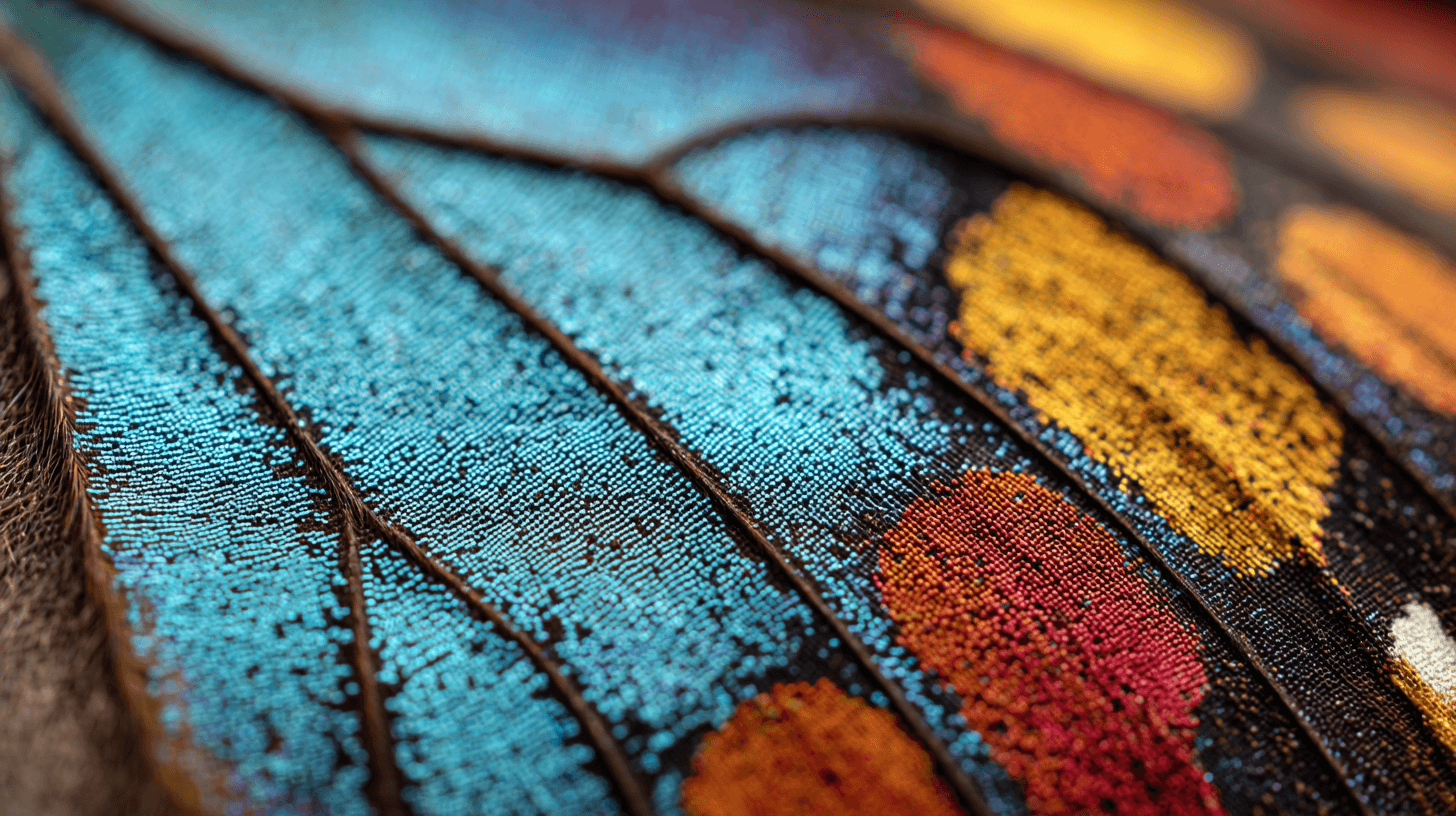
Studio-grade images that read perfectly at 4K.
~94% accuracy on in-frame titles, dialogue bubbles, and sound effects.
1K / 2K / 4K rendered natively — no upscaling pass at any resolution.
1:1 → 21:9, each rendered natively. Mix aspects within one project.
Strong on manga, Western comic, webtoon, and editorial illustration.
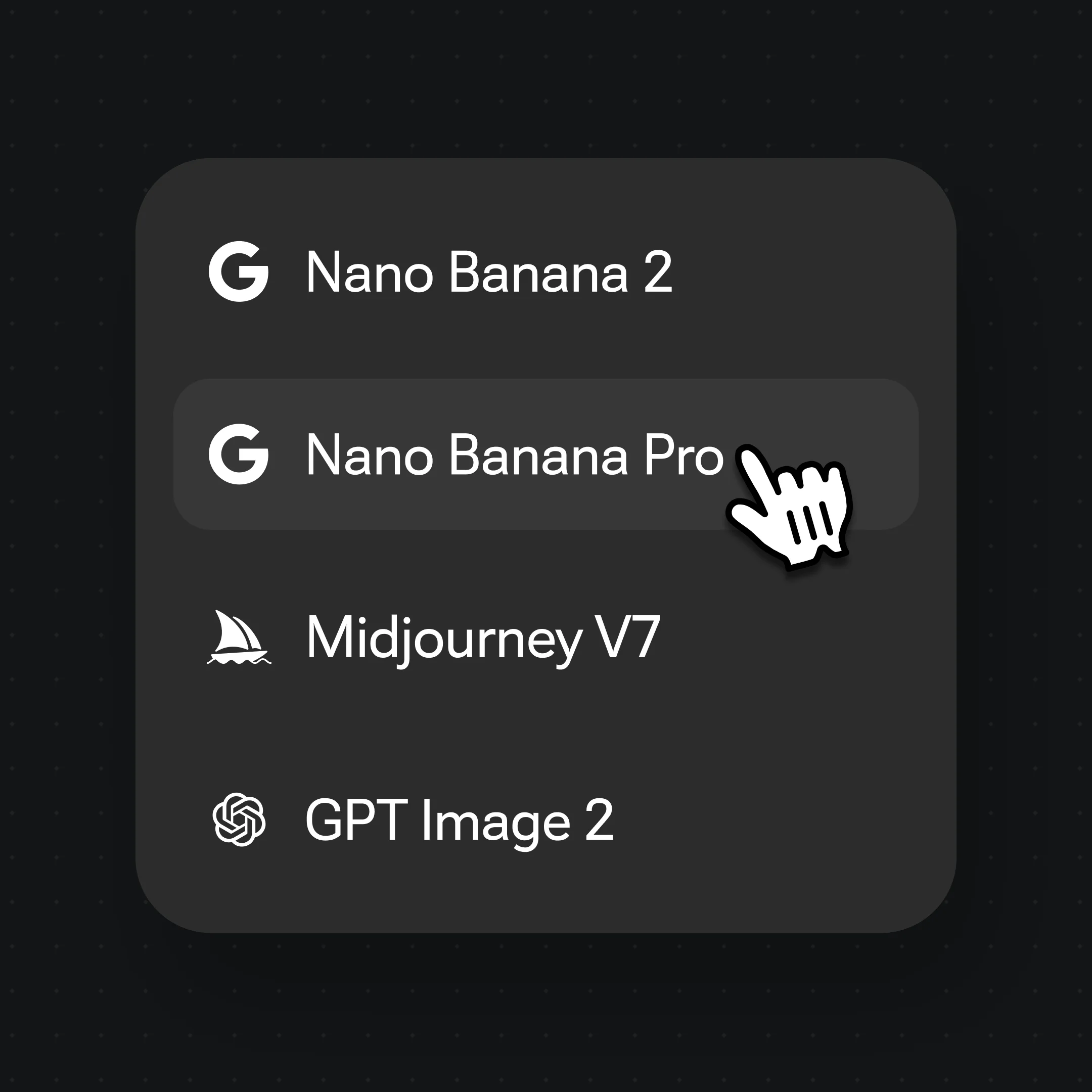
Canvas → model selector → "Nano Banana Pro". Sets the next render; switch per image.

Be specific about era + medium ("1990s shōnen manga, screentone shading") — vague prompts produce inconsistent output.
Quote in-frame copy in the prompt ("title reading 'CHAPTER ONE' in bold serif"); Pro renders it at ~94% accuracy.
Nano Banana Pro is developed by Google. Renoise integrates it as one of its image models — alongside Nano Banana 2 (Google), GPT Image 2 (OpenAI), and Midjourney V7. Renoise does not train image models itself.
Yes — accuracy is approximately 94% in our internal benchmark. Default choice for posters, comic panels with dialogue, sound-effect text, and any image where words must read correctly.
Up to 4K (4096px on the longest side). 1K and 2K are also available for faster iteration. The model renders natively at each resolution — no upscaling pass.
Roughly 20 seconds at 1K, 40–60 seconds at 2K, and around 90 seconds at 4K. Times vary with queue depth and prompt complexity. For batch jobs, use the Renoise API.
Pro leads on Studio-grade finish and text rendering; Nano Banana 2 leads on speed and supports 14 aspects vs 10. Pro for posters / comics / packaging; Nano Banana 2 for lifestyle / product / batch.
Yes on paid plans. Renoise outputs are watermark-free on paid plans and commercially licensable. Verify the specific terms in your account before publishing to ad platforms or print.