Best-in-class
Composition, lighting, and color consistently ahead of the field.
Midjourney V7, inside Renoise. The world’s favorite image model, one prompt away.
Composition, lighting, and color consistently ahead of the field.
4 distinct variations per generation to quickly find your direction.
Upload a style reference to lock visual tone across a series.
Maintain character likeness across scenes for multi-image storytelling.

Describe the style, mood, lighting, and composition — the more specific, the better.

Add a reference image to guide the visual direction.
Choose Midjourney V7, then pick from 4 variations and keep refining.
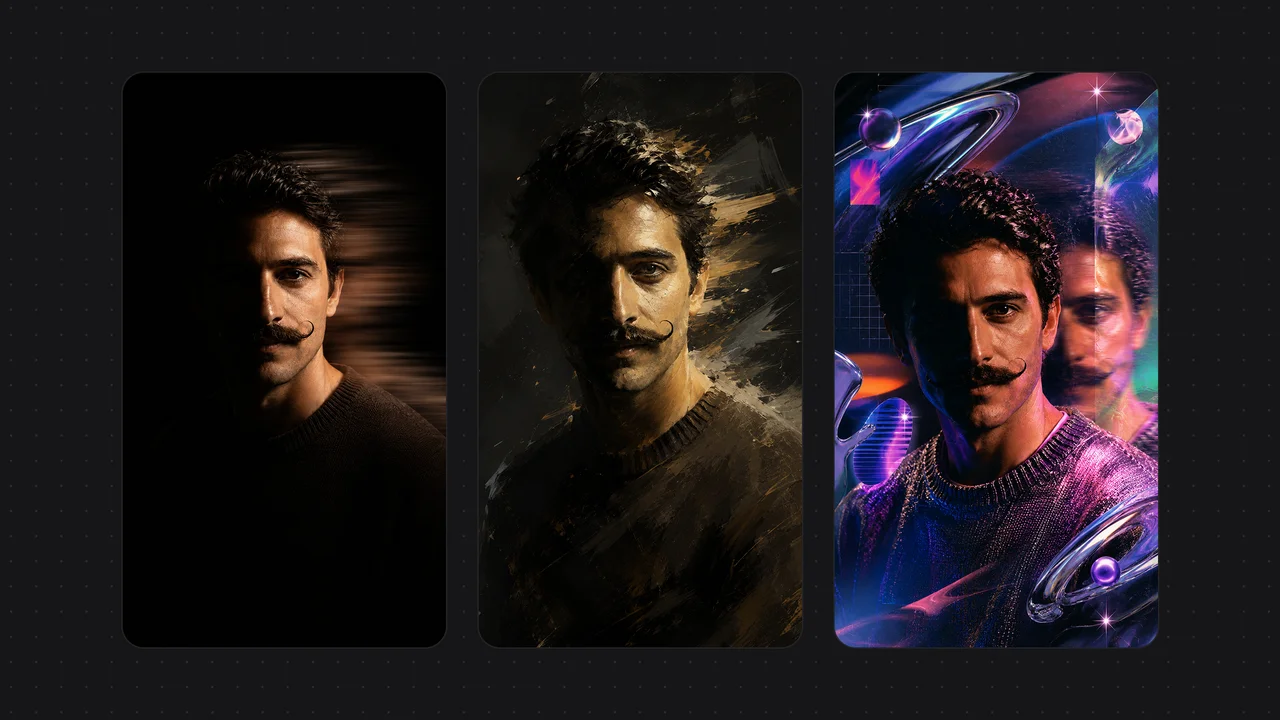
Midjourney V7 leads on composition, lighting, and color. Photorealism, oil painting, concept art — output is visually stunning and ready to use.
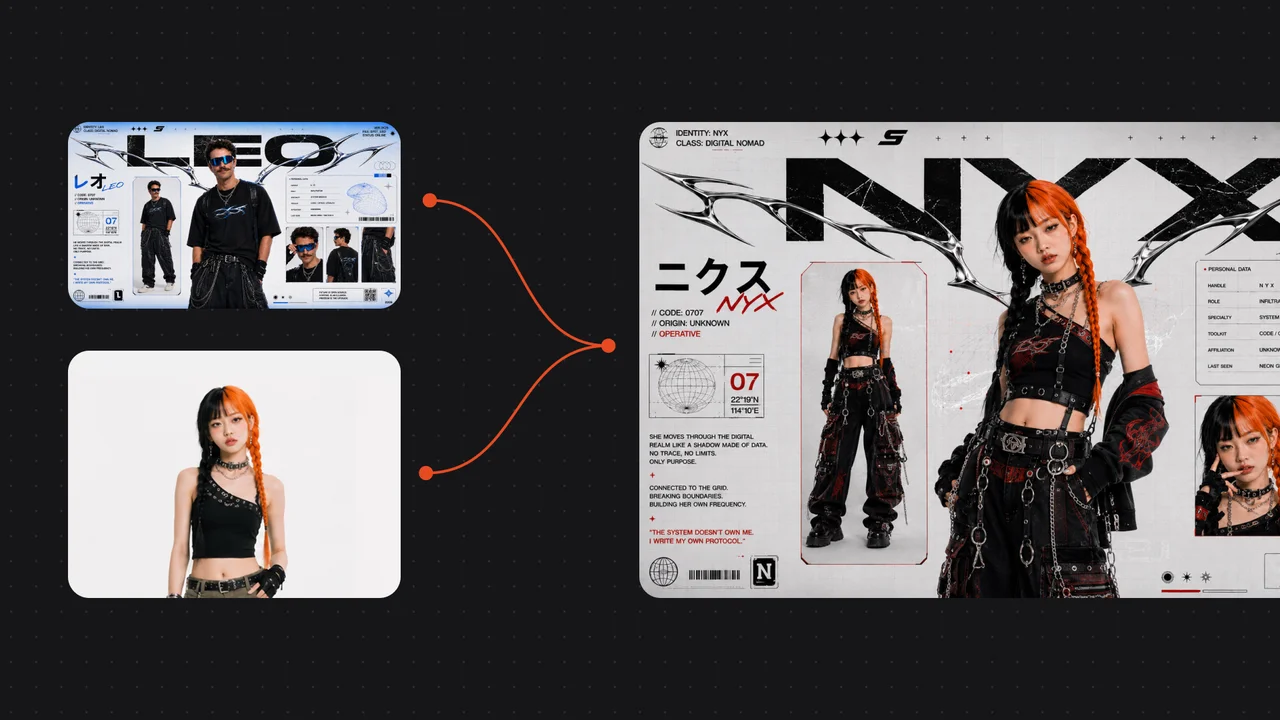
Upload any image as a style reference — the model learns its tone, texture, and mood to keep your series visually consistent without re-tuning each time.
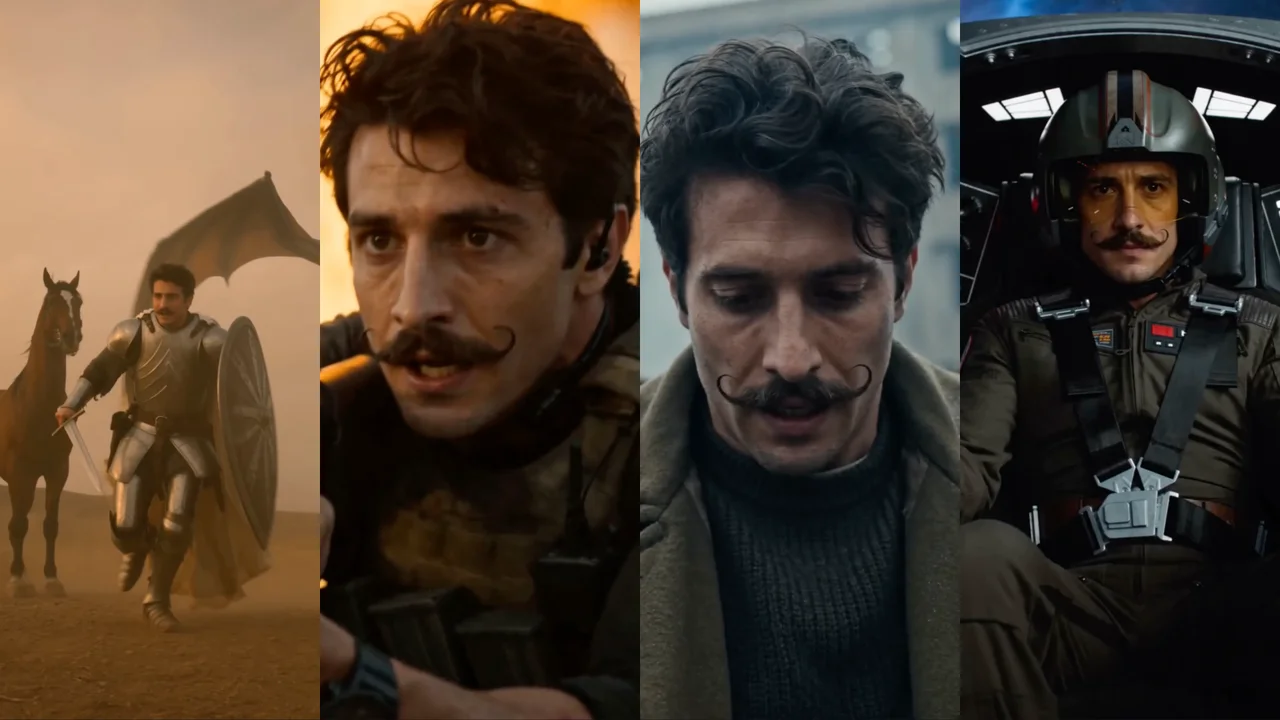
Maintain a character’s facial features and outfit across scenes and poses — for comics, illustrated books, and brand visual assets.
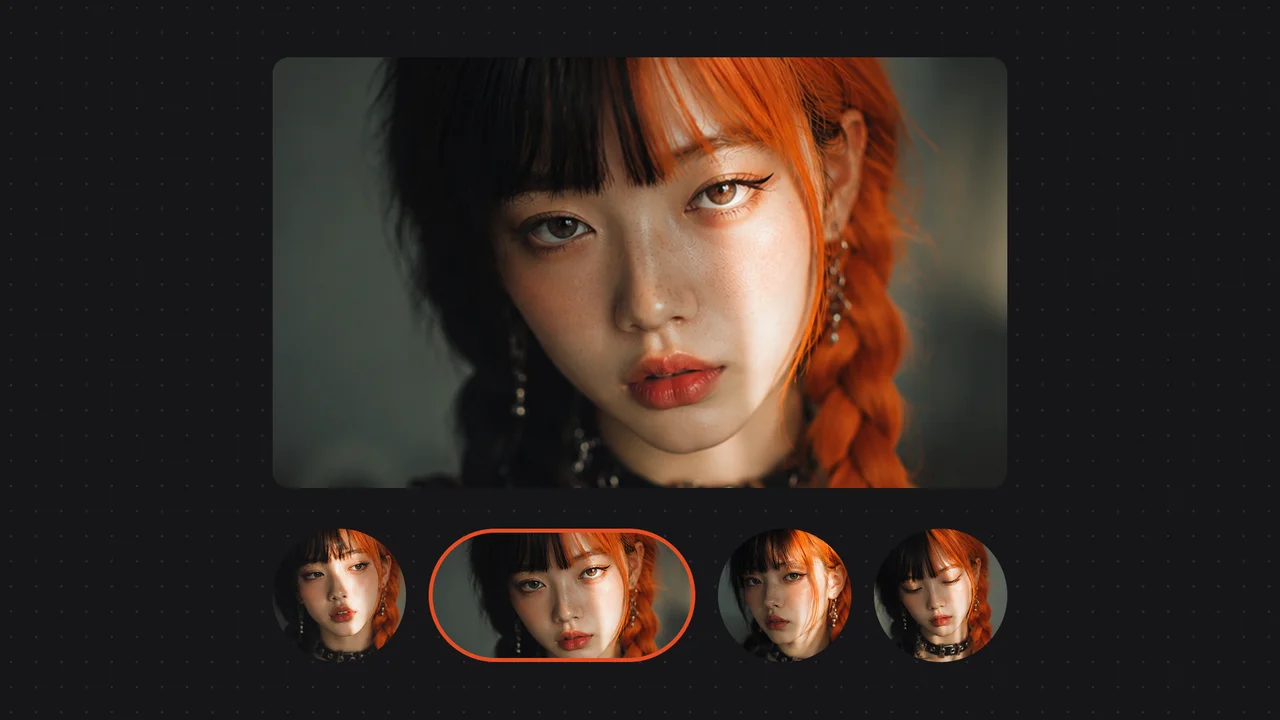
Every generation returns 4 distinct variations covering different compositions and style directions — find your direction fast without starting over.
Unlock Midjourney V7 and every other model on one Renoise plan.
Midjourney V7 is developed by Midjourney. Renoise integrates it alongside GPT Image 2, Nano Banana 2 / Pro, Seedance 2.0, Kling 3.0 Omni, and HappyHorse 1.0 — Renoise does not train image models itself.
Every generation returns 4 distinct variations covering different compositions and style directions, so you can pick a direction without starting over.
It supports 7 aspect ratios from 1:1 to 16:9 and renders in roughly 30–120 seconds. Resolution is set automatically rather than chosen manually.
Upload any image as a style reference and the model learns its tone, texture, and mood — keeping a whole series visually consistent without re-tuning each prompt.
No — Midjourney V7 is not built for in-image text. For posters, labels, and headlines that need legible text, use GPT Image 2 inside Renoise instead.
Open Renoise, describe your vision, and generate art-quality images instantly.