Ranked #1
#1 T2V (Elo 1333) and #1 I2V (Elo 1392) on Artificial Analysis, April 2026.
By Alibaba ATH, inside Renoise. 15-second multi-shot narratives with native audio, outperforming the field.
#1 T2V (Elo 1333) and #1 I2V (Elo 1392) on Artificial Analysis, April 2026.
Up to 15 seconds of multi-shot narrative — enough to tell a complete story.
Dialogue and sound effects generated with the video — native lip-sync across 7 languages.
Native 1080p at 30 FPS — professional-grade output without extra upscaling.
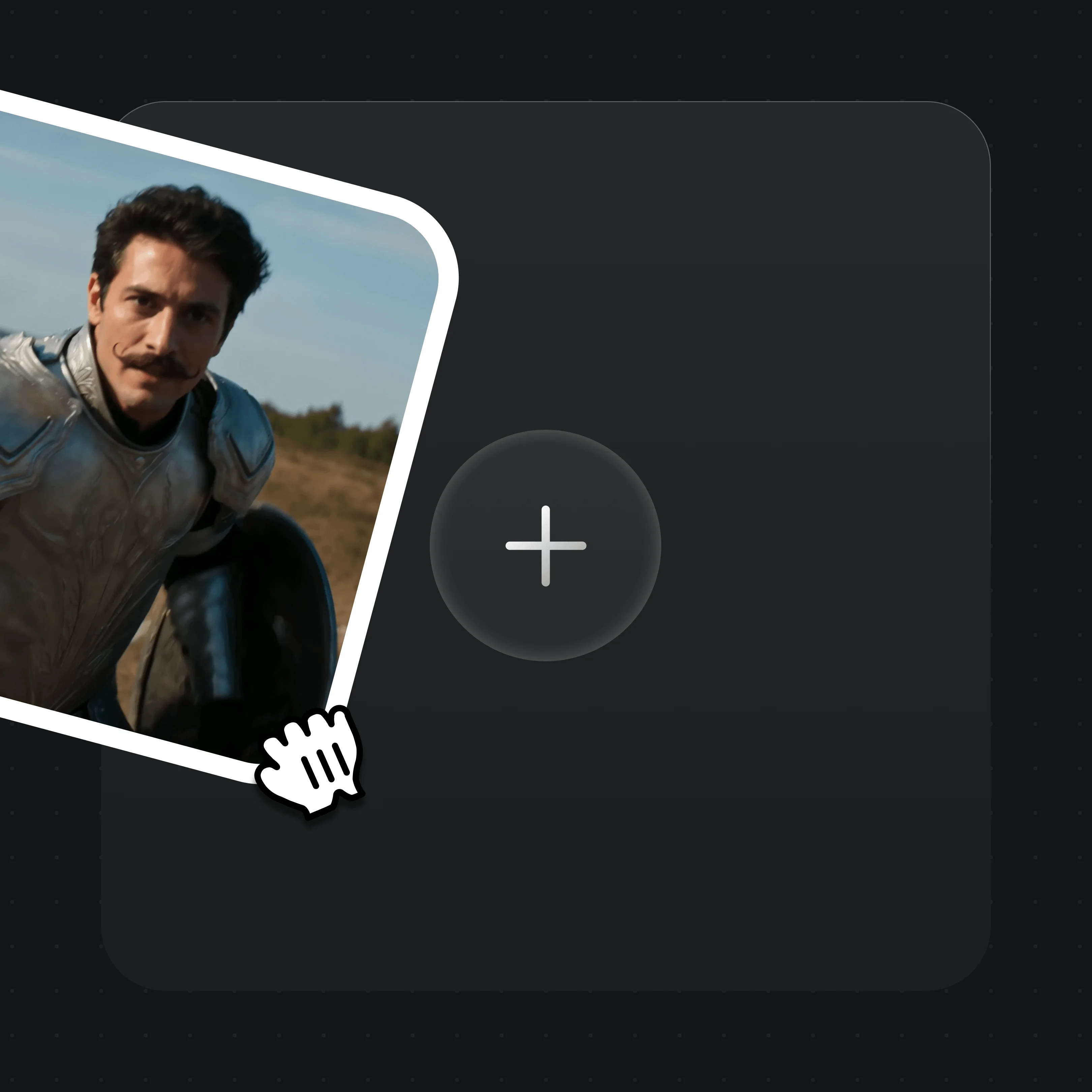
Describe the scene in text, or upload an image as the starting frame.

Optionally upload up to 9 reference images, addressed in your prompt as character1, character2, etc.
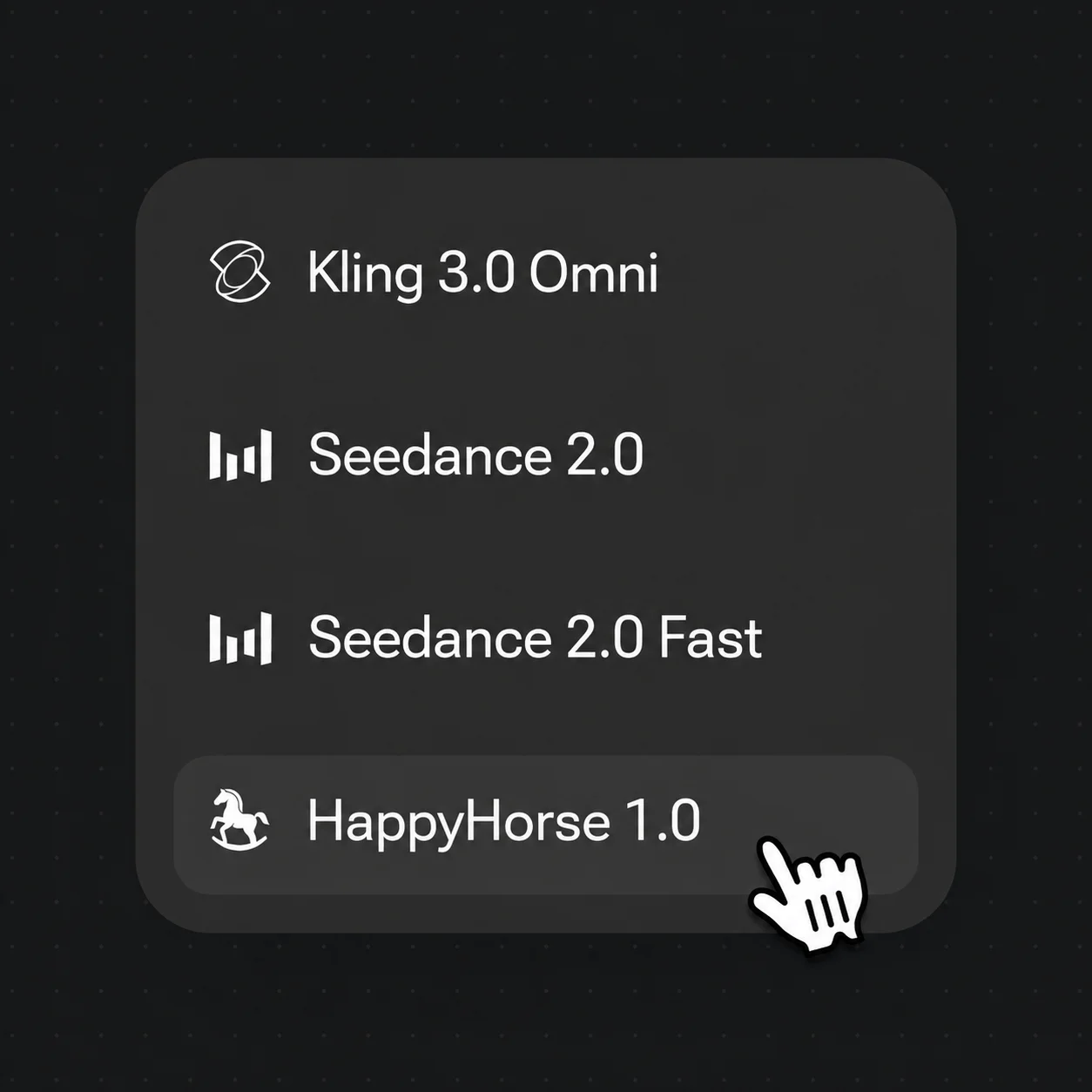
Pick HappyHorse, hit Generate, and receive a 1080p clip with native audio.
Pure text runs T2V; upload a first-frame image and it switches to I2V automatically. Same interface, same workflow — both modes without switching models.
Dialogue, sound effects, and ambience are generated alongside the video in one pass — with native lip-sync across 7 languages including Cantonese, English, French, and Korean.
Upload up to 9 reference images and use character1 / character2 in your prompt — the model fuses each character’s appearance and keeps it consistent across the scene.
Generate up to 15 seconds of coherent video with multiple shot cuts in a single pass — natural motion, fluid camera work, and stable temporal consistency.
Unlock HappyHorse 1.0 and every other model on one Renoise plan.
HappyHorse 1.0 is developed by Alibaba’s ATH team. Renoise integrates it alongside Seedance 2.0, Kling 3.0 Omni, Nano Banana 2 / Pro, GPT Image 2, and Midjourney V7 — Renoise does not train video models itself.
HappyHorse ranks #1 in text-to-video (Elo 1333) and #1 in image-to-video (Elo 1392) on Artificial Analysis as of April 2026.
Yes. Pure text runs T2V; upload a first-frame image and it switches to I2V automatically — one interface, no model-switching.
Yes. Dialogue, sound effects, and ambience are generated with the video in one pass, with native lip-sync across 7 languages including Cantonese, English, French, and Korean — no separate dubbing.
Up to 15 seconds of multi-shot narrative at native 1080p and 30 FPS, with support for up to 9 character reference images.
Open Renoise, enter a prompt or upload a reference, and hit Generate.