4K
Up to 4096 × 4096 output — sharp enough for print.
OpenAI’s GPT Image 2, inside Renoise. One prompt, one production-ready image.
Up to 4096 × 4096 output — sharp enough for print.
Readable text inside images — posters, labels, and headlines, first try.
Complex composition instructions executed precisely, with fewer retries.
Select a region, describe the change — everything else stays untouched.

Describe the composition, style, and details in natural language.

Add a reference image to guide content or enable inpainting mode.
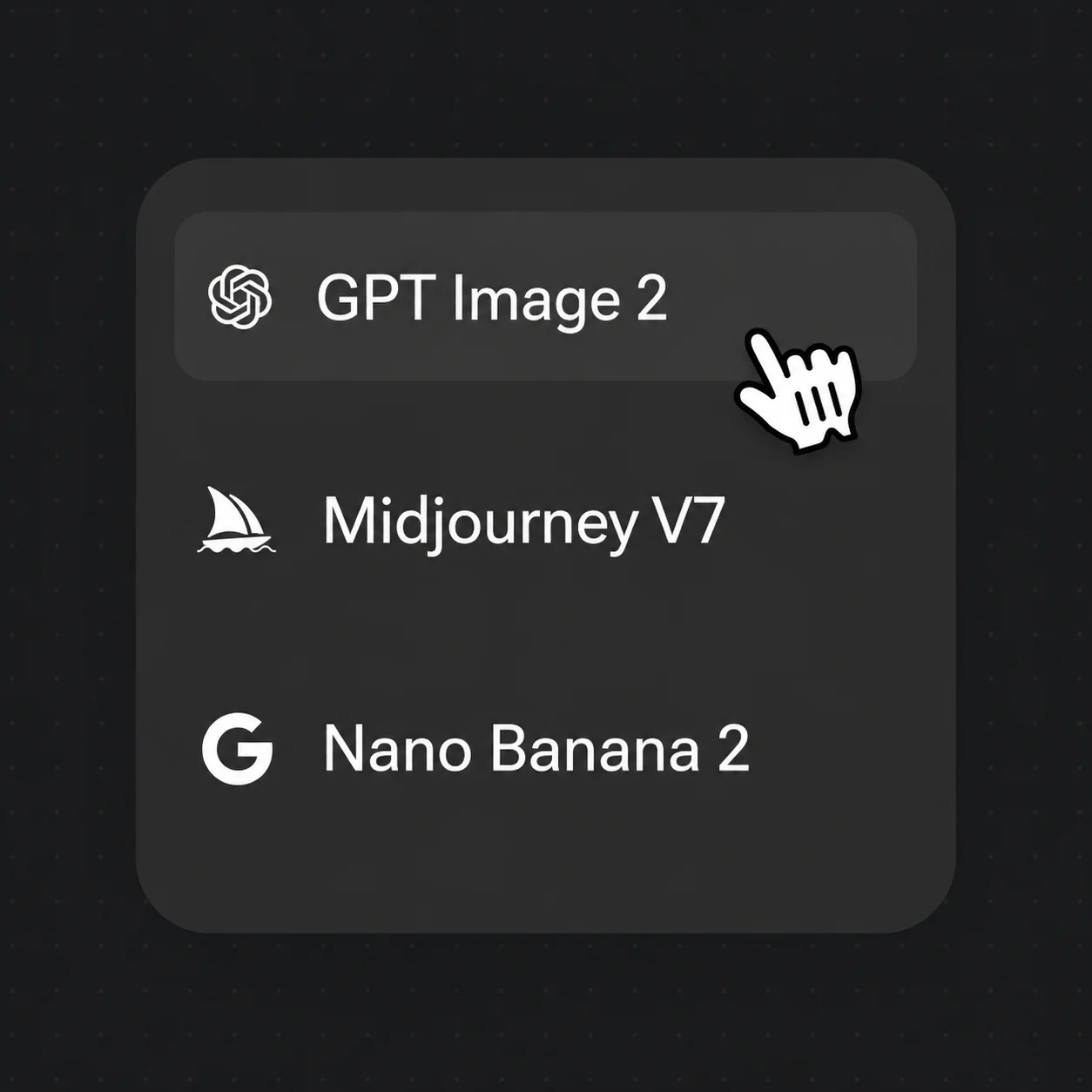
Pick GPT Image 2, choose resolution, and download your production-ready image.
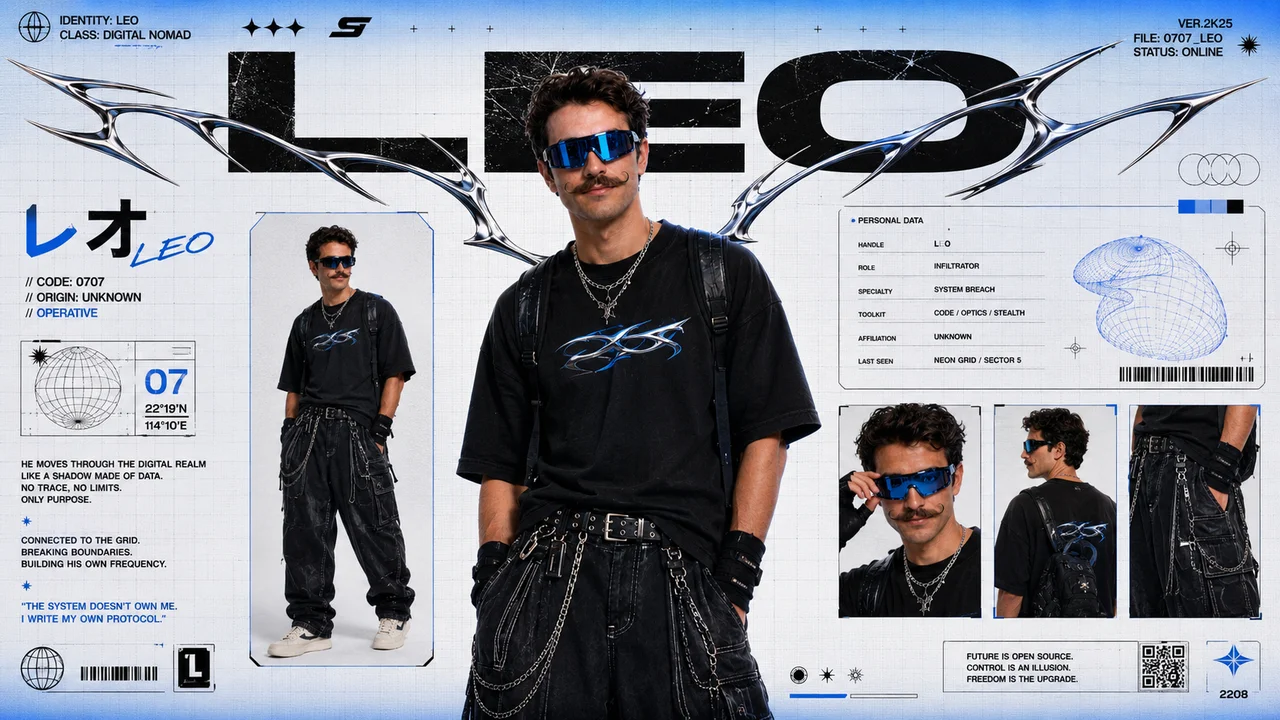
GPT Image 2 renders multilingual text accurately inside images — posters, labels, social graphics, and ad creatives with no post-processing required.
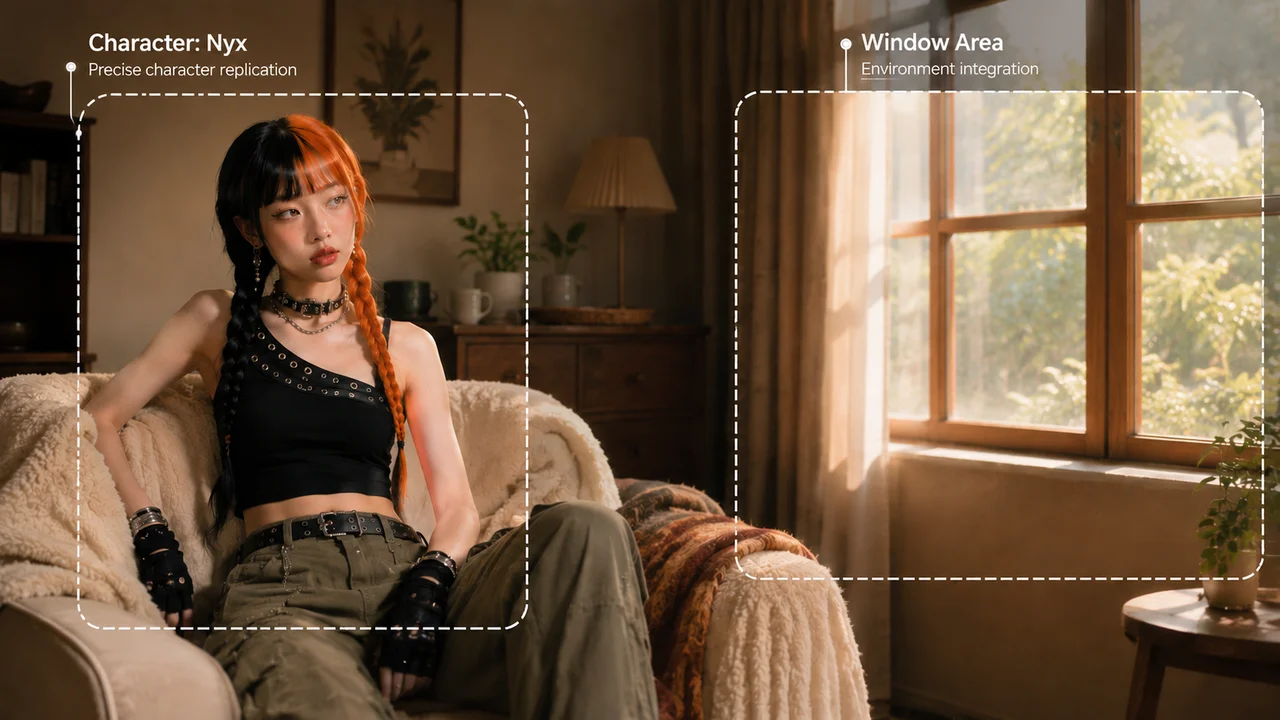
Complex composition instructions — “woman seated on the left, window on the right” — executed accurately, cutting iteration time.
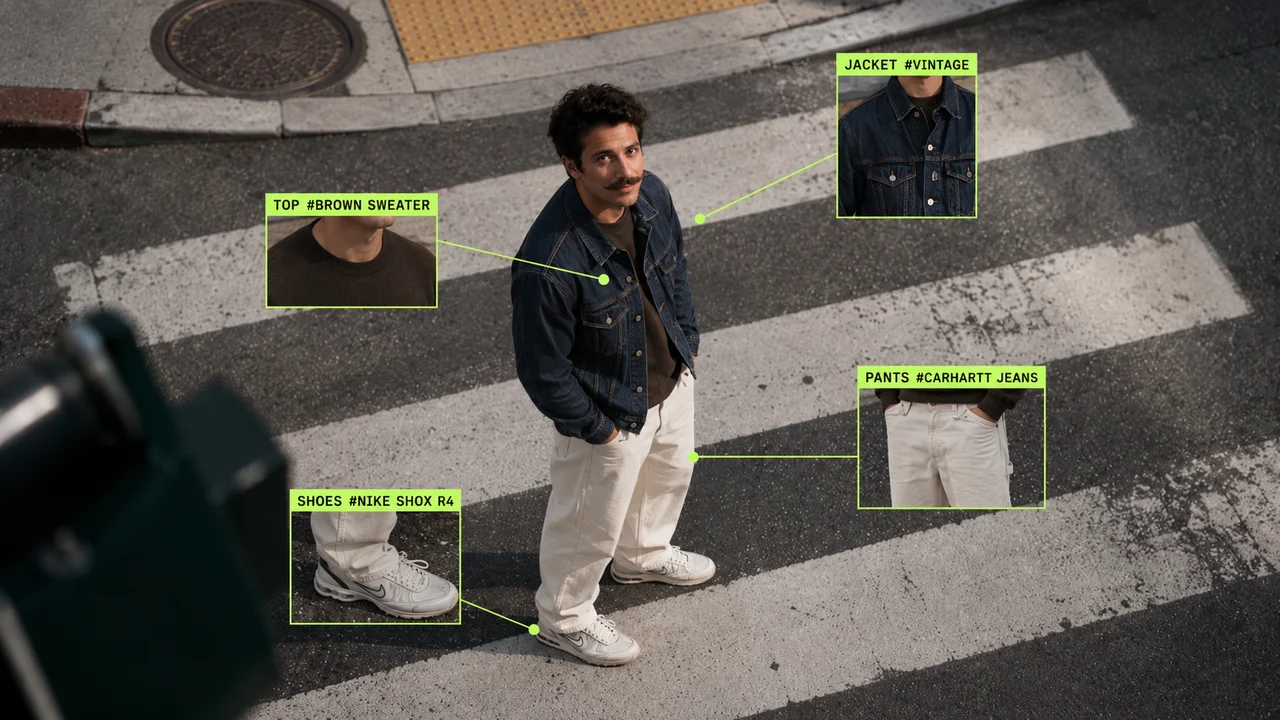
Upload an image, select the area to change, describe the new content — everything outside the selection stays untouched. Swap backgrounds, change outfits, recolor products.
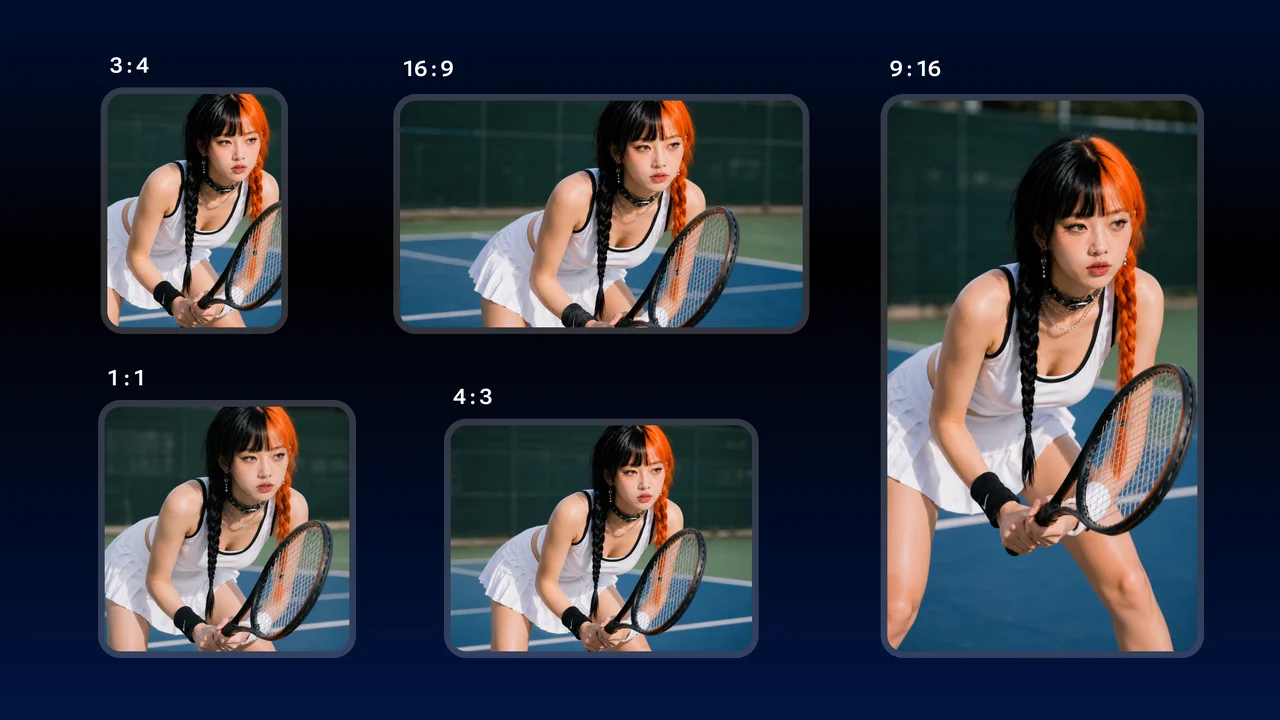
10 aspect ratios from 1:1 to 21:9 cover social feeds, e-commerce detail pages, and banner ads — no secondary cropping needed.
Unlock GPT Image 2 and every other model on one Renoise plan.
GPT Image 2 is developed by OpenAI. Renoise integrates it alongside Nano Banana 2 / Pro, Midjourney V7, Seedance 2.0, Kling 3.0 Omni, and HappyHorse 1.0 — Renoise does not train image models itself.
GPT Image 2 generates at 1K, 2K, or up to 4096 × 4096 (4K) — sharp enough for print.
Yes. It renders multilingual text accurately inside the image, so posters, labels, and ad headlines are legible on the first try.
10 aspect ratios from 1:1 to 21:9, covering square social posts through ultra-wide banners.
Upload an image, select a region, and describe the new content. Only the selected area changes — backgrounds, outfits, or product colors swap while the rest stays intact.
Open Renoise, type your prompt, hit Generate. No setup.