1K–4K
Flexible output resolution from quick preview to print-grade quality.
Google’s Nano Banana 2, inside Renoise — 1K to 4K, native to your Canvas workflow.
Flexible output resolution from quick preview to print-grade quality.
Fast generation keeps your creative momentum going.
1:1 to 8:1, covering social, e-commerce, and wallpaper use cases.
Generated images land directly on the Canvas as nodes, ready for your next step.

Enter your description in the Canvas generation bar.
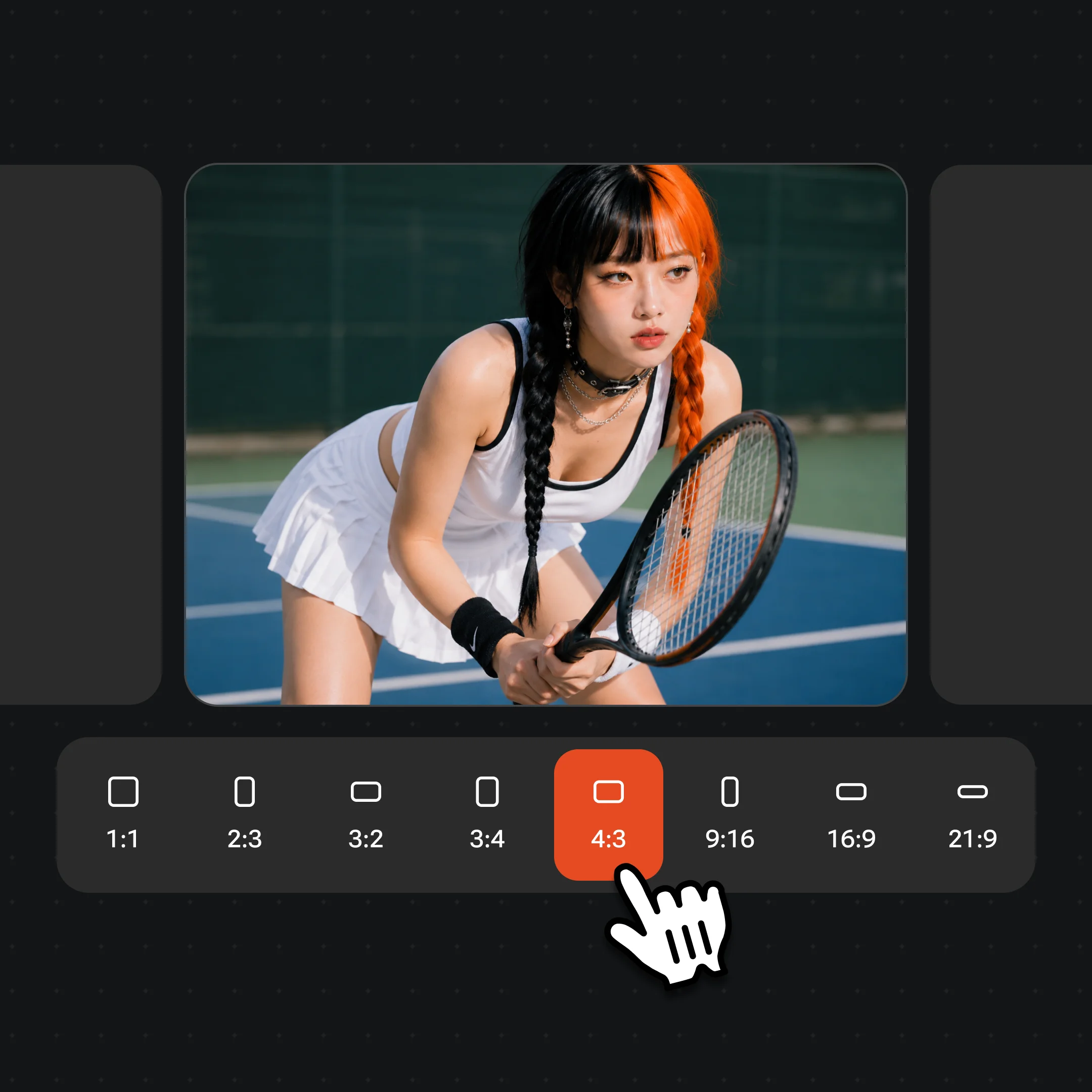
Select from 1K to 4K resolution and choose your aspect ratio.
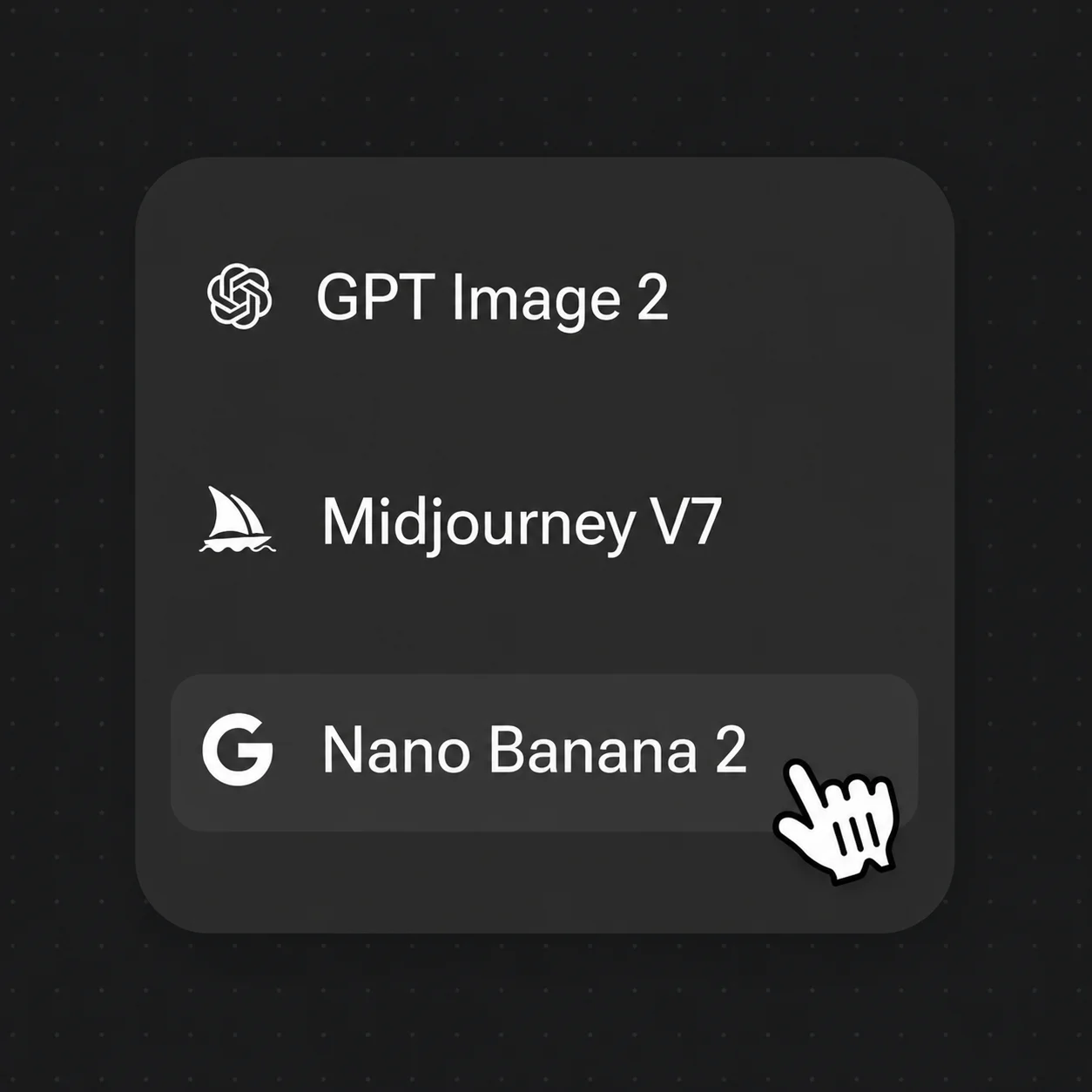
Pick Nano Banana 2 and the result appears as a Canvas node — iterate immediately.
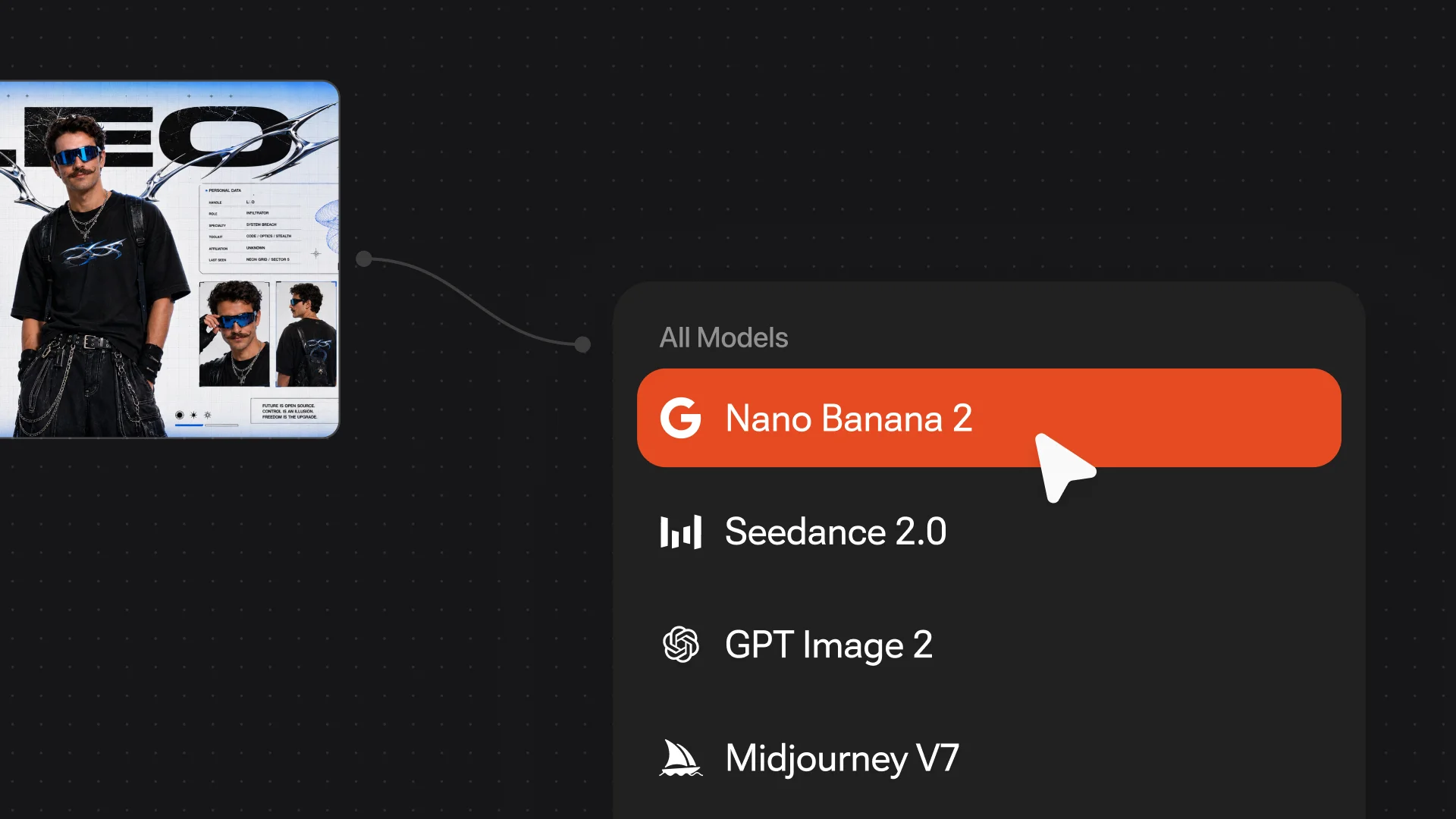
No export, no tool-switching. Generated images appear directly as Canvas nodes — use them as references, keep editing, or drag them into the timeline.
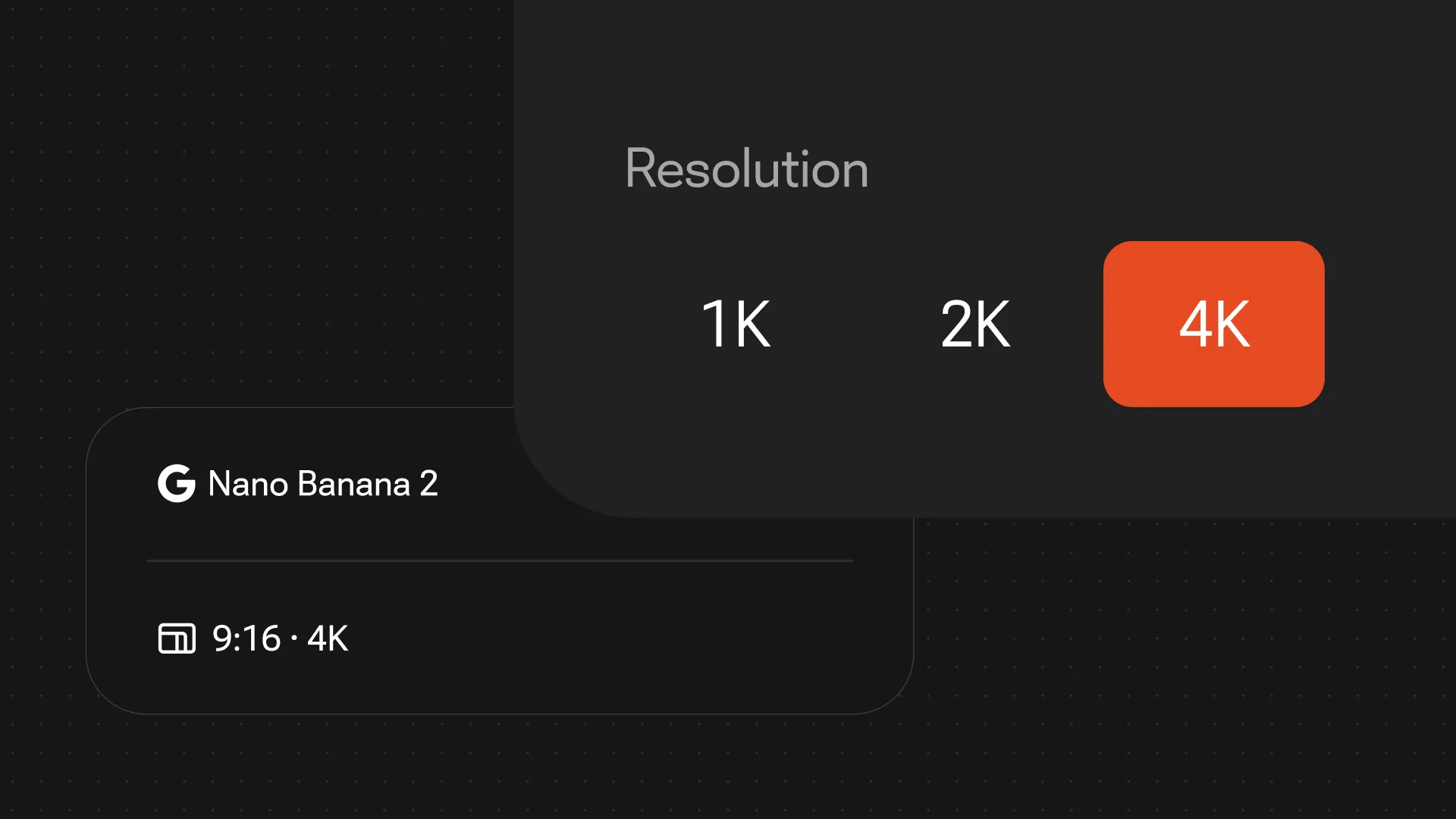
From 1K quick drafts to 4K final outputs — switch based on your creative stage to use generation quota efficiently.
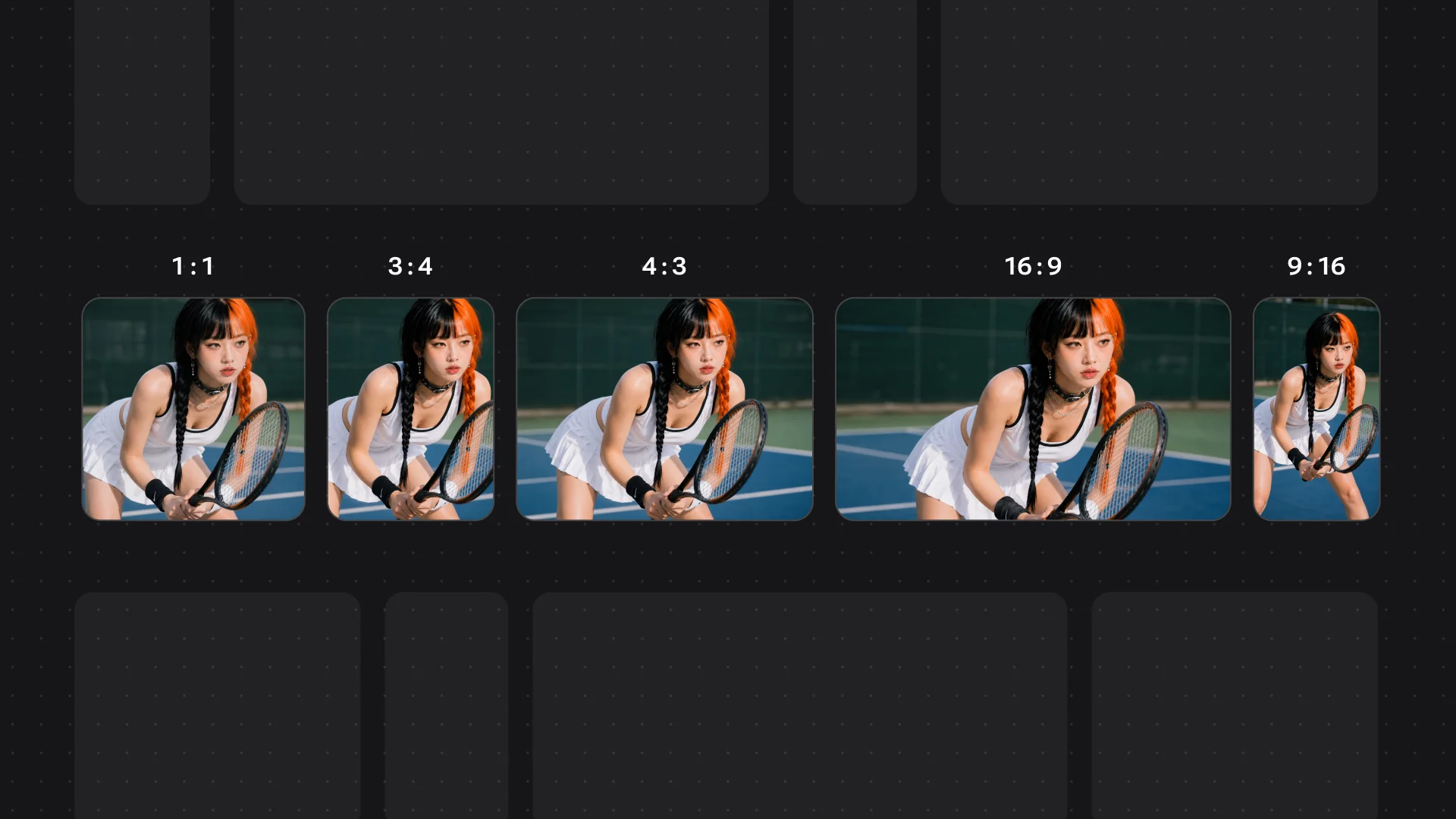
14 aspect ratios from 1:1 to 8:1 cover Instagram, YouTube covers, e-commerce pages, and phone wallpapers — no secondary cropping.
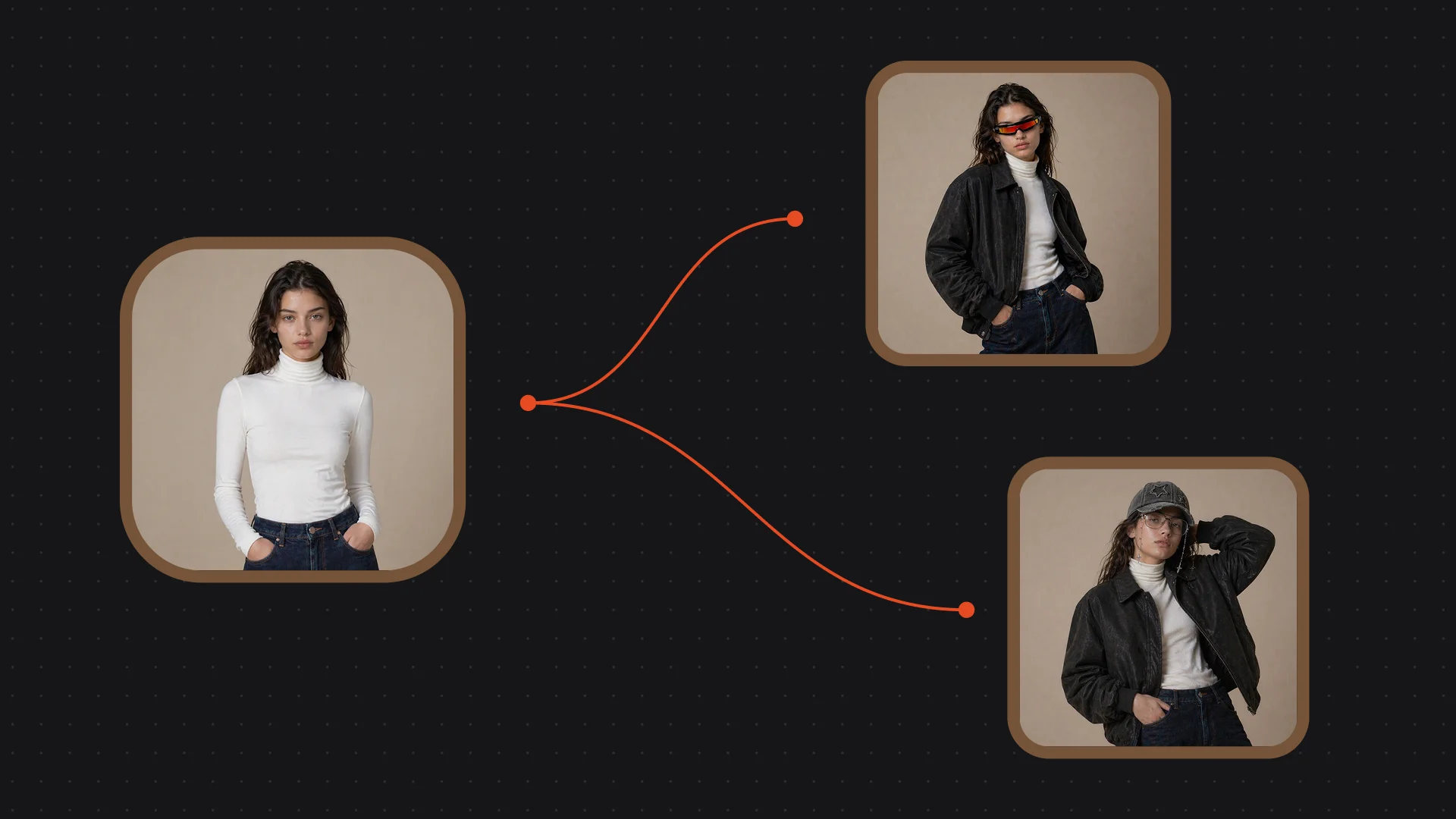
Fast generation with instant variation support — fine-tune parameters on a result you like to explore directions quickly.
Unlock Nano Banana 2 and every other model on one Renoise plan.
Nano Banana 2 is a Google image model. Renoise integrates it alongside Nano Banana Pro, GPT Image 2, Midjourney V7, Seedance 2.0, Kling 3.0 Omni, and HappyHorse 1.0 — Renoise does not train image models itself.
Nano Banana 2 is tuned for speed and a wider aspect-ratio range; Nano Banana Pro is the studio-grade variant. Both run in the same Renoise Canvas.
It outputs at 1K, 2K, or 4K and renders in roughly 15–60 seconds, so quick drafts and final outputs share one workflow.
14 aspect ratios from 1:1 to 8:1, covering social feeds, e-commerce pages, and ultra-wide wallpapers without secondary cropping.
Generated images appear directly as nodes on the Renoise Canvas — no export step. Use them as references, edit further, or drag them into the timeline.
Open Renoise Canvas, describe your image, and generate — inside your workflow.