Keep the layout
Restyle from a real photo so walls, windows, and proportions stay put.
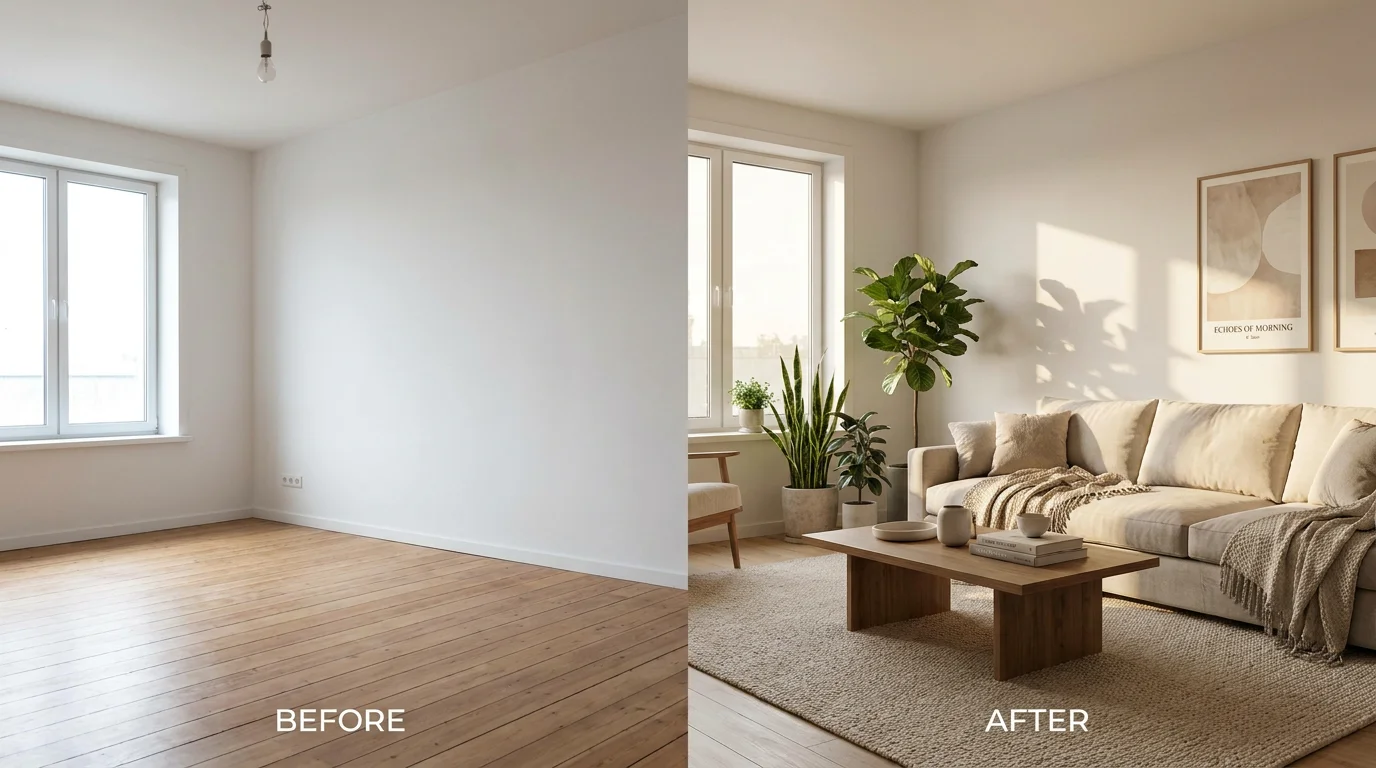
Photograph a room, restyle it in any look — the layout stays put.
Upload a photo of the room, then describe the style you want — "Scandinavian living room, light oak floor, linen sofa". Generate on Nano Banana Pro in Renoise Canvas and it restyles the space while holding the existing layout and proportions. Iterate on palette and furniture until the look is right, then export at high resolution.
What AI room design looks like in Renoise.
Restyle from a real photo so walls, windows, and proportions stay put.
Scandinavian, Japandi, modern, industrial — swap the brief, keep the room.
Export client-ready renders at 1K, 2K, or 4K resolution.
From a phone photo to a restyled room you can show a client or contractor.

Drag in a photo of the room to redesign so the model restyles your actual space, not a generic render.
Write the look as a spec — "Japandi bedroom, low wood bed, beige linen, paper lantern, warm light".
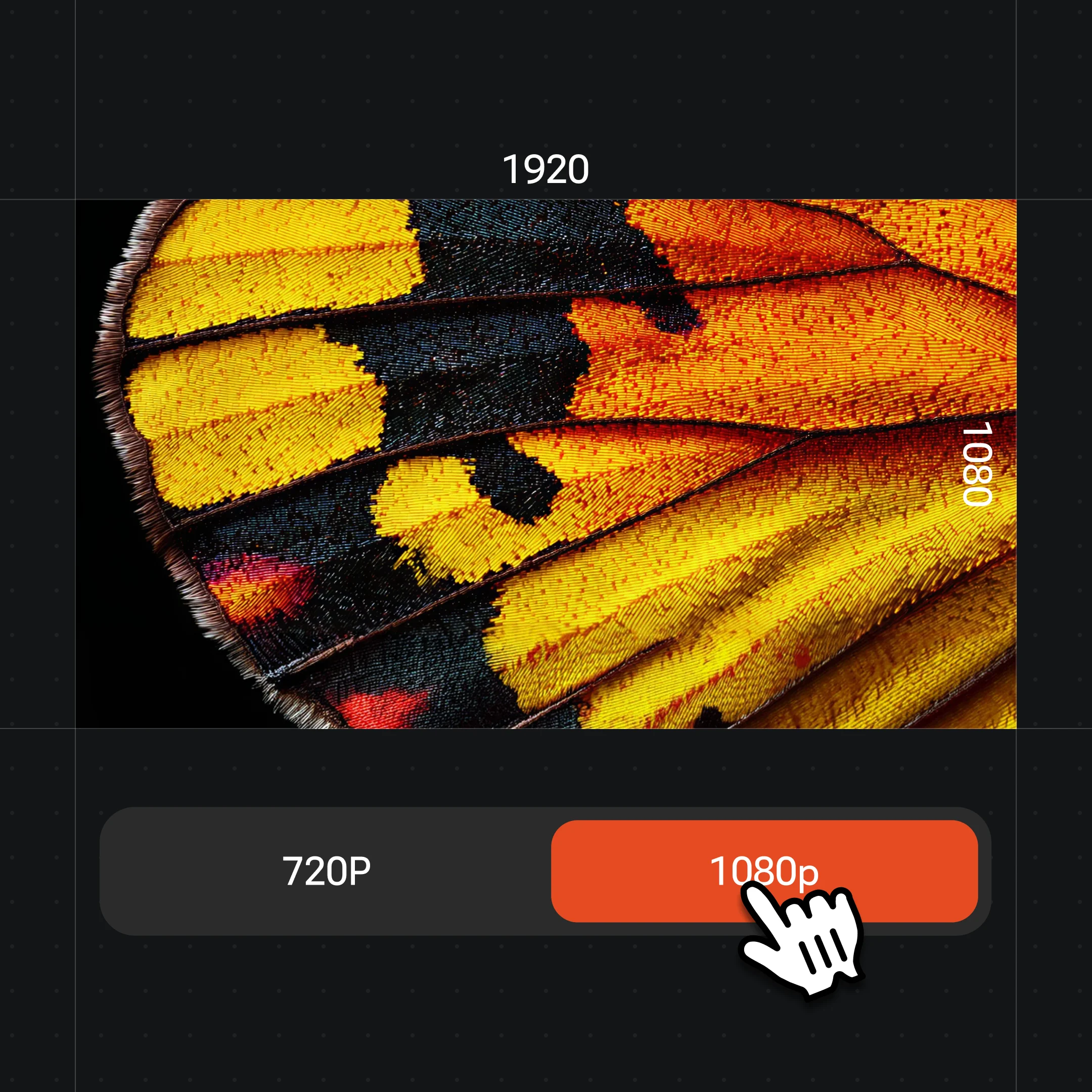
Generate on Nano Banana Pro, try other palettes and furniture, then export at up to 4K.
Restyle the same space across looks — or stage an empty room — all in one canvas.
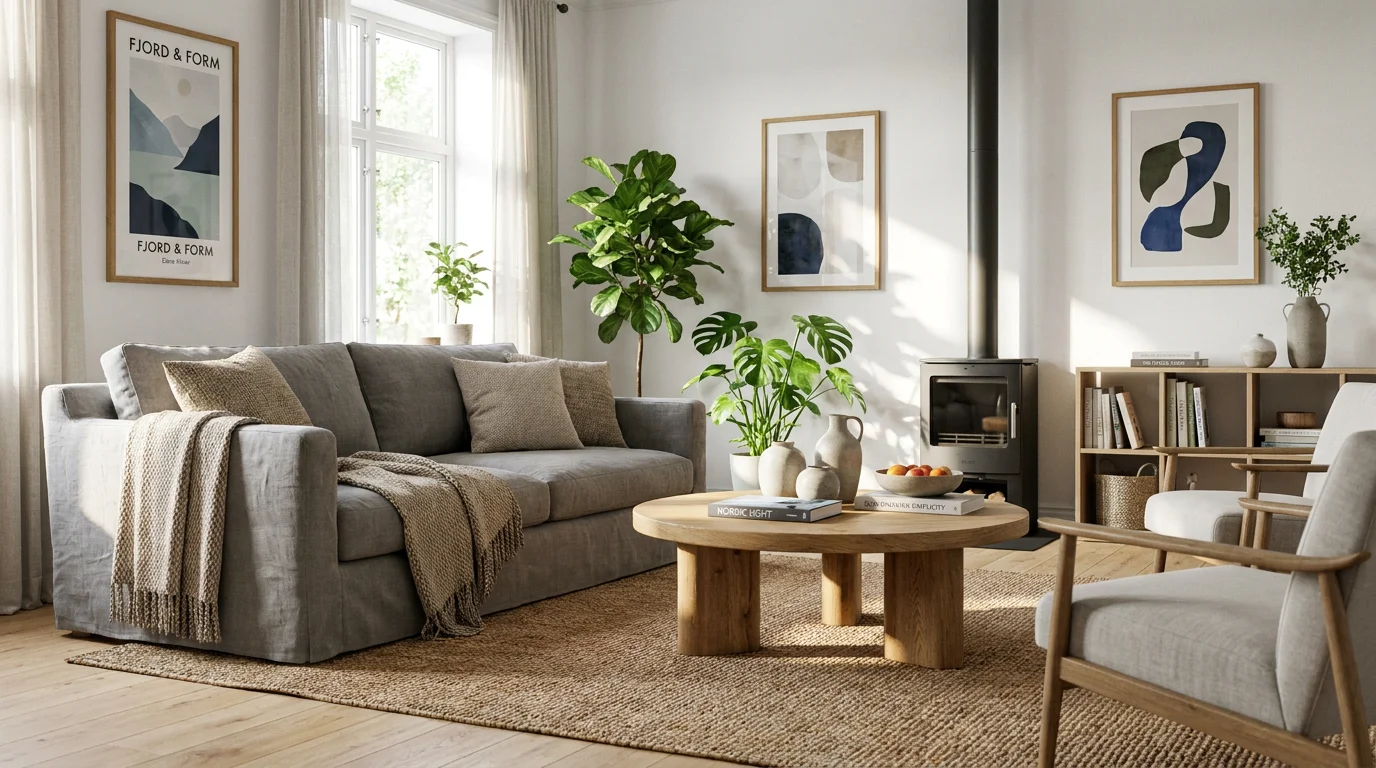
Light oak, white walls, a grey linen sofa and plants — bright, airy, and clean.
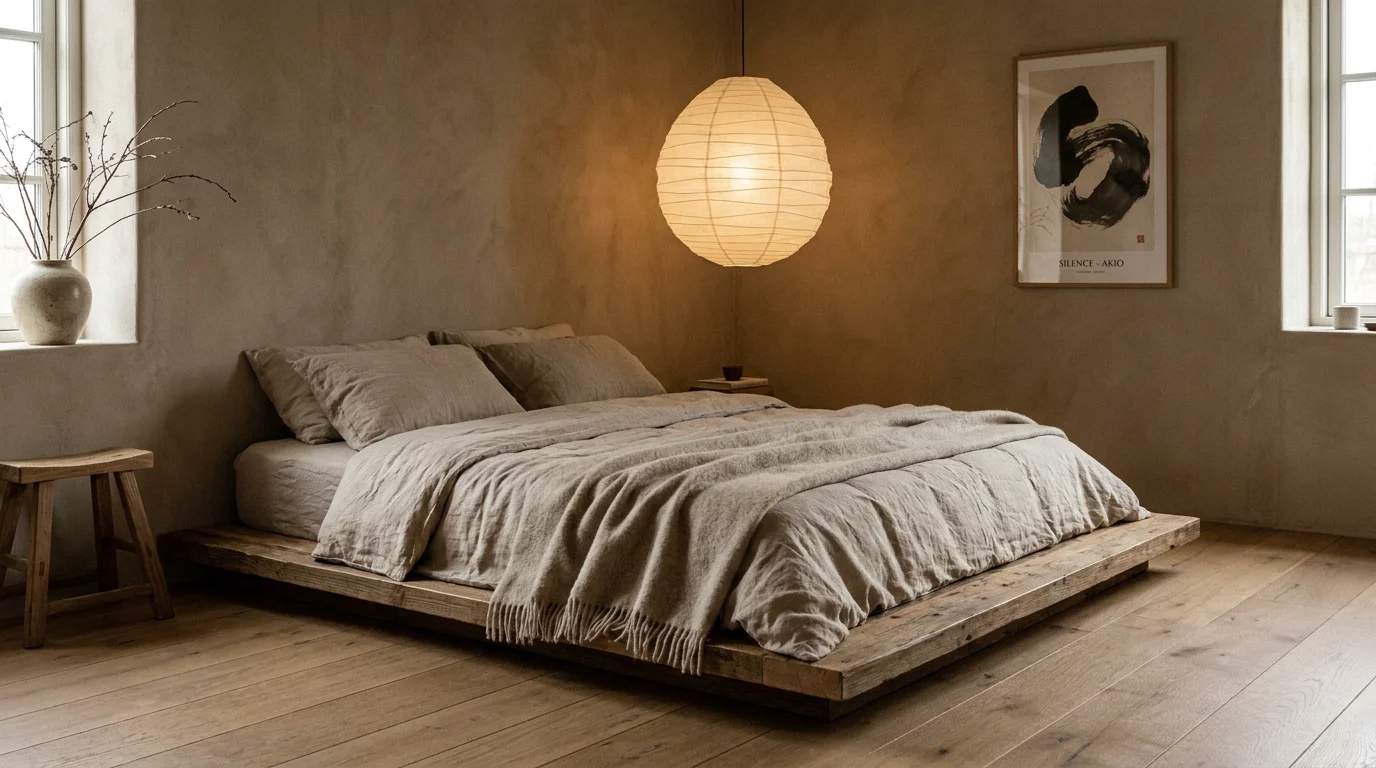
A low wood platform bed, linen bedding, and a paper lantern in muted earth tones.
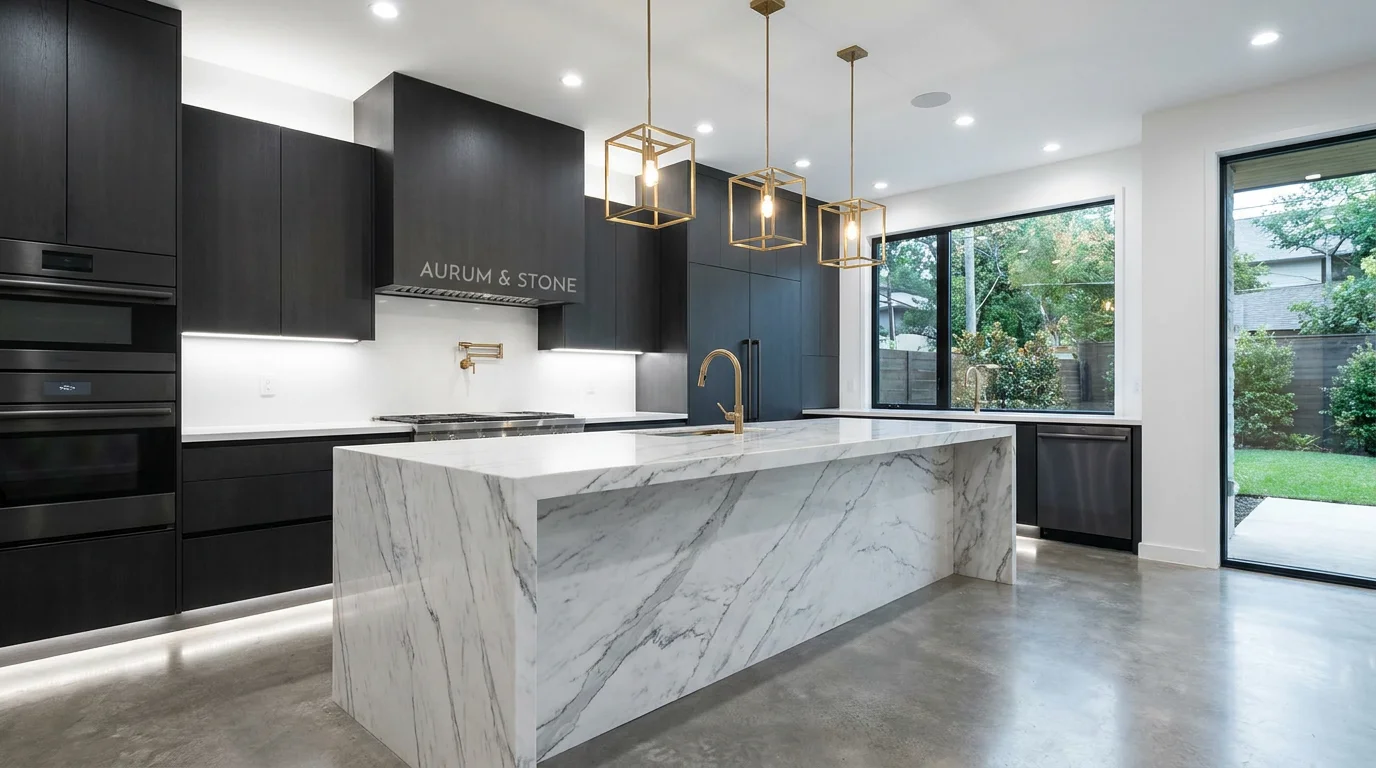
Matte dark cabinetry, a white marble island, and brass fixtures under bright light.
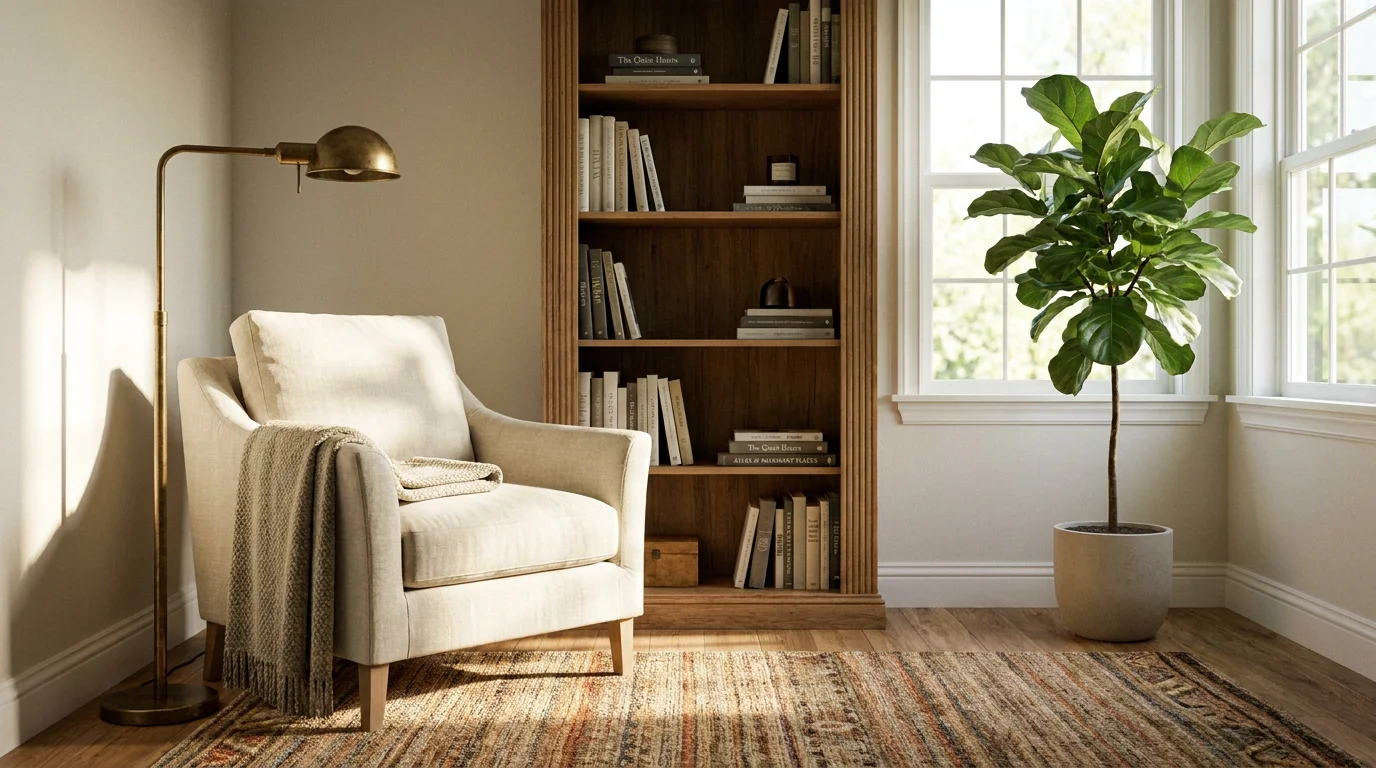
An empty room staged into a cozy reading nook — the real-estate listing trick.
Both live in the same Renoise canvas. Nano Banana Pro for photoreal interiors that hold your room; GPT Image 2 when your brief is detailed and instruction-heavy.
| For room design | Nano Banana Pro (Recommended) | GPT Image 2 |
|---|---|---|
| Best for | Photoreal interiors | Detailed instructions |
| Holding the layout | Best | Good |
| Realistic materials | Best | Good |
| Up to 4K export | ✓ | ✓ |
| Same canvas | ✓ | ✓ |
AI room design and virtual staging sound alike but answer different jobs, and knowing which you need changes the prompt. Room redesign starts from a furnished or lived-in space and changes its style — new palette, materials, and furniture — while keeping the architecture. You feed the model a photo and ask it to restyle: "same room, Scandinavian, light oak floor, grey linen sofa". The walls, windows, and sightlines stay; the vibe changes. This is the homeowner or designer use case, where the point is to preview a direction before spending on it.
Virtual staging starts from an empty room and adds furniture to make it feel livable — the trick real-estate agents use so a bare listing photo sells. The prompt leans toward "stage this empty room as a cozy reading nook: armchair, floor lamp, bookshelf". The constraint is realism and restraint: staged rooms should look plausibly furnished, not fantastical, because a buyer will walk the actual space.
In Renoise, both run the same way — drop the photo on Canvas and prompt Nano Banana Pro, which holds the room's geometry while it restyles or stages. Keep your structural cues ("same window wall, same ceiling height") verbatim across variations so only the design changes. Treat the output as a high-fidelity concept to align a client or contractor, not a construction document.
Room design leans on a few things — and Renoise gives you Nano Banana Pro, GPT Image 2, and other image models in one canvas.
Renders photoreal interiors and materials while holding your room's layout.
Start from a real photo so the redesign restyles your actual space.
Export client-ready renders at 1K, 2K, or 4K for decks and listings.
Switch between Nano Banana Pro, GPT Image 2, and other models per render.
One plan unlocks Nano Banana Pro, GPT Image 2, and every other image model.
Restyle any space with watermark-free exports on paid plans.
Upload a photo of your room and describe the style you want. Renoise generates a restyled version on Nano Banana Pro that keeps the existing layout and proportions, so it looks like your actual space redesigned — not a generic stock render.
Yes. Because you start from a real photo, the model holds walls, windows, and sightlines while changing materials, palette, and furniture. State structural cues like "same window wall, same ceiling height" to keep the geometry consistent across variations.
Yes. Prompt the empty room to be staged — "stage as a cozy reading nook: armchair, floor lamp, bookshelf". Keep it realistic and restrained so the listing photo stays believable for buyers who will walk the real space.
Scandinavian, Japandi, modern, industrial, mid-century, coastal, and more. Be specific: name materials and a palette — "light oak floor, grey linen, matte black fixtures" — rather than just a style word, and the result reads far more intentional.
Nano Banana Pro for most work — it renders photoreal interiors and materials while holding your room. Use GPT Image 2 when your brief is long and instruction-heavy. Both live in the same canvas, so you can switch per render.
Up to 4K. Use 1K for quick concepts, 2K for client decks, and 4K for print or large displays. Generating at higher resolution keeps material detail crisp when you present the redesign to a client or contractor.
For concept alignment, yes — it communicates a direction fast and outputs are watermark-free on paid plans. Treat it as a high-fidelity concept, not a construction document; final material specs and measurements still come from your designer or contractor.
Yes — room redesign is fundamentally an interior design task: you define the style, materials, and palette, and the AI renders a photoreal result. Renoise runs on Nano Banana Pro (Google), which is well-suited to interior design AI work because it holds the room's architecture while changing the décor. It covers the concepting and visual alignment stage; detailed drawings and specifications still come from a licensed designer.