Native lipsync
Built into Kling 3.0 Omni, so mouths match the audio with no separate step.
Sync any face to your audio — speech, song, or dialogue.
Built into Kling 3.0 Omni, so mouths match the audio with no separate step.
Drive lips from a voiceover, a vocal track, or scripted dialogue.
A generated character, or a real face you cleared through FacePass first.
Keep a character speaking in sync across up to six shots in one generation.
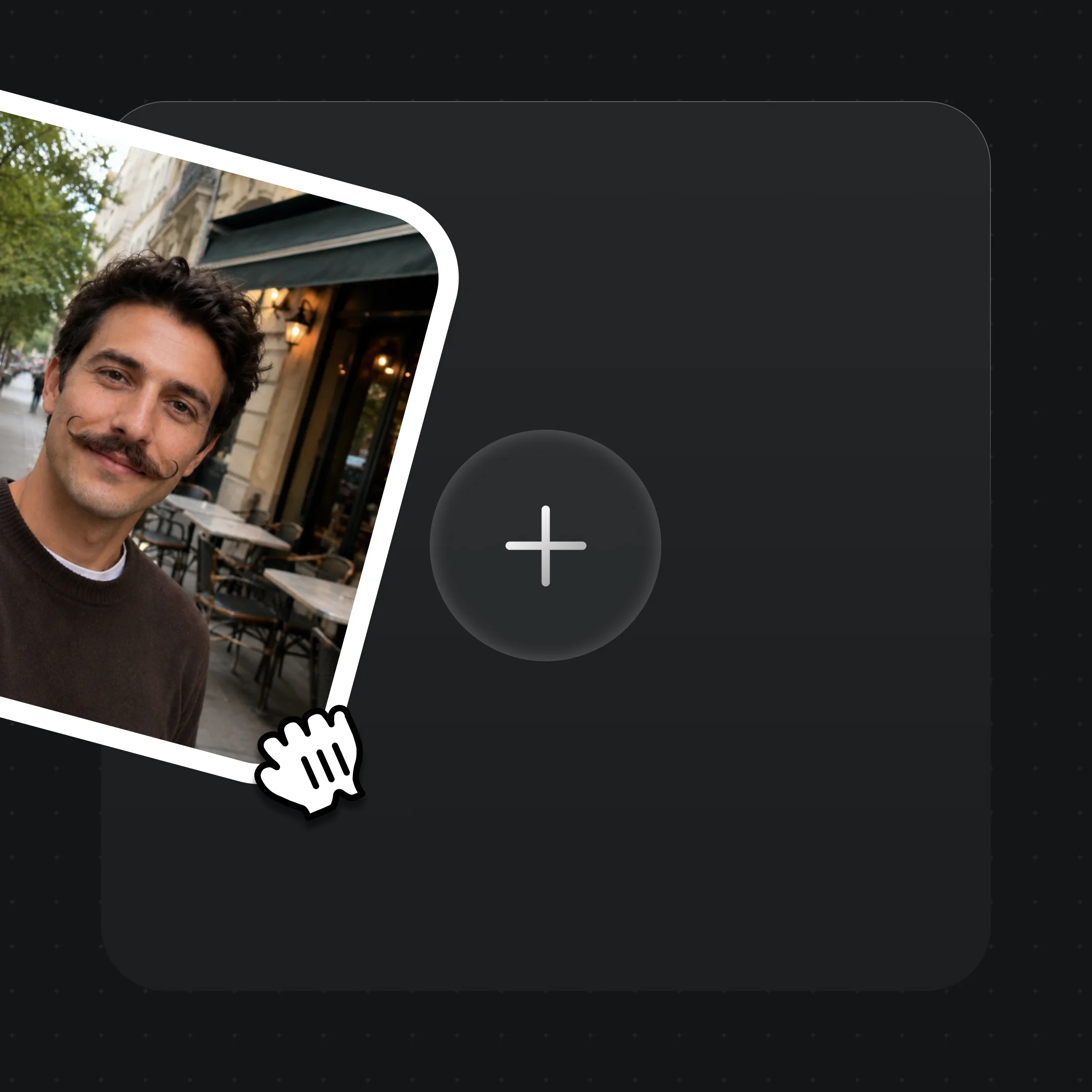
Drop a generated character or a FacePass-cleared photo into Canvas.
Upload a voiceover or vocal track, or type a line for the character to voice.
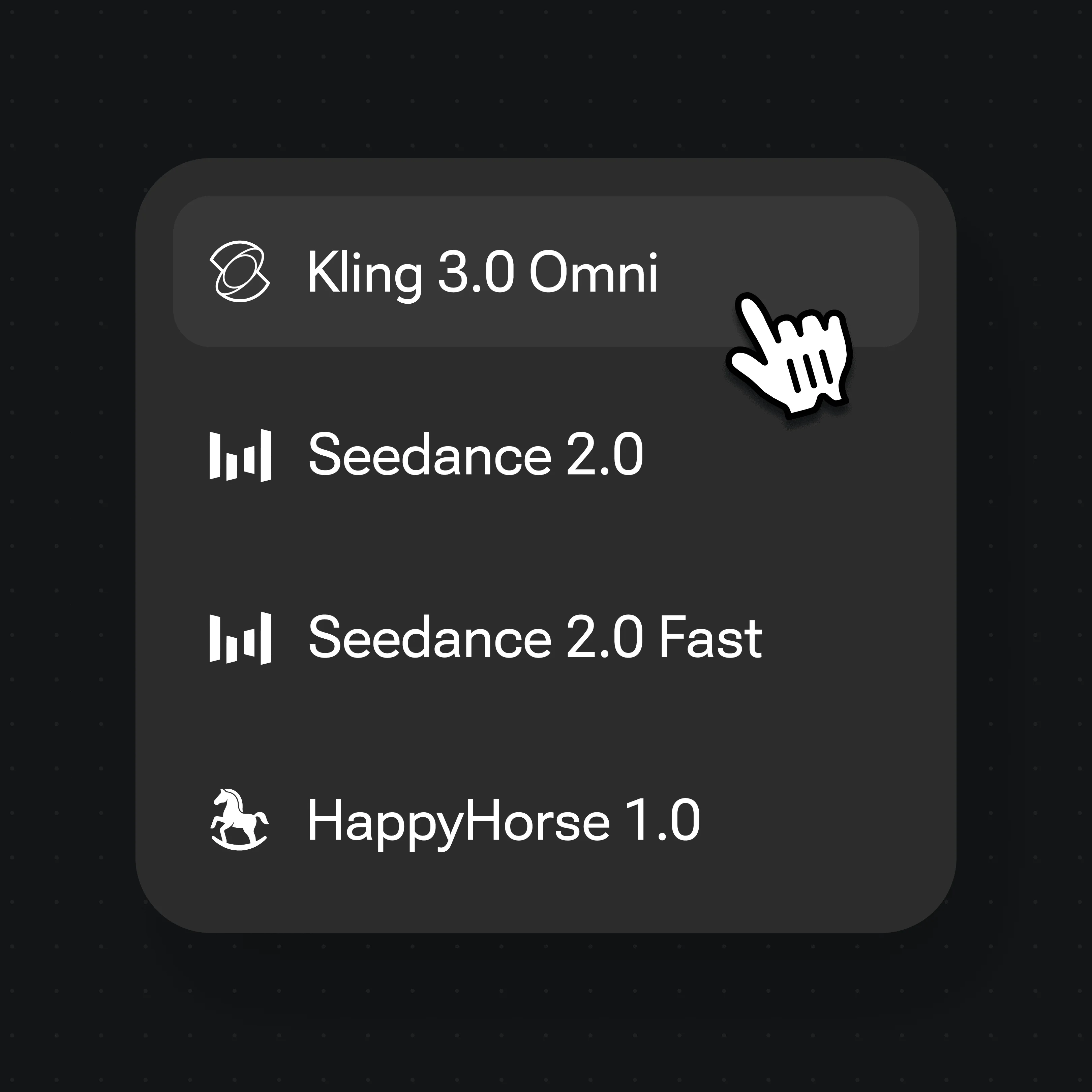
Choose Kling 3.0 Omni in the model selector and hit Generate — lips sync to the audio.
A spokesperson delivers a scripted line, mouth matched to the voiceover.
A character speaks inside a full cinematic shot, not a floating talking head.
Give an original character a voice and watch it deliver lines in sync.
Lipsync holds through a heavy costume and scene change, not just close-ups.
Unlock lipsync, FacePass, and every video model on one Renoise plan.
For first-time AI content creators
Billed $168 annually
Upgrade PlanSave $72/year
For creators shipping content every week.
Billed $504 annually
Upgrade PlanSave $216/year
For studios and pros producing at commercial scale.
Billed $1680 annually
Upgrade PlanSave $720/year
For first-time AI content creators
Billed monthly
Upgrade PlanFor creators shipping content every week.
Billed monthly
Upgrade PlanFor studios and pros producing at commercial scale.
Billed monthly
Upgrade PlanRenews automatically each year until canceled.
Renews automatically each month until canceled.
Native lipsync, FacePass faces, and more models on one Canvas.
AI lip sync animates a face so its mouth matches a given audio track — speech, singing, or dialogue. In Renoise it is native to the Kling 3.0 Omni model, so a character can speak in sync without a separate post step.
Yes. Lipsync is built into Kling 3.0 Omni, one of the models on the Renoise Canvas. Add a face and an audio track, pick Kling 3.0 Omni, and the generated character speaks in sync.
Only a face you are authorized to use, cleared through FacePass first. Most models block a detectable real face; FacePass is the approved path. No celebrities, public figures, or minors.
A voiceover, a vocal track, or scripted dialogue you type for the character to voice. The model maps the audio to mouth shapes, so the lips follow whatever the track is saying.
Yes. Drive the face from a vocal track and the character sings in sync. Pair it with the AI music video workflow to build a full performance clip on the Canvas.
Each Kling 3.0 Omni clip runs 3 to 15 seconds. Generated video clips can be edited and trimmed directly in Renoise.
No. Lip sync video outputs at 720p or 1080p, since it runs on a video model. 4K is available for the image models — Nano Banana Pro and GPT Image 2 — not for video.
Kling 3.0 Omni, by Kuaishou, which has native lipsync. Renoise integrates it alongside Seedance 2.0 and other models — it does not train video models itself.