Aurora model
xAI’s autoregressive image model, built for photorealistic rendering of real-world scenes.
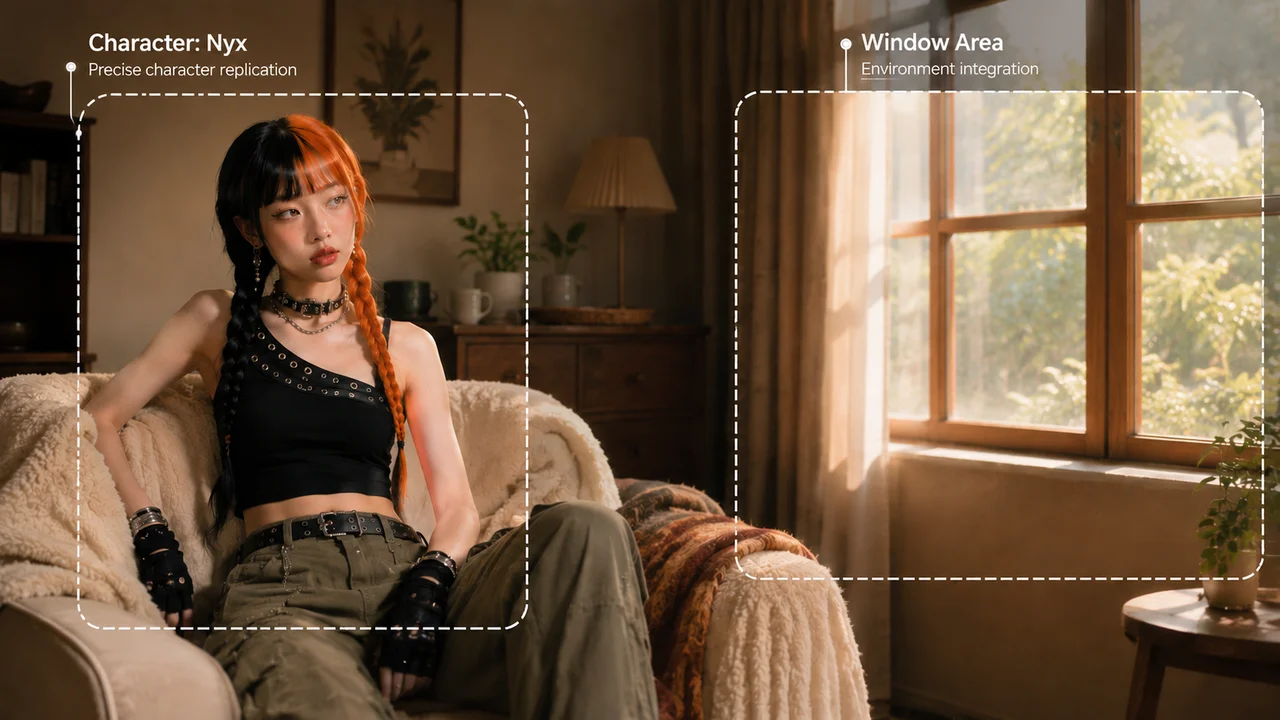
xAI’s Aurora image model — photoreal scenes and sharp text, on the Renoise Canvas.
Grok Imagine is xAI’s creative model; its image engine is code-named Aurora — an autoregressive model that predicts images token by token. It’s built for photorealistic rendering, sharp real-world text and logos, and editing or combining your own reference images.
In Renoise, Grok image runs on the Canvas next to Nano Banana, GPT Image 2 and Midjourney.
Looking for the video side? See Grok Imagine video
xAI’s Aurora image model, on the Renoise Canvas. Model specs below are xAI’s.
xAI’s autoregressive image model, built for photorealistic rendering of real-world scenes.
Renders real-world text, logos and fine detail with high precision — strong for posters and ads.
Combine up to three source images — merge subjects, transfer styles, compose new scenes.
Switch between Grok, Nano Banana, GPT Image 2 and Midjourney without leaving the page.
Three steps from prompt to finished image.

Write your prompt — subject, style, lighting. Or drop in a reference image to edit.
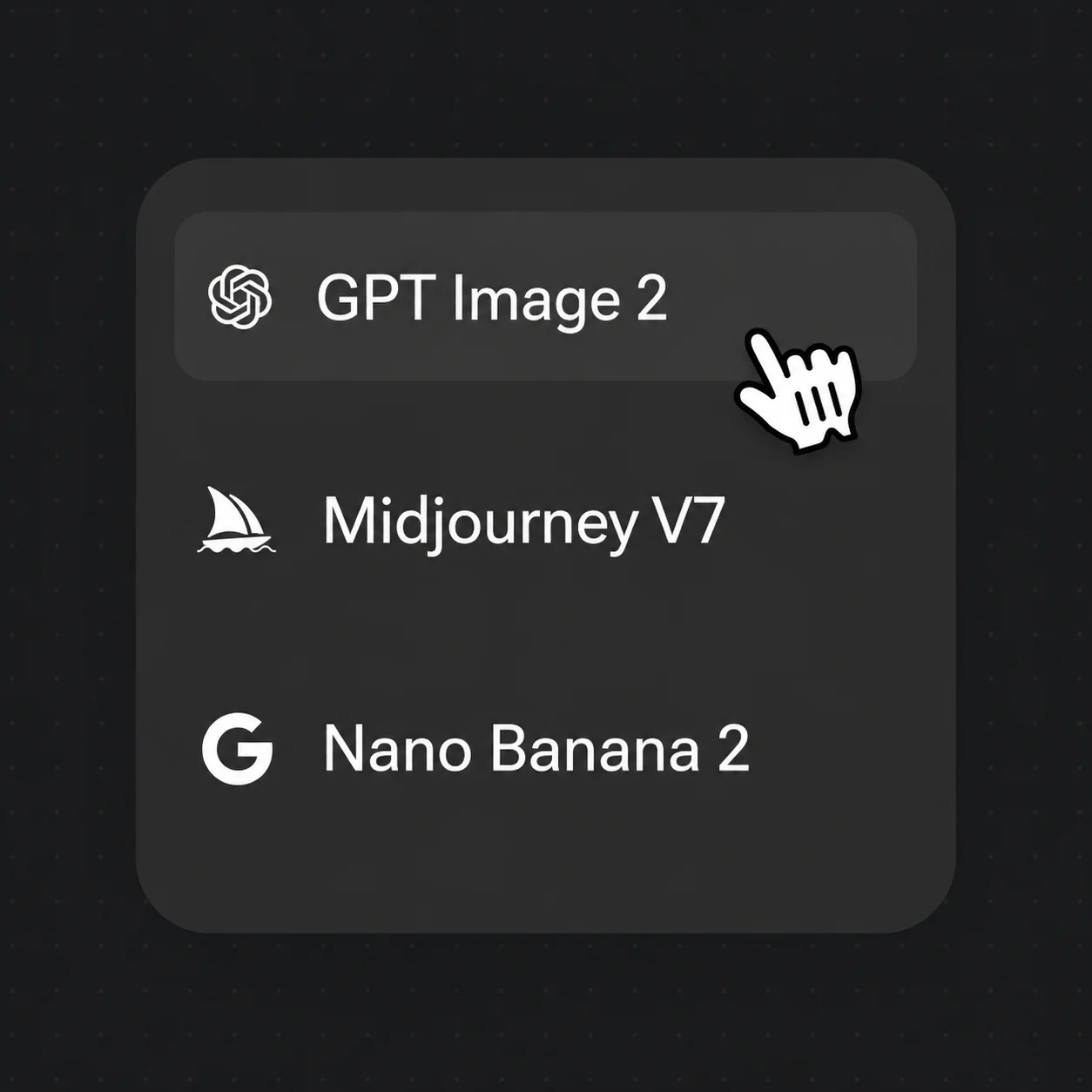
Choose Grok image in the Canvas model selector, then set 1K or 2K resolution.
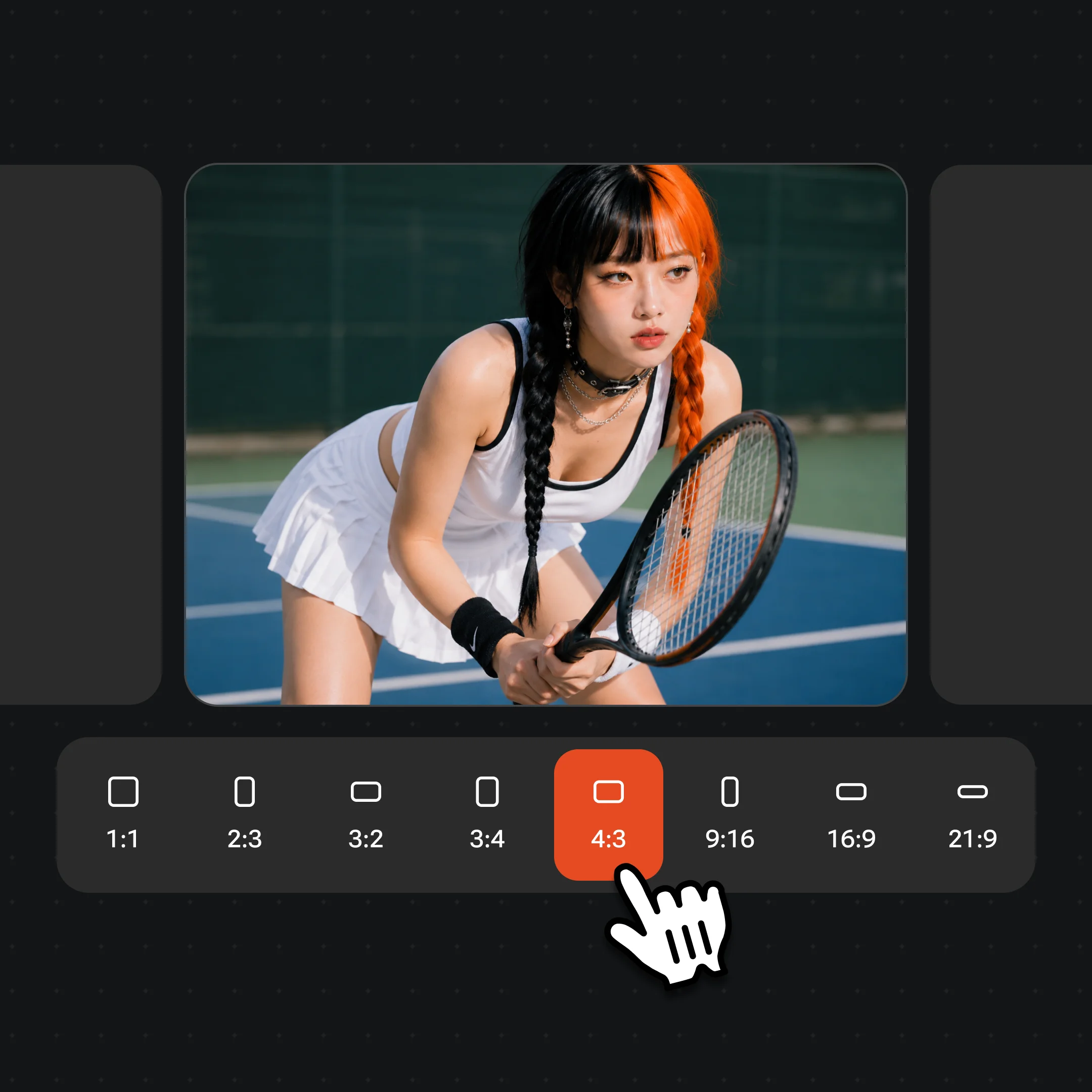
Choose aspect ratio and resolution, then hit Generate — the result lands as a Canvas node.
A few of the things you can make with image models on the Renoise Canvas.
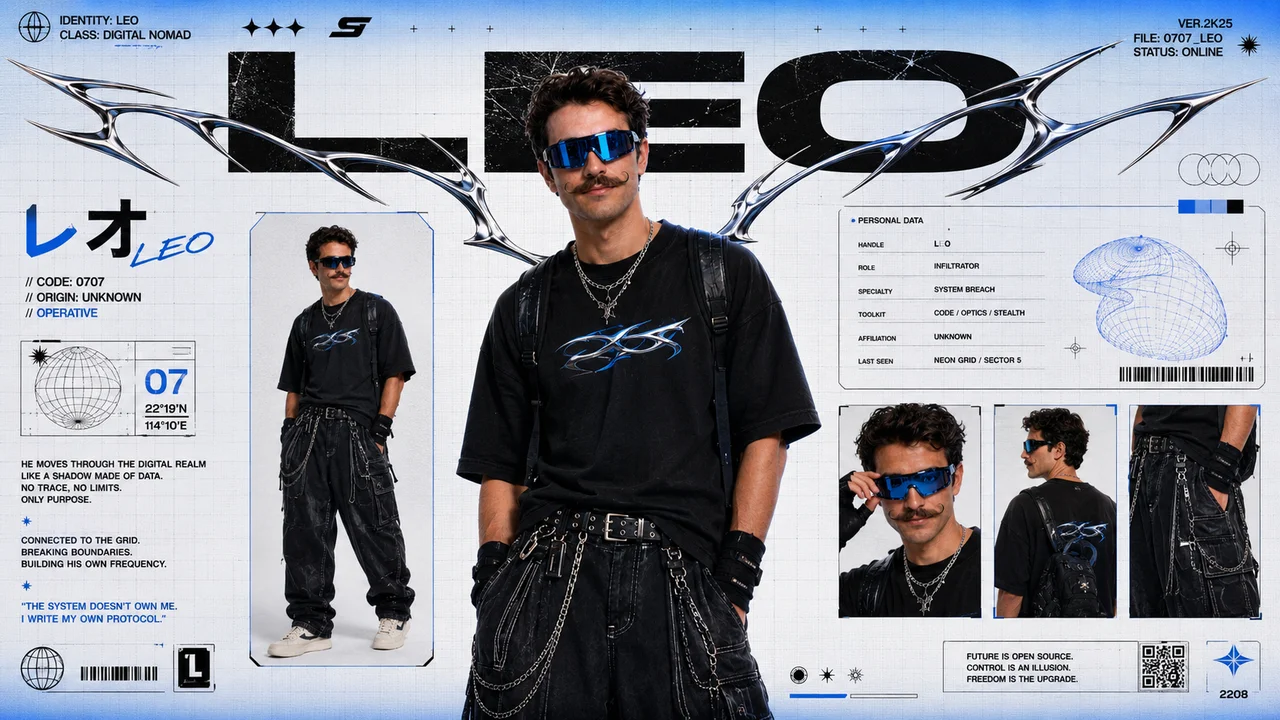
Lock a character’s look across angles and outfits, then carry it into video on the same Canvas.
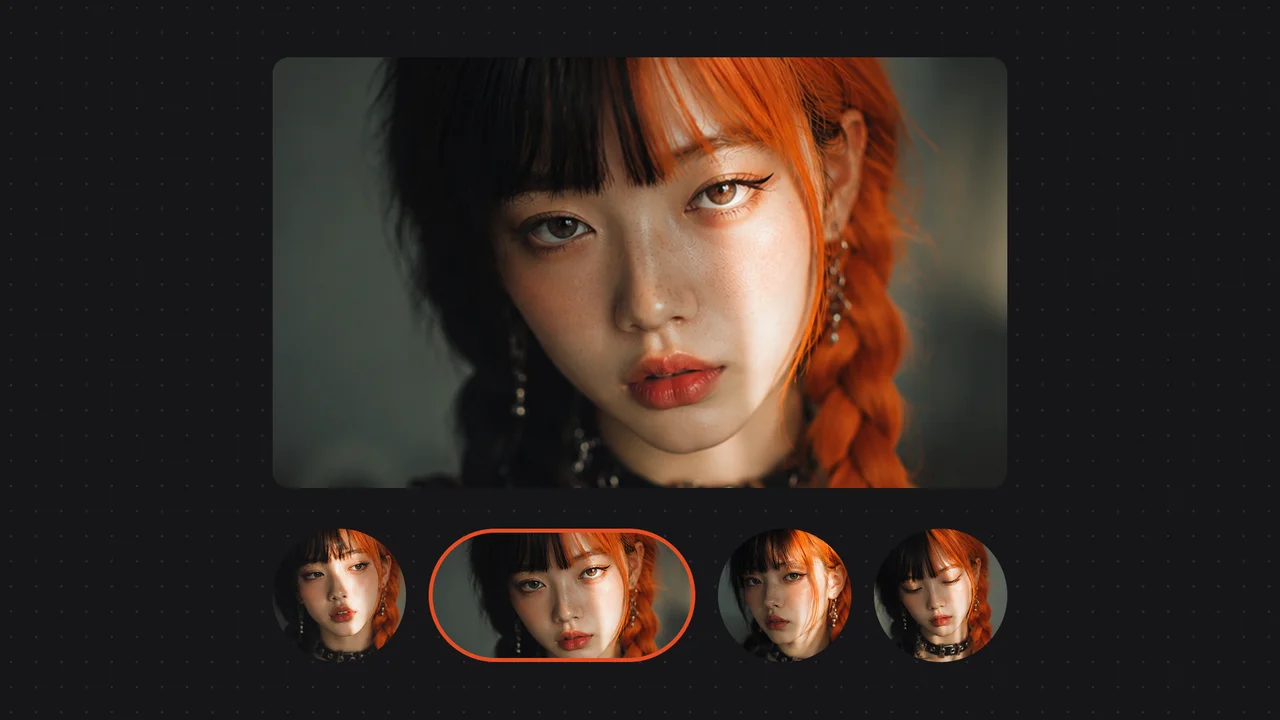
Photoreal portraits in four variations from one prompt — lighting, pose and styling under your control.
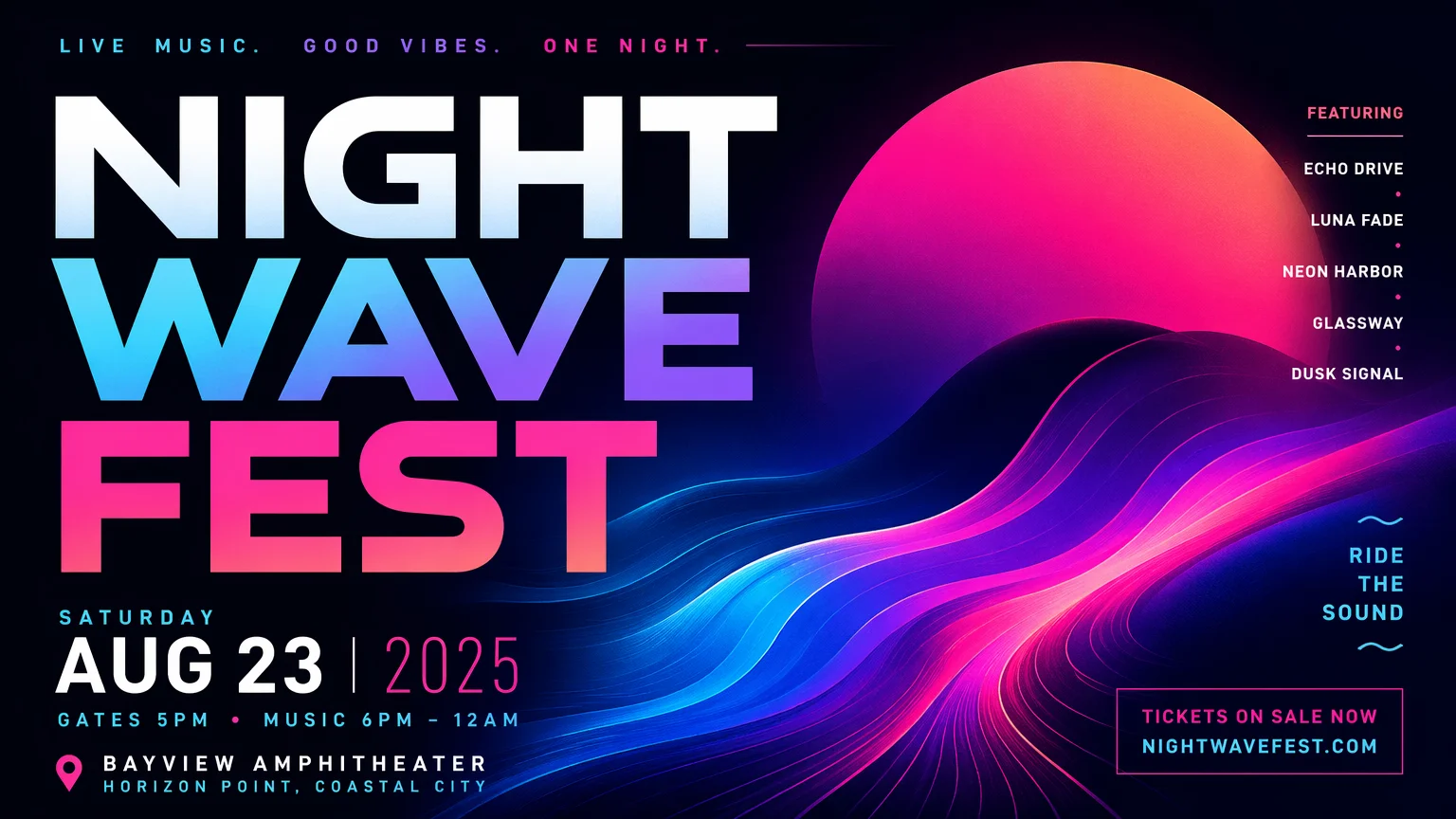
Design-grade posters with readable headline text — ready for campaigns and social.
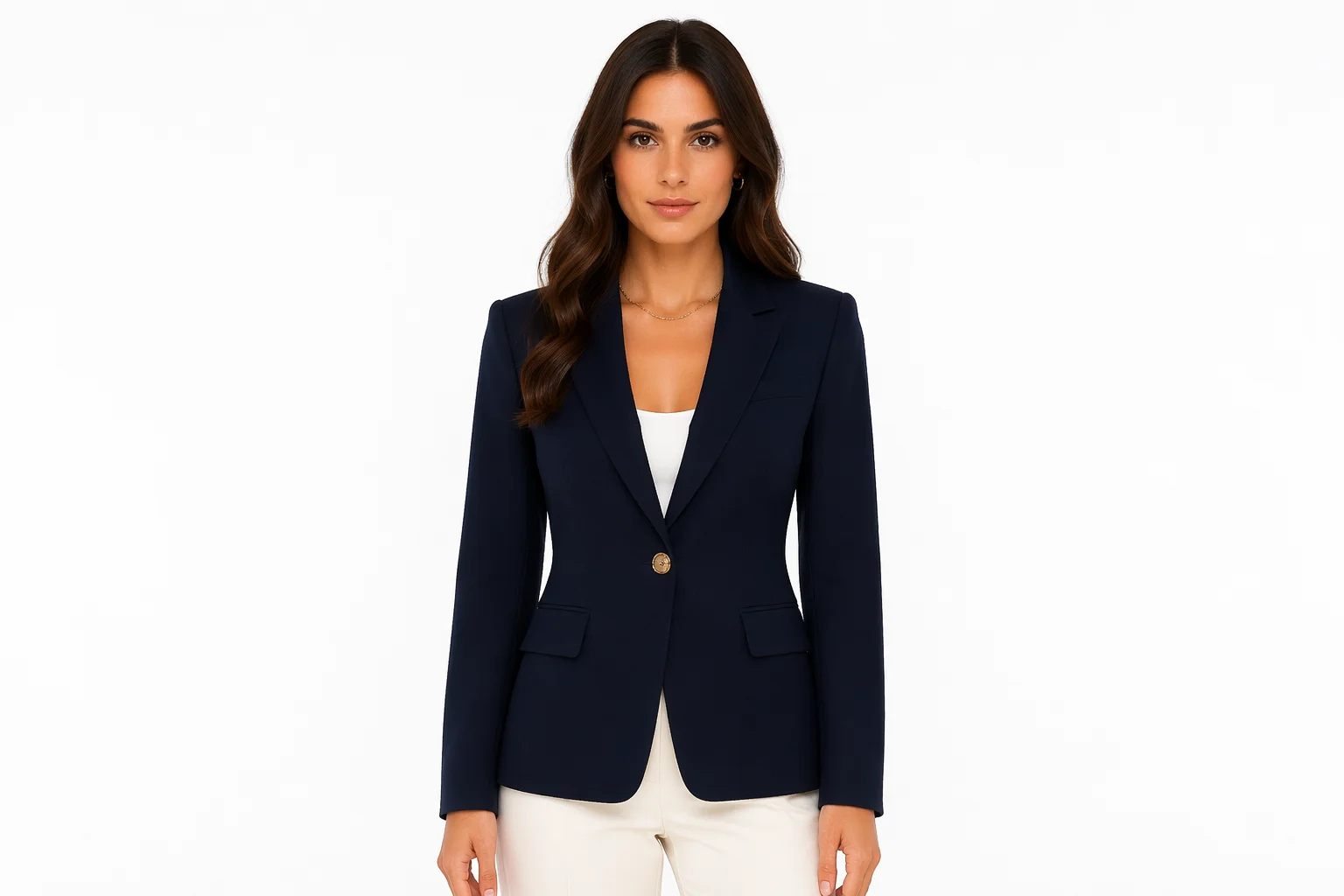
Studio-quality product and fashion shots without a shoot — swap outfits, scenes and angles.
Pick the right engine per shot — all on one Canvas.
| Image model | Grok Image (Recommended) | Nano Banana Pro | GPT Image 2 |
|---|---|---|---|
| Output up to | 2K | 4K | 4K |
| Reference images | Up to 3 | Yes | Up to 16 |
| Strength | Text & realism | Detail & 4K | Edits & layout |
| Best for | Photoreal scenes | Photoreal + upscale | Design & composites |
Most image generators are diffusion models — they denoise a noisy canvas into a picture. Grok Imagine’s Aurora is autoregressive: it predicts an image token by token, the same way a language model predicts words. xAI says this is what gives Aurora its edge on photorealism and on rendering legible real-world text and logos, where diffusion models often smear letters.
That difference matters most for posters, packaging and ads, where the words have to be readable, and for edits that combine several reference images into one coherent scene.
In Renoise, Grok image runs on the Canvas beside Nano Banana 2 / Pro (photoreal detail up to 4K), GPT Image 2 (layout-heavy edits and composites) and Midjourney V7 (stylized art). Pick the model per shot, no tool-switching — and carry any frame straight into video.
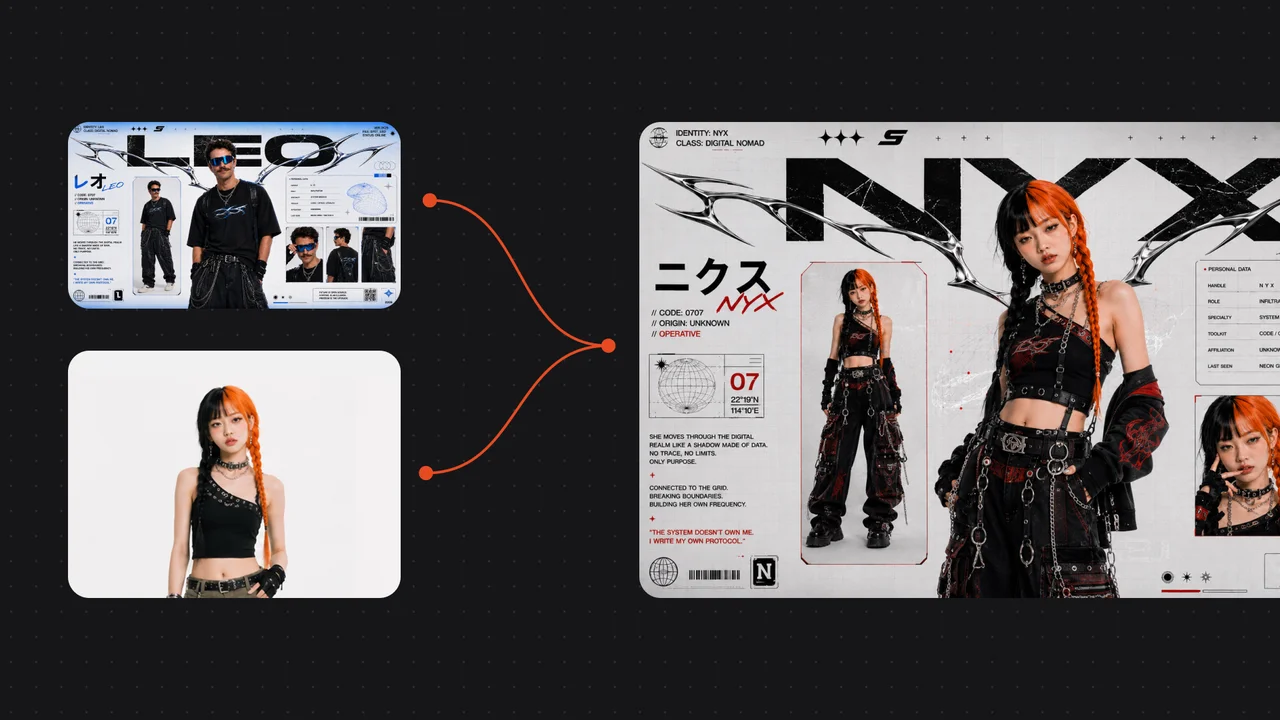
xAI’s Aurora model, on the Canvas with every other model.
Grok Imagine is developed by xAI. Its image model is code-named Aurora — an autoregressive model built for photorealistic rendering. Renoise integrates it; Renoise does not train image models itself.
Yes. Grok image runs on the Renoise Canvas alongside Nano Banana 2 / Pro, GPT Image 2 and Midjourney V7 — choose it in the model selector and generate.
Per xAI, Aurora is autoregressive rather than diffusion-based, and excels at photorealism and rendering real-world text and logos while following prompts precisely.
Yes. Grok can edit images and combine up to three source images in a single edit — useful for merging subjects, transferring styles and composing scenes.
Grok image plus Nano Banana 2 and Pro (Google), GPT Image 2 (OpenAI) and Midjourney V7 — covering photoreal, design and stylized work, with up to 4K output. All on one Canvas.
No. Grok Imagine spans both image and video. The video side adds native audio and motion — see the Grok video page.