Up to 4K
Re-renders a small image at 1K, 2K, or 4K for a larger, higher-resolution copy.
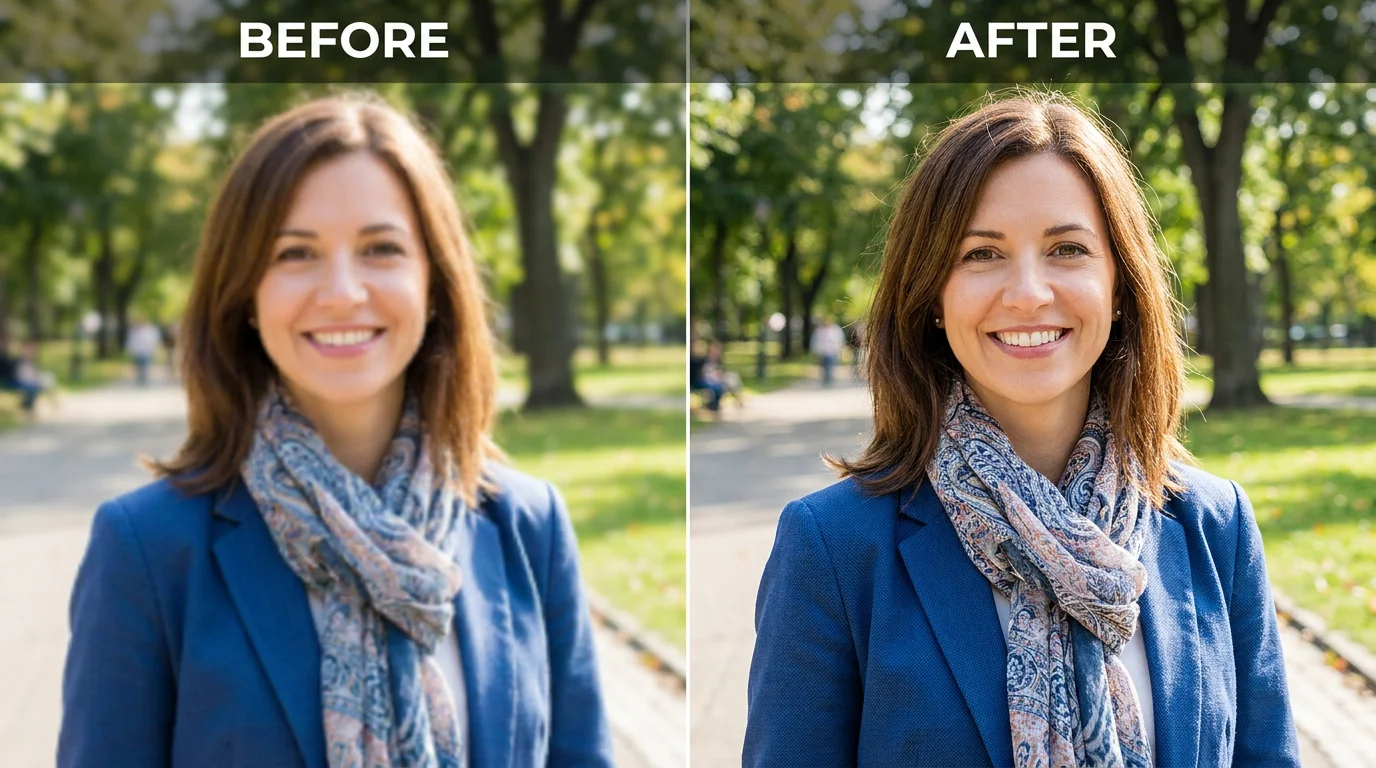
Make a small, low-res image bigger — up to 4K.
Upload the small image to Renoise Canvas, pick Nano Banana Pro, set the output to 2K or 4K, and prompt "upscale, keep the same subject and composition", then export. This is generative re-render — the model rebuilds the picture at a larger resolution, not a pixel-faithful upscale that preserves every original pixel.
Just want a sharper, cleaner image at the same size? See the image enhancer guide
How a generative re-render makes a small image bigger.
Re-renders a small image at 1K, 2K, or 4K for a larger, higher-resolution copy.
Sizes a low-res source up for posters, framed prints, and large screens.
Rebuilds the image at the target size with AI — not a pixel-for-pixel upscale.
From a small, low-res source to a larger, higher-resolution re-render.

Drag the small or low-res image onto the Renoise Canvas upload card.
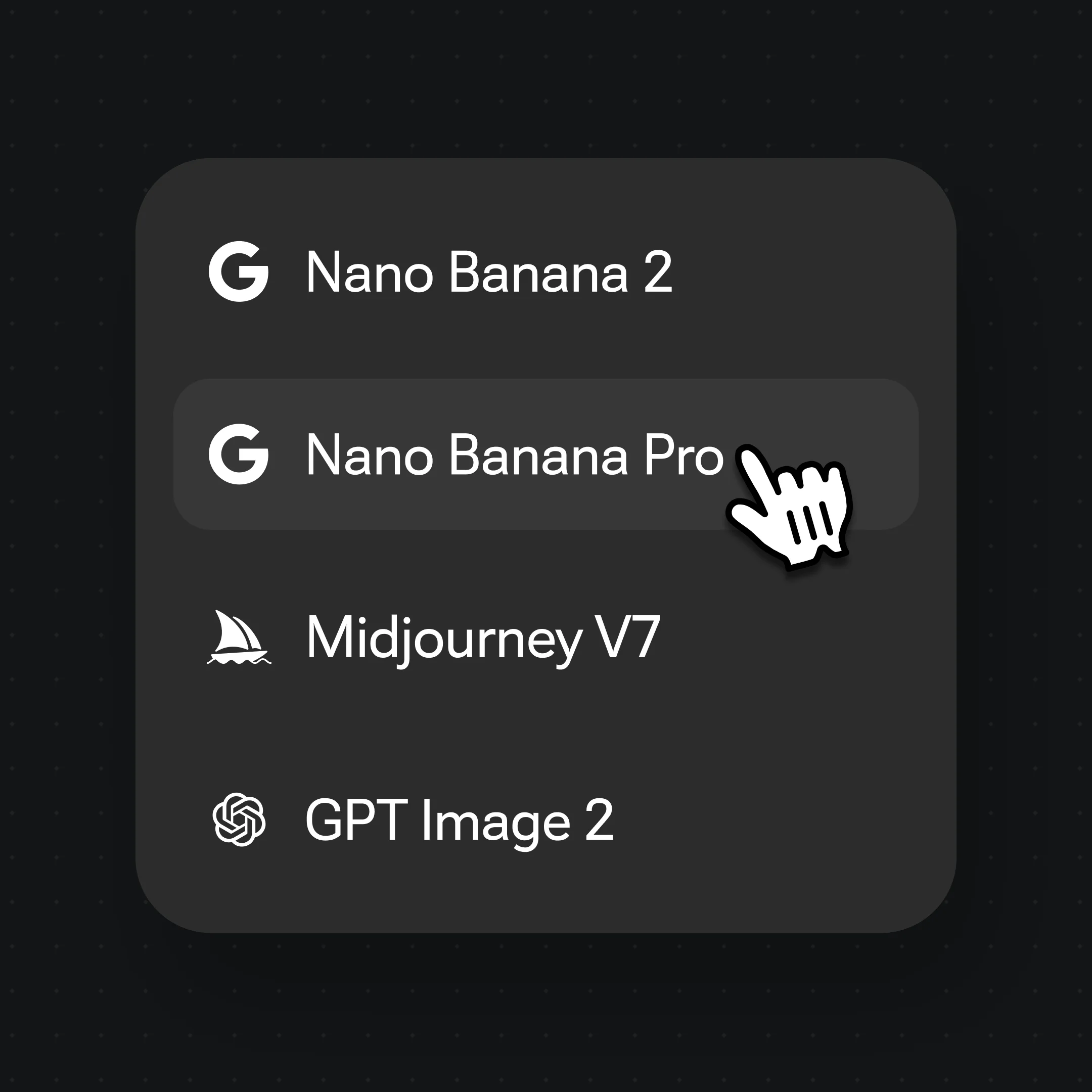
Choose Nano Banana Pro, then prompt "upscale, keep the same subject and composition".
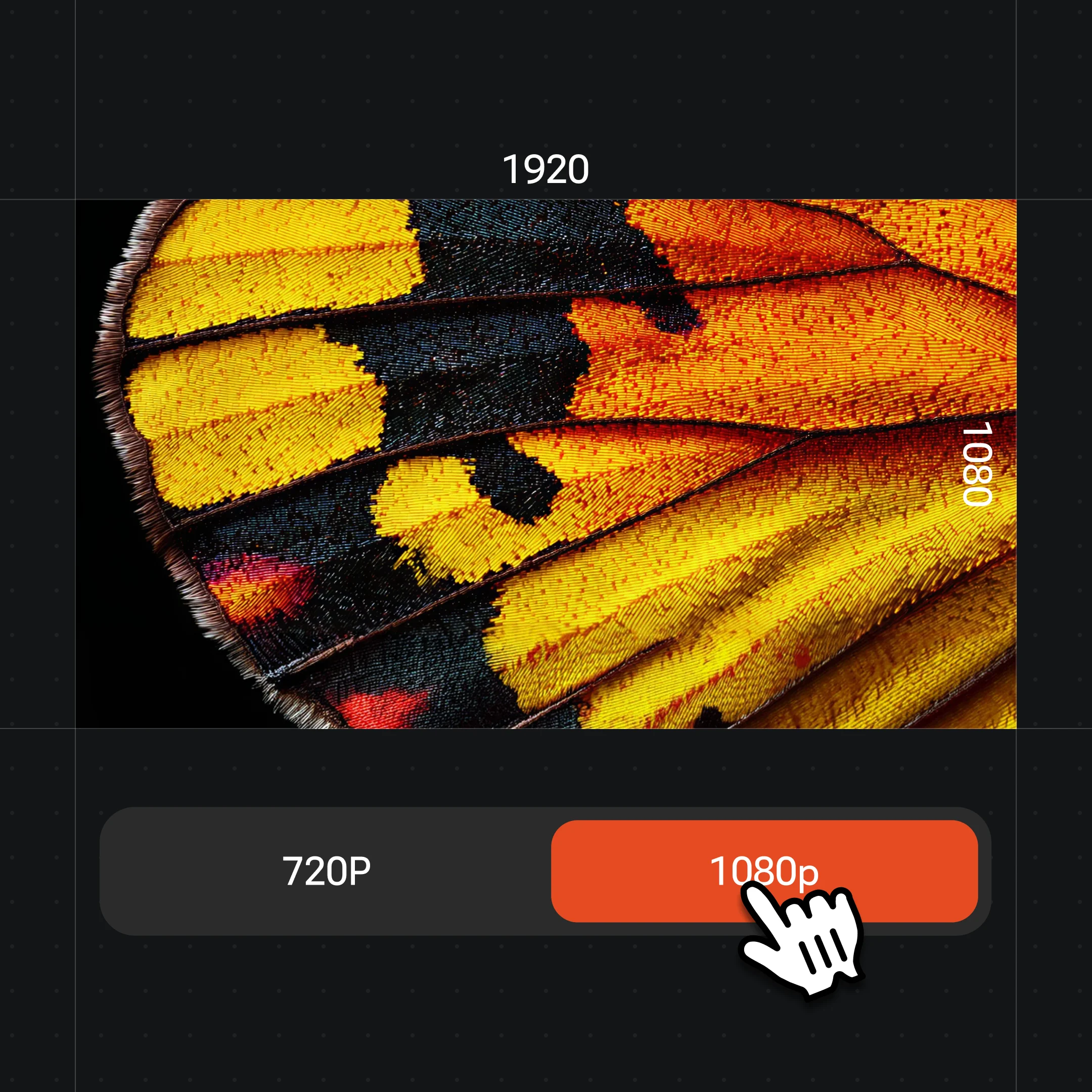
Set output to 4K, generate, compare with the original, then export the larger version.
Generative re-renders of small images at a larger resolution — same subject, sized up to 4K in one canvas.
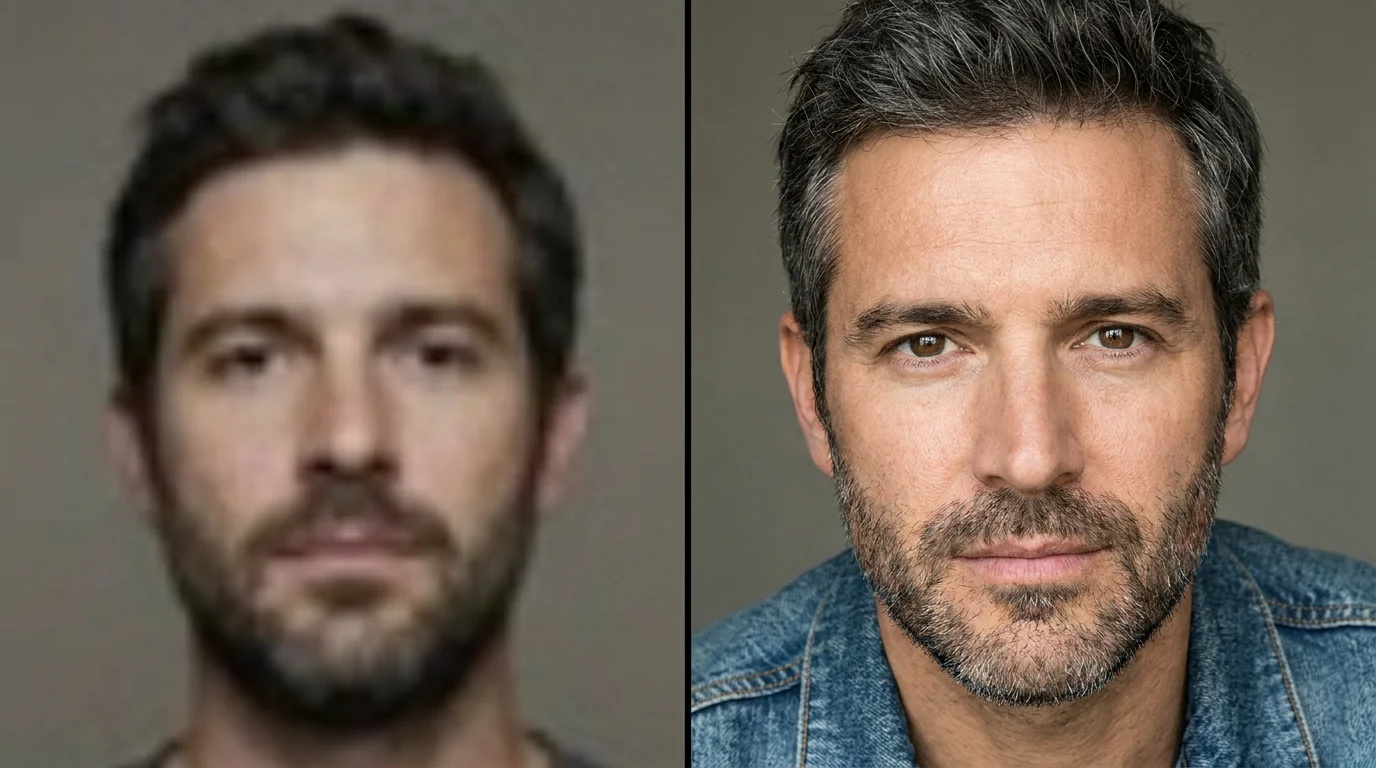
Re-render a small portrait at a larger size — same subject.
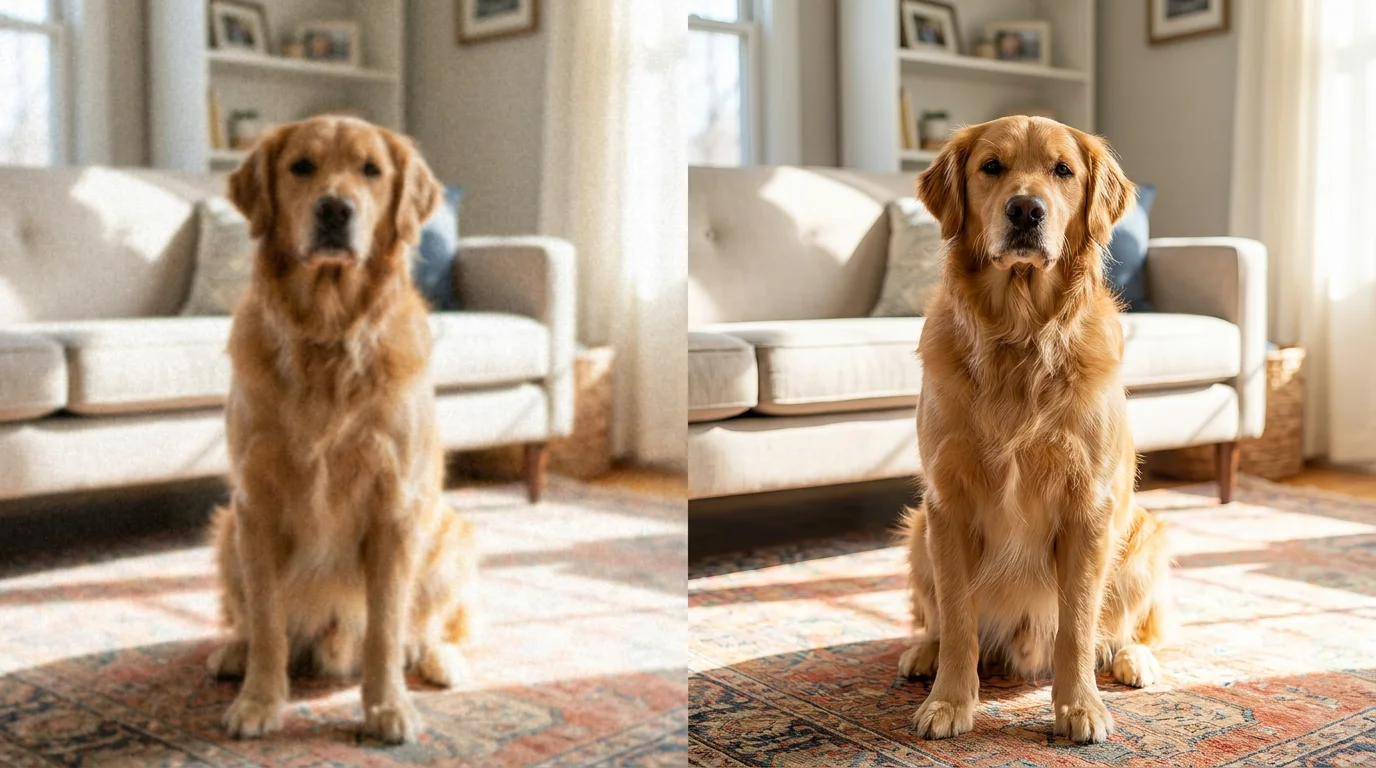
Size a low-res shot up for printing.
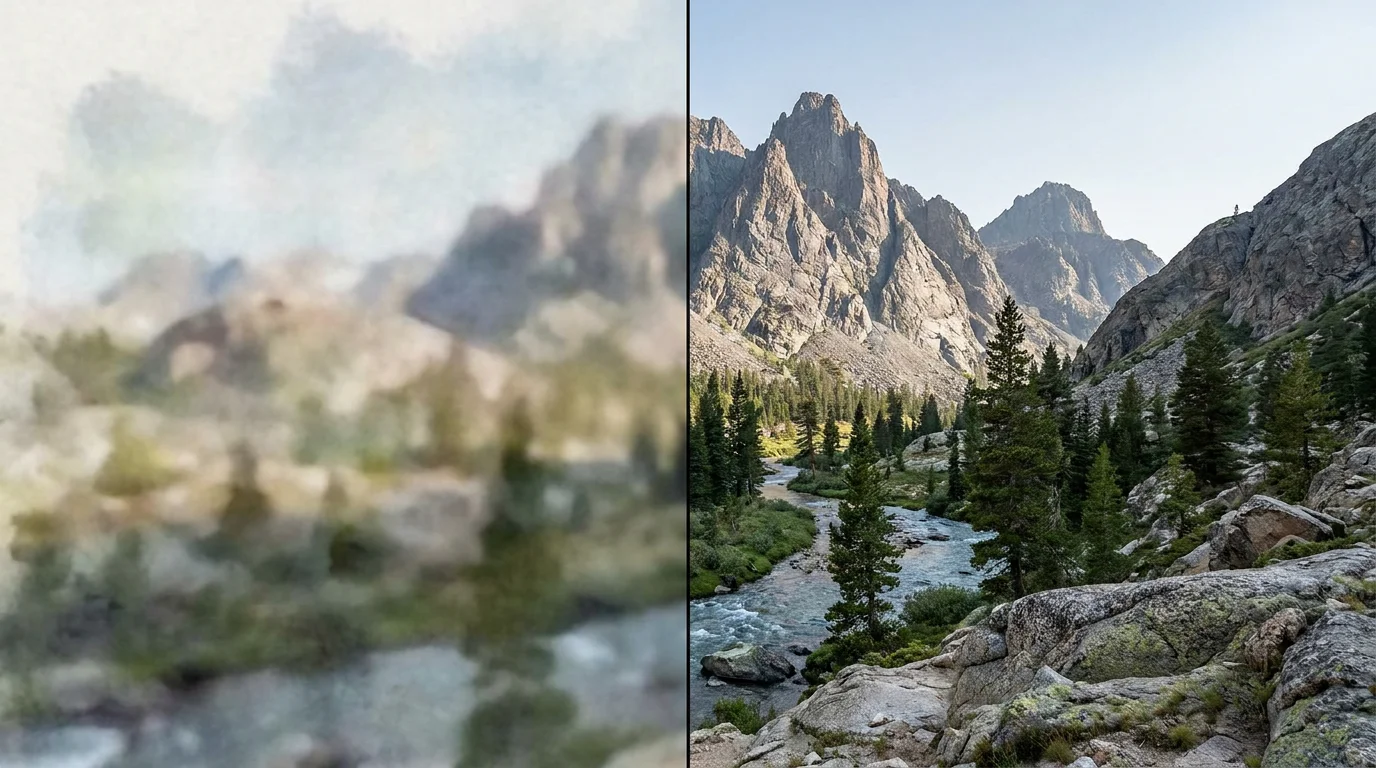
Re-render a small landscape up to 4K.
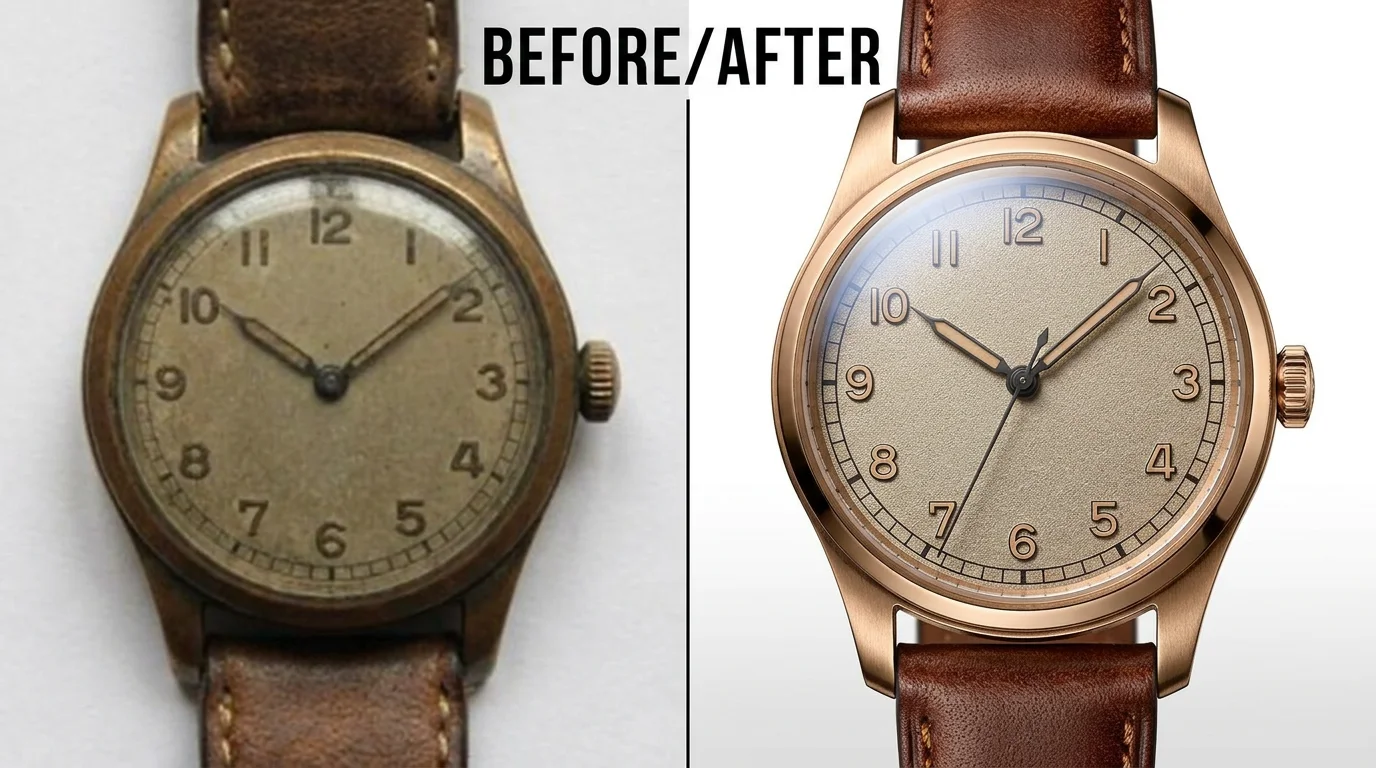
Upsize a small product photo for a banner.
Both live in the same Renoise canvas — pick by what the image needs. Nano Banana Pro for photoreal faces, skin, and lighting; GPT Image 2 when the detail is instruction-heavy and you want precise control.
| For upscaling | Nano Banana Pro (Recommended) | GPT Image 2 |
|---|---|---|
| Best for | Photoreal faces and skin | Precise, detail-heavy fixes |
| Detail at size | Best | Good |
| Reference images | Multi-reference | Up to 16 |
| Up to 4K export | ✓ | ✓ |
| Same canvas | ✓ | ✓ |
It helps to know what AI upscaling in Renoise actually is — because it is not the same thing as a classic upscaler. A pixel-faithful upscaler (think Gigapixel-style tools) interpolates the pixels you already have: it enlarges the source and tries to preserve the original information without inventing anything new. It is conservative and predictable, but it can only work with the detail that survived the low resolution.
Renoise takes the generative route. When you run a small image through Nano Banana Pro or GPT Image 2 as image-to-image, the model re-renders the picture at the target resolution, rebuilding detail it infers from context — skin texture, hair, fabric, edges — so it fills the larger canvas convincingly. That means a re-render at 4K can look far better than a straight stretch, but it is an interpretation: fine specifics may shift, so it is not lossless and not pixel-for-pixel identical to the source.
If your image is already the right size and you only want it cleaner — deblurred, denoised, sharper — that is a different job, handled on the image enhancer guide. For upscaling: upload to Canvas, set 2K or 4K, prompt "upscale, keep the same subject, framing, and colors", and lock the composition so the model rebuilds rather than reimagines. Use Nano Banana Pro for faces and skin, GPT Image 2 when detail is heavy. Always compare against the original before you ship.
Upscaling leans on a few things — and Renoise gives you Nano Banana Pro, GPT Image 2, and other image models in one canvas.
Re-renders photoreal skin, faces, and lighting convincingly at the larger size.
Tight instruction following for detail-heavy images; fuses up to 16 reference images.
Export the re-rendered image at 1K, 2K, or 4K for print, large display, or archives.
Stay on the same canvas to restyle, extend, or animate the upscaled image into a video.
One plan unlocks Nano Banana Pro, GPT Image 2, and every other image model.
Re-render bigger, up to 4K, with watermark-free exports on paid plans.
In Renoise you upload the small image and an image model re-renders it at a higher resolution, rebuilding edges, faces, and texture from context to fill the larger size. This is generative re-render — the model repaints detail rather than only interpolating the original pixels.
No. Renoise upscales by generative re-render, not pixel-for-pixel enlargement. The result at 4K can look far better than a straight stretch, but fine specifics may shift, so it is not lossless. Lock the subject and composition in your prompt to stay close to the original.
Up to 4K. Choose 1K for web, 2K for most uses, or 4K for print and framed copies. Set the output resolution before you generate so the image is re-rendered at the size you need.
Any size works, but the more detail the source has, the closer the upscale stays to it. A very small or soft source means the model infers more, so compare against the original at full size before exporting.
Upscaling makes a small image bigger — it changes the resolution. Enhancing improves quality at the same size — deblur, denoise, sharpen. If your image is already the right size and just looks soft, use the image enhancer guide instead.
Nano Banana Pro for most images — it re-renders photoreal skin, faces, and lighting convincingly at the larger size. Switch to GPT Image 2 for detail-heavy images like fine lettering or patterned fabric, where precise instruction following helps. Both live in the same canvas.
Yes. The upscaled image stays on the Canvas, so you can restyle it, extend it, or animate it into a video with another model — no re-upload, no switching tools.
Outputs are watermark-free on paid plans, so an upscaled image exports clean and ready to print, post, or share. The same canvas handles upscaling, restyling, and animating in one place.
