Clears the face block
Seedance 2.0 refuses any reference image with a detectable real face. FacePass is the approved path past that block.
Register a face you have the rights to, clear it once, then generate — no "face detected" wall.
Most AI video models refuse reference images with a real human face. FacePass is the authorized way through.
Seedance 2.0 refuses any reference image with a detectable real face. FacePass is the approved path past that block.
Submit a face once. It runs a likeness-ownership review before any render — image references clear fast, video runs a short pre-render check.
Only a face you own or hold written consent for. No celebrities, public figures, or minors — enforced at review.
Pre-clearance keeps unauthorized likenesses out before generation, so a real face is used the legitimate way.
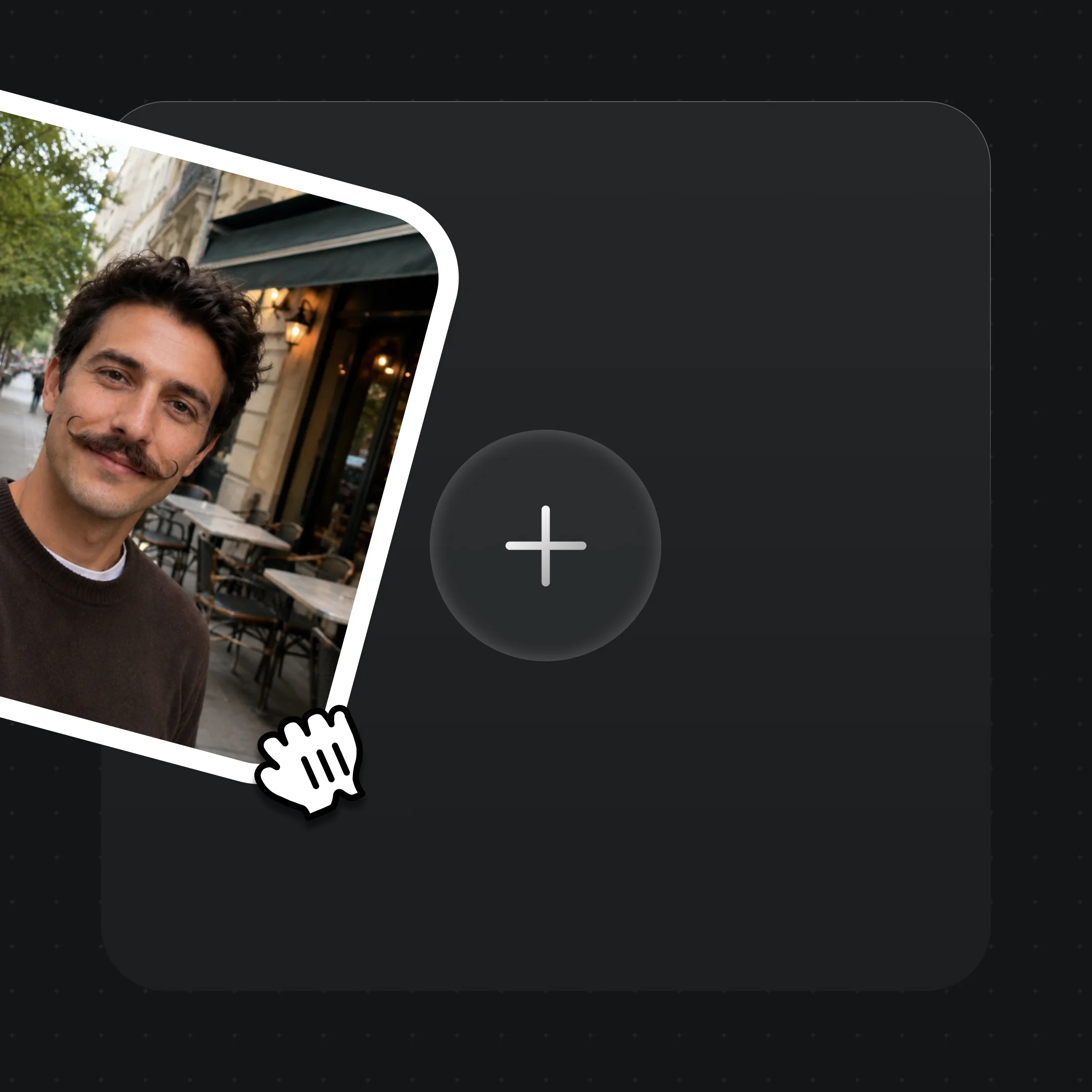
Drag one clear photo into Canvas. iPhone quality is fine — as long as you hold the likeness rights to that face.

Right-click → "Add to FacePass". A likeness-ownership check runs: image references clear quickly; video runs a short pre-render review.

Once cleared, the face is a whitelisted reference. Use it in Seedance 2.0 and other models without hitting the real-face block.
Legitimate, rights-cleared faces brought into very different scenes.
Put your own cleared face on camera — a creator fronting their own short-form content.
A model who signed off appears in a cinematic scene, cleared through FacePass first.
An authorized brand face carried into a high-production sequence.
The same cleared asset stays usable through a full costume and scene change.
FacePass is Renoise's face-authorization feature. Models like Seedance 2.0 block reference images containing a real human face; FacePass lets you register a face you hold the rights to, pass a one-time likeness review, and then generate with that cleared face.
Seedance 2.0 refuses any reference image or video with a detectable real human face — the refusal is at the model layer, so every platform built on it hits the same "face detected" block. It exists to prevent unauthorized-likeness and impersonation misuse. FacePass is the compliant route for faces you are authorized to use.
Only a face you own or hold written consent for. Public figures, celebrities, and minors are not permitted, and you must comply with the likeness and publicity laws of your target region. Authorization is checked at submission review.
Image references are usually cleared right away because the check is bundled into the render. Video runs a separate short pre-render review for likeness ownership, so it takes a little longer before the first generation.
No. FacePass is a review step, not a guarantee — submissions without valid likeness authorization, or involving public figures or minors, are rejected. Faces you genuinely hold the rights to are the ones that clear.
All Renoise-integrated video and image models: Seedance 2.0, Kling 3.0 Omni, Nano Banana Pro, Nano Banana 2, GPT Image 2, and Midjourney V7. Once a face is cleared, it stays usable as a reference when you switch models inside the same project.
No. Uploads are de-duplicated by MD5 within your own account and are not shared across users. A cleared face lives in your asset library as a private, whitelisted reference.