Up to 4K
Export listing-ready stills at 1K, 2K, or 4K for marketplaces and ads.
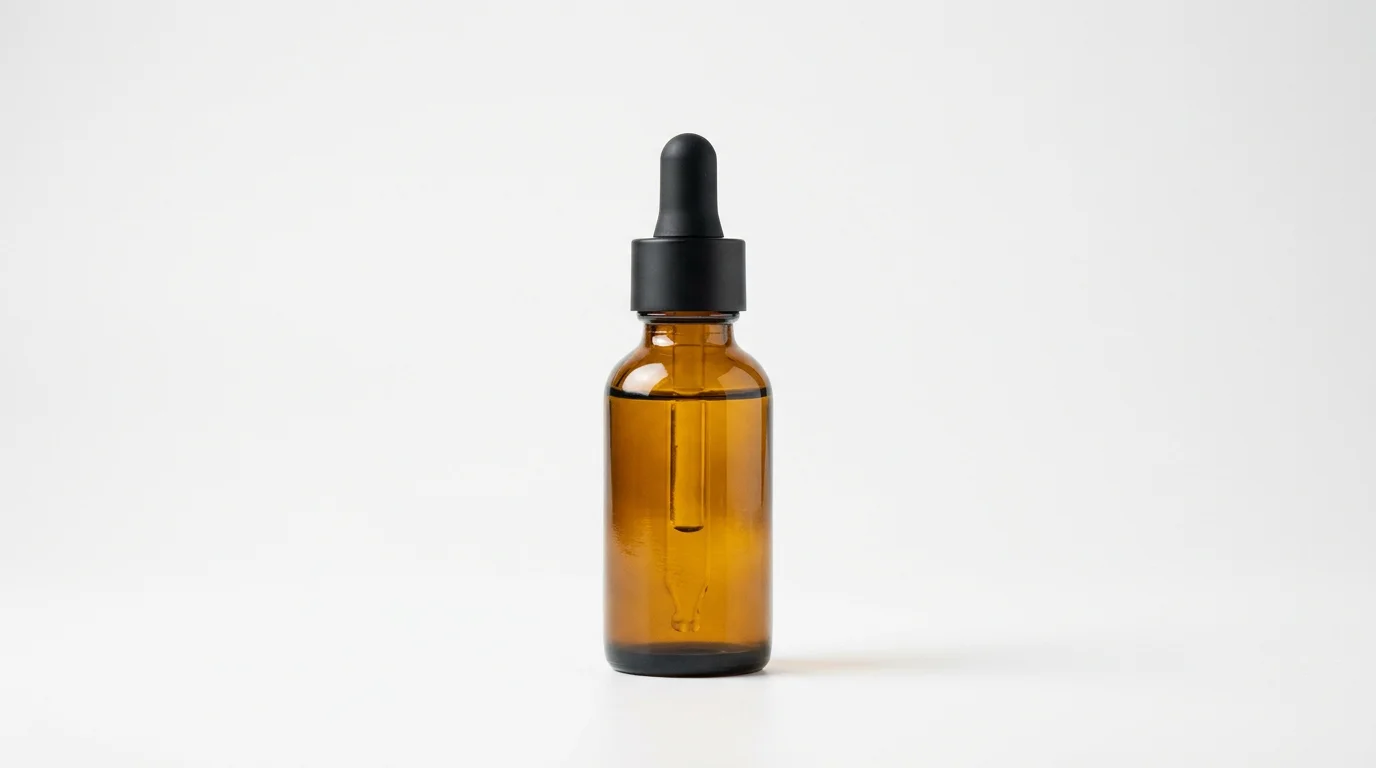
Generate listing packshots, white-background shots, and lifestyle scenes.
Upload a product photo or describe the item, set the scene — white background, a lifestyle setting, or a packshot — then pick a model and generate. In Renoise, Nano Banana Pro renders crisp labels and logos, GPT Image 2 fuses up to 16 reference angles, all at up to 4K.
Want the product moving instead of a still? Turn the shot into a clip with the AI product video guide
Export listing-ready stills at 1K, 2K, or 4K for marketplaces and ads.
Nano Banana Pro renders text on packaging at ~94% accuracy for logos and labels.
GPT Image 2 fuses up to 16 product angles into one consistent shot.
Image-to-image: upload a product photo, change the background or relight it.
From an upload or a text prompt to a finished ecommerce product shot.

Drag a product photo onto the upload card for image-to-image, or describe the item to generate from scratch.
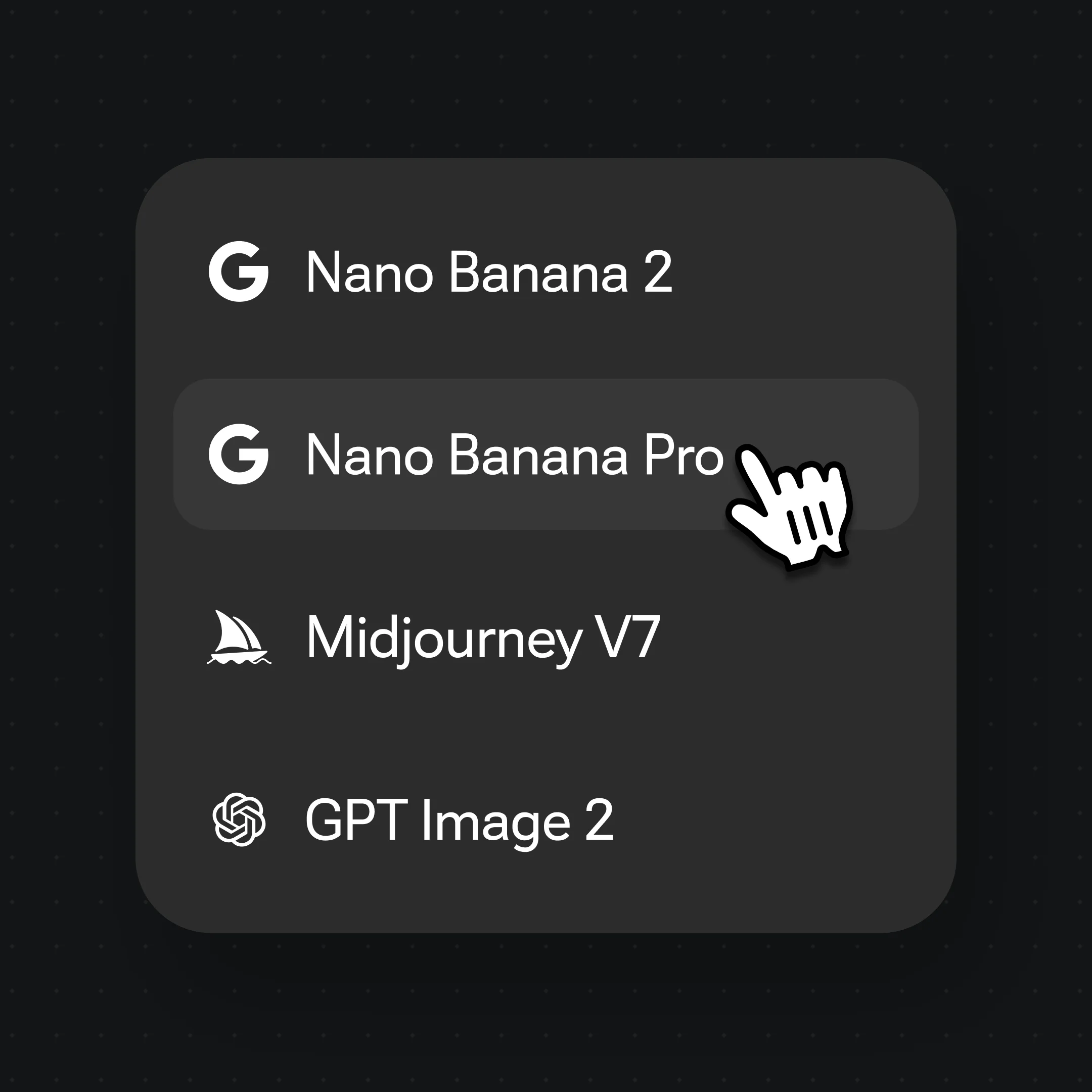
Prompt the scene — "white background packshot" or "marble kitchen counter" — then pick Nano Banana Pro from the model bar.
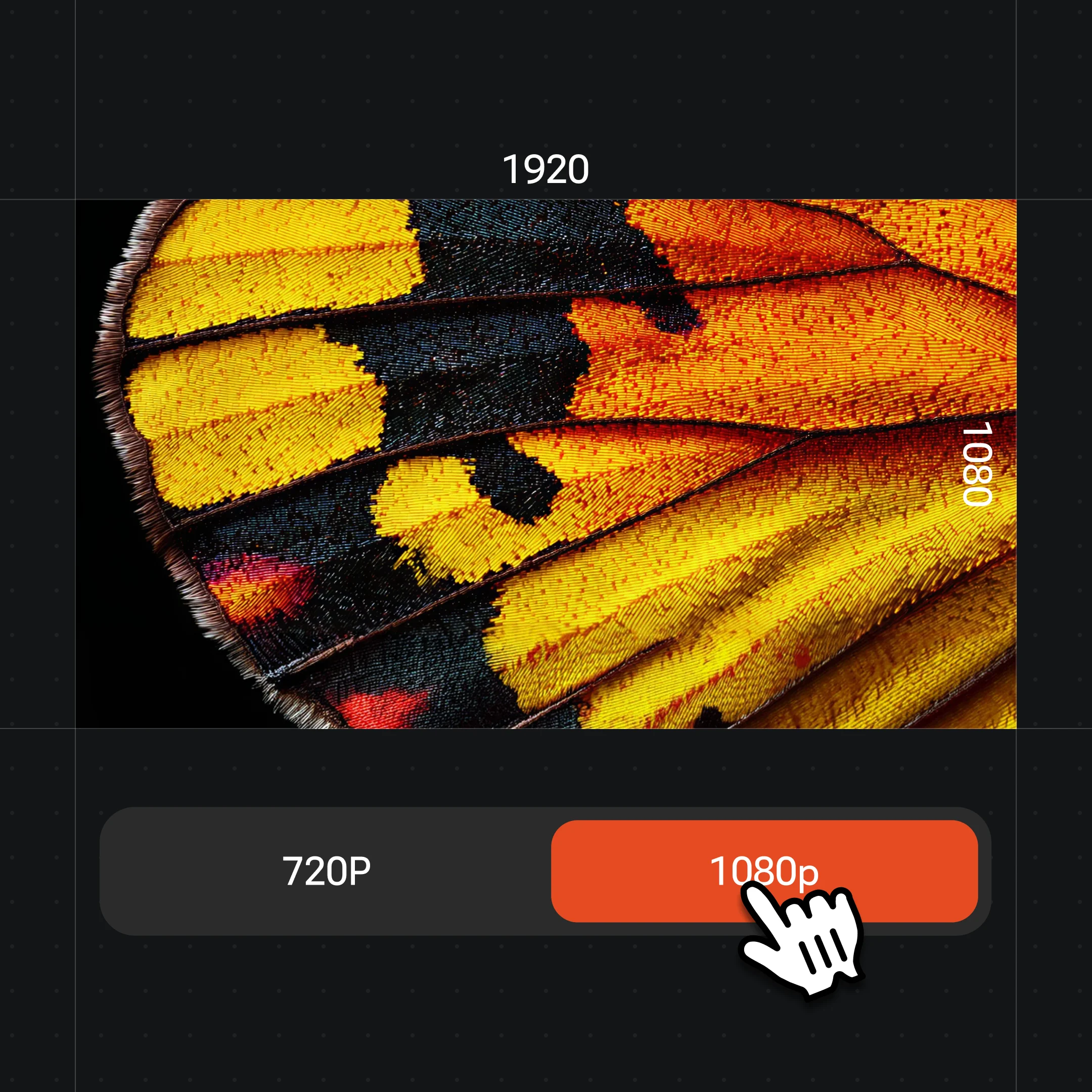
Choose 4K from the resolution menu for marketplace listings, then generate. Swap models per shot to compare results.
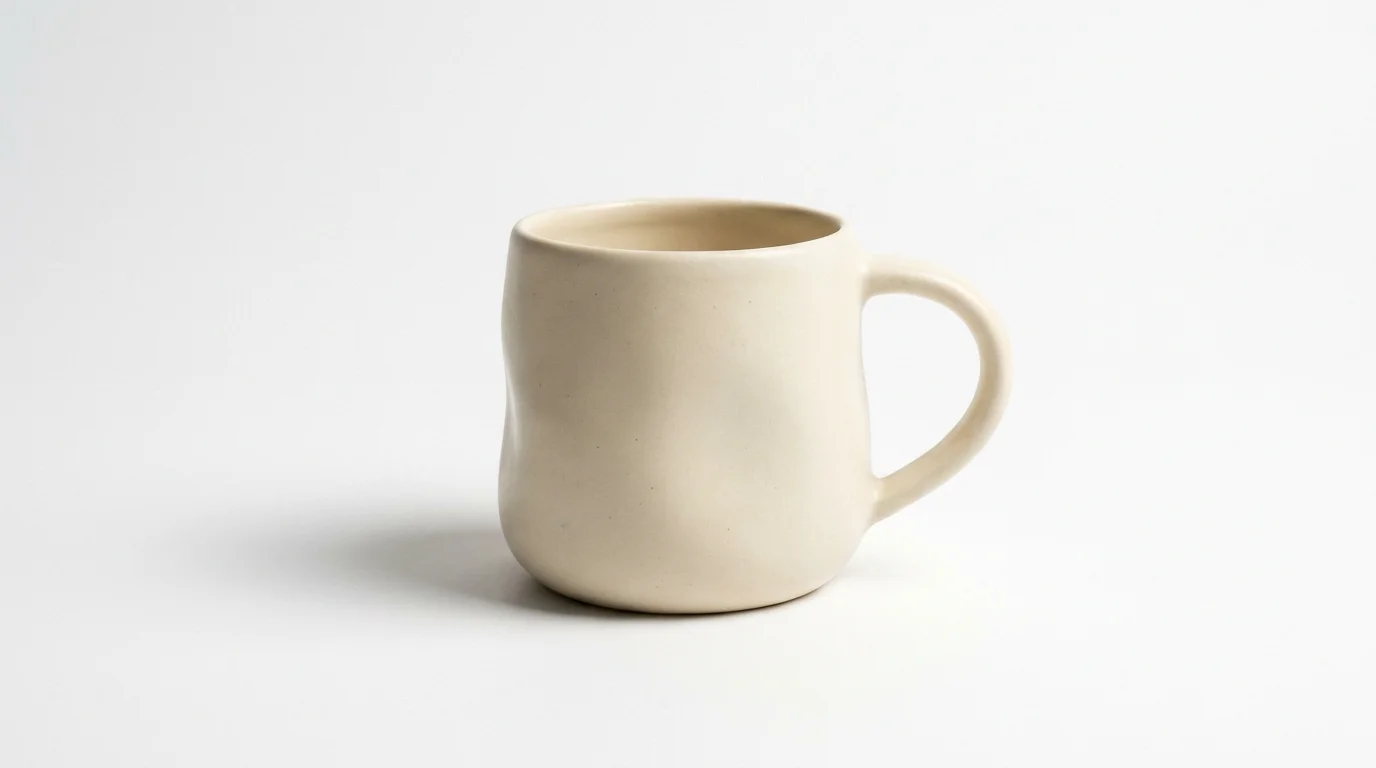
A clean catalog packshot on seamless white.

The product in a warm, real-world setting.
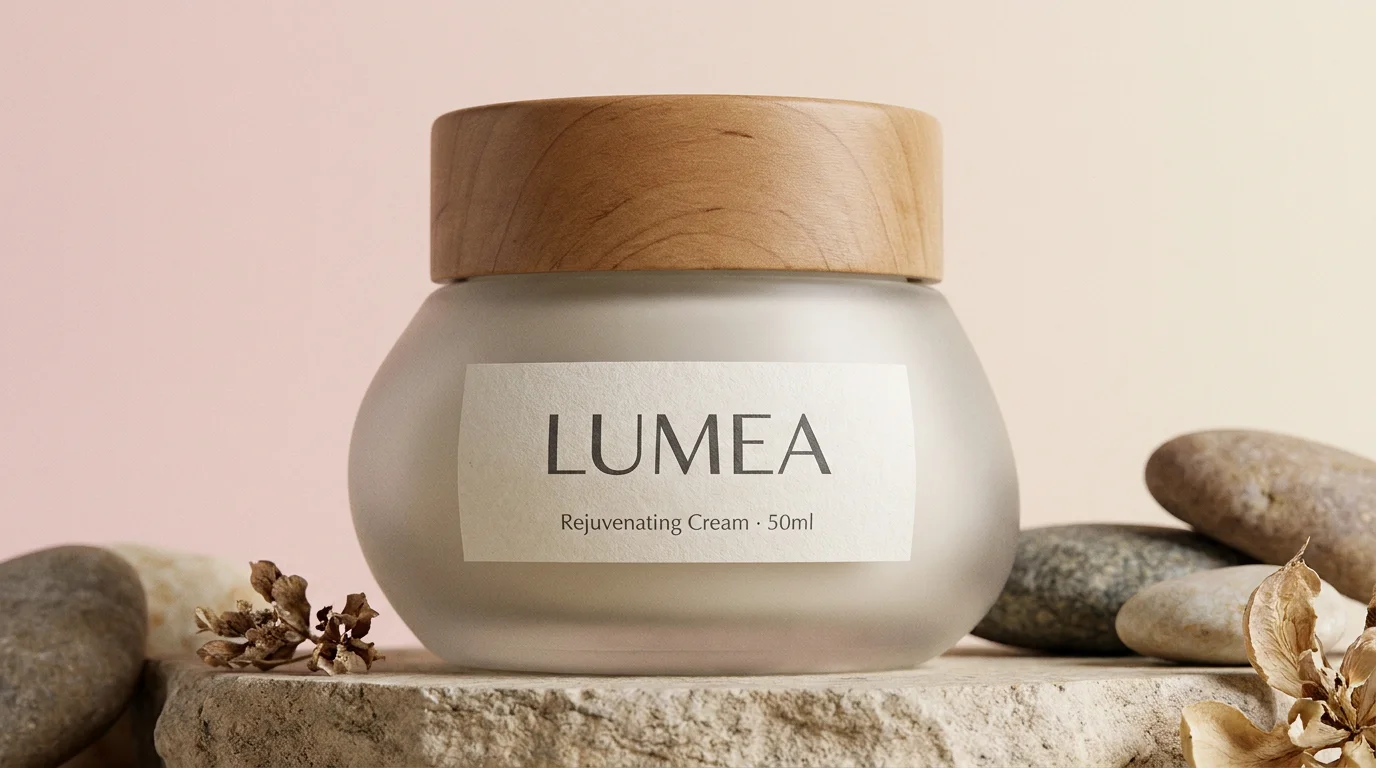
Readable labels and packaging text, rendered by Nano Banana Pro.
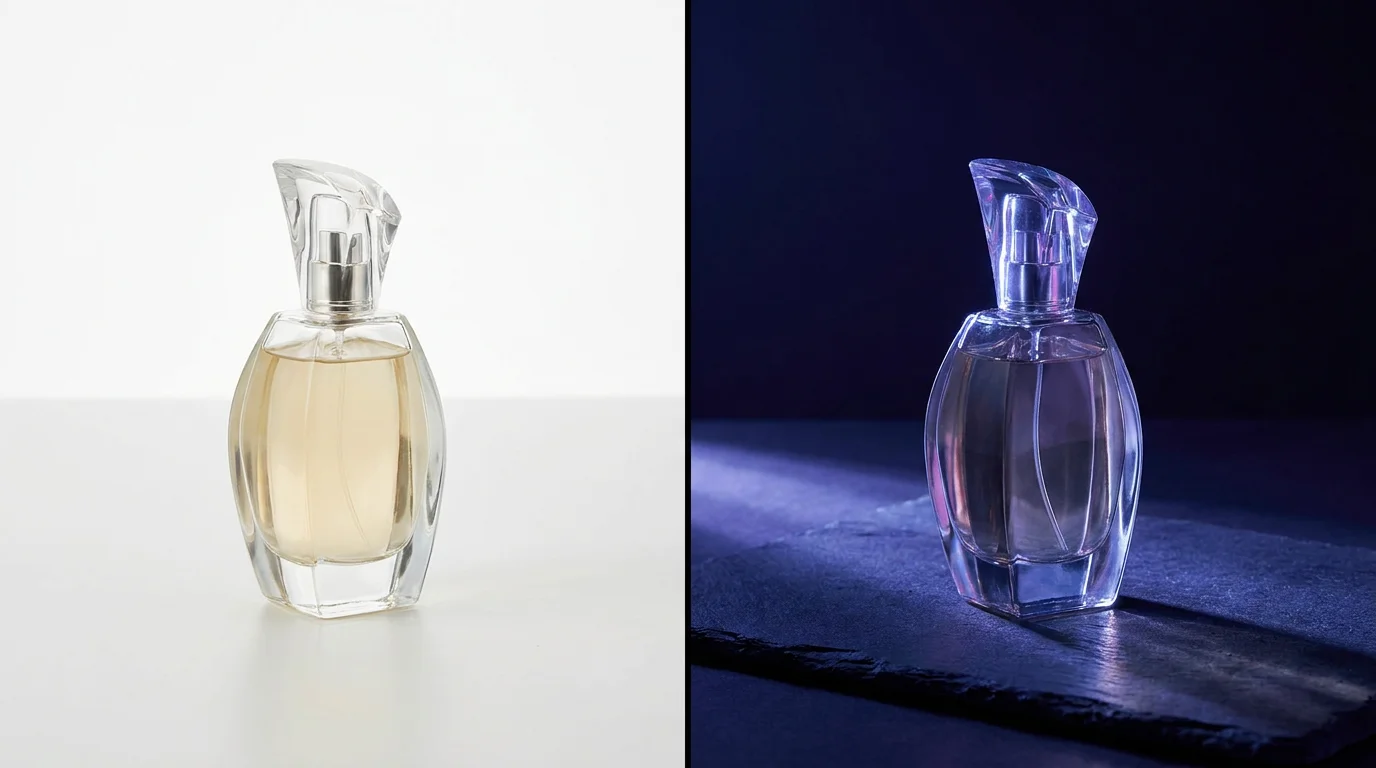
Re-light the same product or swap its backdrop.
All three live in the same Renoise canvas — pick by the shot. Nano Banana Pro for labeled packaging, GPT Image 2 for multi-angle fusion, Nano Banana 2 for fast iterations.
| For product photos | Nano Banana Pro (Recommended) | GPT Image 2 | Nano Banana 2 |
|---|---|---|---|
| Best for | Labels & packaging | Multi-angle fusion | Fast iterations |
| Text rendering | Best | Good | Good |
| Reference images | Yes | Up to 16 | Yes |
| Max resolution | 4K | 4K | 4K |
| Speed | 20–90s | 20–90s | 15–60s |
| Same canvas | ✓ | ✓ | ✓ |
Ecommerce product photography splits into two jobs, and the prompt words you choose decide which you get. A packshot — the clean white-background image marketplaces require for the main listing slot — isolates the product on pure white with soft, even studio lighting and a faint contact shadow. The terms that matter are "white background packshot", "even softbox lighting", and "subtle drop shadow".
Lifestyle shots, by contrast, place the product in context — a bottle on a marble counter, sneakers on city pavement, a candle in a styled living room. Here you prompt the setting, the surface, and the mood ("warm morning light", "shallow depth of field") so the product feels used rather than catalogued. Most stores need both: a packshot for the listing thumbnail and lifestyle scenes for the gallery and ads.
In Renoise, generate the packshot first with Nano Banana Pro so any on-pack text and logo stay legible, then reuse the same product — upload it as a reference with GPT Image 2 — to build matching lifestyle scenes that keep the bottle, label, and color consistent. Need 4K for a marketplace? Set it in the resolution menu before exporting.
Product photography leans on a few things — and Renoise gives you Nano Banana Pro, GPT Image 2, and Nano Banana 2 in one canvas, then extends to video.
Studio-grade stills with ~94% text rendering for legible labels and logos.
Fuses up to 16 reference angles to hold one product consistent across shots.
Upload a product photo and change the backdrop or relight it image-to-image.
Take the same product into a short clip without leaving the canvas.
One plan unlocks Nano Banana Pro, GPT Image 2, and every other image model.
For first-time AI content creators
Billed $168 annually
Upgrade PlanSave $72/year
For creators shipping content every week.
Billed $504 annually
Upgrade PlanSave $216/year
For studios and pros producing at commercial scale.
Billed $1680 annually
Upgrade PlanSave $720/year
For first-time AI content creators
Billed monthly
Upgrade PlanFor creators shipping content every week.
Billed monthly
Upgrade PlanFor studios and pros producing at commercial scale.
Billed monthly
Upgrade PlanRenews automatically each year until canceled.
Renews automatically each month until canceled.
Generate ecommerce product photos at up to 4K, watermark-free on paid plans.
Open the Canvas, upload a product photo or describe the item, prompt the scene ("white background packshot" or a lifestyle setting), pick Nano Banana Pro, set the resolution, and generate. Swap models per shot to compare results in the same canvas.
Yes. Prompt "white background packshot, even softbox lighting, subtle drop shadow" and the product renders isolated on clean white — the format most marketplaces require for the main listing image. Export at 4K for high-resolution listings.
Nano Banana Pro for products with on-pack text, logos, or labels — it renders type at about 94% accuracy. GPT Image 2 when you have several product angles to fuse, and Nano Banana 2 for fast, low-cost iterations. All three share one canvas.
Upload your product photo as a reference and the model restyles the background and lighting while holding the shape, color, and label. GPT Image 2 can take up to 16 reference angles so the product stays consistent across a set of shots.
Up to 4K. Pick 1K, 2K, or 4K from the resolution menu before generating. 4K suits marketplace listings and large ad placements; 1K or 2K is faster and fine for thumbnails and social.
Yes. The same Canvas extends into product video, so you can take a generated still — or your uploaded product photo — into a short clip without switching tools. See the AI product video guide for the full workflow.
Yes, with the usual AI-image caveats. Renoise outputs are watermark-free on paid plans and can be commercially licensed. Use your own product photos as references and verify the licensing terms in your account before publishing.